

Turn recordings into transcripts and summaries in minutes
Upload audio or video for multilingual transcription, AI notes, and action items
After a meeting, the most common problem is usually not "failure to record," but "having to spend time organizing after recording." That's where the value of real-time transcription apps lies.
But before choosing, I usually ask readers to think about three things: whether it can understand Chinese accents and mixed Chinese-English speech, whether what you get after transcription is just a verbatim transcript or directly usable data, and whether the team needs to use it together.
This article focuses on Tinrec (Miaoting Recording) and compiles what real-time transcription apps can do, practical usage, and key purchasing considerations into a complete guide.
What can a real-time transcription app do for you?
Scenario 1: Have meeting notes immediately after the meeting Previously, after a two-hour meeting, you might spend another hour organizing key points. Take Tinrec as an example: while recording, the transcript is generated simultaneously. After the meeting, AI then organizes a summary, chapters, and action items, directly listing who is responsible for what and what the next steps are.
Scenario 2: No extra bot needed for online meetings The Tinrec desktop version directly captures the computer's system audio to handle online meetings on Zoom, Google Meet, Microsoft Teams, Webex, etc., without inviting an additional meeting bot into the meeting room. For participants, no unfamiliar account suddenly appears in the meeting list.
Scenario 3: Turn interview and class recordings into searchable data Audio files recorded from interviews or classes can be uploaded to Tinrec for transcription, then searched by keywords and queried for details using AI Q&A. Audio files that could only be listened to from start to finish become reusable text data.
Scenario 4: Turn each meeting into a team asset Tinrec's team space makes meeting data owned by the team. New members can review past meetings, and managers can see usage and activity logs, rather than having data scattered across everyone's phones and chat rooms.
What are the core capabilities of a real-time transcription app?
Real-time transcript: Transcribes while recording, not waiting for the file after recording. With Tinrec, for example, you can simultaneously view the text during a meeting to confirm no key points are missed, and it's convenient to revise afterward.
Bot-free online meeting recording: The Tinrec desktop version records online meetings by capturing system audio, initiated by the user, without inviting a bot. Note that this does not mean it automatically joins every meeting on your calendar.
AI summary, chapters, and action items: Transcription is only the first step. Tinrec breaks long meetings into chapters, organizes key points and action items, and can generate mind maps to help you quickly grasp the structure of the entire meeting.
AI Q&A: After transcription, you can ask questions directly, such as "Who mentioned the budget in this meeting?" or "What issues did the client raise?" Tinrec answers based on the meeting content, so you don't have to search through the transcript yourself.
Real-time translation and bilingual view: For cross-language meetings, Tinrec can display the original text, translation, or bilingual content simultaneously during recording, and retains bilingual comparison afterward.
Export and further processing: Tinrec supports exporting results to Notion, Google Docs, OneNote, Dropbox, and other tools. It can also use Agent to further generate reports, tables, and documents, integrating meeting results directly into your existing workflow.
Practical application scenarios
Project and department meetings: Weekly meetings and cross-department coordination meetings are most prone to "no one remembers the conclusion afterward." Use Tinrec to transcribe while meeting, then post the summary and action items in the work group, clarifying the basis for decisions and responsible parties at once.
Client visits and sales communication: Requirements, objections, and commitments from client interviews are safest recorded with a transcript. Tinrec can also use AI Q&A to extract keywords mentioned by the client afterward, making it easier to prepare for the next proposal.
Stop organizing recordings by hand
Upload audio or video and automatically get a transcript, summary, and action items
Classroom and online courses: Distance learning lacks blackboard notes and facial expressions, making it easy to get distracted. Tinrec transcribes in real time, so missed segments can be reviewed in text, saving effort for later review and note-taking.
Interviews and research records: Research interviews often last one or two hours. Use Tinrec to import audio files and convert them to text, then use summary and Q&A features to find interviewees' viewpoints and usable material, much faster than repeatedly listening to recordings.
Teams that need to manage data together: When meeting data needs to be shared among multiple people, Tinrec's team version provides an independent team space, member and seat management, usage analytics, and audit logs. When members change, their responsible data can be handed over to other members, not disappearing with personal accounts.
5 things to note when choosing a real-time transcription app
1. Chinese and accent support: Meetings in Taiwan often mix Chinese and English, and even include Taiwanese or technical terms. Tinrec covers Chinese, Traditional Chinese, and multilingual scenarios, and provides team hotwords for you to add company-specific terminology. Actual recognition performance is still affected by recording quality, accents, noise, and multiple people speaking simultaneously.
2. How meetings are recorded: Some use a bot that joins the meeting, while others capture computer system audio. Tinrec takes the latter approach—the desktop version directly handles the meeting audio played by the computer, without an extra participant, making it less intrusive for external client meetings.
3. What you get after transcription: Tools that only provide a transcript still require you to organize afterward. When choosing, see if it can provide summaries, chapters, action items, and Q&A. Tinrec is a complete line in this regard: recording, transcription, summary, action items, Q&A, export.
4. Can historical data be reused: Meeting recordings become assets over time. Tinrec retains audio, supports importing audio and video files, and provides an audio recycle bin, so accidentally deleted recordings can be restored before permanent cleanup.
5. Quotas and team governance: The free version is suitable for trial, but quotas are limited; for team use, clearly understand seat and shared quota rules. Tinrec's team version distinguishes "roles" and "seats." Members without seats can still view, play, and read team data, but need a seat to upload, edit, and export.
Regarding pricing, Tinrec's team version first eligible trial is 7 days, 1 free seat, 300 minutes of team shared import quota; monthly payment is USD 29.80 per paid seat per month, annual payment is USD 199 per paid seat per year, approximately USD 16.58 per month, with each paid seat providing 2,000 minutes of team shared import quota per month. Actual prices and benefits are subject to the official purchase page.
FAQ
Q: Is the free version of a real-time transcription app enough? You can try it first. Tinrec's free version provides basic quota, suitable for occasionally organizing a recording; if you have meetings every week, consider a weekly, monthly, or annual plan for practicality.
Q: Does Tinrec need a meeting bot to join the meeting? No. The Tinrec desktop version directly captures computer system audio, initiated by the user, without inviting an extra bot account into the meeting room.
Q: With heavy Chinese accents and mixed Chinese-English, is transcription accurate? Tinrec supports Chinese, Traditional Chinese, and multilingual content, and also provides real-time translation. However, accuracy is affected by recording quality, noise, accents, and overlapping speech. For important content, it's recommended to verify with recording playback.
Q: Can meeting transcripts be exported or used in other tools? Yes. Tinrec supports export in multiple file formats, and can output to Notion, Google Docs, OneNote, Dropbox, and also use Agent to generate reports, tables, and documents.
Q: What's the difference between the team version and the personal version? Personal version data belongs to the individual account. Tinrec's team version is an independent team space where data belongs to the team, with additional member and role management, seat allocation, shared benefits, usage analytics, and audit logs.
Q: Do I need to inform participants before recording? It's recommended. Recording and transcription involve personal data and local regulations. Obtain participant consent before recording and ensure compliance with your local regulations.
Conclusion
The value of a real-time transcription app is not just turning sound into text, but eliminating that hour of organizing after a meeting. When choosing, first look at Chinese support, meeting capture method, and what you get afterward, then decide whether to go for the team version. If you want to experience it first, Tinrec's free version provides basic quota, enough to try recording one or two meetings and see what it's like to have AI organize your meeting notes.
References
- Speech-to-text app recommendations: iPhone/iPad Notes app supports real-time text conversion, free, supports Chinese and English
- Yating Transcription App - App Store
- Yating Transcription
- Instant Transcript App - App Store
- Google Instant Transcription App: Excellent Chinese speech recognition with automatic text conversion and punctuation support - Kocpc
Turn every recording into actionable outcomes
Get 60 free transcription minutes when you sign in. No credit card required.
Related Reading
You might also like

How to Write a Meeting Summary in 2026: 5 Steps from Recording to AI Summary
Spending twice as long organizing meeting notes after the meeting ends? This article starts with common pain points in meeting summaries, outlines 4 key purchasing factors and 3 pitfalls to avoid, tests Tinrec's bot-free recording and AI summary workflow, compares it with Otter.ai, Notta, and Granola, and provides selection advice for different scenarios.

2026 Comparison of 4 Document Summarization Apps: Which Handles Recordings, Meetings, and Long Documents Best?
Are meeting, interview, and lecture recordings piling up on your phone, but you can't find a document summarization app that truly saves time? This article starts with the real limitations of free versions, breaks down 4 key purchasing points, and provides a hands-on comparison of Tinrec, Notta, TurboScribe, and Otter.ai, along with a guide to avoid pitfalls and selection advice for different needs.

2026 Comparison of 4 iPhone Speech-to-Text Tools: Built-in Transcripts Aren't Enough—Post-Meeting Organization Is Key
The built-in Voice Memos transcript on iPhone is free, but a transcript is not the same as meeting notes. This article starts with the most common misconceptions and compares Tinrec, Otter.ai, Granola, and Notta in Chinese transcription, post-meeting organization, cross-platform support, and team collaboration. It also provides key buying factors and pitfalls to help you find a solution that truly saves time.

5 Best Text-to-Speech Tools in 2026: Which Free TTS Sounds Most Natural?
We compare five text-to-speech tools—Ondoku, Luvvoice, TTSMaker, ReadOut, and ChromeVox—covering their features, free options, and ideal users. Plus, we address the reverse need: using Tinrec to turn meeting audio into transcripts, summaries, and action items.
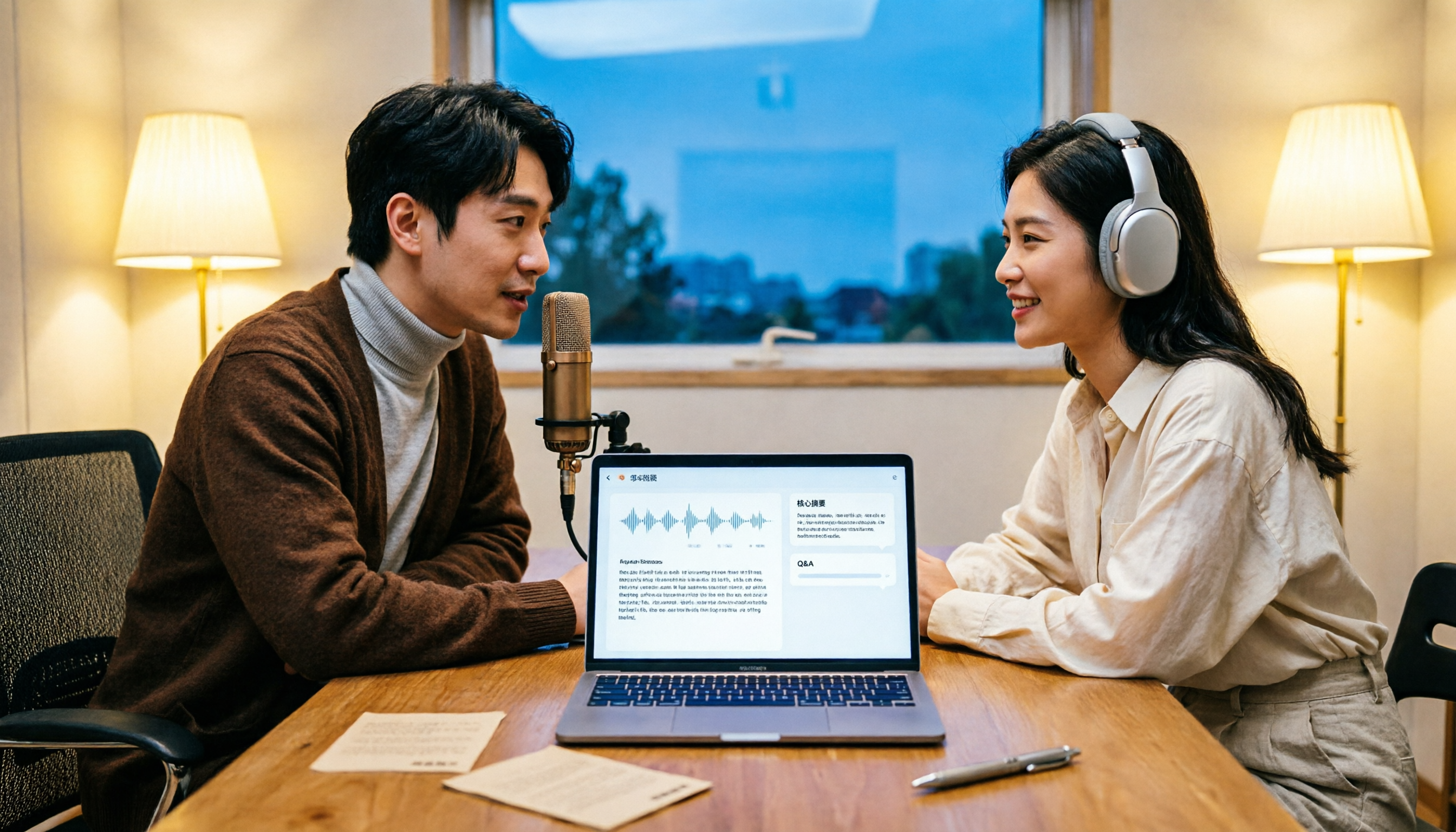
How to Transcribe Podcasts to Text in 2026: Tinrec Audio Transcription + AI Summary Q&A
Turning a podcast into a transcript isn't the hard part—it's what you do with it afterward. This guide covers common pitfalls, the actual workflow for podcast transcription, core capabilities, and 5 key buying considerations, using Tinrec as an example to demonstrate the full process from audio upload to AI summaries and Q&A organization.

Tinrec vs Windows Voice Typing in 2026: 5-Dimension Comparison — Which PC Speech-to-Text Shortcut Should You Choose?
A PC speech-to-text shortcut is more than just a hotkey. This article compares Tinrec and Windows built-in voice typing (Win+H) across 5 dimensions—activation, online meeting capture, post-meeting organization, existing audio transcription, and team collaboration—to help you decide which solution truly fits your meeting notes needs.

6 Best iOS Transcription Solutions in 2026: Is the Built-in iPhone Option Enough?
We compare six iPhone recording-to-text solutions in 2026, from the built-in iOS Voice Memos to Tinrec, Otter, Notta, TurboScribe, and PLAUD. We break down free tiers, Chinese language support, AI summaries, and team collaboration to help you find the best fit.
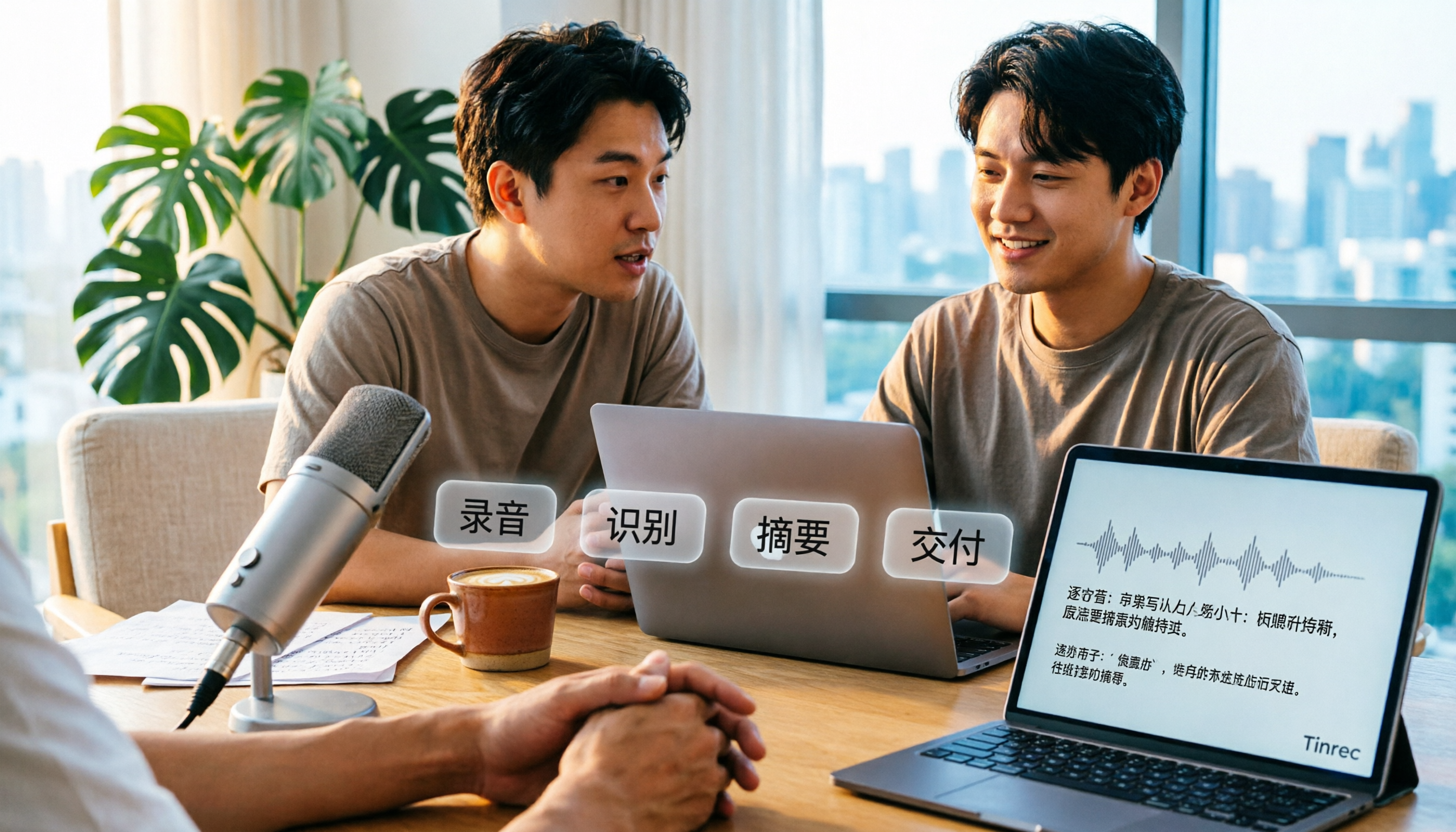
How to Transcribe Audio to Text in 2026: A Complete 5-Step Guide
Transcribing audio doesn't have to mean typing it out yourself. This article addresses common misconceptions and compares Tinrec and Otter.ai on Chinese language support, online meeting recording methods, post-transcription organization, pricing, and team collaboration. It also provides a 5-step implementation guide and answers frequently asked questions to help you find the right audio-to-text solution.

2026 Apple Voice-to-Text Comparison: 4 Methods Tested — Is Built-in Transcription Enough?
iPhone's built-in Voice Memos now offers transcription, but is it enough? We compare 4 Apple voice-to-text methods, breaking down device and iOS version requirements, AI Q&A, cross-platform export, and free tiers. Tinrec is our top recommendation, with its bot-free desktop recording, AI summaries and action items, and team workspace. Includes a pitfalls guide and selection advice.