

Turn recordings into transcripts and summaries in minutes
Upload audio or video for multilingual transcription, AI notes, and action items
Free Text-to-Speech Options in 2026: 5 Tools Compared
Are you searching for "text-to-speech" because you want to read articles aloud? Or because you want to turn meeting recordings into text?
Honestly, these two needs often get mixed up.
Text-to-speech (TTS) reads text aloud; speech-to-text (STT) turns audio into a transcript. Most people actually need the latter—especially when they need to quickly organize content after a meeting or interview.
If you're in the latter group, instead of spending time trying a bunch of free TTS tools, you should look directly at Tinrec.
It not only converts speech to text, but also automatically summarizes, extracts to-dos, supports AI Q&A, and even turns meeting data into a team asset. Let's start with the decision focus and give you the full picture.
Text-to-Speech vs. Speech-to-Text: Which One Do You Actually Need?
Bottom line: if you want to "listen" to content, you need TTS; if you want to "organize" content, you need STT.
TTS tools are good for: reading articles aloud, generating audiobooks, creating video voiceovers.
STT tools are good for: meeting notes, interview transcripts, class notes, organizing content creation materials.
Tinrec is the latter, and it does more. After converting recordings to text, it also generates summaries, chapters, to-dos, and even lets you ask questions directly about the meeting content.
So instead of blindly trying free TTS, first confirm your needs. If any of the following scenarios apply to you, Tinrec will be a better fit.
What Can Speech-to-Text Do for You?
Scenario 1: Get meeting notes 5 minutes after the meeting ends
In the past, after a two-hour meeting, you'd spend another hour writing up notes. Now with Tinrec, as soon as the meeting ends, AI has already generated summaries, conclusions, and to-dos—who's responsible for what and what the deadlines are, all clear at a glance.
Scenario 2: Quickly turn interview recordings into transcripts
After finishing user interviews, facing one or two hours of audio files, typing manually is a nightmare. Tinrec supports uploading audio files, quickly converting them to transcripts, and automatically labeling speakers so you can directly quote key points.
Scenario 3: No bot needed for online meetings
When meeting on Zoom, Google Meet, or Microsoft Teams, don't want an extra meeting bot stuck in the participant list? Tinrec's desktop version directly captures system audio, no bot required, and still transcribes in real time.
Scenario 4: Turn historical recordings into a searchable database
Got a pile of old recordings and want to find a specific segment but can only listen from the beginning? After Tinrec converts audio to text, you can search by keyword, or even ask AI directly: "What did the client say about the budget last time?"
What Are Tinrec's Core Capabilities?
Real-time transcription: transcribe while recording, less than 1 second delay
During meetings, watch the text sync to confirm you haven't missed key points. Tinrec's real-time transcription lets you grasp content as the meeting happens, no need to wait until recording ends.
AI semantic summary: not just condensation, but structured organization
It breaks the meeting into topics, discussion conclusions, to-dos, and owners, listed separately. What you get is not just a paragraph, but directly actionable information.
AI conversational query: ask questions directly about meeting content
After transcription, you can ask Tinrec: "Who mentioned the budget in the meeting?" "What was the client's feedback?" It answers directly based on semantic understanding, no need to dig through the transcript yourself.
Multi-format export and Agent post-processing
Supports export to Notion, Google Docs, OneNote, Dropbox, and other tools. It can also generate reports, tables, and documents based on meeting content, directly turning into work output.
Stop organizing recordings by hand
Upload audio or video and automatically get a transcript, summary, and action items
Team space: turn meetings into team assets
The team version provides an independent space where members can view historical meetings and share transcripts and summaries. Admins can manage roles, seats, usage, and audits, and data won't leave with members when they depart.
Practical Use Cases
Meeting notes and follow-up
For weekly stand-ups, project reviews, and cross-department communication, use Tinrec to record and transcribe in real time, and automatically generate a to-do list after the meeting. Managers can view historical meetings and track action item progress.
Class and study notes
When attending class or listening to lectures, record with Tinrec and get transcripts and key summaries right after. To review a concept, use AI Q&A to find it quickly.
Interview and research organization
Journalists, researchers, and product managers doing interviews can upload recordings to Tinrec and quickly get transcripts and quotable material. AI summaries help you distill the interviewee's core viewpoints.
Content creation material library
Podcasts, video scripts, article ideas—record them, and after Tinrec converts them to text, they become searchable and queryable, turning scattered thoughts into usable content assets.
5 Things to Note When Choosing a Speech-to-Text Tool
1. Accuracy: Don't just look at official claims
We recommend testing with your own recordings. Tinrec provides high-quality transcription for clear audio and common scenarios, but actual results can be affected by recording quality, noise, accents, and overlapping speakers.
2. AI features: transcription is just the first step
The key is whether it can help you organize afterward. Tinrec's AI summaries, chapters, to-dos, and AI Q&A turn transcripts into directly usable data.
3. Language support: pay special attention to Chinese meetings
Not every tool is good at Chinese. Tinrec covers Chinese, Traditional Chinese, and multilingual scenarios, supports mixed Chinese-English content organization, and has team hotwords to improve recognition of professional terminology.
4. Cross-platform: confirm your commonly used devices
Tinrec has iOS, Android, and web versions, and the desktop version can record online meetings without a bot. Whether you use a computer or phone, you can accumulate meeting data.
5. Team collaboration: personal use and team use are very different
If you're a team, pay attention to whether the tool supports shared spaces, member permissions, and usage management. Tinrec's team version provides independent spaces, role and seat management, audit logs, and an audio recycle bin, so meeting data truly settles in.
FAQ
Q1: What's the difference between Tinrec and free TTS tools?
Tinrec is a speech-to-text tool, not text-to-speech. It focuses on turning meeting and interview audio into organized, searchable, collaborative text data. If you need to read text aloud, you'll need a separate TTS tool.
Q2: Does Tinrec have a free plan?
Yes. The free version provides basic quota so you can experience recording, importing, summaries, and transcription. If usage is higher, consider a weekly pass or Pro plan; teams have a team version trial and paid seats.
Q3: Do I need a bot to join meetings?
No. Tinrec's desktop version directly captures computer system audio, supports common platforms like Zoom, Google Meet, Microsoft Teams, and Webex, and won't add a bot to the participant list.
Q4: Can all team members edit meeting data?
The team version distinguishes roles and seats. Active members can view, play, and read team data even without a seat; only after getting a seat can they record, upload, edit, and export.
Q5: Can deleted meeting recordings be recovered?
Yes. Team audio goes to the recycle bin and is kept for 30 days, recoverable before permanent cleanup.
Conclusion
Text-to-speech and speech-to-text are two different needs. If you want to turn meeting, interview, or class audio into searchable, organized, collaborative text data, Tinrec will be a better fit than free TTS tools.
It integrates recording, transcripts, summaries, to-dos, AI Q&A, and team collaboration all in one, so every communication can settle into a usable digital asset for the team.
If you have more than 3 meetings per week, we strongly recommend trying it. Download the free version of Tinrec, use the basic quota to experience two or three meetings, and see what it feels like when AI organizes your meeting notes.
References
Turn every recording into actionable outcomes
Get 60 free transcription minutes when you sign in. No credit card required.
Related Reading
You might also like

4 Image-to-Text Apps Tested for 2026: Which One Saves the Most Time on Meeting Screenshots and Transcripts?
How to choose an image-to-text app? This article starts with common misconceptions, outlines 4 key buying factors and pitfalls, explains when to use OCR tools versus audio transcription tools, and tests Tinrec's practical uses and limitations for meeting transcripts, AI summary Q&A, cross-device export, and team knowledge retention.
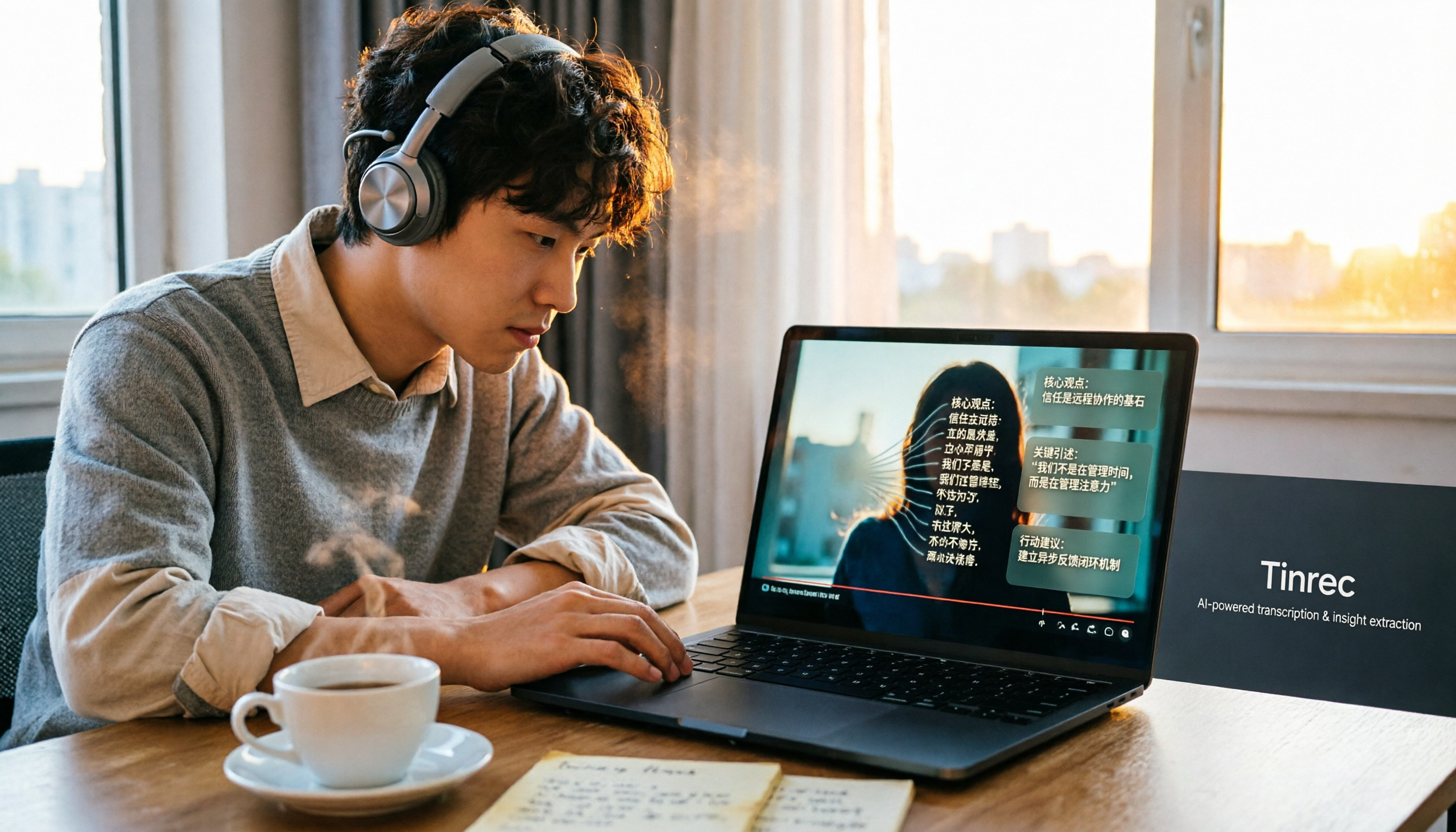
How to Convert Bilibili Videos to Text in 2026: 5 Methods + AI Summaries and Transcript Export
Bilibili's official CC subtitles cover less than 10% of videos, so turning videos into searchable, quotable text often means doing it yourself. This guide covers 5 ways to convert Bilibili videos into transcripts, from AI summaries and conversational queries to free tools, and explains who each method suits and how to choose.

4 Transcription Software Compared in 2026: Which Saves the Most Time on Chinese Meeting Transcripts?
How to choose transcription software in 2026? We tested and compared Tinrec, Notta, Otter.ai, and TurboScribe, covering Chinese recognition, meeting capture methods, post-meeting organization, free tiers, and pricing. We've compiled key selection points and pitfalls to help you find the most time-saving solution for meeting transcripts.
5 Best Text-to-Speech Tools with Realistic Human Voices in 2026: Which Free AI Voiceover Sounds Most Natural?
We tested MyEdit, Luvvoice, Vidnoz, Google Cloud TTS, and iMyFone VoxBox to compare accent naturalness, language support, free tiers, commercial use considerations, and best use cases—helping you find the closest thing to a real human voiceover.

Which AI Meeting Minutes Tool Is Best? 2026 Hands-On Test of 5 Options—This One Excels for Chinese Meetings
Tired of spending extra time organizing meeting notes after the meeting ends? This article starts with the key question of whether a tool can capture meeting audio, explains what AI-generated meeting minutes can do—summaries, action items, Q&A, and team knowledge retention—and uses Tinrec as an example to demonstrate bot-free recording, real-time translation, and post-meeting organization. It concludes with 5 purchasing considerations and FAQs.

5 Best Online Speech-to-Text Tools in 2026: Which One Saves the Most Time on Chinese Transcripts?
How do you choose an online speech-to-text tool? This article starts with the decision point of whether you're transcribing a file or a live meeting, breaks down core capabilities like real-time transcription, bot-free meeting recording, AI summaries, action item extraction, and team knowledge retention, and uses Tinrec as the main hands-on example. It covers 5 key buying considerations and FAQs to help you decide if the free version is enough or if the team plan is worth it.

How to Remove YouTube Watermarks in 2026: 3 Tested Methods + Online Extraction Without Watermarks
Downloading YouTube videos but stuck with a watermark on the screen? This article starts from real-world frustrations and tests three approaches: online extraction, cropping, masking, and blurring. It explains the image quality trade-offs and copyright restrictions of each, and compares which tool to use for two needs: 'just a clean file' versus 'reusable content organization.' It also includes a practical workflow for converting audio to transcripts and team collaboration practices.

4 iPhone Transcription Apps Tested in 2026: Is Apple's Built-in Transcript Enough?
Is the built-in Voice Memos transcript on iPhone enough? Based on real meeting scenarios, this article compares Apple's built-in tools, Notta, PLAUD, and Tinrec, highlighting key considerations and pitfalls for choosing a transcription solution, including transcripts, summaries, action items, and team collaboration.

5 Image-to-Text Tools Tested and Compared in 2026: Which Free OCR Is Good Enough?
This article reviews the use cases, free limitations, and target users of 5 common image-to-text tools in 2026, including Google Keep, LINE, Gaitubao, imagetotext.me, and Mac desktop OCR solutions, plus a note on meeting audio transcription tool Tinrec, helping you avoid common OCR pitfalls.