
Turn recordings into transcripts and summaries in minutes
Upload audio or video for multilingual transcription, AI notes, and action items
How to Convert Bilibili Videos to Text in 2026: 5 Methods + AI Summaries and Transcript Export
Why Do You Need to Convert Bilibili Videos to Text?
It's 11 PM, and you've finally finished watching a two-hour tech talk. The one quote you wanted to cite is now just a vague impression in your mind, and rewatching it would take another two hours.
Bilibili's official CC subtitles are only available to contracted creators and officially licensed content, covering less than 10% of videos. For the remaining 90%, if you want a transcript, you're on your own.
That's why the demand for "video to text" keeps growing. Video is linear content—you can't just hit Ctrl+F to jump to a specific spot like you can with text. Whether you want to quote, review, or translate into English, you have to listen from the beginning again.
Below are 5 ways to convert Bilibili videos to text, including AI tools and completely free options, followed by guidance on how to choose.
Option 1 | Tinrec — An AI Assistant That Lets You Keep Asking Questions After Transcription
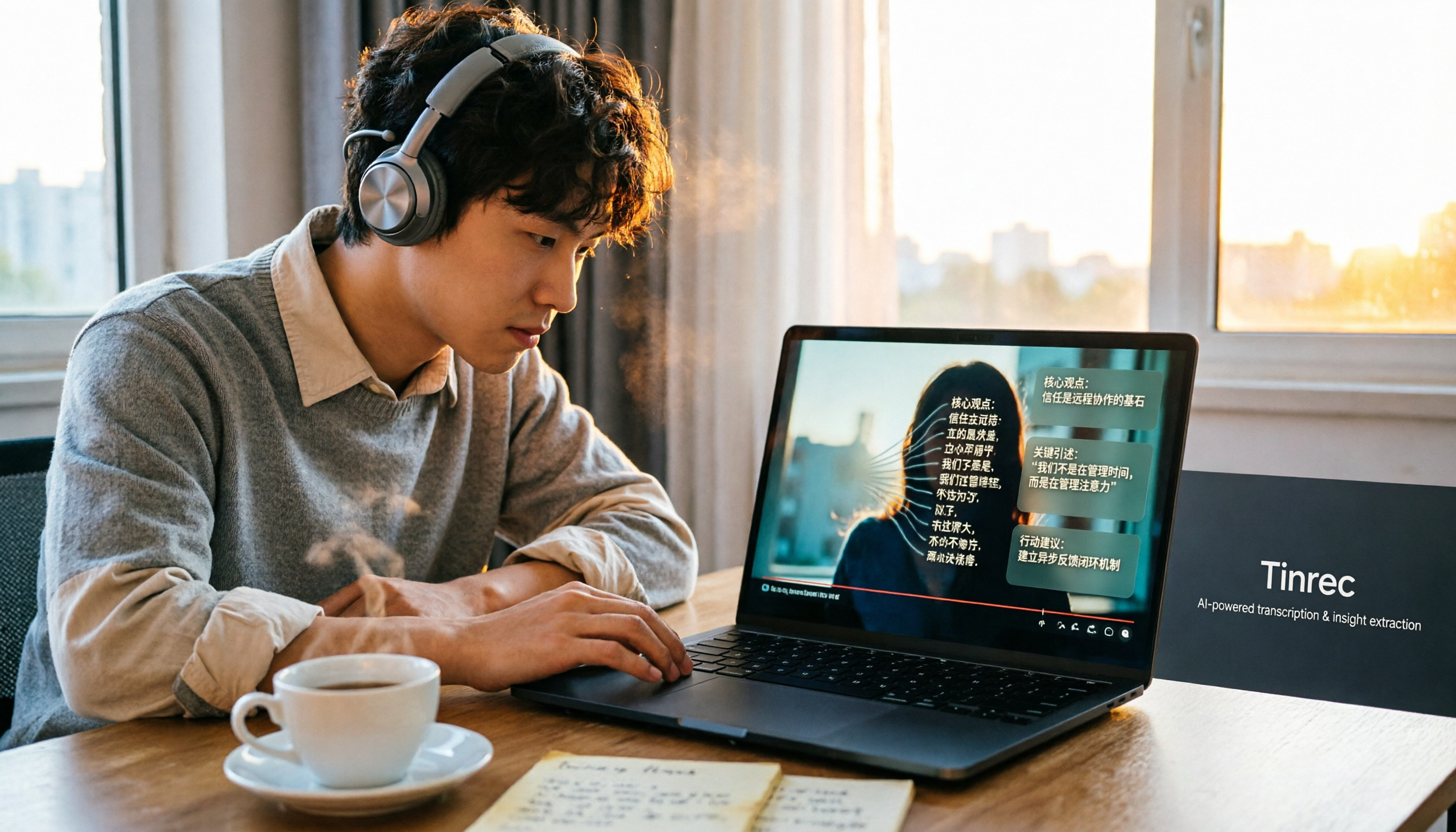
Tinrec is an AI meeting notes and collaboration tool for individuals and teams that turns audio into searchable, summarizable, queryable, and exportable data.
- Direct transcription of audio and video files: If you already have video or audio files on hand, upload them to generate a transcript—great for organizing downloaded courses, interviews, and lectures.
- AI summaries, chapters, action items, and mind maps: After transcription, you don't just get a transcript—the system organizes key points and action items, so you can grasp the structure of long videos at a glance.
- AI conversational queries: This is where it differs most from other tools. You can directly ask "What are the three methods mentioned in this video?" and search the content like having a conversation, without rewatching.
- Web video link import: Supports parsing some public web video and podcast links as a supplementary capability for organizing materials. Note that Bilibili does not open a direct API to all third-party tools, so whether a link can be parsed depends on whether that video link is publicly accessible.
- Multi-format export and further processing: Can export to Notion, Google Docs, OneNote, Dropbox, and other tools, and can also use Agent to generate reports, tables, and documents.
On pricing, the free version offers basic quota to try recording, importing, summarizing, and transcription; a weekly pass suits short-term intensive meetings or interviews, a Pro monthly plan suits steady weekly use, and a Pro annual plan suits long-term data accumulation.
If video materials are shared by a team, the team version provides an independent team space at USD 29.80 per paid seat per month, or USD 199 per paid seat per year (about USD 16.58/month), with each paid seat getting 2,000 minutes of shared team import quota per month; eligible teams can try 7 days, 1 free seat, and 300 minutes of shared import quota for the first time.
Who it's for: Students, creators, and professionals who value Chinese transcription quality, need AI help capturing key points, and want to quickly grasp video content through Q&A.
Option 2 | Vocova — A Transcription Tool Specializing in Bilibili Links
Vocova's process is simple: copy a public Bilibili URL, paste it into the tool, generate a transcript, then choose to export text, subtitles, or English translation.
Its value lies in "understanding Bilibili." General-purpose transcription tools are usually designed for file uploads or YouTube-style links, and often reject BV-prefixed URLs outright. Another highlight is that a single transcription can serve different tasks: students want searchable notes, researchers want timestamped citations, creators want subtitles, and translators want bilingual Chinese-English comparison.
Who it's for: People who frequently need to take notes, cite, or translate Bilibili videos. Also note: only transcribe content you own or have been authorized to use. Public videos that can be opened without logging in have a higher success rate.
Option 3 | Video Transcriber AI — Free Online Transcription, No Registration Required
Video Transcriber AI is an online platform integrating video and audio transcription, AI dubbing, and transcription API, supporting platforms like YouTube, TikTok, Instagram, Facebook, X, and Bilibili, and can also handle uploaded audio or video files and Zoom recordings.
Two highlights: first, no additional software or registration is needed—just upload and let AI get to work; second, besides transcription, it offers subtitle translation, AI content analysis, and API access, usable for learning, research, meetings, and content workflows.
Stop organizing recordings by hand
Upload audio or video and automatically get a transcript, summary, and action items
Who it's for: People who just want to occasionally convert videos to text without installing tools or paying.
Option 4 | Atter AI — Focused on Extracting Audio First, Then Transcribing
Atter AI offers Bilibili video transcript and speech-to-text services. Its official page states support for 90+ languages, and its approach is to extract audio first, then use AI to generate a transcript.
It targets exactly the pain point of "low official subtitle coverage on Bilibili." The page also addresses common questions about transcription time, whether the international version bilibili.tv can be processed, and legality, making it relatively friendly for first-time users.
Who it's for: People who want to handle multilingual videos at once and need transcripts for notes or citations.
Option 5 | Bilibili Built-in Subtitles — The Free Basic Option
The most cost-effective approach is to simply use the subtitles the platform itself provides.
The limitations are also clear: official CC subtitles are only available to contracted creators and officially licensed content, covering less than 10% of videos. Videos without subtitles have no transcript available, and cannot be exported as editable text.
Who it's for: People who only need to "understand" the video and don't need to cite, translate, or organize it into notes.
With So Many Options, How Should You Choose?
- Want to ask questions about the content after transcription → Tinrec (supports AI Q&A, can keep asking follow-ups about the transcript)
- Need structured outputs like summaries, chapters, and action items → Tinrec (gives you more than just a transcript)
- Frequently switch between Chinese-English mixed or multilingual videos → Tinrec (supports real-time translation and bilingual view, and teams can maintain custom vocabulary)
- Videos are shared team materials that need unified storage and management → Tinrec team version (team space, seat allocation, usage analytics, and audit logs)
- Just want to paste a Bilibili link and get a transcript → Vocova or Video Transcriber AI
- Don't want to pay at all → Platform built-in subtitles, or Video Transcriber AI's free usage
4 Things to Know Before Converting Bilibili Videos to Text
- Public links are a prerequisite: Bilibili does not open a direct API to all third-party tools. The most reliable approach is "link parsing" or "download then upload." Tools like Tinrec can also start with uploading audio or video files, which reduces variables.
- Mind copyright and platform terms: Only transcribe content you own or have been authorized to use. Downloading videos that don't belong to you may violate Bilibili's user agreement and copyright law.
- Recognition of Chinese and technical terms: Videos with fast speech, heavy accents, or many technical terms can affect transcription quality; teams can maintain custom vocabulary to improve recognition of frequently used professional terms.
- A transcript is not the same as understanding: Getting a transcript is just the first step. What really saves time is summaries, action items, and Q&A. When choosing a tool, remember to consider "what you can do after transcription."
Summary
Converting Bilibili videos to text isn't just about "whether you have a transcript"—it's about whether you can quickly find key points, cite content, and turn it into notes or subtitles after transcription.
If you want a more complete workflow—covering transcription, AI summaries, conversational queries, action items, export, and team sharing—Tinrec is one of the more comprehensive options on this list for post-processing features. You can start with the free version and decide whether to upgrade based on usage frequency.
FAQ
Q1. What's the fastest way to convert a Bilibili video to text?
If the video is public and can be opened without logging in, usually copying the link and pasting it into a transcription tool that supports Bilibili is fastest. If the tool doesn't support it, downloading and uploading the audio file can also get you a transcript.
Q2. How long does it take to transcribe a 1-hour video?
It varies by tool. Most online tools complete within a few minutes. Video length and queue status both affect it; actual time depends on each tool's page description.
Q3. Is the free plan enough?
For occasional use, usually yes. The differences lie in minute limits, single-file length, and whether export is allowed. Tinrec's free version lets you try with basic quota, while Video Transcriber AI advertises unlimited use with no registration.
Q4. Can the transcript be translated into English?
Yes. Vocova can export English translations; Tinrec supports multilingual transcription, real-time translation, and bilingual view, making Chinese-English comparison convenient.
Q5. Any recommended approach for teams organizing video materials together?
Individuals can try tools on their own first; if videos are shared team materials, it's best to choose a plan with a team space. Tinrec's team version provides an independent team space, seat allocation, shared import quota, usage analytics, and audit logs.
Q6. Is transcribing Bilibili videos legal?
Only transcribe content you own or have been authorized to use. Downloading videos that don't belong to you may violate Bilibili's user agreement and copyright law. Please respect creators' rights and platform terms.
References
- Which Bilibili Video-to-Text Tool Is Best? Conclusion First: 5 AI Tool Recommendations and Tinrec Hands-On Test - Tinrec Blog
- Complete Guide to Bilibili Video-to-Text: Transcripts, Subtitles, and English Translation | Blog
- 2026 Bilibili Video-to-Text Guide: 5 Tools Compared, Tinrec AI Summaries Boost Content Digestion Efficiency - Tinrec Blog
- Bilibili Video Transcripts and Speech-to-Text (2026) - Atter AI
- Video to Text - Free Online AI Video Transcription Tool, Unlimited and No Registration | Video Transcriber AI
Turn every recording into actionable outcomes
Get 60 free transcription minutes when you sign in. No credit card required.
Related Reading
You might also like

4 Image-to-Text Apps Tested for 2026: Which One Saves the Most Time on Meeting Screenshots and Transcripts?
How to choose an image-to-text app? This article starts with common misconceptions, outlines 4 key buying factors and pitfalls, explains when to use OCR tools versus audio transcription tools, and tests Tinrec's practical uses and limitations for meeting transcripts, AI summary Q&A, cross-device export, and team knowledge retention.

4 Transcription Software Compared in 2026: Which Saves the Most Time on Chinese Meeting Transcripts?
How to choose transcription software in 2026? We tested and compared Tinrec, Notta, Otter.ai, and TurboScribe, covering Chinese recognition, meeting capture methods, post-meeting organization, free tiers, and pricing. We've compiled key selection points and pitfalls to help you find the most time-saving solution for meeting transcripts.

5 Best Text-to-Speech Tools with Realistic Human Voices in 2026: Which Free AI Voiceover Sounds Most Natural?
We tested MyEdit, Luvvoice, Vidnoz, Google Cloud TTS, and iMyFone VoxBox to compare accent naturalness, language support, free tiers, commercial use considerations, and best use cases—helping you find the closest thing to a real human voiceover.

Free Text-to-Speech Options in 2026: 5 Tools Compared
People searching for "text-to-speech" often want free TTS tools. But did you know many actually need speech-to-text—turning meeting and interview recordings into searchable, organized transcripts? This article takes a decision-focused approach to distinguish TTS from STT, and uses Tinrec as an example to show how an AI meeting notes tool turns voice into actionable team data.

Which AI Meeting Minutes Tool Is Best? 2026 Hands-On Test of 5 Options—This One Excels for Chinese Meetings
Tired of spending extra time organizing meeting notes after the meeting ends? This article starts with the key question of whether a tool can capture meeting audio, explains what AI-generated meeting minutes can do—summaries, action items, Q&A, and team knowledge retention—and uses Tinrec as an example to demonstrate bot-free recording, real-time translation, and post-meeting organization. It concludes with 5 purchasing considerations and FAQs.

5 Best Online Speech-to-Text Tools in 2026: Which One Saves the Most Time on Chinese Transcripts?
How do you choose an online speech-to-text tool? This article starts with the decision point of whether you're transcribing a file or a live meeting, breaks down core capabilities like real-time transcription, bot-free meeting recording, AI summaries, action item extraction, and team knowledge retention, and uses Tinrec as the main hands-on example. It covers 5 key buying considerations and FAQs to help you decide if the free version is enough or if the team plan is worth it.

How to Remove YouTube Watermarks in 2026: 3 Tested Methods + Online Extraction Without Watermarks
Downloading YouTube videos but stuck with a watermark on the screen? This article starts from real-world frustrations and tests three approaches: online extraction, cropping, masking, and blurring. It explains the image quality trade-offs and copyright restrictions of each, and compares which tool to use for two needs: 'just a clean file' versus 'reusable content organization.' It also includes a practical workflow for converting audio to transcripts and team collaboration practices.

4 iPhone Transcription Apps Tested in 2026: Is Apple's Built-in Transcript Enough?
Is the built-in Voice Memos transcript on iPhone enough? Based on real meeting scenarios, this article compares Apple's built-in tools, Notta, PLAUD, and Tinrec, highlighting key considerations and pitfalls for choosing a transcription solution, including transcripts, summaries, action items, and team collaboration.

5 Image-to-Text Tools Tested and Compared in 2026: Which Free OCR Is Good Enough?
This article reviews the use cases, free limitations, and target users of 5 common image-to-text tools in 2026, including Google Keep, LINE, Gaitubao, imagetotext.me, and Mac desktop OCR solutions, plus a note on meeting audio transcription tool Tinrec, helping you avoid common OCR pitfalls.