

Turn recordings into transcripts and summaries in minutes
Upload audio or video for multilingual transcription, AI notes, and action items
YouTube Watermark Removal vs. Watermark-Free Extraction | Quick Overview
You downloaded a YouTube video you want to watch repeatedly, but a watermark keeps hanging in the corner of the screen. Or you recorded a meeting, and you only have one large file—to find a specific sentence, you have to listen to the whole thing again. These two problems seem similar, but the solutions are completely different.
First, distinguish: there are two types of watermarks on videos. One is a mark that gets pressed on only when downloading; the other is burned into the picture by the uploader from the start. The former can be avoided by changing the extraction method; the latter can only be cropped, masked, or blurred—there's no other way.
This article compares two approaches:
- Online parsing tools (such as Catchvideo, YouTubeMP4, Seekin, etc.): paste the URL and get the file directly. In most cases, you can get the original stream without platform watermarks.
- Desktop recording + content organization (using Tinrec as an example): no meeting bot added; directly captures device system audio. Suitable for online meetings and materials you have the right to record, and converts content into transcripts and summaries.
Below, we break down the comparison across 5 dimensions.
Dimension 1 | How to Obtain Watermark-Free Videos
Online parsing tools work intuitively: paste the YouTube URL into the field, select the quality, and download MP4 or MP3 directly. Sources indicate that these tools retrieve the original video stream directly from YouTube servers, so the downloaded file itself contains no ads, watermarks, or branding. Some tools require no installation or registration and work in the browser.
Tinrec takes a different path. The desktop version captures computer system audio, processing meeting content playing on Zoom, Google Meet, Microsoft Teams, Webex, etc., without needing an extra bot to join. It handles content you have the right to record and does not parse third-party video URLs.
→ For this dimension: For a clean file of a public video, online parsing tools win outright; for recording meetings you participate in, Tinrec is more suitable. It's a tie.
Dimension 2 | Watermark Removal Quality and Image Quality Trade-offs
If the watermark is already pressed into the picture, there are 4 common methods: crop out the area with the watermark, cover it with a mask, blur it, or overlay new stickers and text to cover it. Blurring is the most used method, at the cost of permanently blurring that area; cropping changes the aspect ratio.
Online parsing tools can't help here. They can only get the original stream and cannot remove burned-in watermarks; users still have to go into editing software to handle it.
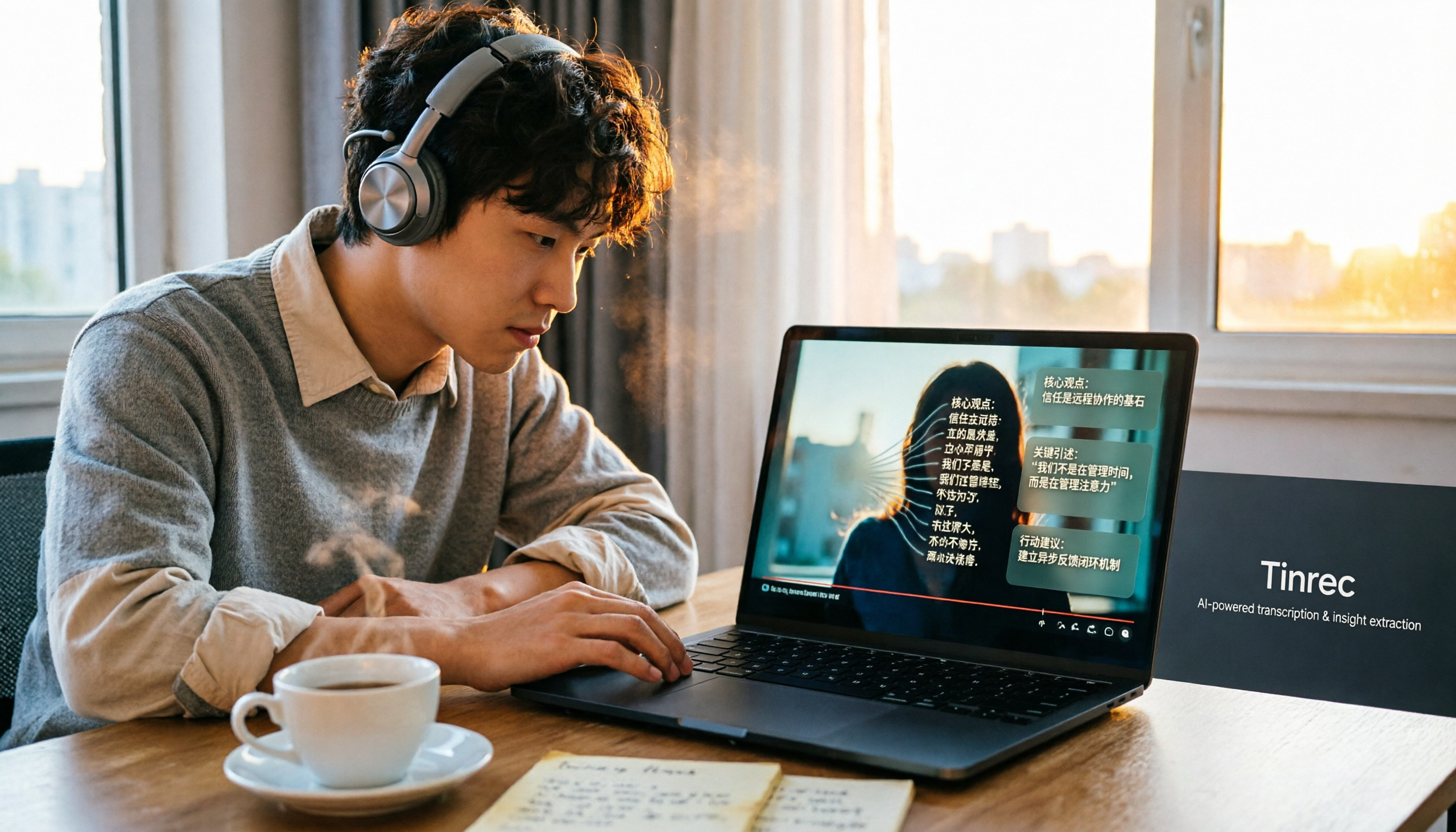
Tinrec's positioning is not to repair the picture, but to import video/audio files and convert them into text, summaries, chapters, and to-dos, making the content itself searchable and reusable.
→ For this dimension: Neither is a universal solution for fixing the picture; Tinrec wins for content reuse.
Stop organizing recordings by hand
Upload audio or video and automatically get a transcript, summary, and action items
Dimension 3 | Audio and Content Reuse
Online parsing tools can output MP3 separately; sources mention support up to 320kbps, sufficient for material or offline listening. But once the file is downloaded, that's the end—no further processing.
Tinrec supports importing audio and video files for transcription, automatically generating transcripts, summaries, chapters, key points, and to-dos. It also offers AI Q&A, real-time translation, and export to Notion, Google Docs, OneNote, Dropbox, etc., for further processing.
→ For this dimension: Tinrec clearly wins.
Dimension 4 | Cross-Platform and Team Data Accumulation
Online tools are almost all browser-bound; a few offer extensions. Downloaded files are scattered on personal devices, and when someone takes over, they have to search again.
Tinrec offers web, desktop, and mobile. The team version has a separate team space: members, roles, and seats are managed separately. Meeting data belongs to the team; when members leave, resources can be handed over, and administrators can view usage trends and operation logs. Note that the team version currently focuses on team-level sharing, not file-level granular permissions.
→ For this dimension: Tinrec wins.
Dimension 5 | Cost and Compliance
Online parsing tools are mostly free. Services like Seekin advertise no registration and no hidden fees. But sources also clearly remind that downloaded videos are protected by YouTube's Terms of Service and copyright law, for personal non-commercial use only. For commercial use, formal authorization from the copyright holder is required.
Tinrec's personal version has a free version to try first, plus weekly, Pro monthly, and annual plans, catering to short-term intensive use and long-term accumulation. The team version's first trial is 7 days, 1 free seat, 300 minutes of team shared import quota; paid seats are USD 29.80 per month, USD 199 annually. Actual prices and benefits are subject to the official purchase page.
→ For this dimension: If you just want a free clean file, online tools suffice; for long-term organization and team collaboration, Tinrec is more complete.
What Are the Unique Advantages of Each?
Tinrec's Unique Advantages
- Desktop version records without a bot, so no extra account needs to join the meeting.
- After transcription, there are summaries, to-dos, AI Q&A, and translation—not just a file thrown at you.
- Team space centrally stores meeting data and manages seats, usage, and operation logs.
Online Extraction Tools' Unique Advantages
- No installation, no registration; paste the URL and get MP4 or MP3.
- For public videos, directly obtaining the original stream is the fastest way to get a clean file.
Conclusion: Which Should You Choose?
- Just want to save a public video as a clean file → Use online extraction tools, and confirm personal non-commercial use only.
- Watermark already pressed into the picture → Go into editing software to crop, mask, or blur, and accept the image quality trade-off.
- Want to turn video or meeting audio into searchable transcripts and notes → Tinrec.
- Team needs to share meeting data, manage members and usage → Tinrec team version.
In one sentence: Watermark removal is a problem of 'getting a clean picture,' and online extraction tools solve half of it; what truly makes content reusable is the subsequent transcription and organization. We recommend testing the free quota with your own materials first, then deciding whether to pay.
References
- How to Remove YouTube Watermark? - Renee Lab
- Free YouTube Video Downloader — No Ads, No Watermark
- Top 8 YouTube Video Downloaders Without Watermark You Shouldn't Miss
- 2026 Video Watermark Removal Tutorial: 4 Methods to Easily Remove Watermarks Perfectly
- How to Remove Watermark from Video? - Renee Lab
Turn every recording into actionable outcomes
Get 60 free transcription minutes when you sign in. No credit card required.
Related Reading
You might also like

4 Image-to-Text Apps Tested for 2026: Which One Saves the Most Time on Meeting Screenshots and Transcripts?
How to choose an image-to-text app? This article starts with common misconceptions, outlines 4 key buying factors and pitfalls, explains when to use OCR tools versus audio transcription tools, and tests Tinrec's practical uses and limitations for meeting transcripts, AI summary Q&A, cross-device export, and team knowledge retention.
How to Convert Bilibili Videos to Text in 2026: 5 Methods + AI Summaries and Transcript Export
Bilibili's official CC subtitles cover less than 10% of videos, so turning videos into searchable, quotable text often means doing it yourself. This guide covers 5 ways to convert Bilibili videos into transcripts, from AI summaries and conversational queries to free tools, and explains who each method suits and how to choose.

4 Transcription Software Compared in 2026: Which Saves the Most Time on Chinese Meeting Transcripts?
How to choose transcription software in 2026? We tested and compared Tinrec, Notta, Otter.ai, and TurboScribe, covering Chinese recognition, meeting capture methods, post-meeting organization, free tiers, and pricing. We've compiled key selection points and pitfalls to help you find the most time-saving solution for meeting transcripts.

5 Best Text-to-Speech Tools with Realistic Human Voices in 2026: Which Free AI Voiceover Sounds Most Natural?
We tested MyEdit, Luvvoice, Vidnoz, Google Cloud TTS, and iMyFone VoxBox to compare accent naturalness, language support, free tiers, commercial use considerations, and best use cases—helping you find the closest thing to a real human voiceover.

Free Text-to-Speech Options in 2026: 5 Tools Compared
People searching for "text-to-speech" often want free TTS tools. But did you know many actually need speech-to-text—turning meeting and interview recordings into searchable, organized transcripts? This article takes a decision-focused approach to distinguish TTS from STT, and uses Tinrec as an example to show how an AI meeting notes tool turns voice into actionable team data.

Which AI Meeting Minutes Tool Is Best? 2026 Hands-On Test of 5 Options—This One Excels for Chinese Meetings
Tired of spending extra time organizing meeting notes after the meeting ends? This article starts with the key question of whether a tool can capture meeting audio, explains what AI-generated meeting minutes can do—summaries, action items, Q&A, and team knowledge retention—and uses Tinrec as an example to demonstrate bot-free recording, real-time translation, and post-meeting organization. It concludes with 5 purchasing considerations and FAQs.

5 Best Online Speech-to-Text Tools in 2026: Which One Saves the Most Time on Chinese Transcripts?
How do you choose an online speech-to-text tool? This article starts with the decision point of whether you're transcribing a file or a live meeting, breaks down core capabilities like real-time transcription, bot-free meeting recording, AI summaries, action item extraction, and team knowledge retention, and uses Tinrec as the main hands-on example. It covers 5 key buying considerations and FAQs to help you decide if the free version is enough or if the team plan is worth it.

4 iPhone Transcription Apps Tested in 2026: Is Apple's Built-in Transcript Enough?
Is the built-in Voice Memos transcript on iPhone enough? Based on real meeting scenarios, this article compares Apple's built-in tools, Notta, PLAUD, and Tinrec, highlighting key considerations and pitfalls for choosing a transcription solution, including transcripts, summaries, action items, and team collaboration.

5 Image-to-Text Tools Tested and Compared in 2026: Which Free OCR Is Good Enough?
This article reviews the use cases, free limitations, and target users of 5 common image-to-text tools in 2026, including Google Keep, LINE, Gaitubao, imagetotext.me, and Mac desktop OCR solutions, plus a note on meeting audio transcription tool Tinrec, helping you avoid common OCR pitfalls.