

Turn recordings into transcripts and summaries in minutes
Upload audio or video for multilingual transcription, AI notes, and action items
What Can Online Speech-to-Text Do for You?
"Online speech-to-text" means converting recorded audio files or ongoing conversations into text directly through a browser or desktop app, without needing to install specialized transcription software.
But before opening any service, I usually ask readers one question: Are you transcribing a "recorded file" or a "live meeting"? These two paths require different features, and choosing the wrong direction means no amount of price comparison will satisfy you later.
Scenario 1: No need to re-listen to meeting recordings
In the past, a two-hour meeting might require double the time afterward to listen and type simultaneously. With Tinrec, for example, the transcript is generated in real time during the meeting, and after it ends, the summary, chapters, and action items are all organized. You just need to confirm nothing important was missed.
Scenario 2: Interviews, courses, and voice memos become searchable text
Research interviews, online courses, and casually recorded thoughts can be imported into Tinrec to produce punctuated and segmented transcripts. Later, when you want to find a specific statement, keyword search is much faster than repeatedly dragging the timeline.
Scenario 3: Video and audio content becomes material you can further process
After transcription, video, podcast, and historical recording content can generate summaries and key points, then be exported to existing workflows like Notion, Google Docs, and OneNote, rather than being stuck in an isolated text file.
What Are the Core Capabilities of Online Speech-to-Text?
Capability 1: Real-time transcription, text appears as you record
It doesn't start transcribing only after recording ends. Tinrec's real-time recording-to-text is suitable for in-person meetings, interviews, and on-site notes. During the meeting, you can watch the text sync to confirm no key points are missed, rather than discovering after the meeting that a section wasn't recorded clearly.
Capability 2: Record online meetings without a meeting bot
This is a real pain point for many people. Tinrec's desktop version captures computer system audio to handle online meetings on Zoom, Google Meet, Microsoft Teams, Webex, etc., without needing an extra bot account to join the meeting room. Note that it requires you to actively open Tinrec to start recording—it does not automatically join every meeting on your calendar.
Capability 3: AI summaries and chapters turn long meetings into short ones
AI summaries don't just condense the transcript into a paragraph; they structurally organize it into topics, conclusions, and key points. The chapter feature divides a one-hour meeting into several sections, so you can jump directly to the part you need when reviewing.
Capability 4: Action item extraction and AI Q&A
The key is what happens after transcription. Tinrec organizes action items from the discussion—who is responsible for what and when it's due—at a glance. Even better is AI Q&A—you can directly ask "Who mentioned the budget in this meeting?" or "What were the client's concerns about pricing?" and it will answer directly based on semantic understanding, without you having to search through the full text.
Capability 5: Multi-format export and post-meeting processing
A transcript is useless if it just stays where it is. Tinrec supports multi-format export and can further generate reports, tables, and meeting minutes based on meeting content, turning "records" into "work deliverables" you can hand over directly.
Practical Use Cases
Online meetings and cross-department discussions
Weekly meetings, review meetings, and cross-department communication are most prone to "different accounts after the meeting." Use Tinrec's desktop version to record meetings without a bot. After the meeting, transcripts, summaries, and action items are automatically generated. The basis for decisions is preserved, so next time someone asks "How was that decided back then?" you don't have to rely on memory.
Interviews and research recordings
User interviews or expert interviews often last one or two hours. Import the recording into Tinrec, get the full transcript first, then use AI Q&A to extract recurring viewpoints and key quotes. The time to organize reports can usually be cut by more than half.
Sales and customer communication
Needs, objections, and commitments in customer interviews are easily simplified afterward into "the customer said they'll think about it." After recording with Tinrec, action items list what needs to be done next, and the organized content can be exported as follow-up materials for the team.
Team meeting knowledge retention
Stop organizing recordings by hand
Upload audio or video and automatically get a transcript, summary, and action items
If you're not the only one who needs to review meetings, Tinrec's team plan provides an independent team space where meeting data belongs to the team. Members can view, play, and read team data even without a seat; only after obtaining a seat can they record, upload, edit, and import/export.
5 Things to Note When Choosing an Online Speech-to-Text Tool
1. First confirm whether it can handle "ongoing" meetings
Some tools only accept uploaded files, while others require a bot to join the meeting. Tinrec takes a third path: the desktop version captures system audio without adding an extra participant. If you have online meetings every week, this difference directly affects your daily usage habits.
2. Chinese and mixed Chinese-English recognition performance
Meetings in Taiwan are rarely pure Chinese—they often mix product names, English abbreviations, and technical terms. Tinrec covers Chinese, Traditional Chinese, and multilingual meeting scenarios, and provides a team hotword feature to maintain commonly used terms. Note that actual performance is affected by recording quality, noise, accents, and overlapping speakers. No tool should claim a fixed accuracy rate.
3. Does it have organization capabilities after transcription?
The transcript is just raw material. Post-processing capabilities like summaries, chapters, action items, and Q&A determine whether you save "typing time" or the "entire organization process." Tinrec goes deeper in this area, which is its biggest difference from pure transcription tools.
4. Understand how quotas are calculated
This is a pitfall many people have fallen into. In Tinrec's team plan, real-time recording currently does not deduct minutes under an active team subscription and active seat, but file and web link imports consume the team's shared import quota. Paid seats provide 2,000 minutes of team shared import quota per month. Imports do not use members' personal quotas to make up the difference.
5. How to design data ownership and permissions for team use
The problem with personal tools is that "when the person leaves, the data scatters." Tinrec's team plan distinguishes roles and seats: roles determine who can manage the team, members, and audits; seats determine whether one can record, upload, and export. When a member leaves or is removed, their team resources need to be handed over to other active members.
Frequently Asked Questions
Q1: Is there a free online speech-to-text option?
Yes. Tinrec's free version provides basic quota to experience recording, importing, summaries, and transcription. It's suitable for people who occasionally organize a recording to test the waters. If you have intensive meetings or interviews in the short term, consider a weekly card; if you have steady needs every week, the Pro monthly or annual plan would be more suitable.
Q2: Do I need to download software?
It depends on your situation. Tinrec has iOS, Android, and web versions. For occasional audio file processing, the web version is enough to start. If you want to record online meetings happening on your computer, you need the desktop version to capture system audio.
Q3: What languages are supported?
Tinrec covers Chinese, Traditional Chinese, and multilingual meeting scenarios, and supports real-time translation during recording, viewable in original, translated, or bilingual format. Actual recognition performance still depends on recording conditions.
Q4: What accuracy rate can it achieve?
I would suggest not just looking at official claimed numbers—running a test with your own recording is most accurate. More practically speaking: these tools can greatly reduce manual recording and organization costs, but important content is best verified with the transcript and recording playback.
Q5: Do I need to get consent for meeting recordings?
Yes, be mindful. Recording and transcription involve local regulations and personal data issues. For formal meetings, it's recommended to inform participants and obtain consent first, and companies should have corresponding usage policies internally.
Q6: What's the difference between the team plan and the personal plan?
Personal plan data is managed by the individual account; the team plan is an independent team space where meeting data belongs to the team, and adds member roles, seat allocation, shared benefits, usage analytics, audit logs, and audio recycle bin capabilities. Teams can try it for 7 days for the first time if eligible, including 1 free seat and 300 minutes of team shared import quota.
Q7: How much does the team plan cost?
Currently, the team monthly plan is USD 29.80 per paid seat per month, and the annual plan is USD 199 per paid seat per year, which works out to about USD 16.58 per month. Each paid seat provides 2,000 minutes of team shared import quota per month. Prices, currencies, and promotional content are subject to the official purchase page.
Conclusion
Back to the decision point at the beginning: Are you transcribing a file or a live meeting? If it's the former, the focus is on recognition quality and batch processing; if it's the latter, the focus is on "can you record the meeting without adding a bot" and "can you use it directly after recording."
Tinrec's positioning leans toward the latter—it turns meetings into searchable, queryable data that can be handed to the team for continued use, not just a transcript. If you have more than three meetings per week, try running a segment of your own recording with the free version to see what it feels like when AI helps you organize meeting notes, then decide whether to move to the team plan.
References
Turn every recording into actionable outcomes
Get 60 free transcription minutes when you sign in. No credit card required.
Related Reading
You might also like

4 Image-to-Text Apps Tested for 2026: Which One Saves the Most Time on Meeting Screenshots and Transcripts?
How to choose an image-to-text app? This article starts with common misconceptions, outlines 4 key buying factors and pitfalls, explains when to use OCR tools versus audio transcription tools, and tests Tinrec's practical uses and limitations for meeting transcripts, AI summary Q&A, cross-device export, and team knowledge retention.
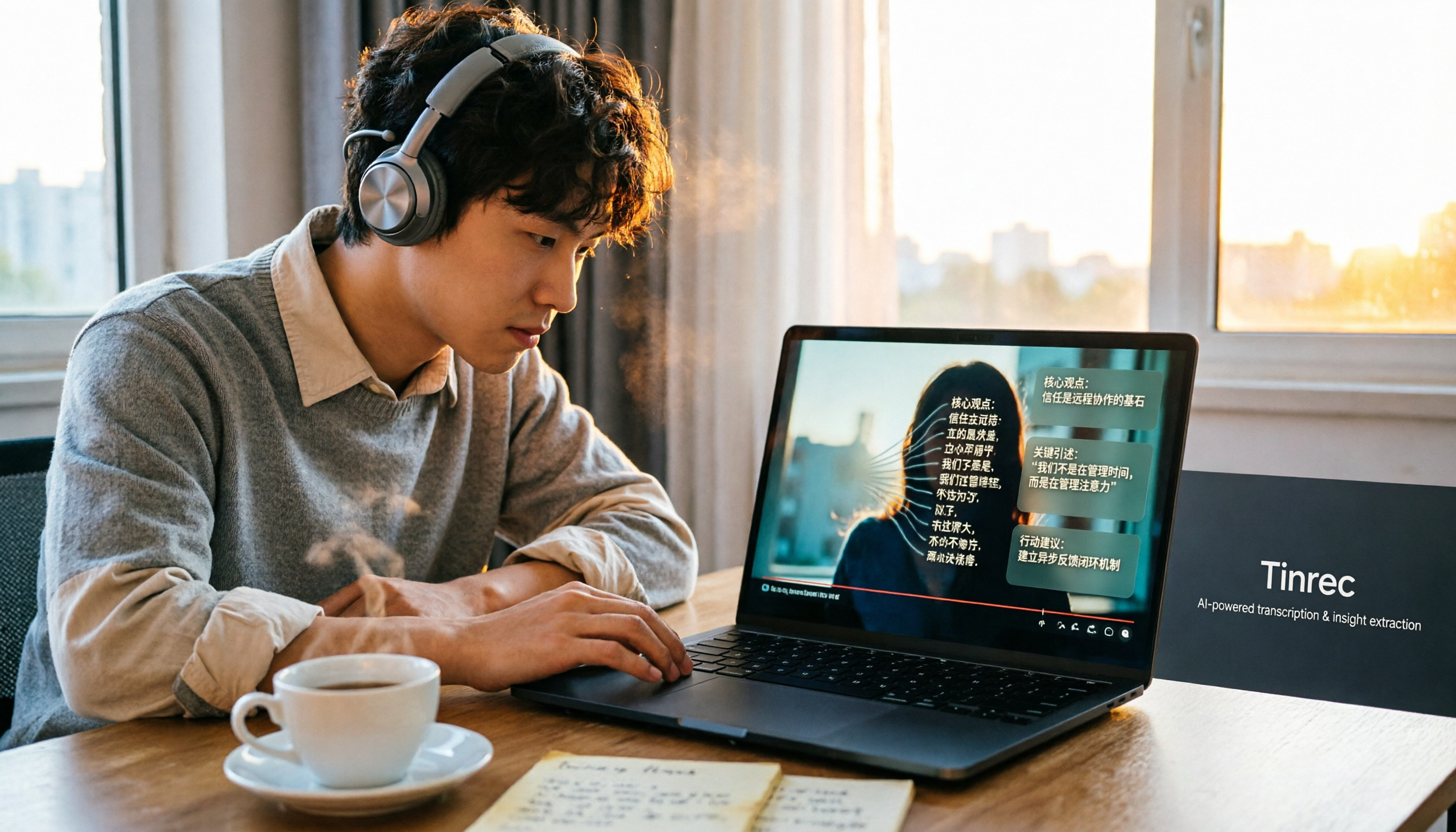
How to Convert Bilibili Videos to Text in 2026: 5 Methods + AI Summaries and Transcript Export
Bilibili's official CC subtitles cover less than 10% of videos, so turning videos into searchable, quotable text often means doing it yourself. This guide covers 5 ways to convert Bilibili videos into transcripts, from AI summaries and conversational queries to free tools, and explains who each method suits and how to choose.

4 Transcription Software Compared in 2026: Which Saves the Most Time on Chinese Meeting Transcripts?
How to choose transcription software in 2026? We tested and compared Tinrec, Notta, Otter.ai, and TurboScribe, covering Chinese recognition, meeting capture methods, post-meeting organization, free tiers, and pricing. We've compiled key selection points and pitfalls to help you find the most time-saving solution for meeting transcripts.
5 Best Text-to-Speech Tools with Realistic Human Voices in 2026: Which Free AI Voiceover Sounds Most Natural?
We tested MyEdit, Luvvoice, Vidnoz, Google Cloud TTS, and iMyFone VoxBox to compare accent naturalness, language support, free tiers, commercial use considerations, and best use cases—helping you find the closest thing to a real human voiceover.

Free Text-to-Speech Options in 2026: 5 Tools Compared
People searching for "text-to-speech" often want free TTS tools. But did you know many actually need speech-to-text—turning meeting and interview recordings into searchable, organized transcripts? This article takes a decision-focused approach to distinguish TTS from STT, and uses Tinrec as an example to show how an AI meeting notes tool turns voice into actionable team data.

Which AI Meeting Minutes Tool Is Best? 2026 Hands-On Test of 5 Options—This One Excels for Chinese Meetings
Tired of spending extra time organizing meeting notes after the meeting ends? This article starts with the key question of whether a tool can capture meeting audio, explains what AI-generated meeting minutes can do—summaries, action items, Q&A, and team knowledge retention—and uses Tinrec as an example to demonstrate bot-free recording, real-time translation, and post-meeting organization. It concludes with 5 purchasing considerations and FAQs.

How to Remove YouTube Watermarks in 2026: 3 Tested Methods + Online Extraction Without Watermarks
Downloading YouTube videos but stuck with a watermark on the screen? This article starts from real-world frustrations and tests three approaches: online extraction, cropping, masking, and blurring. It explains the image quality trade-offs and copyright restrictions of each, and compares which tool to use for two needs: 'just a clean file' versus 'reusable content organization.' It also includes a practical workflow for converting audio to transcripts and team collaboration practices.

4 iPhone Transcription Apps Tested in 2026: Is Apple's Built-in Transcript Enough?
Is the built-in Voice Memos transcript on iPhone enough? Based on real meeting scenarios, this article compares Apple's built-in tools, Notta, PLAUD, and Tinrec, highlighting key considerations and pitfalls for choosing a transcription solution, including transcripts, summaries, action items, and team collaboration.

5 Image-to-Text Tools Tested and Compared in 2026: Which Free OCR Is Good Enough?
This article reviews the use cases, free limitations, and target users of 5 common image-to-text tools in 2026, including Google Keep, LINE, Gaitubao, imagetotext.me, and Mac desktop OCR solutions, plus a note on meeting audio transcription tool Tinrec, helping you avoid common OCR pitfalls.