

Turn recordings into transcripts and summaries in minutes
Upload audio or video for multilingual transcription, AI notes, and action items
You may have searched for this question too: 'Who made Yating Transcription?'
Let me give you the answer first: Yating Transcription is developed by Taiwan AI Labs, a Taiwanese team's Chinese speech recognition service.
But that answer only solves half the problem.
Because I've observed that most people, after finding out 'who made it,' immediately jump to a dangerous conclusion—'Made in Taiwan, so it's best for me,' or conversely, 'Foreign teams' models must be stronger.'
Both judgments are too simplistic.
A more useful question: What kind of speaking style does this team understand best? What do they ultimately deliver to me—a transcript, or meeting materials I can directly use for work?
In this article, I want to clarify this matter.
Common Misconception: Treating 'Transcript' as the End Goal
The first misconception is thinking that transcription tools only differ in accuracy.
I've tested quite a few, and what truly causes pain is never the few wrong words, but having to go back and find and correct those wrong words. What's even more time-consuming is that after correcting, you still have to write the meeting minutes yourself.
The second misconception is thinking that buying a tool will automatically organize meetings.
Tools only give you raw material. Summaries, decisions, and action items—if the tool doesn't help you finish the last mile, they still fall back on you.
The third misconception is only looking at whether it's convenient for you alone.
I've seen too many times in teams: individuals are happy using it quickly, but when colleagues need to check historical meetings, data is scattered across everyone's accounts, and no one can find anything.
So before choosing a tool, think clearly about where your meeting data should ultimately be stored.
Who Made Yating Transcription? After Knowing the Answer, These Three Things Matter More
Back to your question. Yating Transcription is developed by Taiwan AI Labs, and its strengths are clear: it recognizes Taiwanese accents, Taiwanese Hokkien, mixed Chinese-English, and even internet slang. It offers both real-time recording and audio file upload modes, can automatically add punctuation, smart segmentation, speaker labeling, and export to Word, TXT, PDF, SRT. It works on web, app, and Chrome extension.
Knowing this, I suggest focusing on three judgment points.
1. Does it understand your way of speaking?
If your meetings are heavily in Taiwanese Hokkien, Taiwanese Mandarin, or mixed Chinese-English, the local team's language sense advantage is real. But if you mostly have cross-border English meetings, this advantage won't apply to you. Look at what your own recordings look like first—that's more useful than reading product descriptions.
2. Does it give you a transcript or a usable meeting?
Transcripts are just raw material. I look at whether the tool also completes summaries, chapters, and action items, and whether I can directly ask 'What was the conclusion of this meeting?' Whether this part is done determines how much time you'll spend after the meeting.
3. Who ultimately holds this data?
Personal accounts and team spaces are two different things. The value of a team version is that data belongs to the team, data isn't taken away when members leave, and who can record and who can edit can be managed separately.
Tinrec — The One I Kept Using After Testing
In one sentence: Tinrec is an AI meeting notes and collaboration tool for individuals and teams, available on web, desktop, and mobile.
I first used it for a very specific annoyance: when recording online meetings, do you really have to invite a bot into the meeting room so all participants see an extra attendee?
Tinrec's desktop version directly captures the computer's system audio. You open it on your own computer, press record, and it can handle audio from Zoom, Google Meet, Microsoft Teams, and Webex without inviting anyone extra. This is especially useful for external client meetings—you don't have to explain 'who is this bot?'
Note that it requires you to actively start recording; it's not the type that automatically joins all meetings on your calendar.
After recording, that's where it separates from most transcription tools.
Transcripts are generated in real-time, along with summaries, chapters, and action items. Previously I had to listen to recordings and grab key points; now I have a draft right after the meeting, and my job becomes 'proofreading and judging' rather than 'typing from scratch.'
Going one level deeper, there's AI Q&A. I directly ask it: 'In the last meeting, who mentioned the budget?' It gives me an organized answer, not a keyword list. When you have many historical meetings, this difference becomes very obvious.
Stop organizing recordings by hand
Upload audio or video and automatically get a transcript, summary, and action items
For cross-language meetings, I use real-time translation, which can switch between original text, translation, or bilingual view. Export supports common file formats and can be brought to Notion, Google Docs, OneNote, Dropbox for further processing; when standardized delivery is needed, you can also use Agent post-processing to generate reports, tables, and meeting minutes documents.
For team use, it provides an independent team space rather than multiple people sharing one account. Meeting data belongs to the team, roles can be assigned, who can record and upload can be controlled by seat, and administrators can see usage analytics and audit logs. Mistakenly deleted audio can be recovered from the recycle bin. The team version is currently USD 29.80/month per paid seat, or USD 199 annually (about USD 16.58/month). Each paid seat includes 2,000 minutes of team shared import quota per month; real-time recording under active seats doesn't deduct minutes. First eligible teams get a 7-day trial with 1 free seat and 300 minutes shared import. Numbers and benefits are subject to the official purchase page.
I'll list three advantages.
First is the complete workflow. From recording, transcription, summary, action items to Q&A, it completes the entire chain, and I don't need to chain three tools together.
Second is the ease of use for Chinese and multilingual meetings. For mixed Chinese-English meetings, switching bilingual view is natural, and team hotwords can pre-load company-specific terminology.
Third is team accumulation. This is a part many personal tools don't handle—when people leave, data should stay.
Limitations are also clear: it doesn't focus on batch processing of large long audio files; recording quality, accents, and multiple people talking over each other still affect results; for highly regulated scenarios like healthcare, legal, and finance, I wouldn't recommend it as the sole recording source without corresponding authorization and documentation.
Who is it for? People who frequently have online meetings, need post-meeting follow-up and action items, and want meeting data to stay with the team.
Besides Tinrec, What Other Options Are There?
Yating Transcription: Developed by Taiwan AI Labs, Taiwanese Hokkien, Taiwanese accents, and mixed Chinese-English are its home turf. Real-time recording is free; audio upload is charged by duration with a longer usage period, and can export Word, TXT, PDF, SRT. Its features are relatively simple—after transcription, summaries, action items, and follow-up questions are up to you—which is exactly the extra step Tinrec does.
Otter.ai: A mature choice for English business meetings, with complete summaries, action items, and team management. Free version has 300 minutes per month. If 90% of your meetings are in English, it's very useful. But Chinese and Taiwanese accents are not its home turf; maintaining Chinese technical terms like team hotwords is handled more finely by Tinrec.
Granola: Bot-free AI meeting notes that generate content from desktop system audio plus your own written notes. Clean interface, Business is USD 14/user/month. It has transcripts you can view and search, but doesn't support uploading existing audio files and doesn't retain meeting audio—Tinrec keeps both, so you can go back and verify the original audio after the meeting.
Pitfall Guide: Four Most Common Mistakes When Choosing Transcription Tools
Pitfall 1: Testing with a read-aloud script. Real meetings have echo, interruptions, and air conditioning noise—that's the true level of the tool. Use a recording of your own actual meeting, and you'll have an answer in ten minutes.
Pitfall 2: Thinking a transcript equals meeting minutes. Text is raw material; minutes and action items are finished products. There's still work in between—when choosing a tool, see clearly how far it helps you go.
Pitfall 3: Using personal version to manage a team. What a team needs is not 'everyone has a tool' but 'everyone's meetings are in one place.' Confirm data ownership, seats, and permissions before discussing price.
Pitfall 4: Ignoring audio capture. Upgrading your service is less effective than moving the microphone closer to the speaker. This step usually has a more obvious effect than switching tools.
Conclusion: Which One Should You Choose?
To sum up in one sentence: Yating Transcription is made by Taiwan AI Labs, and it does have a foundation in Taiwanese accent language sense; but if you want data that's 'ready to use right after the meeting,' that path requires more steps.
I'd divide by scenario like this:
- Want to confirm who made it, and meetings are heavily Taiwanese Hokkien or mixed Chinese-English → Yating Transcription is worth trying first; real-time recording is free.
- Want bot-free recording of Zoom, Meet, Teams, Webex → Tinrec.
- Want to directly ask 'What was the conclusion?' after recording → Tinrec.
- Need bilingual original and translated text for cross-language meetings → Tinrec.
- Team needs to share historical meetings, manage seats and usage → Tinrec team version.
- 90% of meetings are in English and team is in an English environment → Otter.ai, the only exception recommendation in this article.
Starter Checklist: Six Things You Can Do Today
- Open a recording of your most recent real meeting—ten minutes is enough; don't use a read-aloud script.
- First see where errors fall: names, technical terms, or accents.
- Compile a list of frequently occurring company technical terms and put them into hotword settings.
- Record one meeting and verify only one thing: can the summary and action items be used directly?
- Ask the transcript a question you really want to know and see if it can answer.
- Finally, look at price, seats, and data ownership.
Tools won't attend meetings for you, but they can save you two hours of overtime after meetings. Test step by step, and you'll gradually master the method that suits your team.
References
Turn every recording into actionable outcomes
Get 60 free transcription minutes when you sign in. No credit card required.
Related Reading
You might also like
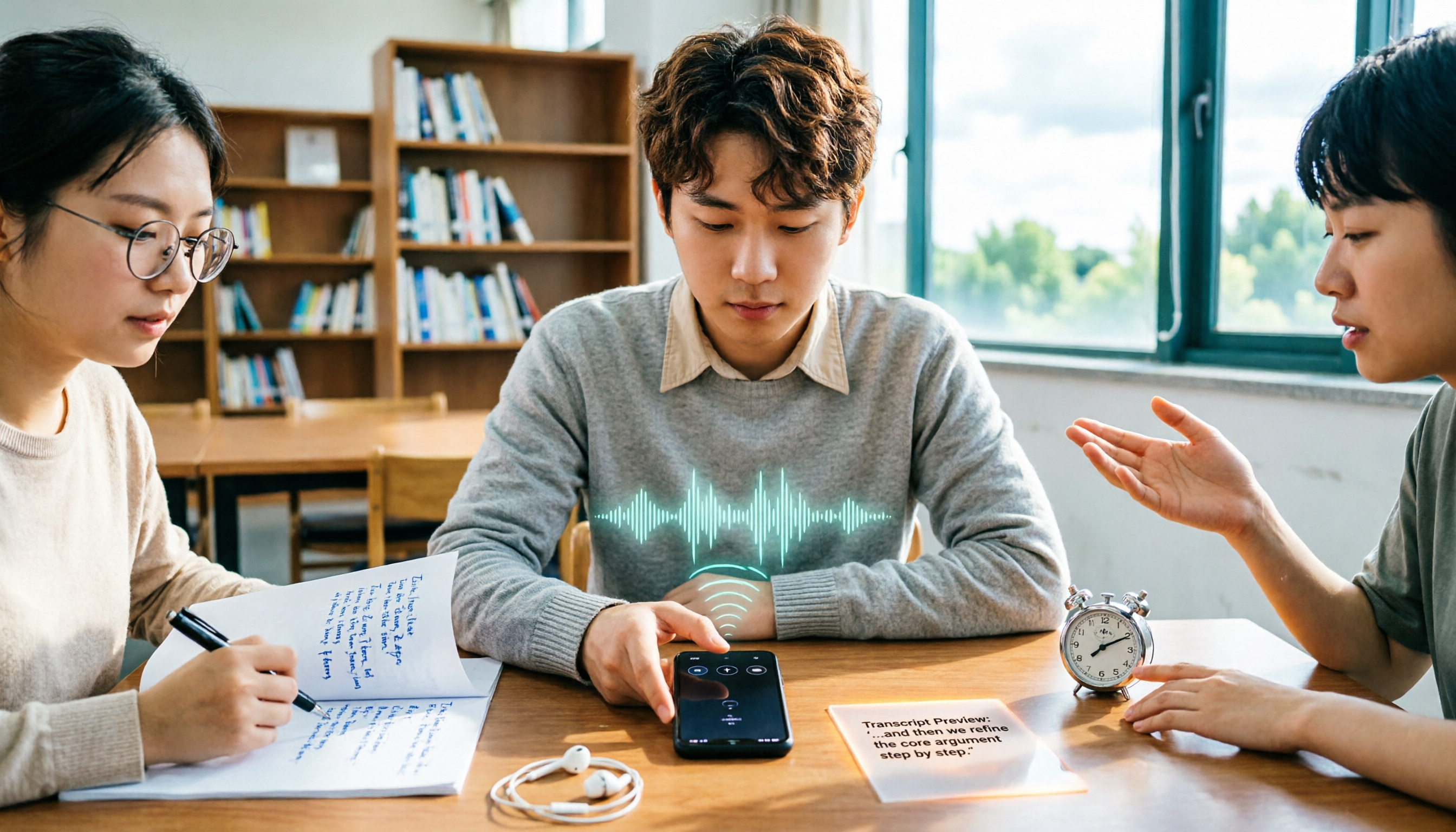
How Long Does It Take to Speak 1,000 Words? Complete Guide for 2026: Speech Rate Calculation and Recording-to-Text Practice
How long does it take to speak 1,000 words? The answer isn't a fixed 5 minutes. Starting from student presentations and group discussions, this article teaches you to use a speech rate formula to calculate the real range of 5-10 minutes, and compares recording-to-text tools like Tinrec, Notta, Otter.ai, and TurboScribe to help you find the right choice for practicing speech rate, organizing transcripts, and finding key points after meetings.

2026 Comparison of 3 Transcription Tools: Is Yating Transcription Free? Why Tinrec Is Better for Long-Term Meetings
Yating Transcription is not completely free but offers limited free usage: free hours upon registration, free real-time recording, and a free trial quota for uploading audio files, after which payment is required. Based on real meeting scenarios, this article compares free quotas, Chinese recognition, post-meeting organization, and team collaboration, and explains how Tinrec addresses long-term meeting documentation needs.

2026 Comparison of 5 Transcription Services: Cost per Word and the Most Cost-Effective Method
Transcription is rarely priced per word; most services charge by audio length. This article compiles 2026 transcription rates in Taiwan (NT$15–80 per minute, NT$500–1,500 per 30 minutes), compares the costs of human vs. AI transcription, and reviews six options—Tinrec, Notta, TurboScribe, Otter.ai, Granola, and human transcription—to help you determine which best fits your meeting and interview scenarios.

2026 AI Meeting Notes Comparison: 3 Options — Is Gemini Enough, and When Should You Switch Tools?
Gemini can indeed take meeting notes, but many people get stuck in the misconception that "throwing the whole recording in will produce perfect minutes." This article starts from common pitfalls and compares Gemini chatbot, Gemini Notebook, and Tinrec across recording, transcription, summarization, action items, and team collaboration, with a cost and quota comparison to help you decide which setup fits which meeting scenario.
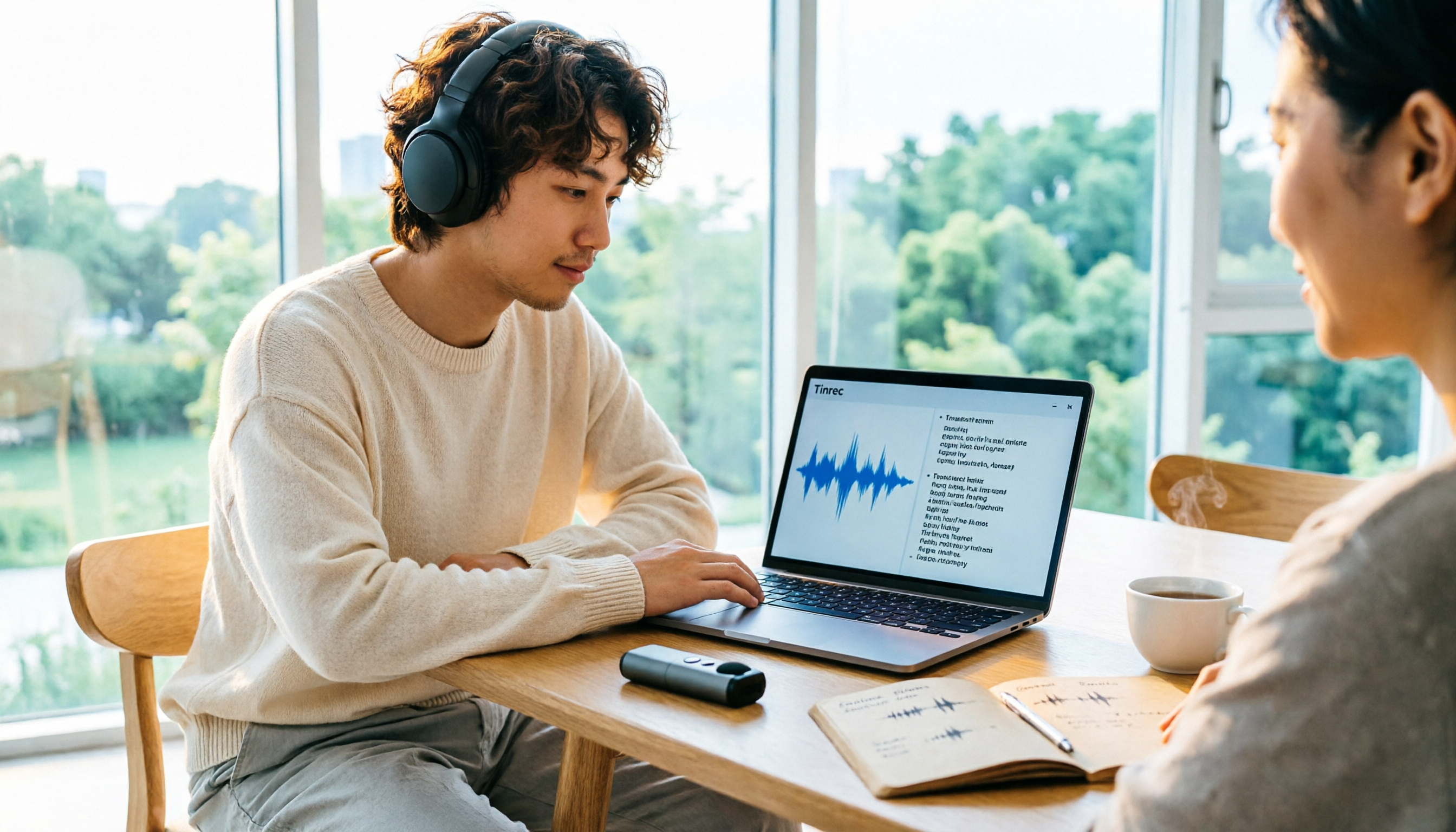
2026 Comparison of 2 Transcription Tools: Yating Audio Export Limits and Alternatives
People searching for "how to export audio from Yating transcript" usually want to get back their original recording. This article tests and summarizes Yating's export location, available formats, and common issues, and explains that it only provides text export, not audio file re-download. It then compares Tinrec across 6 dimensions: audio preservation, export formats, workflow, AI post-processing, team collaboration, and pricing, to help you decide whether to keep using it or switch.

2026 Audio-to-Transcript Tools Compared: Which Free Version Is Good Enough?
Turning audio into transcripts isn't hard—choosing the right tool is. This guide breaks down five key criteria: real-time recording vs. file upload, Chinese and mixed Chinese-English recognition, whether you need summaries and action items after transcription, how quotas are calculated, and who owns the data. We tested and compared four tools—Tinrec, Notta, Granola, and TurboScribe—and compiled the four most common pitfalls for Taiwan users, so you can pick the right one in one go.

Is Gemini Free Version Enough in 2026? Cost and Quota Comparison of 4 Plans: Understand 3 Misconceptions Before Deciding to Pay
Gemini does have a free version, but "free" doesn't mean all models and features are unlimited. This article starts with three common misconceptions, compares the Taiwan pricing and quota specifications of Gemini free version, Google AI Plus, AI Pro, and AI Ultra, explains student plan eligibility and actual free version limitations, and uses three questions to help you decide whether to pay. It also includes tool recommendations for meeting notes scenarios.

5 Audio-to-Text Tools Tested and Compared in 2026: ChatGPT's Limitations and Better Alternatives
Can ChatGPT transcribe audio to text? The answer is conditionally yes, but the 25MB limit, lack of speaker labels, and absence of summaries and action items make it hard to produce usable meeting notes directly. This article breaks down ChatGPT's 3 transcription paths and real-world barriers, and compares Tinrec, Notta, Otter.ai, and TurboScribe to help you choose the right tool for your needs.
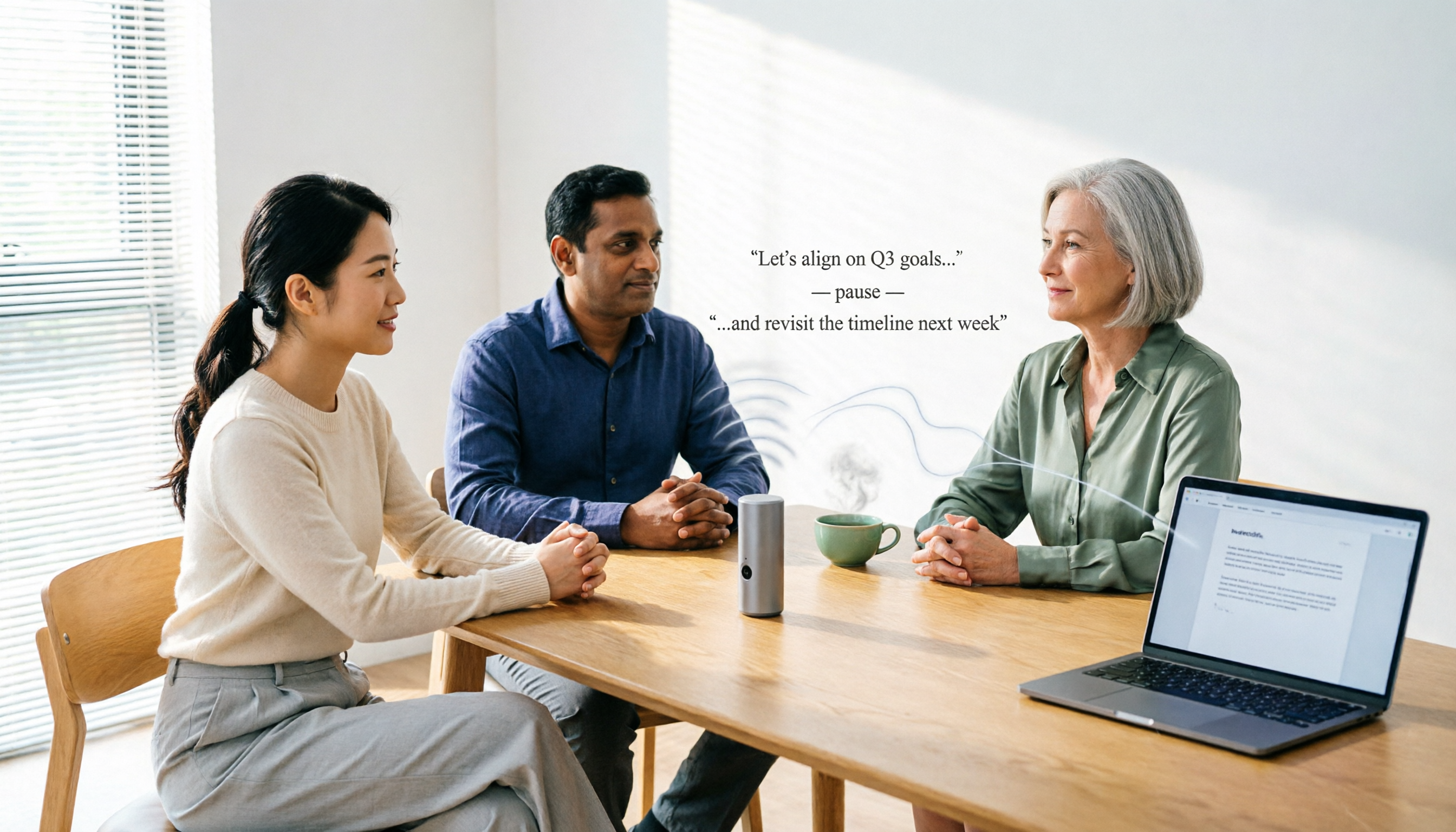
4 Best Speech-to-Text Tools in 2026: Words Per Minute at Normal Speaking Pace & Transcript Efficiency Compared
Before you search "how many words per minute at normal speaking pace," understand why online numbers range from 100 to 360 words. This article compiles normal speaking pace ranges for Chinese and English and how they translate to meeting transcript length, then compares Tinrec, Otter.ai, Notta, and TurboScribe on speaking-pace tolerance, post-meeting organization, free tiers, and team collaboration to help you choose the right tool.