

Turn recordings into transcripts and summaries in minutes
Upload audio or video for multilingual transcription, AI notes, and action items
It's 9 PM on a Wednesday, and you still have a 90-minute recording on your hands
The meeting is over, the recording is on your phone, and you need to submit meeting notes tomorrow morning. You open ChatGPT, which you use every day, and drag the MP3 into the chat box.
Sometimes it actually spits out a big block of text; other times it replies, "I can't process this file." Same account, same action, but the result isn't always the same. That uncertainty makes it harder to plan your time than if it simply didn't work at all.
Even if it does transcribe, you're not done. What you get is a large block of plain text with no paragraphs, no speaker labels, and no key points. To submit it, you still have to read through it and reorganize it from scratch.
So the real question isn't "Can ChatGPT transcribe?" but "How do I turn this recording I have into text I can actually use as quickly as possible?" The answers to those two questions are very different.
First, the answer: Can ChatGPT transcribe audio to text?
Yes, but the conditions are more numerous than you might think, and it depends on which method you use.
Currently, there are about 3 known approaches:
1. Real-time voice dictation: Tap the microphone icon on the mobile or web version and speak directly. All plans (including free) can use this. But it only captures live sound from the microphone and can't process files you've already recorded.
2. ChatGPT Record: macOS desktop version, available on Plus, Pro, and Enterprise plans. The method is to play the audio file so the microphone picks it up, and the result is output to Canvas.
3. Whisper API: Apply for your own API key, upload the file to the transcription endpoint, and receive a JSON transcript. Quality is the most controllable, but you need to write code or set up a workflow yourself.
Some users have also shared that you can drop an audio file into ChatGPT's work mode and have it call Whisper for recognition in a temporary environment. Whether it succeeds depends on account permissions, version, file format, and size—it's not reproducible every time.
Three barriers you can't avoid
25MB file limit. A one-hour MP3 at 128kbps is about 57.6MB, more than double the limit. You have to split the file before uploading, a step most people don't want to repeat after every meeting.
No speaker labels. In a 90-minute client meeting with four people, every sentence in the transcript lacks a "who said it." You still have to match them up yourself.
No structure. No paragraphs, no summary, no action items. ChatGPT is a general-purpose tool; audio-to-text is just one of its features, not the main problem it was designed to solve.
One more thing worth noting: online claims about whether ChatGPT can transcribe audio are very inconsistent, with some articles flatly saying it can't. That mostly reflects older versions or different plan states. The real point isn't who's right or wrong, but "even if it can, is it suitable for something you have to do every week?"
Before choosing an audio-to-text tool, understand these 4 key points
1. How file size and length are calculated
This is where most people hit their first snag. A two-hour meeting recording easily exceeds 50MB. When choosing a tool, don't just look at "supports transcription"; check the per-file limit in minutes or GB, and whether you need to split long files yourself.
2. What you get after transcription
Just a transcript versus "transcript + summary + chapters + action items" are two completely different workloads. With the former, you still have to spend another hour organizing; with the latter, you can paste it directly into a group chat. This factor usually has a bigger impact on office workers than accuracy.
3. Recognition of Chinese, technical terms, and multi-person conversations
Don't just look at the accuracy rates advertised by the vendor. Real meetings have air conditioning noise, keyboard sounds, people talking over each other, and internal product codes and English abbreviations. The ability to customize proper nouns and flag unclear parts is more practical than headline numbers.
4. Where data is stored and whether teams can share it
Recordings often contain client information. You need to confirm whether audio files are retained, whether they can be deleted, and whether there's a recycle bin. If meeting notes are shared by a team, also check whether it has member management, permissions, and usage logs, rather than having everyone take turns using the same account.
Tinrec (秒聽錄音) — the one I find most hassle-free
Tinrec (秒聽錄音) is an AI meeting notes and collaboration tool for individuals and teams, available on web, desktop, and mobile.
Its difference from ChatGPT isn't "whether it can transcribe," but the entire workflow after transcription.
Record online meetings without a meeting bot
The Tinrec desktop version directly captures your computer's system audio. When handling online meetings like Zoom, Google Meet, Microsoft Teams, or Webex, you don't need to invite a separate bot to join the meeting, nor do you need to interrupt the agenda to introduce it.
Note that this doesn't mean "automatically joins all meetings on your calendar." You still need to actively open Tinrec to start recording; you just don't need an extra participant.
The transcript is just the starting point
After recording or uploading a file, Tinrec produces a transcript and automatically generates a summary, chapters, key points, and action items.
For people who often write meeting notes, this difference is very practical: what you open isn't a big block of text, but a document already divided into paragraphs that identifies "who is responsible for what and what the deadlines are." When you need a formal deliverable, you can further generate reports, tables, and documents.
Stop organizing recordings by hand
Upload audio or video and automatically get a transcript, summary, and action items
It also handles cross-language meetings: during recording, you can switch between original text, translation, or bilingual view.
Ask follow-up questions right after the meeting
This is where it pulls ahead of ordinary transcription tools. After recording, you can directly ask it: "What was the conclusion about the budget in the last meeting?" "What concerns did the client mention?"
What it gives you isn't keyword search results, but answers about the content. For people who constantly have to look back at meetings from three months ago, this feature can save a considerable amount of time.
Organized content can also be exported to Notion, Google Docs, OneNote, Dropbox, and other tools to continue your existing workflow.
Team Edition: Turn meetings into team data
If you're a department or project team, Tinrec's Team Edition provides a separate team space, not multiple people sharing one personal account. Meeting data belongs to the team; members can view and reuse past meetings, and administrators can manage roles, seats, sharing permissions, usage analytics, and audit logs.
Roles and seats should be considered separately: roles determine who can manage the team and members, while seats determine whether a member can record, upload, edit, and export. Active members without a seat can still view, play, and read team data, but cannot perform editing operations.
When a member leaves or is removed, team resources aren't taken away and can be handed over to other members. Deleted audio files go to the team recycle bin and are retained for 30 days.
Plans and limitations to note
The personal edition includes a free version, weekly card, Pro monthly, and Pro annual. If you occasionally organize a recording, the free version is enough; for short-term intensive interviews or courses, consider the weekly card; if you have steady needs every week, look at Pro.
The Team Edition currently offers a 7-day trial for first-time eligible users with 1 free seat and 300 minutes of team shared import quota; paid plans are USD 29.80 per paid seat per month, or USD 199 per paid seat per year (about USD 16.58 per month), with each paid seat providing 2,000 minutes of team shared import quota per month. Under an active team plan and active seat, real-time recording is currently not deducted by minutes. Actual prices and benefits are subject to the official purchase page.
Two points to be honest about: Tinrec does not promise a fixed accuracy rate; results are affected by recording quality, noise, accents, overlapping speech, and technical terms. Also, the Team Edition currently focuses on team-level sharing, not fine-grained file-level permissions.
Besides Tinrec, what other options are there?
ChatGPT: If your need is just to occasionally turn a short recording into plain text, and you already have a Plus or higher plan, using the macOS desktop version or API for a one-off workflow is feasible. But the 25MB limit, lack of speaker labels, and no post-meeting organization make it hard to handle recurring weekly meetings. It's suitable for "a one-time thing," not a "regular workflow."
Notta: Multi-platform transcription and translation are decent, with significant overlap with Tinrec. The free version offers 120 minutes per month and up to 3 minutes per item; Pro annual is about USD 8.17 per month for 1,800 minutes per month. It's better suited for users who mainly do file transcription and don't need much team space; Tinrec adds bot-free online meeting recording and team data retention.
Otter.ai: A mature option for English meetings. The free version offers a generous 300 minutes per month, and Pro annual is about USD 8.49 per user per month. If almost all your recordings are in English, it's a good deal; but for Chinese meetings, bilingual transcripts, and team hotwords, it's not its strong suit.
TurboScribe: Focused on cost-effective file transcription. The free version allows 3 files per day, up to 30 minutes per file; Unlimited annual is USD 120, and paid versions support up to 10 hours or 5GB per file. It has an advantage when processing large batches of long audio files at once, but it doesn't handle real-time meetings or post-meeting follow-up questions—areas where Tinrec remains strong.
Pitfall guide: The 4 most common mistakes when choosing an audio-to-text tool
Mistake 1: Assuming "can transcribe" equals "usable"
Many tools can spit out a transcript. The question is how much time you still have to spend after you get it. Separate "transcription" and "organization" in your calculations, and you'll find the latter is often what really eats up work hours.
Mistake 2: Ignoring file size and discovering it can't transcribe when you're about to submit
Limits like 25MB are usually written in small print on the purchase page. Before buying, test with your own longest recording, not the official demo audio.
Mistake 3: Treating AI transcripts as 100% accurate
Names, company names, product codes, and English abbreviations are most prone to errors. A more reliable approach is to provide a list of correct terms when uploading and ask for uncertain parts to be flagged, rather than letting it guess. For important content, it's advisable to go back and compare with the recording timestamps.
Mistake 4: The team still shares one account
It may seem cost-saving in the short term, but in the long run you'll face three problems: data follows individuals, you can't tell who used how much quota, and records can't be found after someone leaves. If you're really using it for a team, choose a plan with seat and permission design from the start.
Conclusion: Which one should you choose?
To sum up in one sentence: ChatGPT can transcribe audio to text, but it solves "occasional transcription," not "submitting meeting notes every week."
Choose by scenario:
- Chinese meetings, need summaries and action items → Tinrec. The transcript is just the starting point; post-meeting organization is where it saves time.
- Online meetings without an extra bot joining → Tinrec. The desktop version captures system audio, so participants won't see an extra account.
- Want to ask "What was the conclusion?" right after recording → Tinrec. AI Q&A is a rare capability among similar tools today.
- Meeting data needs to be kept for the team, with member and usage management → Tinrec Team Edition. It has a separate space, seats, usage analytics, and audit logs.
- Content is almost all English, budget is zero → Otter.ai free version, 300 minutes per month is enough.
- Need to batch process dozens of long audio files at once → TurboScribe, long files and batch processing are its strengths.
If you're not sure which category you fall into, I suggest running your most troublesome recording through Tinrec's free version first. You'll know after one try whether it can save you that hour of organizing—no need to pay upfront.
References
- Audio to Text: Did You Choose the Right Tool? | Jun's Salon
- Is ChatGPT Speech-to-Text Feasible? 3 Methods and Real Limitations (2026)
- Recording to text often fails? Throw the audio file into ChatGPT and get transcripts and action items in one go | Manager Today
- Can ChatGPT Transcribe Audio? 2026 Recording-to-Text Tool Review and Selection Guide - Tinrec Blog
- Latest 2026: Solutions for ChatGPT Unable to Speech-to-Text and 3 Recommended Tools | AI Transcription Service — Transcription Master
Turn every recording into actionable outcomes
Get 60 free transcription minutes when you sign in. No credit card required.
Related Reading
You might also like
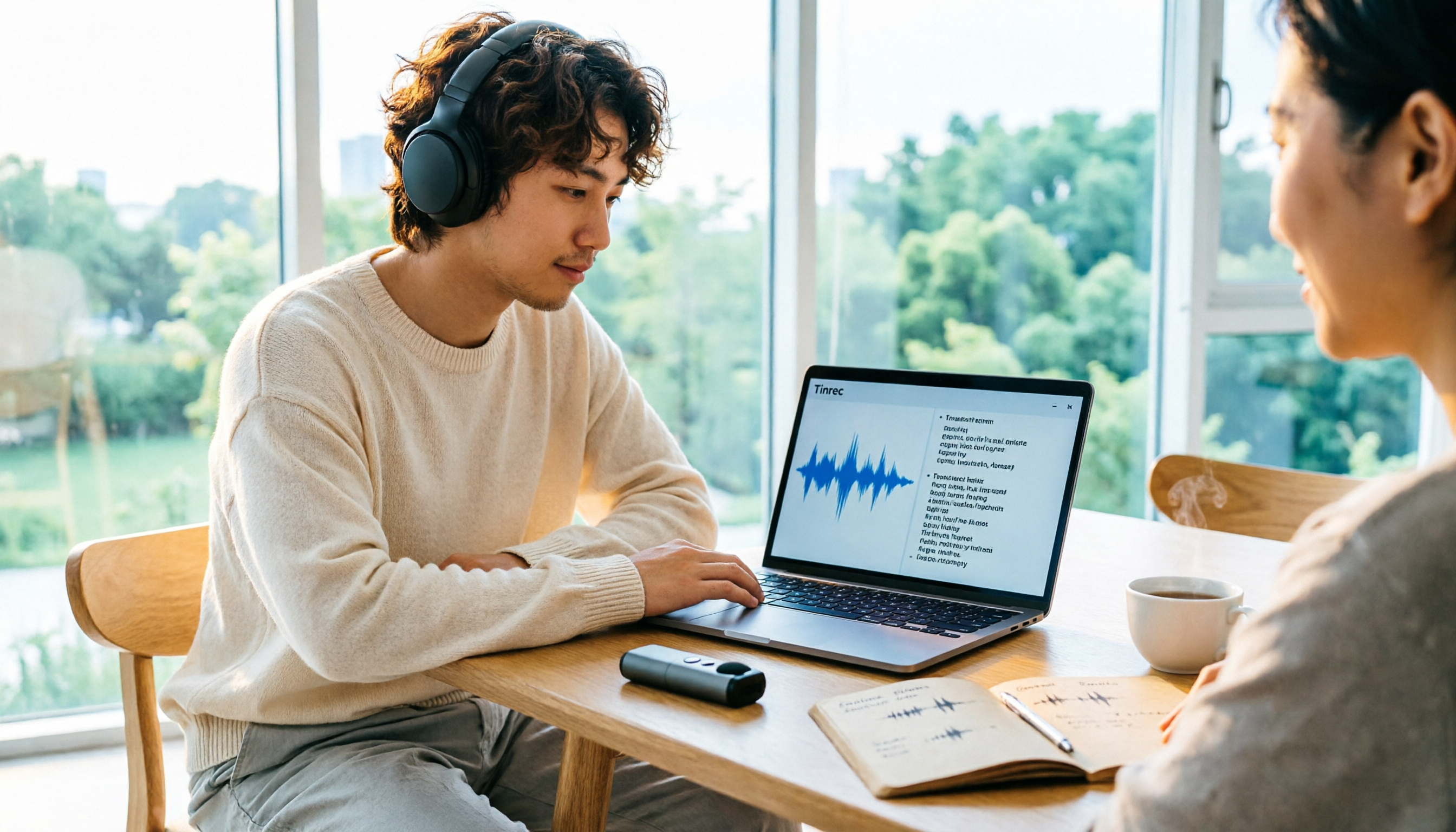
2026 Comparison of 2 Transcription Tools: Yating Audio Export Limits and Alternatives
People searching for "how to export audio from Yating transcript" usually want to get back their original recording. This article tests and summarizes Yating's export location, available formats, and common issues, and explains that it only provides text export, not audio file re-download. It then compares Tinrec across 6 dimensions: audio preservation, export formats, workflow, AI post-processing, team collaboration, and pricing, to help you decide whether to keep using it or switch.

2026 Audio-to-Transcript Tools Compared: Which Free Version Is Good Enough?
Turning audio into transcripts isn't hard—choosing the right tool is. This guide breaks down five key criteria: real-time recording vs. file upload, Chinese and mixed Chinese-English recognition, whether you need summaries and action items after transcription, how quotas are calculated, and who owns the data. We tested and compared four tools—Tinrec, Notta, Granola, and TurboScribe—and compiled the four most common pitfalls for Taiwan users, so you can pick the right one in one go.

Is Gemini Free Version Enough in 2026? Cost and Quota Comparison of 4 Plans: Understand 3 Misconceptions Before Deciding to Pay
Gemini does have a free version, but "free" doesn't mean all models and features are unlimited. This article starts with three common misconceptions, compares the Taiwan pricing and quota specifications of Gemini free version, Google AI Plus, AI Pro, and AI Ultra, explains student plan eligibility and actual free version limitations, and uses three questions to help you decide whether to pay. It also includes tool recommendations for meeting notes scenarios.
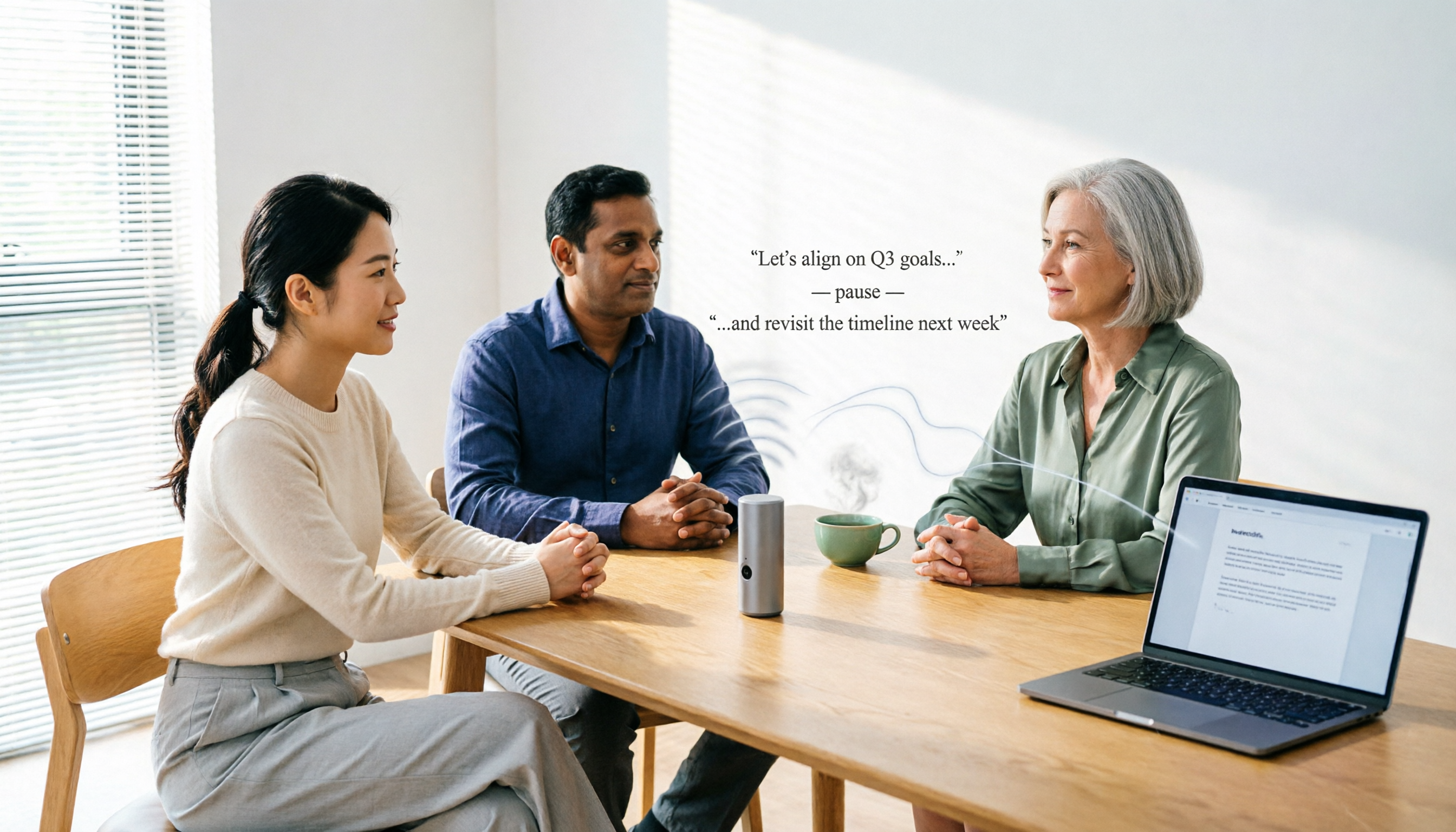
4 Best Speech-to-Text Tools in 2026: Words Per Minute at Normal Speaking Pace & Transcript Efficiency Compared
Before you search "how many words per minute at normal speaking pace," understand why online numbers range from 100 to 360 words. This article compiles normal speaking pace ranges for Chinese and English and how they translate to meeting transcript length, then compares Tinrec, Otter.ai, Notta, and TurboScribe on speaking-pace tolerance, post-meeting organization, free tiers, and team collaboration to help you choose the right tool.

Which Vocal AI Is Best? 6 Tested in 2026 — Top Pick for Meeting Transcription
Is Vocal AI any good? Most people get stuck at step one: half are looking for voice generation and vocal separation, while the other half want meeting audio turned into text. This article breaks down the buying pitfalls of both paths and compares 6 real solutions (Tinrec, Notta, Otter.ai, Granola, TurboScribe, PLAUD, Vocal Remover) on features, free quotas, and official pricing, with clear recommendations by budget and use case.

Can Gemini Transcribe Audio Files in 2026? 5-Step Tutorial and 4-Tool Comparison
Gemini can now upload MP3, M4A, and WAV audio files directly and output transcripts, but free vs. paid quotas, file size, and length limits affect results. This article walks you through 5 steps and compares Gemini, NotebookLM, EchoScript AI, and Tinrec, covering differences, limitations, and ideal use cases to help you choose the right tool for your needs.

How to Make Gemini Transcripts in 2026: Upload Audio to Text + Meeting Notes
Can Gemini create transcripts? Yes. This guide walks through the steps to upload audio files to Gemini for transcription, free version limits, and real-world issues you may encounter. It also compares Tinrec, Otter.ai, and Notta for Chinese meetings and post-meeting organization, helping you decide which tool to use.

2026 Transcribe vs. Tinrec Security Review: 5 Dimensions to Decide Who Handles Your Meeting Recordings
Most people searching "is Transcribe safe" only check whether the official website mentions SSL encryption, but the real question is what happens to a recording at every step from entering the system to being deleted. This article compares Transcribe's public statements with Tinrec's team governance practices across 5 security dimensions, covering data ownership, permissions, auditing, deletion and recovery, and meeting capture methods, so you can speak clearly in procurement meetings.

5 Free Audio-to-Text Tools Tested and Compared in 2026: Which Free Tier Is Most Generous?
You don't have to pay upfront to transcribe audio recordings. This article reviews the actual free quotas, sign-up requirements, and workflows of five free audio-to-text tools in 2026, including Tinrec, iPhone Voice Memos, cSubtitle, Notta, and TurboScribe. It also includes a comparison table of limitations and use cases to help you confirm whether a free version is sufficient before upgrading to paid.