
Turn recordings into transcripts and summaries in minutes
Upload audio or video for multilingual transcription, AI notes, and action items
How Long Does It Take to Speak 1,000 Words? Complete Guide for 2026: Speech Rate Calculation and Recording-to-Text Practice
How Long Does It Take to Speak 1,000 Words? First, Decide If You're "Speaking for Understanding" or "Just Reading Through"
Last semester, I was working on my graduation project and wrote a report script that was exactly 1,000 words. At the time, I naively thought, "Isn't 1,000 words just 5 minutes?" But when I got on stage and read it at breakneck speed, my classmates looked confused, and the professor even asked, "Did you breathe at all?" Later I understood: how long 1,000 words takes isn't a fixed 5 minutes—you first need to consider the occasion, the audience, and whether you need pauses.
For a formal speech or ceremony address, the pace is usually slower, about 120-160 words per minute, so 1,000 words might take 6-8 minutes. For a business presentation or class report, efficiency matters, at 180-220 words per minute, so 1,000 words takes about 5 minutes. If you're a beginner like me and need pauses, to look at your script, and interact with the audience, 100-150 words per minute is more realistic, so 7-10 minutes for 1,000 words is safer. So the real decision focus is: first calculate your own speech rate, then decide whether to record yourself with a tool to check. It's not just about writing a full 1,000-word script and being done.
Before Choosing a Recording-to-Text Tool, Understand These 4 Key Points
First, calculate your speech rate first, don't just look at total word count. The formula is simple: time (minutes) = total words ÷ words per minute + pause and interaction time. For example, with 1,000 words at 150 words per minute, that's about 6.7 minutes, plus 1-2 minutes for pauses, so around 8 minutes is safest.
Second, look at the transcription experience in real scenarios. Don't just look at the official accuracy claims; see how it performs in a classroom or meeting room with air conditioning noise, keyboard sounds, and multiple people talking over each other. My own approach is to take a 5-minute class recording and test it—whether the transcript aligns with the timeline is more meaningful than advertising numbers.
Third, can you directly ask for key points after the meeting? If the tool only gives you a transcript, you still have to go through it from the beginning. If it lets you directly ask, "Where did I speak too fast in this report?" or "What was the conclusion of the group discussion?", the organizing efficiency is much different. This is also the main reason I later chose Tinrec.
Fourth, is the free quota enough for students, and is cross-platform convenience good? Students have limited budgets, so how many classes the free version can record and whether you can switch between phone and computer are more important than fancy features.
Tinrec (Miao Ting Recording) — My Top Choice for Practicing Presentations and Organizing Group Discussions
Tinrec (Miao Ting Recording) is an AI meeting notes and collaboration tool for individuals and teams. It supports real-time recording, bot-free online meeting recording, audio/video file transcription, real-time translation, and automatically generates summaries, chapters, to-dos, and mind maps. It doesn't just convert sound to text; it helps you organize meeting or class content into usable material.
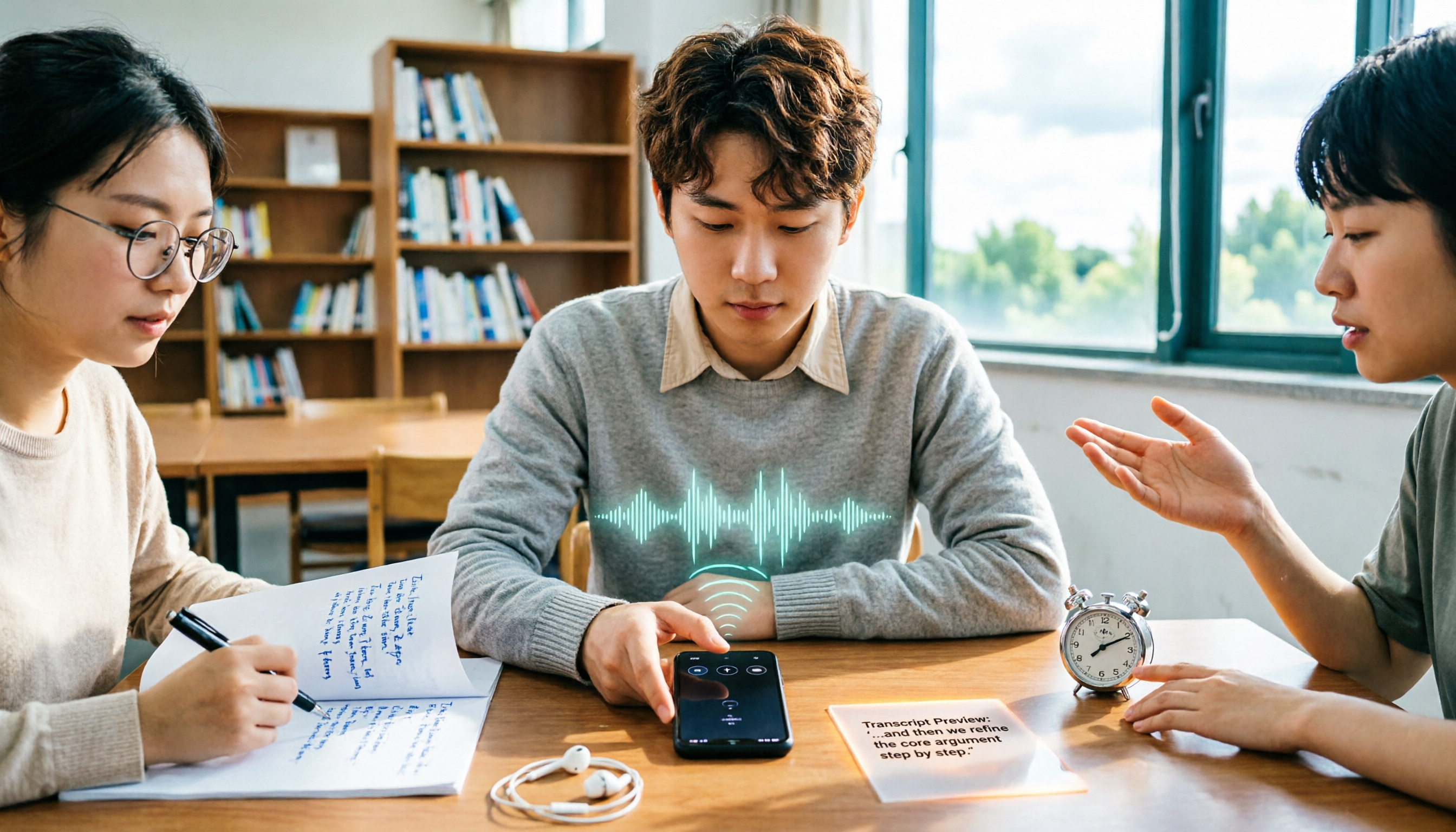
My own usage is very student-like: when preparing a presentation, I first open Tinrec and record a practice session. After speaking, I look at the transcript and timeline and immediately know "which part I spoke too fast" and "where I paused too long." Compared to using a stopwatch, the transcript better reflects actual speech rate. During group discussions, I record the discussion and afterward let it generate summaries and to-dos, so who is responsible for what is clear at a glance. What surprised me most was the AI Q&A—I can directly ask, "What research method was mentioned in the last discussion?" and it answers based on the content, without me having to Ctrl+F and search through everything. If the group has international exchange students, real-time translation and bilingual viewing are also convenient. The organized results can be exported to Notion, Google Docs, and other tools to continue writing the project report.
Stop organizing recordings by hand
Upload audio or video and automatically get a transcript, summary, and action items
The three advantages I feel most: First, the desktop version directly captures system audio, so online meetings don't need to invite a bot—one less awkward step for students. Second, transcription and summaries for Chinese and Traditional Chinese content are very close to classroom usage. Third, after the meeting you can follow up with questions, export, and generate reports—it's not just a transcript.
I should also be honest about limitations: the free version has a basic quota. For someone like me who wants to record every class, once the quota is used up, I'd need to consider a paid plan; actual prices are subject to the official website, and I started with the free version. Also, it doesn't promise a fixed accuracy rate—with accents, overlapping speakers, or technical terms, important content still needs to be checked by listening back.
If you're a student who needs to practice presentation speech rate, organize group discussions, and use AI to find key points afterward, Tinrec is a handy choice. If your group project needs shared meeting materials, the team version has independent team spaces, member and seat management, and for first-time eligible users, a 7-day trial, 1 free seat, and 300 minutes of shared import quota; but long-term at USD 29.80 per seat per month is not cheap for students, so I recommend confirming your group really needs sharing before considering it.
Besides Tinrec, What Other Options Are There?
Notta: A mature tool for multilingual transcription and meeting notes. The free version offers 120 minutes per month, up to 3 minutes per session, so long class recordings are easily cut off. It's strong in transcription, translation, and team plans; but if you want bot-free desktop recording of online meetings and direct AI follow-up questions after meetings, Tinrec is closer to my usage habits in these two aspects.
Otter.ai: One of the top choices for English meetings. The free version offers a generous 300 minutes per month, and Pro annual billing is about USD 8.49 per user per month. If you mainly record English content, Otter is worth considering; but for Chinese meetings, Traditional Chinese transcripts, and bilingual organization, Tinrec's Chinese experience better meets the needs of Taiwanese students.
TurboScribe: A cost-effective file transcription tool. Free version allows 3 files per day, up to 30 minutes per file; paid version can handle long files and batch uploads. It's suitable for situations where you already have a large number of recording files to transcribe; but real-time recording, post-meeting AI Q&A, and team meeting material retention are not its main strengths—Tinrec is more complete in these areas.
Pitfall Guide: The 4 Most Common Mistakes in Calculating Speech Time and Choosing Transcription Tools
Pitfall 1: Only looking at word count, not the occasion. 1,000 words is not always 5 minutes—formal speeches should be slower, business presentations can be faster, and beginners need pauses. Decide the occasion first, then calculate time.
Pitfall 2: Ignoring pauses and interaction. Mathematically, 1,000 ÷ 200 = 5 minutes, but in reality you need to breathe, look at the audience, and pause to emphasize key points. Without reserving 1-2 minutes of buffer, it's easy to run over time or rush.
Pitfall 3: Only looking at free quota, ignoring post-meeting organization. Some tools offer many free minutes but only give a transcript; if you still have to listen to a 30-minute recording from start to finish to find key points, the saved quota actually wastes more time. Tinrec's AI Q&A and summaries help turn "listening to recordings" into "asking for key points."
Pitfall 4: Treating AI transcription as invincible. Even the best tools may miss words or mishear technical terms. Important reports and meeting conclusions must be checked by listening back to the recording—don't just copy and paste and submit.
Conclusion: How Long Does It Take to Speak 1,000 Words? Calculate First, Record, Then Choose a Tool
In one sentence: 1,000 words takes about 5-10 minutes, depending on your occasion, speech rate, and pauses. For formal speeches, aim for 6-8 minutes; for business presentations, 5 minutes; for beginner presentations, 7-10 minutes is safest.
If you want to practice a class presentation or club speech and confirm your real speech rate → first calculate with the formula, then record a practice session with Tinrec and check the transcript timeline—that's the most accurate. If you often need to organize group discussions or project meetings → Tinrec's recording-to-text, AI summaries, and to-do extraction are very suitable, and the team version is good for groups that need to share materials. If you need Chinese meetings, Traditional Chinese transcripts, and bilingual organization → Tinrec's Chinese experience is a major advantage. If you only record English meetings → Otter.ai is a reasonable exception. If you have a large number of long files to batch transcribe → TurboScribe is worth considering, but it's not a real-time meeting tool.
I recommend starting with Tinrec's free version, recording a 1,000-word presentation of your own, looking at the transcript and timeline, and then deciding whether to upgrade. After all, rather than memorizing the answer "5 minutes," it's better to use one recording to find your own speech rate.
References
- How Long Does It Take to Speak 1,000 Words? Speech Rate Formula and Efficient Recording-to-Text Tool Recommendations - Miao Ting Recording Blog
- Interactive Speech Time Calculator | Speechify
- Copywriting Master: Ten Points for Writing a Speech That Won't Bore Your Audience to Yawns - TNL The News Lens
- How Long Does It Take to Read 1,000 Words? _Q&A_ Fu Wen
- Speed of English Oral Presentations - English and Translation Teaching - UDN Blog
Turn every recording into actionable outcomes
Get 60 free transcription minutes when you sign in. No credit card required.
Related Reading
You might also like

2026 Best 3 Transcription Tools Tested: Who Made Yating and How to Choose for Chinese Meetings
Yating Transcription is a Taiwanese speech-to-text service developed by Taiwan AI Labs. This article starts with the question 'who made it?' and explains three key purchasing decisions, comparing Yating, Otter.ai, Granola, and Tinrec in Chinese meetings, post-meeting organization, and team collaboration.
2026 Comparison of 3 Transcription Tools: Is Yating Transcription Free? Why Tinrec Is Better for Long-Term Meetings
Yating Transcription is not completely free but offers limited free usage: free hours upon registration, free real-time recording, and a free trial quota for uploading audio files, after which payment is required. Based on real meeting scenarios, this article compares free quotas, Chinese recognition, post-meeting organization, and team collaboration, and explains how Tinrec addresses long-term meeting documentation needs.
2026 Comparison of 5 Transcription Services: Cost per Word and the Most Cost-Effective Method
Transcription is rarely priced per word; most services charge by audio length. This article compiles 2026 transcription rates in Taiwan (NT$15–80 per minute, NT$500–1,500 per 30 minutes), compares the costs of human vs. AI transcription, and reviews six options—Tinrec, Notta, TurboScribe, Otter.ai, Granola, and human transcription—to help you determine which best fits your meeting and interview scenarios.

2026 AI Meeting Notes Comparison: 3 Options — Is Gemini Enough, and When Should You Switch Tools?
Gemini can indeed take meeting notes, but many people get stuck in the misconception that "throwing the whole recording in will produce perfect minutes." This article starts from common pitfalls and compares Gemini chatbot, Gemini Notebook, and Tinrec across recording, transcription, summarization, action items, and team collaboration, with a cost and quota comparison to help you decide which setup fits which meeting scenario.
2026 Comparison of 2 Transcription Tools: Yating Audio Export Limits and Alternatives
People searching for "how to export audio from Yating transcript" usually want to get back their original recording. This article tests and summarizes Yating's export location, available formats, and common issues, and explains that it only provides text export, not audio file re-download. It then compares Tinrec across 6 dimensions: audio preservation, export formats, workflow, AI post-processing, team collaboration, and pricing, to help you decide whether to keep using it or switch.

2026 Audio-to-Transcript Tools Compared: Which Free Version Is Good Enough?
Turning audio into transcripts isn't hard—choosing the right tool is. This guide breaks down five key criteria: real-time recording vs. file upload, Chinese and mixed Chinese-English recognition, whether you need summaries and action items after transcription, how quotas are calculated, and who owns the data. We tested and compared four tools—Tinrec, Notta, Granola, and TurboScribe—and compiled the four most common pitfalls for Taiwan users, so you can pick the right one in one go.

Is Gemini Free Version Enough in 2026? Cost and Quota Comparison of 4 Plans: Understand 3 Misconceptions Before Deciding to Pay
Gemini does have a free version, but "free" doesn't mean all models and features are unlimited. This article starts with three common misconceptions, compares the Taiwan pricing and quota specifications of Gemini free version, Google AI Plus, AI Pro, and AI Ultra, explains student plan eligibility and actual free version limitations, and uses three questions to help you decide whether to pay. It also includes tool recommendations for meeting notes scenarios.

5 Audio-to-Text Tools Tested and Compared in 2026: ChatGPT's Limitations and Better Alternatives
Can ChatGPT transcribe audio to text? The answer is conditionally yes, but the 25MB limit, lack of speaker labels, and absence of summaries and action items make it hard to produce usable meeting notes directly. This article breaks down ChatGPT's 3 transcription paths and real-world barriers, and compares Tinrec, Notta, Otter.ai, and TurboScribe to help you choose the right tool for your needs.
4 Best Speech-to-Text Tools in 2026: Words Per Minute at Normal Speaking Pace & Transcript Efficiency Compared
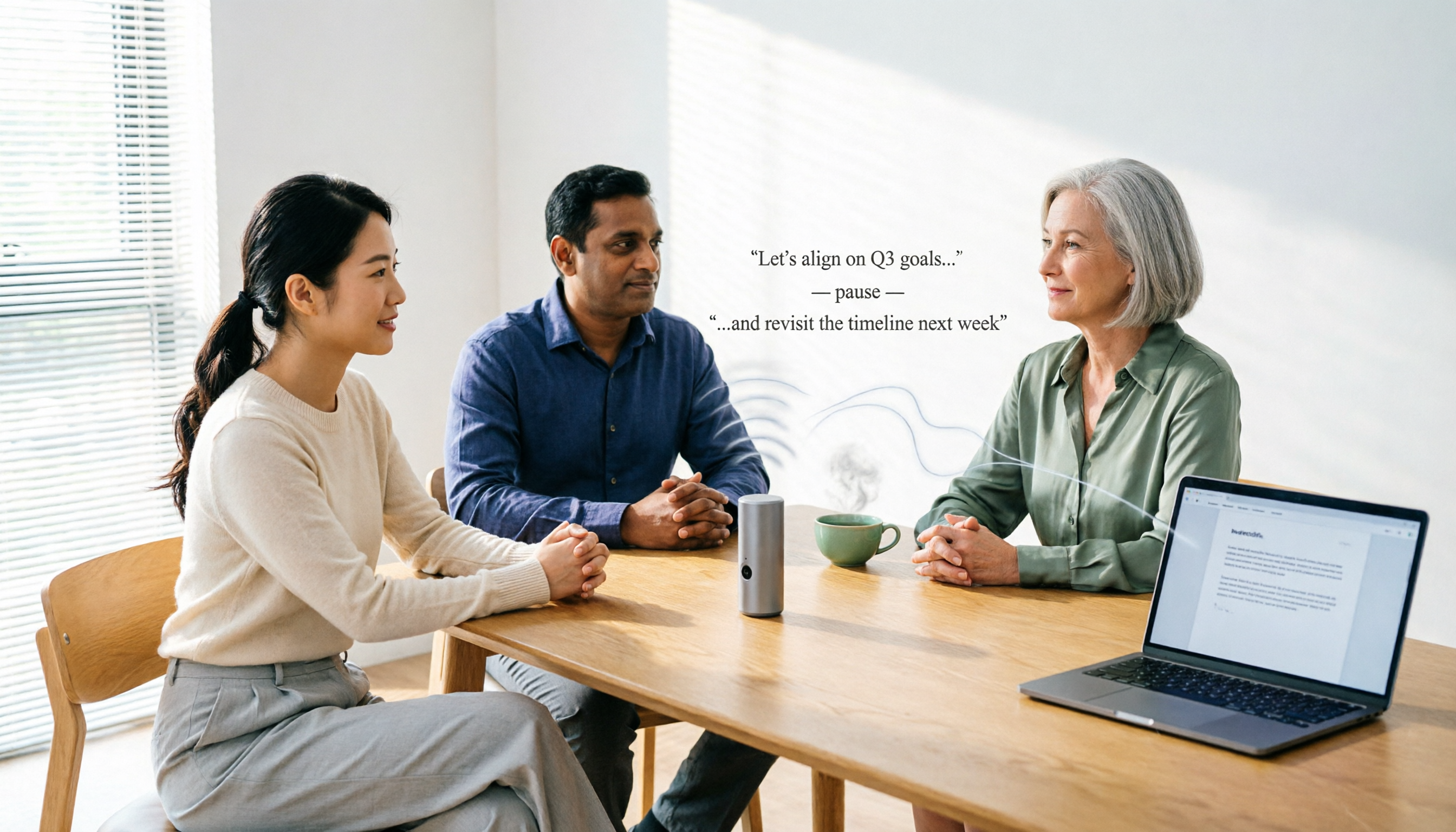
Before you search "how many words per minute at normal speaking pace," understand why online numbers range from 100 to 360 words. This article compiles normal speaking pace ranges for Chinese and English and how they translate to meeting transcript length, then compares Tinrec, Otter.ai, Notta, and TurboScribe on speaking-pace tolerance, post-meeting organization, free tiers, and team collaboration to help you choose the right tool.