
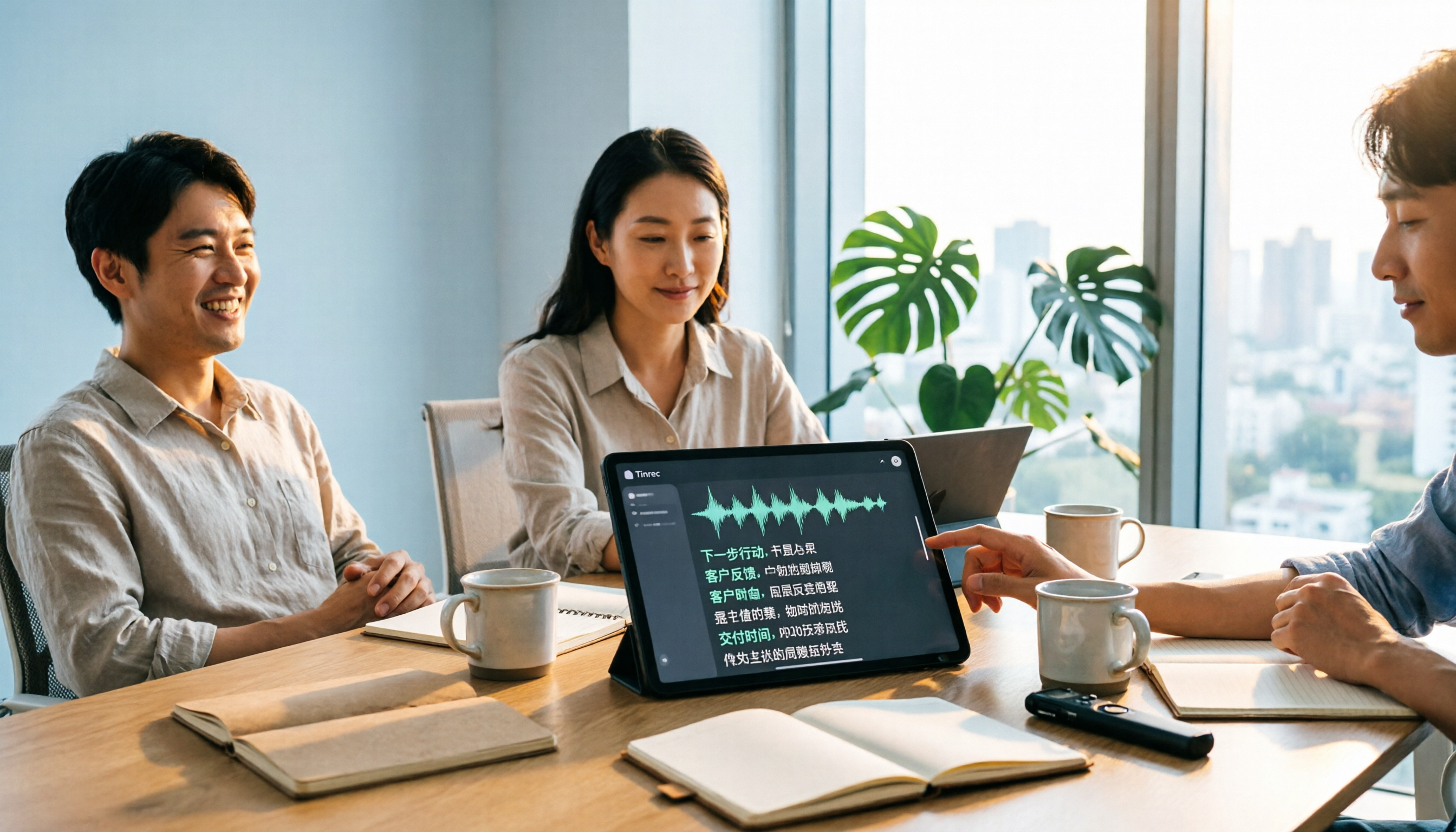
Turn recordings into transcripts and summaries in minutes
Upload audio or video for multilingual transcription, AI notes, and action items
Tinrec vs Notta 2026: 5-Dimension Comparison for Chinese Audio-to-Text Transcription
It's 6:30 PM, the meeting just ended, and your boss says, "I need the meeting minutes by tomorrow morning." You're left with a two-hour recording, listening sentence by sentence and typing it all out. What really keeps you working until 8 PM isn't the meeting itself—it's the post-meeting transcription. Audio-to-text transcription tools (speech-to-text, voice-to-text) are designed to eliminate this step: turning recordings of meetings, interviews, and lectures directly into searchable, organized text. But the gap between tools is bigger than you might think. This article compares Tinrec and Notta across 5 practical dimensions and explains how Tinrec works for Chinese meetings and post-meeting organization.
What Can Audio-to-Text Transcription Do for You?
Scenario 1: Get meeting minutes within 5 minutes after a meeting
A two-hour meeting used to take another hour to organize. Take Tinrec as an example: the desktop version directly captures your computer's system audio, so when recording online meetings on Zoom, Google Meet, Microsoft Teams, Webex, etc., no extra meeting bot needs to join. It generates a live transcript during the meeting and automatically organizes summaries, chapters, and action items afterward—who's responsible for what and by when, all listed out.
Scenario 2: Interviews and transcripts
Upload existing audio or video files, and Tinrec converts them into transcripts with summaries and key points. Transcripts are searchable and reviewable, so you don't have to re-listen to the entire recording when writing articles or research reports.
Scenario 3: Cross-language meetings
Tinrec supports real-time translation. During recording, you can switch between original text, translation, or bilingual view. Meetings with mixed Chinese and English can also be organized in the same document.
Scenario 4: Turn scattered recordings into a searchable team database
Meeting recordings often end up scattered on personal phones and chat rooms, making them hard to find when someone else takes over. Tinrec's team version stores meeting data centrally in a team space. New members can view past meetings and use AI Q&A to ask questions like "What was the budget the client mentioned last time?"
What Are the Core Capabilities of Audio-to-Text Transcription Tools?
Real-time transcription: Text appears as you record, not after. Tinrec generates text synchronously during recording, so you can check for missed key points while the meeting is ongoing.
Bot-free meeting recording: Tinrec's desktop version captures system audio, so no "Tinrec bot" participant appears in the meeting. Note that this doesn't mean it automatically joins all meetings on your calendar—the user must actively start recording.
AI summaries, chapters, and action items: After transcription, you don't just get a long text dump. Tinrec organizes meeting topics, discussion conclusions, action items, and owners. Long meetings are broken into browsable chapters.
AI conversational queries: After transcription, you can ask Tinrec questions directly, such as "Who mentioned the budget in the meeting?" or "What was the client's feedback?" It answers based on semantic understanding and can query across multiple meetings.
Translation and team glossary: Supports multilingual meeting transcription and real-time translation. The team version lets you maintain team-specific terminology to improve recognition of professional vocabulary.
Export and post-processing: Tinrec can export results to Notion, Google Docs, OneNote, Dropbox, etc., and use Agent to further generate reports, tables, and documents for direct delivery.
Practical Use Cases
Project weekly meetings and decision meetings: The biggest fear in regular progress meetings is "What did we say last time?" Use Tinrec to transcribe live, and summaries and action items are generated automatically. Before the next meeting, ask AI about the previous decisions and get up to speed in five minutes.
Customer interviews and sales follow-ups: Customer needs, concerns, and commitments are often hidden in conversation details. Tinrec turns the entire conversation into searchable text, then uses AI Q&A to extract key quotes, which can be exported as visit records or proposal materials.
Classes, lectures, and internal training: Reviewing a two-hour course is painful. Tinrec generates chapters and summaries, paired with transcript search, effectively creating a searchable notebook for the course.
Stop organizing recordings by hand
Upload audio or video and automatically get a transcript, summary, and action items
Content creation and knowledge retention: Podcasts, video scripts, and interview materials can all be transcribed first and then edited. The team version keeps this data in the team space, so it doesn't leave with departing members.
5 Things to Consider When Choosing an Audio-to-Text Transcription Tool
1. Chinese and mixed Chinese-English recognition performance
Don't just look at official accuracy claims. Actual performance is affected by recording quality, noise, accents, overlapping speakers, and technical terminology. Test with your own most common meeting recordings. Tinrec covers Chinese, Traditional Chinese, and multilingual meetings, and supports team glossaries, making it suitable for Chinese-dominant teams.
2. How meetings are recorded
Some tools rely on a meeting bot joining as a participant; others rely on user file uploads. Tinrec uses desktop system audio capture, adding no extra participants. For example, Notta also offers multi-platform transcription, meeting notes, file import, and translation. Official pricing: Free plan 120 minutes/month (max 3 minutes per session), Pro annual billing about USD 8.17/month (1,800 minutes/month), Business annual billing about USD 16.67/seat/month. Actual details are subject to the official pricing page. When choosing, look at whether the "recording acquisition method" fits your meeting style, not just comparing minutes.
3. What you can do after transcription
Transcription is just the first step. After transcription, Tinrec can generate summaries, chapters, and action items, support AI Q&A, translation, and multi-format export, and use Agent to produce reports, tables, and documents, so meeting results flow directly into the next workflow.
4. Team collaboration and governance
For the team version, understand the difference between "roles" and "seats": roles determine who can manage members, audit, and team settings; seats determine whether one can record, upload, edit, import/export. In Tinrec's team version, active members without a seat can still view, play, and read team data; only after obtaining a seat can they perform resource usage operations. Currently, it's mainly team-level sharing, not file-level granular permissions. There are also usage analytics, audit logs, and an audio recycle bin.
5. Quotas, pricing, and data retention
Tinrec's personal version has a free plan, weekly pass, Pro monthly, and Pro annual, allowing you to choose based on usage frequency. The team version is currently USD 29.80/paid seat/month, or USD 199/paid seat/year (about USD 16.58/month) with annual billing. Each paid seat provides 2,000 minutes of team shared import quota per month. Under an active team plan and active seat, real-time recording currently does not deduct minutes; file and web imports use the team shared quota. The first eligible team trial is 7 days, 1 free seat, 300 minutes shared import quota. Prices and benefits are subject to the official purchase page. For data, there is an audio recycle bin to restore accidentally deleted audio before permanent cleanup.
Frequently Asked Questions
Q1: How accurate is audio-to-text transcription?
Performance is usually best with clear recordings and a single speaker; noise, accents, overlapping speakers, and technical terminology all affect results. It's recommended to test with your own meeting recordings first, and verify important content against the transcript and recording.
Q2: Do I need to add a meeting bot to the meeting?
With Tinrec, no. The desktop version directly captures system audio, so no extra participant appears. However, it doesn't automatically join all calendar meetings; the user must actively start recording.
Q3: Which meeting platforms and file formats are supported?
Tinrec can handle audio from Zoom, Google Meet, Microsoft Teams, Webex, etc., played on your computer. This does not imply official partnerships with these platforms. For files, you can upload audio and video for transcription.
Q4: What's the difference between the team version and personal version?
In the personal version, data is managed by the individual account. The team version is a separate team space where data belongs to the team, with additional capabilities like members, roles, seats, shared benefits, usage analytics, audit logs, and recycle bin. When a member leaves, is removed, or loses their seat, their team resources must be handed over to other active members.
Q5: Can deleted meeting recordings be recovered?
After team audio enters the recycle bin, it can be restored before permanent cleanup begins. The current retention period is 30 days. Action items are not covered by the team recycle bin.
Q6: Do I need consent to record?
Yes. Recording and transcription involve local regulations and participant rights. Please confirm relevant regulations and obtain necessary consent before use.
Conclusion
What audio-to-text transcription really saves is the post-meeting time spent re-listening and typing. If your daily work involves Chinese meetings, you don't want a bot joining meetings, and you need to produce summaries, action items, and transferable team data afterward, Tinrec offers a relatively complete combination across these dimensions. If your needs lean toward automating large volumes of English meetings or batch file transcription, there are tools with their own strengths. When choosing, base your decision on your own recording tests. Tinrec's personal version lets you start with the free quota to confirm that the Chinese meeting recognition quality and post-meeting organization process fit your work habits before deciding on long-term use.
References
- Speech to Text - Google Play App
- Speech-to-Text AI: Speech Recognition and Transcription
- SoundType AI Ultra-Accurate Transcripts, Speech to Text, AI Dictation - Google Play App
- Audio to Text Converter | Free Online Recording to Transcript | Proactor AI
- Online AI Speech, Video, Audio Auto Transcription - Free Trial - cSubtitle
Turn every recording into actionable outcomes
Get 60 free transcription minutes when you sign in. No credit card required.
Related Reading
You might also like

Tinrec vs Notta 2026: 5-Dimension Comparison for Chinese Meeting Minutes
Starting from the common mistake of recording lectures all semester but never listening again, this article tests Tinrec and Notta across 5 key dimensions. It explains differences in no-bot recording, AI Q&A, summary to-dos, and team spaces, and provides a guide to avoid pitfalls and choose the right tool to help you find a recording-to-meeting-minutes tool you'll actually use.

Tinrec vs Sogou Voice-to-Text in 2026: 5-Dimension Comparison — Which Is Better for Meeting Notes?
Is Sogou's web-based voice-to-text tool any good? This article compares Tinrec (Miao Ting Lu Yin) with Sogou Tingxie and the Sogou C1 series recorder across five dimensions: Chinese recognition, online meeting recording, post-meeting AI organization, cross-device use, and team collaboration. It also includes a pitfalls guide and practical selection advice.
4 Computer Video-to-Text Tools Tested in 2026: Which Saves More Time with Free Tiers and AI Organization?
A senior student's hands-on comparison of 4 computer video-to-text tools, covering Chinese recognition, free tiers, AI summaries and Q&A, and cross-platform export. Explains why Tinrec is the top choice for organizing course videos and group discussions, and who TurboScribe, Notta, and Granola are best suited for.

4 Huawei Phone Audio-to-Text Tools Tested: Which One Saves the Most Time on Chinese Transcripts in 2026?
How do you convert Huawei phone recordings to text? We tested 4 options: the built-in recorder, Tinrec, Notta, and Otter, comparing Chinese recognition, meeting recording, AI summaries, and team collaboration. We also cover selection criteria and pitfalls to help you find the most time-saving Chinese transcription tool.

3 vivo Meeting Transcription Tools Tested in 2026: Built-in AI Subtitles vs. Tinrec
Can vivo's built-in AI subtitles and Notes app really serve as a meeting transcription tool? This article compares vivo's built-in approach, third-party call recording apps, and Tinrec, covering Tinrec's real-time transcription, bot-free online meeting recording, AI summaries and action items, AI Q&A, multi-format export, and team workspace capabilities. It also includes 5 key considerations for buying and FAQs to help you decide which approach saves the most time.

2026 Comparison of 3 Xiaomi Audio-to-Text Solutions: Built-in AI Recorder vs. Third-Party Apps—Which Saves More Time on Meeting Minutes?
Your Xiaomi phone's built-in recorder can transcribe audio, so why look for other tools? This article addresses common misconceptions and compares Xiaomi's built-in AI Recorder, Otter.ai, Notta, and Tinrec. It covers 4 key factors for choosing a Xiaomi audio-to-text solution, 3 common pitfalls, and recommendations for different scenarios.

5 Audio-to-Text Tools Tested and Compared in 2026: How to Choose Based on Free Quotas, Chinese Recognition, and Team Collaboration
Audio-to-text is not just about turning sound into words. This article starts with common misconceptions, then covers the core capabilities of audio transcription tools, practical use cases, and 6 key considerations for choosing one. Using Tinrec as an example, it explains real-time transcription, bot-free online meeting recording, AI summaries and action items, team spaces, and seat management—helping you decide whether a free version is enough and whether a team plan is worth it.
Best Podcast Summary Tools in 2026: AI Auto-Summaries + Transcript Q&A
This guide breaks down how to choose a podcast summary tool: from importing existing audio files, summary structure, AI Q&A, Chinese language support, to free usage limits—5 key points at a glance. It also tests Tinrec (秒聽錄音) to show how to turn long episodes into searchable transcripts, summaries, and key Q&A, and offers clear recommendations for different needs.
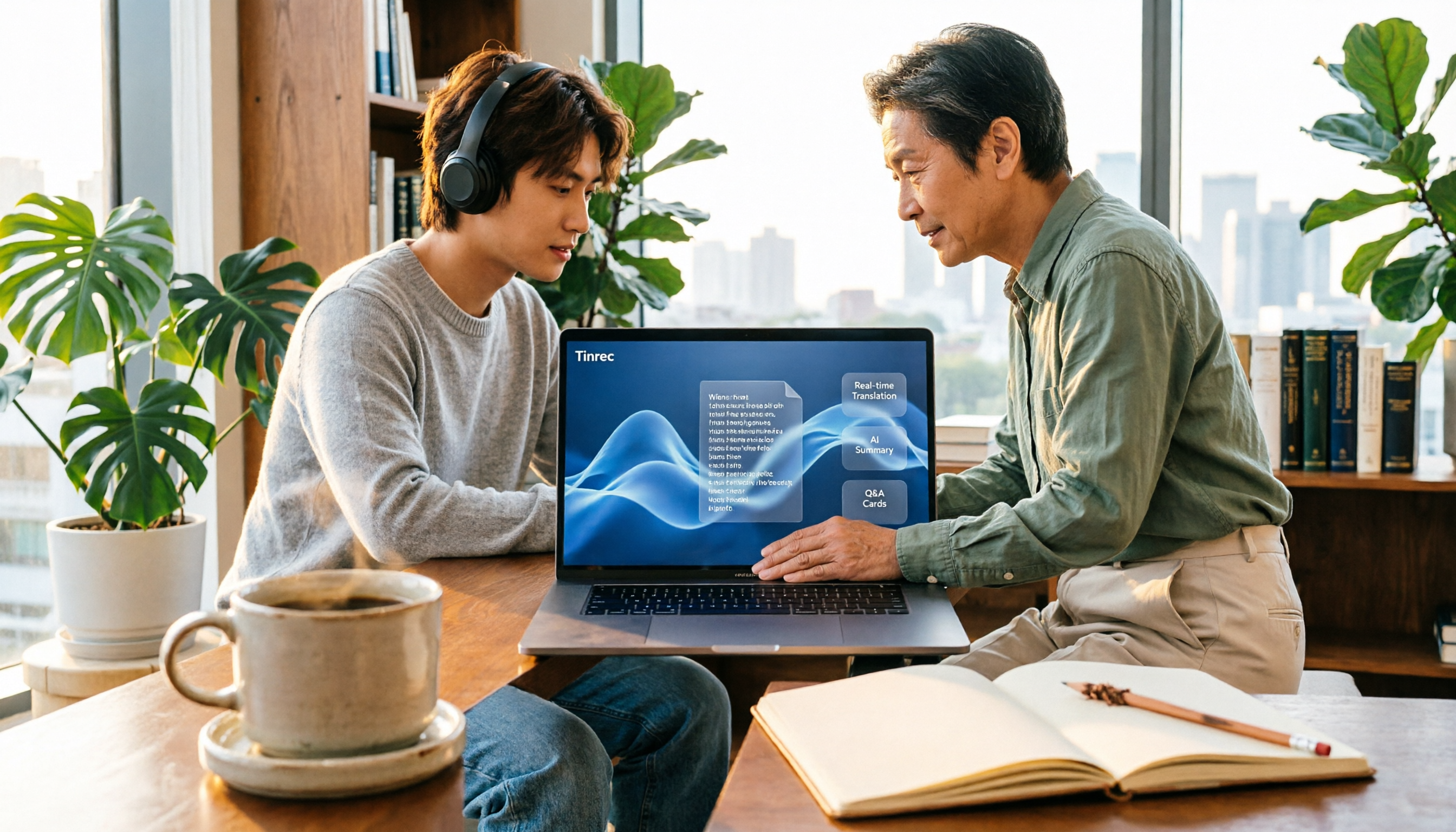
5 Best English Audio-to-Text Transcription Tools in 2026: Accuracy and Efficiency Compared
How do you choose the right tool to transcribe English listening recordings, and is it worth paying? This article walks through a real-world workflow using Tinrec for audio transcription, live translation, AI summaries, and Q&A, plus 5 key buying considerations and FAQs.