

Turn recordings into transcripts and summaries in minutes
Upload audio or video for multilingual transcription, AI notes, and action items
Tinrec vs Sogou Voice-to-Text in 2026: 5-Dimension Comparison — Which Is Better for Meeting Notes?
If you're searching for "Sogou voice-to-text web version," what you really want to confirm usually isn't whether it has that feature, but rather: "What I normally need to handle is online meetings, interviews, or quick notes? Should I use a web-based tool, or just buy a voice recorder?"
There's no absolute right or wrong between these two paths; the difference lies in whether you pay with "device cost" or "organizing time." Below, we compare Tinrec (Miao Ting Lu Yin) and Sogou's voice-to-text solutions across five dimensions.
Two-Hour Meeting, Two-Hour Cleanup — What You Lack Isn't a Tool, It's the Right Approach
The weekly meeting ends, your manager asks, "Who was responsible for that budget last time?" You flip through the transcript for thirty minutes and still can't find that sentence. This is the first common scenario.
The second scenario is language: Chinese flows smoothly, but as soon as English proper nouns come up, the whole section goes wrong, and you have to manually fix it afterward.
The third scenario is handover: recordings are stored on your own phone, and colleagues who need past meeting records can only ask you; when you leave, the data disappears with you.
The common thread in these problems is that turning sound into text actually only solves one-third of the issue. What really takes time is finding key points, organizing them into something others can understand, and keeping data in the team's hands.
How to Choose a Voice-to-Text Tool? Understand These 5 Key Points First
1. Accuracy depends on conditions, not marketing numbers. Officially stated accuracy rates are usually measured in quiet environments, single language, and single speaker. Real meetings have air conditioning noise, keyboard sounds, multiple people talking over each other, and mixed Chinese-English, so actual performance is affected by these factors. The key is to test with your own recordings.
2. Are you recording in-person or online meetings? In-person interviews rely on microphones; online meetings depend on whether the tool "sends a bot into the meeting room" or "directly captures computer system audio." The approach that doesn't introduce an extra participant usually disrupts the meeting flow less.
3. After recording, can you directly ask AI? Transcripts only allow Ctrl+F. If the tool supports natural language queries like "What was the conclusion of this meeting?" you save not just typing time but the entire review time.
4. Is the web version enough? Many people search for "web version" because they don't want to be tied to a specific device. Record on phone, organize on computer, and open on a borrowed computer — this cross-device flexibility is more practical than any single platform's strength.
5. Is it for personal use or team sharing? Personal account data belongs to the individual; teams need independent spaces, member lists, and usage quota management. This is the most overlooked factor in selection but the hardest to fix later.
Tinrec (Miao Ting Lu Yin) — The Most Hassle-Free One We've Tried
Tinrec (Miao Ting Lu Yin) is an AI meeting notes and collaboration tool for individuals and teams, supporting iOS, Android, and web. Its core is turning meetings from "audio files" into "searchable, queryable, deliverable" data.
No bot needed for online meetings. When using the desktop version for meetings, Tinrec directly captures the computer's system audio, handling meetings played on Zoom, Google Meet, Microsoft Teams, and Webex on the computer without needing an extra bot account to join the meeting room. For participants, the meeting is just a normal meeting.
The real value is after recording. After the meeting, Tinrec automatically generates transcripts, summaries, chapters, and action items; for cross-language meetings, you can view in original, translated, or bilingual side-by-side format. Even better is AI Q&A — you can directly ask "Who mentioned the budget in the last meeting?" or "What concerns did the client have about delivery?" It searches the meeting content for answers instead of giving you a string of keywords. Integrating "recording, Q&A, and document generation" into one workflow is currently its biggest difference from pure transcription tools.
Results can be taken directly. Besides transcripts and summaries, Tinrec can export results to Notion, Google Docs, OneNote, Dropbox, and other tools, and further generate reports, tables, and meeting minutes documents. For those who need to submit weekly reports or organize client interviews, this step saves the most noticeable time.
Stop organizing recordings by hand
Upload audio or video and automatically get a transcript, summary, and action items
Honestly, it's not without limitations. The free version provides basic quota; if you handle large amounts of recordings daily, you'll need a paid plan. The official team version pricing is USD 29.80 per paid seat per month, or USD 199 per paid seat annually (about USD 16.58 per month). Eligible teams get a 7-day trial, 1 free seat, and 300 minutes of shared team onboarding quota. Actual prices and benefits are subject to the official purchase page.
Also note that the team version currently focuses on "team-level sharing": all active members can view, play, and read team data, but only members with seats can record, upload, edit, and export. It manages governance and usage eligibility through roles and seats, not fine-grained file-level permissions.
Who is it for? If you mainly have Chinese meetings, often hold online meetings without wanting to invite a bot, want to use AI to find key points directly after recording, or need to keep meeting data in the team rather than on personal phones, Tinrec is a more suitable choice in this comparison.
Besides Tinrec, What Other Options Are There?
Sogou Tingxie / Sogou Recorder C1 Series: Sogou Tingxie is Sogou's voice-to-text service, offering voice-to-text, user dictionary transcription, and voice translation. The hardware C1 and C1 Pro recorders are cost-effective. According to review data, under conditions of Chinese, close distance, and clear sound source, Sogou recorders perform well in transcription efficiency and Chinese recognition; however, with mixed Chinese-English, English accuracy drops. Another practical difference is that C1 uses "record first, transcribe later," requiring Bluetooth transfer of recordings to the phone app for transcription, so long recordings mean long transfer waits. If you only need occasional close-range Chinese conversations, this path is lower cost; but for direct online meeting recording, post-meeting AI queries, and keeping data in team spaces, this is currently harder for Sogou solutions to address.
iFlytek Recorder SR701/SR702: These products excel in hardware audio capture, with matrix microphone configurations performing well in multi-person meetings and mixed Chinese-English professional scenarios. The Spark version also offers full-text summaries and speaker summaries. Their limitations are clear: you must carry the device and later connect to a computer via cable to extract text files. Tinrec takes a different path — no extra hardware, works via web version, and meeting data is centrally stored in team spaces for handover. If audio quality is your only concern, hardware solutions still have their place.
Pitfalls Guide: 4 Most Common Mistakes When Choosing Voice-to-Text Tools
Pitfall 1: Only looking at official accuracy rates. That number usually comes from quiet environment tests. Test directly with your own meeting recordings, especially the mixed Chinese-English, multiple-people-talking-over-each-other parts, and the difference becomes immediately apparent.
Pitfall 2: Ignoring mixed Chinese-English needs. Good Chinese recognition doesn't mean English is also handled. If you often say product names, technical terms, or English abbreviations in meetings, be sure to include "mixed language" in your testing.
Pitfall 3: Thinking a transcript equals organization. A transcript is just raw material. What really saves time is summaries, action items, and queryable AI; if a tool only gives you a large block of text, you still have to read it all yourself.
Pitfall 4: Using personal accounts for team sharing. This is the most common and most expensive mistake. Data tied to personal accounts can break meeting records when members leave, change devices, or switch departments. If you have team sharing needs, choose a solution with independent team spaces, roles, and seat management from the start.
Conclusion: Which One Should You Choose?
To sum up in one sentence: If your meetings are mainly in Chinese and you want to use the content directly after recording, Tinrec is the smoothest choice in this comparison.
- Mainly Chinese meetings, want to ask AI for key points after the meeting → Tinrec (AI Q&A and action item extraction are the main differences)
- Often use Zoom, Meet, Teams, don't want to invite a bot → Tinrec desktop version (system audio capture)
- Record on phone, organize on computer, need web version for cross-device work → Tinrec
- Team needs to share meeting data, manage members and usage → Tinrec team version (space, seats, usage, and audit)
- Budget priority, only occasional close-range Chinese recording, or need extremely strong microphone hardware → Consider Sogou recorder or iFlytek products
We suggest starting with Tinrec's free version, recording one of your own real meetings, and seeing if the transcript, summary, and AI Q&A are helpful to you before deciding whether to upgrade. Paying first and then exploring is usually the least cost-effective order.
References
- Sogou AI Smart Recorder Taiwan Company Goods Traditional Chinese Version Voice-to-Text SOGOU ...
- Sogou C1 Recording Translation Pen Introduction Video - YouTube
- [2024 Update] Voice-to-Text Recorder Big Comparison
- Sogou Recorder C1 Pro Taiwan Unboxing Complete App Login and Service Fee Explanation - Bargain Hunter Recommendation
- Sogou Tingxie - Sogou Recording Assistant, Voice-to-Text, User Dictionary Transcription, Voice Translation ...
Turn every recording into actionable outcomes
Get 60 free transcription minutes when you sign in. No credit card required.
Related Reading
You might also like

Tinrec vs Notta 2026: 5-Dimension Comparison for Chinese Meeting Minutes
Starting from the common mistake of recording lectures all semester but never listening again, this article tests Tinrec and Notta across 5 key dimensions. It explains differences in no-bot recording, AI Q&A, summary to-dos, and team spaces, and provides a guide to avoid pitfalls and choose the right tool to help you find a recording-to-meeting-minutes tool you'll actually use.

4 Computer Video-to-Text Tools Tested in 2026: Which Saves More Time with Free Tiers and AI Organization?
A senior student's hands-on comparison of 4 computer video-to-text tools, covering Chinese recognition, free tiers, AI summaries and Q&A, and cross-platform export. Explains why Tinrec is the top choice for organizing course videos and group discussions, and who TurboScribe, Notta, and Granola are best suited for.

4 Huawei Phone Audio-to-Text Tools Tested: Which One Saves the Most Time on Chinese Transcripts in 2026?
How do you convert Huawei phone recordings to text? We tested 4 options: the built-in recorder, Tinrec, Notta, and Otter, comparing Chinese recognition, meeting recording, AI summaries, and team collaboration. We also cover selection criteria and pitfalls to help you find the most time-saving Chinese transcription tool.

3 vivo Meeting Transcription Tools Tested in 2026: Built-in AI Subtitles vs. Tinrec
Can vivo's built-in AI subtitles and Notes app really serve as a meeting transcription tool? This article compares vivo's built-in approach, third-party call recording apps, and Tinrec, covering Tinrec's real-time transcription, bot-free online meeting recording, AI summaries and action items, AI Q&A, multi-format export, and team workspace capabilities. It also includes 5 key considerations for buying and FAQs to help you decide which approach saves the most time.

2026 Comparison of 3 Xiaomi Audio-to-Text Solutions: Built-in AI Recorder vs. Third-Party Apps—Which Saves More Time on Meeting Minutes?
Your Xiaomi phone's built-in recorder can transcribe audio, so why look for other tools? This article addresses common misconceptions and compares Xiaomi's built-in AI Recorder, Otter.ai, Notta, and Tinrec. It covers 4 key factors for choosing a Xiaomi audio-to-text solution, 3 common pitfalls, and recommendations for different scenarios.

5 Audio-to-Text Tools Tested and Compared in 2026: How to Choose Based on Free Quotas, Chinese Recognition, and Team Collaboration
Audio-to-text is not just about turning sound into words. This article starts with common misconceptions, then covers the core capabilities of audio transcription tools, practical use cases, and 6 key considerations for choosing one. Using Tinrec as an example, it explains real-time transcription, bot-free online meeting recording, AI summaries and action items, team spaces, and seat management—helping you decide whether a free version is enough and whether a team plan is worth it.
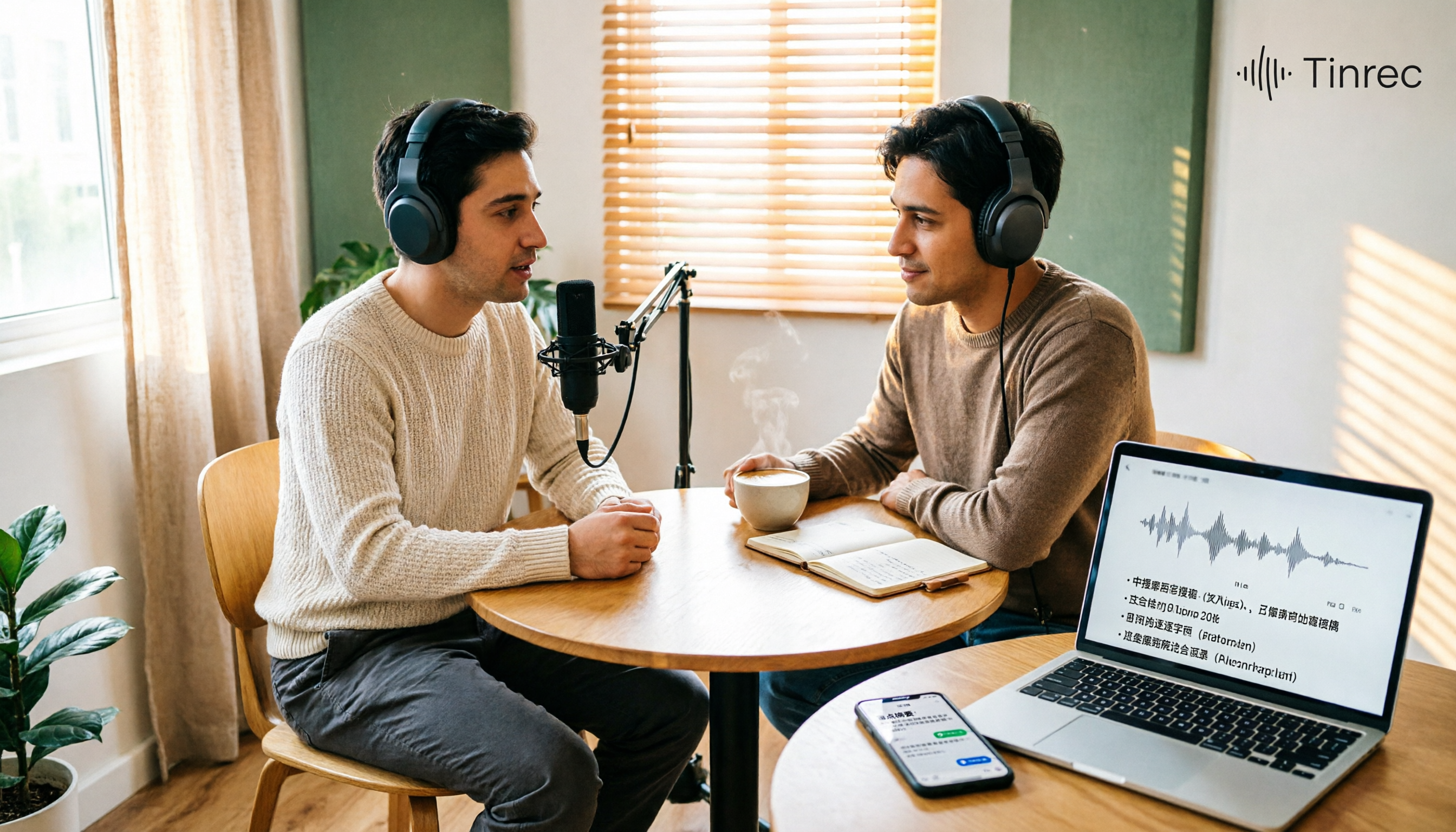
Best Podcast Summary Tools in 2026: AI Auto-Summaries + Transcript Q&A
This guide breaks down how to choose a podcast summary tool: from importing existing audio files, summary structure, AI Q&A, Chinese language support, to free usage limits—5 key points at a glance. It also tests Tinrec (秒聽錄音) to show how to turn long episodes into searchable transcripts, summaries, and key Q&A, and offers clear recommendations for different needs.
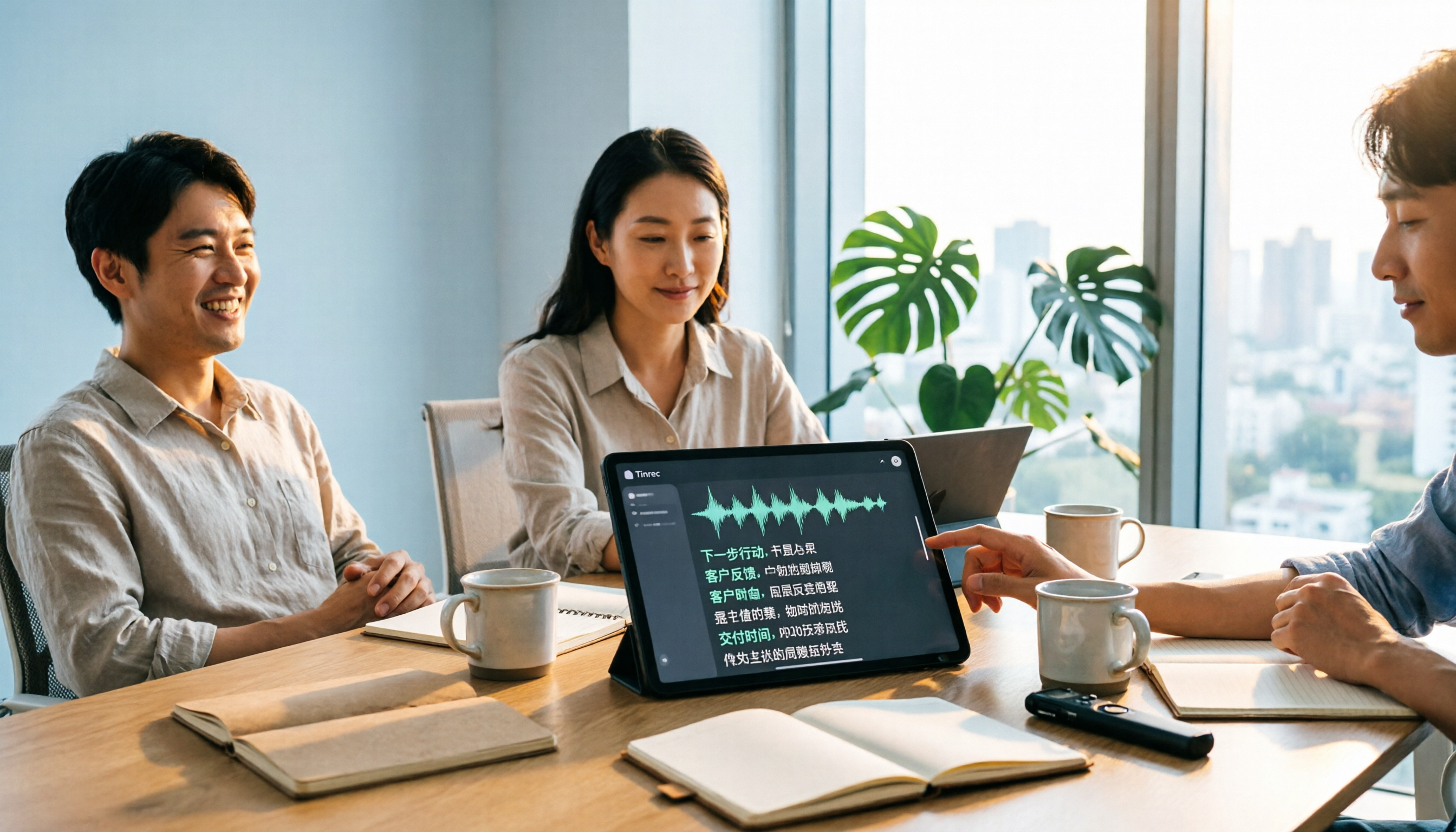
Tinrec vs Notta 2026: 5-Dimension Comparison for Chinese Audio-to-Text Transcription
Re-listening to meeting recordings and typing transcripts by hand is a common cause of overtime. This article breaks down what audio-to-text transcription tools can do, their core capabilities, and compares Tinrec and Notta across 5 practical dimensions to highlight key considerations for Chinese meetings and post-meeting organization.

5 Best English Audio-to-Text Transcription Tools in 2026: Accuracy and Efficiency Compared
How do you choose the right tool to transcribe English listening recordings, and is it worth paying? This article walks through a real-world workflow using Tinrec for audio transcription, live translation, AI summaries, and Q&A, plus 5 key buying considerations and FAQs.