
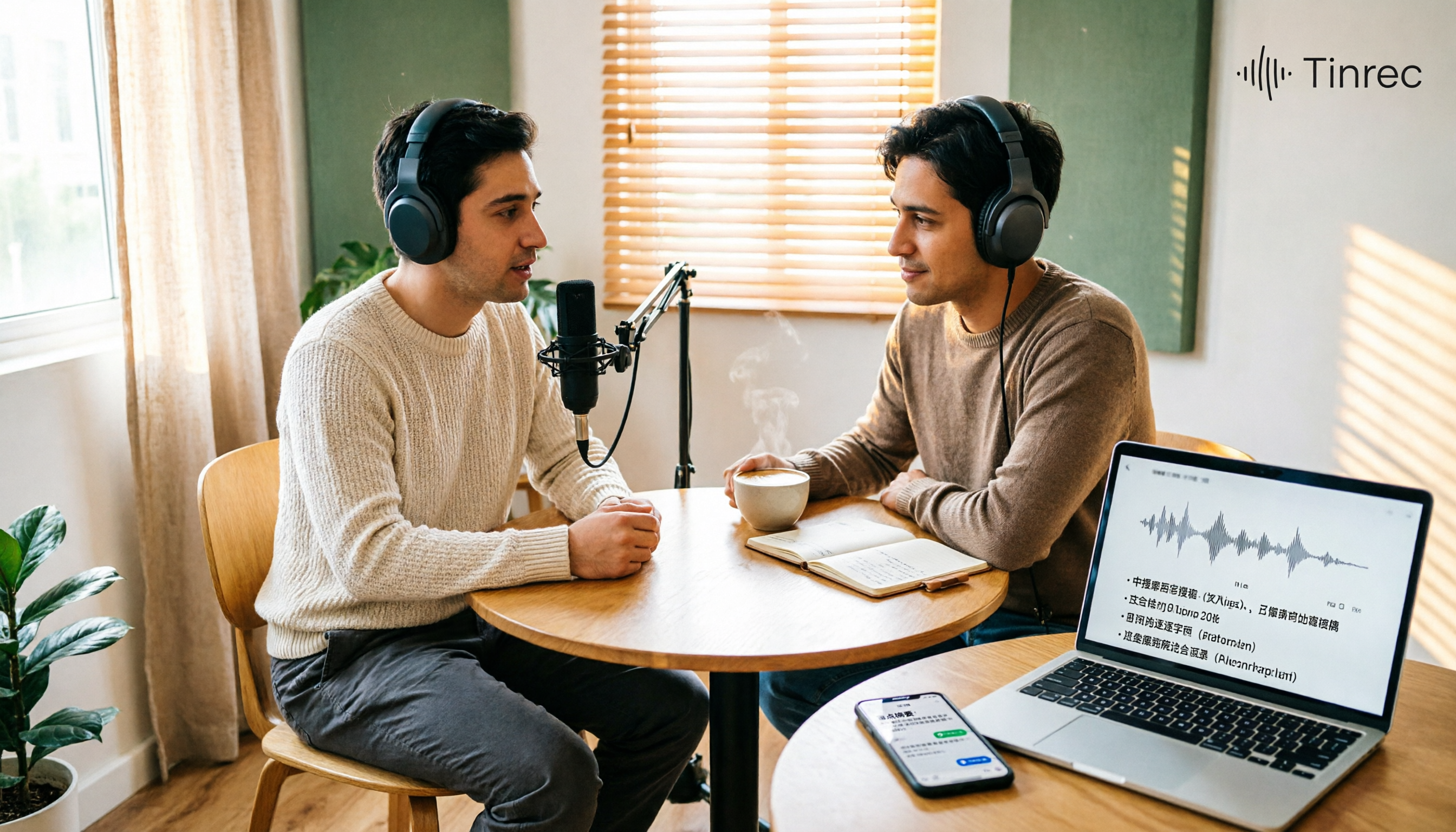
Turn recordings into transcripts and summaries in minutes
Upload audio or video for multilingual transcription, AI notes, and action items
Best Podcast Summary Tools in 2026: AI Auto-Summaries + Transcript Q&A
You finish a podcast episode but can't remember the key points—what you're missing is a method to summarize
Listening to podcasts during your commute is convenient, but when you want to revisit a specific point, you have to re-listen to the entire episode. For those who want to seriously organize takeaways, it's even tougher: a 1 to 3-hour episode, pausing, rewinding, and taking notes while listening, often ends up taking 3 to 5 hours.
The problem usually isn't that you're not paying enough attention—it's that you're using the wrong method. Audio content is inherently hard to search and hard to review. If you rely only on the player's progress bar, you won't retain much no matter how much you listen. This article is about how to turn podcasts into text data that you can search, query, and reuse.
Before choosing a podcast summary tool, understand these 5 key points
1. Does it accept the files you have? Most podcasts are pre-recorded audio files, so whether you can directly upload mp3, m4a, or YouTube links is more important than anything. If a tool only handles live meetings, it's almost useless for podcasts.
2. Is the summary structured? A good tool doesn't just dump a wall of text—it breaks it into chapters, key points, conclusions, and even extracts the host's recommendations. The level of structure determines how efficiently you can review.
3. Can you ask follow-up questions about the content? This is the most easily overlooked yet most impactful feature. When you can directly ask "What are the three principles mentioned in this episode?" instead of using Ctrl+F to find keywords, your organizing time will differ by several times.
4. Chinese and multilingual support. Taiwanese listeners often listen to Chinese programs and interviews mixed with Chinese and English. A tool's ability to handle Chinese and mixed languages directly affects whether the transcript is usable.
5. Is the free quota sufficient? Many tools advertise free plans but have strict limits on single-session length or monthly minutes. It's advisable to first confirm whether a 1-hour episode can be processed under the free plan.
Tinrec (秒聽錄音)—our top pick after testing
Tinrec (秒聽錄音) is an AI meeting notes and collaboration tool for individuals and teams. Although primarily designed for meetings, it supports uploading audio and video files for transcription, making it equally handy for organizing podcasts, and it covers iOS, Android, and web versions.
Here's how it works in practice: drop a podcast audio file or video link into Tinrec, and it produces a transcript, then automatically generates a summary and chapters. A two-hour interview gets broken into several clear thematic sections, so you don't need to listen from start to finish—you can first look at the summary to decide whether to dive deeper. For listeners of long episodes, this is like having an extra table of contents.
The second key is AI Q&A. After organizing, you can directly ask Tinrec: "What is the most common advice the guest gave to beginners in this episode?" It answers based on the semantic content, rather than throwing a list of keyword search results. Most transcription tools at the same price point currently lack this feature. When organizing notes or writing reflections, this saves the most noticeable amount of time.
The third is output. Beyond summaries, Tinrec can extract action items, generate mind maps, and supports exporting to Notion, Google Docs, OneNote, Dropbox, and other tools. If you listen to knowledge-based programs and want to turn content into your own note-taking system, this path works.
Our approach was to test with a roughly 20-minute Chinese podcast audio file, focusing on whether the summary could capture the conclusions the host repeatedly emphasized. The results were quite practical in terms of thematic segmentation and key point extraction. Actual transcription performance will still be affected by recording quality, background noise, accents, and multiple people talking over each other—a common limitation of all speech tools. It's not recommended to treat any tool's accuracy as a fixed value.
Stop organizing recordings by hand
Upload audio or video and automatically get a transcript, summary, and action items
Pros:
- Supports uploading existing audio and video files, so pre-recorded content like podcasts can be processed directly, not limited to live recording.
- After transcription, it also provides summaries, chapters, action items, and AI Q&A, extending from "listening" to "using."
- Handles multilingual and mixed Chinese-English content relatively well for Chinese program listeners, and supports real-time translation and bilingual viewing.
Limitations:
The free plan has a monthly minute limit. Heavy users with long, frequent podcasts will need to evaluate paid plans later. But if you only organize one or two episodes per week, it's reasonable to test the waters with the free quota first.
Who it's for:
If you listen to Chinese or mixed Chinese-English knowledge podcasts, want to use AI to find key points right after listening, or want to distill episode content into your own notes, Tinrec is currently the most suitable choice. When teams need to share program research materials, its team space can also centralize this content.
Besides Tinrec, what other options are there?
Granola: Focuses on bot-free AI meeting notes, transcribing in real time and combining with your handwritten notes. But note—it does not support uploading pre-recorded audio files, nor does it save meeting audio. Podcasts are almost always pre-recorded files, which makes it unsuitable for this topic. Tinrec, on the other hand, can directly import existing audio files, making the workflow much more complete.
Otter.ai: A veteran choice for English meetings and English podcasts. Its free plan offers a generous 300 minutes per month, and English transcript quality is stable. However, its support for Chinese content is relatively weak, and its performance on Chinese programs is not as good as Tinrec. If you almost exclusively listen to English programs, Otter.ai remains a cost-effective option. Prices and quotas are subject to the official page.
TurboScribe: A cost-effective file transcription tool, focusing on long files and batch uploads, with very long single-file processing. But its focus is turning audio into text, lacking AI Q&A, action item extraction, and team collaboration features for post-meeting organization. If you only need transcripts, consider it; if you want to ask follow-up questions after listening, use Tinrec.
Pitfall guide: 4 most common mistakes when organizing podcasts
Pitfall 1: Only looking at the word "free." Many tools' free versions limit single-session length or monthly minutes, and a long episode may not finish processing. It's advisable to confirm the actual free plan quota first, so you don't download and then find it unusable.
Pitfall 2: Thinking a transcript is enough. A transcript is just raw material. What really saves time is summaries, chapters, and AI Q&A. Using a tool only as audio-to-text means using only one-third of its capabilities.
Pitfall 3: Ignoring Chinese and multilingual support. Transcribing and sentence segmentation for Chinese programs is different from English. Some tools are strong in English but often segment Chinese incorrectly. When choosing a tool, be sure to test with a program you often listen to.
Pitfall 4: Ignoring cross-platform support. You might listen on your phone but want to organize notes on your computer. If a tool only supports a single platform, moving data back and forth will be painful. Tinrec, for example, has iOS, Android, and web versions simultaneously, making cross-device needs much easier to handle.
Conclusion: Which one should you choose?
In one sentence: For podcast summarization, Tinrec is our top pick after testing, because it accepts existing audio files, has a complete summary structure, and adds AI Q&A rarely seen at the same price point.
- Listen to Chinese or mixed Chinese-English knowledge programs → Tinrec (better Chinese experience, supports file import)
- Want to use AI to find key points and write reflections after listening → Tinrec (AI Q&A is the key differentiator)
- Listen on phone, organize on computer, want cross-device use → Tinrec (iOS + Android + web)
- Only listen to English programs, zero budget → Otter.ai (an exception with generous English free quota)
- Only need transcripts for large, long files → TurboScribe (but no Q&A or post-meeting organization)
We suggest first using Tinrec's free plan on an episode you often listen to, to see if the summary captures what you consider key points. If it works for you, then consider upgrading; there's no need to pay from the start.
References
- r/podcast on Reddit: How to use AI to summarize podcasts?
- Podcasts and Shows - Spotify
- What is a Podcast? Get Started with Podcasts on Your First Listen! - 芝穎老師學苑
- What Podcast Platforms Are There? A Roundup of the Latest 2024 Taiwan Podcast Rankings and Recommendations
- What is a Podcast? How to Listen? Get to Know 15 Popular Programs Domestic and International!
Turn every recording into actionable outcomes
Get 60 free transcription minutes when you sign in. No credit card required.
Related Reading
You might also like

Tinrec vs Notta 2026: 5-Dimension Comparison for Chinese Meeting Minutes
Starting from the common mistake of recording lectures all semester but never listening again, this article tests Tinrec and Notta across 5 key dimensions. It explains differences in no-bot recording, AI Q&A, summary to-dos, and team spaces, and provides a guide to avoid pitfalls and choose the right tool to help you find a recording-to-meeting-minutes tool you'll actually use.

Tinrec vs Sogou Voice-to-Text in 2026: 5-Dimension Comparison — Which Is Better for Meeting Notes?
Is Sogou's web-based voice-to-text tool any good? This article compares Tinrec (Miao Ting Lu Yin) with Sogou Tingxie and the Sogou C1 series recorder across five dimensions: Chinese recognition, online meeting recording, post-meeting AI organization, cross-device use, and team collaboration. It also includes a pitfalls guide and practical selection advice.

4 Computer Video-to-Text Tools Tested in 2026: Which Saves More Time with Free Tiers and AI Organization?
A senior student's hands-on comparison of 4 computer video-to-text tools, covering Chinese recognition, free tiers, AI summaries and Q&A, and cross-platform export. Explains why Tinrec is the top choice for organizing course videos and group discussions, and who TurboScribe, Notta, and Granola are best suited for.

4 Huawei Phone Audio-to-Text Tools Tested: Which One Saves the Most Time on Chinese Transcripts in 2026?
How do you convert Huawei phone recordings to text? We tested 4 options: the built-in recorder, Tinrec, Notta, and Otter, comparing Chinese recognition, meeting recording, AI summaries, and team collaboration. We also cover selection criteria and pitfalls to help you find the most time-saving Chinese transcription tool.

3 vivo Meeting Transcription Tools Tested in 2026: Built-in AI Subtitles vs. Tinrec
Can vivo's built-in AI subtitles and Notes app really serve as a meeting transcription tool? This article compares vivo's built-in approach, third-party call recording apps, and Tinrec, covering Tinrec's real-time transcription, bot-free online meeting recording, AI summaries and action items, AI Q&A, multi-format export, and team workspace capabilities. It also includes 5 key considerations for buying and FAQs to help you decide which approach saves the most time.

2026 Comparison of 3 Xiaomi Audio-to-Text Solutions: Built-in AI Recorder vs. Third-Party Apps—Which Saves More Time on Meeting Minutes?
Your Xiaomi phone's built-in recorder can transcribe audio, so why look for other tools? This article addresses common misconceptions and compares Xiaomi's built-in AI Recorder, Otter.ai, Notta, and Tinrec. It covers 4 key factors for choosing a Xiaomi audio-to-text solution, 3 common pitfalls, and recommendations for different scenarios.

5 Audio-to-Text Tools Tested and Compared in 2026: How to Choose Based on Free Quotas, Chinese Recognition, and Team Collaboration
Audio-to-text is not just about turning sound into words. This article starts with common misconceptions, then covers the core capabilities of audio transcription tools, practical use cases, and 6 key considerations for choosing one. Using Tinrec as an example, it explains real-time transcription, bot-free online meeting recording, AI summaries and action items, team spaces, and seat management—helping you decide whether a free version is enough and whether a team plan is worth it.
Tinrec vs Notta 2026: 5-Dimension Comparison for Chinese Audio-to-Text Transcription
Re-listening to meeting recordings and typing transcripts by hand is a common cause of overtime. This article breaks down what audio-to-text transcription tools can do, their core capabilities, and compares Tinrec and Notta across 5 practical dimensions to highlight key considerations for Chinese meetings and post-meeting organization.

5 Best English Audio-to-Text Transcription Tools in 2026: Accuracy and Efficiency Compared
How do you choose the right tool to transcribe English listening recordings, and is it worth paying? This article walks through a real-world workflow using Tinrec for audio transcription, live translation, AI summaries, and Q&A, plus 5 key buying considerations and FAQs.