

Turn recordings into transcripts and summaries in minutes
Upload audio or video for multilingual transcription, AI notes, and action items
4 Computer Video-to-Text Tools Tested in 2026: Which Saves More Time with Free Tiers and AI Organization?
At the start of the semester, I signed up for a three-credit elective, and the professor posted class videos to the teaching platform every week. At first I thought, "I'll just leave the videos there and watch them before the exam." But when I opened the folder the weekend before midterms—18 videos, each two hours long, over 30 hours total. I started with the first one, and by the third I was already scrolling on my phone.
This isn't laziness; it's the wrong approach. Many people think "computer video to text" just means uploading a file and waiting for the transcript. But the real trap is: if the transcript has no punctuation, no paragraphs, isn't searchable, and can't be queried, you've just swapped "videos you can't finish" for "text you can't finish reading." Worse, some tools have heavy free-tier restrictions—long videos get stuck, or they only handle English well.
So I learned to figure out what I needed first, then pick a tool. This article shares my experience testing 4 computer video-to-text tools this semester, covering free tiers, Chinese recognition, AI organization, and whether students should pay.
Before Choosing a Computer Video-to-Text Tool, Understand These 4 Key Points
1. Chinese recognition depends on real scenarios, not ad numbers Many tools claim "98% accuracy," but that's usually tested in a quiet studio. Real classrooms have air conditioning noise, students turning pages, teachers speaking at varying speeds, and even mixed Chinese and English. I suggest testing with your own class video instead of just trusting the numbers on the website. Tools like Tinrec that emphasize Chinese meeting and course scenarios tend to be more practical under these conditions.
2. Free tiers aren't just about "minutes per month"—check "max length per upload" Some tools offer 120 minutes per month on the free plan, but only 3 minutes per upload—so a two-hour class video won't even go through. For students, the key things to check are: max file length, total monthly allowance, and whether you can import existing video files.
3. AI organization features are the real time-saver A transcript is just raw material. If a tool can automatically generate summaries, chapters, and to-dos, and let you ask AI questions like "When did the professor say the report is due?" your review time will be cut in half. That's my top priority when choosing a tool.
4. Cross-platform and export matter Today you organize videos on your computer, tomorrow you want to review on your phone; transcripts need to export to Notion, Google Docs, or Word for further use. If a tool locks you into one device, it'll be painful.
Tinrec — The Main Tool I Kept After Testing
Tinrec is an AI meeting notes and collaboration tool for individuals and teams, available on web, desktop, and mobile. This semester I mainly used it to organize "course recordings on my computer" and "group discussion recordings."
The first use case is uploading video files to transcribe. I downloaded the professor's course videos from the teaching platform and imported them directly into Tinrec. It converts the speech into a transcript with punctuation and paragraphs, not just a blob of text. I tested a ~20-minute class recording (with classroom AC noise and mixed Chinese/English), and most sentences were usable directly; only a few technical terms needed manual correction. Actual results depend on recording quality, noise, accents, and overlapping speakers—I want to be clear about that.
The second use case is AI summaries and chapters. After transcribing a two-hour video, Tinrec automatically generates a summary and chapters. I can review the structure first, then decide which parts to rewatch. For exam review, this is much faster than playing from the beginning.
The third use case is AI Q&A. This is the biggest difference from ordinary transcription tools. After the transcript is ready, I can ask directly: "What was the report format the professor mentioned in week three?" It answers based on the content, not just keyword search results. I used this feature to quickly find last week's meeting conclusions before a group discussion.
Stop organizing recordings by hand
Upload audio or video and automatically get a transcript, summary, and action items
Also, the Tinrec desktop app can capture computer system audio without a meeting bot, so it can record and transcribe Zoom, Google Meet, Microsoft Teams, Webex, and other online meetings in real time. If your graduation project is a group effort, the team plan offers a separate team space where meeting recordings, transcripts, and to-dos are stored centrally, and data isn't lost when members leave. But for individual student use, start with the free or personal plan.
Three advantages: First, Chinese video transcription with punctuation and paragraphs is practical—it's not just raw text. Second, AI summaries, chapters, and Q&A make the transcript actually usable, not just saved. Third, it works across web, desktop, and mobile, so you can continue on your phone after organizing on your computer.
Limitations to be honest about: The free plan offers basic quota, good for trying recording, importing, summaries, and transcription. But if you have a lot of videos to organize every week, you may need a paid plan. Also, it doesn't promise a fixed accuracy rate; for classes with multiple speakers talking at once or many technical terms, it's best to use timestamps to replay and verify.
Who is it for? If you, like me, need to turn Chinese course videos, lecture recordings, or group discussion audio into searchable, queryable transcripts, and want to use AI to find key points right after recording—Tinrec is the smoothest choice I've used this semester.
Besides Tinrec, What Other Options Are There?
TurboScribe: A cost-effective file transcription tool focused on long files, batch uploads, subtitles, and translation. Free plan: 3 files per day, max 30 minutes per file; paid plan: up to 10 hours or 5 GB per file, up to 50 files at once (check official pricing page). If you need to process many long videos at once, it has an advantage. But after transcription, it mainly provides text files—no AI chat queries, to-do extraction, or team spaces. The "ask AI to find conclusions right after recording" that Tinrec does, it currently can't.
Notta: A multi-platform transcription tool with high overlap with Tinrec, covering meeting notes, file import, translation, and team plans. Free plan: 120 minutes per month, but max 3 minutes per session (check official pricing page), which is not friendly for two-hour course videos. The bot-free desktop recording and AI Q&A post-processing that Tinrec does are less emphasized in Notta.
Granola: A bot-free AI meeting notes tool that transcribes in real time via desktop system audio and microphone, combined with handwritten notes. Basic plan is free (check official pricing page). But it doesn't support uploading pre-recorded audio files and doesn't save meeting audio. If you need to organize existing course videos on your computer, Granola can't help; Tinrec can import existing videos, keep audio, and export transcripts and summaries.
Pitfall Guide: 3 Most Common Mistakes When Choosing a Video-to-Text Tool
Pitfall 1: Only looking at "free" and not the per-upload length limit. Some tools give plenty of minutes per month on the free plan, but only allow 3 minutes per upload—long videos won't go through. When choosing, check the max file size and format support, not just total minutes.
Pitfall 2: Thinking the transcript is the end. If you only use a transcription tool for "video to text," you're using only a third of its capability. Tinrec's AI summaries, chapters, and Q&A let you directly ask "What's the conclusion of this video?"—much faster than manually flipping through 30 pages of transcript.
Pitfall 3: Expecting 100% accuracy and ignoring recording quality and proofreading. AC noise, multiple people talking over each other, and technical terms all affect recognition. A practical approach: use the transcript to quickly grasp key points, then replay important sections with timestamps to verify.
Conclusion: Which One Should You Choose?
In one sentence: For students organizing Chinese course videos, lecture recordings, and group discussions, Tinrec is my top choice after testing.
- To organize Chinese course videos, lectures, or group discussion recordings → Tinrec (best for Chinese scenarios, AI summaries and Q&A)
- Want to use AI to query key points and find to-dos right after recording → Tinrec (AI Q&A is its core difference)
- Need to use on both phone and computer, and export transcripts for further editing → Tinrec (cross-platform, multi-format export)
- Need to batch transcribe many long files with a very low budget → TurboScribe (exception for long files and batch transcription)
- Only record English meetings, mainly English content → Otter.ai (exception recommendation for English meetings)
I suggest starting with Tinrec's free plan. Take your longest course video and throw it in, and experience asking AI to find key points right after transcription. If the quota isn't enough, consider upgrading—no need to pay from the start.
References
Turn every recording into actionable outcomes
Get 60 free transcription minutes when you sign in. No credit card required.
Related Reading
You might also like

Tinrec vs Notta 2026: 5-Dimension Comparison for Chinese Meeting Minutes
Starting from the common mistake of recording lectures all semester but never listening again, this article tests Tinrec and Notta across 5 key dimensions. It explains differences in no-bot recording, AI Q&A, summary to-dos, and team spaces, and provides a guide to avoid pitfalls and choose the right tool to help you find a recording-to-meeting-minutes tool you'll actually use.

Tinrec vs Sogou Voice-to-Text in 2026: 5-Dimension Comparison — Which Is Better for Meeting Notes?
Is Sogou's web-based voice-to-text tool any good? This article compares Tinrec (Miao Ting Lu Yin) with Sogou Tingxie and the Sogou C1 series recorder across five dimensions: Chinese recognition, online meeting recording, post-meeting AI organization, cross-device use, and team collaboration. It also includes a pitfalls guide and practical selection advice.

4 Huawei Phone Audio-to-Text Tools Tested: Which One Saves the Most Time on Chinese Transcripts in 2026?
How do you convert Huawei phone recordings to text? We tested 4 options: the built-in recorder, Tinrec, Notta, and Otter, comparing Chinese recognition, meeting recording, AI summaries, and team collaboration. We also cover selection criteria and pitfalls to help you find the most time-saving Chinese transcription tool.

3 vivo Meeting Transcription Tools Tested in 2026: Built-in AI Subtitles vs. Tinrec
Can vivo's built-in AI subtitles and Notes app really serve as a meeting transcription tool? This article compares vivo's built-in approach, third-party call recording apps, and Tinrec, covering Tinrec's real-time transcription, bot-free online meeting recording, AI summaries and action items, AI Q&A, multi-format export, and team workspace capabilities. It also includes 5 key considerations for buying and FAQs to help you decide which approach saves the most time.

2026 Comparison of 3 Xiaomi Audio-to-Text Solutions: Built-in AI Recorder vs. Third-Party Apps—Which Saves More Time on Meeting Minutes?
Your Xiaomi phone's built-in recorder can transcribe audio, so why look for other tools? This article addresses common misconceptions and compares Xiaomi's built-in AI Recorder, Otter.ai, Notta, and Tinrec. It covers 4 key factors for choosing a Xiaomi audio-to-text solution, 3 common pitfalls, and recommendations for different scenarios.

5 Audio-to-Text Tools Tested and Compared in 2026: How to Choose Based on Free Quotas, Chinese Recognition, and Team Collaboration
Audio-to-text is not just about turning sound into words. This article starts with common misconceptions, then covers the core capabilities of audio transcription tools, practical use cases, and 6 key considerations for choosing one. Using Tinrec as an example, it explains real-time transcription, bot-free online meeting recording, AI summaries and action items, team spaces, and seat management—helping you decide whether a free version is enough and whether a team plan is worth it.
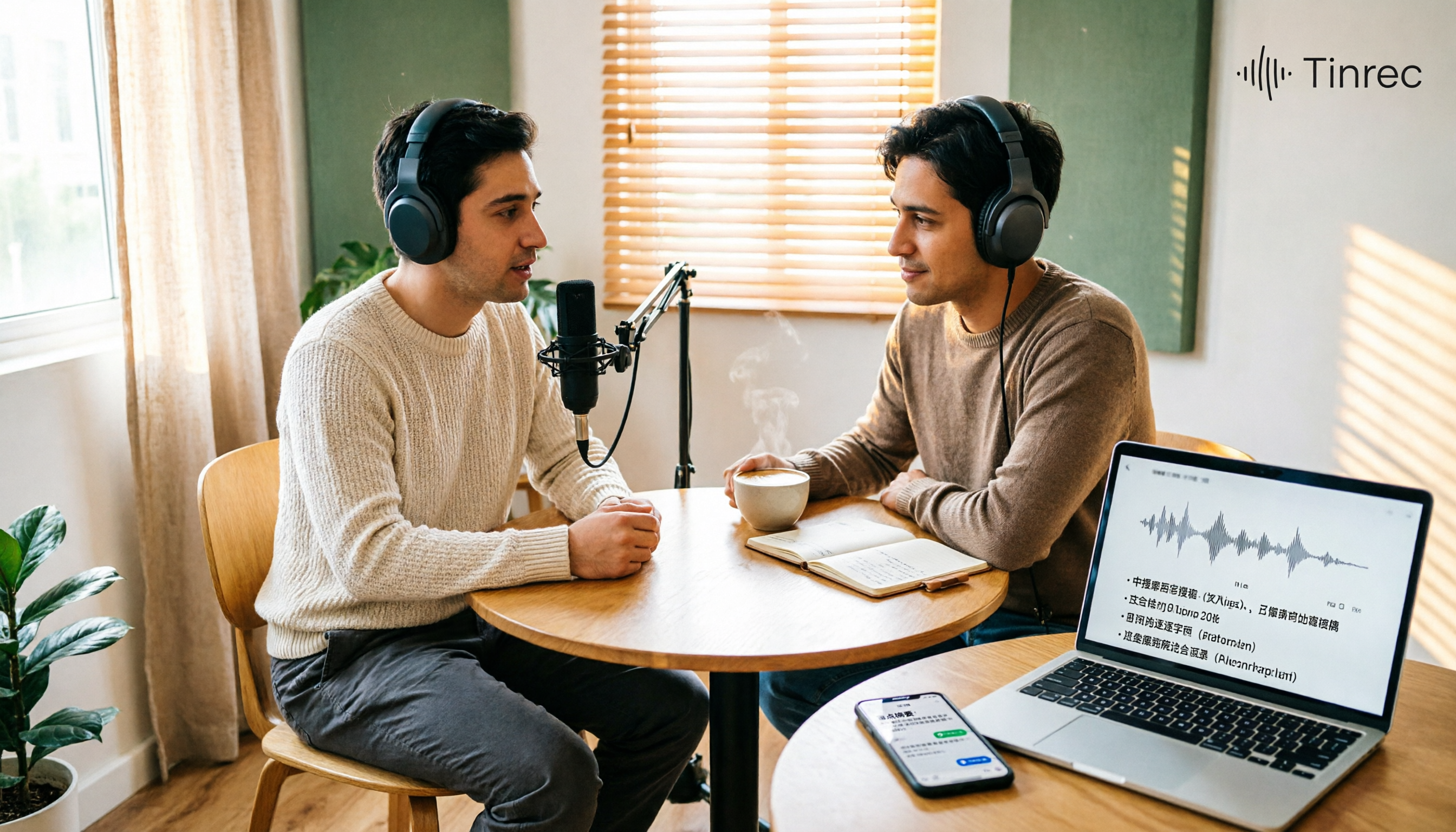
Best Podcast Summary Tools in 2026: AI Auto-Summaries + Transcript Q&A
This guide breaks down how to choose a podcast summary tool: from importing existing audio files, summary structure, AI Q&A, Chinese language support, to free usage limits—5 key points at a glance. It also tests Tinrec (秒聽錄音) to show how to turn long episodes into searchable transcripts, summaries, and key Q&A, and offers clear recommendations for different needs.
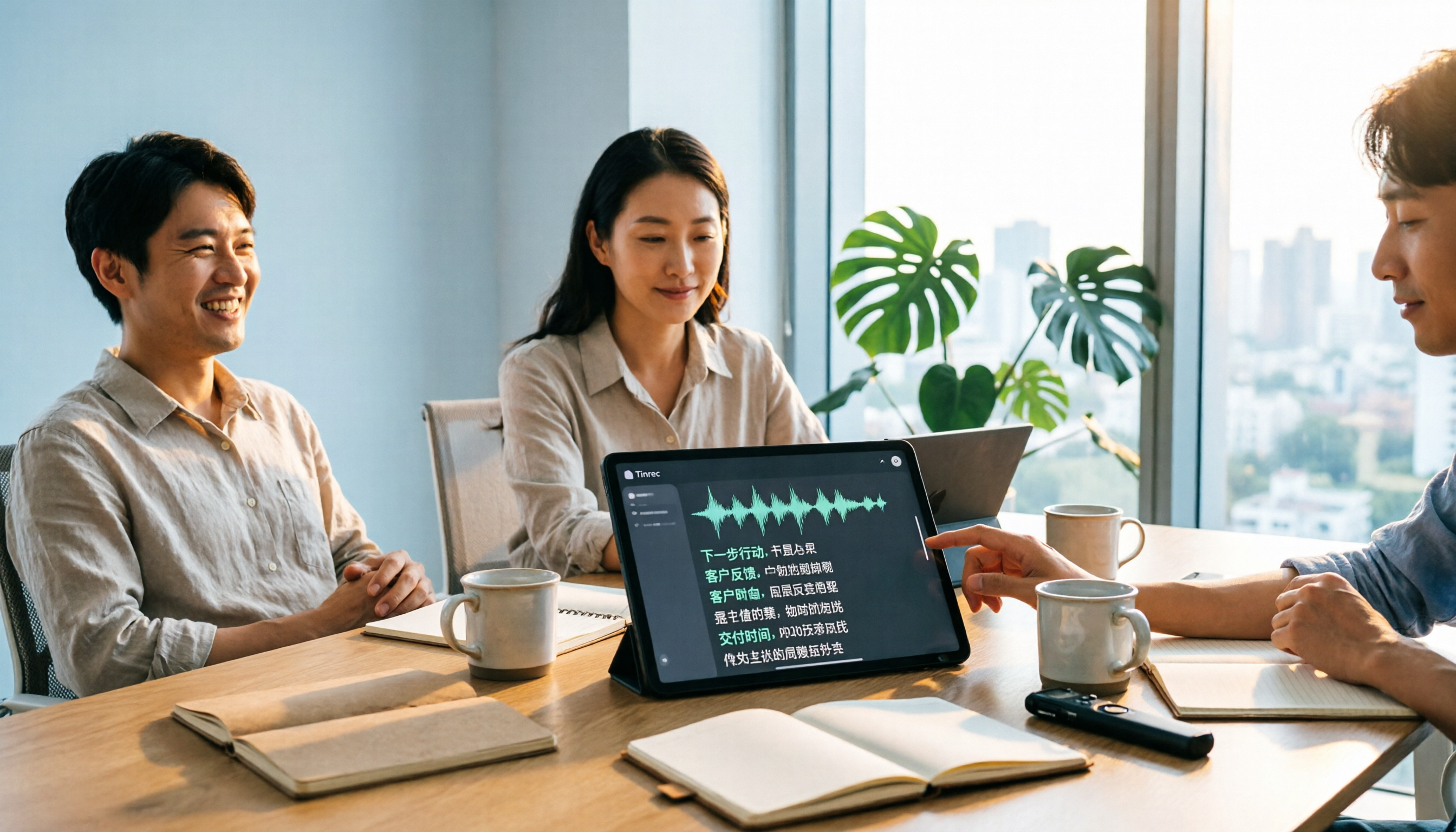
Tinrec vs Notta 2026: 5-Dimension Comparison for Chinese Audio-to-Text Transcription
Re-listening to meeting recordings and typing transcripts by hand is a common cause of overtime. This article breaks down what audio-to-text transcription tools can do, their core capabilities, and compares Tinrec and Notta across 5 practical dimensions to highlight key considerations for Chinese meetings and post-meeting organization.

5 Best English Audio-to-Text Transcription Tools in 2026: Accuracy and Efficiency Compared
How do you choose the right tool to transcribe English listening recordings, and is it worth paying? This article walks through a real-world workflow using Tinrec for audio transcription, live translation, AI summaries, and Q&A, plus 5 key buying considerations and FAQs.