

Turn recordings into transcripts and summaries in minutes
Upload audio or video for multilingual transcription, AI notes, and action items
Three Common Misconceptions About Audio-to-Text: Avoid These Before Choosing a Tool
"Throw in the audio file and the transcript will pop out by itself"—this is many people's first impression of audio-to-text, and it's also the first misconception.
In reality, generating text is just the first small step. What really takes time are these things that follow:
- Misconception 1: Assuming a transcript equals meeting notes. A two-hour meeting can produce over 10,000 words. Without a summary, chapters, and action items, you still have to read through it from the beginning.
- Misconception 2: Assuming accuracy is the only metric. Audio quality, accents, and overlapping speakers all affect results. Any claim of a fixed accuracy number should only be taken as a reference.
- Misconception 3: Assuming the free version is definitely enough. Free quotas are usually suitable for occasionally organizing one or two recordings. Once you have meetings every week, you'll quickly hit the limit.
A more reasonable approach: first use the free quota to run one of your own recordings, confirm that Chinese recognition, summary quality, and export formats meet your needs, and then decide whether to pay.
Below, using Tinrec as an example, we explain what these tools can actually do and what to look out for when choosing one.
What Can Audio-to-Text Do for You?
Scenario 1: Get meeting notes right after the meeting Previously, after a one-hour meeting, you'd spend another forty minutes re-listening to the recording and typing along. With Tinrec, for example, the transcript accumulates while the meeting is in progress. After it ends, AI summaries, chapters, and action items are generated together, listing who is responsible for what and when it's due.
Scenario 2: Turn old recordings on your phone into searchable data Dozens of interviews, courses, or voice memos are sitting on your phone. To find a specific sentence, you have to listen from the beginning. After converting to text, you can locate it with keywords. Tinrec also supports AI Q&A around the content, for example, directly asking "Where is the part where the client mentioned the budget?"
Scenario 3: No more manual note-taking in online meetings Take Tinrec's desktop version as an example. It directly captures your computer's system audio to record meetings on Zoom, Google Meet, Microsoft Teams, Webex, etc., without needing to invite a bot into the meeting room as a participant.
Scenario 4: Quickly generate subtitles and scripts for video/audio content For recorded videos or podcasts, first transcribe to text and then organize into subtitles or articles. This is much faster than manual typing, and timestamps are preserved.
What Are the Core Capabilities of Audio-to-Text?
Real-time audio transcription It's not transcribing after recording; it's generating text while recording. Tinrec's real-time transcription lets you confirm on the spot whether you've missed key points during a meeting, and you don't have to stop recording to go back to a previous sentence.
Bot-free online meeting recording This is a more unique feature of Tinrec. Many meeting assistants join meetings as an "extra participant." Tinrec's desktop version instead captures the device's system audio, so no stranger appears in the meeting roster. Because of this, participants may not notice the recording, so always inform them in advance and obtain consent.
AI summaries, chapters, and action item extraction Tinrec's summary is not just condensing the transcript into a paragraph; it's structured: meeting topic, discussion highlights, conclusions, and action items are listed separately. Long meetings are automatically split into chapters for easy skimming.
AI conversational query After transcription, you can ask questions directly about the content, such as "What three things were decided in this meeting?" or "What were the client's concerns about pricing?" This is especially useful for those who have accumulated many meetings and need quick reviews.
Multi-format export and post-processing Transcripts and summaries can be exported to common file formats and taken to Notion, Google Docs, OneNote, Dropbox, etc. for further use. Tinrec also offers Agent post-processing to further generate reports, tables, or documents from meeting content.
Team spaces and member management (Team plan) Personal plan data follows the individual account, while the Team plan has an independent team space: meeting data belongs to the team. New members can view historical meetings after joining. Admins can manage roles and seats, view usage trends, export audit logs, and hand over resources when members leave.
Practical Use Cases
Meeting notes and project tracking Weekly meetings, review meetings, and cross-departmental meetings are most prone to "Didn't we agree last time?" disputes. After recording meetings with Tinrec and generating transcripts and action items, decision basis is traceable, and action items can be checked against subsequent progress.
Stop organizing recordings by hand
Upload audio or video and automatically get a transcript, summary, and action items
Classes, lectures, and training For a two-hour class, it's often hard to grasp the key points when reviewing afterward. After converting to text with chapters and summaries, you can jump directly to the section you want to review without re-listening to the whole thing.
Interviews and user research The most valuable part of an interview is the original words. Tinrec preserves the full transcript for easy sentence-by-sentence quoting, and AI Q&A can quickly pull out "all paragraphs mentioning pain points" to organize into research notes.
Content creation and video subtitles For podcasts and YouTube videos, first use Tinrec to transcribe, then rewrite into articles or subtitles, saving a lot of typing time. When cross-language content is needed, you can enable real-time translation during recording and view it in original, translated, or bilingual mode.
Team knowledge retention When the same question is asked again three months later, the answer is actually in a certain meeting. By centralizing meetings in Tinrec's team space, data can be searched, queried, and reused, rather than scattered across individual computers and chat records.
6 Things to Consider When Choosing an Audio-to-Text Tool
1. Recognition performance for Chinese and mixed Chinese-English Meetings in Taiwan often mix English technical terms into Chinese, which is more error-prone than pure English meetings. Tinrec covers Chinese, Traditional Chinese, and multilingual meeting scenarios, and provides a team hotword feature to add internal product names and abbreviations to improve recognition of technical terms. Actual performance is still affected by audio quality, accents, and overlapping speakers.
2. How meetings are recorded Some join meetings as a bot, while others capture the device's system audio. Tinrec uses the latter, which has the advantage that no extra person appears in the meeting roster, but the prerequisite is that you must actively start recording. It is not a service that automatically joins all calendar meetings.
3. Can you use the output directly after transcription? A transcript is only a semi-finished product. When choosing a tool, it's advisable to confirm whether it has summaries, chapters, action items, Q&A, and export—these are what save the second round of work. Tinrec focuses more on this area and also supports exporting results to existing workflows.
4. How quotas are calculated and whether you'll suddenly get stuck Tinrec's personal plan includes a free version, weekly pass, Pro monthly, and Pro annual. The free version provides a basic quota, suitable for occasionally organizing a recording. For short-term intensive use, consider the weekly pass. The Team plan's paid seats provide 2,000 minutes of shared team import quota per month. Under an active team package and seats, real-time recording currently does not deduct by minutes, while file and web imports consume shared team import minutes. Prices, currencies, and benefits are subject to the official purchase page.
5. Team governance capabilities If meeting data is to be used by a whole group, you need to see whether the tool can separately manage "roles" and "seats." In Tinrec's Team plan, roles determine who can manage the team and members, and seats determine whether one can record, upload, edit, and export. Active members without seats can still view, play, and read team data. The Team plan also provides usage analytics, audit logs, and a 30-day audio recycle bin, so accidentally deleted audio files can be recovered before permanent cleanup.
6. How to handle large volumes of long files If you have dozens of hours of long recordings that need batch processing, such needs are better suited for dedicated batch transcription services. Tinrec's strength lies in real-time meetings, post-meeting organization, and team collaboration. Clarifying your main scenario first is more practical than just looking at price.
Frequently Asked Questions
Q1: After audio-to-text, is manual proofreading still needed? It is recommended. AI can already greatly reduce typing costs, but names, numbers, and technical terms may still be wrong. For important content, it's best to replay and confirm against timestamps. Tinrec preserves timestamp information in the transcript for easy verification.
Q2: Is the free version enough? If you only occasionally organize one or two recordings, the basic quota provided by the free version is usually enough to test the tool's recognition quality and user experience. If you have meetings every week, it's advisable to switch to Pro or a team plan to avoid getting stuck mid-way due to quota limits.
Q3: Do I need to install an extra meeting bot to record online meetings? Tinrec's desktop version does not. It captures the computer's system audio to record content from Zoom, Google Meet, Microsoft Teams, Webex, etc., and the user starts the recording themselves.
Q4: Do I need to buy hardware like a voice recorder? Not necessarily. Tinrec can be used on web, desktop, and mobile, suitable for those who already have audio files or need to handle online meetings. Hardware recording devices are more for long-duration portable recording scenarios—different needs.
Q5: Will meeting data disappear after a team member leaves? It won't be taken away. Team plan data belongs to the team. When a member exits, is removed, or loses their seat, their team resources can be handed over to other active members.
Q6: What should I pay attention to before recording? Please comply with local regulations and obtain participant consent when needed. This applies regardless of which tool you use.
Conclusion
The real value of audio-to-text is not turning sound into words, but making meetings and recordings searchable, organized, and reusable.
If your scenario involves Chinese meetings, online meeting recording, and post-meeting summaries and action items, Tinrec is worth trying: the free version provides a basic quota, so you can first test recognition quality and summary results with one of your own recordings. When you have team collaboration needs, then evaluate whether the team space, seats, and usage management fit your governance approach.
Try first, then decide whether to pay—this is my consistent advice for such tools.
References
- Online AI Speech, Video, Audio File Auto Transcription - Free Trial - cSubtitle
- Online Speech-to-Text AI, Free MP3 or Audio File to Text Transcript - MyEdit
- Audio to Text - Free Speech to Text Tool
- Transcribe - Audio to Text on the App Store
- Tested 4 Best Online Speech-to-Text Tools, Free Instant Audio to Transcript
Turn every recording into actionable outcomes
Get 60 free transcription minutes when you sign in. No credit card required.
Related Reading
You might also like

Tinrec vs Notta 2026: 5-Dimension Comparison for Chinese Meeting Minutes
Starting from the common mistake of recording lectures all semester but never listening again, this article tests Tinrec and Notta across 5 key dimensions. It explains differences in no-bot recording, AI Q&A, summary to-dos, and team spaces, and provides a guide to avoid pitfalls and choose the right tool to help you find a recording-to-meeting-minutes tool you'll actually use.

Tinrec vs Sogou Voice-to-Text in 2026: 5-Dimension Comparison — Which Is Better for Meeting Notes?
Is Sogou's web-based voice-to-text tool any good? This article compares Tinrec (Miao Ting Lu Yin) with Sogou Tingxie and the Sogou C1 series recorder across five dimensions: Chinese recognition, online meeting recording, post-meeting AI organization, cross-device use, and team collaboration. It also includes a pitfalls guide and practical selection advice.
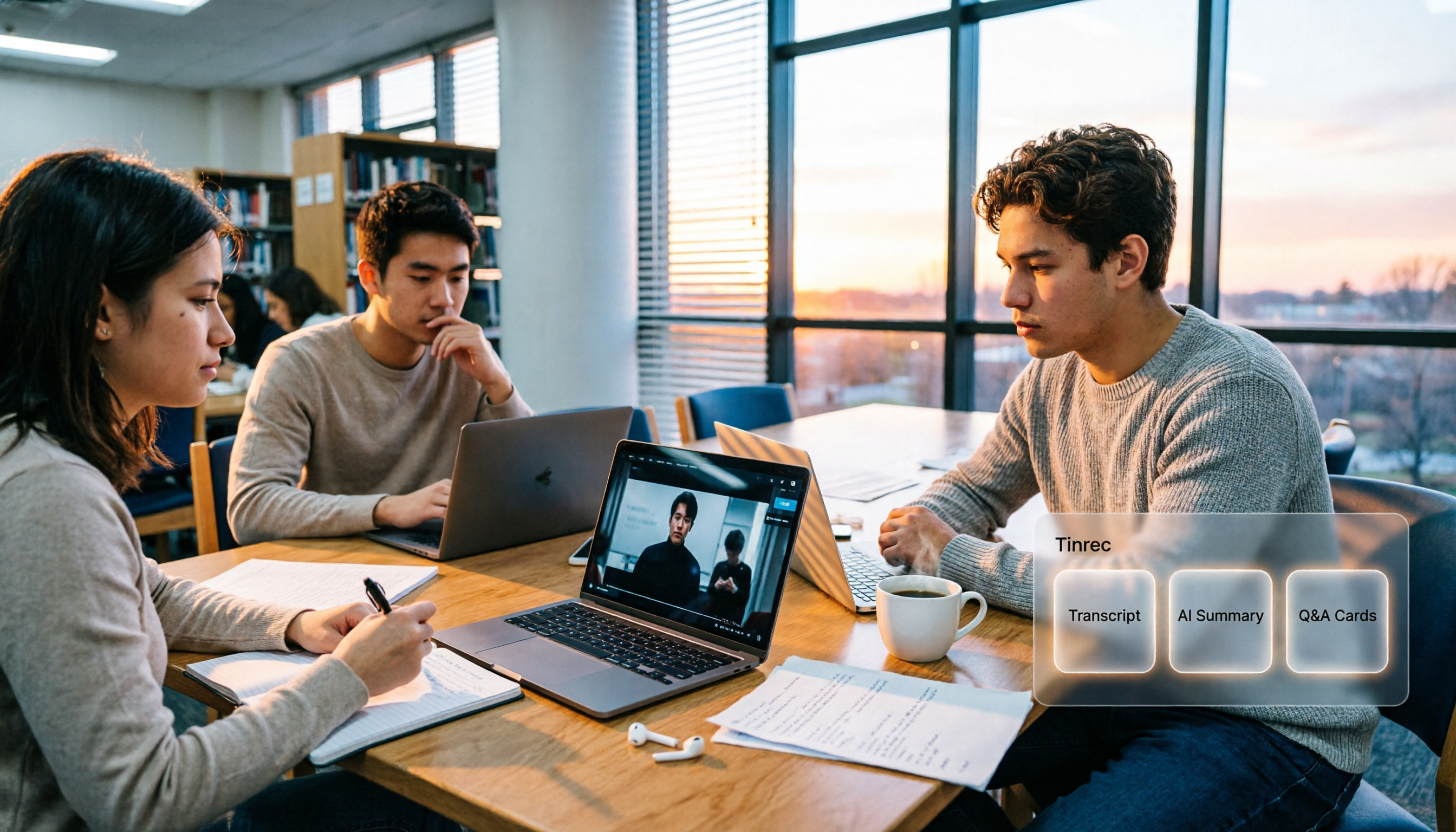
4 Computer Video-to-Text Tools Tested in 2026: Which Saves More Time with Free Tiers and AI Organization?
A senior student's hands-on comparison of 4 computer video-to-text tools, covering Chinese recognition, free tiers, AI summaries and Q&A, and cross-platform export. Explains why Tinrec is the top choice for organizing course videos and group discussions, and who TurboScribe, Notta, and Granola are best suited for.

4 Huawei Phone Audio-to-Text Tools Tested: Which One Saves the Most Time on Chinese Transcripts in 2026?
How do you convert Huawei phone recordings to text? We tested 4 options: the built-in recorder, Tinrec, Notta, and Otter, comparing Chinese recognition, meeting recording, AI summaries, and team collaboration. We also cover selection criteria and pitfalls to help you find the most time-saving Chinese transcription tool.

3 vivo Meeting Transcription Tools Tested in 2026: Built-in AI Subtitles vs. Tinrec
Can vivo's built-in AI subtitles and Notes app really serve as a meeting transcription tool? This article compares vivo's built-in approach, third-party call recording apps, and Tinrec, covering Tinrec's real-time transcription, bot-free online meeting recording, AI summaries and action items, AI Q&A, multi-format export, and team workspace capabilities. It also includes 5 key considerations for buying and FAQs to help you decide which approach saves the most time.

2026 Comparison of 3 Xiaomi Audio-to-Text Solutions: Built-in AI Recorder vs. Third-Party Apps—Which Saves More Time on Meeting Minutes?
Your Xiaomi phone's built-in recorder can transcribe audio, so why look for other tools? This article addresses common misconceptions and compares Xiaomi's built-in AI Recorder, Otter.ai, Notta, and Tinrec. It covers 4 key factors for choosing a Xiaomi audio-to-text solution, 3 common pitfalls, and recommendations for different scenarios.
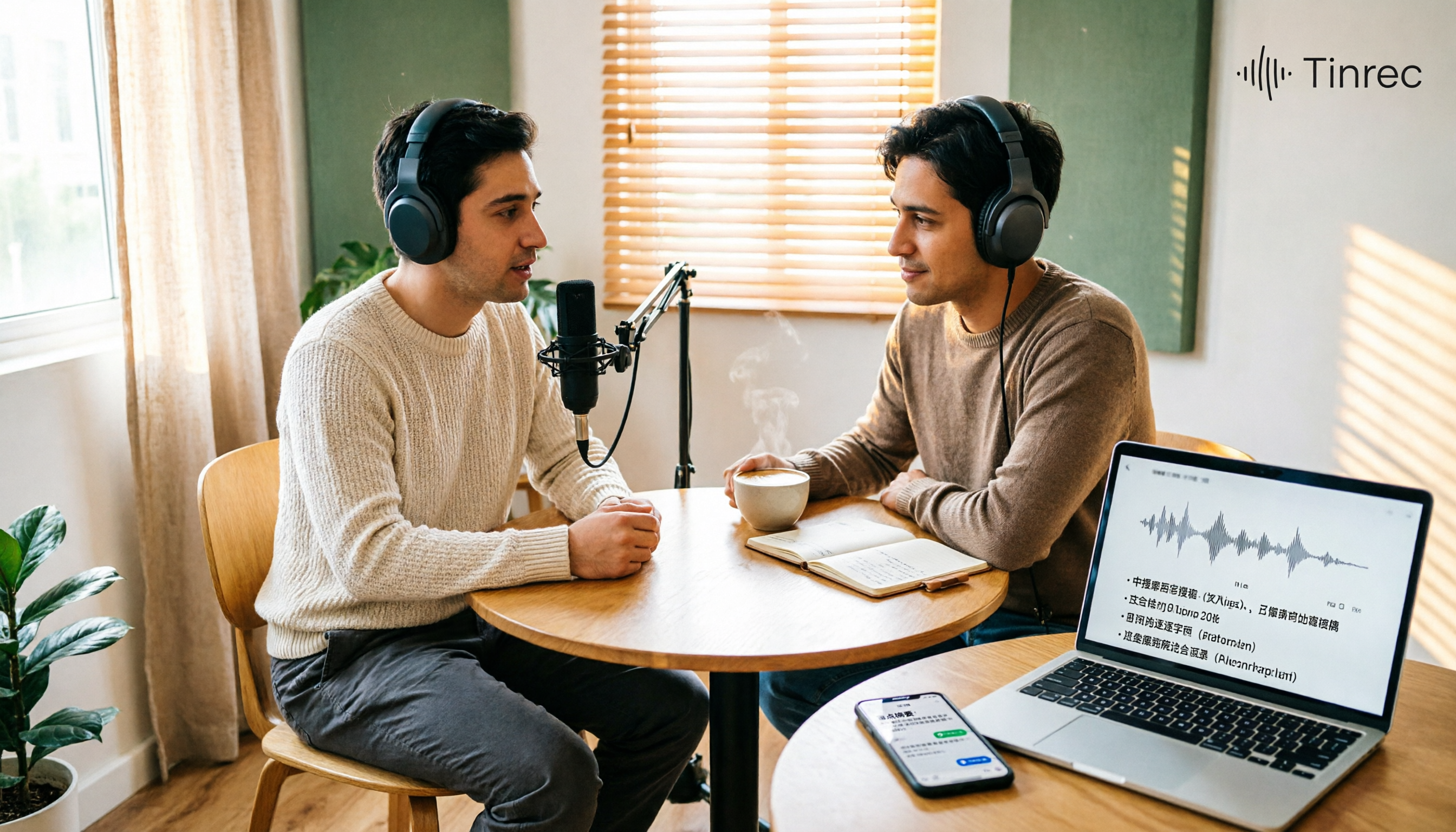
Best Podcast Summary Tools in 2026: AI Auto-Summaries + Transcript Q&A
This guide breaks down how to choose a podcast summary tool: from importing existing audio files, summary structure, AI Q&A, Chinese language support, to free usage limits—5 key points at a glance. It also tests Tinrec (秒聽錄音) to show how to turn long episodes into searchable transcripts, summaries, and key Q&A, and offers clear recommendations for different needs.
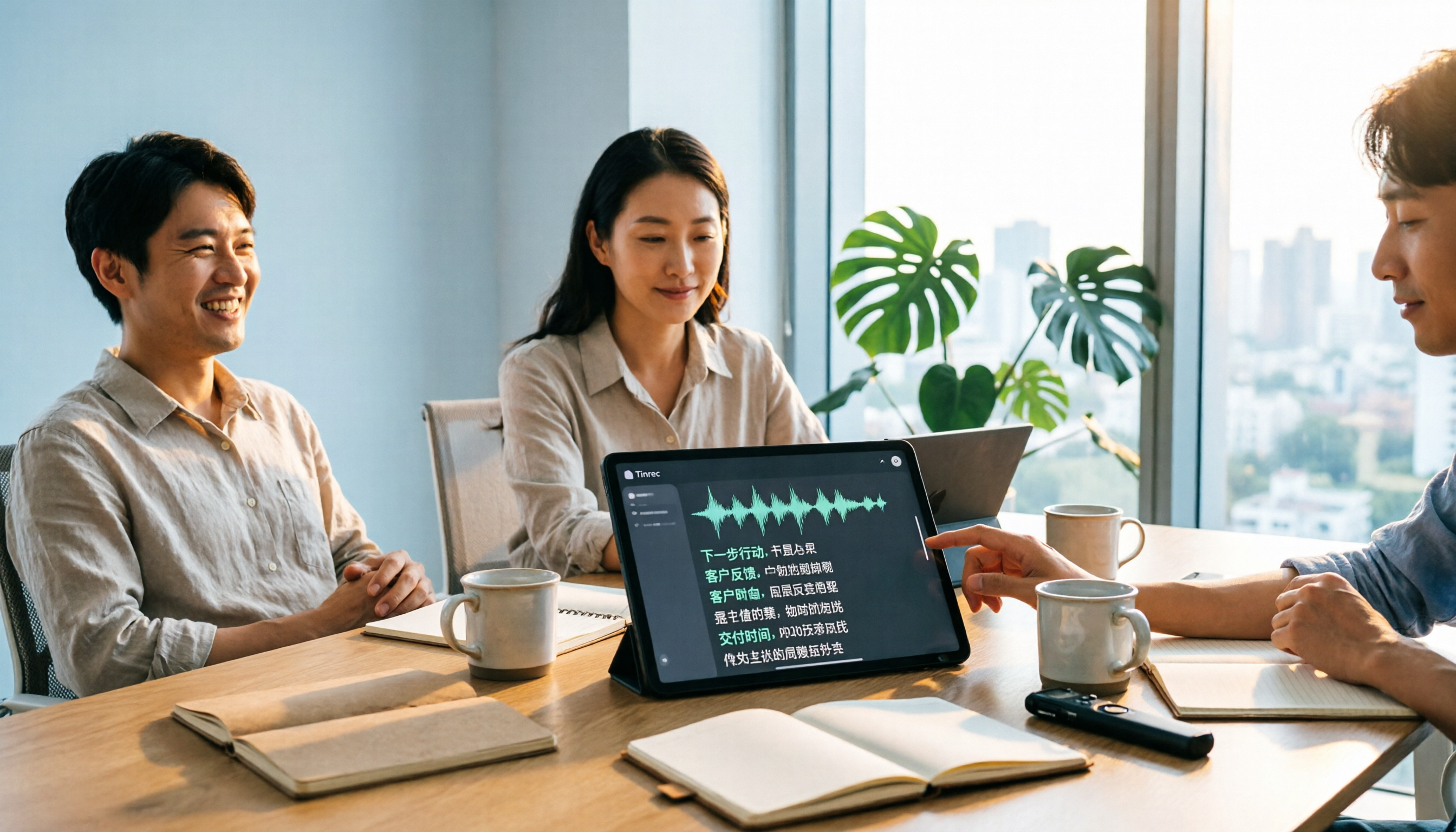
Tinrec vs Notta 2026: 5-Dimension Comparison for Chinese Audio-to-Text Transcription
Re-listening to meeting recordings and typing transcripts by hand is a common cause of overtime. This article breaks down what audio-to-text transcription tools can do, their core capabilities, and compares Tinrec and Notta across 5 practical dimensions to highlight key considerations for Chinese meetings and post-meeting organization.
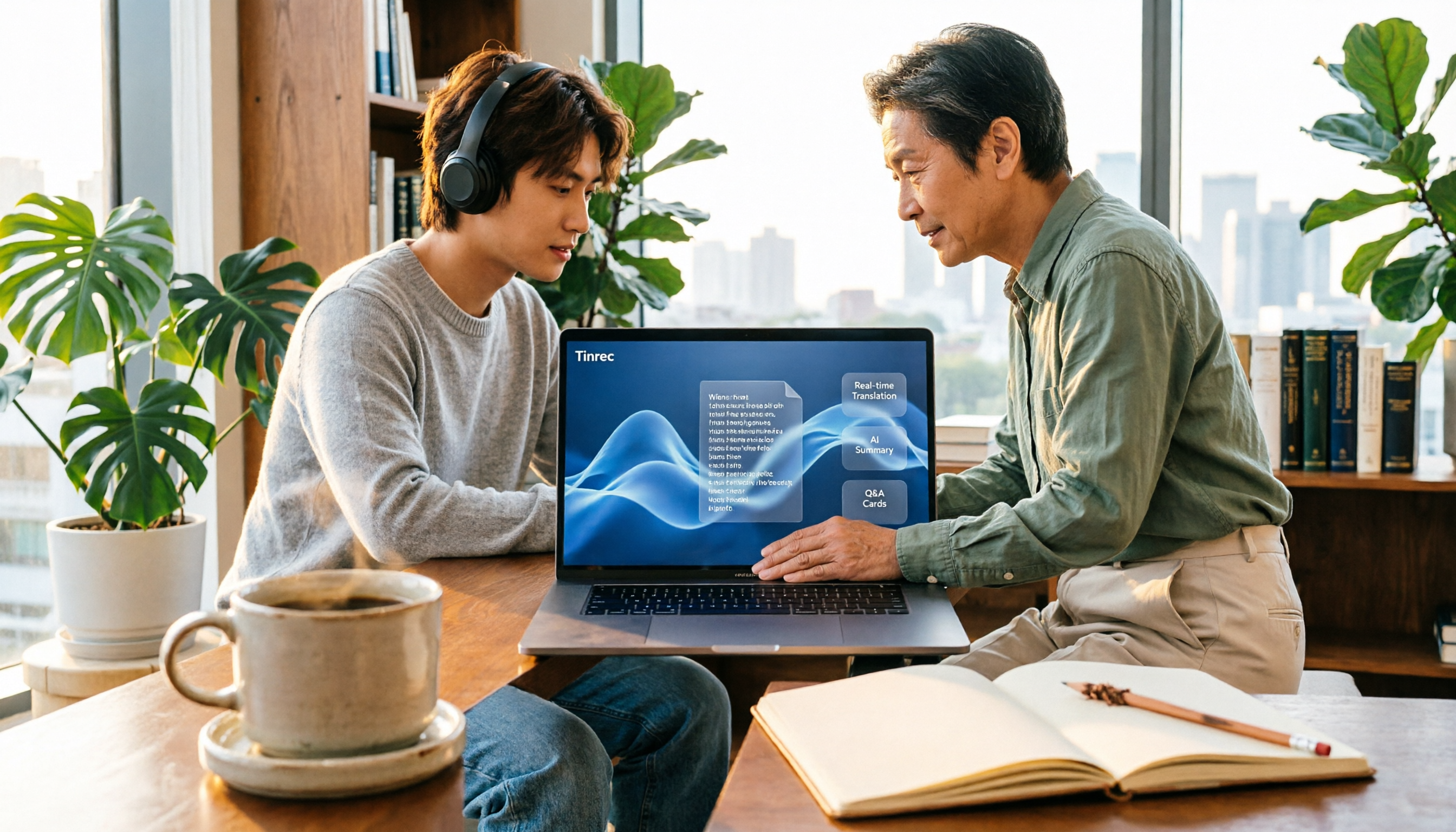
5 Best English Audio-to-Text Transcription Tools in 2026: Accuracy and Efficiency Compared
How do you choose the right tool to transcribe English listening recordings, and is it worth paying? This article walks through a real-world workflow using Tinrec for audio transcription, live translation, AI summaries, and Q&A, plus 5 key buying considerations and FAQs.