

Turn recordings into transcripts and summaries in minutes
Upload audio or video for multilingual transcription, AI notes, and action items
You finish a meeting, get the transcript, but still can't remember what was actually decided—this is probably the most common meeting notes pitfall in 2026.
Many people think AI meeting notes just means converting speech to text, so they spend time comparing transcription speed and accuracy, only to manually copy and paste key points afterward. The real question is: will you still be able to find this record next month? When someone leaves, does the meeting context stay?
This article first covers common pitfalls, then explains a more reasonable approach, and finally compares five popular tools side by side, giving those searching for the latest AI meeting notes tools a basis for judgment.
Why transcripts alone aren't enough: three common misconceptions
Misconception 1: Treating transcripts as meeting notes. Transcripts are raw material, not the final product. What really needs to be captured is whether decisions, consensus, trade-offs, or standards were formed—these are usually scattered throughout a two-hour conversation and need to be organized.
Misconception 2: Only looking at free quotas, not post-meeting usability. Quotas matter, but what's often overlooked is whether the data can be searched, queried, and exported to existing workflows after the meeting.
Misconception 3: Data stays only in personal accounts. Personal versions are convenient, but when meetings involve multiple people and require handovers, if data is scattered across personal devices and chat logs, the context breaks when members leave.
After avoiding these three pitfalls, the evaluation focus shifts from transcription accuracy to whether the entire meeting data can continue to be used. This is what Tinrec aims to solve.
What is Tinrec?
Tinrec is an AI meeting notes and collaboration tool for individuals and teams, supporting iOS, Android, Web, and desktop versions.
It not only converts audio to text but also organizes meeting recordings into searchable, summarizable, queryable, exportable, and further processable data, accumulating into collaborative and traceable meeting assets in team workspaces.
Simply put: Tinrec turns meetings into searchable, collaborative, actionable team data. The free version offers basic quota; we recommend trying it with your own meeting recording first.
2026 comparison of 5 AI meeting notes tools: what are the core experience differences?
This comparison uses Tinrec, Otter, Meeting Ink, Good Tape, and Vocol.ai as examples, examining differences across five practical dimensions.
Meeting capture method. This determines whether you need an extra step before meetings. Tinrec's desktop version directly captures computer system audio, handling Zoom, Google Meet, Microsoft Teams, Webex, and other online meetings without needing a bot to join as a participant. This is especially noticeable for those who frequently meet with external clients.
Chinese and multilingual experience. Meetings in Taiwan are rarely pure Chinese or pure English—they usually mix Chinese and English with product terminology. Tinrec covers Chinese, Traditional Chinese, and multilingual meeting scenarios, supporting mixed Chinese-English content organization, real-time translation during recording, and viewing original, translated, or bilingual comparison. Team version also allows maintaining team hotwords to add your product names and terminology. Otter and Meeting Ink also support multilingual recognition; when choosing a tool, test with your own mixed-language recording.
Post-meeting processing depth. This is where differences are most obvious. Tinrec automatically generates summaries, chapters, key points, and action items, and supports AI Q&A around meeting content, even using Agents to generate reports, tables, and documents, then export to Notion, Google Docs, OneNote, Dropbox, etc. Good Tape's free version requires queuing and cannot export SRT, which is important for those needing subtitle files.
Team collaboration and governance. Personal use doesn't mean team manageability. Tinrec's team version provides independent team spaces, member invitations, role and seat management, usage trends and member rankings, audit logs, and audio recycle bin, with meeting data owned by the team. Otter is also mature in meeting automation, but its free version cannot view complete history; if you mainly have Chinese meetings and need data to stay within the team, Tinrec's organization is more aligned with daily needs.
Can data be retained? Tinrec retains recording files, with transcripts corresponding to timestamps, allowing playback verification of important content. In the team version, when members exit, are removed, or lose seats, their team resources are transferred to other valid members, so data isn't taken away by individuals.
Tinrec's core features overview
Real-time recording to text. Open Tinrec and press record, text appears almost synchronously, suitable for offline meetings, interviews, and on-site notes. The transcript is ready by the time the meeting ends.
Bot-free online meeting recording. The desktop version captures system audio for online meetings, compatible with Zoom, Google Meet, Teams, Webex, without inviting a bot into the meeting room.
Stop organizing recordings by hand
Upload audio or video and automatically get a transcript, summary, and action items
Real-time translation and bilingual comparison. During recording, switch between original, translated, or bilingual views, so cross-language meetings don't require waiting until after to know what was said.
AI summaries, chapters, and action items. Long meetings are automatically split into chapters, with summaries and action items organized, saving the most time for those who need to send follow-up emails.
AI conversational query. This is my most used feature. After recording a one-hour meeting, directly ask Tinrec "What was the conclusion about the budget?" or "Who is responsible for what?" It provides answers based on semantic understanding, without manually flipping through 30 pages of transcripts.
Agent post-processing and multi-format export. Further generate reports, tables, and documents from meeting content, then export to Notion, Google Docs, OneNote, Dropbox, etc., connecting back to your original workflow.
Team workspace (team version). Meeting recordings, transcripts, summaries, and action items are centrally stored in team spaces, new members can see historical data, and managers can monitor seats, usage, and operation logs.
Practical use cases
Department weekly meetings and project meetings. Turn on Tinrec to record and transcribe simultaneously, then use AI summaries and action items to produce meeting minutes, clearly listing who does what and when, and share with team members.
Client interviews and requirements meetings. Bot-free recording prevents a stranger account from appearing on the client list; after the meeting, use AI Q&A to confirm client objections, commitments, and requirement details, then export as material for follow-up proposals.
Classes, lectures, and research interviews. Upload existing audio or video files, convert to transcripts, then use chapters and summaries to capture key points; when citing, use timestamps to return to the original text for verification.
Personal notes and long-term data. Casual recordings of thoughts, meetings, and classes accumulate into a searchable, queryable database, rather than scattered recordings on your phone that you'll never open again.
Points to consider when choosing an AI meeting notes tool
Meeting capture method. First confirm whether you usually have online or offline meetings. For online meetings, check if a bot needs to join; if you frequently meet with external clients, bot-free desktop recording reduces concerns.
Chinese and multilingual performance. Test with your own mixed Chinese-English recording—more accurate than any spec sheet. Also check if real-time translation and bilingual viewing are supported.
Are post-meeting outputs sufficient? Transcripts are just the starting point; the key is whether summaries, chapters, action items, and export formats can connect to your workflow.
Team governance capabilities. If meeting data is for multiple users, check for team spaces, roles and seats, usage analysis, and audit logs, and confirm how data is handed over when members leave.
Data retention and privacy. Recording and transcription involve personal data; before use, confirm local regulations and obtain participant consent. Also check if the tool retains original audio files and whether there's a recovery mechanism after deletion.
Frequently asked questions
Q1: How is Tinrec different from regular recording apps? Regular recording apps handle "recording." Tinrec further converts recordings to text, organizes summaries, chapters, key points, and action items, and supports AI Q&A, translation, export, and team collaboration.
Q2: Is the free version enough? Tinrec's free version offers basic quota, suitable for light users who occasionally organize a recording. If you have regular weekly meetings, consider Pro; for short-term concentrated meetings or interviews, a weekly pass is also an option. Actual quota and pricing are subject to the official purchase page.
Q3: What's the difference between team and personal versions? Personal version data is managed by individual accounts. The team version provides independent team spaces, with meeting data owned by the team, and adds members, roles, seats, sharing benefits, usage analysis, audit logs, and audio recycle bin. Team version is priced per paid seat, with each paid seat providing 2,000 minutes of team shared import quota per month; real-time recording within an active team plan is currently not deducted by minutes. Actual pricing and promotions are subject to the official purchase page.
Q4: Can members without seats see data? They can view, play, and read team data, but cannot record, upload, edit, or export. To perform resource usage operations, the manager must assign a seat.
Q5: Is transcription accuracy guaranteed? It's not recommended to expect that. Actual results are affected by recording quality, background noise, accents, overlapping speech, and technical terminology. For important content, verify with transcript timestamps and recording playback.
Q6: What platforms are supported? Tinrec offers iOS, Android, Web, and desktop versions. Online meetings can handle audio played on computers from Zoom, Google Meet, Microsoft Teams, Webex, etc.
Conclusion: Is Tinrec worth trying?
If you're looking for a transcription tool that's "accurate," there are many options; but if you want data that can be used directly, queried, and handed over after meetings, Tinrec is one of the few choices that integrates the entire process.
Bot-free desktop recording, Chinese and multilingual meeting experience, complete output from summaries to Agent post-processing, plus team space data accumulation—for those who meet weekly, it saves more than just typing time.
We recommend starting with Tinrec's free version and running through a meeting yourself—more direct than any review.
References
- How to quickly organize meeting notes into work summaries in 2026? 3 AI tool recommendations and practical tutorials - Tinrec Blog
- AI Meeting Notes - Google Play App
- Meeting Ink - AI meeting notes assistant automatically transcribes and summarizes meeting minutes
- 2026 latest 9 AI meeting notes tool recommendations: solving the pain point of time-consuming transcript organization - Tinrec Blog
- [2026 latest] How to write meeting notes? Practical format examples and 3 AI tool recommendations, stop being a ruthless typing machine! - StockFeel
Turn every recording into actionable outcomes
Get 60 free transcription minutes when you sign in. No credit card required.
Related Reading
You might also like

How to Transcribe Long Videos in 2026: A Complete 5-Step Guide
Tired of spending hours transcribing long videos? This guide covers 4 key factors to consider and 5 practical steps, compares Tinrec, Notta, TurboScribe, and Otter.ai on features and pricing, and includes a pitfalls guide to help you find the most time-saving transcription tool.
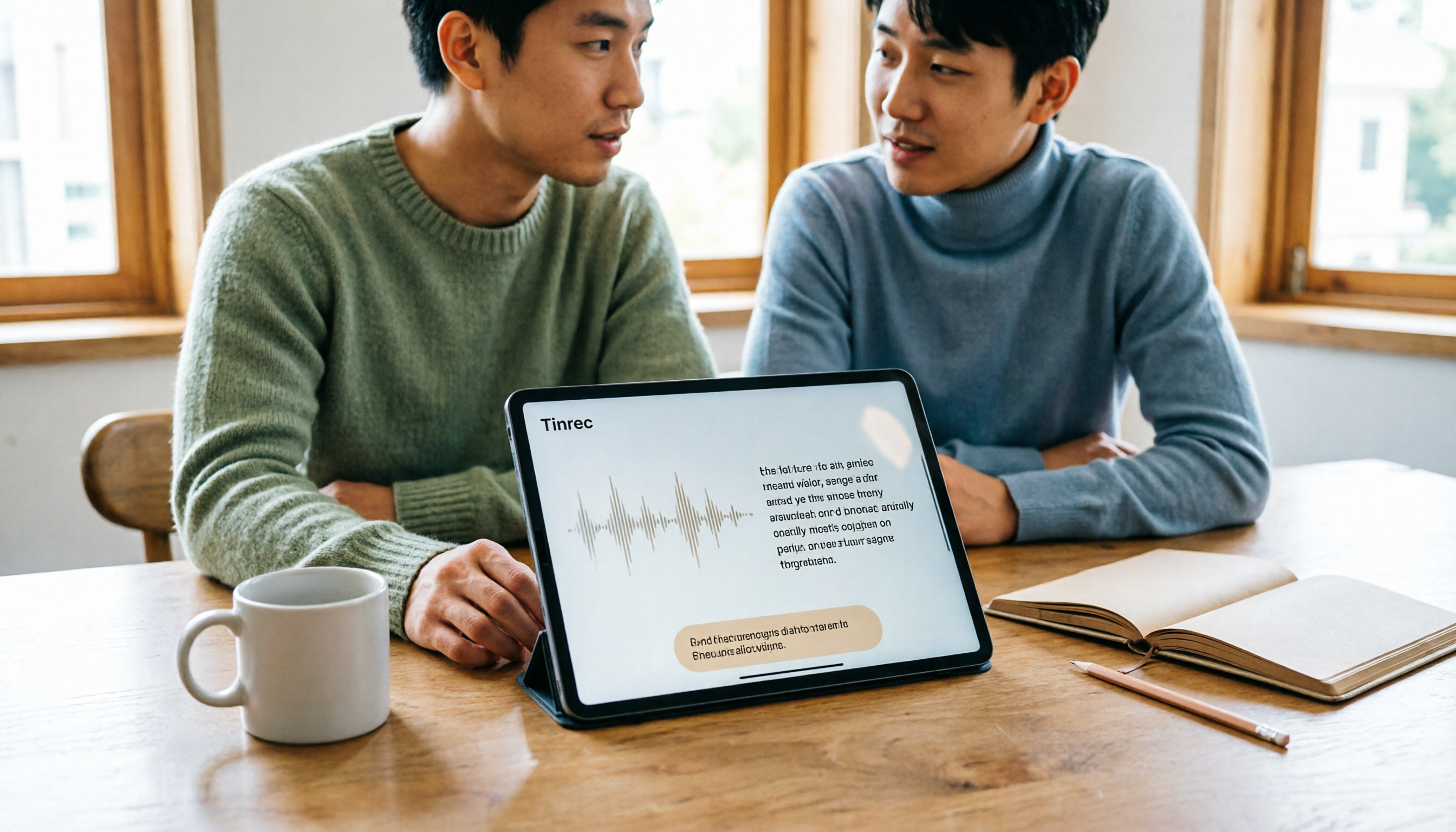
Best Free Speech-to-Text Apps for Tablets in 2026: 5 Options Compared
How to choose a speech-to-text app for your tablet? This article reviews 5 options that work on tablets, from the completely free built-in iPad transcription to AI meeting note tools with post-meeting summaries and AI Q&A. We detail free quotas, supported languages, practical limitations, and ideal use cases to help you avoid the common pitfall of recording audio you can't actually use.

2026 Top 5 AI Meeting Notes Software Compared: Which Is Best for Chinese Meetings and Bot-Free Recording?
We tested Tinrec and Otter.ai across five dimensions: Chinese transcription, bot-free recording, post-meeting summaries and AI Q&A, team data retention, and pricing. We also list free plan limits and team plan prices to help you decide which fits your workflow.

2026 Comparison of 3 Smart Meeting Notes Tools: Which Is Best for Chinese Meetings and Follow-Ups?
How to choose a smart meeting notes tool in 2026? This article first provides an overview of Tinrec, Otter.ai, and Granola, then compares Tinrec and Otter.ai in depth across five dimensions: meeting audio capture, Chinese transcription, post-meeting organization, export and integration, and team governance, to help you decide which is better suited for Chinese meetings and follow-ups.
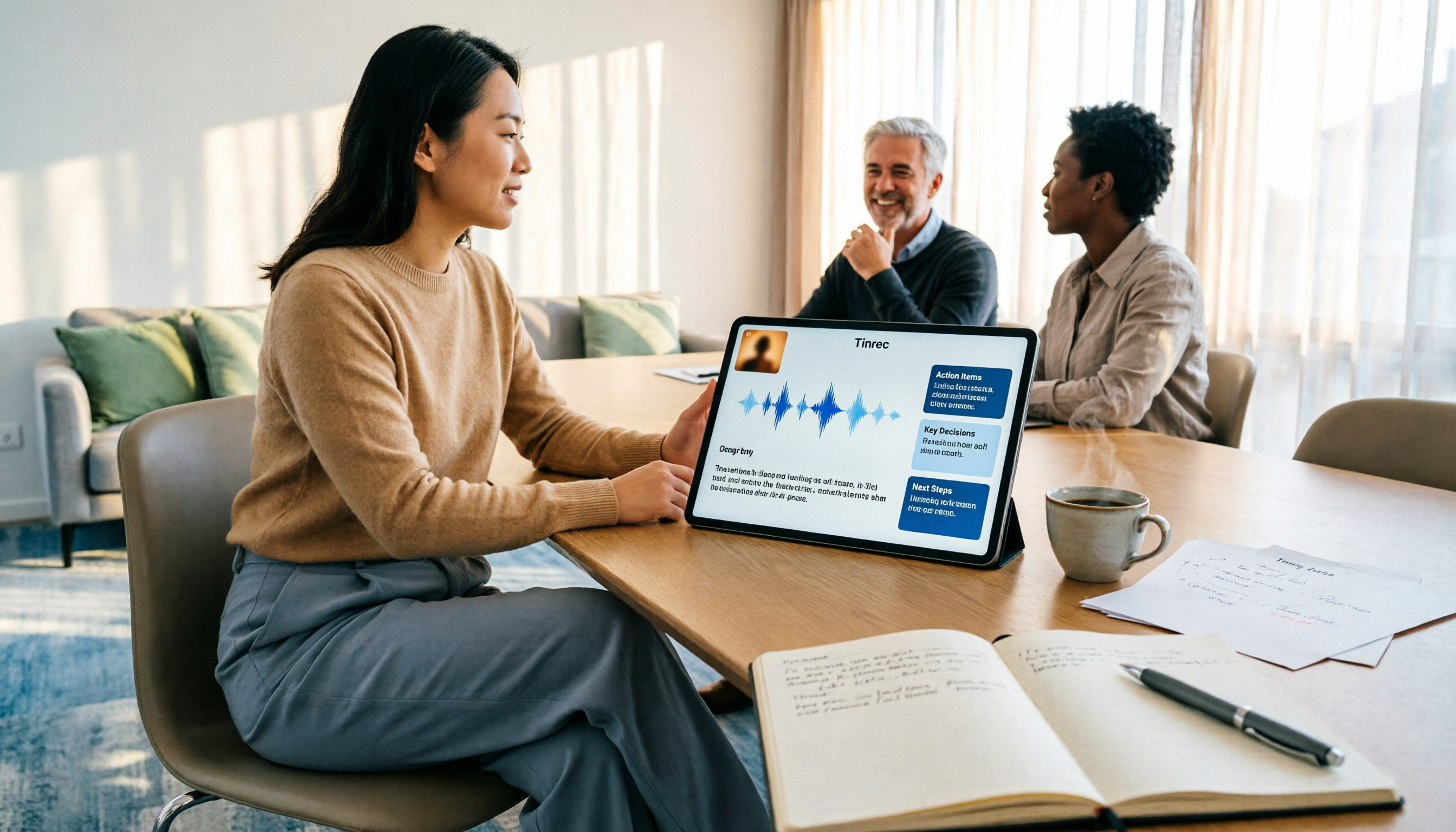
3 Free AI Meeting Notes Options in 2026: A Complete Comparison
Choosing an AI meeting notes tool in 2026 comes down to three key decisions: whether to let a meeting bot join your online calls, whether a free plan is sufficient, and whether meeting data should live in a personal account or team workspace. This article uses Tinrec to demonstrate a 5-step workflow from recording to transcript to meeting minutes, and honestly compares the differences, limitations, and best use cases of 3 free options.

4 Smart Meeting Notes Tools Worth Trying in 2026: Automatic Summaries, Action Items, and Team Collaboration Explained
Still spending time after meetings transcribing recordings and writing up meeting notes? This article rounds up smart meeting notes tools worth considering in 2026, explains 5 key factors to evaluate when choosing one, and hands-on tests Tinrec's bot-free online meeting recording, AI summaries, action item extraction, AI Q&A, and team workspace. It also briefly reviews when Notta, Granola, and Otter.ai make sense, so you can find the meeting notes solution that fits you best.

4 Smart Meeting Note Tools Tested for 2026: Which Saves the Most Time with Chinese Transcripts and Action Item Tracking?
From Chinese and mixed Chinese-English recognition, data privacy, platform support, to structured action item output, we've compiled 5 key factors for choosing a smart meeting note tool, and tested and compared the differences, limitations, and use cases of Tinrec, Otter.ai, Notta, and Granola.

2026 Comparison of 4 AI Meeting Note Tools: Which AI Takes the Least Time for Chinese Meeting Minutes?
Focusing on Chinese-language meetings, this hands-on comparison of Tinrec, Otter.ai, Notta, and Granola covers meeting capture methods, post-meeting output, team data management, and plan quotas. It provides buying criteria and pitfalls to help you decide which tool saves the most time.

Tinrec vs PLAUD 2026: 5-Dimension Comparison for Chinese Meeting Notes
2026 smart meeting notes app hands-on guide: We break down the 5 key dimensions—Chinese and mixed Chinese-English recognition, meeting capture methods, post-meeting organization, data ownership, and pricing—to help you avoid common pitfalls. Using Tinrec as an example, we demonstrate the complete workflow from recording to transcript, AI summary, action items, and team collaboration.