

Turn recordings into transcripts and summaries in minutes
Upload audio or video for multilingual transcription, AI notes, and action items
4 Smart Meeting Notes Tools Worth Trying in 2026: Automatic Summaries, Action Items, and Team Collaboration Explained
It's 2 p.m. on a Wednesday, and the online meeting begins. Seven people in Teams take turns speaking. You listen while typing key points into a notepad, then spend another hour after the meeting piecing scattered sentences into a meeting notes document.
Another common scenario: three days after the meeting, your manager asks, "Who said they'd follow up on that budget?" You remember someone mentioned it, but you can't recall who or in which part of the conversation.
And the most troublesome case: cross-language meetings. Chinese and English mixed together, plus air conditioning noise and keyboard sounds. After the meeting, you have to replay the entire recording just to confirm the conclusions.
If you've experienced these situations, this article is for you.
Before Choosing a Smart Meeting Notes Tool, Understand These 5 Key Points
1. How the meeting is recorded
Some tools require inviting a "meeting bot" to join as a participant, while others capture system audio directly from your computer. The former often prompts the other side to ask "Who is this?" in external meetings; the latter is less disruptive for users.
2. Transcription performance for Chinese and mixed Chinese-English
Don't just look at the accuracy rates advertised by vendors. Real meetings have air conditioning noise, keyboard sounds, accents, and overlapping speakers—all of which affect results. We recommend testing with a recording of your own meeting; that's more reliable than any spec sheet.
3. Are the post-meeting outputs what you need?
A useful meeting notes document doesn't record "every word everyone said." It captures the conclusion for each topic and the follow-up actions: who is responsible, what they'll do, and when it's due. So whether a tool can automatically organize summaries, sections, and action items is more critical than the transcript itself.
4. How team data is managed
For personal use, you only need to consider your own convenience. For team use, you need to consider data ownership, whether members can view together, who has editing permissions, how much quota is used, and whether there are audit logs. If you don't think these through first, adoption can easily get stuck.
5. Free tiers and plans
Start with a free version and test it on one of your own recordings. Once you confirm the transcription quality and organization results meet your needs, then decide whether to pay. Short-term intensive use and long-term regular use call for different plans.
Tinrec — Our Pick After Hands-On Testing
Tinrec is an AI meeting notes and collaboration tool for individuals and teams, supporting mobile, desktop, and web. It doesn't just convert audio to text—it turns meeting recordings into searchable, summarizable, queryable, and exportable data.
No extra bot needed for online meetings
Tinrec's desktop version captures system audio directly, handling meeting audio played on your computer from Zoom, Google Meet, Microsoft Teams, Webex, and other platforms without inviting an extra bot into the meeting. Note that this still requires the user to actively start recording—it doesn't automatically join every meeting on your calendar.
Transcribe while recording, with real-time translation
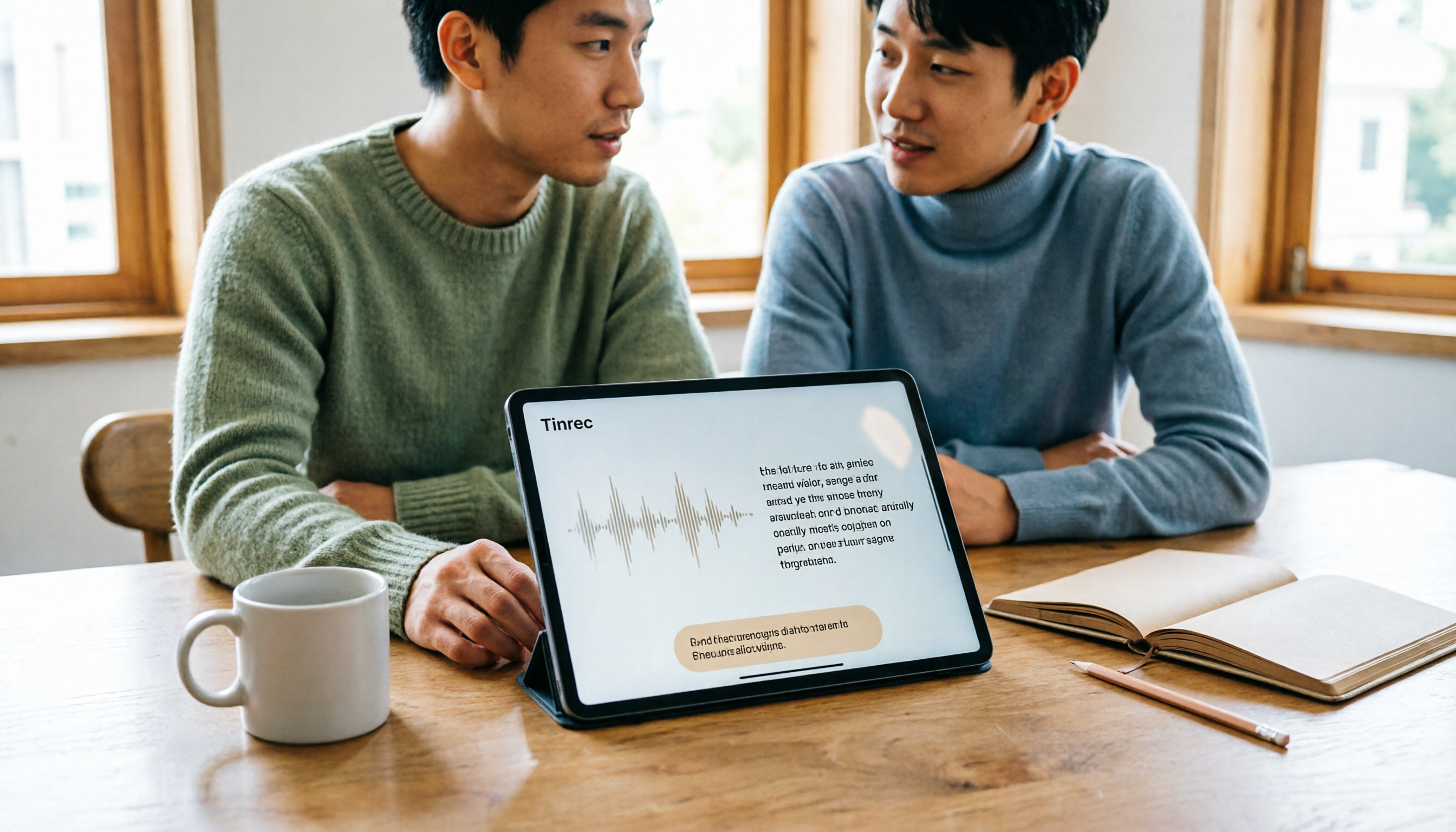
Open Tinrec during the meeting, and the transcript is generated in sync. For cross-language meetings, you can switch between original text, translation, or bilingual view, so you don't have to replay the entire recording afterward.
Ask AI directly after the meeting—no manual transcript browsing
After the meeting ends, Tinrec generates a summary, sections, and key points, and extracts action items from the discussion. Even better is AI Q&A—you can directly ask "Who mentioned the budget in the last meeting?" or "What concerns did the client have about the delivery date?" It answers based on the meeting content, rather than just throwing a bunch of keyword matches at you.
The transcript is just the starting point, not the end
Beyond the transcript, Tinrec can also produce mind maps, reports, tables, and meeting minutes, and supports exporting to Notion, Google Docs, OneNote, Dropbox, and other tools for further processing. For those who need to write weekly reports or organize client interviews, this is where the time savings are most obvious.
The team version turns meetings into team assets
If a group shares access, Tinrec's team version provides a separate team workspace. Meeting data belongs to the team, new members can view past meetings, and when a member leaves or is removed, their assigned resources can be handed over to other active members—so nothing disappears when someone leaves the company.
Stop organizing recordings by hand
Upload audio or video and automatically get a transcript, summary, and action items
The team version distinguishes between "roles" and "seats": roles determine who can manage members and team settings, while seats determine whether a member can record, upload, edit, and export. Members without seats can still view, play, and read team data. The admin side also lets you view usage trends, member rankings, audit logs, and use team hotwords and the audio recycle bin (currently retained for 30 days).
Pricing and limitations
The personal version offers a free tier, weekly pass, Pro monthly, and Pro annual, so you can choose based on usage frequency: use the free version for occasional recording organization, consider the weekly pass for short-term intensive meetings, and go Pro if you have steady weekly needs.
The team version offers a 7-day trial for first-time eligible users, including 1 free seat and 300 minutes of shared team quota. After that, monthly billing is USD 29.80 per paid seat per month, and annual billing is USD 199 per paid seat per year (equivalent to about USD 16.58 per month). Each paid seat provides 2,000 minutes of shared team quota per month; under an active team plan and active seat, real-time recording currently does not deduct minutes. Pricing and benefits are subject to the official purchase page.
To be honest, transcription quality is still affected by recording quality, noise, accents, overlapping speakers, and technical terminology. For important content, we recommend cross-checking with transcript timestamps and recording playback. Also, the audio recycle bin currently retains files for 30 days and does not include action items.
Who it's for
If you frequently hold meetings in Chinese or mixed Chinese-English, don't want an extra bot in the meeting, want to use AI to find key points directly after the meeting, and need meeting data to stay in a team workspace, Tinrec is currently a relatively smooth choice.
Besides Tinrec, What Other Options Are There?
Notta
Notta overlaps significantly with Tinrec, both supporting multi-platform transcription, file import, translation, and team plans. The official free version offers 120 minutes per month, up to 3 minutes per session, and Pro annual billing is about USD 8.17 per month. If your needs are mainly simple file transcription and subtitles, it's worth considering. But if you care about bot-free online meeting recording, post-meeting AI Q&A, and team data governance, Tinrec's team workspace, audit logs, and audio recycle bin are more complete.
Granola
Granola also uses a bot-free approach, transcribing in real time through desktop device audio and combining handwritten notes to generate meeting content. The Business plan is USD 14 per user per month. Its strength is "notes + AI enhancement." Keep in mind that Granola does not support uploading pre-recorded audio files and does not save meeting audio. If you need to keep recordings, import existing interview files, or do real-time translation, Tinrec is more suitable.
Otter.ai
Otter.ai is a mature choice for English business meetings. The free version offers 300 minutes per month, and Pro annual billing is about USD 8.49 per user per month. If your meetings are almost entirely in English, Otter.ai is a reasonable option. But for Chinese meetings, mixed Chinese-English transcripts, real-time bilingual viewing, and team hotwords, Tinrec is more directly aligned, and after the meeting you can also use the Agent to further generate reports, tables, and documents.
Pitfall Guide: The 4 Most Common Mistakes When Choosing Meeting Notes Tools
Pitfall 1: Only looking at advertised accuracy rates
Many tools emphasize high accuracy, but that's usually measured in quiet environments. Real meeting rooms have air conditioning noise, keyboard sounds, and people talking over each other—results will differ. We recommend testing the free version with one of your own recordings, not just looking at advertising numbers.
Pitfall 2: Ignoring cross-platform support and audio retention
Today you record on your phone, tomorrow you want to organize on your computer; next month you want to go back and find the audio from a meeting three months ago—if the tool doesn't support cross-platform or doesn't keep recordings at all, you'll be miserable. Ask this question clearly before choosing.
Pitfall 3: Using the tool only as "audio-to-text"
If you only use it to produce transcripts, you're using only one-third of its capabilities. Features like AI Q&A, action item extraction, and exporting to Notion or Google Docs are the key to turning meetings into usable data. Asking "What was the conclusion of this meeting?" right after recording is much faster than manually browsing a 30-minute transcript.
Pitfall 4: Using the team version without understanding roles and seats
The team version is not "everyone sharing one account." Roles determine who can manage, and seats determine who can record, upload, and edit. Members without seats can view data but cannot modify it. Explain this clearly to your team before adoption, so no one assumes they can do everything.
Conclusion: Which One Should You Choose?
Simply put, most people can start by trying Tinrec:
- Need Chinese or mixed Chinese-English meeting transcription → Tinrec
- Don't want an extra bot in online meetings → Tinrec desktop version
- Want to ask AI directly after the meeting "What was the conclusion?" "Who's responsible for what?" → Tinrec's AI Q&A
- Need to use across phone and computer, and keep recordings and import old files → Tinrec
- Team needs to share meeting data, manage members and usage → Tinrec team version
- Meetings are almost entirely in English, and you only need basic transcripts → Otter.ai (the only exception in this article)
We recommend starting with Tinrec's free version, throwing one of your own meeting recordings into it, and seeing what the transcript, summary, and action items look like. If it meets your needs, then consider upgrading—no need to pay from the start.
References
- Taoyuan Smart Industry Academy TIIAI
- 2026 Complete Guide to AI Meeting Notes Tools: Automatic Transcription, AI Summaries, and Team Collaboration Explained - Tinrec Blog
- Meeting Ink - 2026 AI Meeting Notes Tools Hands-On Test | 7 Voice-to-Text and Summary Speed Comparison | Meeting Ink - AI Meeting Notes Assistant Automatic Transcription Transcript Summary Meeting Summary
- iEvent - Institute for Information Industry
- How to Do AI Meeting Notes? Complete Guide from Writing Principles, Tool Selection to Automation Prompts | Manager Today
Turn every recording into actionable outcomes
Get 60 free transcription minutes when you sign in. No credit card required.
Related Reading
You might also like

How to Transcribe Long Videos in 2026: A Complete 5-Step Guide
Tired of spending hours transcribing long videos? This guide covers 4 key factors to consider and 5 practical steps, compares Tinrec, Notta, TurboScribe, and Otter.ai on features and pricing, and includes a pitfalls guide to help you find the most time-saving transcription tool.
Best Free Speech-to-Text Apps for Tablets in 2026: 5 Options Compared
How to choose a speech-to-text app for your tablet? This article reviews 5 options that work on tablets, from the completely free built-in iPad transcription to AI meeting note tools with post-meeting summaries and AI Q&A. We detail free quotas, supported languages, practical limitations, and ideal use cases to help you avoid the common pitfall of recording audio you can't actually use.

2026 Top 5 AI Meeting Notes Software Compared: Which Is Best for Chinese Meetings and Bot-Free Recording?
We tested Tinrec and Otter.ai across five dimensions: Chinese transcription, bot-free recording, post-meeting summaries and AI Q&A, team data retention, and pricing. We also list free plan limits and team plan prices to help you decide which fits your workflow.

2026 Comparison of 3 Smart Meeting Notes Tools: Which Is Best for Chinese Meetings and Follow-Ups?
How to choose a smart meeting notes tool in 2026? This article first provides an overview of Tinrec, Otter.ai, and Granola, then compares Tinrec and Otter.ai in depth across five dimensions: meeting audio capture, Chinese transcription, post-meeting organization, export and integration, and team governance, to help you decide which is better suited for Chinese meetings and follow-ups.

3 Free AI Meeting Notes Options in 2026: A Complete Comparison
Choosing an AI meeting notes tool in 2026 comes down to three key decisions: whether to let a meeting bot join your online calls, whether a free plan is sufficient, and whether meeting data should live in a personal account or team workspace. This article uses Tinrec to demonstrate a 5-step workflow from recording to transcript to meeting minutes, and honestly compares the differences, limitations, and best use cases of 3 free options.

5 Best AI Meeting Notes Tools in 2026: Tinrec vs Otter vs Meeting Ink
Tired of spending hours after meetings organizing notes? This article addresses three common misconceptions about AI meeting notes, explains why transcripts alone aren't enough, and compares five top AI meeting note tools in 2026. Learn about Tinrec's bot-free meeting recording, AI summaries and Q&A, team workspace, and key considerations for choosing the right tool.

4 Smart Meeting Note Tools Tested for 2026: Which Saves the Most Time with Chinese Transcripts and Action Item Tracking?
From Chinese and mixed Chinese-English recognition, data privacy, platform support, to structured action item output, we've compiled 5 key factors for choosing a smart meeting note tool, and tested and compared the differences, limitations, and use cases of Tinrec, Otter.ai, Notta, and Granola.

2026 Comparison of 4 AI Meeting Note Tools: Which AI Takes the Least Time for Chinese Meeting Minutes?
Focusing on Chinese-language meetings, this hands-on comparison of Tinrec, Otter.ai, Notta, and Granola covers meeting capture methods, post-meeting output, team data management, and plan quotas. It provides buying criteria and pitfalls to help you decide which tool saves the most time.

Tinrec vs PLAUD 2026: 5-Dimension Comparison for Chinese Meeting Notes
2026 smart meeting notes app hands-on guide: We break down the 5 key dimensions—Chinese and mixed Chinese-English recognition, meeting capture methods, post-meeting organization, data ownership, and pricing—to help you avoid common pitfalls. Using Tinrec as an example, we demonstrate the complete workflow from recording to transcript, AI summary, action items, and team collaboration.