

Turn recordings into transcripts and summaries in minutes
Upload audio or video for multilingual transcription, AI notes, and action items
4 AI Meeting Minutes Tools Tested: Which One Delivers Actionable Chinese Meeting Notes Right After You Hang Up?
A two-hour meeting followed by two more hours of organizing—many people have done that math. But the real question isn't "which one transcribes most accurately?" It's: After the meeting ends, how soon can I get meeting minutes I can directly assign tasks from and track?
That question leads you to completely different choices. A transcript just turns audio into text; meeting minutes require judging who said what, what the conclusions were, and who should deliver what by when. The former is input; the latter is the output you actually need.
The cost of meeting notes often happens after the meeting ends
Chinese meeting minutes are troublesome for three very specific reasons.
First, the most valuable parts of a meeting are the "conclusions" and "who does what," but these are usually scattered across thirty minutes of chit-chat. A transcript faithfully preserves them—and faithfully turns them into a jumble of text.
Second, online meeting platforms each go their own way. In the same week, you might meet on Zoom, then Google Meet the next day, and a client insists on Teams. Each platform's built-in transcription only works for its own meetings, so records end up scattered in three places.
Third, if the meeting includes mixed Chinese-English, product codes, or industry jargon, recognition starts to drift. Names get misspelled, technical terms become homophones, and proofreading afterward can take longer than taking notes yourself.
So the first step in choosing a tool isn't comparing prices—it's thinking clearly: who will ultimately receive these minutes, and what will they be used for? Once that's clear, the comparison becomes meaningful.
To choose an AI meeting minutes tool, understand these 4 key points first
1. Can the meeting audio "get in"? There are currently three main capture methods: meeting bots (joining as a participant), desktop capture of system audio, and platform-native transcription. Bots appear on the participant list, which some clients mind; platform-native is tied to a single platform. If you want "no extra participant and cross-platform," desktop system audio capture is currently the smoothest approach.
2. After the transcript, what else does it give you? Summaries, chapters, action items, mind maps, and AI Q&A that lets you ask questions about the meeting content—these are the core of meeting minutes. A tool that only gives a transcript is just handing the organizing work back to you.
3. Real-world performance with Chinese, mixed Chinese-English, and technical terms Don't just look at advertised accuracy numbers. Real meeting rooms have air conditioning noise, keyboard sounds, people talking over each other, and mixed Chinese-English. We recommend testing with a recording of your own, and checking whether the tool has a hotword list to pre-register company names, product names, and people's names.
4. Who ultimately holds the meeting data? With personal accounts, data follows the individual; once a team member leaves, historical meetings are cut off. Note that "sharing" also has levels: is it everyone sharing one set of credentials, or is there a team space with member roles, seats, and usage logs?
Tinrec — After testing, we put it first
Tinrec is an AI meeting recording and collaboration tool for individuals and teams, covering real-time recording, online meetings, and audio/video file import, supporting Chinese, Traditional Chinese, and multilingual meeting scenarios. It doesn't just turn audio into text; it organizes meetings into searchable, queryable, exportable, and further processable data.
Record online meetings without an extra participant. Tinrec's desktop version directly captures computer system audio, handling Zoom, Google Meet, Microsoft Teams, and Webex meetings played on your computer, without inviting a meeting bot to join the list. Note that it doesn't "automatically join all meetings on your calendar"—you actively open Tinrec to start recording. For those who frequently meet with external clients, this difference is significant.
What you get after the meeting isn't a transcript—it's a usable finished product. After the meeting, Tinrec produces a transcript and automatically generates summaries, chapters and highlights, action items, and even mind maps. If further processing is needed, you can use Agent post-processing to generate reports, tables, and documents. The organized content can be exported to common formats and brought into Notion, Google Docs, OneNote, or Dropbox for continued use.
After recording, you can "ask" the meeting questions. This is where it most clearly differs from tools at the same price. Transcripts are linear—you have to dig through them yourself; Tinrec's AI Q&A lets you directly ask: "What were the client's concerns about pricing?" "Who was responsible for testing in the last meeting?" It answers based on the meeting content, rather than just throwing a string of keyword matches. When the meeting has foreign language content, you can enable real-time translation during recording and view it in original, translated, or bilingual mode.
Once it works well for individuals, it can grow into a team space. The personal version has a free plan, weekly pass, Pro monthly, and Pro annual, so you can choose based on your usage rhythm: a weekly pass for short bursts of intensive meetings, Pro for regular weekly meetings, and annual for long-term recording data accumulation at a better rate.
The team version is an independent collaboration space, not multiple people sharing one account. Meeting data belongs to the team; members join via an invite link, and you can set owners, admins, and regular members, and assign or revoke seats. The team version includes shared real-time recording and import benefits, team hotwords, usage trends and member details, audit log queries and exports, and an audio recycle bin (retained for 30 days, recoverable or permanently deleted; TODOs are not in the recycle bin). When a member leaves or is removed, their team resources are handed over to other active members, so historical meetings don't leave with the person.
Stop organizing recordings by hand
Upload audio or video and automatically get a transcript, summary, and action items
Here's an easily confused point: **Roles and seats are two different things.** Roles determine who can manage the team and settings; seats determine whether one can record, upload, edit, and import/export. Active members without a seat can still view, play, and read team data. Also note that the team version currently focuses on team-level sharing and does not offer file-level granular permissions.
The current team version configuration: first eligible trial is 7 days, 1 free seat, 300 minutes of team shared import quota; monthly is USD 29.80 per paid seat per month, annual is USD 199 per paid seat per year (about USD 16.58 per month); each paid seat provides 2,000 minutes of team shared import quota per month. Under an active team plan and seat, real-time recording currently does not deduct minutes, while file and web imports consume team shared import minutes. Actual prices and benefits are subject to the official purchase page.
Pros summary
- Bot-free recording of online meetings—no extra participant, no need to switch tools for different platforms.
- Complete post-meeting output: summaries, chapters, action items, mind maps, AI Q&A, multi-format export, and Agent post-processing.
- Comprehensive team accumulation: team space, roles and seats, usage analytics, audit logs, recycle bin, and resource handover.
Things to note
- File and web imports consume shared import minutes; teams with heavy usage should estimate in advance.
- Accuracy has no fixed number and is affected by recording quality, ambient noise, accents, overlapping speech, and technical terms; for important content, we recommend cross-checking with transcript timestamps and recording playback.
- The team version currently offers team-level sharing only, with no file-level permission settings yet.
Who it's for If your meetings are mainly in Chinese, often mixed Chinese-English, require cross-platform Zoom/Meet/Teams, and you want minutes you can directly query and assign tasks from after the meeting, Tinrec is currently the closest fit.
Besides Tinrec, what other options are there?
Otter.ai A mature English meeting assistant. Basic free plan includes 300 minutes per month; Pro annual is about USD 8.49 per user per month (includes 1,200 minutes of in-app recording and 10 file imports per month). Zoom, Teams, Google Meet, and team management are all available. Its strength is maturity in English business meetings; but if your meetings are mainly in Chinese, Tinrec is better aligned in Chinese experience, bot-free desktop recording, and post-meeting team data accumulation.
Granola An AI meeting notes tool that also takes the bot-free route, using desktop system audio and microphone for real-time transcription, combined with your handwritten notes to generate content. Basic is free, Business is USD 14 per user per month. Note that it does not support uploading pre-recorded audio files and does not save meeting audio—this is a big difference from Tinrec, which retains recordings, supports file import, and can store data in a team space.
PLAUD Note / NotePin A representative of AI recording hardware. NotePin is priced at USD 159, Note Pro at USD 189. App membership: Starter 300 minutes per month, Pro USD 99.99 per year, Unlimited USD 239.99 per year. The value of hardware is portability and phone call recording; if your meetings are mostly on a computer and you don't want to carry another device, Tinrec works via web, desktop, and mobile, plus offers post-meeting Q&A and team data management.
Pitfall guide: 4 most common mistakes when choosing these tools
Pitfall 1: Only looking at advertised accuracy numbers. "98% accuracy" is usually measured in a quiet environment. Real meeting rooms have air conditioning noise, keyboard sounds, and people talking over each other, so accuracy drops noticeably. One editor rightly reminded: AI-generated content cannot be taken at face value; even if the tool provides sources, careful verification is needed. The practical approach is to test with a recording of your own and develop the habit of replaying and cross-checking important decisions.
Pitfall 2: Thinking a transcript equals meeting minutes. The completeness of a transcript does not equal the quality of the record. Meeting minutes need conclusions and action items, not every sentence preserved. When choosing a tool, look at the "summary, chapters, action items, AI Q&A" layer, not how many thousands of words the transcript has.
Pitfall 3: Ignoring how meeting audio gets into the tool. Meeting bots appear on the participant list, which some clients mind; platform-native transcription only serves its own platform; some tools don't even accept pre-recorded audio and only handle live meetings. First confirm your meeting type (in-person, online, hybrid, foreign language), then choose the capture method.
Pitfall 4: Keeping data in personal accounts. Using a personal account for meetings is convenient, but when a member leaves, takes a long leave, or changes phones, historical meetings are cut off. If this matters to the team, check whether the tool has a team space, seat management, usage and activity logs, and a resource handover mechanism when members change.
Conclusion: Which one should you choose?
In one sentence: if your meetings are in Chinese, cross-platform, and you want something usable right after the meeting, Tinrec is the closest answer in this comparison.
By scenario:
- Chinese meetings, mixed Chinese-English, cross Zoom/Meet/Teams → Tinrec (bot-free desktop recording plus Chinese experience)
- Want to ask AI for key points after recording, without digging through transcripts → Tinrec (AI Q&A and Agent post-processing)
- Meeting data needs to accumulate as team assets, with seat and usage management → Tinrec team version
- Meetings are almost all English, budget first → Otter.ai (mature choice for English business meetings)
- Need portable, phone-call recording hardware → PLAUD series (but budget separately for hardware)
Two common questions: *Q: Is the team version multiple people sharing one account?* No. It's an independent team space; data belongs to the team; members join via link; governance and usage rights are managed separately by roles and seats.
*Q: Can it guarantee 100% accuracy?* We don't recommend expecting that. More practically: it can significantly reduce manual note-taking and organizing time; for important content, we still recommend cross-checking with transcripts and recording playback.
We suggest first running one or two real meetings with Tinrec's free version to experience how quickly you get minutes after the meeting, then decide whether to move to Pro or the team version. Whether a tool is good or not, trying it once is more accurate than reading ten reviews.
References
- I spent four hours building an AI meeting notes tool, cost less than ten Taiwan dollars | WenHao Yu
- Get meeting minutes done! How to do AI speech-to-transcript? Gemini Notebook, Gemini, EchoScript operation analysis | 104 Workplace Power
- How to use AI for meeting minutes? How to organize meeting transcripts? | AI speech-to-transcript tutorial | 104 Workplace Power
- How to do AI meeting minutes? Complete tutorial from writing principles, tool selection to automation prompts | Manager Today
- Meeting Ink - 2026 AI meeting minutes tools tested | 7 speech-to-text and summary speed comparison | Meeting Ink - AI meeting minutes assistant automatic transcription and summary
Turn every recording into actionable outcomes
Get 60 free transcription minutes when you sign in. No credit card required.
Related Reading
You might also like

2026 Complete Guide to Meeting Recording Transcription: From Audio to Transcript and Action Items
How do you transcribe meeting recordings? This guide starts from practical decision points, breaking down core capabilities like real-time transcription, bot-free meeting recording, AI summaries, action item extraction, and AI Q&A. It uses Tinrec to demonstrate the complete workflow from recording to transcript, summary, and action items, while explaining when to choose personal vs. team plans and key considerations for tool selection.
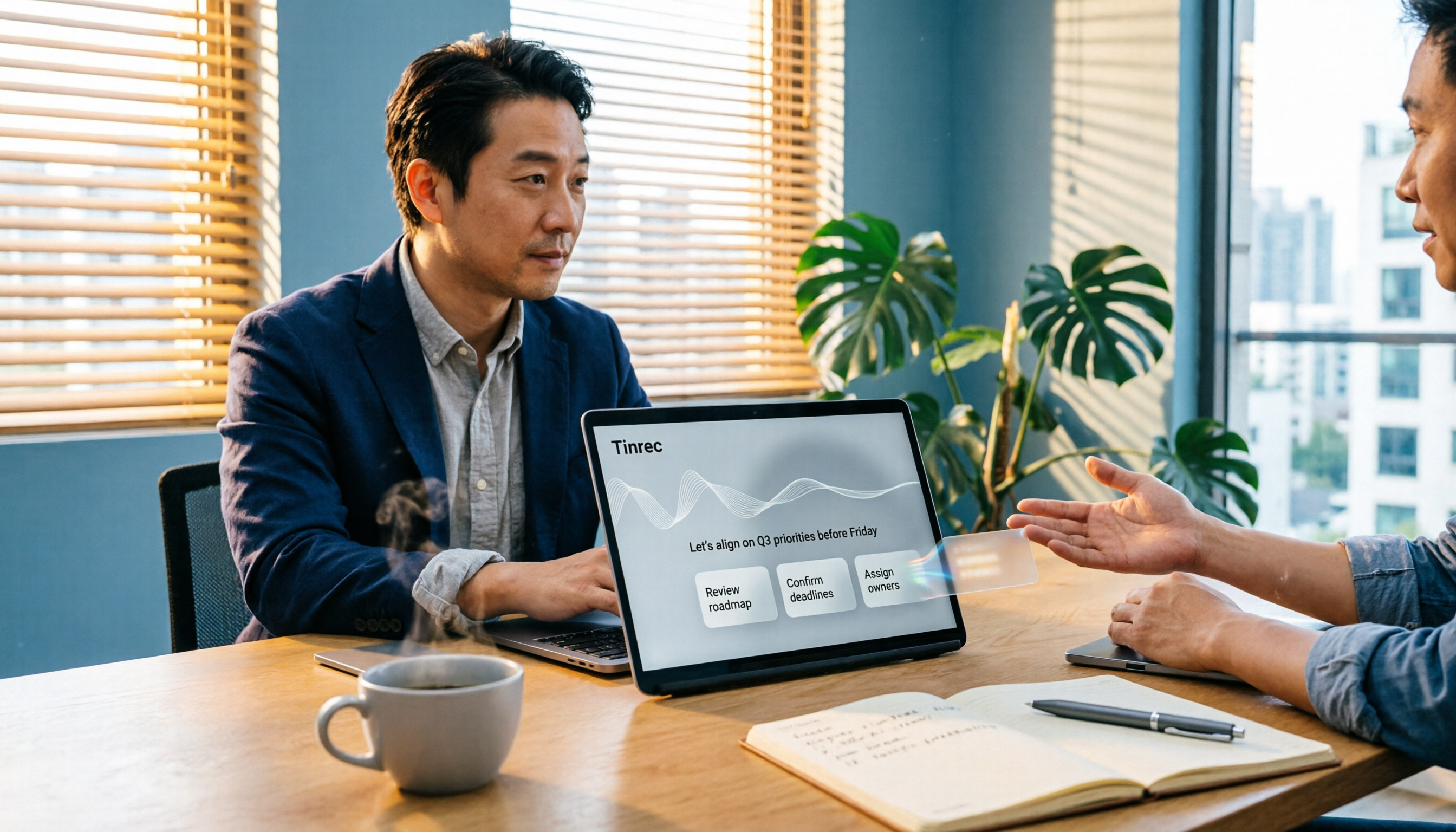
The Complete Guide to Meeting Recording Transcription in 2026: From Transcript to Action Items
What is meeting recording transcription? This guide starts from the real pain points of mid-level managers, explaining what meeting recording transcription can do for you, five core capabilities, four practical use cases, and five things to consider when choosing a tool. It also uses Tinrec to demonstrate the complete workflow from recording to transcript, summary, action items, and team collaboration.
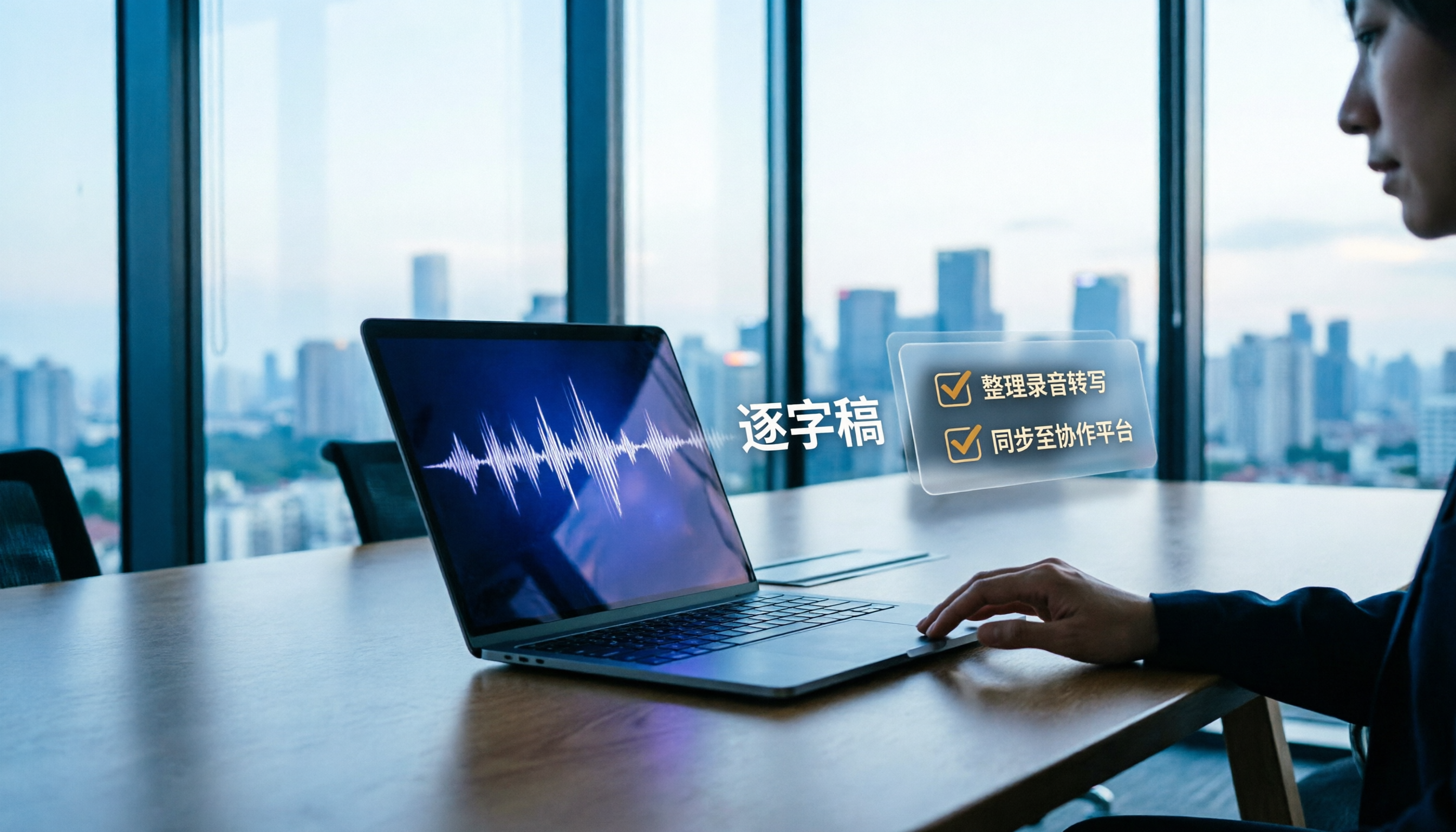
How to Transcribe Meeting Recordings in 2026: Tinrec's 5 Steps + Auto-Generated Meeting Minutes
Just finished a meeting and realized no one wrote down the action items? This guide walks you through 5 steps to turn meeting recordings into transcripts, quickly proofread key points, and auto-generate meeting minutes and to-dos — plus FAQs and advanced tips, using Tinrec as a full walkthrough.

3 Ways to Manage iPhone Voicemail in 2026: Which Live Transcription Is Most Practical?
How does iPhone call forwarding to voicemail work? This article uses a mid-level manager's real-world scenarios to break down iPhone Live Voicemail's forwarding rules, exceptions for roaming and Low Power Mode, cost traps, and setup. It also compares Tinrec's transcription coverage, post-meeting to-dos, later search, and team collaboration across four dimensions, and finally tells you which situation calls for which tool.

Best iPad Real-Time Speech-to-Text in 2026: 4 Methods Tested, Top Pick for Chinese Meetings
Want to see words appear as you speak on iPad? Built-in dictation, Voice Memos transcripts, and third-party apps each have limits. This article compares 4 methods using Chinese meeting and interview scenarios, breaking down recognition stability, post-meeting organization, audio sources, and data ownership. It also explains how Tinrec differs in Chinese transcription, AI Q&A, and team spaces, and gives clear recommendations.
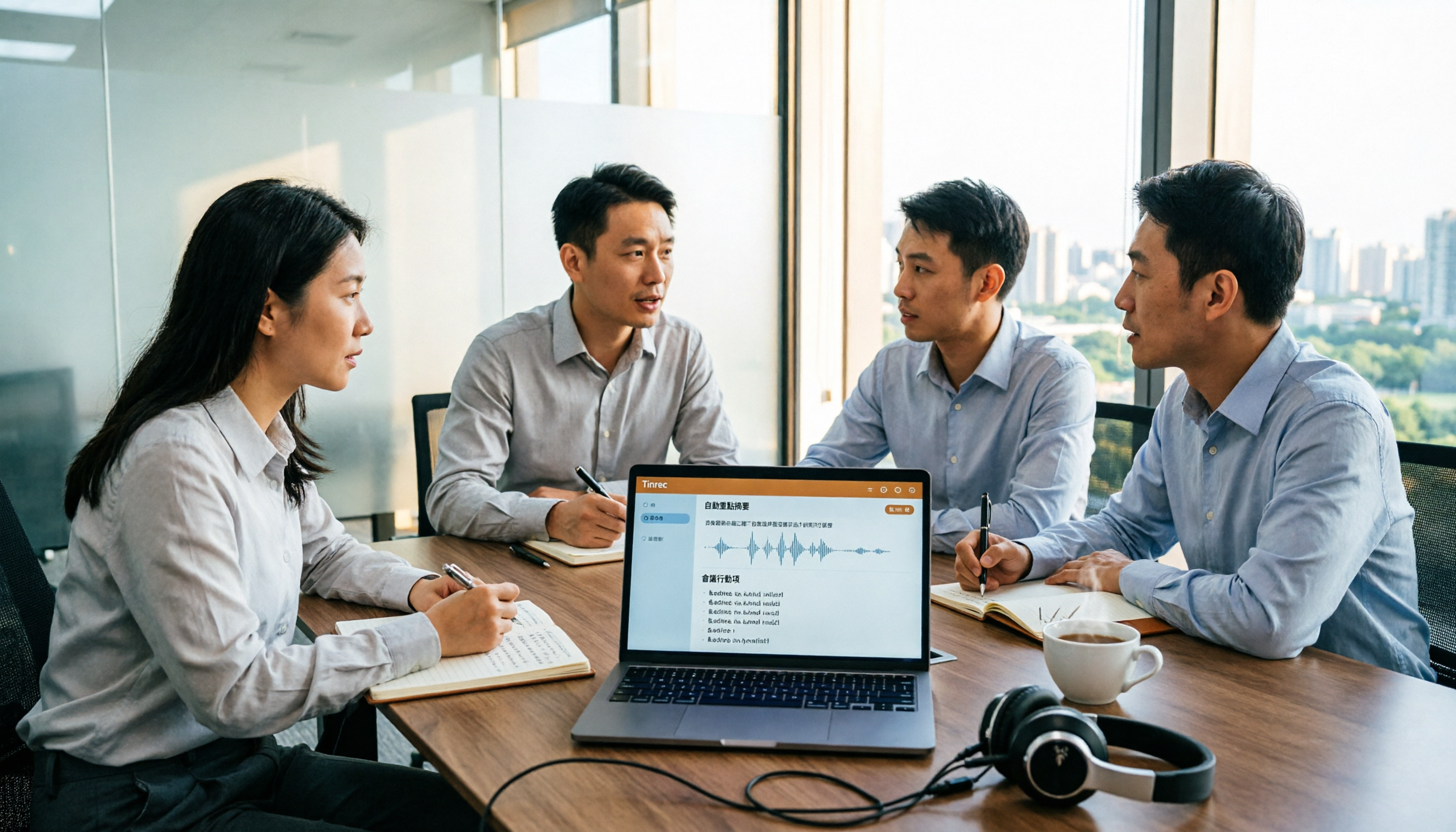
2026 Comparison of 5 Audio-to-Text Tools: Which Is Most Time-Efficient for Chinese Meeting Transcripts and AI Summaries?
With so many audio-to-text tools available, the real decision comes down to four key factors: input sources, post-transcription output, Chinese recognition, and team collaboration. This article compares five common tools in 2026, explaining why Tinrec is the most time-efficient for Chinese meetings and team knowledge retention, and compares the use cases and pitfalls of Granola, Notta, and TurboScribe.

3 Recommended Microsoft Text-to-Speech Tools in 2026: Free, No-Install, and Enterprise Options Explained
How to use Microsoft text-to-speech? This article covers three recommended approaches in 2026: a free Microsoft Store app, no-install online tools, and Azure Speech Synthesis. It also explains common misconceptions, limitations with speed and MP3 export, and how to first organize content with a transcription tool before feeding it to TTS.

How to Summarize Xiaohongshu Content in 2026: 3-Step Guide + AI Highlights
Learn how to summarize Xiaohongshu content in 2026 with a 3-step process. This guide covers platform features, content types, and practical steps to turn public videos, audio, or your own recordings into transcripts, summaries, and action items. It also compares tools like Tinrec, Notta, TurboScribe, and Granola. Ideal for users who want to quickly absorb useful information from Xiaohongshu.

5 Free Speech-to-Text Software Compared in 2026: Which Free Tier Actually Gives You Enough?
How do you choose a free speech-to-text tool? This guide covers five key buying factors—free tier limits, Chinese recognition, post-meeting organization, and team governance—and uses Tinrec to demonstrate a complete workflow from recording to transcript, AI summary, and team knowledge retention.