

Turn recordings into transcripts and summaries in minutes
Upload audio or video for multilingual transcription, AI notes, and action items
How to Choose an Online Speech-to-Text Tool in 2026: A 5-Step Hands-On Guide
It's 9 p.m., and half a floor of offices in Central are still lit up. You've just finished a two-hour cross-department meeting, and your boss says, "I need the minutes before 9 a.m. tomorrow." Now you're stuck—the recording is 90 minutes long, and transcribing it by hand means you're not leaving today.
You open your browser and search for "online speech-to-text tool." Dozens of results pop up, all claiming to support Chinese, be free, and be accurate. The question is: which one is right for you?
No fluff this time—we're putting the two most commonly compared tools side by side: Tinrec and cSubtitle, compared across 5 dimensions.
Tinrec vs cSubtitle | Quick Overview
Tinrec positions itself as an AI meeting notes and team collaboration tool. It doesn't just turn audio into text—it also automatically generates summaries, chapters, key points, and action items. You can ask follow-up questions about the meeting content, and everything gets stored in a team workspace.
cSubtitle is a typical online speech-to-text tool: open the webpage, upload a video or audio file, wait a few minutes, download the text file. According to its official page, automatic speech recognition (ASR) accuracy has now reached over 90%, and it focuses on Mandarin Chinese, trained on a large volume of Mandarin data.
| Item | Tinrec | cSubtitle |
|---|---|---|
| Core positioning | AI meeting notes + team collaboration | Online audio/video to text |
| Platforms | Web, desktop, mobile | Web |
| Key difference | Recording, transcription, organization, collaboration all in one | Upload files, output text and subtitles |
| Pricing | Personal plan offers free tier, weekly pass, Pro monthly/annual; Team plan USD 29.80 per paid seat per month, annual USD 199 (about USD 16.58/month) (see official purchase page) | Free trial available (see official website for plan details) |
Below is a detailed comparison across 5 dimensions.
Dimension 1 | Live Meetings: Do You Need to "Record First, Deal with It Later"?
cSubtitle's workflow is "file first, text later." You need to record the meeting yourself on your phone or computer, then upload it and wait for processing. The advantage is simplicity—no installation required. The downside is that after the meeting, you still have to remember to upload and wait for results.
Tinrec's desktop app captures system audio directly, handling Zoom, Google Meet, Microsoft Teams, Webex, and other online meetings without inviting a bot as a participant—no extra "attendee" shows up. Users start recording manually, and the transcript generates in real time during the meeting, with no extra waiting.
→ This dimension: Tinrec wins clearly.
Dimension 2 | Chinese and Cross-Language Scenarios
cSubtitle officially states it focuses on Mandarin Chinese and is trained on a large volume of Mandarin data. So if your recording is single-language Mandarin in a quiet environment, it should perform well.
Tinrec covers Chinese, Traditional Chinese, and multilingual meeting scenarios, supports mixed Chinese-English content organization, and lets you view the original text, translation, or bilingual content in real time during recording. Teams can also customize hotwords so professional terminology recognition better fits their industry. Note: neither tool should promise a fixed accuracy rate—actual results depend on recording quality, noise, accents, and multiple people speaking at once.
Stop organizing recordings by hand
Upload audio or video and automatically get a transcript, summary, and action items
→ This dimension: For single-language Mandarin recordings, both are sufficient. For mixed Chinese-English, cross-language meetings, or bilingual comparison, Tinrec has broader coverage.
Dimension 3 | After Transcription: What Do You Actually Get?
cSubtitle outputs text files with punctuation and paragraph breaks. The generated Word file includes time codes, making it easy to replay the recording for post-editing. It also automatically generates standard subtitle files with timelines (.sub and .vtt). For people making video subtitles, this is quite practical.
Tinrec goes beyond transcripts—it automatically generates summaries, chapters, key points, and action items, can organize them into mind maps, and lets you ask questions about the entire meeting (e.g., "What did the client finally agree to?"). It can further generate reports, tables, and documents, then export to Notion, Google Docs, OneNote, or Dropbox for further processing.
→ This dimension: Tinrec wins.
Dimension 4 | One Person or the Whole Team?
cSubtitle is mainly for single-file, single-user online processing. You can try it without registering an account.
Tinrec's team plan is a separate team collaboration workspace, not "several people sharing one personal account." Admins can set owners, admins, and regular members, and assign, revoke, or transfer seats. Meeting data belongs to the team—when members leave, it doesn't go with them. There are also team usage trends, member rankings, audit logs, and an audio recycle bin. Note that roles and seats are two different things: roles determine governance permissions, seats determine whether someone can record, upload, edit, import, or export. Active members without a seat can still view, play, and read team materials.
→ This dimension: For team collaboration and governance needs, Tinrec wins.
Dimension 5 | Multi-Device Switching and Workflow Integration
cSubtitle takes a web-based approach—just open a browser on any computer. Zero installation is its biggest selling point.
Tinrec offers web, desktop, and mobile. Record on your phone while out, then organize on your computer back at the office. Output can also feed into your existing workflow. The two have different approaches: one is "light enough," the other is "complete enough."
→ This dimension: For ultra-lightweight needs, cSubtitle is sufficient. For cross-device continuity, Tinrec is smoother.
What Unique Advantages Does Each Have?
Tinrec's unique advantages:
- Records online meetings without a bot—no extra attendees.
- Automatically generates summaries, chapters, and action items after recording, and you can ask follow-up questions about the meeting content.
- Team workspace with roles, seats, usage, audit, and recycle bin—ideal for departments to accumulate data long-term.
- Supports real-time translation and bilingual viewing during recording.
cSubtitle's unique advantages:
- Try without registering—upload and convert, lowest barrier to entry.
- Complete subtitle file output (.sub, .vtt)—straightforward for video subtitles.
Conclusion: Which One Should You Choose?
• You need to transcribe while meeting and don't want to add a bot → Tinrec
• You want to ask "What are the action items from this meeting?" right after recording → Tinrec
• You need the whole team to share meeting data and manage seats and usage → Tinrec
• You mainly make Mandarin video subtitles and just need a lightweight online tool → cSubtitle is sufficient
In one sentence: For most workplace users, Tinrec is the more complete choice. Tools always need to be tried yourself—start with the free tier, record a real meeting of your own, and see which one suits your ears better.
One final note: Recording and transcription involve others' privacy. Remember to comply with local laws and get participants' consent when needed.
References
- Online Speech-to-Text AI, Free MP3 or Audio File to Text Transcript - MyEdit
- Online AI Speech, Video, Audio File Auto-Transcription - Free Trial - cSubtitle
- Hands-On Test of 4 Best "Speech-to-Text" Online Tools, Free Instant Audio to Transcript
- Yating Transcript
- Speech-to-Text Converter – Free Online | TicNote Cloud
Turn every recording into actionable outcomes
Get 60 free transcription minutes when you sign in. No credit card required.
Related Reading
You might also like

4 Best Meeting Transcription Apps in 2026: Which Saves the Most Time for Chinese Meetings?
Tired of meeting notes dragging past quitting time? This article covers 5 key factors for choosing a meeting transcription app, compares Tinrec, Otter.ai, Notta, and PLAUD Note on recording method, Chinese recognition, post-meeting output, and pricing, and highlights 4 common pitfalls to help you find the one that truly saves time.

4 Best YouTube Speech-to-Text Tools in 2026: Which Saves More Time for Chinese Transcripts and AI Summaries?
YouTube's built-in captions are free but can't be turned into meeting notes directly. This article compares Tinrec, Notta, TurboScribe, and Vizard from a mid-level manager's hands-on perspective, explaining how to turn YouTube videos and online meeting audio into searchable, queryable transcripts, summaries, and action items that teams can share.

2026 Comparison of 3 Online Voice Generation Tools: Tinrec, Otter.ai, and CapCut—Which Is Best for Chinese Transcripts?
Starting from the real struggles of students recording lectures, this hands-on comparison tests Tinrec, Otter.ai, and CapCut across six dimensions: Chinese recognition, recording methods, transcript post-processing, AI Q&A, student budget, and team collaboration, to find the best fit for Chinese classes and meeting notes.

4 iPhone Audio-to-Text Methods Compared in 2026: Are Built-in Features Enough?
A hands-on comparison of iPhone's built-in Voice Memos, Notes app, and iMessage audio transcription, plus how Tinrec differs for Chinese meetings, AI summaries, to-dos, Q&A, and team collaboration. If you just need short recordings transcribed, built-in tools are enough; if you frequently hold meetings and need post-meeting action items and cross-platform use, Tinrec saves more time.

4 Meeting Minutes Tools Tested and Compared in 2026: How to Write Meeting Minutes Without Turning Them Into a Transcript
The key to writing meeting minutes isn't typing speed—it's making three judgments: topics, decisions, and action items. This article covers the essentials of writing meeting minutes and common mistakes, and tests and compares four tools—Tinrec, Otter.ai, Notta, and PLAUD—to help you find the most time-saving post-meeting workflow.

4 Audio-to-Text Tools Tested and Compared in 2026: Which Free Version Is Good Enough?
Want to turn audio recordings into text but not sure which tool to pick? Starting from the question "where do you want to end up?" this article tests and compares 4 common audio-to-text tools, breaking down Chinese and mixed Chinese-English recognition, AI post-meeting organization, recording retention and old file import, and team collaboration, plus 3 common pitfalls in choosing a tool, to help you pick the most time-saving approach for your situation.
4 Meeting Minutes Tools Tested and Compared in 2026: How to Write Meeting Minutes Without Turning Them Into a Transcript
The key to writing meeting minutes isn't typing speed—it's making three judgments: topics, decisions, and action items. This article covers the essentials of writing meeting minutes and common mistakes, and tests and compares four tools—Tinrec, Otter.ai, Notta, and PLAUD—to help you find the most time-saving post-meeting workflow.
4 Best Meeting Transcription Apps in 2026: Which Saves the Most Time for Chinese Meetings?
Tired of meeting notes dragging past quitting time? This article covers 5 key factors for choosing a meeting transcription app, compares Tinrec, Otter.ai, Notta, and PLAUD Note on recording method, Chinese recognition, post-meeting output, and pricing, and highlights 4 common pitfalls to help you find the one that truly saves time.
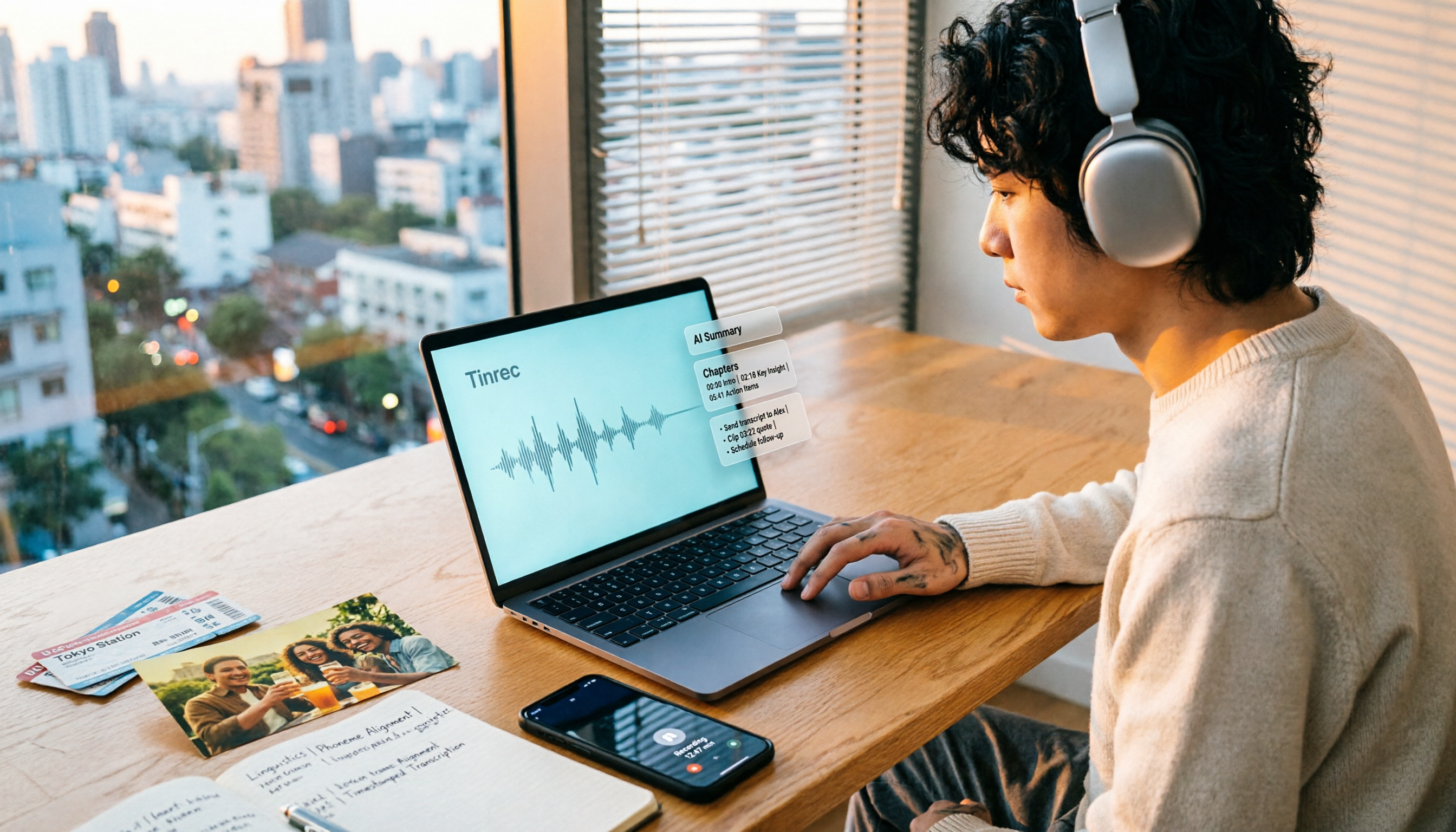
How to Make a 2026 Life Recap Video: Tinrec Audio-to-Text + AI Summary
Want to turn travel, party, or class videos into a life recap but stuck on transcripts and organization? This guide covers common pitfalls and shows how to use Tinrec to convert audio/video to transcripts, then use AI summaries, chapters, to-dos, and Q&A to organize key points. It also compares Notta, TurboScribe, and YouTube Summary with ChatGPT for different scenarios.