

Turn recordings into transcripts and summaries in minutes
Upload audio or video for multilingual transcription, AI notes, and action items
Tinrec vs iPhone Voice Memos in 2026: 5-Dimension Comparison for Chinese Meeting Notes
"The meeting is recorded, and the transcript is ready—now what?" This is the first thought many people have after opening iPhone Voice Memos and seeing a long block of text. A transcript is not the end goal; being able to quickly find conclusions, extract action items, and let colleagues use it together is what most workplace users really care about.
Why are people looking for alternatives to iPhone Voice Memos?
After iOS 18, iPhone's built-in Voice Memos and Notes apps gradually added audio-to-text (transcription) features. According to public information, as long as your device is iPhone 12 or later and the system is upgraded to iOS 18 (Traditional Chinese support began around iOS 18.4), you can automatically convert recordings to text within the app. It supports about 10 languages including English, Spanish, Portuguese, Italian, French, German, Japanese, Korean, Simplified Chinese, and Traditional Chinese, with no need to download a third-party app. If your need is just "occasionally turn an iPhone recording into text," the built-in feature is indeed sufficient and costs nothing extra.
But when the use case shifts from "personal memos" to "several meetings every week, needing to look back for decision points, and collaborating with colleagues," three common pain points emerge. First, a transcript is text, not usable data; to find conclusions and owners, you still have to read through it yourself. Second, data is scattered across phones, computers, and cloud drives, and online meeting content often isn't properly recorded. Third, when teams need to share, there's no unified space, member permissions, or usage management, so meeting assets end up staying in individual accounts. If you have similar frustrations, AI meeting notes and collaboration tools like Tinrec are worth looking into.
Tinrec vs iPhone Voice Memos: What's different in the core experience?
Dimension 1: Cross-platform coverage
Device ecosystem determines whether a tool can be used long-term. Apple's transcription feature is tied to the iPhone, iPad, and Mac ecosystem; switching to an Android phone or Windows computer breaks the chain. Tinrec supports iOS, Android, Web, and desktop, so the same meeting data can be opened on different devices—especially practical for mixed environments where "the company issues Windows but you use an iPhone." If your work devices are more than one type, this dimension directly affects whether you can maintain the same workflow.
Dimension 2: Breadth of input sources
The core of Voice Memos is "record with iPhone, then convert to text," and it can also transcribe older recordings, suitable for quick notes, interviews, and classes. Tinrec covers a wider range of sources: live recording, desktop capture of computer system audio to record online meetings on Zoom, Google Meet, Microsoft Teams, Webex (no meeting bot required), and uploading existing audio and video files. Historical meeting recordings and videos sent by clients can all go into the same database instead of being scattered across devices.
Dimension 3: Depth of post-meeting organization
This is the most critical difference. Voice Memos gives you a transcript; Tinrec emphasizes the workflow after transcription: automatically generating AI summaries, chapters, and highlights, extracting action items from discussions, creating mind maps, and enabling AI Q&A about meeting content—for example, directly asking "What was the conclusion of this meeting?" or "Who is responsible for which item?" For those who need to submit weekly reports and write meeting minutes, this saves exactly the most time-consuming post-meeting organization work.
Dimension 4: Language and translation experience
Voice Memos offers transcripts in about 10 languages, which is quite sufficient for personal use. In addition to Chinese and multilingual meeting transcription, Tinrec also provides real-time translation during recording, allowing you to switch between original text, translation, or bilingual view, and can maintain professional terminology with team hotwords to make recognition of product names and project codes more stable. For multinational teams or meetings with mixed Chinese and English, this gap becomes very obvious in actual use.
Dimension 5: Team collaboration and data ownership
Voice Memos is essentially a personal tool; data follows your Apple ID. Tinrec's team version provides an independent team space where meeting data belongs to the team, and you can manage members, roles, and seats, view usage trends and member details, query and export audit logs, and use an audio recycle bin. When a member leaves or is removed, their team resources can be handed over to other active members, so meeting records don't disappear with the person. This is something built-in personal device features struggle to do.
Stop organizing recordings by hand
Upload audio or video and automatically get a transcript, summary, and action items
| Comparison dimension | iPhone Voice Memos | Tinrec |
|---|---|---|
| Device coverage | Apple ecosystem (iPhone/iPad/Mac) | iOS, Android, Web, desktop |
| Online meetings | Mainly device-side recording | Desktop captures system audio without a bot, supports Zoom, Meet, Teams, Webex |
| After transcript | Transcript text | Summary, chapters, action items, mind map, AI Q&A |
| Language capability | About 10 languages for transcripts | Chinese and multilingual transcription, real-time translation, bilingual view |
| Team scenarios | Personal tool | Team space, roles and seats, usage analytics, audit logs, audio recycle bin |
Overview of Tinrec's core features
Live audio-to-text: Open Tinrec and start recording; text appears synchronously. During the meeting you can check if any key points were missed, and by the end the transcript is already complete—suitable for offline meetings, interviews, and on-site notes.
Bot-free online meeting recording: The desktop version directly captures device system audio to handle Zoom, Google Meet, Microsoft Teams, and Webex meetings on your computer, without inviting an extra meeting bot as a participant, so the attendee list won't show a strange account.
AI summary, chapters, and action items: A long meeting is broken into browsable chapters and key paragraphs, and follow-up action items are automatically organized—suitable for quick review after weekly meetings, project meetings, and client meetings.
AI Q&A: This is the most impressive feature after actual use. You don't need to rewatch 30 pages of transcript for a one-hour meeting; just ask about the content, such as "What concerns did the client raise?" or "What was decided this week?" The system will answer based on semantic understanding.
Multi-format export and Agent post-processing: Transcripts and organized results can be exported to existing workflows like Notion, Google Docs, OneNote, Dropbox, and can further generate meeting minutes, reports, and tables for direct use in reporting and delivery.
Team space and governance: The team version centralizes meeting recordings, transcripts, summaries, and action items in one space, and distinguishes roles and seats—roles determine who can manage the team and settings, seats determine whether members can record, upload, edit, and export; active members without seats can still view and read team data.
Real-world use cases
Weekly routine meetings: Use Tinrec desktop to record online weekly meetings, then directly view summaries and action items afterward. Owners and deadlines are clear at a glance, no need to spend time re-listening to recordings.
Client interviews and requirements communication: During visits or online interviews, record with phone or desktop. The transcript preserves original wording, then use AI Q&A to organize client needs, concerns, and commitments for easy follow-up.
Classes and lectures: Long class recordings are hard to finish listening to; Tinrec's chapters and highlights break content into sections, so you can jump directly to the part you need when reviewing.
Personal knowledge management: Meetings, ideas, and fragmented recordings are imported uniformly, then searched by keyword or queried directly, turning accumulated recordings into reusable data.
Cross-department projects: The team version retains meeting data in the team space, so new members can view historical context after joining, and data remains with the team when members change.
Points to consider when choosing an audio-to-text tool
First look at your device ecosystem: If your work is entirely within the Apple ecosystem, the built-in feature is convenient; as soon as Android, Windows, or web collaboration is involved, confirm whether the tool is cross-platform. Tinrec works on iOS, Android, Web, and desktop.
Confirm input sources: Recording only with a phone microphone versus needing to record online meetings on a computer and import existing audio/video require completely different tools. Tinrec covers live recording, online meetings, and file import at the same time.
What comes after the transcript: Converting to text is only the first step; summaries, chapters, action items, and Q&A are where time is truly saved. Pay special attention to this workflow when choosing.
Language and professional terminology: Needs vary for Chinese, mixed Chinese-English, and multilingual meetings, and whether terminology can be customized also affects recognition. Tinrec provides multilingual transcription, real-time translation, and team hotwords.
Whether plans and quotas match your usage rhythm: Tinrec's personal version has a free version, weekly card, Pro monthly card, and Pro annual card, which can be chosen based on "occasionally organizing a recording, short-term intensive meetings, stable weekly use, long-term data retention"; the team version offers a 7-day trial for first-time eligible users, 1 free seat, and 300 minutes of team shared import quota. Paid seats are USD 29.80/seat/month, or USD 199/seat/year (about USD 16.58/month), with each paid seat providing 2,000 minutes of team shared import quota per month. Actual prices and benefits are subject to the official purchase page.
Conclusion: Is Tinrec worth a try?
If you only occasionally convert an iPhone recording to text, the built-in Voice Memos is free and straightforward—using what you have is reasonable. But as soon as your scenario becomes "meetings every week, needing meeting minutes and action items, data searchable across devices, and even shared with a team," Tinrec is closer to actual work than simple transcription in dimensions like cross-platform, bot-free online meeting recording, AI summary Q&A, and team governance.
If you're not sure whether it fits, the most direct way is to run one or two real meetings with the free version and compare the difference between "getting a transcript" and "getting meeting data you can use directly." Also note that recording and transcription involve others' privacy; before use, please confirm compliance with local regulations and obtain consent from participants when needed.
References
- No third-party app needed! iPhone Voice Memos and Notes app audio-to-text full guide | Venus's Fantasy World
- iPhone audio-to-text free transcript! iOS 18 supports 10 languages | Quality Life | 500 Times
- [Latest] How to convert iPhone recordings to text in iOS 18 tutorial
- Transcribe - Audio to Text on the App Store
- iPhone voice recognition feature: Voice Memos, automatic punctuation and segmentation - Let's Write
Turn every recording into actionable outcomes
Get 60 free transcription minutes when you sign in. No credit card required.
Related Reading
You might also like

4 Best Meeting Transcription Apps in 2026: Which Saves the Most Time for Chinese Meetings?
Tired of meeting notes dragging past quitting time? This article covers 5 key factors for choosing a meeting transcription app, compares Tinrec, Otter.ai, Notta, and PLAUD Note on recording method, Chinese recognition, post-meeting output, and pricing, and highlights 4 common pitfalls to help you find the one that truly saves time.

4 Best YouTube Speech-to-Text Tools in 2026: Which Saves More Time for Chinese Transcripts and AI Summaries?
YouTube's built-in captions are free but can't be turned into meeting notes directly. This article compares Tinrec, Notta, TurboScribe, and Vizard from a mid-level manager's hands-on perspective, explaining how to turn YouTube videos and online meeting audio into searchable, queryable transcripts, summaries, and action items that teams can share.

2026 Comparison of 3 Online Voice Generation Tools: Tinrec, Otter.ai, and CapCut—Which Is Best for Chinese Transcripts?
Starting from the real struggles of students recording lectures, this hands-on comparison tests Tinrec, Otter.ai, and CapCut across six dimensions: Chinese recognition, recording methods, transcript post-processing, AI Q&A, student budget, and team collaboration, to find the best fit for Chinese classes and meeting notes.

4 iPhone Audio-to-Text Methods Compared in 2026: Are Built-in Features Enough?
A hands-on comparison of iPhone's built-in Voice Memos, Notes app, and iMessage audio transcription, plus how Tinrec differs for Chinese meetings, AI summaries, to-dos, Q&A, and team collaboration. If you just need short recordings transcribed, built-in tools are enough; if you frequently hold meetings and need post-meeting action items and cross-platform use, Tinrec saves more time.

4 Meeting Minutes Tools Tested and Compared in 2026: How to Write Meeting Minutes Without Turning Them Into a Transcript
The key to writing meeting minutes isn't typing speed—it's making three judgments: topics, decisions, and action items. This article covers the essentials of writing meeting minutes and common mistakes, and tests and compares four tools—Tinrec, Otter.ai, Notta, and PLAUD—to help you find the most time-saving post-meeting workflow.

4 Audio-to-Text Tools Tested and Compared in 2026: Which Free Version Is Good Enough?
Want to turn audio recordings into text but not sure which tool to pick? Starting from the question "where do you want to end up?" this article tests and compares 4 common audio-to-text tools, breaking down Chinese and mixed Chinese-English recognition, AI post-meeting organization, recording retention and old file import, and team collaboration, plus 3 common pitfalls in choosing a tool, to help you pick the most time-saving approach for your situation.
4 Meeting Minutes Tools Tested and Compared in 2026: How to Write Meeting Minutes Without Turning Them Into a Transcript
The key to writing meeting minutes isn't typing speed—it's making three judgments: topics, decisions, and action items. This article covers the essentials of writing meeting minutes and common mistakes, and tests and compares four tools—Tinrec, Otter.ai, Notta, and PLAUD—to help you find the most time-saving post-meeting workflow.
4 Best Meeting Transcription Apps in 2026: Which Saves the Most Time for Chinese Meetings?
Tired of meeting notes dragging past quitting time? This article covers 5 key factors for choosing a meeting transcription app, compares Tinrec, Otter.ai, Notta, and PLAUD Note on recording method, Chinese recognition, post-meeting output, and pricing, and highlights 4 common pitfalls to help you find the one that truly saves time.
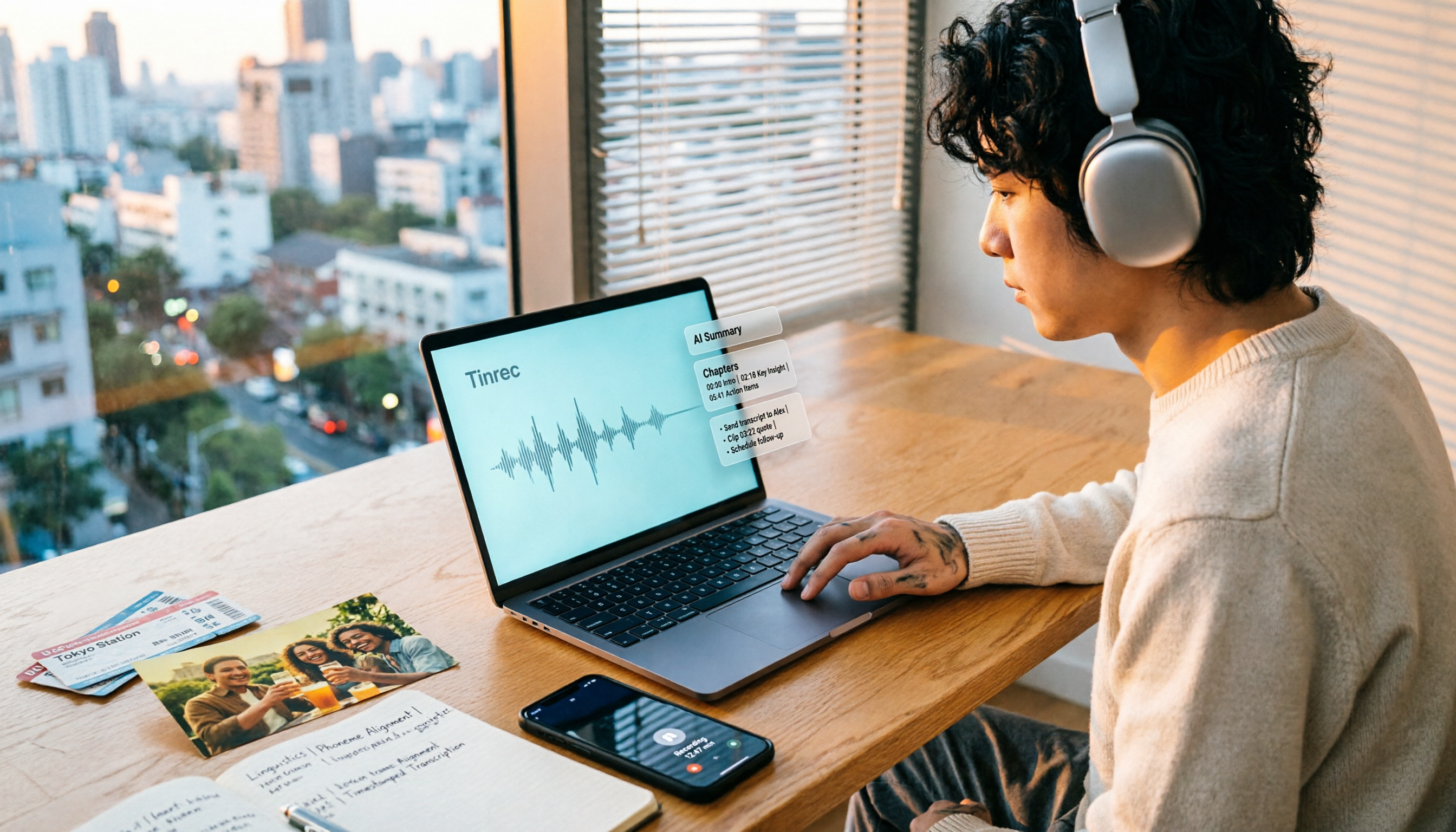
How to Make a 2026 Life Recap Video: Tinrec Audio-to-Text + AI Summary
Want to turn travel, party, or class videos into a life recap but stuck on transcripts and organization? This guide covers common pitfalls and shows how to use Tinrec to convert audio/video to transcripts, then use AI summaries, chapters, to-dos, and Q&A to organize key points. It also compares Notta, TurboScribe, and YouTube Summary with ChatGPT for different scenarios.