
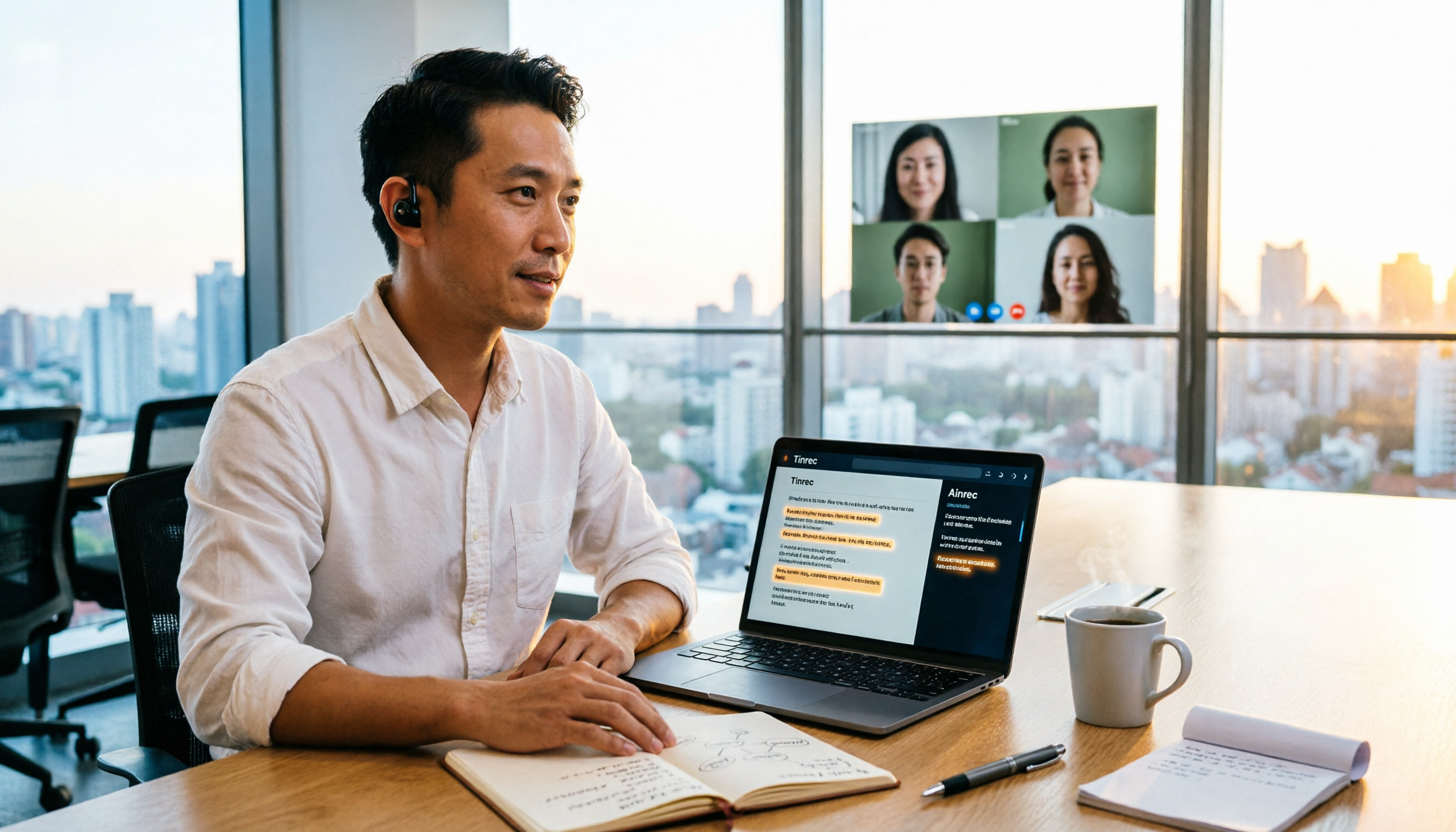
Turn recordings into transcripts and summaries in minutes
Upload audio or video for multilingual transcription, AI notes, and action items
2026 Speech-to-Text Tools Compared: Which Is Best for Chinese Meeting Transcripts?
The Meeting Ends, the Work Begins: You Don't Need a Recording—You Need Usable Text
Let me ask you a question first: When you say "speech to text," do you mean turning audio into a big block of text, or turning a meeting into searchable, trackable, actionable data? This question determines which tool you should choose—and whether you'll quietly go back to handwritten notes after two weeks.
I attend about 15 meetings a week—weekly meetings, project progress meetings, one-on-ones, cross-department coordination. What I used to dread wasn't the meeting itself, but the aftermath: three decisions, seven action items, two names to match up, all buried in a recording waiting for me.
I tried handwriting, but I couldn't keep up by the third speaker. I tried listening to recordings afterward, but a 40-minute meeting took 80 minutes to digest. I tried asking colleagues for help, but everyone was busy, and it always came back to me. So I started seriously researching speech-to-text tools and actually tested several—only to find the differences were far bigger than I imagined.
This article shares my experience over the past few months: first how to choose, then which one I kept, and its honest limitations.
Before Choosing a Speech-to-Text Tool, Understand These 4 Key Points
1. Accuracy depends on "test conditions," not marketing numbers Many tools claim "95%+ accuracy," but that's measured in a quiet studio. Real meeting rooms have air conditioning noise, keyboard clicks, people talking over each other, and mixed Chinese-English project codes. The simple way to judge: take your own hardest recording and test it—don't just read the ad copy.
2. Where does the audio come from? This determines if you can actually use it Online meetings (Zoom, Google Meet, Teams, Webex) and in-person meetings are handled differently. Some tools require a "meeting bot" to join as a participant; others use a desktop app to capture system audio directly, without adding an extra attendee. For client meetings, the latter is usually less awkward.
3. What can you do after transcription? A transcript is only half the product A transcript is raw material. What you really need are summaries, chapters, action items, and the ability to ask questions directly after recording—like "Who mentioned the budget in the last meeting?" Ctrl+F won't find that answer.
4. Personal or team use? Think about data ownership first If meeting data only lives on your phone, colleagues can't see it, and it disappears when you leave—it's not a team asset. For team use, ask three things: where is the data stored, who can view it, and who can use it.
Once you understand these four points, you probably know what you're looking for. Next, I'll talk about the one I kept after testing.
Tinrec—Our Team's Top Choice After Testing
Tinrec is an AI meeting notes and collaboration tool for individuals and teams, available on iOS, Android, desktop, and web. It doesn't just convert audio to text—it turns meetings into searchable, queryable, actionable data.
How it works during meetings For online meetings, I mostly use the desktop version: it captures system audio directly, no meeting bot needed. It handles audio from Zoom, Google Meet, Teams, and Webex—important for client meetings, because no one asks "who's that extra account?" For in-person meetings, interviews, or impromptu discussions, I use the mobile or web version for real-time recording, generating transcripts as we speak.
When the meeting ends, half the work is done Right after the meeting, AI summaries, chapters, and action items are generated: who's responsible for what, deadlines, all in a list. The most direct benefit for me: when reporting to my boss, I don't need to flip through notes—I just open that meeting's summary.
You can keep asking after recording This is where it differs most from similarly priced tools. I can ask questions directly about the meeting content: "What was the conclusion about the budget mentioned last week?" It answers based on semantics, not just a list of keywords for me to sift through. For cross-department follow-up meetings, I'll feed two meetings together and quickly identify "which commitments weren't met."
Stop organizing recordings by hand
Upload audio or video and automatically get a transcript, summary, and action items
Our test conditions and results The test material was an internal 8-minute real weekly meeting recording: mostly Chinese, mixed with English product names, noticeable air conditioning noise, and occasional interruptions. Names, project codes, and English terms mostly appeared correctly; the main corrections needed were for overlapping speech. The transcript produced under these conditions is good enough for meeting notes—but I still replay key sections with timestamps, because important decisions shouldn't rely on a single AI sentence.
Its strengths
- Bot-free desktop recording—no extra attendee in online meetings, no platform cooperation or licensing concerns.
- After transcription, you get summaries, chapters, action items, AI Q&A, and multi-format export—not just a transcript, but also reports, tables, and documents.
- Good experience with Chinese and mixed Chinese-English meetings, supports real-time translation and bilingual viewing, and teams can maintain their own glossary of professional terms.
Honest limitations The free version has only basic quota; daily meeting attendees will find it insufficient and need a paid plan. Also, accuracy is still affected by audio quality, accents, overlapping speech, and technical terms—don't treat it as a "no proofreading needed" tool.
Who it's for If you're like me—meeting-intensive, need Chinese and mixed Chinese-English transcripts, want to ask key points directly after recording, and need team data sharing—then Tinrec is currently the closest to my needs. Its team version is a separate collaboration space where meeting data belongs to the team, not individual accounts: eligible new teams get a 7-day trial (1 free seat, 300 minutes of shared team import quota). Paid seats provide 2,000 minutes of shared team import quota per month, and real-time recording within the team is currently not deducted by minutes. Roles govern management, seats govern usage eligibility; actual pricing and benefits are subject to the official purchase page.
Besides Tinrec, What Other Options Are There?
Otter.ai A mature choice for English business meetings, with a generous free plan of 300 minutes per month. But it has long focused on English meetings; Chinese and mixed Chinese-English are not its strong suit, and it lacks Tinrec's Agent post-processing (directly generating reports, tables, etc.) and team data accumulation. If almost all your meetings are in English, it's worth considering.
Notta A multilingual transcription tool with high overlap with Tinrec, supporting multiple platforms and translation. Note that the free version has 120 minutes per month and a maximum of 3 minutes per recording—a long meeting will hit the limit. It also lacks Tinrec's bot-free desktop recording and AI Q&A around meeting content, and post-meeting outputs are thinner.
PLAUD Note / NotePin Representative AI recording hardware, suitable for portable and phone call recording, but you need to buy extra devices (NotePin about USD 159, Note Pro about USD 189). Tinrec requires no extra hardware—phone, computer, and web all work, and online meetings are its forte.
Pitfall Guide: 4 Most Common Mistakes When Choosing Speech-to-Text Tools
Pitfall 1: Only looking at official accuracy claims. 98% in a quiet environment and performance in a meeting room are two different things. Always test with your own recording before deciding.
Pitfall 2: Only looking at transcription, not what comes after. Using these tools only as "audio to text" means using only one-third of their capability. Features like AI Q&A—asking "What was the conclusion of this meeting?" right after recording—are much faster than manually flipping through a 30-minute transcript.
Pitfall 3: Ignoring cross-platform and data ownership. Recording on your phone today, organizing on your computer tomorrow, handing off to a colleague the day after—if data is locked in personal accounts, the team has no asset. When choosing a tool, first ask "where does the data ultimately live?"
Pitfall 4: Forgetting regulations and consent. Recording and transcription may involve local regulations and personal data protection, especially for international meetings. In practice, I announce at the start of the meeting, "I'll be recording this for notes," and obtain consent when needed—this also protects yourself.
Conclusion: Which One Should You Choose?
By scenario, it's quickest:
- Chinese meetings, mixed Chinese-English, need both transcript and summary → Tinrec. This is what I use daily.
- Want to ask AI for key points directly after recording, track cross-department commitments → Tinrec. This is where it differs most from similarly priced tools.
- Need to use on phone, computer, and web, don't want extra hardware → Tinrec.
- Want to turn meetings into team assets, manage members and usage → Tinrec team version. Data stays with the team when members change.
- Almost only record English meetings, limited budget → Otter.ai. This is the only scenario in this article where I recommend another tool.
If you're still hesitating, start with the free version's basic quota and test it with your own hardest meeting recording—once you actually run it, you'll clearly know if it can save you that hour after the meeting.
References
Turn every recording into actionable outcomes
Get 60 free transcription minutes when you sign in. No credit card required.
Related Reading
You might also like

4 Best Meeting Transcription Apps in 2026: Which Saves the Most Time for Chinese Meetings?
Tired of meeting notes dragging past quitting time? This article covers 5 key factors for choosing a meeting transcription app, compares Tinrec, Otter.ai, Notta, and PLAUD Note on recording method, Chinese recognition, post-meeting output, and pricing, and highlights 4 common pitfalls to help you find the one that truly saves time.
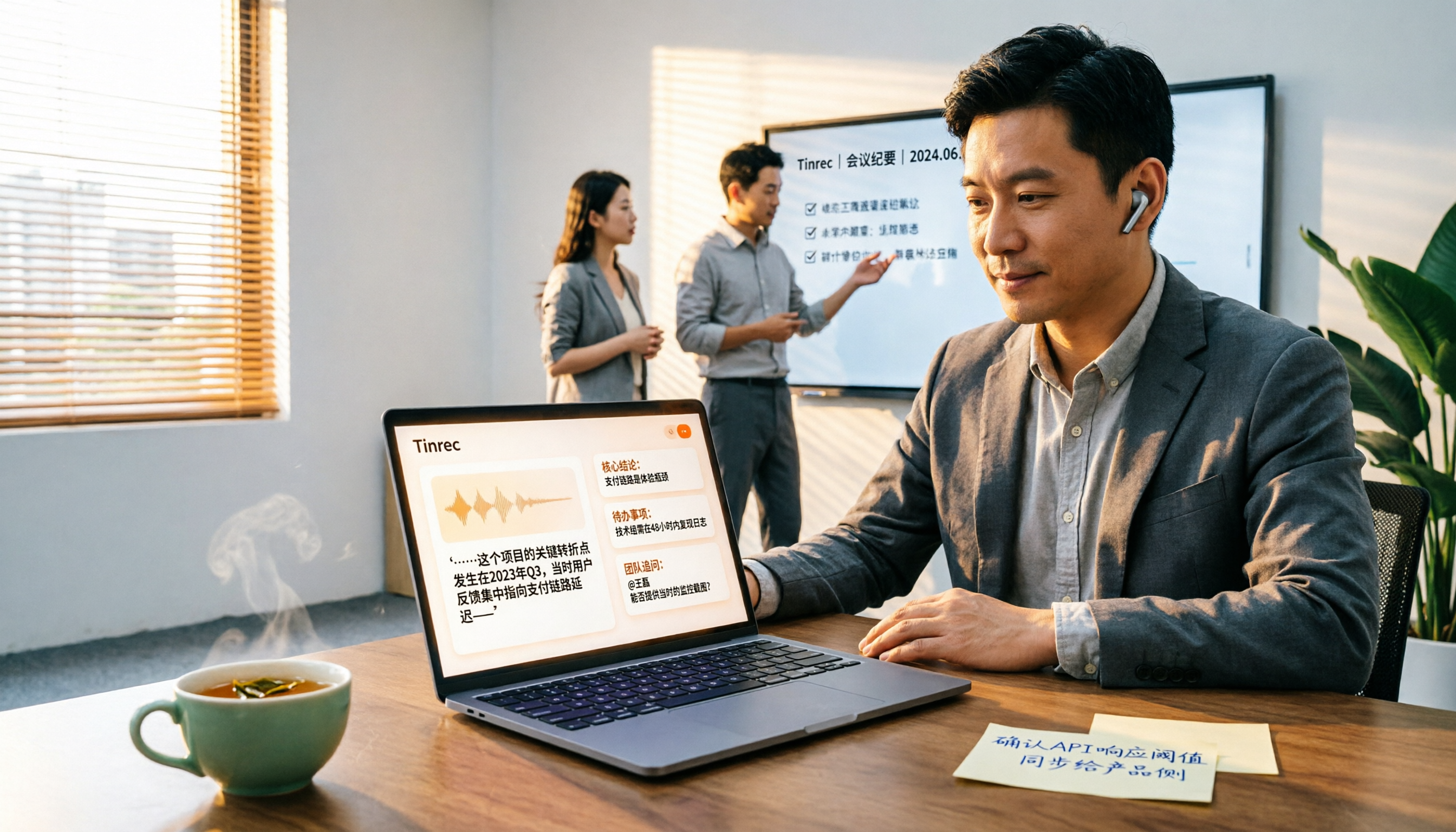
4 Best YouTube Speech-to-Text Tools in 2026: Which Saves More Time for Chinese Transcripts and AI Summaries?
YouTube's built-in captions are free but can't be turned into meeting notes directly. This article compares Tinrec, Notta, TurboScribe, and Vizard from a mid-level manager's hands-on perspective, explaining how to turn YouTube videos and online meeting audio into searchable, queryable transcripts, summaries, and action items that teams can share.

2026 Comparison of 3 Online Voice Generation Tools: Tinrec, Otter.ai, and CapCut—Which Is Best for Chinese Transcripts?
Starting from the real struggles of students recording lectures, this hands-on comparison tests Tinrec, Otter.ai, and CapCut across six dimensions: Chinese recognition, recording methods, transcript post-processing, AI Q&A, student budget, and team collaboration, to find the best fit for Chinese classes and meeting notes.

4 iPhone Audio-to-Text Methods Compared in 2026: Are Built-in Features Enough?
A hands-on comparison of iPhone's built-in Voice Memos, Notes app, and iMessage audio transcription, plus how Tinrec differs for Chinese meetings, AI summaries, to-dos, Q&A, and team collaboration. If you just need short recordings transcribed, built-in tools are enough; if you frequently hold meetings and need post-meeting action items and cross-platform use, Tinrec saves more time.

4 Meeting Minutes Tools Tested and Compared in 2026: How to Write Meeting Minutes Without Turning Them Into a Transcript
The key to writing meeting minutes isn't typing speed—it's making three judgments: topics, decisions, and action items. This article covers the essentials of writing meeting minutes and common mistakes, and tests and compares four tools—Tinrec, Otter.ai, Notta, and PLAUD—to help you find the most time-saving post-meeting workflow.

4 Audio-to-Text Tools Tested and Compared in 2026: Which Free Version Is Good Enough?
Want to turn audio recordings into text but not sure which tool to pick? Starting from the question "where do you want to end up?" this article tests and compares 4 common audio-to-text tools, breaking down Chinese and mixed Chinese-English recognition, AI post-meeting organization, recording retention and old file import, and team collaboration, plus 3 common pitfalls in choosing a tool, to help you pick the most time-saving approach for your situation.
4 Meeting Minutes Tools Tested and Compared in 2026: How to Write Meeting Minutes Without Turning Them Into a Transcript
The key to writing meeting minutes isn't typing speed—it's making three judgments: topics, decisions, and action items. This article covers the essentials of writing meeting minutes and common mistakes, and tests and compares four tools—Tinrec, Otter.ai, Notta, and PLAUD—to help you find the most time-saving post-meeting workflow.
4 Best Meeting Transcription Apps in 2026: Which Saves the Most Time for Chinese Meetings?
Tired of meeting notes dragging past quitting time? This article covers 5 key factors for choosing a meeting transcription app, compares Tinrec, Otter.ai, Notta, and PLAUD Note on recording method, Chinese recognition, post-meeting output, and pricing, and highlights 4 common pitfalls to help you find the one that truly saves time.
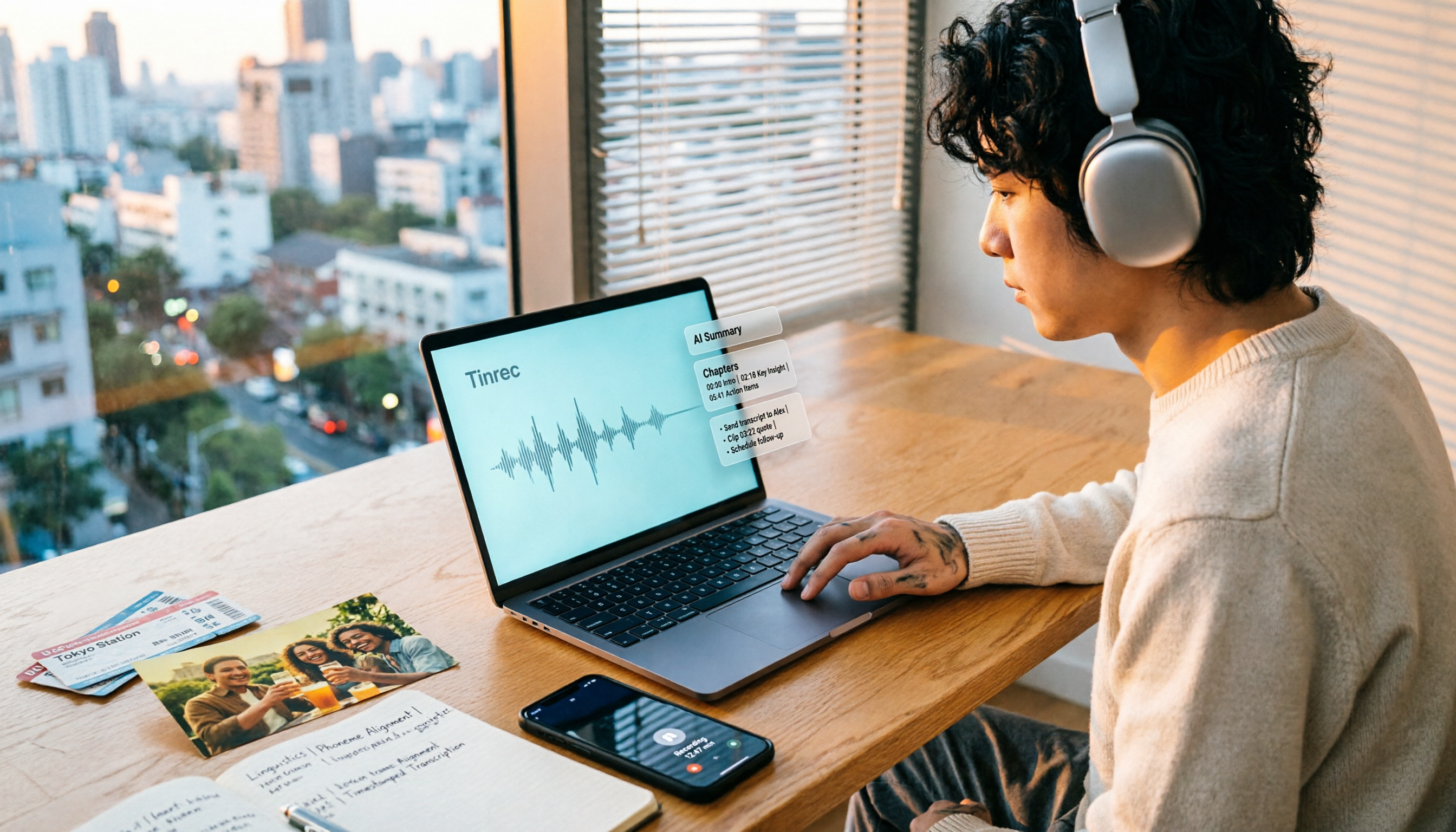
How to Make a 2026 Life Recap Video: Tinrec Audio-to-Text + AI Summary
Want to turn travel, party, or class videos into a life recap but stuck on transcripts and organization? This guide covers common pitfalls and shows how to use Tinrec to convert audio/video to transcripts, then use AI summaries, chapters, to-dos, and Q&A to organize key points. It also compares Notta, TurboScribe, and YouTube Summary with ChatGPT for different scenarios.