
Turn recordings into transcripts and summaries in minutes
Upload audio or video for multilingual transcription, AI notes, and action items
How to Choose a Transcription Assistant in 2026: 5 Steps to Compare Tinrec and Otter
When many people search for a "transcription assistant," the first pitfall is looking only at free minutes while ignoring whether their meetings are in Chinese, mixed Chinese-English, or all English. The second pitfall is thinking that generating a transcript is the end, only to still have to manually organize summaries, action items, and team records after the meeting.
A more reasonable approach is to first break down your needs into 5 decision steps: Chinese-language experience, meeting capture method, post-meeting workflow, team data governance, and pricing and entry plans. This article uses Tinrec and Otter.ai for a head-to-head comparison to help you avoid the trap of only looking at transcription minutes.
Tinrec vs Otter.ai | Quick Overview
Tinrec is an AI meeting notes and collaboration tool for individuals and teams, focusing not only on transcription but also on summaries, action items, AI Q&A, export, and team spaces. Otter.ai is a mature AI meeting assistant with long-standing strengths in English business meetings, meeting automation, and team management.
This article compares 5 dimensions: Chinese and mixed Chinese-English, meeting capture, post-meeting workflow, team governance, and pricing and entry. Pricing and benefits are subject to the official pages of both sides; this article does not promise a fixed accuracy rate; actual transcription will be affected by recording quality, noise, accents, overlapping speech, and technical terminology.
Dimension 1 | Chinese and Mixed Chinese-English Meeting Experience
Otter.ai is highly mature for English business meetings, covering real-time transcription, speaker identification, AI Chat, and team management. If your meetings are primarily in English, it remains a familiar option for many.
Tinrec's official positioning focuses more on Chinese, Traditional Chinese, and multilingual meetings, can handle mixed Chinese-English content, and supports real-time translation during recording, original/translated/bilingual viewing, and team hotwords. For common Chinese meetings, customer interviews, and cross-language discussions in Taiwan, Tinrec's packaging is more direct.
→ This dimension: If meetings are mainly in Chinese or mixed Chinese-English, Tinrec is a better fit.
Dimension 2 | Meeting Capture Methods
Otter.ai covers platforms such as Zoom, Microsoft Teams, and Google Meet, and offers multiple capture methods including bots and desktop apps. Its advantage is a mature meeting automation ecosystem.
Tinrec's desktop version directly captures computer system audio, so when handling online meetings on Zoom, Google Meet, Microsoft Teams, Webex, etc., there is no need to add a meeting bot to the meeting. Note that users still need to actively open Tinrec to start recording; it does not automatically join all calendar meetings.
→ This dimension: If you don't want an extra bot in the meeting, Tinrec is smoother.
Dimension 3 | Post-Meeting Workflow
Otter.ai provides summaries, action items, AI Chat, workflows, and team management, and is already quite complete for post-meeting organization of English meetings.
Tinrec extends the post-meeting process further: beyond transcripts, it also offers AI summaries, chapters, highlights, action items, mind maps, AI Q&A, translation, and outputs such as documents, reports, and tables; it can also export to tools like Notion, Google Docs, OneNote, and Dropbox. For those who need to further process meeting content, Tinrec's Agent post-processing and multi-format export are more convenient.
→ This dimension: Tinrec has a more complete post-transcription organization and delivery chain.
Dimension 4 | Team Data Accumulation and Governance
Otter.ai's team and enterprise capabilities are mature, suitable for organizations already accustomed to its ecosystem.
Tinrec's team version is an independent team space where meeting data belongs to the team, and members, roles, and seats can be managed. Members who are active but have no seat can still view, play, and read data; only after obtaining a seat can they record, upload, edit, import/export. The team version also has shared import quotas, usage analytics, audit logs, audio recycle bin, and team hotwords. Note that currently it is team-level sharing, role governance, and seat-controlled usage, not document-level ACL.
Stop organizing recordings by hand
Upload audio or video and automatically get a transcript, summary, and action items
→ This dimension: If you need a Chinese team database and seat governance, Tinrec is more aligned.
Dimension 5 | Pricing and Entry Plans
Otter.ai's official pricing shows: Basic is free with 300 minutes per month; Pro annual billing is USD 8.49/user/month, including 1,200 minutes of in-app recording per month and 10 file imports; Business offers unlimited meetings and in-app recording, more imports, and management capabilities, with specific pricing possibly affected by promotions.
Tinrec's personal version has a free version, weekly card, Pro monthly card, and Pro annual card, suitable for choosing based on task frequency. The team version offers a 7-day trial for first-time eligible users, 1 free seat, and 300 minutes of team shared imports; team monthly payment is USD 29.80/paid seat/month, annual payment is USD 199/paid seat/year, about USD 16.58/month; each paid seat provides 2,000 minutes of team shared imports per month, and real-time recording within an active team package is currently not deducted by minutes.
→ This dimension: For pure English light use, Otter's free plan is sufficient; if the goal is Chinese meetings plus team shared data, Tinrec's team benefits are more complete.
What Are the Unique Advantages of Each?
Tinrec's unique advantages:
- Bot-free desktop recording: directly captures system audio, no need to invite a bot to the meeting.
- Chinese and multilingual experience: Chinese, Traditional Chinese, mixed Chinese-English, real-time translation, and team hotwords.
- Complete post-meeting workflow: summaries, chapters, action items, AI Q&A, mind maps, documents/reports/tables, and Agent post-processing.
- Team data governance: team space, role seats, usage analytics, audit logs, audio recycle bin.
- Flexible export: can be taken to Notion, Google Docs, OneNote, Dropbox, etc. for continued use.
Otter.ai's unique advantages:
- Mature English business meeting and meeting automation ecosystem, with comprehensive platform coverage and integrations.
- Long-accumulated team and enterprise management features, low switching cost for organizations already using Otter.
Conclusion: Which One Should You Choose?
- Your meetings are mainly in Chinese or mixed Chinese-English → Tinrec, whose official features focus more on Chinese and multilingual meetings.
- You don't want to invite a meeting bot → Tinrec, whose desktop version directly captures system audio.
- You want post-meeting AI Q&A, action items, reports, and tables → Tinrec, with a more complete post-transcription processing chain.
- You want to turn meetings into team-searchable, transferable data → Tinrec, with better alignment in team space, seats, usage, and auditing.
- You only do English meetings and are already familiar with the Otter ecosystem → Otter.ai can still be evaluated.
In one sentence: For most Chinese meeting and team collaboration needs in Taiwan, Tinrec is a more complete choice. It is recommended to first use Tinrec's free version, test transcription, summaries, and Q&A effects with your own meeting recordings, and then decide whether to upgrade.
FAQ
Is Tinrec just a transcription assistant?
Not only. Tinrec turns recordings or meetings into transcripts, then organizes summaries, chapters, highlights, and action items, and supports AI Q&A, translation, export, and team spaces.
What is the biggest difference between Tinrec and Otter.ai?
Otter.ai is strong in English business meetings and automation ecosystem; Tinrec is strong in Chinese/mixed Chinese-English, bot-free desktop recording, and post-transcription team data accumulation.
Is Tinrec's free version enough?
If you only occasionally organize a recording, you can start with the free version. For short-term high-frequency meetings, consider the weekly card; for stable weekly use, Pro is more suitable; if you need long-term data accumulation, look at the annual card.
What is the difference between the team version and the personal version?
Personal version data belongs to the individual account. The team version is an independent team space where data belongs to the team, and adds members, roles, seats, shared benefits, usage analytics, audit logs, and audio recycle bin.
Can members without a seat see team data?
They can view, play, and read team data; but without a seat, they cannot upload, edit, import/export, or perform other resource usage operations.
Which online meetings does Tinrec support?
The desktop version can handle meeting audio played on a computer from platforms such as Zoom, Google Meet, Microsoft Teams, and Webex. You need to actively open Tinrec to start recording; it does not automatically join all calendar meetings. Actual transcription results will be affected by recording quality and environment.
References
- Online AI speech, video, audio file automatic transcription - free trial - cSubtitle
- Transcription - Speech to Text Assistant - Free download and install on Windows | Microsoft Store
- Tested 4 best "speech to text" online tools, free and instant audio to transcript
- Yating Transcript
- SoundType AI Ultra-accurate transcript, speech to text, AI dictation - Google Play App
Turn every recording into actionable outcomes
Get 60 free transcription minutes when you sign in. No credit card required.
Related Reading
You might also like

2026 AI Meeting Notes Tools Compared: Which Handles Chinese Transcripts and Action Items Best?
Tired of replaying recordings and typing transcripts after meetings? We tested 4 AI meeting note tools, comparing recording methods, Chinese and mixed-language recognition, summary and action item generation, team sharing, and seat management. We also highlight 3 common pitfalls to help you find a tool that turns meetings into usable documents.

4 AI Agent Meeting Tools Tested in 2026: Which One Actually Gets the Post-Meeting Work Done?
Still spending time organizing after meetings? This article uses the same mixed Chinese-English meeting recording to compare 4 AI Agent meeting tools on bot-free recording, Chinese transcription, post-meeting output, and team data management. It also covers key buying factors, common pitfalls, and scenario-based recommendations to help you decide which tool best fits your workflow.

Which AI Meeting Minutes Tool Is Best? 2026 Hands-On Test of 4 Tools: Tinrec Beats Word Copilot for Chinese Meetings
Meeting minutes aren't just about format—they need to flow smoothly from recording to final output. This article breaks down the fields a standard meeting minutes should have, compares Word's built-in Copilot and Tinrec in terms of source materials, Chinese meetings, post-meeting output, and team knowledge retention, and highlights key considerations when choosing an AI meeting minutes tool, along with Tinrec's personal and team plan pricing.
2026 AI Meeting Notes Showdown: Tinrec vs Plaud Note — Which Fits You Best Across 5 Key Dimensions?
AI Agent meeting notes: which one to choose? This article compares software-based Tinrec (Miao Ting Lu Yin) and hardware-based Plaud Note across 5 dimensions, breaking down audio capture, mixed Chinese-English meetings, post-meeting summaries and action items, export workflows, and team seat governance. It concludes with clear guidance on which work scenario suits which tool.
AI Personal Assistant Free Plans in 2026: 3 Options Compared
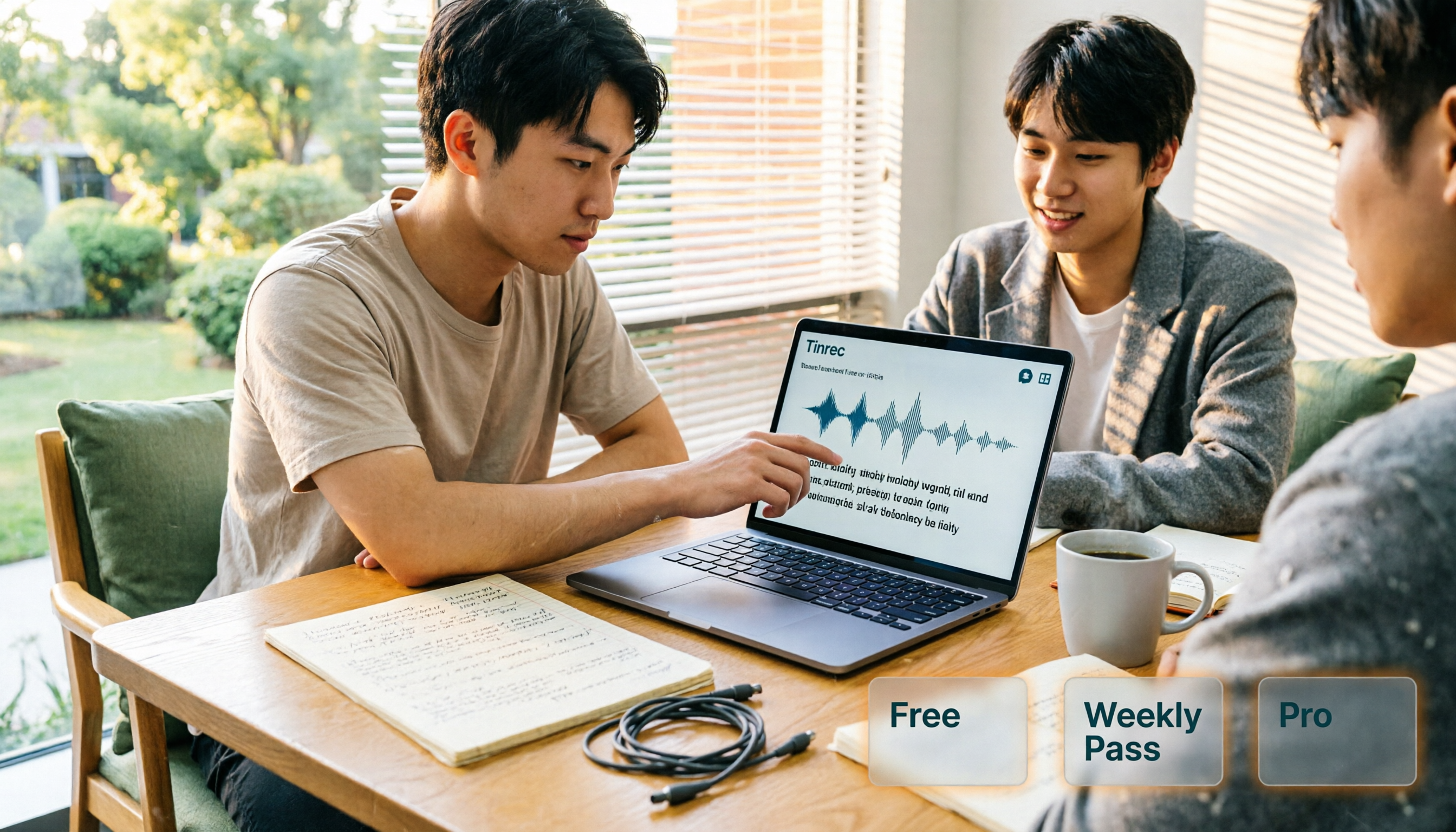
A 2026 guide to free AI personal assistant plans. Based on a college senior's real experience, learn how an AI personal assistant can help you organize class recordings, group discussions, and interview transcripts. We break down Tinrec's free version, weekly pass, and Pro plan, plus 5 key things to consider before buying.

Which AI Meeting Minutes Tool Is Best? 2026 Comparison of 2 Tools — This One Has the Most Complete Export & Download
After a meeting, your boss asks for the minutes, but all you have is a transcript? This article focuses on "AI meeting minutes download" and compares Tinrec and Otter.ai across 5 dimensions: Chinese meeting recognition, online meeting recording methods, minutes output and download formats, post-meeting AI follow-up questions, and team seat governance, helping you decide which tool better fits your meeting style and workflow.

Tinrec vs TurboScribe 2026: 5-Dimension Comparison — YouTube to MP3 or Transcript?
Is converting YouTube videos to MP3 really useful? This article compares Tinrec and TurboScribe across 5 dimensions: input methods, output results, post-meeting organization, cross-device use, and team collaboration. It also covers online conversion services YT1s and YT5s, plus 4 common pitfalls, to help you choose the right approach.

2026 Comparison of 2 Meeting Transcription Software: Tinrec vs Otter for Chinese Meetings
Recorded meetings but never listen back? This article compares Tinrec and Otter.ai across six dimensions—Chinese transcription, meeting recording methods, post-meeting outputs, historical file import, team governance, and pricing—to help you decide which tool fits your meeting workflow.

How to Choose a Transcription Assistant in 2026: 5 Steps to Compare Tinrec and Otter
Starting from common pitfalls, this guide compares Tinrec and Otter.ai across 5 dimensions to help you choose the right transcription assistant and avoid the inefficient approach of only looking at free minutes.