
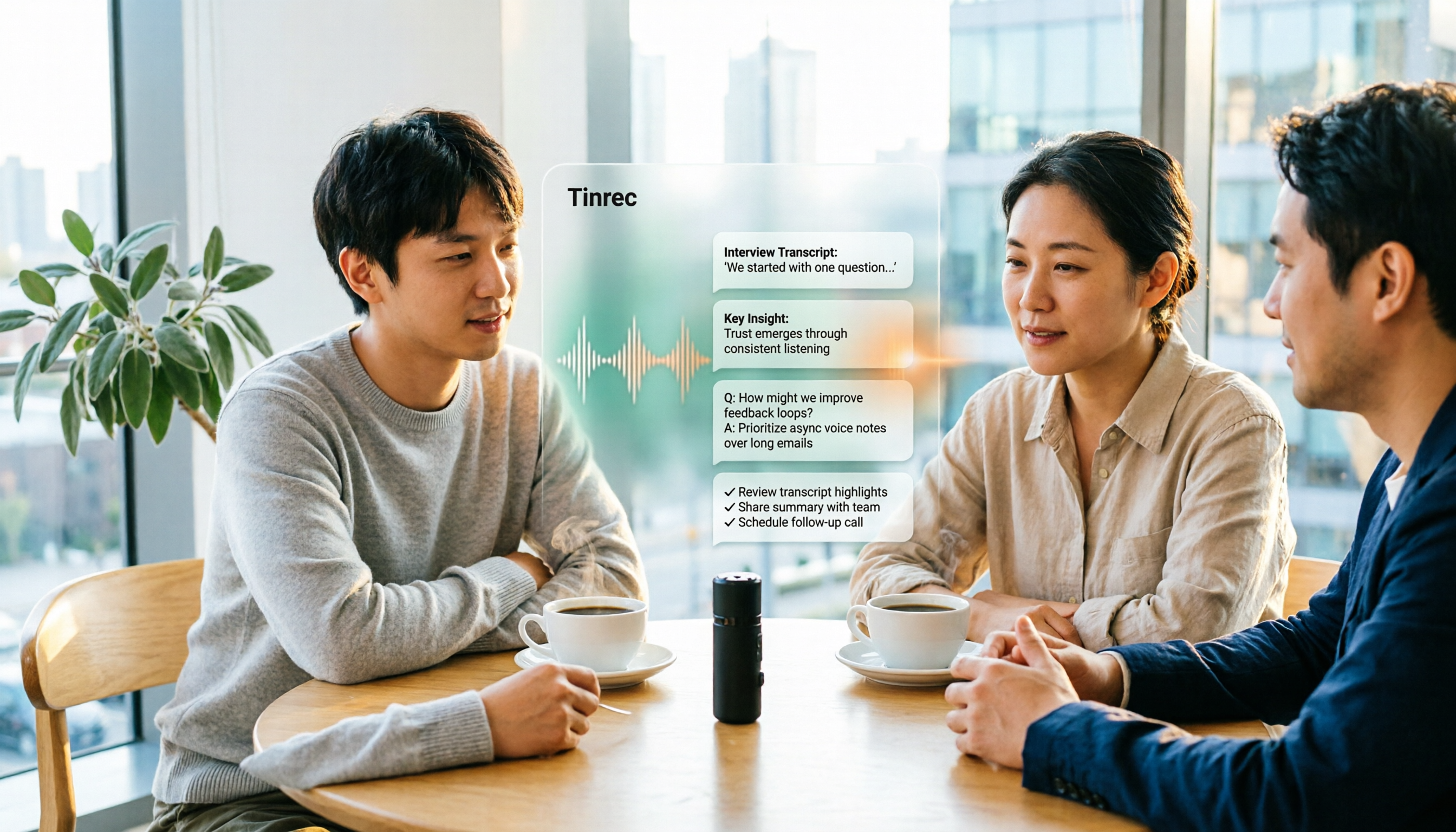
Turn recordings into transcripts and summaries in minutes
Upload audio or video for multilingual transcription, AI notes, and action items
When organizing interview recordings, most people's first thought is "which tool transcribes most accurately." But if your interviews last an hour or more and you accumulate several each month, the real question to ask first is: Do you need a transcript, or a ready-to-use interview result?
The workload for these two things differs greatly. The former just turns sound into text; the latter also requires highlighting key points, finding quotable quotes, organizing them into insights, and finally handing off follow-up actions.
Take Tinrec as an example. It compresses the process from "recording → transcription → organization" into "recording → understanding → action": after content comes in, it directly produces summaries, chapters, and to-dos, and you can even ask questions directly about the recording content.
First confirm which type of result you need, then choose a tool accordingly, so you don't buy a bunch of features but only use typing.
What can interview recording organization do for you?
Scenario 1: After the interview, produce a draft the same day After a one-hour interview, previously you'd have to wear headphones, repeatedly pause, rewind, and type. A one-hour recording often took 3 to 4 hours to get a draft. Upload the recording to Tinrec, and after transcription, it automatically organizes summaries and chapters. You can first use the summary to confirm the main thread, then go back and proofread the paragraphs you want to quote word by word.
Scenario 2: Qualitative research interview transcripts Transcripts from in-depth interviews are the foundation for subsequent coding and analysis. A more labor-saving approach is to first use Tinrec to get a preliminary transcript, grasp the main thread of the interview, then refine key paragraphs, saving time for analysis rather than typing.
Scenario 3: Product and sales customer interviews After interviewing customers, the biggest fear is missing casually mentioned needs and promises. Tinrec's action item extraction lists follow-up actions; the team version also allows colleagues who didn't attend the interview to search and read the same material directly in the team space.
Scenario 4: Cross-language or mixed Chinese-English interviews If the interviewee speaks English or mixes a lot of English terms into Chinese, Tinrec supports real-time translation, allowing you to view the transcript in original, translated, or bilingual format without having to find someone to translate and then compare.
What are the core capabilities of interview recording organization?
Real-time recording to text: Transcribe while recording, not after. On-site interviews or impromptu oral notes can be seen as text settles while speaking, so you can confirm mid-way if any key points are missed.
Bot-free online meeting recording: Remote interviews often use Zoom, Google Meet, Microsoft Teams, or Webex. Tinrec's desktop version directly captures the computer's system sound, without needing to pull an extra bot into the meeting as a "participant," causing less disturbance to the interviewee. Note that this is user-initiated recording, not automatically joining all meetings on the calendar.
AI summary and chapters: Transcription is just the first step. Tinrec breaks a long interview into several quickly browsable sections and organizes a summary, which is especially useful for immediately reporting key points or when a research team needs to divide reading of different sections.
AI conversational search: This is the biggest difference from traditional Ctrl+F. After transcription, you can directly ask Tinrec: "What are the interviewee's views on next year's market trends?" It answers based on semantics, not just keyword matching. When you need to go back and confirm the context of a sentence, the time saved from re-listening is considerable.
Action item extraction and multi-format export: Follow-up actions mentioned in the interview are organized into to-dos. The organized results can also be exported to common formats or taken to Notion, Google Docs, OneNote, Dropbox, etc. for further editing, without another round of copy-pasting. When you need to deliver reports or tables, you can also generate them directly through Agent post-processing.
Team space and governance (team version): When interviews accumulate to a dozen or more, the biggest fear is data scattered across different people's computers. The team version centrally stores recordings, transcripts, and related materials. Members can share and browse, and administrators can manage roles, seats, usage, and audit logs. Note that roles determine who can manage the team, and seats determine who can record, upload, and edit; the two cannot be confused.
Practical application scenarios
On-site one-on-one interview Open Tinrec on your phone or computer for real-time recording. By the end of the interview, the transcript is largely formed. You just need to confirm the summary on the way back, pick out the most valuable paragraphs, and it's much easier to quote or rewrite later.
Stop organizing recordings by hand
Upload audio or video and automatically get a transcript, summary, and action items
Remote video interview Use the desktop version to capture system sound. The interviewee doesn't need to install anything extra or agree to let a bot join. After recording, the transcript, summary, and to-dos are all in one place, no need to move data back and forth between three tools.
Organizing existing recording files That recorder in the drawer, last year's interview files on your phone—all can be uploaded directly to Tinrec and converted into editable text, without opening a player and listening sentence by sentence. After transcription, summaries and chapters can also be generated, and for long files, you can first see the structure before deciding where to read.
Team interview database Research teams or sales teams put every interview into the same team space. New members can search historical interviews, and when they need a specific interviewee's exact words, they can ask the AI directly instead of asking around "who has that recording?"
5 things to note when choosing an interview recording organization tool
1. First distinguish whether you're handling "live" or "files" If interviews are mostly remote, confirm whether the tool can handle online meeting audio; if mostly existing audio files, focus on file upload and transcription. Tinrec supports both: the desktop version handles online meetings, and audio and video files can be uploaded directly for transcription.
2. Does it have organization capabilities beyond the transcript? A tool that only provides a transcript is essentially returning the most time-consuming organization work to you. When choosing a tool, ask: can it automatically generate summaries, chapters, and to-dos, and can it answer questions about the content? Tinrec is more complete at this layer, from summary, Q&A to to-dos and export, all in the same workflow.
3. Actual performance with Chinese and mixed Chinese-English Don't just look at official promotional numbers. Accuracy is affected by recording quality, ambient noise, accents, overlapping speakers, and technical terms. It's recommended to test with a segment of your own recording. Tinrec covers Chinese and multilingual meeting scenarios and also provides team hotwords, so you can pre-enter frequently occurring technical terms.
4. Recording environment is more important than post-fixing "Garbage in, garbage out" is an iron rule. Although AI has noise reduction capabilities, a quiet space and a directional microphone usually work better than post-software补救. Get this step right, and you'll spend much less time proofreading the transcript later.
5. When the team uses it, how are permissions and seats calculated? The criteria for personal and team use differ. For teams, consider data ownership, member roles, seat allocation, usage, and recovery mechanism after deletion. In Tinrec's team version, resources belong to the team. Members can view and read data even without a seat, but a seat is required to actually record, upload, and edit. Deleted audio goes to the recycle bin and can be recovered before permanent cleanup.
Frequently Asked Questions
Q1: Is the free version enough? If you only occasionally organize an interview, it's reasonable to first use the free version to experience the recording, import, summary, and transcription workflow. If you have regular interviews every week or need to accumulate recording data long-term, it's suitable to move toward Pro; for short-term concentrated interviews or project sprints, you can also start with a weekly pass.
Q2: What accuracy can the transcript achieve? It's not recommended to judge by a fixed number. Actual results are affected by recording quality, noise, accent, speech rate, overlapping speakers, and technical terms. A more practical approach: with clear audio, use Tinrec to produce a draft, then replay and verify important paragraphs you want to quote.
Q3: What if the interview environment is noisy? Handle the audio capture first, then talk about tools. Try to choose a quiet space or switch to a directional microphone; this is much more effective than post-software repair. Tool-side noise reduction is auxiliary, not a panacea.
Q4: Can the organized transcript be used elsewhere? Yes. Tinrec supports export in multiple formats and can be taken to Notion, Google Docs, OneNote, Dropbox, etc. for further editing. If you're used to using specific software for coding or writing memos, you don't need to reformat again.
Q5: What's the difference between the team version and the personal version? Personal version data is managed by the individual account. The team version is an independent team space where meeting and interview data belong to the team, plus additional capabilities such as member invitations, role and seat management, team shared import quota, usage analysis, audit logs, and audio recycle bin. Team annual payment is USD 199 per paid seat per year (about USD 16.58 per month), monthly payment is USD 29.80 per paid seat per month. Each paid seat provides 2,000 minutes of team shared import quota per month; first-time eligible teams can try 7 days, 1 free seat, and 300 minutes of team shared import quota. Actual prices and benefits are subject to the official purchase page.
Conclusion
When organizing interview recordings, what really consumes time is never typing speed, but "having to organize again after listening."
First think clearly whether you need a transcript or a usable result, then choose a tool; the judgment will be much clearer.
If you have interviews or meetings every week, it's worth trying the workflow "recording → understanding → action" once to see how much time you save. Tinrec's free version lets you experience recording, import, summary, and transcription with basic quota; upgrade when you find it handy.
References
- 2026 Latest 6 Interview Recording Organization Tools Recommended: Say Goodbye to Transcription, One-Click Generate Transcript and Summary - Tinrec Blog
- 2026 Latest 5 Interview Transcript Tools Recommended: Solve Recording Organization and Key Summary Challenges - Tinrec Blog
- 2026 Latest 5 Interview Transcript Organization Tools Recommended: Solve Inefficient Manual Transcription and Missed Meeting Key Points - Tinrec Blog
- After a meeting, do you only ask AI to summarize key points? That's just the most basic 1% technique | Three-level meeting notes prompts, turn AI into your strategic analyst | Personal Knowledge Management X AI Applications | Coach Jiang Jiang
- How to do interview transcripts in 2026? 5 Steps from Recording to Analyzable Text Complete Tutorial - Tinrec Blog
Turn every recording into actionable outcomes
Get 60 free transcription minutes when you sign in. No credit card required.
Related Reading
You might also like
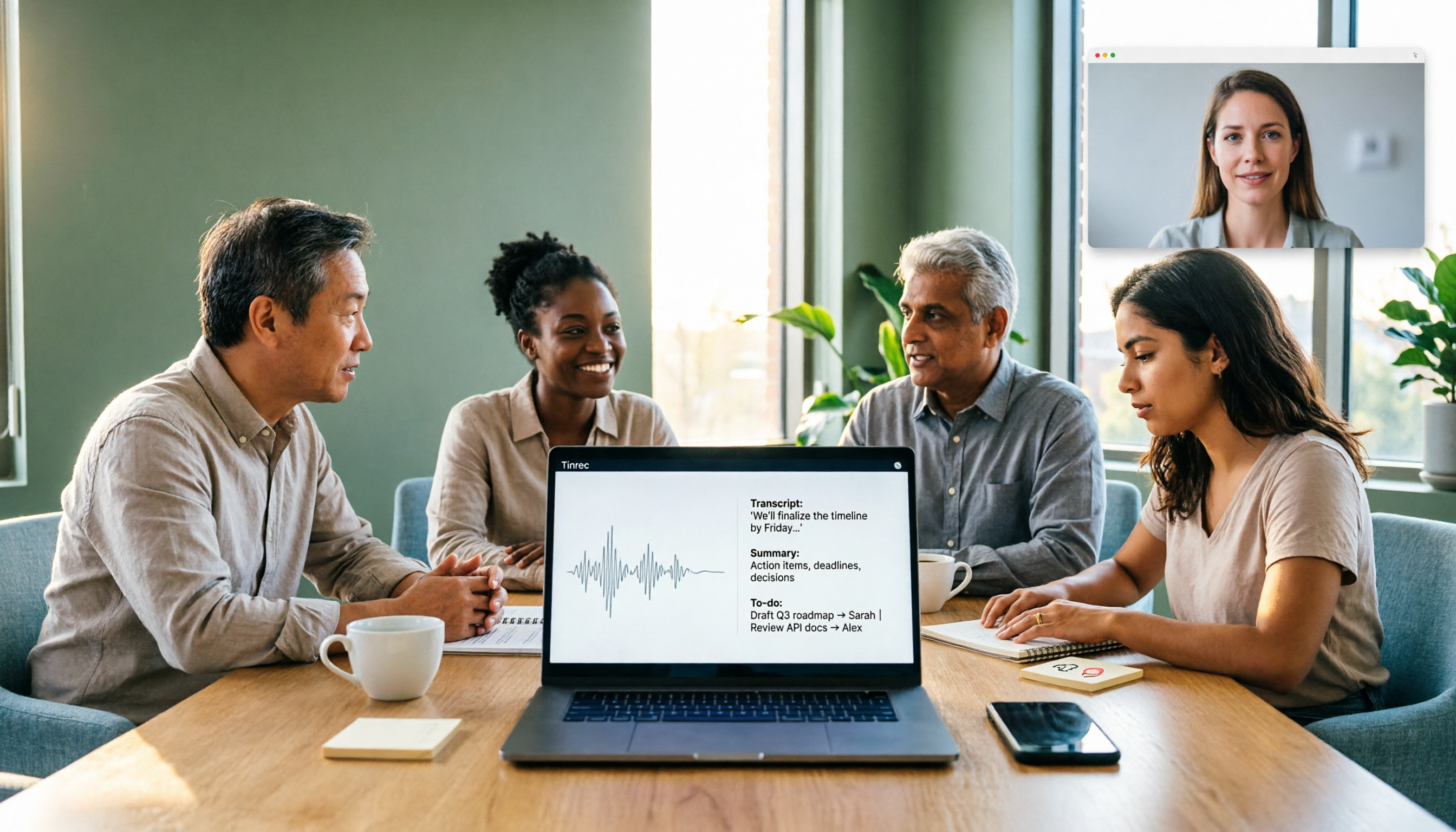
5 AI Recording Tools Tested for 2026: Which Saves the Most Time on Chinese Transcripts and Meeting Notes?
How to choose an AI recording tool in 2026? This article focuses on decision-making, comparing online meeting capture methods, Chinese and mixed Chinese-English transcription, AI summaries and action item extraction, team roles and seat management, and cost break-even points. It uses Tinrec as the primary hands-on example, guiding you from free versions to team plans to find the solution that truly saves time.

Best Free AI Meeting Notes Generators in 2026: 4 Options Compared
Tired of spending time after meetings writing up notes? This article starts with common pitfalls, explains what automatic meeting notes should really solve, outlines 5 key evaluation points, and compares four free options—Tinrec, Otter.ai, Granola, and Notta—covering their differences, limitations, and best use cases. It ends with a step-by-step starter checklist you can follow right away.

2026 Comparison of 4 Meeting Recording Transcription Tools: Which One Turns Transcripts into Usable Meeting Documents?
The meeting ending is just the beginning of the pain? This article starts from a real organization workflow and compares Tinrec, Notta, Granola, and TurboScribe across Chinese and mixed Chinese-English meetings, online and offline recordings, post-meeting document output, audio retention, and team collaboration. It also summarizes key purchasing points, common pitfalls, and scenario-based selection advice to help you find a way to truly turn meeting recordings into usable documents.

4 Meeting Transcription Apps Tested for 2026: Which Handles Chinese Meetings and Free Tiers Best?
For office workers, the worst part of a meeting isn't the meeting itself—it's the follow-up. This article tackles common misconceptions and compares 4 meeting transcription apps hands-on, helping you choose based on input sources, post-meeting output, meeting bots, and team permissions. We also honestly compare free tiers and pricing to find the best fit for Chinese-language meetings.

How to Transcribe Interview Recordings in 2026: 5 Steps from Audio to Transcript
Transcribing interview recordings isn't about finding the tool with the highest accuracy—it's about building a workflow from recording to transcript. Using Tinrec as an example, this article walks you through real-time transcription, AI summaries, AI Q&A, multi-format export, and team collaboration, plus 5 buying tips and FAQs.

How to Choose a Transcription Tool for Students in 2026: 5-Step Guide
From not being able to finish taking notes in class, to no one remembering the conclusions of group discussions, to needing to transcribe interviews for graduation projects—this article uses a student's perspective to outline 5 steps for choosing a recording-to-text tool, and shares how Tinrec is used in classrooms, discussions, interviews, and online courses.

Free YouTube Video Analysis Options in 2026: A Look at Tinrec's 3 Plans
YouTube videos too long and you just want the highlights? This article rounds up free YouTube video analysis options in 2026 and uses Tinrec as an example to show how to turn video links or audio files into transcripts, AI summaries, chapters, to-dos, and Q&A notes. It also compares the free version, individual paid plans, and team plans to help you decide which approach best fits your viewing and organizing habits.

4 Short Video AI Summary Tools Tested: Which One Best Captures Key Points from Course Videos?
As a senior information management student, I used AI video summary tools this semester to turn online courses, lecture videos, and my own class recordings into reviewable notes. This hands-on comparison of 4 short video AI summary tools breaks down 4 key points to consider when choosing, 4 common pitfalls, and which tool fits which use case.

Tinrec vs PLAUD Note 2026: 6-Dimension Comparison for Audio Transcription — Which Should You Choose?
Many people think audio-to-text transcription is simple, but the real challenge is that the output isn't directly usable. This article compares Tinrec and PLAUD across six dimensions—ease of use, online meetings, post-meeting organization, Chinese translation, team governance, and pricing—to help you decide which approach better fits your needs.