
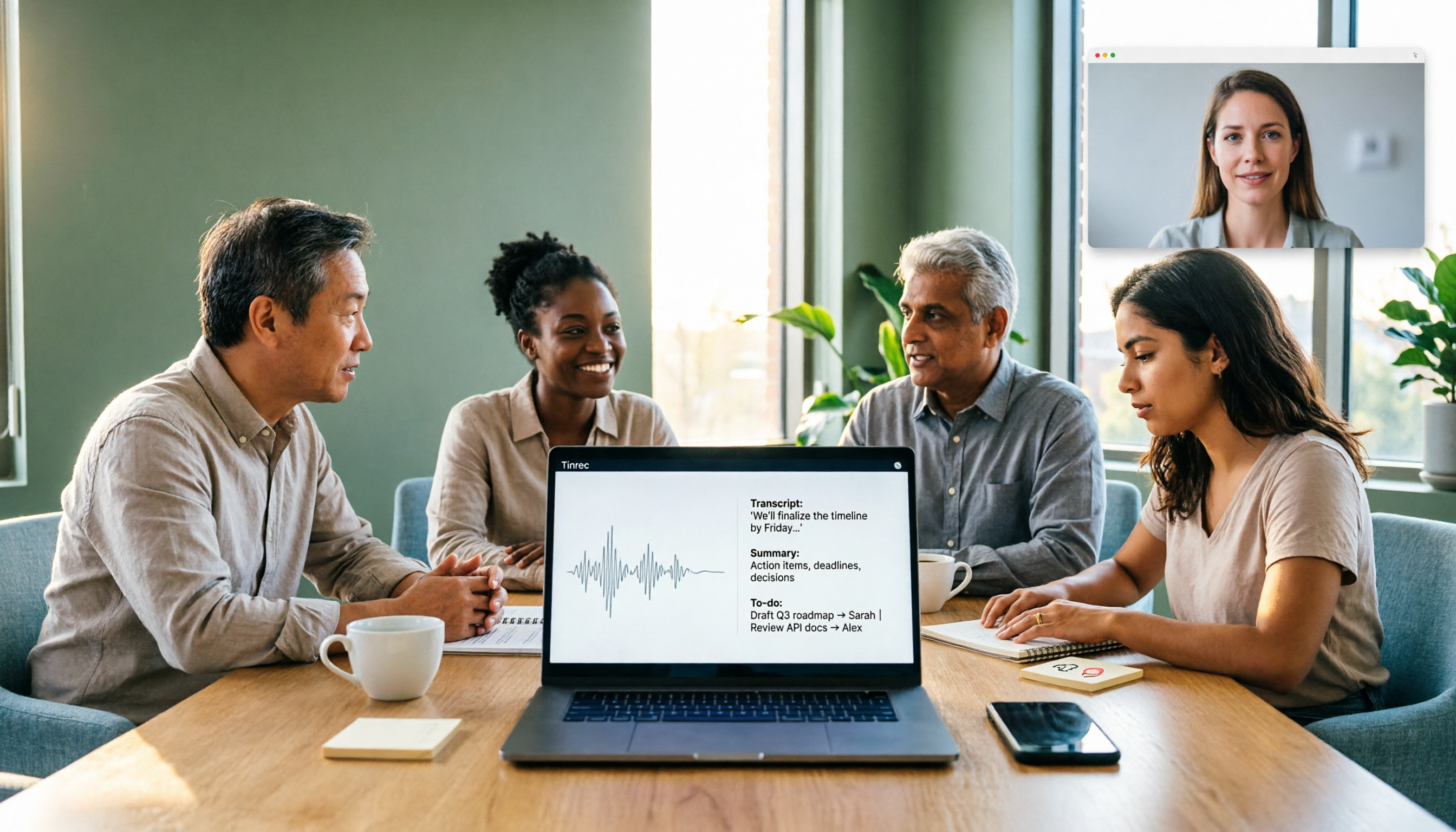
Turn recordings into transcripts and summaries in minutes
Upload audio or video for multilingual transcription, AI notes, and action items
When choosing an AI recording tool in 2026, the real question isn't "which one is most popular" but three decision points: Do your meetings mainly happen online or offline? Do you need a transcript or a meeting summary you can hand off directly? Is this something you do alone, or does the whole team need to find information in one place?
Answer these three questions clearly, and your options will narrow down quickly. This article, in the usual tech-explanation style, compares capture methods, post-meeting outputs, team governance, and cost structures to help you buy the right thing within your budget. The entire article uses Tinrec as the primary example because it covers both online meeting recording and post-meeting organization.
What Can AI Recording Tools Do for You?
Scenario 1: Get meeting notes 5 minutes after the meeting
Previously, after a two-hour meeting, you'd spend another hour organizing notes. With Tinrec, as the meeting ends, AI has already produced a transcript, summary, chapters, and action items—who is responsible for what and what's next, listed directly.
Scenario 2: No need to re-listen to a two-hour interview from scratch
The most time-consuming part of interviews or class recordings isn't listening—it's finding. Tinrec converts recordings into searchable text; search keywords for the segment you need, or if you can't find it, use AI Q&A to ask directly, "What did the interviewee say about pricing?"
Scenario 3: No need to invite a bot into online meetings
Tinrec's desktop version captures system audio directly, handling Zoom, Google Meet, Microsoft Teams, Webex, and more without an extra bot account joining. This is especially practical for external client meetings—no need to explain who the extra participant is.
Scenario 4: No waiting for translation in cross-language meetings
Tinrec supports real-time translation during recording, allowing you to view the original, translation, or bilingual side-by-side. Mixed Chinese-English meetings can also be consolidated into one record.
What Are the Core Capabilities of AI Recording Tools?
Real-time transcription: Not transcribing after recording, but generating text while recording. Tinrec's real-time transcription lets you confirm key points during the meeting, so you don't need to re-listen and type afterward.
Bot-free online meeting recording: This is the most easily overlooked factor when choosing a tool in 2026. Tinrec's desktop version records meetings via system audio capture, which doesn't take up a meeting seat or disturb participants. But remember: users still need to actively open Tinrec to start recording; it's not a bot that automatically joins all calendar meetings.
AI summaries and chapters: Long meetings are dreaded for becoming a blob of text. Tinrec breaks content into chapters and key points, so for a two-hour meeting, you can first see the structure, then decide which part to read in detail.
Action item extraction: Most tools only give you text, but what project meetings really need are action items. Tinrec extracts to-dos from discussions, turning meeting notes directly into a trackable list.
AI conversational query: After transcription, you can continue asking questions about a single meeting or multiple meetings. Tinrec's Q&A is based on semantic understanding, not keyword matching.
Export and post-processing: Tinrec supports multiple export formats, allowing results to be brought into Notion, Google Docs, OneNote, Dropbox, and other workflows; it can also use Agent post-processing to further generate reports, tables, and documents from meetings.
Comparing Common Plan Types
| Plan Type | How Meetings Are Captured | Main Post-Meeting Outputs | Relatively Suitable For |
|---|---|---|---|
| Platform built-in transcription | Requires enabling recording within that platform | Primarily transcripts | Meetings on a single platform, simple needs |
| Meeting bot tools | Join meetings as a participant | Summaries, action items | Internal meetings, okay with an extra participant |
| File transcription tools | Upload audio or video files | Transcripts, subtitles | Existing recordings, batch processing needs |
| AI recording hardware | Physical device for portable recording | Summaries, templates | Frequent travel, phone call recording needs |
| Tinrec | Desktop bot-free system audio capture, real-time recording, file import | Transcripts, summaries, chapters, action items, Q&A, reports | Online + offline meetings, Chinese organization and team knowledge retention |
Practical Application Scenarios
Business and project meetings: The most common issue in weekly meetings and cross-departmental reviews is "what was the last decision." Use Tinrec to store each meeting in the same space, with transcripts and summaries kept inside, so new project members can look up historical context without asking colleagues.
Stop organizing recordings by hand
Upload audio or video and automatically get a transcript, summary, and action items
Classroom and online courses: Online courses often don't allow subtitle downloads, so you have to take notes yourself. Tinrec supports audio/video file transcription and some web link imports, so you can first convert course content to text, then use AI summaries to extract key points and review lists.
Customer interviews and research: The value of interviews lies in details—hesitations, follow-up questions, verbal commitments. Tinrec retains recordings and provides searchable transcripts, so when you need to quote exact words, you can check against timestamps, far more reliable than writing reports from memory.
Content creation and material organization: Interview recordings, podcasts, and video materials can all be imported into Tinrec for transcription, then use AI Q&A to quickly pick usable segments, saving time on repeated listening and typing.
6 Points to Note When Choosing an AI Recording Tool
1. Input source coverage: First confirm whether the tool can handle your actual meeting formats—offline recording, online meetings, existing audio files, video links. Missing one means you'll need another solution. Tinrec covers real-time recording, desktop online meetings, audio/video files, and mobile recording.
2. Whether audio files are retained: Some tools only keep text, not audio, so you can't verify tone or numbers later. Tinrec retains recordings and provides an audio recycle bin; accidentally deleted files can be restored within the retention period, currently 30 days.
3. Chinese and mixed Chinese-English organization experience: The most common pitfall for Taiwanese users is tools that are strong in English but struggle with Chinese. When choosing, test directly with your own meetings, especially mixed Chinese-English segments. Tinrec covers Chinese, Traditional Chinese, and multilingual meetings, and supports real-time translation and team hotwords.
4. Depth of post-meeting outputs: Transcripts are just the first step. Confirm whether the tool can produce summaries, chapters, action items, and reports; otherwise, you're just swapping "listening and typing" for "reading long text." Tinrec's positioning is exactly at this layer—turning meetings into data you can continue working with.
5. Team governance capabilities: If your use case involves multiple people, you must clarify how "roles" and "seats" are divided. Tinrec's team plan separates member roles and seats: roles determine who can manage the team, members, and audits; seats determine whether one can record, upload, edit, and export. Active members without a seat can still view, play, and read team data.
6. Cost structure and break-even point: Calculate how much time you spend organizing meetings each week. Individual users can start with the free version; short-term intensive meetings suit a weekly pass; regular weekly use points to Pro monthly or annual plans. The team plan is currently USD 29.80 per paid seat per month, or USD 199 per paid seat per year, equivalent to about USD 16.58 per month. Each paid seat provides 2,000 minutes of team shared import quota per month; real-time recording within the team is currently not deducted by minutes under an active plan and active seat. Actual prices and benefits are subject to the official purchase page.
Frequently Asked Questions
Q1: Is the free version enough?
If your meeting volume is low, yes. Tinrec's free version offers 100 minutes per month, enough for occasional meeting or interview recording; if you record more than two hours per month, the paid version usually saves more time than the subscription cost.
Q2: Can team members without a seat see the data?
Yes, but they cannot edit. In Tinrec's team plan, active members without a seat can still view, play, and read team data; only after obtaining a seat can they record, upload, edit, and import/export. This is also why it currently focuses on team-level sharing, not file-level permission design.
Q3: Can 100% accuracy be guaranteed?
It's not recommended to expect that. Actual accuracy is affected by recording quality, noise, accents, overlapping speakers, and technical terms. Tinrec's value lies in greatly reducing manual listening and organization costs; important numbers and commitments should still be verified against transcript timestamps and recordings.
Q4: Do I need to buy additional recording hardware?
Not necessarily. If your meetings are mostly on a computer, Tinrec can be used via desktop, web, and mobile without additional devices; physical recording devices are mainly valuable for specific scenarios like mobile recording and phone call recording.
Q5: If a team member leaves, will meeting data be taken away?
It won't disappear directly. Tinrec's team resources belong to the team; when a member exits, is removed, or loses their seat, their team resources can be transferred to other active members. This is the biggest difference between the team plan and "multiple people sharing one personal account."
Conclusion
When choosing an AI recording tool in 2026, the key isn't comparing who transcribes fastest, but whether it can pull you out of the cycle of "re-listening afterward." The judgment order can be: first check if input sources cover your meeting formats, then look at post-meeting output depth, and finally compare price and team governance capabilities.
If you have both online meeting and offline recording needs, and want summaries, action items, and Q&A to take over afterward, Tinrec is currently a relatively complete choice: individuals can start with the free version's 100 minutes per month, test Chinese and mixed Chinese-English recognition with two or three real meetings; teams can first evaluate the 7-day trial and seat configuration, confirm the role and seat division matches your management habits, then decide whether to adopt. Also note that recording and transcription involve others' privacy; please comply with local regulations and obtain participant consent when needed before use.
References
- 2026 Latest 6 AI Recording Note Organization Tools Recommended: Solving Meeting Transcript and Key Summary Challenges - Tinrec Blog
- 2026 Latest 5 Video Audio to Transcript AI Tools Recommended: Solving Meeting Notes and Subtitle Production Pain Points - Tinrec Blog
- 2026 AI Music Production Tools Recommended: From AI Mixing, Perfect Stem Separation to Creative Assistance - 5 Music Tools | Taiwan Access
- 🎯 Wow! 2026 Workplace Game-Changer! 6 Hot-Selling "AI Voice Recorders/Smart Recording Cards" In-Depth Review | Speech to Text, Meeting Notes in 30 Seconds! | Black-Eyed Pea's Salon
- Which Recording App Is Good? 2026 Tested 4, AI Transcription and Organization Top Choice - Tinrec Blog
Turn every recording into actionable outcomes
Get 60 free transcription minutes when you sign in. No credit card required.
Related Reading
You might also like

Best Free AI Meeting Notes Generators in 2026: 4 Options Compared
Tired of spending time after meetings writing up notes? This article starts with common pitfalls, explains what automatic meeting notes should really solve, outlines 5 key evaluation points, and compares four free options—Tinrec, Otter.ai, Granola, and Notta—covering their differences, limitations, and best use cases. It ends with a step-by-step starter checklist you can follow right away.

2026 Comparison of 4 Meeting Recording Transcription Tools: Which One Turns Transcripts into Usable Meeting Documents?
The meeting ending is just the beginning of the pain? This article starts from a real organization workflow and compares Tinrec, Notta, Granola, and TurboScribe across Chinese and mixed Chinese-English meetings, online and offline recordings, post-meeting document output, audio retention, and team collaboration. It also summarizes key purchasing points, common pitfalls, and scenario-based selection advice to help you find a way to truly turn meeting recordings into usable documents.
4 Meeting Transcription Apps Tested for 2026: Which Handles Chinese Meetings and Free Tiers Best?
For office workers, the worst part of a meeting isn't the meeting itself—it's the follow-up. This article tackles common misconceptions and compares 4 meeting transcription apps hands-on, helping you choose based on input sources, post-meeting output, meeting bots, and team permissions. We also honestly compare free tiers and pricing to find the best fit for Chinese-language meetings.
5 Interview Recording Transcription Tools Compared: Workflow Differences from Transcript to Actionable Summary
Spend an hour interviewing but three to four hours transcribing? This article starts with the question: do you need a transcript or a ready-to-use interview result? It explains what interview recording organization can do for you, its core capabilities, and uses Tinrec as an example to break down the complete workflow from recording, transcription to summary, AI Q&A, and action item extraction. Finally, it lists 5 purchasing considerations and common FAQs.

How to Transcribe Interview Recordings in 2026: 5 Steps from Audio to Transcript
Transcribing interview recordings isn't about finding the tool with the highest accuracy—it's about building a workflow from recording to transcript. Using Tinrec as an example, this article walks you through real-time transcription, AI summaries, AI Q&A, multi-format export, and team collaboration, plus 5 buying tips and FAQs.

How to Choose a Transcription Tool for Students in 2026: 5-Step Guide
From not being able to finish taking notes in class, to no one remembering the conclusions of group discussions, to needing to transcribe interviews for graduation projects—this article uses a student's perspective to outline 5 steps for choosing a recording-to-text tool, and shares how Tinrec is used in classrooms, discussions, interviews, and online courses.

Free YouTube Video Analysis Options in 2026: A Look at Tinrec's 3 Plans
YouTube videos too long and you just want the highlights? This article rounds up free YouTube video analysis options in 2026 and uses Tinrec as an example to show how to turn video links or audio files into transcripts, AI summaries, chapters, to-dos, and Q&A notes. It also compares the free version, individual paid plans, and team plans to help you decide which approach best fits your viewing and organizing habits.

4 Short Video AI Summary Tools Tested: Which One Best Captures Key Points from Course Videos?
As a senior information management student, I used AI video summary tools this semester to turn online courses, lecture videos, and my own class recordings into reviewable notes. This hands-on comparison of 4 short video AI summary tools breaks down 4 key points to consider when choosing, 4 common pitfalls, and which tool fits which use case.

Tinrec vs PLAUD Note 2026: 6-Dimension Comparison for Audio Transcription — Which Should You Choose?
Many people think audio-to-text transcription is simple, but the real challenge is that the output isn't directly usable. This article compares Tinrec and PLAUD across six dimensions—ease of use, online meetings, post-meeting organization, Chinese translation, team governance, and pricing—to help you decide which approach better fits your needs.