

Turn recordings into transcripts and summaries in minutes
Upload audio or video for multilingual transcription, AI notes, and action items
Best Cantonese Speech-to-Text Tools in 2026: 6 Free Options Tested, Top Pick for Chinese Meetings
It's 5 PM on a Friday, and you have a 38-minute Cantonese client interview recording. Your boss needs the transcript by tomorrow morning. You upload the file to the first website that says "free" in the search results, wait three minutes—only the first few minutes are processed, and when you click download, a payment window pops up.
This article doesn't offer a vague list of features. Using Tinrec as an example, we'll walk you through a complete Cantonese speech-to-text workflow, then compare the quotas and limitations of several common free options so you can decide which one to use in ten minutes.
Before You Start: What You'll Need
- A phone or computer: Tinrec offers web, desktop, and mobile versions, all of which work.
- A free account: The free plan lets you try recording, file import, summarization, and transcription without paying upfront.
- A Cantonese audio source you want to transcribe: meeting recordings, client interviews, lectures, or video/audio files all work.
- A stable internet connection: Online meeting recording and real-time transcription require internet access.
- A compliance prerequisite: Before recording or transcribing, make sure you comply with local laws and obtain consent from participants. This step is essential.
Step 1: Capture the Cantonese Audio
The goal here is to get a clean audio source—it sets the upper limit for accuracy in all subsequent steps.
There are three approaches depending on the scenario: For in-person meetings or interviews, use your phone or computer to start a live recording directly in Tinrec. For online meetings (Zoom, Google Meet, Microsoft Teams, Webex, etc.), use the Tinrec desktop app to capture your computer's system audio—no need to invite an extra meeting bot. If you already have a recording, simply upload the audio or video file.
Why emphasize this step? Because most people complain about "a bunch of typos in the transcription," but the problem actually lies in the audio source: recording with a phone pointed at a speaker, or holding a meeting in a noisy café, means the signal never had clean speech to begin with. The desktop version captures meeting audio directly from system sound, avoiding the distortion of re-recording, which often saves more than half the time spent on proofreading later.
Once done, you'll see the recording in your Tinrec workspace with its duration displayed, ready to be opened and checked anytime.
(Scenario illustration: A person sits in a meeting room, phone placed in the center of the table recording, with transcript text appearing on the screen in real time.)
Step 2: Let AI Transcribe
The goal here is to turn "audible Cantonese" into "searchable text."
After importing the file, select the corresponding language, and Tinrec will start transcribing and output a transcript. The common code-switching between Cantonese and English in meetings (e.g., "呢個 project 的 timeline 要再 confirm") is also handled. For online meetings, you can transcribe while recording—before the meeting ends, the text is already accumulating on the screen.
Many people only look at "how fast" a tool transcribes, but what really affects subsequent efficiency is whether the text is searchable and whether it can be mapped back to timestamps. A transcript without paragraphs or punctuation won't help you even if it's free.
Once done, you'll have a searchable, reviewable transcript, and long meetings will be organized into easily browsable paragraphs.
(Scenario illustration: A laptop screen shows the ongoing meeting on the left, with Chinese transcript growing on the right.)
Step 3: Quickly Proofread the Transcript
The goal here is to move the transcript from "understandable" to "ready to deliver."
The method is simple: first use keyword search to locate the section you want to review, then verify by playing back the audio. You must double-check five types of content: names, numbers, amounts, timelines, and commitments. If your team frequently uses specific jargon, add it to team hotwords so future recognition better matches your terminology.
Why can't you skip this? Because no tool can guarantee 100% accuracy under all recording conditions—audio quality, accents, overlapping speech, and technical terms all affect results. Treating proofreading as a standard process is much cheaper than being asked later, "Who said this?"
Once done, you'll have a transcript that is mostly correct and ready for internal or external use.
(Scenario illustration: A user wearing headphones listens to the recording while editing keywords in the transcript.)
Step 4: Generate AI Summaries, Chapters, and Action Items
The goal here is to let those who didn't attend the meeting grasp the conclusions within three minutes.
Based on the transcript, Tinrec can produce AI summaries, chapters, and key points, and extract action items from the discussion. If the meeting is cross-language, you can enable real-time translation to view content in the original, translated, or bilingual format.
Why take a step beyond the transcript? Because most teams don't lack a transcript—they lack "what was decided, who is responsible, and when it's due." The transcript preserves evidence; summaries and action items are what drive things forward.
Once done, you'll have content that can serve as a draft for meeting minutes, needing only minor tweaks before sending to your boss or client.
(Scenario illustration: Post-meeting screen with summary and action items at the top, and expandable full transcript below.)
Step 5: Export and Share
The goal here is to integrate meeting results back into your existing workflow.
Stop organizing recordings by hand
Upload audio or video and automatically get a transcript, summary, and action items
Tinrec supports export in multiple formats and can also bring content to Notion, Google Docs, OneNote, Dropbox, and other tools for further processing; when you need reports, tables, or documents, you can generate them through Agent post-processing. For team use, data can remain in the team space, with members accessing it based on roles and seat permissions, and new hires can look back at historical meetings.
Why does this matter? Because if meeting data only sits on someone's phone, it effectively doesn't exist. In a team space, it becomes a searchable, collaborative, and traceable asset—and when members leave or transfer, the data doesn't disappear with them.
Once done, a meeting goes from audio to deliverable documents, all within the same workspace.
(Scenario illustration: Export menu expanded, next to a list of historical meetings arranged by date in the team space.)
FAQs and Troubleshooting
Q1: What does "free" actually get you from each provider?
The differences in free plans usually hide in three places: available minutes, single-file length, and whether export costs money. Below is a summary based on publicly available information from each tool's official page; actual quotas and prices are subject to the official pages:
| Tool | Free Plan Overview | Main Limitations |
|---|---|---|
| Tinrec | Free plan offers basic quota, allowing you to try recording, import, summarization, and transcription | Advanced and team features depend on the plan |
| Subanana | First 15 minutes of each file can be previewed for free | Exporting files is a paid feature |
| UniScribe | 120 minutes per month | Limit of 3 files per day |
| Otter.ai | Basic free plan: 300 minutes per month | Advanced features and import limits depend on the plan |
| Notta | Free: 120 minutes per month | Maximum 3 minutes per session |
| TurboScribe | Free: 3 files per day | Maximum 30 minutes per file |
See? "Free" isn't a single specification but a combination of limitations. When choosing, directly compare with your actual scenario: if it's a 40-minute meeting, a plan that only previews the first 15 minutes means you'll still have to pay; if it's fragmented short recordings, a high-frequency small quota might be enough.
Q2: How accurate is transcription for Cantonese with mixed Chinese and English?
Code-switching between Chinese and English is common in Cantonese meetings and is where many tools fail. Tinrec covers Chinese, Traditional Chinese, and multilingual meeting scenarios, and supports mixed Chinese-English content organization; however, actual results are still affected by audio quality, accents, overlapping speech, and technical terms. No tool should be used as a "guaranteed zero-error" solution.
Q3: What if the meeting room is noisy and everyone talks over each other?
Start with the audio source: for online meetings, use the desktop version to capture system audio, which gives you clean meeting audio directly without relying on a microphone picking up sound from a distance. Next, add your team's common jargon to team hotwords to improve recognition of technical terms. For remaining overlapping speech, use the transcript timestamps to listen back and verify—don't rely solely on text for important conclusions.
Q4: How do I record an online meeting without a meeting bot?
The Tinrec desktop version directly captures your computer's system audio, and you initiate recording yourself—no need to invite an extra bot into the meeting. Note that this does not mean "automatically join all your calendar meetings," nor is it an official partnership with Zoom, Meet, or Teams; it's local audio capture.
Q5: After getting the transcript, do I still need to organize it into minutes myself?
No need to start from scratch. Tinrec automatically generates summaries, chapters, and action items, and you can continue asking questions about the meeting content, then generate reports, tables, or documents as needed. In other words, the transcript is the raw material, and the minutes and action items are finished products you can take with you.
Advanced Tips: 3 Ways to Double Your Tinrec Efficiency
1. Use AI Q&A to ask questions across meetings. In the past, you could only open one transcript at a time and Ctrl+F; now you can ask questions across three meetings with the same client, for example, "What were the other party's concerns about pricing in these three conversations?" Pure transcription tools stop at text; Tinrec turns text into conversational data, so reviewing last quarter's client meetings no longer requires re-listening to recordings.
2. Enable real-time translation to watch a cross-language meeting bilingually. Cantonese, Chinese, and English mixed in one meeting is the norm. Tinrec can provide original, translated, or bilingual views during recording, so you don't need to find someone to translate again when organizing afterward.
3. Use team space + hotwords + seat management to keep data. The team version provides an independent team space where meeting data belongs to the team, and you can manage member roles, seats, usage, and activity logs. Note that roles and seats are two different things: roles determine who can manage the team, seats determine who can record, upload, and edit; members without seats can still view and play data. When a member leaves, their resources can be handed over to other members, preventing data from disappearing with them.
If You Don't Use Tinrec, Here Are Other Options
Subanana: Focuses on Cantonese speech-to-text, supports mixed Chinese and English, and output can be in spoken or written form. The first 15 minutes of each file can be previewed for free; export is a paid feature. Suitable for checking transcription quality before deciding.
UniScribe: Offers 120 minutes of free transcription per month, with a limit of 3 files per day. No limit on file length or size, suitable for those with a certain volume of files but needing to control daily quantity.
Also, a common search trap: when looking for "Cantonese speech to text," you often see tools like "text to speech Cantonese," which read text aloud (TTS)—the opposite direction of what you want. Don't click in only to find out.
If what you need is not just turning audio into text, but also subsequent summaries, action items, Q&A, and team sharing, then Tinrec will take you further.
Conclusion
After these five steps, you can turn a Cantonese meeting or interview from a recording into a searchable transcript, deliverable summaries and action items, and a meeting asset kept in the team space. Back to the original question—"Which free Cantonese speech-to-text tool is best?"—there's no single answer: if you only occasionally transcribe a short segment, try the free quotas of various providers first; if you have meetings to handle every week, it's worth choosing a tool that can complete the post-meeting work as well. What you save is usually not the few minutes of transcription, but the entire time spent organizing and going back and forth to confirm.
References
- Free Cantonese Speech-to-Text App 2026 | Subanana
- Text to Speech Cantonese - Tool Bang
- Cantonese Speech to Text - Expert Transcription Service
- [Free Tool] Cantonese Speech to Text! Just upload a file or YouTube link. Up to 96% accuracy - YouTuber AI | Spend time on creativity, leave the AI to do the hustle work.
- Transcribe Chinese (Cantonese) Audio to Text for Free in Seconds
Turn every recording into actionable outcomes
Get 60 free transcription minutes when you sign in. No credit card required.
Related Reading
You might also like

5 Mobile Online Meeting Tools Compared: Which Free Version Is Enough in 2026?
The biggest pitfall of mobile meetings isn't signal or video quality—it's that nothing is left after the meeting ends. This article starts with common misconceptions, outlines the core capabilities truly needed for mobile online meetings, 4 practical use cases, and 5 purchasing considerations. It uses Tinrec to demonstrate mobile real-time transcription, AI summaries, action item extraction, AI Q&A, and team spaces, with FAQs and explanations of free and team plans.

Tinrec vs Otter.ai in 2026: A 5-Dimension Comparison—Which One Makes the Most of Online Meeting Benefits?
The benefits of online meetings go beyond saving commute time—the real difference is whether the content is retained after the meeting. This article compares Tinrec and Otter.ai across 5 dimensions, and also covers Notta and Granola's positioning, pricing, and use cases to help you choose the best Chinese meeting note-taking tool.

Google Meet Attendance in 2026: 3 Methods Compared — Which One Actually Leaves a Searchable Record?
Google Meet doesn't have a universal check-in button; 'room check-in' only appears in specific Meet hardware and Companion Mode scenarios. This article covers three common methods and their pitfalls, then compares Tinrec on meeting record retention, Chinese-language organization, team management, and pricing to help you decide whether to use Google Meet alone or pair it with a meeting notes tool.

4 Best Shanghainese Speech Recognition Tools in 2026: From Dialect Recording to Post-Meeting Organization
Shanghainese is a Wu Chinese dialect with tones, voiced consonants, and tone sandhi that differ from Mandarin, making speech recognition challenging. This article takes a decision-making approach: first breaking down 4 key purchasing factors, then hands-on testing Tinrec's complete post-meeting workflow, briefly reviewing Otter.ai, Notta, and TurboScribe for their suitable scenarios, and finally providing a pitfalls guide and selection recommendations.

4 Best Taiwanese Hokkien Speech-to-Text Tools Tested in 2026: Which One Actually Works for Meeting Transcripts?
People searching for "Taiwanese Hokkien speech to text" fall into two groups: those who want to check pronunciation, and those who need a usable transcript from a Taiwanese Hokkien meeting. This article starts from the decision point, helps you clarify your needs, then tests and compares Tinrec, Lohankha, Notta, and Granola. It also covers 4 key buying factors and 4 common mistakes, with scenario-based recommendations at the end.

4 Northeast Chinese Speech-to-Text Tools Tested: Which Handles Accent and Slang Best?
Many people speak Northeast Chinese, but few speech-to-text tools can understand it well. We tested 4 tools, comparing accent handling, custom vocabulary, post-meeting organization, and cross-platform collaboration, and share Tinrec's real-world performance in Chinese meeting transcription, bot-free recording, and team data retention.
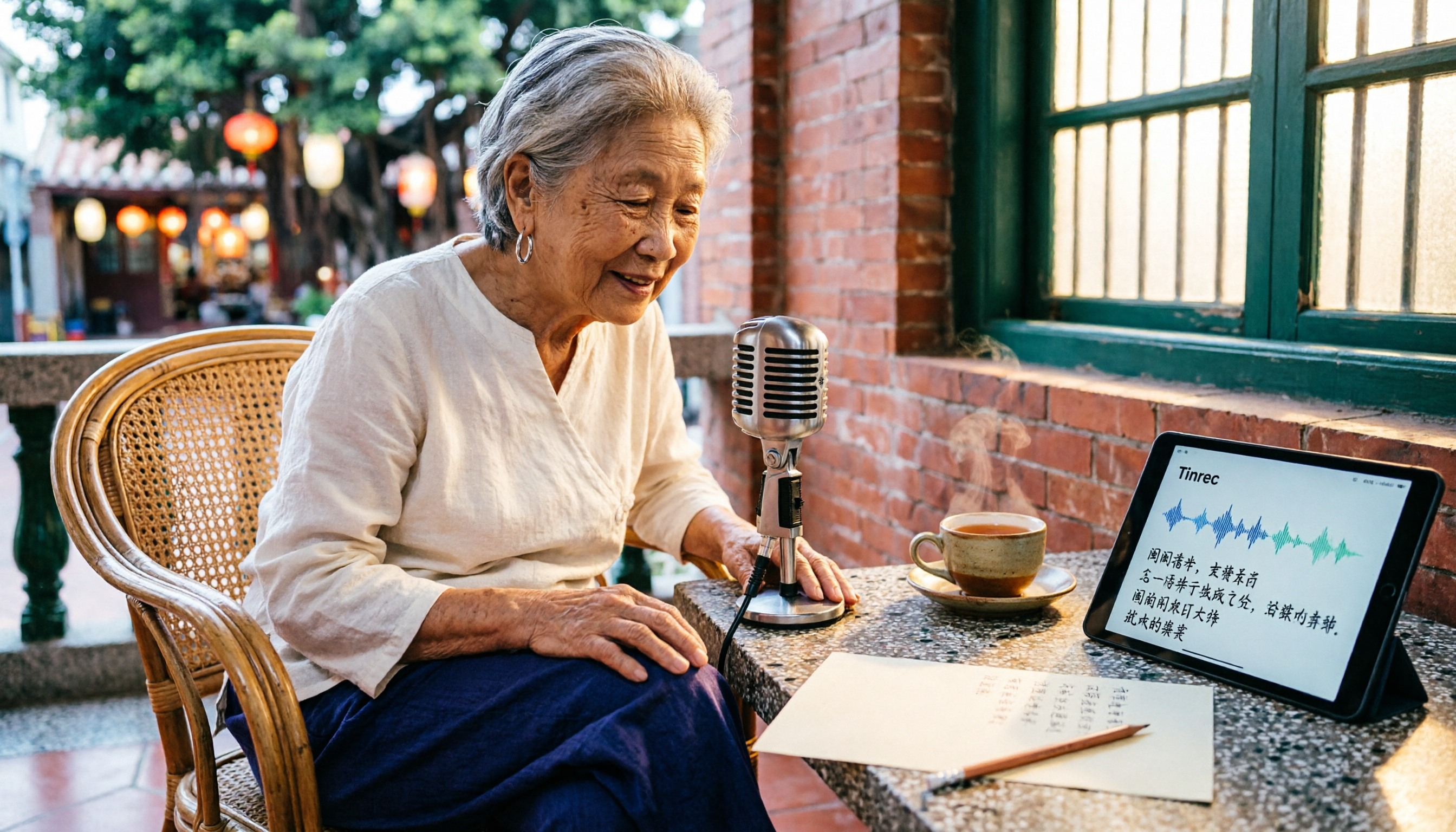
2026 Comparison of 3 Taiwanese Hokkien Speech-to-Text Tools: Which Is Best for Transcribing Taiwanese Recordings?
Taiwanese Hokkien speech-to-text is often confused with 'Taiwanese pronunciation tools,' but they are opposite functions. This article first clarifies the difference between TTS and STT, then outlines 4 key points for choosing a Taiwanese Hokkien transcription tool. It compares Tinrec, Yating Transcription, Notta, and VoxBox, and includes a guide to avoid pitfalls and selection advice.
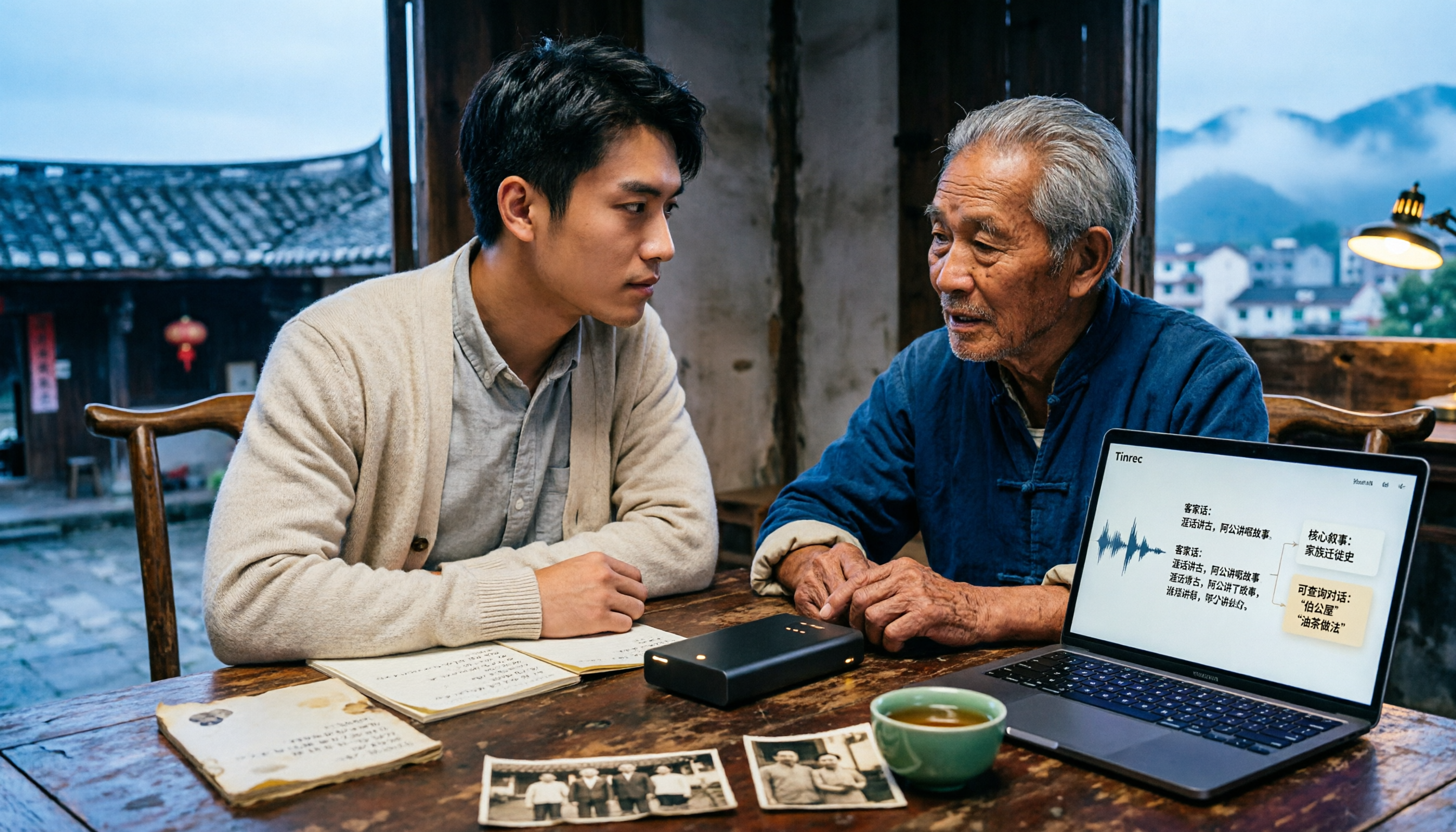
Free Hakka Speech-to-Text Options in 2026: 4 Tools Compared
Hakka speech-to-text isn't as simple as dropping in a recording. This article addresses three common misconceptions, reviews 4 free options in 2026, and uses Tinrec to demonstrate the full workflow from recording and transcription to AI summaries and conversational queries. It includes 5 buying tips and FAQs to help students and researchers avoid common pitfalls.
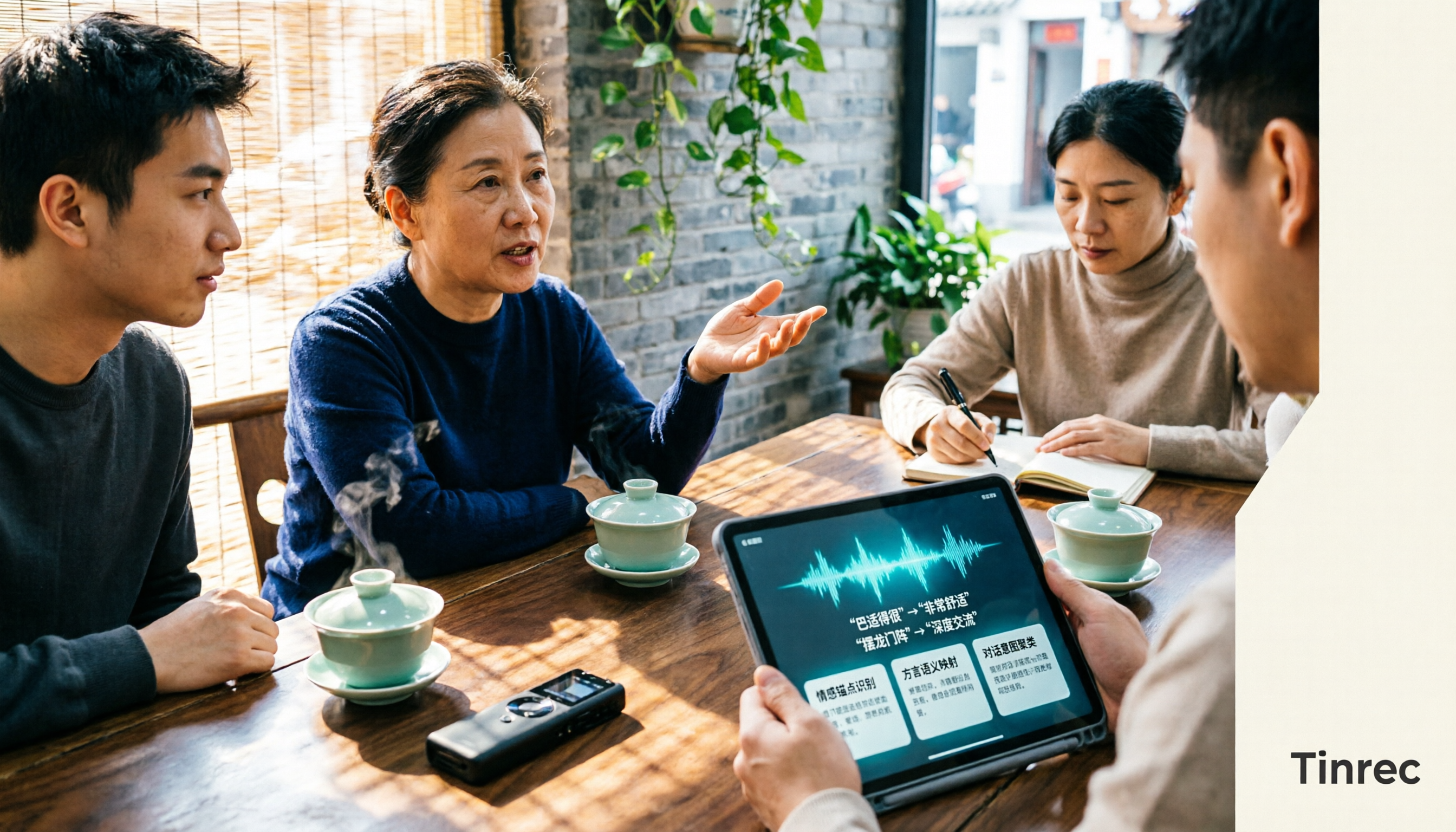
4 Sichuan Dialect Speech-to-Text Tools Tested: How to Choose for Accented Transcription and Organization in 2026
Turning Sichuan dialect meeting recordings into text often gets stuck not on recording, but on what to do afterward. This article starts with the differences in dialect recognition and accent tolerance, outlines 4 key buying factors, and compares Tinrec, Otter.ai, Notta, and PLAUD in terms of positioning and limitations. It also includes common pitfalls and scenario-based recommendations to help you decide which tool truly fits your Sichuan dialect and mixed-language meeting needs.