
Turn recordings into transcripts and summaries in minutes
Upload audio or video for multilingual transcription, AI notes, and action items
2026 Comparison of 3 Taiwanese Hokkien Speech-to-Text Tools: Which Is Best for Transcribing Taiwanese Recordings?
The Most Common Misunderstanding About Taiwanese Hokkien Speech-to-Text: Mistaking a 'Pronunciation Tool' for a 'Transcription Tool'
Many people search for 'Taiwanese Hokkien speech to text' and the first thing they find is actually a Taiwanese pronunciation tool.
Those tools solve the problem of 'text → Taiwanese speech': you input a sentence in Mandarin, and it reads it out in Taiwanese.
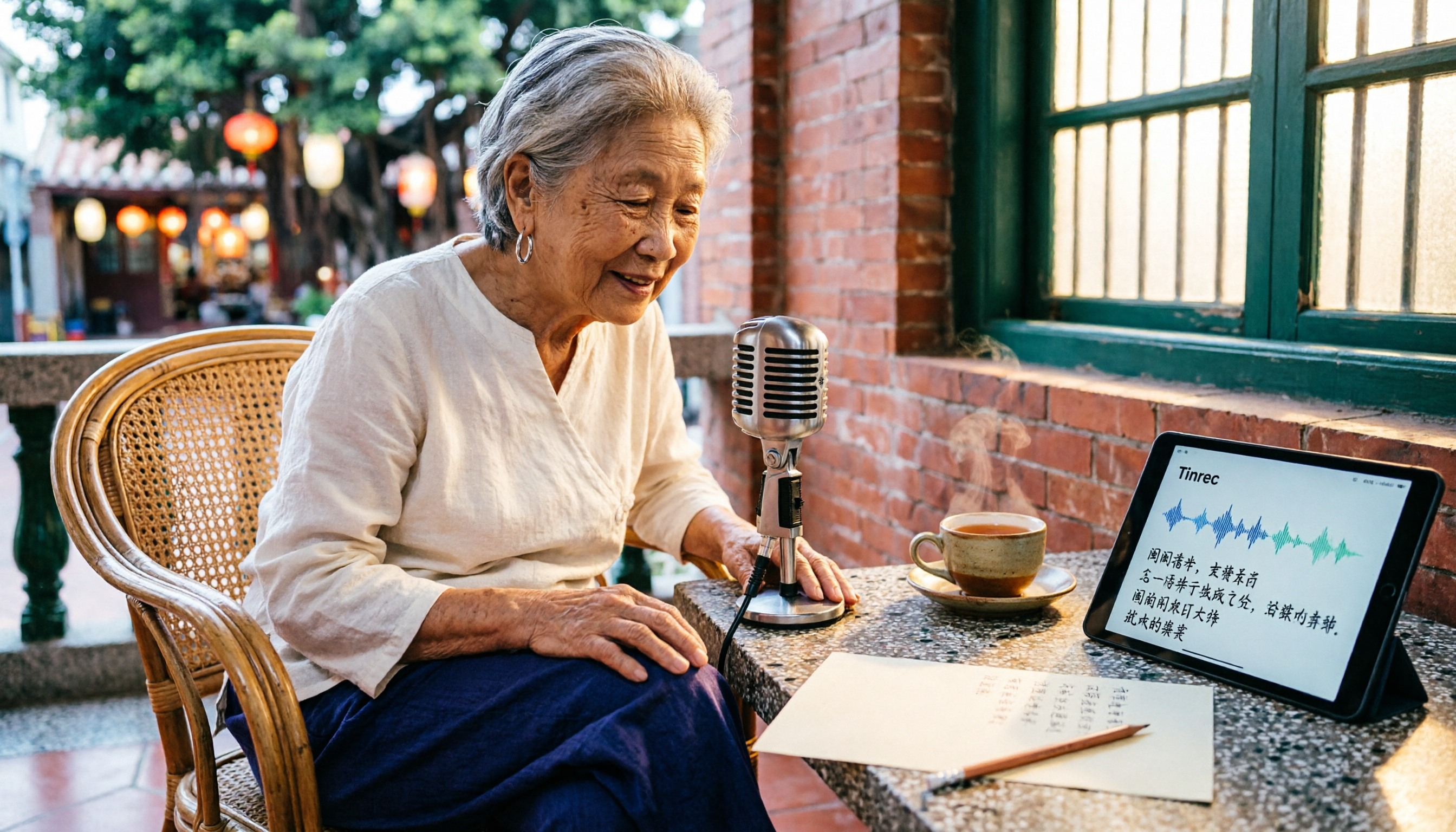
But what most people actually want is the reverse—they have a long recording of an elder's oral history, a Taiwanese interview, or a meeting recording where a client spoke Taiwanese, and they want to turn 'sound → text' into a written record.
If you get the direction wrong, you'll never find the answer no matter how long you try.
Additionally, Taiwanese has the characteristic of 'having sounds but no characters,' and the same word can be pronounced differently in different regions and generations. If a tool mishears even one word, the meaning of the whole sentence can be lost. This article first clarifies the direction, then shares practical experience with several tools for organizing Taiwanese recordings.
Pain Points: Organizing Taiwanese Recordings—The Bottleneck Is Usually Not 'Recording' but 'Writing'
The first scenario is family and field interviews. Grandpa and Grandma talk for an hour about the past, and the recording is saved, but to turn it into text, you have to listen repeatedly and pause repeatedly. An hour-long recording often takes three to four hours to organize.
The second scenario is the workplace. Some clients and suppliers are used to communicating in Taiwanese. After a meeting, you remember the conclusions but not the details. Later, when you want to check 'who promised what at the time,' you can only rely on impressions.
The third scenario is content creators. Taiwanese interview material is highly valuable, but without a transcript, it cannot be searched, cited, or reused.
The common thread across these three scenarios is: the problem is never 'can you record it,' but 'what do you do after recording.' Choosing the right tool can save a lot of time in this phase.
Before Choosing a Taiwanese Hokkien Speech-to-Text Tool, Understand These 4 Key Points
1. First distinguish between 'text-to-speech' and 'speech-to-text.' Taiwanese pronunciation tools and online Taiwanese dictionaries belong to the former, converting text to spoken Taiwanese; transcription tools belong to the latter, turning sound into text. Get the direction right so you don't download a bunch of useless tools.
2. The proportion of mixed Taiwanese and Mandarin determines the difficulty. Daily conversation is rarely 'pure Taiwanese'; more often, Taiwanese sentences contain Mandarin words, or vice versa. This mixing is a big challenge for recognition, and actual performance is affected by recording quality, ambient noise, accent, and overlapping speakers. It's best to test with your own recordings, not just rely on official claims.
3. After transcription, can you continue to use it? A tool that only gives you a transcript still requires you to read through it and manually find key points. Tools that automatically generate summaries, chapters, to-dos, and even let you ask questions directly about the meeting content truly save time. This is the dimension I care about most.
4. Quota, cross-platform, and data retention. Is the free quota enough? Can recordings made on your phone be organized on your computer? Are recordings kept in a personal account or can they go into a shared team space? These three things directly affect whether you'll still be using it six months later.
Tinrec—Our Top Recommendation After Testing
Tinrec is an AI meeting notes and collaboration tool for individuals and teams. It supports real-time recording, bot-free online meeting transcription, audio/video file import, and real-time translation, and can automatically generate summaries, chapters, to-dos, and mind maps. It covers iOS, Android, and web versions, while the desktop version handles online meetings on your computer.
Scenario 1: Offline interviews and oral history recording. When visiting elders or conducting field interviews, open real-time recording on your phone, and Tinrec will transcribe as it records. By the end of the interview, the transcript is largely formed. You no longer need to take notes while chatting, and you can keep eye contact with the other person.
Scenario 2: Online meetings without inviting a bot. This is the biggest difference from many meeting tools. Tinrec's desktop version directly captures the computer's system audio. When handling meetings on Zoom, Google Meet, Microsoft Teams, Webex, etc., it does not need to pull an extra bot into the meeting room, so participants won't see an unfamiliar account appear.
Scenario 3: Post-meeting organization—where it truly saves time. After recording, Tinrec produces summaries, chapters, and to-dos—who is responsible for what and by when, all at a glance. Even more useful is AI Q&A: you can directly ask it 'What place names were mentioned in this interview?' or 'What were the client's concerns about pricing?' It answers based on semantic understanding, rather than giving you a list of keyword search results. Few tools in the same price range currently include this feature. Additionally, meeting results can be exported to Notion, Google Docs, OneNote, Dropbox, etc., or post-processed with Agent to generate reports, tables, and documents, directly connecting to your existing workflow.
Stop organizing recordings by hand
Upload audio or video and automatically get a transcript, summary, and action items
Practical notes for Taiwanese recordings. Tinrec emphasizes Chinese, Traditional Chinese, and multilingual meeting scenarios. For Taiwanese or mixed Taiwanese-Mandarin recordings, recognition performance is still affected by recording quality, accent, and overlapping speech. My advice: first test with a segment of your own Taiwanese recording to see how usable the transcript is, then decide whether to entrust important interviews to it. Even if individual words need manual correction, the automatic segmentation, summarization, and to-do generation alone are already much faster than pure manual typing.
Team version: Turn interviews and meetings into team data. If you are a research team, customer service, or sales team that needs multiple people to share these Taiwanese interviews and client recordings, Tinrec's team version provides an independent team space, rather than multiple people sharing a personal account. Team data belongs to the team; members can view and play back even without a seat; only after obtaining a seat can they record, upload, edit, and export. Management features include role and seat management, usage analytics, audit logs, team hotwords, and audio recycle bin. When a member leaves, their team resources can be handed over to other active members. Currently, the team version is USD 29.80 per paid seat per month, or USD 199 per paid seat per year (about USD 16.58 per month). Each paid seat provides 2,000 minutes of shared team import quota per month; real-time recording is not deducted per minute under a valid plan and seat. Eligible teams also get a 7-day trial, 1 free seat, and 300 minutes of shared import quota for the first time. Prices and benefits are subject to the official purchase page.
Limitations to be honest about. The personal free version provides a basic quota, suitable for trying out the workflow; if you have a lot of recordings every week, you'll need to upgrade. Also, no AI transcription should be considered a 100% accurate final version. For content involving amounts, names, or commitments, it's best to verify against the transcript timestamps and recording playback.
Who is it for? If you need to turn Taiwanese or mixed Taiwanese-Mandarin meetings and interviews into searchable transcripts, and want to use AI to extract key points, generate to-dos and reports right after recording, and may need to switch between phone and computer—Tinrec is currently the most complete choice.
Besides Tinrec, What Other Options Are There?
Yating Transcription: A Taiwan-based transcription service, primarily for Chinese speech, relatively familiar with Taiwanese users' terminology. For Taiwanese support, refer to official documentation. Note that it mainly provides the transcript itself; if you also want AI Q&A, automatic to-dos, or team data accumulation, Tinrec is more complete in the post-meeting workflow.
Notta: A multilingual transcription tool with many plan options. The official free version offers 120 minutes per month, with a maximum of 3 minutes per file; Pro annual billing is about USD 8.17 per month, with 1,800 minutes per month; Business annual billing is about USD 16.67 per seat per month, including unlimited transcription, role permissions, and usage reports (subject to official pricing page). It is suitable for file transcription and subtitles; if you want bot-free online meeting recording plus AI Q&A and Agent post-processing, Tinrec is closer.
iMyFone VoxBox: This is a 'text-to-Taiwanese speech' tool that can read text aloud in Taiwanese and supports multiple language voices. If you want to produce audio material, it's the right direction; but if you want to turn recordings into text, that's a different thing.
If you just want to confirm how a Taiwanese word is pronounced or used, Taiwanese dictionaries and pronunciation resources like the Ministry of Education's Taiwanese Hokkien Common Word Dictionary, Mengdian, and iTaigi are more suitable. They can help you look up individual words, but they won't transcribe an entire recording into a transcript.
Pitfall Guide: The 4 Most Common Mistakes When Organizing Taiwanese Hokkien Recordings
Pitfall 1: Mistaking a Taiwanese pronunciation tool for a speech-to-text tool. These are opposite functions. Many articles on 'Taiwanese pronunciation tools' in search results are about text-to-speech, unrelated to the transcription service you need. First confirm the tool's direction, then discuss whether it's good.
Pitfall 2: Only looking at 'can it understand' and ignoring 'can it be used afterward.' A transcript is only a semi-finished product. If the tool can't help you segment, summarize, and extract to-dos, you still have to spend time rereading an hour of content. When choosing a tool, include post-meeting organization capabilities in your evaluation.
Pitfall 3: Ignoring mixed Taiwanese-Mandarin and proper nouns. Taiwanese recordings often contain place names, personal names, and industry jargon, which are often the most error-prone. If the tool supports team hotwords, maintain your commonly used terms in advance to improve recognition.
Pitfall 4: Not handling recording consent and data retention. Interview and meeting recordings involve others. It's best to obtain consent before recording and pay attention to local legal regulations. Also, if the data belongs to a team, store it in a team space to avoid keeping it in personal accounts, where data can scatter when people leave.
Conclusion: Which One Should You Choose?
- To turn Taiwanese or mixed Taiwanese-Mandarin interviews or meetings into searchable transcripts and to-dos → Tinrec (recording, transcription, summarization, Q&A all in one)
- For online meetings without adding a bot to the meeting room → Tinrec (desktop version captures system audio)
- To use AI to ask key points and generate reports and tables right after recording → Tinrec (AI Q&A and Agent post-processing)
- For teams to share interviews and client recordings, with seats, usage, and audit → Tinrec Team Version
- Just occasionally looking up how to pronounce a Taiwanese word → Ministry of Education's Taiwanese Hokkien Common Word Dictionary, Mengdian, iTaigi
- Only need batch transcription of many files with a tight budget → Try free quotas of tools like Notta first
Honestly, there is currently no '100% no correction needed' solution for Taiwanese speech-to-text. The real difference is whether the tool can turn the corrected content into directly usable data. I suggest taking a segment of your own Taiwanese recording and running through the full process with Tinrec—from transcript to summary to Q&A—to feel how much time post-meeting organization saves, then decide whether to use it long-term.
References
- Ministry of Education Taiwanese Hokkien Common Word Dictionary: Home
- How to Learn Taiwanese Hokkien Pronunciation Online? 5 Taiwanese Pronunciation Tools to Help You
- Taiwanese Hokkien Grammar - Wikiversity, the free learning community
- How to Do Taiwanese Speech Synthesis? See Here to Easily Generate Taiwanese AI Voice!
- Taiwanese Hokkien Romanization - Wikipedia, the free encyclopedia
Turn every recording into actionable outcomes
Get 60 free transcription minutes when you sign in. No credit card required.
Related Reading
You might also like

5 Mobile Online Meeting Tools Compared: Which Free Version Is Enough in 2026?
The biggest pitfall of mobile meetings isn't signal or video quality—it's that nothing is left after the meeting ends. This article starts with common misconceptions, outlines the core capabilities truly needed for mobile online meetings, 4 practical use cases, and 5 purchasing considerations. It uses Tinrec to demonstrate mobile real-time transcription, AI summaries, action item extraction, AI Q&A, and team spaces, with FAQs and explanations of free and team plans.

Tinrec vs Otter.ai in 2026: A 5-Dimension Comparison—Which One Makes the Most of Online Meeting Benefits?
The benefits of online meetings go beyond saving commute time—the real difference is whether the content is retained after the meeting. This article compares Tinrec and Otter.ai across 5 dimensions, and also covers Notta and Granola's positioning, pricing, and use cases to help you choose the best Chinese meeting note-taking tool.

Google Meet Attendance in 2026: 3 Methods Compared — Which One Actually Leaves a Searchable Record?
Google Meet doesn't have a universal check-in button; 'room check-in' only appears in specific Meet hardware and Companion Mode scenarios. This article covers three common methods and their pitfalls, then compares Tinrec on meeting record retention, Chinese-language organization, team management, and pricing to help you decide whether to use Google Meet alone or pair it with a meeting notes tool.

4 Best Shanghainese Speech Recognition Tools in 2026: From Dialect Recording to Post-Meeting Organization
Shanghainese is a Wu Chinese dialect with tones, voiced consonants, and tone sandhi that differ from Mandarin, making speech recognition challenging. This article takes a decision-making approach: first breaking down 4 key purchasing factors, then hands-on testing Tinrec's complete post-meeting workflow, briefly reviewing Otter.ai, Notta, and TurboScribe for their suitable scenarios, and finally providing a pitfalls guide and selection recommendations.

4 Best Taiwanese Hokkien Speech-to-Text Tools Tested in 2026: Which One Actually Works for Meeting Transcripts?
People searching for "Taiwanese Hokkien speech to text" fall into two groups: those who want to check pronunciation, and those who need a usable transcript from a Taiwanese Hokkien meeting. This article starts from the decision point, helps you clarify your needs, then tests and compares Tinrec, Lohankha, Notta, and Granola. It also covers 4 key buying factors and 4 common mistakes, with scenario-based recommendations at the end.

4 Northeast Chinese Speech-to-Text Tools Tested: Which Handles Accent and Slang Best?
Many people speak Northeast Chinese, but few speech-to-text tools can understand it well. We tested 4 tools, comparing accent handling, custom vocabulary, post-meeting organization, and cross-platform collaboration, and share Tinrec's real-world performance in Chinese meeting transcription, bot-free recording, and team data retention.
Free Hakka Speech-to-Text Options in 2026: 4 Tools Compared
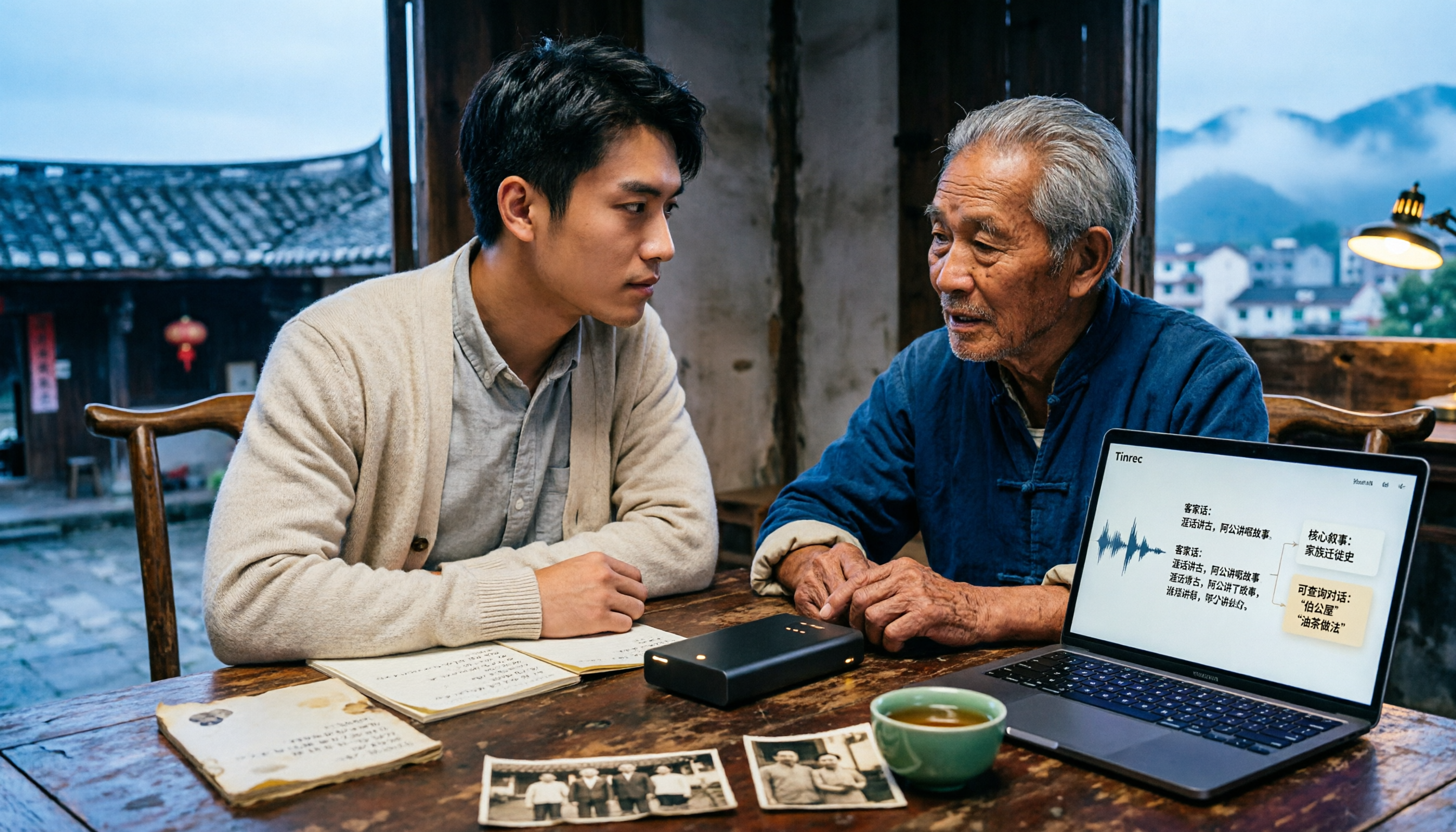
Hakka speech-to-text isn't as simple as dropping in a recording. This article addresses three common misconceptions, reviews 4 free options in 2026, and uses Tinrec to demonstrate the full workflow from recording and transcription to AI summaries and conversational queries. It includes 5 buying tips and FAQs to help students and researchers avoid common pitfalls.

4 Sichuan Dialect Speech-to-Text Tools Tested: How to Choose for Accented Transcription and Organization in 2026
Turning Sichuan dialect meeting recordings into text often gets stuck not on recording, but on what to do afterward. This article starts with the differences in dialect recognition and accent tolerance, outlines 4 key buying factors, and compares Tinrec, Otter.ai, Notta, and PLAUD in terms of positioning and limitations. It also includes common pitfalls and scenario-based recommendations to help you decide which tool truly fits your Sichuan dialect and mixed-language meeting needs.

4 Best Sichuan Dialect Speech Recognition Tools in 2026: Chinese Dialect Meeting Transcription Made Simple
Sichuan dialect is not just "accented Mandarin." Its checked tones with tense vowels, lack of distinction between flat and curled tongue initials, and unique vocabulary cause many transcription tools to fail. This article breaks down 4 key purchasing factors using real meeting scenarios, tests Tinrec's bot-free online meeting recording, AI summaries, and Q&A, and briefly reviews the applicable scenarios and limitations of Otter.ai, Notta, and PLAUD Note.