
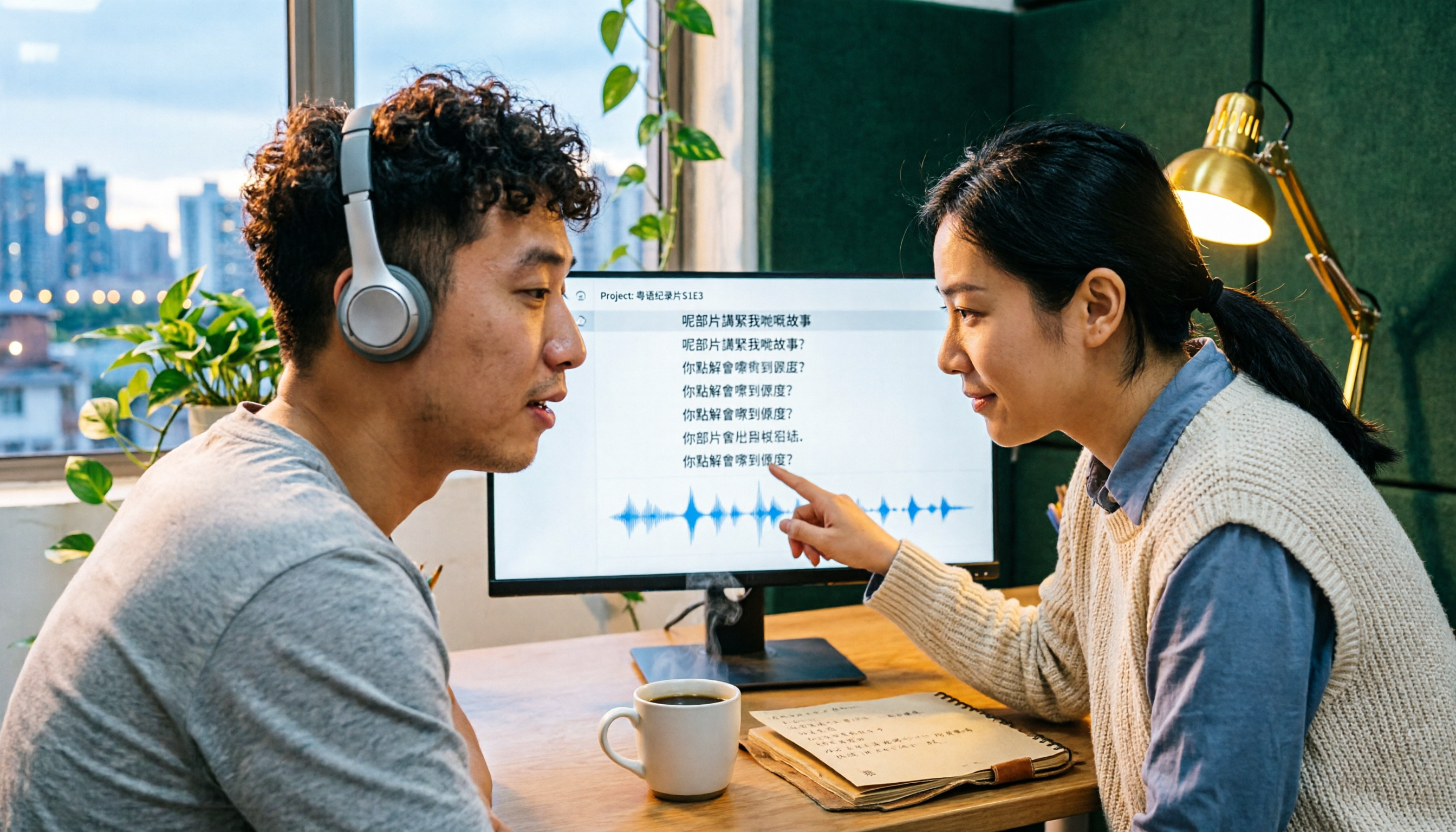
Turn recordings into transcripts and summaries in minutes
Upload audio or video for multilingual transcription, AI notes, and action items
When adding subtitles to Cantonese videos, do you prefer to transcribe by ear or let AI handle it?
What usually holds people back isn't whether to use a tool, but which one to choose. Some people just need to quickly add subtitles to a single video, others need to handle interviews with mixed Chinese and English, and still others want meeting recordings to automatically become transcripts and action items. Different needs lead to very different tool choices.
Tinrec is an AI meeting notes and collaboration tool for individuals and teams. It supports real-time audio-to-text, bot-free online meeting recording, audio and video file transcription, and real-time translation. It can also automatically generate summaries, chapters, action items, and mind maps, and store everything in a team workspace. The free plan offers basic credits to try recording, importing, summaries, and transcription, making it suitable for general office workers and content creators who want to test it out first.
Why are people looking for better Cantonese subtitle generators?
In video production, adding subtitles is often the most time-consuming part. For a 10-minute video, just listening to the entire thing and typing along can take 30 minutes.
Cantonese is more challenging than standard Chinese. Everyday conversations often include colloquial words and particles, frequent mixing of Chinese and English, and background noises like keyboard clicks and air conditioning. Whether a tool can understand real-world scenarios makes a big difference.
There are already several tools focused on Cantonese, such as Subanana, Zeemo, and CantoSub, each with strengths in language count, subtitle styles, or translation. Note that most tools still stop at the step of generating subtitles.
If, beyond subtitles, you also want to turn transcripts into summaries and action items, or even collaborate with your team, then Tinrec is worth checking out.
How does Tinrec differ from common Cantonese subtitle tools in core experience?
Input sources and online meeting recording
Subanana mainly relies on uploading audio or video and recording via a Chrome extension; Zeemo imports videos through an app or web workspace; CantoSub focuses on automated subtitle generation after upload. Tinrec not only supports audio and video file transcription but also, on desktop, can directly capture computer system audio to handle online meetings on Zoom, Google Meet, Microsoft Teams, Webex, etc., without needing an extra meeting bot to join. For those who handle both video materials and online meetings, this coverage can save a lot of switching costs.
What you can do after transcription
Typical subtitle tools are done once subtitles are generated. After generating a transcript, Tinrec goes on to produce summaries, chapters, key points, and action items, and can even answer AI queries about the meeting content. For example, after recording a one-hour discussion, you can directly ask it "What was the conclusion?" or "Who is responsible for which item?" without having to read through dozens of pages of transcript. For those who need post-meeting organization, this saves a second round of work hours.
Cross-platform and device coverage
Tinrec offers web, desktop, and mobile (iOS, Android) versions, handling online meetings, offline interviews, and on-the-go recording. Some tools primarily use web or app as their main entry point, leading to inconsistent cross-device experiences. If your work style involves recording meetings at the office, catching up on transcripts during your commute, and organizing on your computer at home, multi-device coverage is a practical deciding factor.
Language and bilingual processing
Tinrec covers Chinese, Traditional Chinese, and multilingual meeting scenarios, supports mixed Chinese-English content organization, and allows viewing in original, translated, or bilingual mode during recording. Subanana supports 95+ languages and is also accurate with mixed Chinese-English, offering broad language coverage. Keep in mind that actual recognition performance is affected by recording quality, accent, noise, overlapping speakers, and technical terminology. It's best to test with your own materials.
Team collaboration and data ownership
Most tools serve individuals first. In addition to a personal plan, Tinrec offers a separate team workspace: meeting data belongs to the team, and you can manage members, roles, and seats, view usage trends and audit logs, and access an audio recycle bin and team hotwords. When a member leaves or loses a seat, resources can be transferred to other active members, so data doesn't disappear with the individual account. For teams where colleagues handle subtitles and meeting notes together, the difference is clear.
Tinrec's core features at a glance
Real-time audio-to-text: Open Tinrec and it transcribes as you record. During a meeting, you can follow along with the text to confirm key points aren't missed, and by the end, the transcript is already formed. Suitable for offline meetings and interviews.
Bot-free online meeting recording: The desktop version directly captures computer system audio to record meetings on Zoom, Google Meet, Microsoft Teams, Webex, etc., without inviting an extra bot into the meeting. Note that this requires the user to actively open Tinrec to start recording; it does not automatically join all calendar meetings.
Real-time translation and bilingual viewing: For cross-language meetings, you can record while viewing the original, translation, or bilingual content without waiting until after the meeting.
Stop organizing recordings by hand
Upload audio or video and automatically get a transcript, summary, and action items
AI summaries, chapters, and action items: Long meetings are broken into easily browsable sections, with key points and follow-up actions automatically organized. Suitable for project and client meetings.
AI Q&A and Agent post-processing: You can continue asking questions about a single meeting or multiple meetings, and further generate reports, tables, and meeting minutes as deliverables. This is the part I use most myself.
Multi-format export and team workspace: Results can be exported to common formats and brought into Notion, Google Docs, OneNote, Dropbox, etc., for further editing; the team version centralizes data in one workspace for easy search and reuse.
Practical use cases
Adding subtitles to Cantonese videos: Import your recorded video into Tinrec, get the transcript first, then organize it into subtitle content. Compared to transcribing the entire thing by ear, prep time can be significantly reduced, and bilingual needs can be handled at the same time.
Online meeting notes: Use the desktop version for bot-free meeting recording, and get the transcript, summary, and action items right after. Especially useful for cross-department meetings, as you can directly search for "who said what" later.
Interviews and research: After converting interview recordings to transcripts, use AI Q&A to quickly extract interviewee viewpoints and quotable passages, greatly improving material organization efficiency.
Personal notes and courses: Record casually during classes or lectures, then search keywords to return to the relevant section. Over time, it becomes a searchable database you can query.
How to choose between Tinrec's personal and team plans?
The personal plan is for individual use. For occasional recording organization, start with the free plan; for short-term concentrated meetings or interviews, consider a weekly pass; for steady weekly needs, the Pro monthly plan is more suitable; for long-term accumulation of recording data, the annual plan offers a lower monthly equivalent.
The team plan is not "multiple people sharing one personal account" but a separate team workspace. The first eligible team trial is 7 days, 1 free seat, and 300 minutes of shared team import credits; team monthly payment is US$29.80 per paid seat per month, and annual payment is US$199 per paid seat per year (about US$16.58 per month). Each paid seat provides 2,000 minutes of shared team import credits per month. Real-time recording under an active team plan and active seat is currently not deducted by minutes. Prices, currencies, and promotions are subject to the official purchase page.
Also note that the team plan distinguishes between "roles" and "seats": roles determine who can manage the team and settings, while seats determine whether members can record, upload, edit, and export. Active members without a seat can still view, play, and read team data.
Points to consider when choosing a Cantonese subtitle generator
Cantonese and mixed Chinese-English recognition performance: Cantonese colloquialisms, particles, and mixed Chinese-English are common challenges. When choosing a tool, test with a real sample of your own material; it's more accurate than reading specs.
Whether recordings are retained and can be revisited: Transcripts inevitably have recognition errors. If the original recording is retained, you can correct against timestamps later. Tinrec supports retaining recordings, and the team version has an audio recycle bin.
Post-meeting editing and export flexibility: Subtitles and transcripts usually need further editing. Whether you can export to common formats or bring them into Notion, Google Docs, etc., for further processing affects how smoothly the workflow goes.
Team collaboration and data ownership: If subtitles and meeting notes are shared by multiple people, confirm whether data belongs to the team or individuals and how to hand over when members change. This is especially critical during staff turnover.
Credits and billing methods: Free credits, single-session length limits, and paid seat billing methods are worth checking in advance to avoid getting stuck halfway.
Conclusion: Is Tinrec worth a try?
If your needs are simple—just occasionally adding subtitles to a Cantonese video—any tool on the market can handle it; just pick one that feels right.
But if you also handle online meetings, want mixed Chinese-English transcripts, and hope to directly generate summaries and action items after meetings, or even let your team share the same data, Tinrec is one of the few options that puts "record, understand, act, collaborate" in a single workflow. The desktop version's bot-free recording and AI Q&A are the two most practical parts for me.
I recommend starting with the free plan and testing with the type of recording you handle most often. Trying it yourself beats reading reviews.
FAQ
Can Tinrec generate Cantonese subtitles? Tinrec covers Chinese, Traditional Chinese, and multilingual meeting scenarios, can handle mixed Chinese-English content, and supports real-time translation and bilingual viewing. Actual recognition performance is affected by recording quality, accent, noise, overlapping speakers, and technical terminology. Subtitles and transcripts should be checked against the original and recording.
Do I need to add a meeting bot to the meeting? No. Tinrec's desktop version directly captures computer system audio to record online meetings without inviting an extra bot. The user needs to actively open Tinrec to start recording; it currently does not automatically join all calendar meetings. Also note that recording and transcription should comply with local regulations, and obtain participant consent when needed.
Is the free plan enough? The free plan provides basic credits to try recording, importing, summaries, and transcription, suitable for testing the waters. If you have steady weekly needs, consider Pro; for short-term concentrated use, look at the weekly pass.
What's the difference between the team and personal plans? Personal plan data is managed by the individual account. The team plan is a separate team workspace where meeting data belongs to the team, with added capabilities for members, roles, seats, shared benefits, usage analytics, audit logs, and an audio recycle bin.
Can team members always see all data? Currently, the team plan is primarily team-level sharing; all active members can read team data. Only after obtaining a seat can they record, upload, edit, and export. File-level or member-level granular private permissions are not yet supported.
Can deleted recordings be recovered? Team version audio goes to the recycle bin and can be restored before permanent cleanup begins; the current retention period is 30 days. Action items are not covered by the recycle bin.
References
- CantoSub | Hong Kong | Cantonese | AI Subtitle Generation
- Cantonese Subtitle Generation Free Speech-to-Text Tool Recommendation! Can Output Written Chinese - OMP Online Marketing Player
- AI Subtitles, Speech-to-Text and Meeting Notes | Understands Cantonese | Subanana
- Subanana | Most Popular AI Subtitling & Transcription Tool in ...
- Cantonese Subtitle Generator - Zeemo
Turn every recording into actionable outcomes
Get 60 free transcription minutes when you sign in. No credit card required.
Related Reading
You might also like

5 Mobile Online Meeting Tools Compared: Which Free Version Is Enough in 2026?
The biggest pitfall of mobile meetings isn't signal or video quality—it's that nothing is left after the meeting ends. This article starts with common misconceptions, outlines the core capabilities truly needed for mobile online meetings, 4 practical use cases, and 5 purchasing considerations. It uses Tinrec to demonstrate mobile real-time transcription, AI summaries, action item extraction, AI Q&A, and team spaces, with FAQs and explanations of free and team plans.

Tinrec vs Otter.ai in 2026: A 5-Dimension Comparison—Which One Makes the Most of Online Meeting Benefits?
The benefits of online meetings go beyond saving commute time—the real difference is whether the content is retained after the meeting. This article compares Tinrec and Otter.ai across 5 dimensions, and also covers Notta and Granola's positioning, pricing, and use cases to help you choose the best Chinese meeting note-taking tool.

Google Meet Attendance in 2026: 3 Methods Compared — Which One Actually Leaves a Searchable Record?
Google Meet doesn't have a universal check-in button; 'room check-in' only appears in specific Meet hardware and Companion Mode scenarios. This article covers three common methods and their pitfalls, then compares Tinrec on meeting record retention, Chinese-language organization, team management, and pricing to help you decide whether to use Google Meet alone or pair it with a meeting notes tool.

4 Best Shanghainese Speech Recognition Tools in 2026: From Dialect Recording to Post-Meeting Organization
Shanghainese is a Wu Chinese dialect with tones, voiced consonants, and tone sandhi that differ from Mandarin, making speech recognition challenging. This article takes a decision-making approach: first breaking down 4 key purchasing factors, then hands-on testing Tinrec's complete post-meeting workflow, briefly reviewing Otter.ai, Notta, and TurboScribe for their suitable scenarios, and finally providing a pitfalls guide and selection recommendations.

4 Best Taiwanese Hokkien Speech-to-Text Tools Tested in 2026: Which One Actually Works for Meeting Transcripts?
People searching for "Taiwanese Hokkien speech to text" fall into two groups: those who want to check pronunciation, and those who need a usable transcript from a Taiwanese Hokkien meeting. This article starts from the decision point, helps you clarify your needs, then tests and compares Tinrec, Lohankha, Notta, and Granola. It also covers 4 key buying factors and 4 common mistakes, with scenario-based recommendations at the end.

4 Northeast Chinese Speech-to-Text Tools Tested: Which Handles Accent and Slang Best?
Many people speak Northeast Chinese, but few speech-to-text tools can understand it well. We tested 4 tools, comparing accent handling, custom vocabulary, post-meeting organization, and cross-platform collaboration, and share Tinrec's real-world performance in Chinese meeting transcription, bot-free recording, and team data retention.
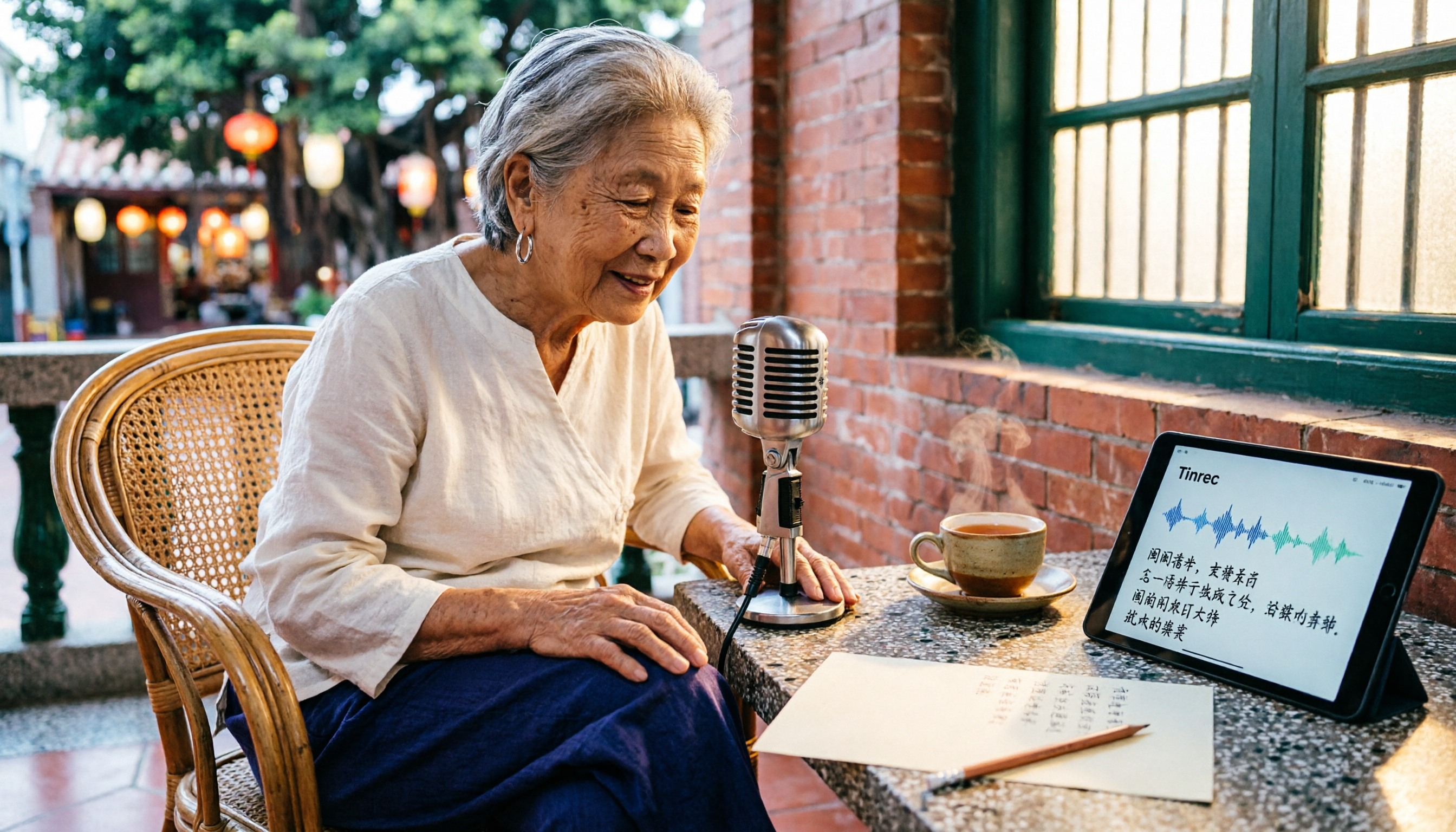
2026 Comparison of 3 Taiwanese Hokkien Speech-to-Text Tools: Which Is Best for Transcribing Taiwanese Recordings?
Taiwanese Hokkien speech-to-text is often confused with 'Taiwanese pronunciation tools,' but they are opposite functions. This article first clarifies the difference between TTS and STT, then outlines 4 key points for choosing a Taiwanese Hokkien transcription tool. It compares Tinrec, Yating Transcription, Notta, and VoxBox, and includes a guide to avoid pitfalls and selection advice.
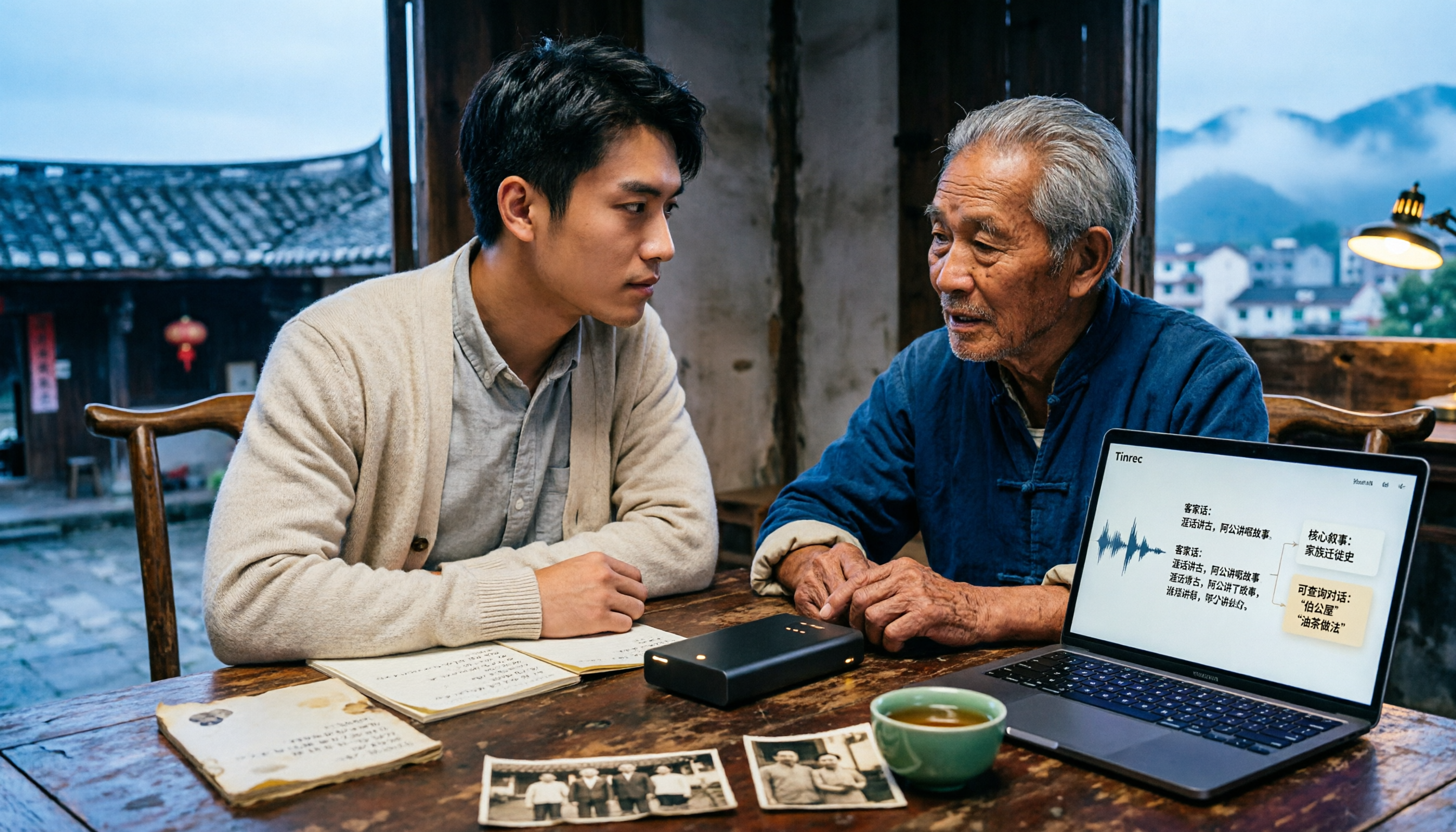
Free Hakka Speech-to-Text Options in 2026: 4 Tools Compared
Hakka speech-to-text isn't as simple as dropping in a recording. This article addresses three common misconceptions, reviews 4 free options in 2026, and uses Tinrec to demonstrate the full workflow from recording and transcription to AI summaries and conversational queries. It includes 5 buying tips and FAQs to help students and researchers avoid common pitfalls.
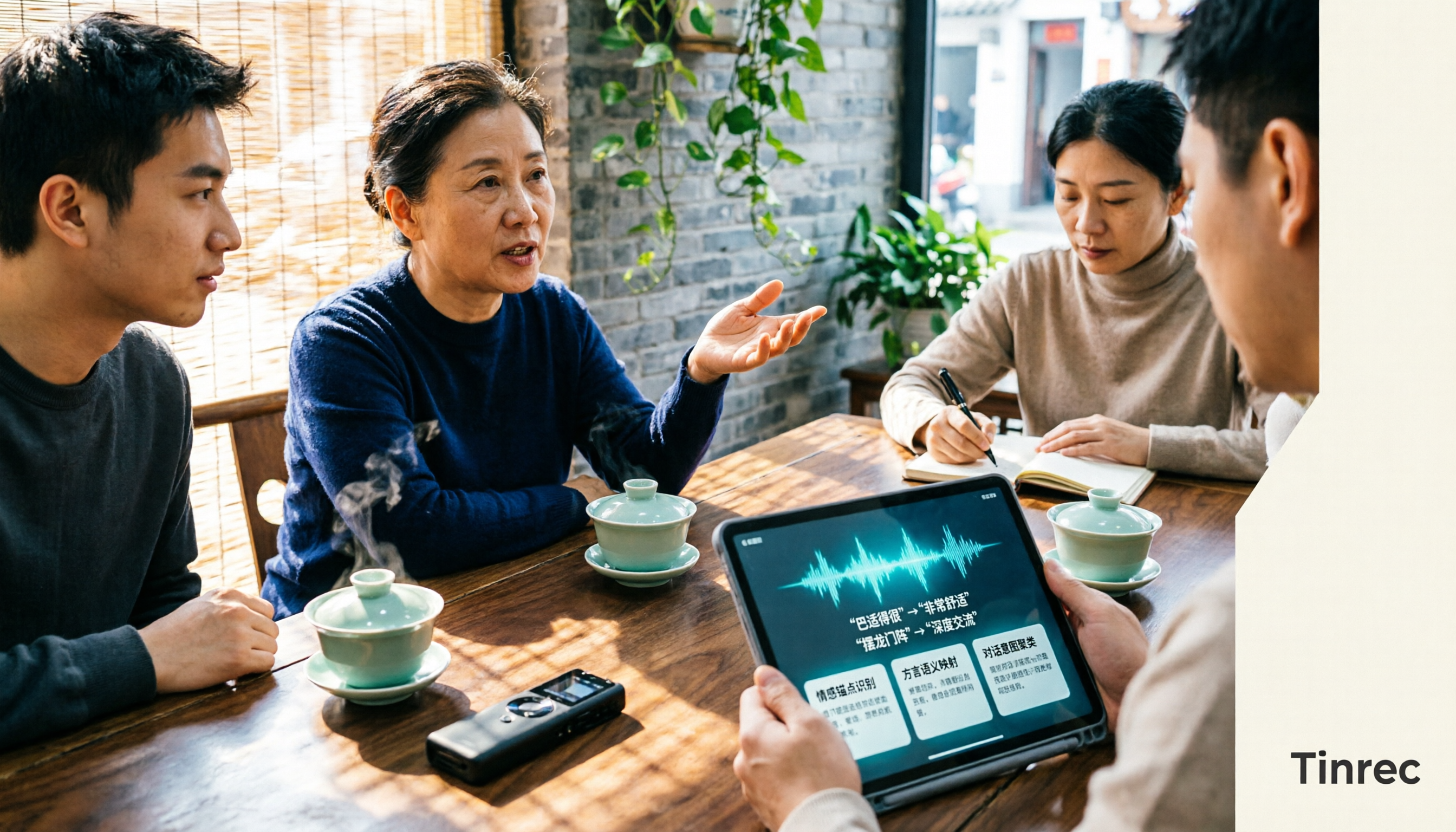
4 Sichuan Dialect Speech-to-Text Tools Tested: How to Choose for Accented Transcription and Organization in 2026
Turning Sichuan dialect meeting recordings into text often gets stuck not on recording, but on what to do afterward. This article starts with the differences in dialect recognition and accent tolerance, outlines 4 key buying factors, and compares Tinrec, Otter.ai, Notta, and PLAUD in terms of positioning and limitations. It also includes common pitfalls and scenario-based recommendations to help you decide which tool truly fits your Sichuan dialect and mixed-language meeting needs.