

Turn recordings into transcripts and summaries in minutes
Upload audio or video for multilingual transcription, AI notes, and action items
Last month I helped a project team review their meeting process.
A thirty-minute meeting, conducted entirely in Cantonese, with English words like target, schedule, owner, and deadline constantly mixed in.
Afterward, the colleague responsible for submitting the notes put on headphones and replayed it four times.
She said the most tiring part wasn't slow typing. It was having to do a mental translation every time—first understand the Cantonese, then write it down in formal written Chinese.
I immediately understood: this wasn't her problem, it was the tool's problem.
Why Are Cantonese Meeting Notes So Tricky? You Don't Need a Tool, You Need a Solution
I later identified three of the most common pain points.
The first is the mixed nature of the language itself. In Cantonese-speaking environments, meetings are rarely pure Cantonese throughout. A single sentence might contain three English technical terms, one Mandarin word, and the rest Cantonese. If a transcription tool only recognizes a single language, such sentences will go completely off track.
The second is that "after transcription, no one wants to read it." Getting a 20,000-word transcript isn't much different from getting an unorganized recording. What you really need is who decided what, who needs to do what, and when it's due.
The third is post-meeting division of labor. The same project meets weekly, and data is scattered across everyone's computers and chat logs. Three months later, when you need to find "why we changed this spec back then," no one can find it.
None of these three issues can be solved by "typing faster." What you need is a workflow from recording to usable data.
Before Choosing a Cantonese Meeting Transcription Tool, Understand These 4 Key Points
When I choose tools, I don't look at spec sheets—I look at four things.
1. How stable is mixed Chinese-English recognition? This is the point most easily obscured by marketing talk. Many tools claim to "support Chinese," but the Chinese in actual meetings is mixed with English. What you need to test is: when a sentence contains two English words, does it swallow the English or translate it into weird Chinese? I suggest testing directly with a recording of your own meeting, not just looking at official numbers. Moreover, actual recognition performance is inherently affected by recording quality, background noise, accents, and multiple people speaking simultaneously—no vendor should give you a fixed answer.
2. Does the recording method interrupt the meeting? Some tools rely on a "meeting bot" joining online meetings. This is convenient on Google Meet or Teams, but the bot appears in the participant list, which some clients mind. And if the meeting is on a platform it doesn't support, you have to switch to post-meeting upload. Another approach is capturing system audio directly from the computer, which doesn't interrupt the meeting or add a participant. I find this method more suitable for external meetings.
3. Can you continue working after the meeting, rather than just getting text? A transcript is just raw material. What really saves time is automatic summaries, chapters, action items, and the ability to "ask it questions directly after recording." For example, if you ask "who mentioned the budget in the last meeting," it should answer directly, not throw a keyword search result at you.
4. Where does the data ultimately live? If it's just personal notes, this doesn't matter. But if it's a team's weekly meeting, data ownership is a governance issue. Data in personal accounts follows the person; data in team spaces stays with the team, and doesn't disappear when members leave.
These four points are the criteria I kept coming back to during this hands-on test.
Tinrec (Miao Ting Lu Yin)—My Most-Used Choice After This Hands-On Test
Tinrec is an AI meeting notes and collaboration tool for individuals and teams, covering web, desktop, and mobile.
What struck me most is that it treats "after recording" as the main battlefield.
During the meeting, it produces a transcript while recording. The desktop version captures the computer's system audio directly, so meetings on Zoom, Google Meet, Microsoft Teams, and Webex don't require pulling a bot into the meeting room. When the meeting ends, the transcript is already there. You can also see real-time translation during the meeting, with original, translated, or bilingual side-by-side options.
After the meeting, it turns the meeting into something usable. It automatically generates summaries, chapters, and action items. Who's responsible for what and what's next are listed directly. More critically, AI Q&A: across an entire meeting, or even multiple meetings, you can directly ask "what was the launch time decided last week," and it answers semantically, not by searching keywords for you. This feature is something I've rarely seen in similar tools.
Meeting data can continue to become other deliverables. It supports exporting results to Notion, Google Docs, OneNote, Dropbox—tools you're already using—and can use Agent post-processing to generate reports, tables, and documents. For those who need to submit weekly reports or meeting minutes, it saves that final organizing time.
Stop organizing recordings by hand
Upload audio or video and automatically get a transcript, summary, and action items
The team version keeps data with the team. This is important for groups that meet regularly every week. The team version is an independent team space, not everyone sharing one account. Meeting data belongs to the team, and new members can view historical data after joining; roles determine who can manage the team, members, usage, and audit logs; seats determine who can record, upload, edit, and export. Members without seats can still view, play, and read data. Admins can also see usage trends, member rankings, and usage details, and accidentally deleted audio can be recovered from the recycle bin. Team hotwords let you add your company's frequently used product names and project codes, so technical terms aren't easily misheard.
Regarding language, I'll be honest: Tinrec covers Chinese, Traditional Chinese, and multilingual meeting scenarios, and mixed Chinese-English content is a key area it focuses on. But actual recognition performance is affected by recording quality, accents, background noise, overlapping speakers, and technical terms—no tool can give you a fixed accuracy rate. The best approach is to run it on a recording of your own real Cantonese meeting.
Limitations should also be clear. It's not a hardware recorder; occasions without a computer require mobile recording. The free version has a basic quota, and heavy usage requires upgrading. The team version currently has a 7-day trial with 1 free seat and 300 minutes of shared import quota; paid is USD 29.80/seat/month, or USD 199/seat/year annually, with each paid seat getting 2,000 minutes of team shared import quota per month, and real-time recording within the team plan is currently not deducted by minutes. Actual prices and benefits are subject to the official purchase page.
Who is it for? If you have weekly meetings in Chinese or mixed Chinese-English, want summaries and action items directly after the meeting, and want to find key points through follow-up questions, Tinrec is the option I'd recommend first this time.
Besides Tinrec, What Other Options Are There?
Subanana. Cantonese is its core language, and it can also recognize mixed Chinese-English speech, keeping English words in their original form. It automatically distributes speaker transcripts, adds structured summaries, has over 30 built-in meeting templates, and outputs summaries in written Chinese. After connecting a calendar, a bot automatically joins scheduled Google Meet and Microsoft Teams meetings and records. Note that it currently has no Zoom bot, so Zoom meetings require post-meeting video upload. If your meetings are almost all on Zoom and you don't want an extra upload step, Tinrec's desktop version capturing system audio directly will be smoother.
CantoSub. Supports automatic recognition of Cantonese, Mandarin, and English, focuses on subtitles and transcript output, and also has meeting summaries for corporate meetings and team discussions. New users get 30 minutes free. If your main need is subtitle production, its positioning is very close. But if you want a workflow that can continue with follow-up questions after the meeting, generate reports from meetings, or hand off to the team, that's a different way of working.
PLAUD Note Pro. The hardware representative, supporting transcription in 112 languages including Cantonese, with speaker labels and custom vocabulary. Its advantage is portability—it can record phone calls and in-person conversations. The cost is carrying an extra device, and online meetings require the device to pick up audio nearby. Tinrec requires no extra hardware; the desktop version directly handles meeting audio played by the computer, and meeting data goes into the team space. The two approaches suit different people.
Pitfall Guide: The 3 Most Common Mistakes When Choosing a Cantonese Meeting Transcription Tool
Pitfall 1: Only looking at officially claimed accuracy. Any tool can produce beautiful numbers on clean recordings. But real meeting rooms have air conditioning noise, keyboard sounds, people interrupting, and people switching to English mid-sentence. Rather than looking at ads, take your own messiest meeting recording and try it for free—that's the condition you'll actually encounter.
Pitfall 2: Thinking a transcript means it's organized. A transcript is raw material, not a finished product. A thirty-minute meeting transcript still requires you to read through it to know the conclusions. Automatic summaries, chapters, action items, and AI follow-up questions are the step that turns "notes" into "usable data." When choosing a tool, focus on the post-meeting part.
Pitfall 3: Ignoring where the data ultimately stays. Personal accounts are convenient, but for weekly team meetings, data gets scattered across individual accounts. Six months later, when someone leaves, the meeting notes disappear with them. If this matters to you, choose a solution with team spaces, seats, and audit mechanisms from the start, rather than figuring it out after someone leaves.
Conclusion: Which One Should You Actually Choose?
In one sentence: if you want "usable data right after the meeting," Tinrec is my top choice this time.
Scenario breakdown for reference:
- Weekly meetings in Chinese or mixed Chinese-English → Tinrec (real-time transcript during the meeting, automatic summary and action items after)
- Want to ask follow-up questions directly after the meeting → Tinrec (AI Q&A is its differentiator)
- Meetings on Zoom, Meet, Teams, Webex without wanting an extra bot → Tinrec (desktop version captures system audio)
- Team needs to share meeting data, manage seats and usage → Tinrec team version
- Meetings almost always on Google Meet or Teams, and you really like meeting templates → Subanana is worth comparing
- Main need is subtitle production → CantoSub
- Often recording in places without a computer, need a portable device → PLAUD Note Pro and similar hardware
Finally, here's my own starter routine:
- First, take a recording of your own real Cantonese meeting—the messier the better.
- Run it once with the free quota, and see if the mixed Chinese-English parts go off track.
- Check the summary it produces—did it capture "decisions" and "action items"?
- Try asking it a question, like "what was the conclusion of this meeting?"
- If the team will use it, first create a team space and put one meeting in to try.
- Once the workflow feels smooth, then consider upgrading or adopting.
Tools will keep changing, but workflows can accumulate. Run the workflow through once with a real meeting, and you'll find you save not just typing time, but that lingering "not done yet" feeling after the meeting.
Test step by step, and you'll gradually master this method.
References
- AI Meeting Notes Generator | Supports Cantonese & Mixed Chinese-English 2026 | Subanana
- Karmet AI Meeting Notes | Accurate Cantonese Recognition 7-Day Free Trial |
- AI Meeting Notes Generator | Meeting Transcription | Smart Meeting Summaries | CantoSub
- No VPN needed, commonly used tools, Cantonese OK, super time-saving AI meeting notes tutorial, step-by-step practical demonstration! - Techapple.com
- Meeting Notes AI Cantonese Tool Recommendations: Hongkongers' Secret Tips to Boost Life Efficiency | EasyDailyAI
Turn every recording into actionable outcomes
Get 60 free transcription minutes when you sign in. No credit card required.
Related Reading
You might also like

5 Mobile Online Meeting Tools Compared: Which Free Version Is Enough in 2026?
The biggest pitfall of mobile meetings isn't signal or video quality—it's that nothing is left after the meeting ends. This article starts with common misconceptions, outlines the core capabilities truly needed for mobile online meetings, 4 practical use cases, and 5 purchasing considerations. It uses Tinrec to demonstrate mobile real-time transcription, AI summaries, action item extraction, AI Q&A, and team spaces, with FAQs and explanations of free and team plans.

Tinrec vs Otter.ai in 2026: A 5-Dimension Comparison—Which One Makes the Most of Online Meeting Benefits?
The benefits of online meetings go beyond saving commute time—the real difference is whether the content is retained after the meeting. This article compares Tinrec and Otter.ai across 5 dimensions, and also covers Notta and Granola's positioning, pricing, and use cases to help you choose the best Chinese meeting note-taking tool.

Google Meet Attendance in 2026: 3 Methods Compared — Which One Actually Leaves a Searchable Record?
Google Meet doesn't have a universal check-in button; 'room check-in' only appears in specific Meet hardware and Companion Mode scenarios. This article covers three common methods and their pitfalls, then compares Tinrec on meeting record retention, Chinese-language organization, team management, and pricing to help you decide whether to use Google Meet alone or pair it with a meeting notes tool.

4 Best Shanghainese Speech Recognition Tools in 2026: From Dialect Recording to Post-Meeting Organization
Shanghainese is a Wu Chinese dialect with tones, voiced consonants, and tone sandhi that differ from Mandarin, making speech recognition challenging. This article takes a decision-making approach: first breaking down 4 key purchasing factors, then hands-on testing Tinrec's complete post-meeting workflow, briefly reviewing Otter.ai, Notta, and TurboScribe for their suitable scenarios, and finally providing a pitfalls guide and selection recommendations.

4 Best Taiwanese Hokkien Speech-to-Text Tools Tested in 2026: Which One Actually Works for Meeting Transcripts?
People searching for "Taiwanese Hokkien speech to text" fall into two groups: those who want to check pronunciation, and those who need a usable transcript from a Taiwanese Hokkien meeting. This article starts from the decision point, helps you clarify your needs, then tests and compares Tinrec, Lohankha, Notta, and Granola. It also covers 4 key buying factors and 4 common mistakes, with scenario-based recommendations at the end.

4 Northeast Chinese Speech-to-Text Tools Tested: Which Handles Accent and Slang Best?
Many people speak Northeast Chinese, but few speech-to-text tools can understand it well. We tested 4 tools, comparing accent handling, custom vocabulary, post-meeting organization, and cross-platform collaboration, and share Tinrec's real-world performance in Chinese meeting transcription, bot-free recording, and team data retention.
2026 Comparison of 3 Taiwanese Hokkien Speech-to-Text Tools: Which Is Best for Transcribing Taiwanese Recordings?
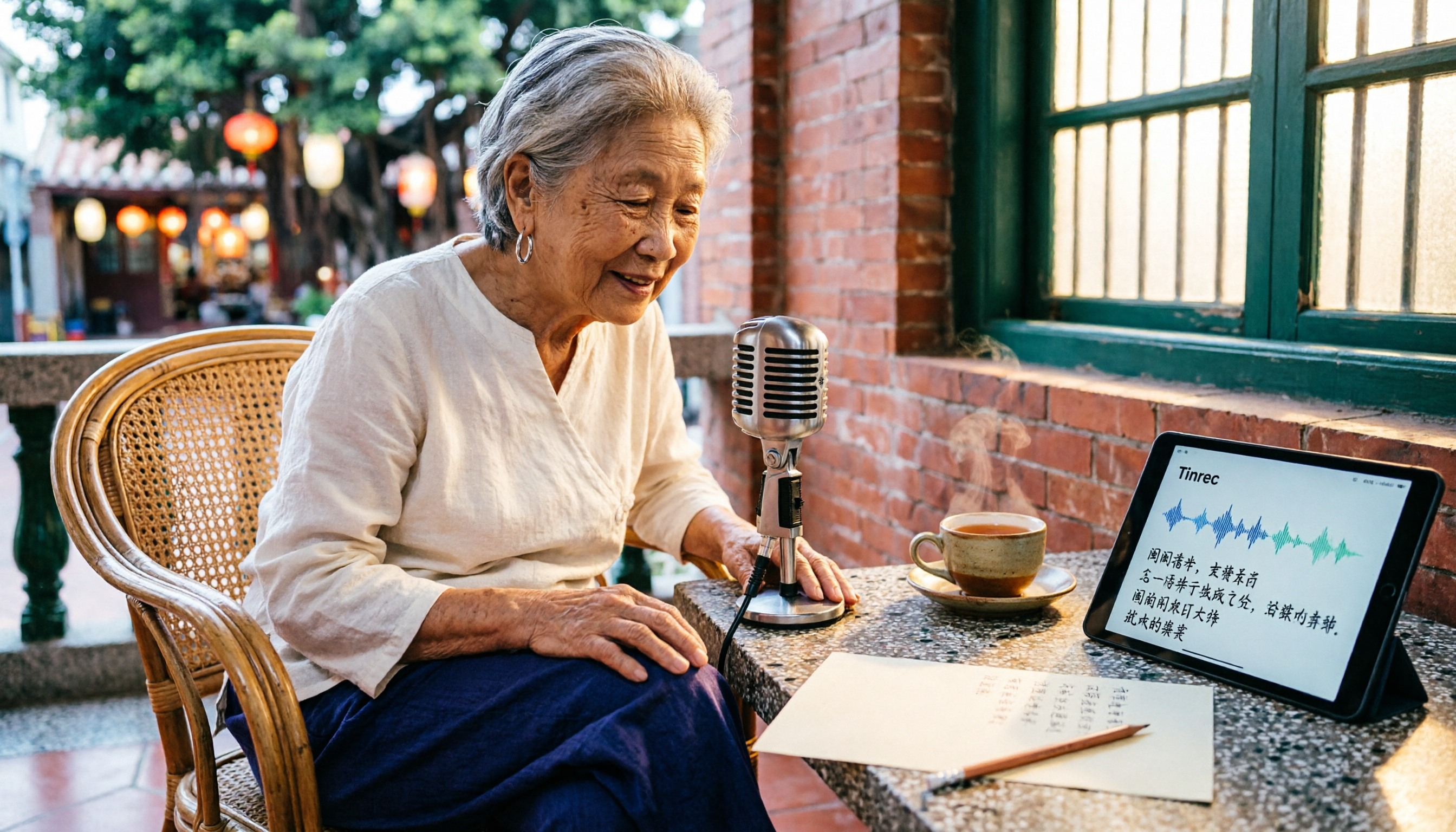
Taiwanese Hokkien speech-to-text is often confused with 'Taiwanese pronunciation tools,' but they are opposite functions. This article first clarifies the difference between TTS and STT, then outlines 4 key points for choosing a Taiwanese Hokkien transcription tool. It compares Tinrec, Yating Transcription, Notta, and VoxBox, and includes a guide to avoid pitfalls and selection advice.
Free Hakka Speech-to-Text Options in 2026: 4 Tools Compared
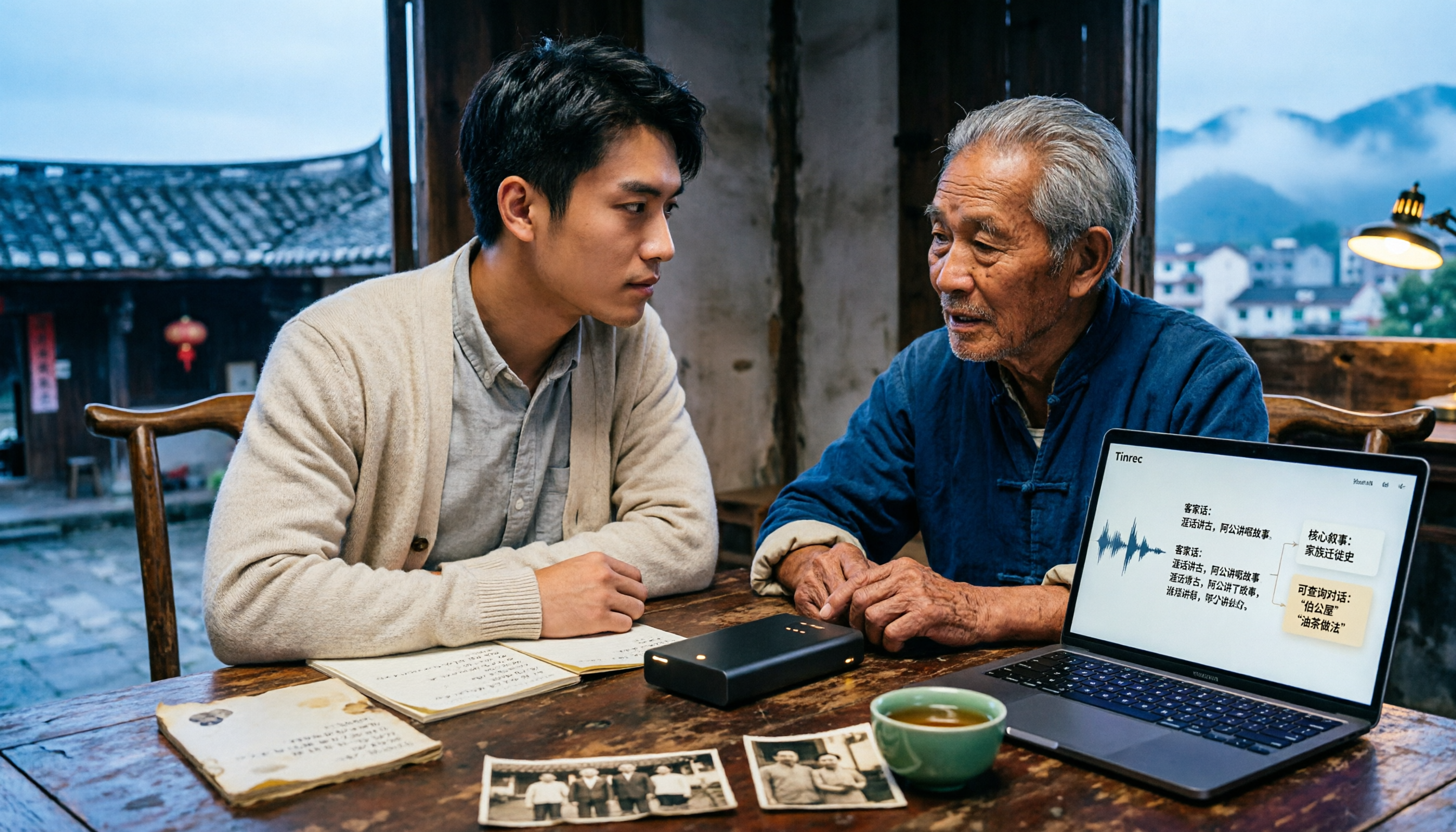
Hakka speech-to-text isn't as simple as dropping in a recording. This article addresses three common misconceptions, reviews 4 free options in 2026, and uses Tinrec to demonstrate the full workflow from recording and transcription to AI summaries and conversational queries. It includes 5 buying tips and FAQs to help students and researchers avoid common pitfalls.

4 Sichuan Dialect Speech-to-Text Tools Tested: How to Choose for Accented Transcription and Organization in 2026
Turning Sichuan dialect meeting recordings into text often gets stuck not on recording, but on what to do afterward. This article starts with the differences in dialect recognition and accent tolerance, outlines 4 key buying factors, and compares Tinrec, Otter.ai, Notta, and PLAUD in terms of positioning and limitations. It also includes common pitfalls and scenario-based recommendations to help you decide which tool truly fits your Sichuan dialect and mixed-language meeting needs.