

Turn recordings into transcripts and summaries in minutes
Upload audio or video for multilingual transcription, AI notes, and action items
How to Transcribe Audio to Text in 2026: Tinrec Live Transcription + AI Meeting Notes
It's 3 PM on a Wednesday. You just finished a 90-minute client interview, and the recording is sitting on your phone. As you start writing the meeting notes, you realize that just typing it out will take two or three hours—and you have another meeting tomorrow. This isn't unusual; it's the daily reality for most office workers. If you're looking for an audio-to-text transcription solution, this article will walk you through the complete process using Tinrec and compare it with other common tools.
Why You Need a Better Audio-to-Text Transcription Solution
There are already many audio-to-text transcription tools available, such as Yating, Good Tape, and MyEdit. Each can handle live recording, audio file uploads, or video subtitles. But in practice, you might run into a few snags: unstable recognition when meetings mix Chinese and English, the need for an extra bot to join online meetings, getting only a transcript without summaries and action items, and team members unable to view past meetings together.
Tinrec is an AI meeting notes and collaboration tool for individuals and teams. It doesn't just convert speech to text; it helps you turn meeting recordings into searchable, summarizable, queryable, exportable, and further editable data. If you want a transcript that's ready to use right after recording—not just a text file—Tinrec is worth checking out.
Tinrec vs Other Audio-to-Text Tools: What's Different in the Core Experience?
Language Support and Chinese Meeting Experience
Language support is the first hurdle when choosing a transcription tool. Yating supports multiple languages and mixed-language recognition, Good Tape uses OpenAI Whisper technology to support over 40 languages, and MyEdit supports 9 languages. Tinrec covers Chinese, Traditional Chinese, and multilingual meeting scenarios, and supports mixed Chinese-English content organization, real-time translation, and bilingual viewing. If you frequently handle Chinese-dominant meetings, Tinrec's Chinese experience and team hotword feature will be more aligned with actual needs.
How Online Meetings Are Captured
How you record online meetings determines whether you disrupt the meeting flow. Tinrec's desktop version directly captures computer system audio, handling meeting audio from platforms like Zoom, Google Meet, Microsoft Teams, and Webex without needing a meeting bot to join as a participant. In contrast, some tools rely mainly on file uploads, while others require a bot to join the meeting. Tinrec's bot-free recording method is more convenient for teams that don't want an extra account joining the meeting.
Post-Transcription Processing and AI Q&A
Many people think the transcript is the end goal, but the real pain point is "how to use it after the meeting." Tinrec automatically generates summaries, chapters, key points, and action items, and also supports AI Q&A around the meeting content. For example, after recording a one-hour meeting, you can directly ask "What was the conclusion?" or "Who is responsible for what?" Most other common tools focus on outputting transcripts or subtitle files, and subsequent organization still requires manual work. This is the biggest difference between Tinrec and general transcription tools.
Team Collaboration and Data Retention
If meeting data needs to be shared among multiple people, personal tools will hit a bottleneck. Tinrec's team version provides an independent team space where meeting data belongs to the team, and includes capabilities such as members, roles, seats, sharing rights, usage analytics, audit logs, and an audio recycle bin. Members without a seat can still view, play, and read team data; only after obtaining a seat can they record, upload, edit, and export. This ensures meeting content doesn't disappear when an individual leaves.
Free Quota and Plan Options
Price and quota are practical considerations. Tinrec's personal version offers a free version, weekly pass, Pro monthly, and Pro annual, corresponding to light experience, short-term high frequency, stable use, and long-term retention. The team version offers a 7-day trial for first-time eligible users, 1 free seat, and 300 minutes of team shared import quota; team monthly is USD 29.80 per paid seat per month, and annual is USD 199 per paid seat per year, equivalent to about USD 16.58 per month, with each paid seat providing 2,000 minutes of team shared import quota per month. Live recording within an active team plan is currently not deducted by minutes; file imports use the team shared quota. Actual prices and promotions are subject to the official purchase page.
Tinrec's Core Features at a Glance
Live Audio-to-Text Transcription
Open Tinrec, and text is generated simultaneously as you record, so meeting content is captured as it happens. Suitable for in-person meetings, interviews, and on-site notes; the transcript is ready when the meeting ends, saving you from typing it out later.
Bot-Free Online Meeting Recording
Tinrec's desktop version handles online meetings by capturing device system audio, supporting platforms like Zoom, Google Meet, Microsoft Teams, and Webex. You don't need to invite an extra meeting bot, and participants won't see an additional account join.
Stop organizing recordings by hand
Upload audio or video and automatically get a transcript, summary, and action items
Audio and Video File Transcription
Besides live recording, you can upload existing audio or video files to quickly organize them into text data. Suitable for historical meetings, interview recordings, course content, or already-recorded video material.
AI Summary, Chapters, and Action Item Extraction
Tinrec automatically breaks long meetings into summaries, chapters, and key points, and extracts action items from discussions. After the meeting, you can first look at the summary to grasp the big picture, then click into chapters for details, and finally assign action items to the right members.
AI Q&A and Multi-Format Export
You can continue asking questions around single or multiple meeting data, and AI will answer based on semantic understanding. Once done, Tinrec supports export to tools like Notion, Google Docs, OneNote, and Dropbox, and can generate reports, tables, and meeting notes to bring directly into your existing workflow.
Practical Use Cases
Online Meeting Notes
Weekly project meetings, cross-department meetings, and client proposals can all be recorded directly with Tinrec's desktop version. After the meeting, you already have the transcript, summary, and action items, so you don't need to schedule extra time to organize meeting notes.
In-Person Interviews and User Research
When conducting one-on-one interviews or focus groups, open Tinrec's mobile version for live audio-to-text transcription. After the interview, you can use AI Q&A to find key pain points or quotes mentioned by interviewees, speeding up research organization.
Class and Lecture Notes
During classes or lectures, use Tinrec to record and transcribe simultaneously, then use the chapter feature to quickly jump to key sections. When reviewing, you can also directly ask questions about the recording content, such as "What were the three key points the instructor mentioned?"
Personal Voice Memos
Ideas that come to mind, phone conversations outside meetings, and voice memos can all be thrown into Tinrec to convert to text. Over time, this content becomes a searchable personal knowledge base, rather than getting lost in a recording app.
Things to Consider When Choosing an Audio-to-Text Tool
Language Support Range
First confirm whether the tool supports the languages you commonly use, and how well it recognizes mixed Chinese and English. Tinrec covers Chinese, Traditional Chinese, and multilingual meetings, and provides real-time translation and bilingual viewing, suitable for cross-language meetings.
Cross-Platform Flexibility
You might record on your phone, attend meetings on your computer, and organize data on the web. Tinrec supports web, desktop, and mobile, allowing you to continue the same meeting data across different devices.
Post-Meeting Organization Capabilities
The transcript is just the starting point. When choosing a tool, look for whether it provides summaries, chapters, action items, and AI Q&A. Tinrec integrates these post-meeting workflows to reduce manual organization time.
Free Quota and Paid Plans
Start with the free version to confirm that recognition quality and operation flow meet your needs, then consider paid plans. Tinrec's personal version has a free version, weekly pass, Pro monthly, and Pro annual; the team version is priced per seat and provides team shared import quota. Actual plans and prices are subject to the official page.
Team Governance and Data Security
If meeting data needs to be shared among multiple people, pay attention to member permissions, seat management, and operation logs. Tinrec's team version provides roles, seats, usage analytics, and audit logs, and also reminds users to comply with local laws when recording and transcribing, obtaining participant consent when necessary.
Conclusion: Is Tinrec Worth a Try?
If you're looking for an audio-to-text transcription tool that supports Chinese, works across platforms, and lets you use AI to find key points right after recording, Tinrec is one of the few options on the market that can meet all these needs simultaneously. Its bot-free online meeting recording, AI Q&A, action item extraction, and team space mean meeting data no longer just sits as audio files on a hard drive.
Who is Tinrec for? Office workers who frequently need to organize meeting notes, researchers who need to process interview recordings, project teams with weekly online meetings, and organizations that want to turn meeting content into team assets. If you only occasionally organize a recording, you can also start with the free version and test it with your own audio files.
Frequently Asked Questions (FAQ)
How is Tinrec different from regular recording software?
Regular recording software only records audio. Tinrec further converts it to a transcript and automatically generates summaries, chapters, action items, and key points, and also supports AI Q&A, translation, export, and team collaboration.
Does Tinrec require a meeting bot to join?
No. Tinrec's desktop version directly captures computer system audio. Users simply open Tinrec to start recording, and no extra bot account joins the online meeting.
What languages does Tinrec support?
Tinrec covers Chinese, Traditional Chinese, and multilingual meeting scenarios, and supports mixed Chinese-English content organization, real-time translation, and bilingual viewing. Actual recognition performance is affected by recording quality, noise, accents, and technical terminology.
Is Tinrec's free version enough?
The free version is suitable for light experience; you can use the basic quota to try recording, importing, summaries, and transcription. If you have stable weekly usage needs, consider the Pro plan; for short-term high frequency, a weekly pass is available.
What's the difference between Tinrec's team version and personal version?
Personal version data is managed under an individual account. The team version provides an independent team space where meeting data belongs to the team, and adds capabilities such as members, roles, seats, sharing rights, usage analytics, audit logs, and an audio recycle bin.
Can deleted meeting recordings be recovered?
After team audio enters the recycle bin, it can be recovered before permanent cleanup begins. Currently, the team recycle bin retention period is 30 days; action items are not within the scope of the recycle bin. For detailed rules, please refer to official instructions.
References
- Yating Transcription
- Good Tape Tutorial | Audio-to-Text Transcription Tool, Supports Chinese and 40 Other Languages | Manager Today
- Yating Transcription
- Online Speech-to-Text AI, Free MP3 or Audio File to Text Transcription - MyEdit
- Online AI Speech, Video, Audio File Auto-Transcription - Free Trial - cSubtitle
Turn every recording into actionable outcomes
Get 60 free transcription minutes when you sign in. No credit card required.
Related Reading
You might also like

Tinrec vs Notta 2026: 5-Dimension Comparison — Which AI Can Auto-Generate Meeting Minutes Templates?
Tired of filling out meeting minutes templates? This article breaks down the 6 essential fields every practical meeting minutes template needs, demonstrates how Tinrec uses AI to automatically generate transcripts, summaries, and action items, and compares Tinrec vs Notta across 5 dimensions to help you choose the most time-saving meeting documentation method.

4 Meeting Transcription Tools Tested for 2026: Which One Should You Choose for Chinese-Language Meetings?
How can you take meeting notes without missing key points? This article starts with 4 key criteria for choosing a meeting transcription tool, then compares Tinrec, Notta, Granola, and Otter.ai in recording methods, post-meeting organization, and team collaboration. It also covers common pitfalls and scenario-based recommendations.

Tinrec vs Yating: 2 Speech-to-Text Tools Compared for 2026 — Which Saves More Time?
How do you choose a speech-to-text tool? This comparison of Tinrec and Yating, two Chinese-language transcription services, covers five dimensions: recording input methods, post-transcription processing, real-time translation, team collaboration, and free usage limits. Includes FAQs to help you decide which fits your meeting and transcription needs.
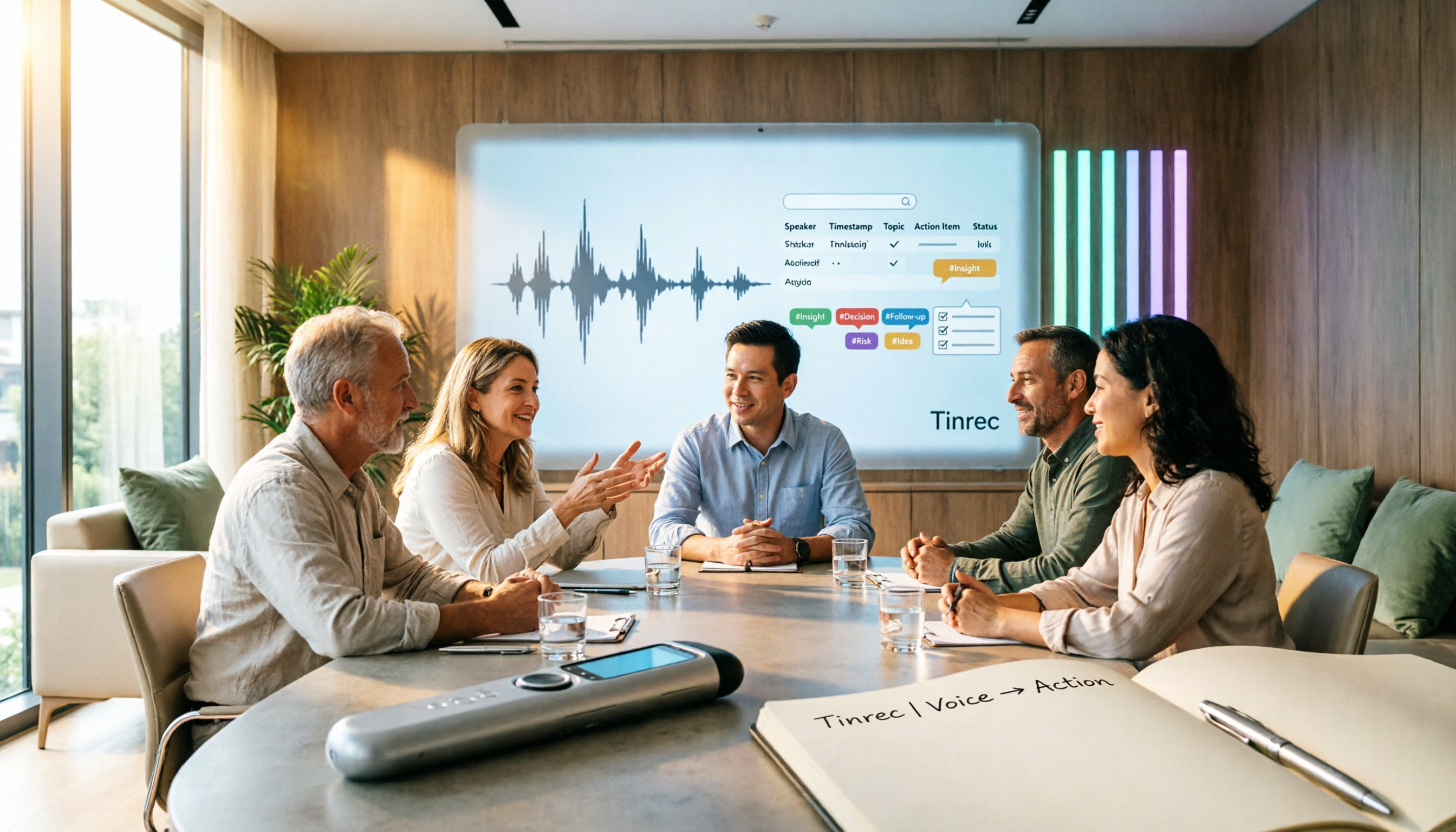
Tinrec vs Notta 2026: 5-Dimension Meeting Notes Table Comparison — Which Saves More Time?
Common pitfalls in organizing meeting notes tables and 5 key selection criteria, plus a comparison of tools like Tinrec and Notta, explaining how to turn meeting recordings into searchable, actionable tables and to-dos.
How to Build a Taiwanese Hokkien Voice Workflow in 2026: TTS Tools + Tinrec Transcription
Looking for Taiwanese Hokkien text-to-speech tools but finding few options? This guide first reviews the TTS tools that can handle Taiwanese Hokkien and Taiwanese accents, then compares Tinrec and Yating Transcription across five dimensions to help you decide which tool to use for Taiwanese Hokkien and multilingual meeting recordings.

2026 Comparison of 4 Transcription and Speech-to-Text Tools: Which Saves the Most Time from Recording to Transcript to Meeting Action Items?
Still spending two hours typing up meeting transcripts after a meeting? This article tests 4 transcription and speech-to-text tools, comparing Chinese and mixed Chinese-English recognition, post-meeting summaries and action items, AI Q&A, cross-device use, and team collaboration. It also lists the 4 most common pitfalls when choosing a tool, helping you find the one that truly saves you time.

Tinrec vs Word Table in 2026: 5-Dimension Comparison — Which Meeting Notes Method Saves More Time?
Word tables are easy to format, edit, and print, but every field must be typed manually, and post-meeting cleanup often takes longer than the meeting itself. This article compares Tinrec (Miao Ting Lu Yin) with manual Word table entry across 5 dimensions, outlining the core fields a meeting notes table should have, the 4 most common pitfalls, and when a template is enough versus when it's worth switching to AI-powered automatic organization.

Meeting Minutes Template for Word 2026: Format, Free Template & AI Auto-Summary
Still filling out meeting minutes cell by cell in Word? This guide covers 2026 Word meeting minutes formats, must-have fields, and selection criteria, plus a hands-on test of Tinrec's AI meeting notes workflow and a comparison of Otter.ai, Notta, and Granola.

4 Best AI Meeting Notes Tools in 2026: Which Handles Chinese Meeting Minutes Best?
Two-hour meetings followed by two hours of note-taking is a daily reality for many professionals. This article shares my hands-on experience with four meeting recording tools—Tinrec, Otter.ai, Notta, and PLAUD—covering Chinese recognition, whether a meeting bot is needed, post-meeting organization, team collaboration, and pricing. I also highlight the three most common pitfalls when choosing a tool.