
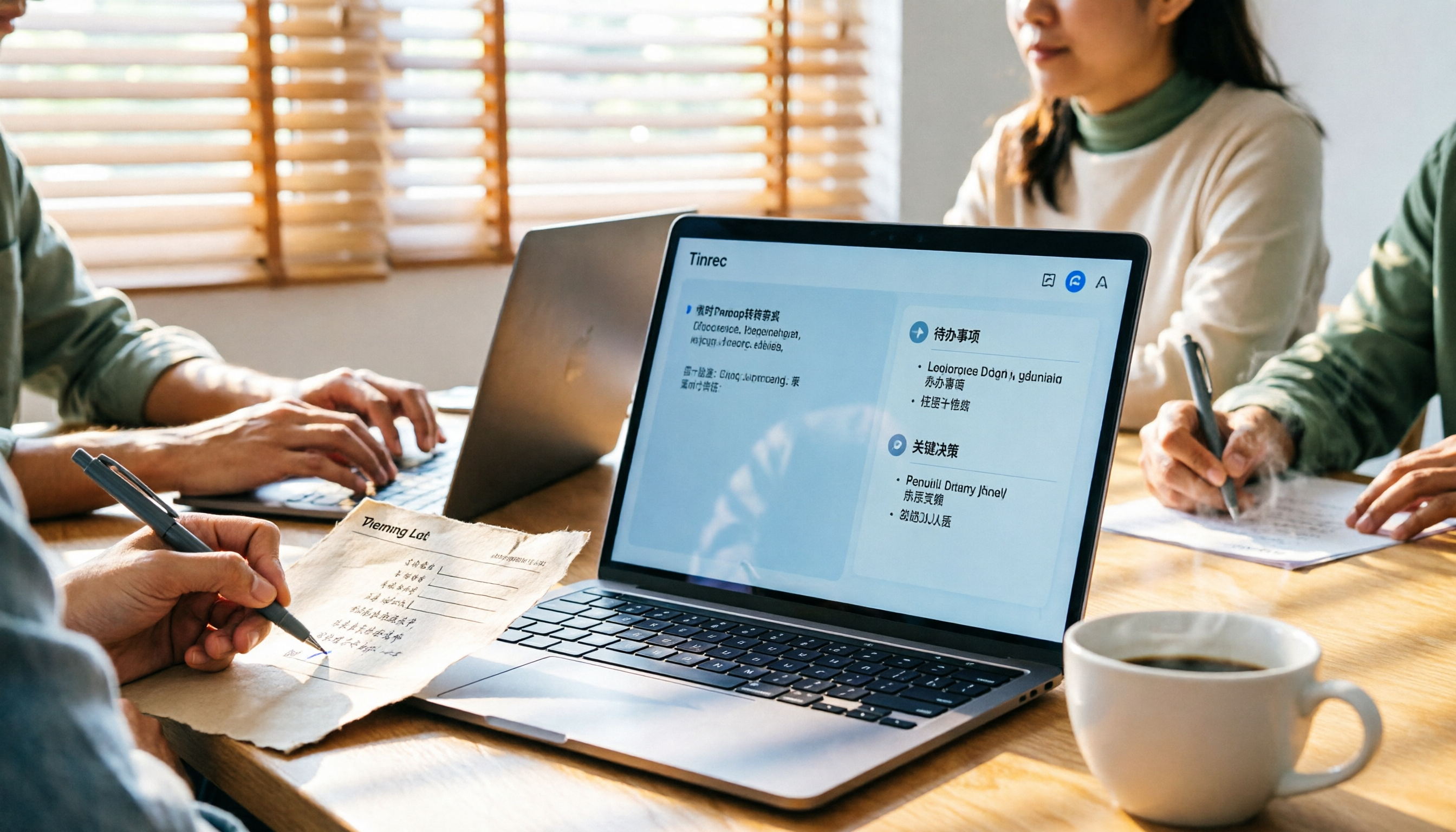
Turn recordings into transcripts and summaries in minutes
Upload audio or video for multilingual transcription, AI notes, and action items
Meeting Minutes Template for Word 2026: Format, Free Template & AI Auto-Summary
A two-hour meeting, and afterward you still have to open Word and fill in the meeting minutes cell by cell—this is probably the daily routine for many office workers. What's worse is that your boss wants decisions, owners, and deadlines, but you spent half an hour adjusting table column widths. This article starts with Word meeting minutes format templates, then tests how Tinrec turns meeting recordings into usable transcripts, summaries, and action items, and finally compares the use cases for Otter.ai, Notta, and Granola.
Two-Hour Meeting, Still Dragging Tables in Word Afterward?—What You Need Isn't a Template, It's a Solution
A meeting minutes form usually looks like this: meeting topic, time, location, host, note-taker, attendees, agenda, key discussion points, task assignments, owners, completion dates, next steps. The fields look complete, but the real trouble is that "organization starts only after the meeting."
You may have encountered three situations. First, you're busy typing during the meeting and miss key decisions. Second, after the meeting everyone's memory is fuzzy, and you can only piece things together from scattered notes. Third, when you need to follow up on action items next week, you realize you didn't clearly write down who was responsible and when it was due.
This is why simply downloading a Word meeting minutes template usually only solves the "format" problem, not the problems of "where does the content come from" and "how do we follow up afterward."
Before Choosing a Word Meeting Minutes Template, Understand These 4 Key Points
The first key point is whether the fields align with action items. A good meeting minutes form shouldn't just have "discussion items"; it should also break out "decisions, owners, deadlines, next steps." Rather than copying every word into Word, design it as a trackable task table.
The second key point is whether it fits your existing workflow. Word's advantage is that everyone can open it, and it's easy to print and archive, but its disadvantage is that versions easily scatter. If you also use Google Docs, Notion, or OneNote, consider whether meeting minutes can be quickly exported or pasted.
The third key point is the source of recordings and transcripts. If there's no recording during the meeting, afterward you can only rely on memory and notes. A better approach now is to use an AI meeting notes tool to record and transcribe simultaneously, then fill in decisions and action items in the Word table afterward.
The fourth key point is team sharing and permissions. Personal tools are fine for your own organization, but if meeting data needs to be shared across departments, check whether there are team spaces, members, roles, seats, usage, and audit governance capabilities. Tinrec's team plan has corresponding designs for this, which will be explained later.
Tinrec—Our Top Pick After Hands-On Testing
Tinrec is an AI meeting notes and collaboration tool for individuals and teams. It doesn't just convert sound to text; it organizes meeting recordings into searchable, summarizable, queryable, exportable, and further processable data. In one sentence: Tinrec turns meetings into searchable, collaborative, actionable team data.
In actual use, I place Tinrec in three positions in the meeting workflow. During meetings, the desktop version can directly capture computer system audio, handling online meetings on Zoom, Google Meet, Microsoft Teams, Webex, etc., without inviting a meeting bot to join. This is especially convenient for external client meetings because you don't need to pull an extra account into the meeting room. For offline meetings, you can use your phone or real-time recording to transcribe as you record.
After the meeting ends, Tinrec automatically generates summaries, chapters, key points, and action items. My most-used feature is AI Q&A: directly ask it "What were the decisions in this meeting?" "Who is responsible for the budget?" "What were the three concerns the client mentioned?" It answers based on meeting content, not just keyword search results. For someone writing a Word meeting minutes form, this means the key points are already organized before you paste them into the table.
If you need post-meeting deliverables, Tinrec also supports exporting results to common file formats and third-party tools such as Notion, Google Docs, OneNote, Dropbox, etc., making it easy to continue into reports, tables, or meeting summaries. The built-in Agent post-processing can generate reports, tables, and documents based on the meeting, reducing manual organization time.
Advantage one: bot-free recording of online meetings. The desktop version directly captures system audio, no extra bot needs to join the meeting, and it doesn't imply official partnerships with Zoom, Meet, or Teams. Advantage two: a more complete Chinese and multilingual meeting experience, supporting Chinese meeting transcription, mixed Chinese-English content organization, multilingual meeting transcription, real-time translation, and bilingual viewing, plus team hotwords to maintain professional terminology. Advantage three: meeting data can settle into team spaces, members can view historical data, admins can manage roles, seats, usage, and audits, and when members change, data is less likely to be taken away.
Stop organizing recordings by hand
Upload audio or video and automatically get a transcript, summary, and action items
Limitations should also be clear. The free version provides basic quota, suitable for first trying recording, import, summary, and transcription; if you have many meetings every week, consider weekly cards, Pro monthly, or Pro annual. The team plan currently offers a 7-day trial for first eligible teams, 1 free seat, and 300 minutes of team shared import quota; team monthly is USD 29.80/paid seat/month, annual is USD 199/paid seat/year, equivalent to about USD 16.58/month. Paid seats provide 2,000 minutes of team shared import quota per seat per month; real-time recording currently does not deduct minutes under valid team plans and valid seats, while file and web imports consume team shared import minutes. Prices and benefits are subject to the official purchase page. Also, Tinrec does not recommend promising a fixed accuracy rate; actual results are affected by recording quality, noise, accents, overlapping speakers, and professional terminology. For important content, verify against transcript timestamps and recording playback.
If you frequently need Chinese or mixed Chinese-English meeting minutes, don't want to invite a meeting bot, want to use AI to find key points directly after the meeting, and need to settle meeting data for the team, Tinrec is a very suitable choice right now.
Besides Tinrec, What Other Meeting Notes Solutions Are There?
Otter.ai: A mature English AI meeting assistant. Basic is free with 300 minutes per month; Pro annual is equivalent to USD 8.49/user/month, including 1,200 minutes of in-app recording and 10 file imports per month; Business offers unlimited meetings and in-app recording, more imports, and management capabilities, with specific prices possibly affected by promotions. If you mainly record English meetings, Otter.ai is a cost-effective choice. But if you need Chinese, mixed Chinese-English, bot-free desktop recording, real-time translation, and team data settling, Tinrec is closer to these needs.
Notta: High overlap with Tinrec, covering multi-platform transcription, meeting notes, file import, translation, and team plans. Free is 120 minutes per month, with a maximum of 3 minutes per item; Pro annual is equivalent to USD 8.17/month, 1,800 minutes per month; Business annual is equivalent to USD 16.67/seat/month, offering unlimited transcription, role permissions, and usage reports. Notta is suitable for users who need multilingual transcription; but Tinrec can highlight bot-free online meeting recording, team spaces, AI Q&A, and Agent post-processing.
Granola: A bot-free AI meeting note tool that transcribes in real time through desktop system audio and microphone, and combines handwritten notes to generate meeting content. Basic is free, Business is USD 14/user/month, Enterprise is USD 35/user/month. It supports real-time transcript viewing, copying, and searching, but does not support uploading pre-recorded audio files and does not save meeting audio files. If you value note enhancement, consider it; but if you need to keep recordings, import historical files, Chinese experience, real-time translation, more export methods, and team data management, Tinrec has broader coverage.
Pitfall Guide: The 4 Most Common Mistakes When Choosing Word Meeting Minutes
Pitfall 1: Writing meeting minutes as a verbatim transcript. Many people doing meeting minutes for the first time copy every word everyone says. The result is a very long document where key points are hard to find. The correct approach is to keep only decisions, action items, owners, and deadlines, and store the transcript separately in the recording tool.
Pitfall 2: Only downloading a template without defining action item fields. If the Word table only has a "discussion items" column, it's hard to track afterward. It's recommended to break it into at least "decision/to-do," "owner," "due date," and "status."
Pitfall 3: Ignoring the source of recordings and transcripts. Relying on memory after the meeting is the easiest way to miss key numbers and commitments. A better process is to record and transcribe simultaneously during the meeting, use AI summaries and Q&A to capture key points afterward, then fill them into the Word meeting minutes form.
Pitfall 4: Sharing a personal account across the team. If meeting data is all in a personal account, historical meetings are easily lost when a member leaves or changes computers. The team plan should have an independent space, member and seat management, and be able to hand over resources owned by departing members to other valid members. This is also where Tinrec's team plan stands out compared to personal tools.
Conclusion: Which One Should You Choose?
Simply put, if you only occasionally need a Word meeting minutes template, there are many free formats available online. But if you can't stand manual organization after meetings and want to turn meeting recordings directly into transcripts, summaries, action items, and queryable data, Tinrec is the top choice in this article.
Need Chinese or mixed Chinese-English meeting minutes → Tinrec. Don't want to invite a bot to online meetings → Tinrec. Want to use AI to find key points and ask questions directly after recording → Tinrec. Team needs to share historical meetings and manage seats and usage → Tinrec team plan. Only record English meetings, zero budget → Otter.ai is the only exception; its free quota is generous for English users.
We suggest starting with Tinrec's free version, running it once with your usual meeting recording, and seeing whether the summary and action items fit your work habits. If the quota isn't enough, then consider upgrading or a team plan—no need to pay from the start.
(Reminder: Please comply with local laws when recording and transcribing, and obtain participant consent when necessary.)
References
- 【Meeting Minutes Writing 2026】Format Tutorial | Free Template + Template Download - ProjectManager
- Meeting Minutes Format Template [Ready to Copy] 4 Key Points + Writing Examples, Fill It In and Submit
- How to Use Meeting Minutes Summary Template Word Tables? A Must-Read Office Document Template Guide for Corporate Clerks
- Meeting Minutes Example
- What Are the Recommended Electronic Word Meeting Minutes Templates? How to Use Them Efficiently?
Turn every recording into actionable outcomes
Get 60 free transcription minutes when you sign in. No credit card required.
Related Reading
You might also like

Tinrec vs Notta 2026: 5-Dimension Comparison — Which AI Can Auto-Generate Meeting Minutes Templates?
Tired of filling out meeting minutes templates? This article breaks down the 6 essential fields every practical meeting minutes template needs, demonstrates how Tinrec uses AI to automatically generate transcripts, summaries, and action items, and compares Tinrec vs Notta across 5 dimensions to help you choose the most time-saving meeting documentation method.

4 Meeting Transcription Tools Tested for 2026: Which One Should You Choose for Chinese-Language Meetings?
How can you take meeting notes without missing key points? This article starts with 4 key criteria for choosing a meeting transcription tool, then compares Tinrec, Notta, Granola, and Otter.ai in recording methods, post-meeting organization, and team collaboration. It also covers common pitfalls and scenario-based recommendations.

Tinrec vs Yating: 2 Speech-to-Text Tools Compared for 2026 — Which Saves More Time?
How do you choose a speech-to-text tool? This comparison of Tinrec and Yating, two Chinese-language transcription services, covers five dimensions: recording input methods, post-transcription processing, real-time translation, team collaboration, and free usage limits. Includes FAQs to help you decide which fits your meeting and transcription needs.
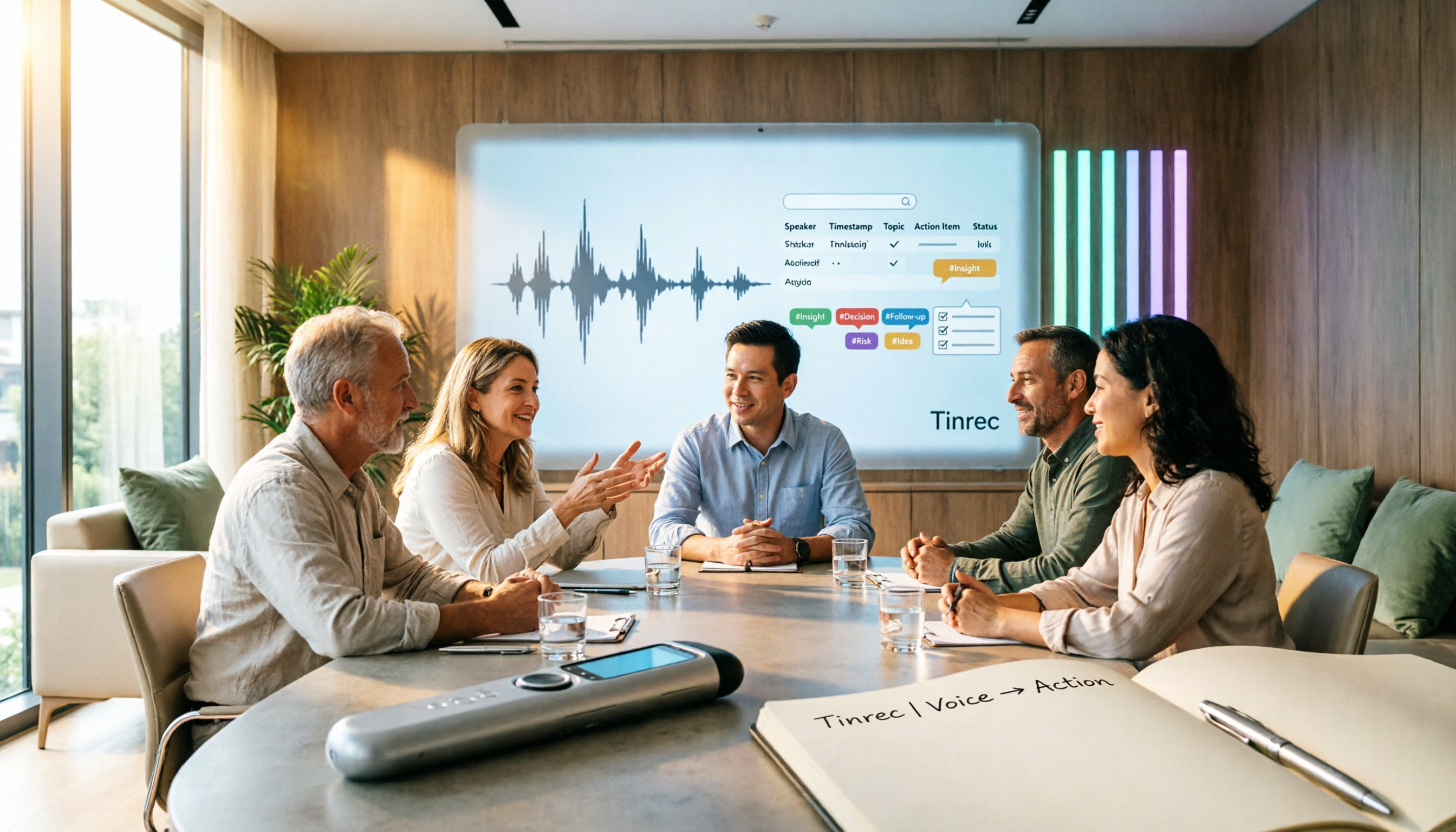
Tinrec vs Notta 2026: 5-Dimension Meeting Notes Table Comparison — Which Saves More Time?
Common pitfalls in organizing meeting notes tables and 5 key selection criteria, plus a comparison of tools like Tinrec and Notta, explaining how to turn meeting recordings into searchable, actionable tables and to-dos.
How to Build a Taiwanese Hokkien Voice Workflow in 2026: TTS Tools + Tinrec Transcription
Looking for Taiwanese Hokkien text-to-speech tools but finding few options? This guide first reviews the TTS tools that can handle Taiwanese Hokkien and Taiwanese accents, then compares Tinrec and Yating Transcription across five dimensions to help you decide which tool to use for Taiwanese Hokkien and multilingual meeting recordings.

2026 Comparison of 4 Transcription and Speech-to-Text Tools: Which Saves the Most Time from Recording to Transcript to Meeting Action Items?
Still spending two hours typing up meeting transcripts after a meeting? This article tests 4 transcription and speech-to-text tools, comparing Chinese and mixed Chinese-English recognition, post-meeting summaries and action items, AI Q&A, cross-device use, and team collaboration. It also lists the 4 most common pitfalls when choosing a tool, helping you find the one that truly saves you time.

Tinrec vs Word Table in 2026: 5-Dimension Comparison — Which Meeting Notes Method Saves More Time?
Word tables are easy to format, edit, and print, but every field must be typed manually, and post-meeting cleanup often takes longer than the meeting itself. This article compares Tinrec (Miao Ting Lu Yin) with manual Word table entry across 5 dimensions, outlining the core fields a meeting notes table should have, the 4 most common pitfalls, and when a template is enough versus when it's worth switching to AI-powered automatic organization.

4 Best AI Meeting Notes Tools in 2026: Which Handles Chinese Meeting Minutes Best?
Two-hour meetings followed by two hours of note-taking is a daily reality for many professionals. This article shares my hands-on experience with four meeting recording tools—Tinrec, Otter.ai, Notta, and PLAUD—covering Chinese recognition, whether a meeting bot is needed, post-meeting organization, team collaboration, and pricing. I also highlight the three most common pitfalls when choosing a tool.

How to Transcribe Audio to Text in 2026: Tinrec Live Transcription + AI Meeting Notes
Looking for an audio-to-text transcription tool? This guide uses Tinrec to show you how to transcribe live recordings and upload audio files, plus organize AI summaries and action items. We also compare it with other tools like Yating and Good Tape to help you choose the right transcription solution.