

Turn recordings into transcripts and summaries in minutes
Upload audio or video for multilingual transcription, AI notes, and action items
2026 Comparison of 4 Transcription and Speech-to-Text Tools: Which Saves the Most Time from Recording to Transcript to Meeting Action Items?
The moment the meeting ends, all you have is a 50-minute recording
It's 3 PM on Wednesday, and the project meeting just ended. You hang up, and there's a 50-minute recording on your phone. In the group chat, your manager is already asking, "What was the conclusion about the timeline?"
You probably know what happens next. You put on headphones, drag the recording back to the beginning, and halfway through you realize three people were talking at once, with a few English phrases mixed in. You have to replay the same sentence three times. Typing up a 50-minute recording into a transcript often takes 1.5 to 2 hours.
What's worse, after spending two hours typing up a 10,000-word transcript, you'll never look at it again. What you actually need are just three things: what was the conclusion, who is responsible for what, and when is it due.
If you've been in this situation, this article is for you. The difference is whether you're choosing a tool that just turns voice into text, or one that helps you organize everything after the meeting ends.
Before choosing a transcription and speech-to-text tool, understand these 5 key points
1. Accuracy is not a fixed number
Almost every company says they're accurate, but few tell you under what conditions that number was measured. A quiet recording studio is completely different from your meeting room with air conditioning noise, keyboard typing, and people interrupting.
My usual approach: don't look at promotional numbers, just take a short segment of your own meeting recording and test it. The ones with mixed Chinese-English and lots of jargon are the most telling.
2. What it can do after transcription
A tool that only gives you a transcript is basically handing the "organizing" work right back to you. What really sets tools apart is the post-meeting part: can it automatically split chapters, extract key points, list action items, or even let you ask questions directly about the entire meeting?
The transcript is the raw material; summaries, action items, and findable answers are the finished product.
3. How to record online meetings
There are two common approaches: one is to send a "meeting bot" to join the meeting as a participant; the other is to capture system audio directly from your computer, so no unfamiliar account appears in the meeting room.
For client meetings or cross-company interviews, the second approach feels much better—you don't have to explain at the start who that person joining the meeting is.
4. Free quota and cross-device use
How much you can record for free, whether you can import existing audio files, and whether you can organize on your computer after recording on your phone—these details often determine whether you'll give up halfway. It's also worth thinking about what happens after the free quota runs out.
5. Is it for personal use or for team knowledge?
For personal use, the key is that you can find and understand it. For a department or project team, the questions are different: who owns the meeting data, can new members see historical records, and will data disappear when a member leaves?
Tinrec — Our top pick after testing
Tinrec is an AI meeting notes and collaboration tool for individuals and teams, supporting mobile apps, desktop versions, and web versions. It doesn't just turn voice into text; it turns meetings into searchable, collaborative, and actionable data.
The first thing you'll notice: no meeting bot needed. The desktop version directly captures your computer's system audio, so it can handle online meetings on Zoom, Google Meet, Microsoft Teams, Webex, etc., without adding a bot to the meeting room. Open Tinrec during the meeting, and the transcript appears as you speak—by the time the meeting ends, the text is already there.
The second is the post-meeting part. Tinrec automatically generates summaries, chapters, key points, and action items, and can also create mind maps to help you quickly understand what a 40-minute meeting was about. Even better is the AI Q&A: you can directly ask it, "Who mentioned the budget in the last meeting?" It doesn't just throw a bunch of keywords at you; it gives answers based on the meeting content. If you need to go further, you can use Agent to turn the meeting into reports, tables, or documents, and export to Notion, Google Docs, OneNote, Dropbox, etc. for continued use.
The third is team space. The team version is not "multiple people sharing one personal account" but an independent team space: meeting data belongs to the team, members can view and play back, admins can manage roles, seats, and sharing permissions, and view usage analytics and audit logs. The team also has a hotword feature, allowing you to add internal product names and abbreviations to reduce misheard jargon. When a member leaves or loses their seat, their team resources can be transferred to others, so data doesn't leave with the person.
Stop organizing recordings by hand
Upload audio or video and automatically get a transcript, summary, and action items
In testing, I used a roughly 40-minute weekly meeting recording from my own team (multiple speakers taking turns, mixed Chinese-English) and a one-on-one interview. Honestly, the biggest time saver wasn't the transcript itself, but the summary and action items that could be pasted directly into the group chat, saving me from listening again.
Note that transcription quality can be affected by recording quality, background noise, accents, overlapping speech, and technical jargon. Tinrec does not publicly promise a fixed accuracy rate, and for important content, it's still recommended to verify with the recording.
Three main advantages:
- No need to invite an extra bot to record meetings—client meetings and external interviews can proceed naturally.
- The transcript is just the starting point; summaries, action items, AI Q&A, export, and Agent post-processing are all in the same workflow.
- From individual to team, it's the same system: the team version has its own space, member roles and seats, usage analytics, and audit logs.
Limitations to note:
- It's not a service that "automatically joins all meetings on your calendar"—you need to start recording yourself; it also doesn't mean official partnerships with Zoom, Teams, etc.
- In the team version, distinguish between "roles" and "seats": active members can view, play back, and read team data even without a seat; but to record, upload, edit, import/export, they need a seat.
- Free and paid plan quotas and prices vary by plan; actual numbers are subject to the official purchase page. The team version's paid seats currently provide 2,000 minutes of team shared import quota per seat per month; under an active plan and seat, live recording is not deducted by minutes.
Who it's for: If you often have meetings in Chinese, with mixed Chinese-English, want to ask key points directly after recording, and switch between phone and computer, Tinrec is one of the smoothest choices. Departments that need to turn meetings into team assets can also evaluate the team version directly.
Besides Tinrec, what other options are there?
Notta: A multilingual transcription tool with high overlap with Tinrec. The official free version is 120 minutes per month, with a maximum of 3 minutes per recording. Pro annual billing is about USD 8.17/month (1,800 minutes per month), and Business annual billing is about USD 16.67/seat/month. If you often handle meetings over 40 minutes, the 3-minute limit per recording will be a bottleneck in the free stage. Tinrec also emphasizes bot-free desktop recording and Agent post-processing that turns meetings directly into reports, tables, and documents.
Granola: Also focuses on bot-free AI meeting notes. Basic is free, Business is USD 14/user/month, Enterprise is USD 35/user/month. It supports viewing, copying, and searching live transcripts, but does not support uploading pre-recorded audio files and does not save meeting audio. If you need "a recording to refer back to after the meeting" or want to import existing interview files, Tinrec offers more flexibility in this regard.
Yating Transcription: A Taiwan-based speech-to-text service (asr.yating.tw), with the slogan "You talk, we type," and the official page emphasizes app-based usage. If you just want to turn voice memos into text, it's intuitive; but if you want to handle online meetings on a computer, ask questions about the entire meeting after recording, or put data into a team shared space, that's a different type of tool.
Pitfall guide: The 4 most common mistakes when choosing a transcription and speech-to-text tool
Pitfall 1: Only looking at official accuracy claims. That number is usually measured under ideal conditions. Real meetings have air conditioning noise, keyboard sounds, and people interrupting, so performance will be lower. It's better to test with your own recording for free than to look at any advertisement.
Pitfall 2: Thinking the transcript is the end goal. Many people only use these tools as "audio to text," which means they're only using part of their capabilities. Just "asking it what the meeting conclusion was after recording" is much faster than manually flipping through a 40-minute transcript.
Pitfall 3: Not thinking about having an extra bot in the meeting room. For internal meetings it might not matter, but for client meetings, interviews, legal or HR interviews, an extra account on the list is awkward. Also, before recording and transcribing, remember to check local regulations and get consent from participants if necessary.
Pitfall 4: Treating "multiple people sharing one account" as a team version. A real team version distinguishes members, roles, and seats, with data owned by the team and transferable when members leave. Sharing an account usually causes problems on the day someone resigns.
Conclusion: Which one should you choose?
Simply put, ask yourself one question: Do you want "text" or "something you can use after the meeting ends"?
- Mainly Chinese meetings, often mixed Chinese-English, need summaries and action items → Tinrec
- Don't want a bot in client meeting rooms, but need to record online meetings → Tinrec (desktop version captures system audio)
- Want to ask questions directly about the entire meeting after recording, find decision basis → Tinrec (AI Q&A)
- Meeting data needs to be kept for the whole department, managers need to see usage and audit → Tinrec team version (role and seat management)
- Just occasionally turn a short recording into text, budget is 0 → Try the free plan first, no need to pay upfront
Overall, if your meetings are in Chinese, need post-meeting organization, and you don't want an extra bot in the meeting room, Tinrec is the one I'd recommend first from this round of testing. I suggest trying the free plan with your own meeting recording first, and consider upgrading if it feels smooth—after all, whether a tool is good depends on what your meetings look like.
References
- Yating Transcription
- SoundType AI Ultra-Accurate Transcription, Speech-to-Text, AI Dictation - Google Play App
- Online AI Voice, Video, Audio File Auto Transcription - Free Trial - cSubtitle
- No Time Limit! 3 Free AI Transcription Tools, Highly Recommended! AI Voice Notes Generate Meeting Minutes, Presentations, Mind Maps | 104 Career Power
- Asking the Threads experts, any recommended AI tools that can turn audio files into transcripts?
Turn every recording into actionable outcomes
Get 60 free transcription minutes when you sign in. No credit card required.
Related Reading
You might also like

Tinrec vs Notta 2026: 5-Dimension Comparison — Which AI Can Auto-Generate Meeting Minutes Templates?
Tired of filling out meeting minutes templates? This article breaks down the 6 essential fields every practical meeting minutes template needs, demonstrates how Tinrec uses AI to automatically generate transcripts, summaries, and action items, and compares Tinrec vs Notta across 5 dimensions to help you choose the most time-saving meeting documentation method.

4 Meeting Transcription Tools Tested for 2026: Which One Should You Choose for Chinese-Language Meetings?
How can you take meeting notes without missing key points? This article starts with 4 key criteria for choosing a meeting transcription tool, then compares Tinrec, Notta, Granola, and Otter.ai in recording methods, post-meeting organization, and team collaboration. It also covers common pitfalls and scenario-based recommendations.

Tinrec vs Yating: 2 Speech-to-Text Tools Compared for 2026 — Which Saves More Time?
How do you choose a speech-to-text tool? This comparison of Tinrec and Yating, two Chinese-language transcription services, covers five dimensions: recording input methods, post-transcription processing, real-time translation, team collaboration, and free usage limits. Includes FAQs to help you decide which fits your meeting and transcription needs.
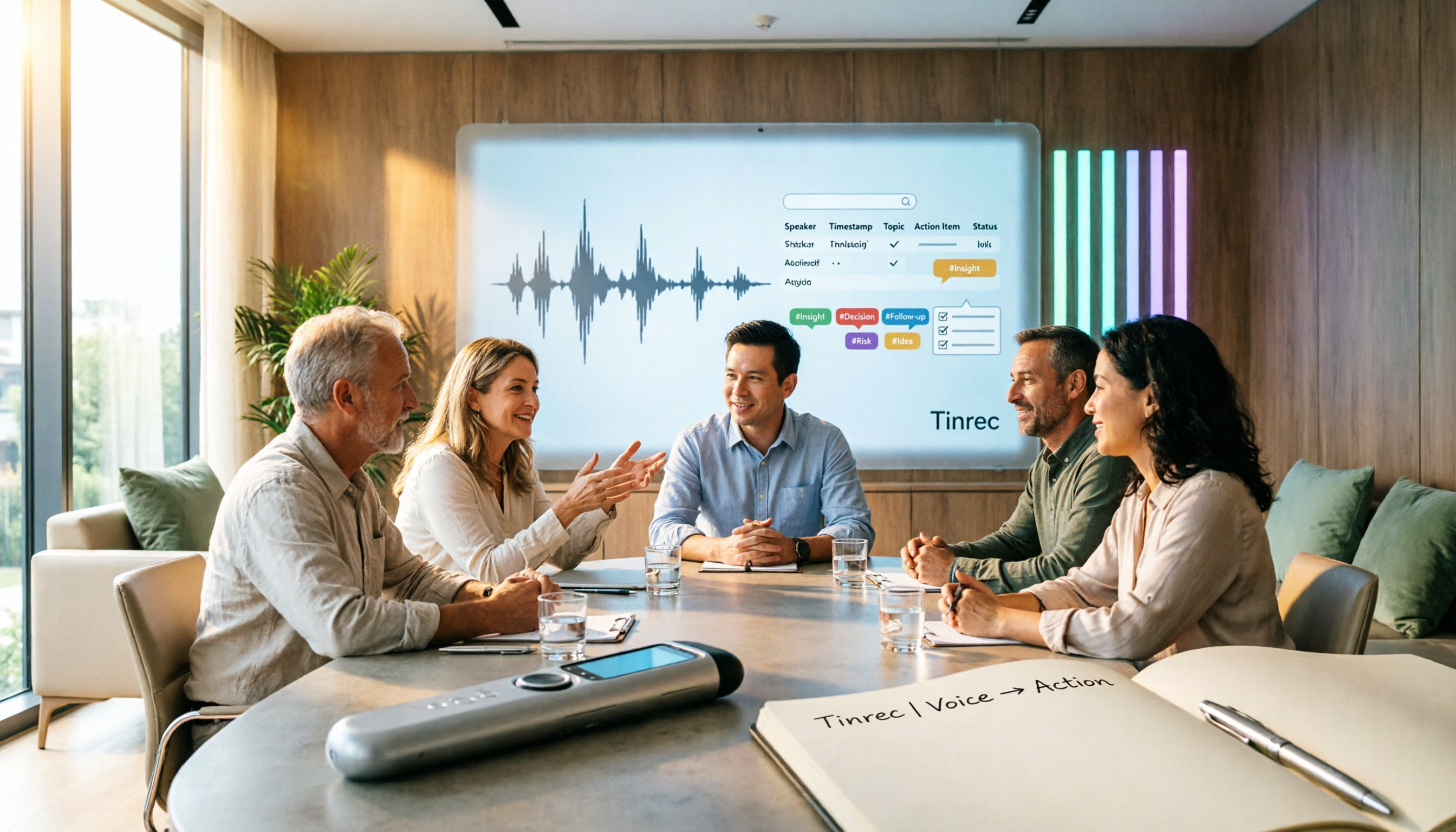
Tinrec vs Notta 2026: 5-Dimension Meeting Notes Table Comparison — Which Saves More Time?
Common pitfalls in organizing meeting notes tables and 5 key selection criteria, plus a comparison of tools like Tinrec and Notta, explaining how to turn meeting recordings into searchable, actionable tables and to-dos.
How to Build a Taiwanese Hokkien Voice Workflow in 2026: TTS Tools + Tinrec Transcription
Looking for Taiwanese Hokkien text-to-speech tools but finding few options? This guide first reviews the TTS tools that can handle Taiwanese Hokkien and Taiwanese accents, then compares Tinrec and Yating Transcription across five dimensions to help you decide which tool to use for Taiwanese Hokkien and multilingual meeting recordings.

Tinrec vs Word Table in 2026: 5-Dimension Comparison — Which Meeting Notes Method Saves More Time?
Word tables are easy to format, edit, and print, but every field must be typed manually, and post-meeting cleanup often takes longer than the meeting itself. This article compares Tinrec (Miao Ting Lu Yin) with manual Word table entry across 5 dimensions, outlining the core fields a meeting notes table should have, the 4 most common pitfalls, and when a template is enough versus when it's worth switching to AI-powered automatic organization.
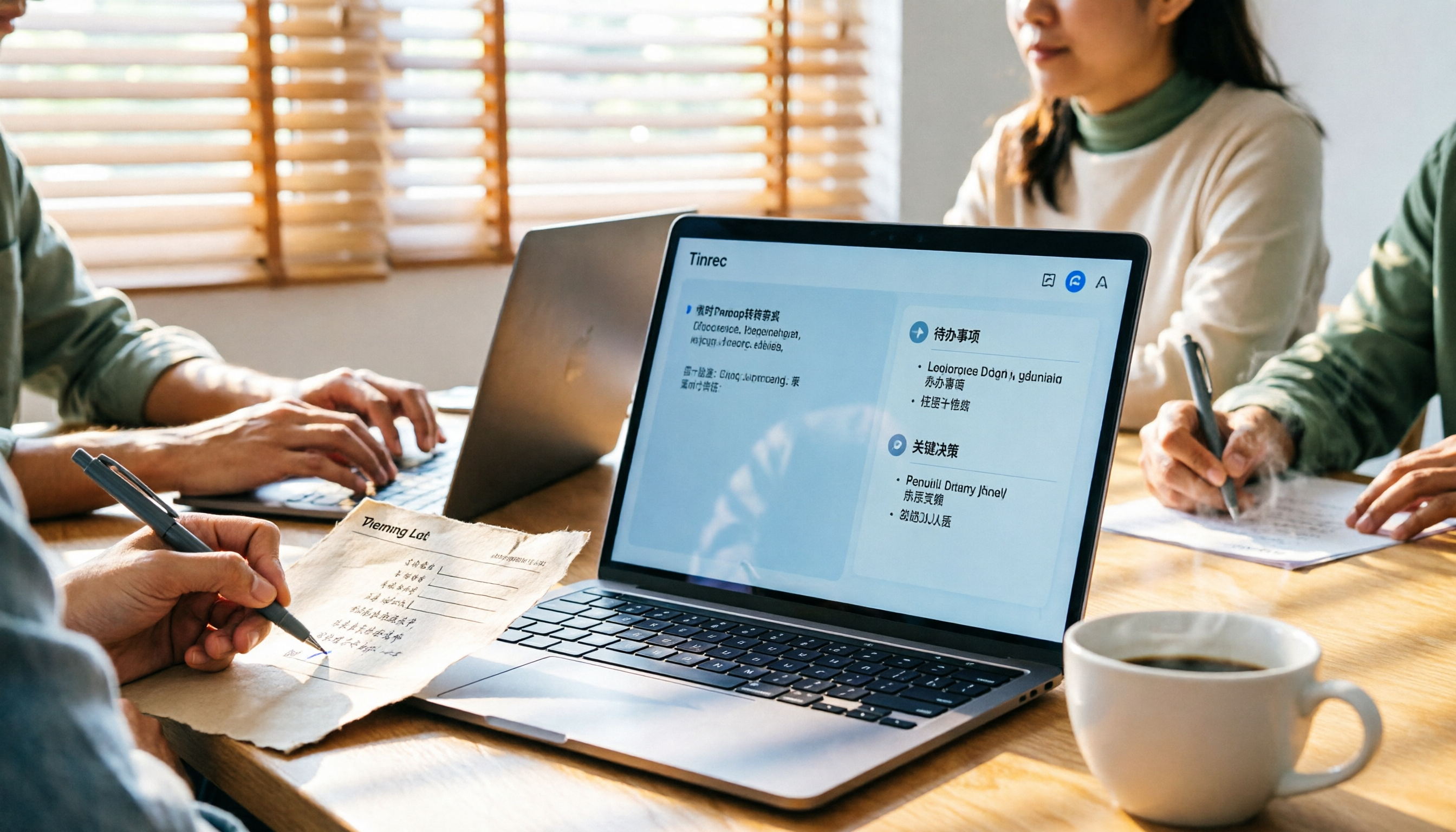
Meeting Minutes Template for Word 2026: Format, Free Template & AI Auto-Summary
Still filling out meeting minutes cell by cell in Word? This guide covers 2026 Word meeting minutes formats, must-have fields, and selection criteria, plus a hands-on test of Tinrec's AI meeting notes workflow and a comparison of Otter.ai, Notta, and Granola.

4 Best AI Meeting Notes Tools in 2026: Which Handles Chinese Meeting Minutes Best?
Two-hour meetings followed by two hours of note-taking is a daily reality for many professionals. This article shares my hands-on experience with four meeting recording tools—Tinrec, Otter.ai, Notta, and PLAUD—covering Chinese recognition, whether a meeting bot is needed, post-meeting organization, team collaboration, and pricing. I also highlight the three most common pitfalls when choosing a tool.

How to Transcribe Audio to Text in 2026: Tinrec Live Transcription + AI Meeting Notes
Looking for an audio-to-text transcription tool? This guide uses Tinrec to show you how to transcribe live recordings and upload audio files, plus organize AI summaries and action items. We also compare it with other tools like Yating and Good Tape to help you choose the right transcription solution.