

Turn recordings into transcripts and summaries in minutes
Upload audio or video for multilingual transcription, AI notes, and action items
4 Best AI Meeting Notes Tools in 2026: Which Handles Chinese Meeting Minutes Best?
Two-Hour Meetings, Two Hours of Notes—You Don't Need to Work Harder, You Need the Right Tool
You finish a project meeting at 2 PM with eight people taking turns speaking. You try to type while listening, but when you open your notes after the meeting, all you have are a few scattered keywords.
The next day your manager asks, "So what was the conclusion? Who's responsible?" You search through the transcript but can't find the line where you decided to go with Plan A.
Even more common: client interviews. You record 40 minutes, then spend an entire afternoon replaying it to organize requirements, objections, and commitments.
This isn't about not being diligent enough. Many people still rely on a "voice recorder plus manual typing" combo—tools that simply don't help you organize.
This article is based on my hands-on testing of four meeting recording tools. I focus on three things: how well they recognize Chinese meetings, whether they can directly produce usable meeting minutes after recording, and how data is managed when teams use them together.
Before Choosing a Meeting Notes Tool, Understand These 4 Key Points
1. Can the output match "decisions + owners + deadlines"?
A usable meeting record must separate decisions from follow-up actions, and every action needs an owner and a deadline. Without these two columns, the record is just a log—you can't track any results. So when evaluating a tool, I first check whether its summaries and action items directly map to this format, rather than just dumping a wall of text.
2. Chinese and mixed Chinese-English recognition performance
In Taiwan, meetings often mix English product names, abbreviations, and Chinese in a single sentence. If a tool only excels at English business meetings, the transcript will be painful to read. I recommend testing with a real recording from your own company—that's more valuable than official numbers.
3. Does online meeting recording require a "meeting bot" to join?
Some tools require a bot account to join the meeting room to record. That adds an unfamiliar name to the screen, and in external meetings, clients may ask about it. Another approach is desktop software that directly captures system audio without occupying a meeting seat. Both work, but you need to know which you prefer.
4. Is the free tier enough, and how does team collaboration work?
Almost every tool has a free plan, but limits vary widely: some have very few minutes per month, others cap single-session length. If you're sharing within a team, you also need to know whether data is stored in individual accounts or a team workspace, and whether data disappears when a member leaves.
By the way, in official Chinese usage, "會議紀錄" (meeting minutes) and "記錄" (recording) are distinguished: "紀錄" is a noun referring to the document itself; "記錄" is a verb referring to the act of recording. When searching, both spellings are used, but that doesn't affect finding tools.
Tinrec—Our Top Pick After Testing
Tinrec is an AI meeting notes and collaboration tool for individuals and teams. It supports iOS, Android, and web, with a desktop version for online meetings held on computers.
Its most direct difference is "no meeting bot." The desktop version directly captures system audio—Zoom, Google Meet, Microsoft Teams, and Webex audio played on your computer can all be processed without inviting any extra account into the meeting room.
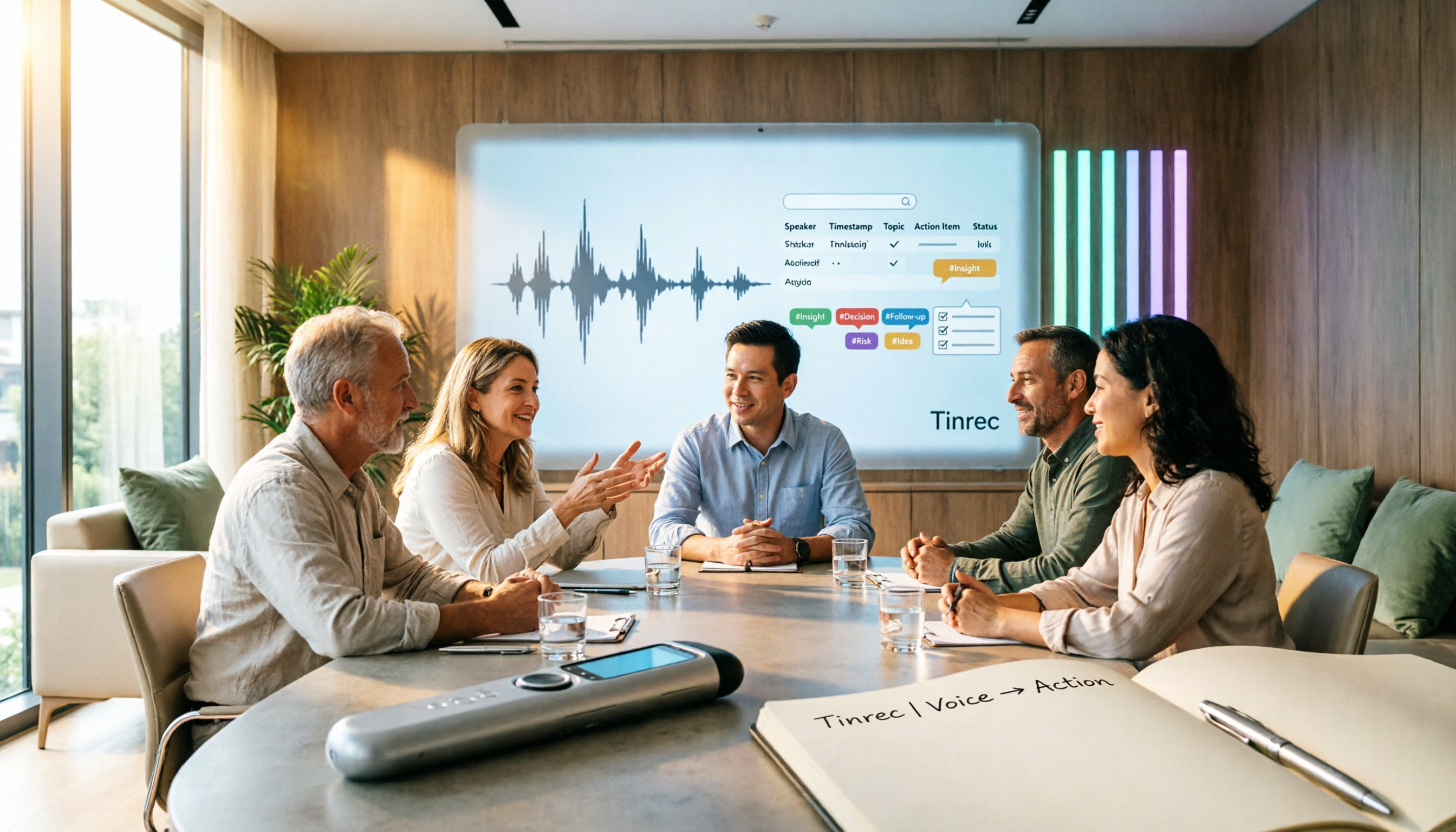
During the meeting, it transcribes in real time. After the meeting, summaries, chapters, and action items are already organized—who's responsible for what, which task comes first—much faster than replaying the recording.
Even better is post-meeting Q&A. You can directly ask Tinrec: "Who said that part about the budget in the last meeting?" It doesn't just give you a list of keyword search results; it answers based on the meeting content. Among tools at the same price point, this kind of AI Q&A around recordings is not common.
It also offers real-time translation (original, translated, or bilingual view), uploads existing audio and video files for transcription, exports results to Notion, Google Docs, OneNote, Dropbox, and other common tools, and can further generate reports, tables, and documents—turning meeting content into something you can directly deliver.
My testing conditions were: a typical office environment, air conditioning noise, and occasional overlapping speakers. Under these conditions, the transcript was generally usable, but names and product codes still need to be verified against the original. Actual performance depends on recording quality, accents, noise, overlapping speech, and technical jargon—same for any tool.
Three main advantages:
First, you can record online meetings without a bot, and you don't need to transfer audio files from your phone to your computer afterward.
Stop organizing recordings by hand
Upload audio or video and automatically get a transcript, summary, and action items
Second, the output isn't just a transcript—summaries, chapters, action items, and mind maps are all there, and you can continue asking questions about the meeting content.
Third, the team plan is a separate team workspace where meeting data belongs to the team. It offers member, role, and seat management, usage analytics, audit logs, team hotwords, and an audio recycle bin (30-day retention). New members can view past meetings, and data can be handed over when members leave.
Things to note:
No matter how convenient AI organization is, important information should still be verified against the transcript timestamps and recording. Don't completely replace human confirmation.
The team plan is paid: eligible teams get a 7-day trial, 1 free seat, and 300 minutes of shared import quota. After that, monthly billing is USD 29.80 per paid seat per month; annual billing is USD 199 per paid seat per year (about USD 16.58 per month). Each paid seat includes 2,000 minutes of shared import quota per month. Real-time recording currently does not deduct minutes under an active plan and seat, but file and web imports consume shared import minutes. Prices and promotions are subject to the official purchase page.
Who it's for: Teams and project groups that frequently hold Chinese or mixed Chinese-English meetings, want to record online meetings directly on a computer without adding a bot, want to use AI to ask key points after meetings, or need to turn meeting data into team assets.
Besides Tinrec, What Other Options Are There?
Otter.ai: A mature choice for English business meetings. It supports real-time transcription, speaker identification, and AI Chat. The free plan offers 300 minutes per month; Pro annual billing is about USD 8.49 per user per month (1,200 minutes of in-app recording plus 10 file imports per month). It also offers desktop capabilities, not just a meeting bot. If your meetings are almost entirely in English, Otter's maturity is hard to replace. But if your meetings are in Chinese or mixed Chinese-English, require real-time translation and bilingual review, or you want to directly produce reports, tables, and other documents from meetings, Tinrec's post-processing workflow is more aligned with Chinese team habits.
Notta: The closest direct competitor to Tinrec, with multi-platform transcription, file import, translation, and team plans. The free plan offers 120 minutes per month with a 3-minute cap per session—not even enough for a short meeting. Pro annual billing is about USD 8.17 per month (1,800 minutes per month); Business annual billing is about USD 16.67 per seat per month. The difference is in approach: Tinrec focuses on desktop bot-free recording, team workspace, AI Q&A, and Agent post-processing for meeting collaboration; Notta is more positioned as a "multilingual transcription tool." When choosing, test both with the same meeting recording.
PLAUD Note / NotePin: Representatives of AI recording hardware, focusing on portable recording, phone call recording, and long battery life. On the US official site, NotePin is currently USD 159 and Note Pro is USD 189. Membership: Starter is 300 minutes per month; Pro is USD 99.99 per year (1,200 minutes per month); Unlimited is USD 239.99 per year. If you often record outside the office without a computer, hardware has its value. But hardware must be purchased separately, remembered, and charged. If most meetings are actually held on a computer, Tinrec's desktop version directly captures system audio—no extra device to carry, and AI Q&A, exports, and team data are all in one place.
Pitfall Guide: The 3 Most Common Mistakes When Choosing a Meeting Notes Tool
Pitfall 1: Only looking at free minutes—picking the biggest number. Minutes are just the entry ticket. What really determines whether you'll keep using it daily is whether the transcript is readable and whether the summary is usable. Test with a recording of your own meeting, not just the plan comparison table.
Pitfall 2: Ignoring Chinese and mixed Chinese-English recognition. Many tools excel at English meetings. Applied to Chinese meetings, name typos can be so numerous you want to give up. And actual performance depends on recording quality, accents, noise, overlapping speech, and technical jargon—official numbers are just a reference.
Pitfall 3: Using the tool only as a voice recorder. If you only use it to "record and transcribe," you're using only one-third of its capabilities. With Tinrec's AI Q&A, you can directly ask "What were the decisions in this meeting?"—much faster than manually scanning a 30-minute transcript. Extract the action item list, and you don't have to organize it from scratch yourself.
Conclusion: Which One Should You Choose?
In one sentence: For Chinese meetings, post-meeting organization, and team knowledge retention, Tinrec is the closest fit to Taiwanese teams' daily needs among these four.
- Frequently hold Chinese or mixed Chinese-English meetings, need real-time translation and bilingual transcripts → Tinrec
- Want to directly record Zoom, Meet, Teams on your computer without adding a bot to the meeting room → Tinrec
- After recording, want to use AI to directly ask "What was the conclusion? Who's responsible?" → Tinrec
- Need team workspace, member and seat management, usage and audit → Tinrec team plan
- Meetings are almost entirely in English, budget is the priority → Otter.ai is a reasonable choice
- Often record outside the office without a computer → PLAUD-type hardware is worth considering
I recommend trying Tinrec's free plan with a recording of your own meeting first to confirm Chinese recognition and summary quality meet your expectations, then decide whether to upgrade. The team plan also has a 7-day trial, so you can run a real workflow first. You don't need to buy the most expensive tool—just one that solves the note-taking problem for the meeting in front of you.
References
- Meeting Minutes = Transcript? Professional Meeting Minutes Only Record 3 Key Points | Writing Tips and Templates | 104 Career Power
- Meeting Minutes Format Template [Copy Directly] 4 Key Points + Writing Examples, Fill In and Submit
- Ministry of the Interior Global Information Network - Chinese - Meeting Minutes
- National Development Council - Meeting Minutes
- Page 256 - Official Document Writing Analysis
Turn every recording into actionable outcomes
Get 60 free transcription minutes when you sign in. No credit card required.
Related Reading
You might also like

Tinrec vs Notta 2026: 5-Dimension Comparison — Which AI Can Auto-Generate Meeting Minutes Templates?
Tired of filling out meeting minutes templates? This article breaks down the 6 essential fields every practical meeting minutes template needs, demonstrates how Tinrec uses AI to automatically generate transcripts, summaries, and action items, and compares Tinrec vs Notta across 5 dimensions to help you choose the most time-saving meeting documentation method.

4 Meeting Transcription Tools Tested for 2026: Which One Should You Choose for Chinese-Language Meetings?
How can you take meeting notes without missing key points? This article starts with 4 key criteria for choosing a meeting transcription tool, then compares Tinrec, Notta, Granola, and Otter.ai in recording methods, post-meeting organization, and team collaboration. It also covers common pitfalls and scenario-based recommendations.

Tinrec vs Yating: 2 Speech-to-Text Tools Compared for 2026 — Which Saves More Time?
How do you choose a speech-to-text tool? This comparison of Tinrec and Yating, two Chinese-language transcription services, covers five dimensions: recording input methods, post-transcription processing, real-time translation, team collaboration, and free usage limits. Includes FAQs to help you decide which fits your meeting and transcription needs.
Tinrec vs Notta 2026: 5-Dimension Meeting Notes Table Comparison — Which Saves More Time?
Common pitfalls in organizing meeting notes tables and 5 key selection criteria, plus a comparison of tools like Tinrec and Notta, explaining how to turn meeting recordings into searchable, actionable tables and to-dos.
How to Build a Taiwanese Hokkien Voice Workflow in 2026: TTS Tools + Tinrec Transcription
Looking for Taiwanese Hokkien text-to-speech tools but finding few options? This guide first reviews the TTS tools that can handle Taiwanese Hokkien and Taiwanese accents, then compares Tinrec and Yating Transcription across five dimensions to help you decide which tool to use for Taiwanese Hokkien and multilingual meeting recordings.

2026 Comparison of 4 Transcription and Speech-to-Text Tools: Which Saves the Most Time from Recording to Transcript to Meeting Action Items?
Still spending two hours typing up meeting transcripts after a meeting? This article tests 4 transcription and speech-to-text tools, comparing Chinese and mixed Chinese-English recognition, post-meeting summaries and action items, AI Q&A, cross-device use, and team collaboration. It also lists the 4 most common pitfalls when choosing a tool, helping you find the one that truly saves you time.

Tinrec vs Word Table in 2026: 5-Dimension Comparison — Which Meeting Notes Method Saves More Time?
Word tables are easy to format, edit, and print, but every field must be typed manually, and post-meeting cleanup often takes longer than the meeting itself. This article compares Tinrec (Miao Ting Lu Yin) with manual Word table entry across 5 dimensions, outlining the core fields a meeting notes table should have, the 4 most common pitfalls, and when a template is enough versus when it's worth switching to AI-powered automatic organization.

Meeting Minutes Template for Word 2026: Format, Free Template & AI Auto-Summary
Still filling out meeting minutes cell by cell in Word? This guide covers 2026 Word meeting minutes formats, must-have fields, and selection criteria, plus a hands-on test of Tinrec's AI meeting notes workflow and a comparison of Otter.ai, Notta, and Granola.

How to Transcribe Audio to Text in 2026: Tinrec Live Transcription + AI Meeting Notes
Looking for an audio-to-text transcription tool? This guide uses Tinrec to show you how to transcribe live recordings and upload audio files, plus organize AI summaries and action items. We also compare it with other tools like Yating and Good Tape to help you choose the right transcription solution.