
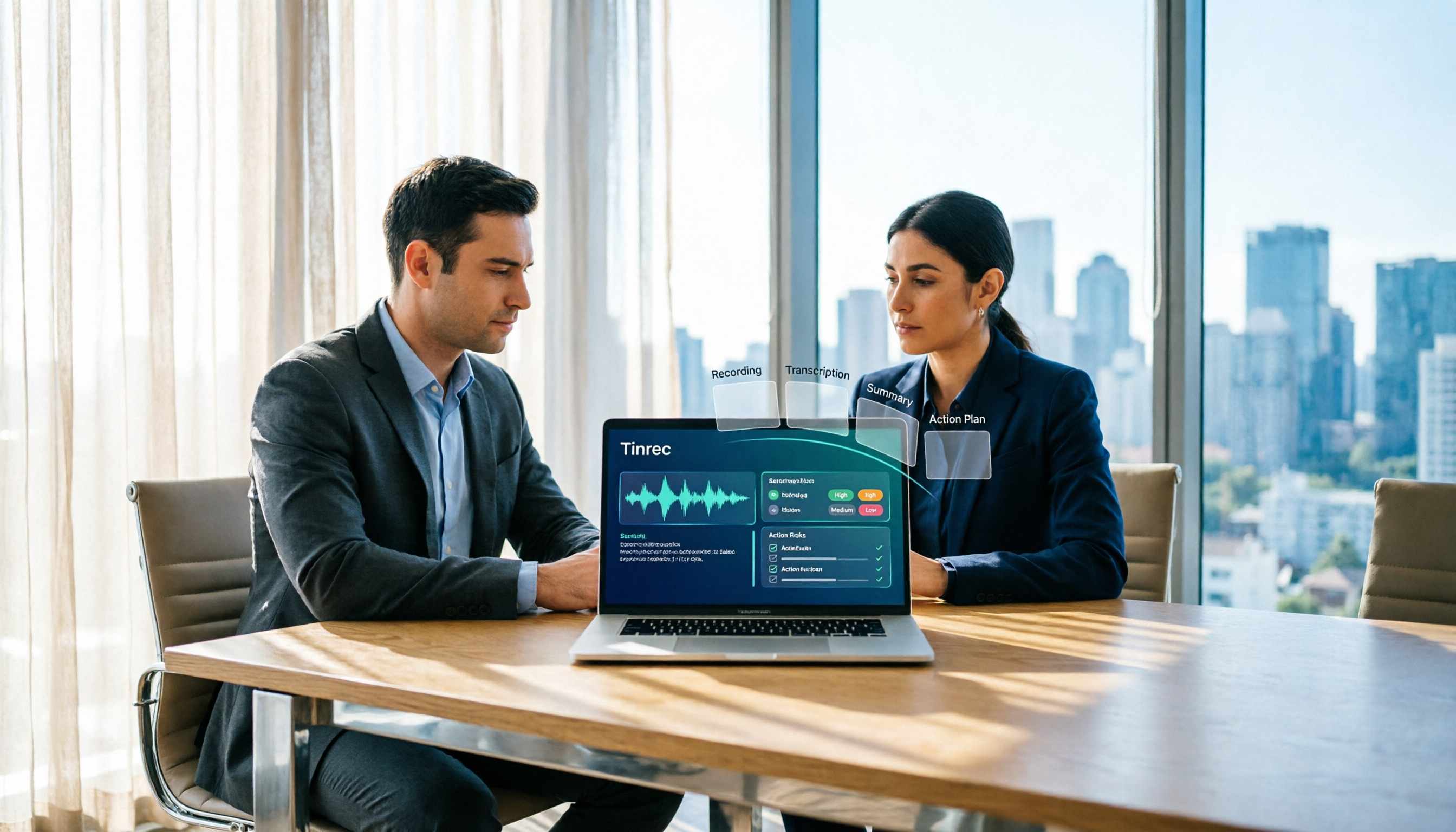
Turn recordings into transcripts and summaries in minutes
Upload audio or video for multilingual transcription, AI notes, and action items
How AI Meeting Agents Generate Action Plans in 2026: A Complete 5-Step Guide
The meeting ends, the transcript is downloaded—then what? Most people's next step is to drop the transcript into another tool for summarization, manually pick out action items, and paste them into a messaging app to remind colleagues. A 1-hour meeting with 6 people burns 6 work-hours, and the post-meeting chaos is the real nightmare. This article compares Tinrec and Otter.ai across 5 dimensions, breaking down exactly how AI meeting agents turn "discussion" into an action plan of "who does what by when."
Tinrec vs Otter.ai | Quick Overview
Tinrec is an AI meeting notes and collaboration tool for individuals and teams, with strengths in Chinese-language meeting experiences, bot-free recording, and turning transcripts into action items, reports, and team knowledge. Otter.ai is a mature AI meeting assistant, strong in English business meeting automation, AI Chat, and team management.
| Item | Tinrec | Otter.ai |
|---|---|---|
| One-line positioning | AI meeting notes and team collaboration tool | Mature AI meeting assistant |
| Meeting capture method | Desktop app captures system audio; no meeting bot required | Supports Zoom, Teams, Meet, etc., including bot and desktop |
| Core difference | Chinese and mixed Chinese-English meetings, post-meeting workflows, team knowledge retention | English business meeting automation and mature team management |
| Pricing | Personal: free, weekly pass, Pro monthly and annual; Team: USD 29.80/month per paid seat, USD 199/year per paid seat | Basic free 300 min/month; Pro annual approx. USD 8.49/user/month, includes 1,200 min in-app recording and 10 file imports per month; Business offers more management capabilities |
Pricing and benefits are subject to the official purchase page. This article compares across 5 dimensions, essentially breaking the "generate action plan" process into 5 steps: record, understand, capture actions, follow up and deliver, and team retention.
Dimension 1 | How to Record: Bot-Free Recording and Transcripts
Otter.ai has comprehensive coverage for online meetings, handling Zoom, Microsoft Teams, Google Meet, and more, with real-time transcription, speaker identification, and team management. It now also has desktop capabilities, not just a meeting bot. Tinrec takes a different approach: the desktop app directly captures your computer's system audio. You open Tinrec and start recording yourself, and Zoom, Google Meet, Microsoft Teams, or Webex can be transcribed live without inviting an extra bot as a participant. For in-person meetings and interviews, you can use your phone's microphone, and existing audio and video files can be uploaded to fill in historical data.
→ This dimension: Tinrec is more direct for "not wanting an extra bot in the meeting" and multi-source input.
Dimension 2 | Does It Understand Chinese Meetings: Traditional Chinese, Mixed Chinese-English, and Translation
Otter's most mature mindset is centered on English business meetings, and all-English teams find it very smooth. Tinrec focuses on Chinese, Traditional Chinese, and multilingual meetings: it supports Chinese meeting transcription and notes, mixed Chinese-English content organization, and multilingual meeting transcription. During recording, you can view in original, translated, or bilingual mode, and teams can build custom hotwords to maintain product terminology and industry jargon. Note that any tool's accuracy is affected by recording quality, background noise, accents, overlapping speakers, and specialized terms. No tool can guarantee a fixed accuracy rate. For important content, always cross-check with transcript timestamps and audio playback.
→ This dimension: For Chinese and mixed Chinese-English meetings, Tinrec is clearly more suitable.
Dimension 3 | How to Capture Action Items: From Transcript to To-Do List
Otter provides summaries, action items, AI Chat, and workflows, making it quite handy for organizing action items in English meetings. Tinrec focuses on structuring "discussion → decision → to-do": after the meeting, it automatically generates summaries, chapters, and key points, and extracts action items from the discussion, turning follow-ups into a visible list rather than a sentence buried at minute 47 of the transcript. This list can then be further processed into reports, tables, or documents.
Stop organizing recordings by hand
Upload audio or video and automatically get a transcript, summary, and action items
→ This dimension: Both handle English meetings; for Chinese meetings, Tinrec wins on action item extraction and subsequent documentation.
Dimension 4 | How to Follow Up and Deliver: AI Q&A and Agent Post-Processing
Otter has AI Chat, which lets you ask questions about meeting content—a very practical feature. Tinrec connects "asking" and "doing": you can use AI Q&A to follow up on a single meeting or across multiple meetings, then use Agent post-processing to generate reports, tables, and documents from meeting content, and export to Notion, Google Docs, OneNote, Dropbox, and other existing tools. For those who need to submit weekly reports, meeting minutes, or project documents, this saves the time of "opening a new document and writing from scratch."
→ This dimension: Tinrec wins by turning meeting data directly into deliverable work products.
Dimension 5 | How Teams Retain Knowledge: Spaces, Seats, and Data Handover
Otter's Business plan offers unlimited meetings, more imports, and management capabilities; its team features are mature. Tinrec's team edition uses an independent team space: transcripts, summaries, to-dos, and meeting data are stored centrally in the team space, so new members can view historical data upon joining. Admins can manage member roles and seats, view usage trends and details, query and export audit logs, and recover accidentally deleted audio from the recycle bin. Note that in the team edition, you must distinguish "roles" from "seats": roles determine who can manage the team and settings; seats determine whether a member can record, upload, edit, and export. Active members without a seat can still view, play, and read team data. The key difference is ownership: team resources belong to the team. When a member leaves, is removed, or loses their seat, their responsible resources must be handed over to other active members, rather than letting meeting records disappear with the individual account.
→ This dimension: Tinrec is more complete when it comes to team data ownership and handover design.
What Unique Advantages Does Each Have?
Tinrec's Unique Advantages
- Bot-free desktop recording: Open the app to record online meetings on Zoom, Meet, Teams, and Webex without inviting a bot as a participant.
- Chinese and multilingual meeting experience: Chinese, Traditional Chinese, mixed Chinese-English transcription, plus real-time translation, bilingual view, and team hotwords.
- Complete post-processing from transcript to action plan: summaries, chapters, to-dos, mind maps, AI Q&A, reports, and tables, exportable to existing tools.
- Team governance: members, roles, seats, usage analytics, audit logs, and audio recycle bin, plus resource handover when members change.
Otter.ai's Unique Advantages
- Maturity and ecosystem integration for English business meetings; lowest barrier for all-English teams.
- Basic free plan offers 300 minutes per month, nearly zero cost for individuals wanting to test the waters.
Conclusion: Which Should You Choose?
- Meetings mainly in Chinese or mixed Chinese-English → Tinrec
- Don't want a meeting bot joining → Tinrec (desktop captures system audio)
- Need to go from transcript to to-dos and post-meeting documents → Tinrec
- Need team sharing of meeting data, seat and usage management, and operation logs → Tinrec Team Edition
- Mainly all-English business meetings, already using Otter ecosystem, free quota is enough → Otter.ai is sufficient
In one sentence: Whether a meeting becomes an action plan depends not just on transcription, but on the workflow after transcription: "summary → to-do → follow-up → delivery → export." This is the biggest difference between Tinrec and pure transcription or note-taking tools. We recommend testing with your own meeting recordings first; important information should still be cross-checked with transcripts and audio. Before recording, don't forget to comply with local regulations and obtain participant consent when necessary.
References
- Meeting.ai: Agent for Work (Google Play app page)
- AI Meeting Notes Generator (Manus official website)
- Preparing for and Following Up on Meetings with AI: A Complete Method from Agenda to Post-Meeting Tracking (TheAI Academy)
- 6-Step AI Meeting Notes Organization: Use a Fixed Template to Turn Discussions into Clear To-Dos (Business Weekly)
- How AI Agents Change Your Workflow? The Most Practical AI Agent Tool Tutorials and Applications (Da Vinci)
- Otter.ai official pricing page
References
- Meeting.ai: Agent for Work - Google Play App
- AI Meeting Notes Generator
- Preparing for and Following Up on Meetings with AI: A Complete Method from Agenda to Post-Meeting Tracking | TheAI Academy
- Business Weekly - 6-Step AI Meeting Notes Organization: Use a Fixed Template to Turn Discussions into Clear To-Dos - Business Weekly
- How AI Agents Change Your Workflow? The Most Practical AI Agent Tool Tutorials and Applications!
Turn every recording into actionable outcomes
Get 60 free transcription minutes when you sign in. No credit card required.
Related Reading
You might also like
2026 AI Meeting Agents vs Assistants: 4 Tools Tested — It's Not Just Transcription, Which One Actually Saves Post-Meeting Time?
This article uses a real-world test with a mixed Chinese-English meeting to break down the differences between AI meeting assistants and AI meeting agents. It covers meeting capture methods, post-meeting outputs, team governance, and pricing, with Tinrec as the main focus, comparing it to Granola, PLAUD Note, and TurboScribe to help you avoid the mistake of only looking at free minutes when choosing a tool.

4 AI Meeting Note Takers Tested in 2026: Which One Actually Saves You Time After the Call?
Tired of spending hours after meetings writing transcripts and organizing action items? We compare 4 AI meeting note takers, break down what matters when choosing one, test bot-free recording and AI Q&A, and share a guide to avoid common pitfalls—so you can find the one that saves you the most time.

Tinrec vs Notta 2026: 5-Dimension Comparison — Which Saves More Time on Post-Meeting Follow-Up Automation?
Post-meeting follow-up automation isn't just about installing a meeting bot. This article breaks down common misconceptions, compares Tinrec and Notta across 5 dimensions — recording method, input sources, post-meeting output, team collaboration, and pricing — and provides buying considerations and FAQs to help you choose a solution that truly saves time on post-meeting organization.

2026 AI Meeting Notes Tools Compared: Which One Best Automates Post-Meeting Task Organization?
The real work begins after the meeting ends. This hands-on comparison of four popular AI meeting notes tools breaks down transcript quality, summary and action item generation, AI Q&A, export workflows, and team knowledge retention. It also highlights the three most common pitfalls to avoid when choosing a tool, helping you find the one that truly takes over post-meeting task organization.

2026 Comparison of 4 Meeting Notes Tools: Automatic Post-Meeting Summaries — How Tinrec Differs from Otter and Notta
Starting from four common approaches, this hands-on comparison examines platform-native transcription, meeting bots, general-purpose transcription tools, and Tinrec in terms of automatic post-meeting organization. It also covers Tinrec's core features, team governance, pricing, and key considerations when choosing a tool.

2026 Comparison of 4 Post-Meeting Automation Tools: Which One Actually Turns Meetings into Action Items?
The meeting ends, but the work begins. This article breaks down 4 key factors for choosing post-meeting automation tools from real-world scenarios, tests Tinrec's bot-free recording, summary action items, and AI Q&A, and compares Granola, TurboScribe, and PLAUD for different use cases. It includes copy-paste post-meeting organization prompts and a 6-step starter checklist.

How to Automate Post-Meeting Work in 2026: A Complete 5-Step Guide
The real work begins after the meeting ends. This article compares Tinrec and Granola—two tools that don't require a meeting bot—across five dimensions: recording retention, post-meeting organization, Chinese language support, output integration, and team governance. It also includes a 5-step post-meeting automation workflow and FAQs to help you choose the best tool for automating post-meeting work.
How to Automate Post-Meeting Work in 2026: A Complete 5-Step Guide
Post-meeting work automation isn't about buying a tool—it's about handing off a repeatable process. This guide breaks down the 5 steps from recording and transcription to summaries, action items, and team knowledge retention, and compares Tinrec and Granola to help you decide where to start automating.

2026 Comparison of 4 Post-Meeting Automation Workflows: From Meeting End to To-Do List, Which Is Fastest?
How to choose a post-meeting automation workflow? This article starts with common pitfalls, breaks down 4 key evaluation points for meeting notes automation, and tests Tinrec's bot-free online meeting recording, AI summaries and action item extraction, AI Q&A, and team spaces, while comparing the use cases and limitations of Otter.ai, Granola, and PLAUD.