

Turn recordings into transcripts and summaries in minutes
Upload audio or video for multilingual transcription, AI notes, and action items
You Still Have to Write Meeting Notes After the Call—What You're Missing Isn't Willpower, It's a Complete Workflow
After an online meeting ends and the conference room lights go off, the real grind begins: dragging the recording file into a transcription tool, waiting for the transcript to finish, then manually scrolling for half an hour to find out "who was responsible for that budget."
It gets even messier with meetings that mix Chinese and English. Most transcription tools perform reliably in pure English scenarios, but once Chinese, Cantonese, and technical jargon get mixed in, the output needs to be corrected sentence by sentence. There's another often-overlooked pain point: decisions from cross-department meetings get scattered across everyone's notes and chat logs, and next week's meeting starts with asking the same questions all over again.
These problems aren't solved by "taking better notes"—they're solved by a tool that connects recording, transcription, summarization, follow-up questions, and team knowledge retention.
Before Choosing an AI Meeting Assistant, Understand These 4 Key Points
1. How does the meeting get "captured"? There are two common approaches: sending a meeting bot into the meeting room as a participant, or capturing the computer's system audio directly from a desktop app. The former is convenient, but having an unfamiliar account on the attendee list may not be appropriate for client meetings. The latter requires you to actively start recording, but it doesn't add an extra participant.
2. Is a transcript enough? A transcript is raw material, not a finished product. You need to see whether the tool can automatically generate summaries, chapters, key points, and action items—and whether you can continue asking questions about the meeting content. A tool that only gives you a transcript is just handing the organizing work right back to you.
3. Will your meeting data stay put? Whether audio is retained, whether records are stored in personal accounts or team spaces, and how data ownership is handled after a member leaves—these things aren't obvious during a trial, but they're the easiest to regret later.
4. Team governance capabilities. If meeting records are meant for the whole department, you need to check whether it has management capabilities for members, roles, seats, usage, and activity logs—not just passing around a personal account password.
Tinrec—Our Top Pick After Testing
Tinrec is an AI meeting notes and collaboration tool for individuals and teams, available on iOS, Android, desktop, and web.
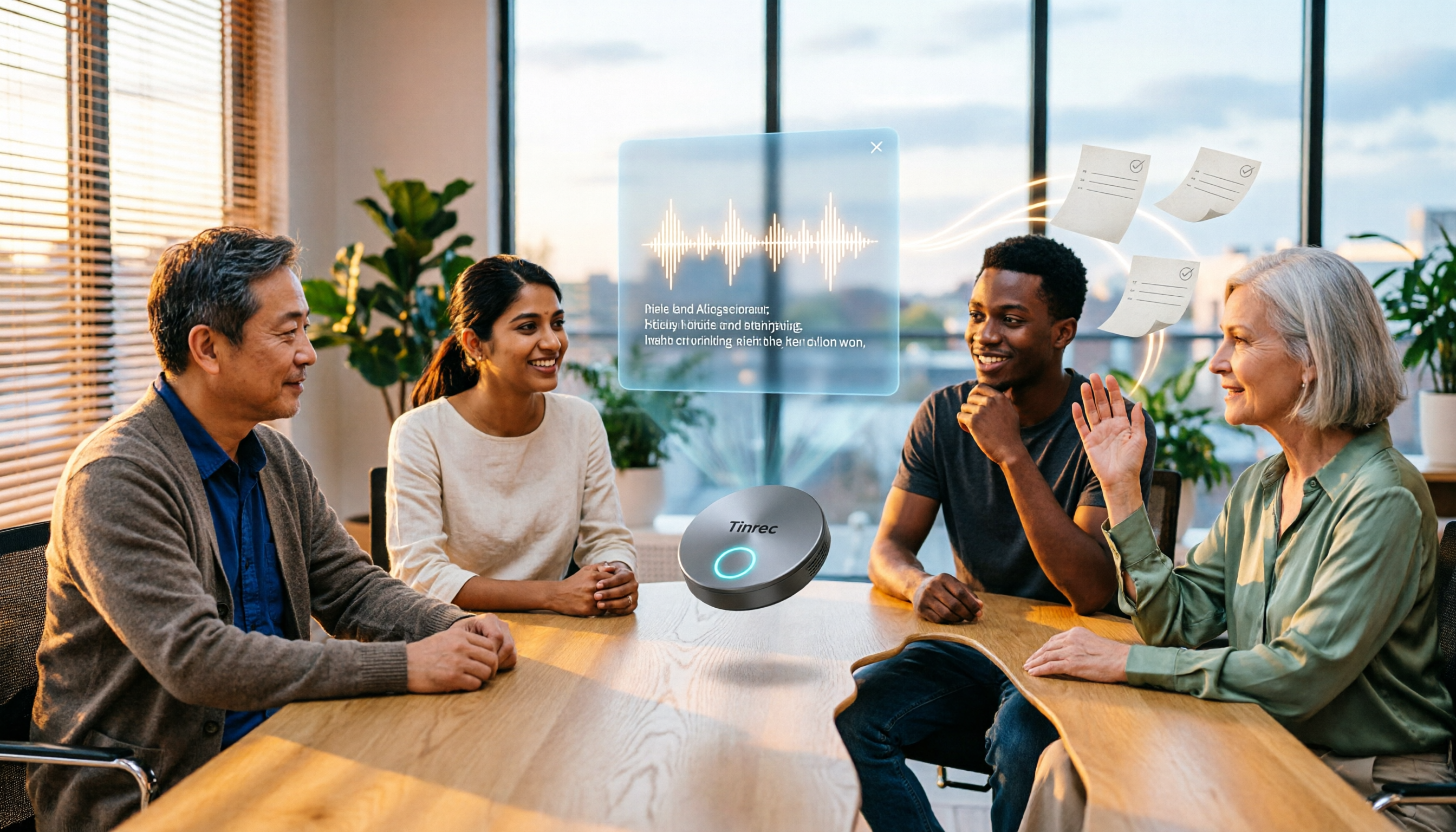
Bot-free recording for online meetings. The desktop version captures your computer's system audio directly, handling meeting audio played on your computer from Zoom, Google Meet, Microsoft Teams, Webex, and other platforms—no need to invite an extra bot into the meeting. In practice, you just open the Tinrec desktop app, hit record, and the transcript generates while the meeting is happening. This is especially useful for people who frequently meet with external clients—no unfamiliar account suddenly appears on the attendee list.
The real value comes after recording. When the meeting ends, AI has already organized a summary, chapters, and key points, and extracted action items from the discussion. Even more important is AI Q&A: you can directly ask it "Who mentioned the budget in the last meeting?" and it will give you an answer based on semantic understanding, rather than dumping a bunch of keyword search results for you to click through one by one. This capability isn't common among products in the same price range. If the meeting involves foreign languages, you can also view the original text, translation, or bilingual comparison in real time.
From transcript to deliverable. Tinrec supports exporting results to Notion, Google Docs, OneNote, Dropbox, and other tools. It can also use Agent post-processing to generate reports, tables, and meeting minutes—no more copying and pasting text everywhere.
Stop organizing recordings by hand
Upload audio or video and automatically get a transcript, summary, and action items
The team version turns meetings into assets. The team version isn't "multiple people sharing one account"—it's an independent team space: meeting data belongs to the team, you can manage members, roles, and seats, view usage trends and member details, and it provides team hotwords, activity log queries, and an audio recycle bin. When a member leaves or loses their seat, their team resources can be handed over to other active members—they won't disappear when the person leaves. Permissions are team-level sharing plus role governance and seat-based usage control, not a granular per-file permission system.
Limitations and who it's for. The free version lets you experience recording, importing, summarization, and transcription with basic quotas; heavy users will need to upgrade. Document and web imports consume quota, while real-time recording is handled according to plan rules. Actual transcription quality is affected by recording quality, noise, accents, multiple people talking over each other, and technical jargon—no tool should be considered 100% accurate. If you frequently have Chinese or mixed Chinese-English meetings, want to use AI to find key points right after recording, and need meeting data to stay with the team rather than individuals, Tinrec is currently the smoothest path.
Besides Tinrec, What Other Options Are There?
Otter.ai: A mature English meeting assistant. Free version offers 300 minutes per month; Pro annual billing works out to about USD 8.49/user/month. It has a strong mind for English business meetings, but Chinese and mixed Chinese-English organization isn't its home turf. Note that it also offers desktop capabilities, not just a meeting bot. If 90% of your meetings are in English, it's more than enough; but if you want to build team knowledge around Chinese meetings, Tinrec's team space and Agent post-processing are a better fit.
Notta: Good multi-platform transcription and translation. Free version offers 120 minutes per month, max 3 minutes per session; Pro annual billing works out to about USD 8.17/month. Its positioning leans more toward transcription and subtitle processing, while Tinrec focuses on bot-free online meeting recording, AI Q&A, and team knowledge retention—being able to ask questions and continue processing after recording is a segment that pure transcription tools struggle to cover.
PLAUD Note / NotePin: Representatives of AI recording hardware. NotePin is about USD 159, Note Pro about USD 189, plus a membership plan. The value of portable hardware recording is clear, but the cost is carrying an extra device and an extra hardware expense. Tinrec requires no additional equipment—it works on phone, desktop, and web, and can handle both online meetings and historical audio files, which is more convenient for people who already spend all day in front of a computer for meetings.
Pitfall Guide: The 4 Most Common Mistakes When Choosing a Meeting Notes Tool
Pitfall 1: Only looking at advertised accuracy. Numbers from a quiet recording studio are completely different from air conditioning noise, keyboard sounds, and multiple people talking over each other in a real meeting room. Test with your own recordings—don't just look at ads.
Pitfall 2: Ignoring cross-platform support. Recording on your phone today, organizing on your computer tomorrow—if the tool only supports a single platform, you'll spend twice as much time moving files around.
Pitfall 3: Buying it and only using it as a voice recorder. Just generating a transcript means using only one-third of the tool's capabilities. Try asking it directly after the meeting "What was the conclusion of this meeting?"—it's much faster than manually scrolling through a 30-minute transcript.
Pitfall 4: Putting team data in personal accounts. When a colleague leaves and meeting records disappear with them—that's a problem many teams only discover after getting burned. When choosing a tool, ask first: whose account is the data stored under?
Summary: Which One Should You Actually Choose?
- Need Chinese or mixed Chinese-English meeting transcription and notes → Tinrec
- Don't want to invite a meeting bot into online meetings → Tinrec (desktop version captures system audio)
- Want to use AI to ask about meeting key points right after recording → Tinrec (AI Q&A)
- Need team-shared meeting data, seat and usage management → Tinrec Team Version
- Meetings are almost all in English, budget-oriented → Otter.ai
- Prefer hardware for portable recording → PLAUD Note
Tools aren't absolutely good or bad—only whether they match your meeting style. We recommend starting with the free version, testing it on your most troublesome meeting, and then deciding whether to upgrade—after all, the time saved on post-meeting organization is what you're really paying for.
References
Turn every recording into actionable outcomes
Get 60 free transcription minutes when you sign in. No credit card required.
Related Reading
You might also like

2026 Tinrec Post-Meeting Automation: Auto-Generate Minutes & Action Items in One Go
Does the real work begin after the meeting ends? This guide breaks down what post-meeting automation can do for you and its core capabilities, using Tinrec as a hands-on example. From live transcription and AI summaries to action item extraction and team knowledge retention, plus 5 buying tips and FAQs, so meeting notes are no longer a second job before you leave the office.

2026 Comparison of 4 Post-Meeting Automation Tools: Which One Actually Saves You Time?
The meeting ends, but the work begins. This article tackles common misconceptions about post-meeting automation, tests and compares 4 tools, and takes a deep dive into how Tinrec uses bot-free recording, AI summaries, action item extraction, and team spaces to turn meeting recordings into actionable to-do lists. It also compares Otter.ai, Notta, and Granola, and provides a buying guide to avoid pitfalls.
2026 AI Meeting Follow-Up Tools Compared: Which Turns Transcripts into Actionable To-Dos?
AI meeting follow-up isn't just pasting a transcript into a group chat. This article starts with common pitfalls, breaks down the complete workflow from live transcription, summary sections, and to-do extraction to AI Q&A and team knowledge retention, and uses Tinrec as an example to illustrate practical approaches, plus 5 details to consider when choosing a tool.

2026 Comparison of 4 Post-Meeting Data Auto-Organization Tools: Which One Turns Meetings into Usable Data?
How to choose a post-meeting data auto-organization tool? This article starts from the key question: 'Do you want a transcript or directly usable data?' and compares Tinrec with Otter.ai, Notta, and Granola, covering bot-free online meeting recording, AI Q&A, action item extraction, and team spaces, along with pricing, limitations, and common pitfalls.

2026 Best AI Meeting Assistants Compared: Which Handles Chinese Transcripts, Summaries, and Follow-up Q&A Best?
We tested four AI meeting assistants in 2026, comparing bot-free recording, Chinese transcription, AI summaries, action item extraction, and team knowledge retention. Tinrec, Otter.ai, Granola, and Notta go head-to-head to help you find the best AI meeting notes tool for Chinese meetings and post-meeting follow-up questions.

2026 AI Meeting Agents vs Assistants: 4 Tools Tested — It's Not Just Transcription, Which One Actually Saves Post-Meeting Time?
This article uses a real-world test with a mixed Chinese-English meeting to break down the differences between AI meeting assistants and AI meeting agents. It covers meeting capture methods, post-meeting outputs, team governance, and pricing, with Tinrec as the main focus, comparing it to Granola, PLAUD Note, and TurboScribe to help you avoid the mistake of only looking at free minutes when choosing a tool.

Tinrec vs Notta 2026: 5-Dimension Comparison — Which Saves More Time on Post-Meeting Follow-Up Automation?
Post-meeting follow-up automation isn't just about installing a meeting bot. This article breaks down common misconceptions, compares Tinrec and Notta across 5 dimensions — recording method, input sources, post-meeting output, team collaboration, and pricing — and provides buying considerations and FAQs to help you choose a solution that truly saves time on post-meeting organization.

2026 AI Meeting Notes Tools Compared: Which One Best Automates Post-Meeting Task Organization?
The real work begins after the meeting ends. This hands-on comparison of four popular AI meeting notes tools breaks down transcript quality, summary and action item generation, AI Q&A, export workflows, and team knowledge retention. It also highlights the three most common pitfalls to avoid when choosing a tool, helping you find the one that truly takes over post-meeting task organization.

2026 Comparison of 4 Meeting Notes Tools: Automatic Post-Meeting Summaries — How Tinrec Differs from Otter and Notta
Starting from four common approaches, this hands-on comparison examines platform-native transcription, meeting bots, general-purpose transcription tools, and Tinrec in terms of automatic post-meeting organization. It also covers Tinrec's core features, team governance, pricing, and key considerations when choosing a tool.