
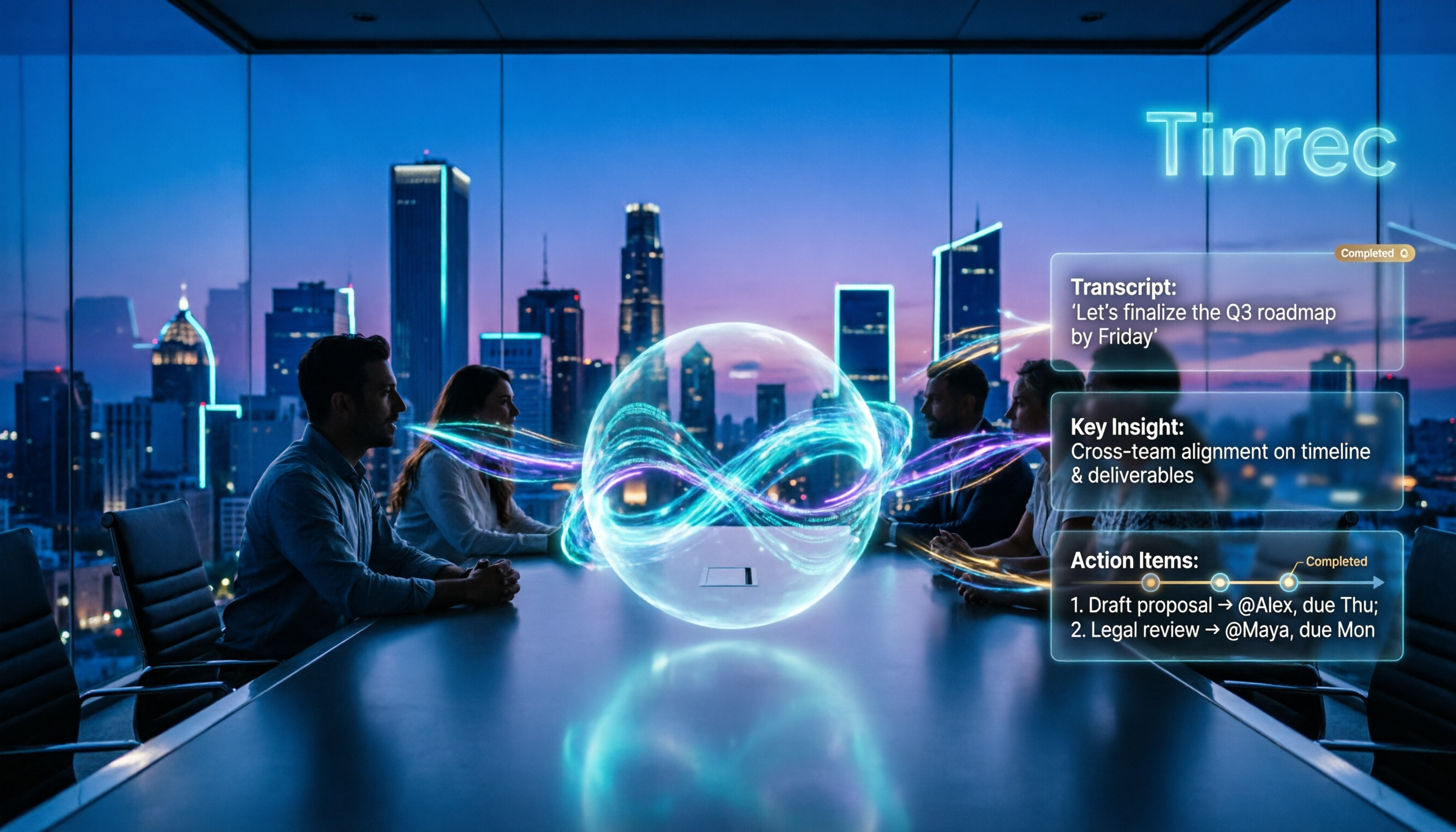
Turn recordings into transcripts and summaries in minutes
Upload audio or video for multilingual transcription, AI notes, and action items
2026 AI Meeting Agents vs Assistants: 4 Tools Tested — It's Not Just Transcription, Which One Actually Saves Post-Meeting Time?
Two-Hour Meeting, Three-Hour Cleanup? You Don't Need a Meeting Assistant — You Need an AI Meeting Agent That Takes Over
Many people think AI meeting tools only differ in "transcription accuracy and free minutes." That's the first common misconception.
AI meeting assistants and AI meeting agents are not on the same level. Assistants focus on recording: transcripts, summaries, key points. Agents focus on action: reading context, extracting action items, generating post-meeting deliverables, and letting you ask follow-up questions.
According to Microsoft Work Trend Index (2025), knowledge workers spend an average of 7.8 hours per week on post-meeting cleanup. If a tool only gives you a transcript, it's leaving the most time-consuming part to you.
A more sensible approach is to first clarify whether you need a "recording assistant" or a "post-meeting agent," then look at meeting capture methods, output formats, team knowledge retention, and pricing.
Before Choosing an AI Meeting Tool, Understand These 4 Key Points
First, do you need an assistant or an agent? If you just need to record meetings and convert them to text, an assistant is enough. But if you want to get action items, reports, tables directly after the meeting, or even ask questions about past meetings, you need agent capabilities. Tinrec puts transcription, summarization, Q&A, and agent post-processing into one workflow.
Second, how are meetings recorded? Meeting bots join as participants, which can feel unnatural in external client or high-level meetings. Tinrec's desktop version captures computer system audio without needing an extra bot to join. You still need to actively open Tinrec to start recording — that's important to note.
Third, can post-meeting outputs be used directly? Transcripts are just the starting point. Summaries, chapters, action items, mind maps, AI Q&A, and export to Notion, Google Docs, OneNote, Dropbox are where time is saved. That's where Tinrec's value lies.
Fourth, team data ownership and governance. Personal version data belongs to the individual; team version has independent team spaces, roles, seats, usage analytics, audit logs, and audio recycle bin. If meeting data is a company asset, this matters more than free minutes. Tinrec's team version is designed for this need.
Tinrec — Our Top Pick After Testing
Tinrec is an AI meeting recording and collaboration tool for individuals and teams, available on iOS, Android, web, and desktop. It doesn't just convert audio to text; it turns meetings into searchable, summarizable, queryable, and exportable data.
For online meetings, I usually open Tinrec's desktop version first. It directly captures computer system audio, handling meeting audio from Zoom, Google Meet, Microsoft Teams, and Webex played on the computer, without inviting a meeting bot. During the meeting, the transcript builds in real time, and when cross-language is needed, you can view the original, translation, or bilingual content.
After the meeting is where Tinrec stands out. It automatically generates summaries, chapters, key points, and action items, and can also create mind maps. You can directly ask it "Who is responsible for the budget in this meeting?" or "What are the three objections the client mentioned?" It answers based on meeting data, not just keyword search. Even further is agent post-processing: generating reports, tables, and documents based on meeting content — very useful for those who need post-meeting deliverables.
We tested with a 30-minute simulated meeting with mixed Chinese and English (MacBook built-in microphone, room at about 26°C, background keyboard and air conditioning noise). The transcript preserved mixed Chinese-English terms, and summaries and action items were automatically segmented. Note that accuracy can still be affected by accents, noise, overlapping speakers, and technical terms. We recommend testing with your own meeting recordings for the most accurate results.
Stop organizing recordings by hand
Upload audio or video and automatically get a transcript, summary, and action items
Tinrec's advantages are clear. First, Chinese and mixed Chinese-English meeting experience is a highlight, and you can add team-specific terminology to hotwords for better recognition. Second, bot-free desktop recording is friendly for external meetings — no extra account appears in the participant list. Third, the post-meeting workflow is complete, from transcript, summary, action items, Q&A to export and agent outputs.
Limitations should also be clear. The free version has basic quota; heavy users need to upgrade; team version file and web imports consume team shared import minutes. Pricing and benefits are subject to the official purchase page. Team monthly is USD 29.80 per paid seat per month, annual is USD 199 per paid seat per year, about USD 16.58 per month; each paid seat provides 2,000 minutes of team shared import quota per month. First eligible team trial is 7 days, 1 free seat, 300 minutes team shared import quota. Under an active team plan and active seats, live recording currently does not deduct minutes.
If you frequently hold Chinese or mixed Chinese-English meetings, don't want a meeting bot to join, and need action items and team data retention after meetings, Tinrec is a very suitable choice. The team version is suitable for departments and project teams that need seat management, usage analytics, and audit logs.
Besides Tinrec, What Other Options Are There?
Granola: Bot-free AI meeting notes, Basic free, Business USD 14 per user per month, Enterprise USD 35 per user per month. It supports real-time transcript viewing and search, suitable for people who take notes during meetings. But Granola does not support uploading pre-recorded audio files, nor does it save meeting audio. Tinrec supports audio and video import and retains recordings, better for those who need to review and archive for teams.
PLAUD Note / NotePin: AI recording hardware, NotePin USD 159, Note Pro USD 189; Starter 300 minutes per month, Pro USD 99.99 per year, Unlimited USD 239.99 per year. Suitable for those who like portable hardware recording and phone call recording. Tinrec requires no extra device, works on web, desktop, and mobile, and handles online meetings and team spaces.
TurboScribe: Cost-effective file transcription tool, Free 3 files per day, max 30 minutes per file; Unlimited annual USD 120, about USD 10 per month; paid version max 10 hours or 5 GB per file, up to 50 files at once. Suitable for bulk long-file transcription and translation. Tinrec doesn't compete on batch file processing, but offers live meetings, bot-free online recording, summaries, action items, AI Q&A, and team collaboration.
Pitfall Guide: 4 Most Common Mistakes When Choosing AI Meeting Tools
Pitfall 1: Treating an assistant as an agent. Only looking at free transcription quota, but not whether it can directly produce action items, reports, and queryable meeting data after the meeting. The right approach is to test with a real meeting and see how much manual work remains after cleanup.
Pitfall 2: Thinking a transcript equals meeting notes. Transcripts are long; without summaries, chapters, and action items, you're left with the cleanup cost. Look at whether the tool can turn meetings into searchable, actionable data.
Pitfall 3: Ignoring meeting capture methods. Some tools rely on meeting bots joining, which may be unnatural for external clients or high-level meetings. Tinrec's desktop version uses system audio for bot-free recording, but you still need to initiate it — it doesn't automatically join all calendar meetings.
Pitfall 4: Teams buying only personal version and sharing accounts. Personal version data belongs to the individual, causing trouble when members leave. Team version has independent spaces, roles and seats, usage analytics, audit logs, and audio recycle bin, and can hand over team resources when members leave. That's true team governance.
Conclusion: Which One Should You Choose?
In one sentence: If you want an AI meeting agent that takes over after the meeting, Tinrec is our top pick after testing; if you only need simple transcription, other file transcription tools can fill the gap.
Need Chinese or mixed Chinese-English meetings + post-meeting agent outputs → Tinrec.
Don't want a meeting bot to join Zoom, Meet, Teams, Webex → Tinrec desktop version.
Need team shared meeting data, seat management, usage and audit → Tinrec team version.
Need to import historical audio, retain recordings, use AI Q&A to find key points → Tinrec.
Only need bulk long-file transcription, batch files → TurboScribe.
We suggest trying Tinrec's free version for basic quota, or if eligible, use the team version 7-day trial (1 free seat, 300 minutes team shared import quota) for a real meeting. If post-meeting cleanup really decreases, then consider upgrading.
References
Turn every recording into actionable outcomes
Get 60 free transcription minutes when you sign in. No credit card required.
Related Reading
You might also like

2026 Tinrec Post-Meeting Automation: Auto-Generate Minutes & Action Items in One Go
Does the real work begin after the meeting ends? This guide breaks down what post-meeting automation can do for you and its core capabilities, using Tinrec as a hands-on example. From live transcription and AI summaries to action item extraction and team knowledge retention, plus 5 buying tips and FAQs, so meeting notes are no longer a second job before you leave the office.

2026 Comparison of 4 Post-Meeting Automation Tools: Which One Actually Saves You Time?
The meeting ends, but the work begins. This article tackles common misconceptions about post-meeting automation, tests and compares 4 tools, and takes a deep dive into how Tinrec uses bot-free recording, AI summaries, action item extraction, and team spaces to turn meeting recordings into actionable to-do lists. It also compares Otter.ai, Notta, and Granola, and provides a buying guide to avoid pitfalls.

2026 AI Meeting Follow-Up Tools Compared: Which Turns Transcripts into Actionable To-Dos?
AI meeting follow-up isn't just pasting a transcript into a group chat. This article starts with common pitfalls, breaks down the complete workflow from live transcription, summary sections, and to-do extraction to AI Q&A and team knowledge retention, and uses Tinrec as an example to illustrate practical approaches, plus 5 details to consider when choosing a tool.

2026 Comparison of 4 Post-Meeting Data Auto-Organization Tools: Which One Turns Meetings into Usable Data?
How to choose a post-meeting data auto-organization tool? This article starts from the key question: 'Do you want a transcript or directly usable data?' and compares Tinrec with Otter.ai, Notta, and Granola, covering bot-free online meeting recording, AI Q&A, action item extraction, and team spaces, along with pricing, limitations, and common pitfalls.

2026 Best AI Meeting Assistants Compared: Which Handles Chinese Transcripts, Summaries, and Follow-up Q&A Best?
We tested four AI meeting assistants in 2026, comparing bot-free recording, Chinese transcription, AI summaries, action item extraction, and team knowledge retention. Tinrec, Otter.ai, Granola, and Notta go head-to-head to help you find the best AI meeting notes tool for Chinese meetings and post-meeting follow-up questions.

4 AI Meeting Note Takers Tested in 2026: Which One Actually Saves You Time After the Call?
Tired of spending hours after meetings writing transcripts and organizing action items? We compare 4 AI meeting note takers, break down what matters when choosing one, test bot-free recording and AI Q&A, and share a guide to avoid common pitfalls—so you can find the one that saves you the most time.

Tinrec vs Notta 2026: 5-Dimension Comparison — Which Saves More Time on Post-Meeting Follow-Up Automation?
Post-meeting follow-up automation isn't just about installing a meeting bot. This article breaks down common misconceptions, compares Tinrec and Notta across 5 dimensions — recording method, input sources, post-meeting output, team collaboration, and pricing — and provides buying considerations and FAQs to help you choose a solution that truly saves time on post-meeting organization.

2026 AI Meeting Notes Tools Compared: Which One Best Automates Post-Meeting Task Organization?
The real work begins after the meeting ends. This hands-on comparison of four popular AI meeting notes tools breaks down transcript quality, summary and action item generation, AI Q&A, export workflows, and team knowledge retention. It also highlights the three most common pitfalls to avoid when choosing a tool, helping you find the one that truly takes over post-meeting task organization.

2026 Comparison of 4 Meeting Notes Tools: Automatic Post-Meeting Summaries — How Tinrec Differs from Otter and Notta
Starting from four common approaches, this hands-on comparison examines platform-native transcription, meeting bots, general-purpose transcription tools, and Tinrec in terms of automatic post-meeting organization. It also covers Tinrec's core features, team governance, pricing, and key considerations when choosing a tool.