
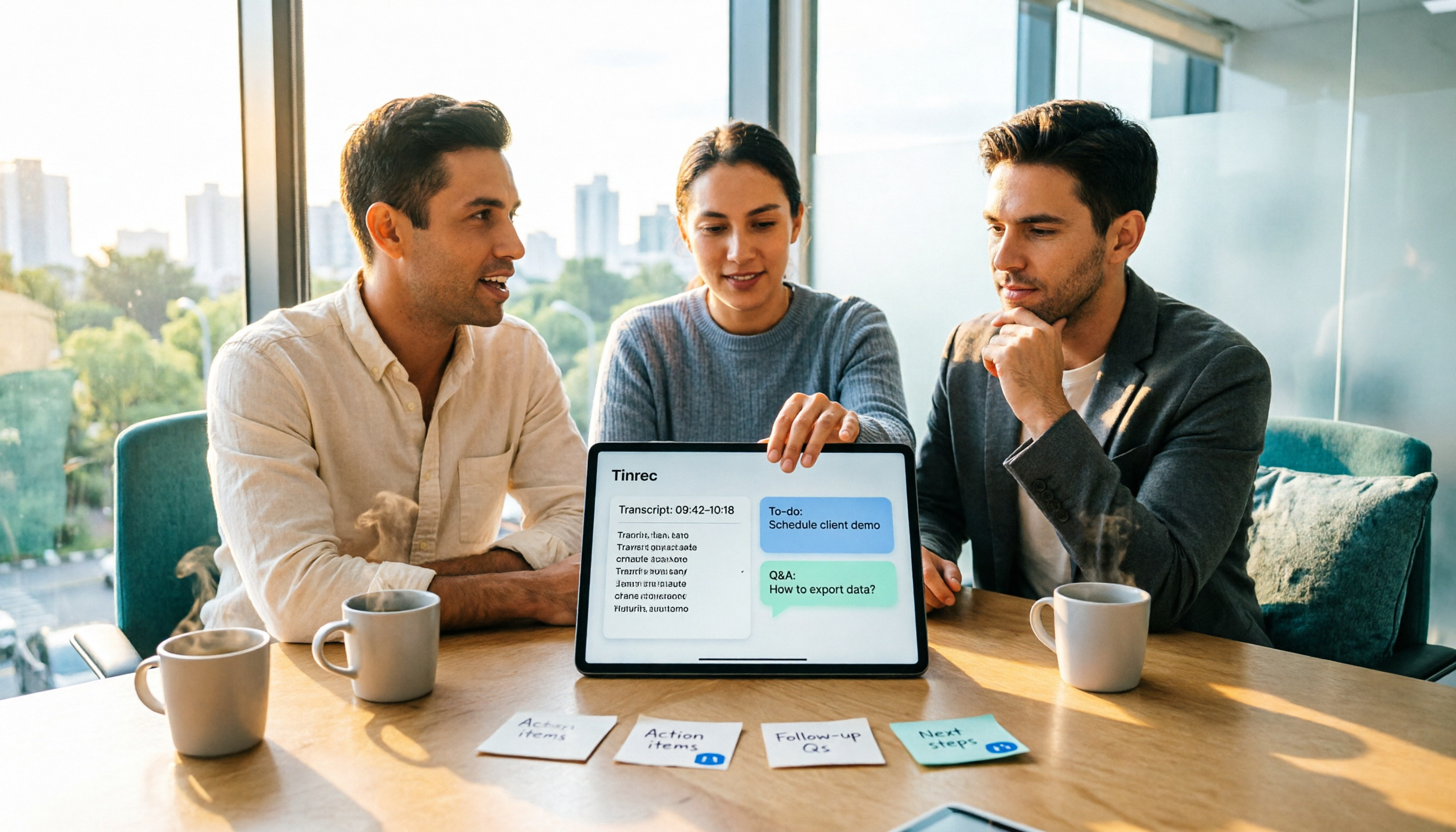
Turn recordings into transcripts and summaries in minutes
Upload audio or video for multilingual transcription, AI notes, and action items
Post-Meeting Data Organization: The Real Bottleneck Is Often Not the Recording Itself
After a meeting, the recording sits on your phone for three days untouched. Either you organize it the same day, or you remember it only before the next meeting.
More often than not: you spend two hours in a meeting, then another hour pasting the transcript into a document, manually highlighting key points, and guessing who said what. By the time you need to submit it, you realize decisions weren't written down and action items have no owners.
If you've experienced this, the problem usually isn't that you're not diligent enough—it's that the tool only helps you with 'converting to text.' This article discusses how to choose a tool for post-meeting data auto-organization.
Understand These 3 Key Points Before Choosing a Tool
First decision point: Do you want a transcript or directly usable data?
A transcript is raw material, not a finished product. Most people really need summaries, chapters, action items, and answers to questions like 'Who mentioned the budget last time?' When choosing a tool, first look at what it can do after converting text.
Second decision point: Where does your meeting take place?
Online and in-person meetings require different handling. Some tools rely on a meeting bot to join the room, while others use a desktop app to directly record the computer's audio. The former requires inviting an extra participant; the latter does not. This directly affects your willingness to use it in client meetings.
Third decision point: Who ultimately holds the data?
For individual use, having data in your own account is fine. But if you lead a team, meeting data shouldn't disappear when someone leaves. In that case, look at team spaces, member roles, seat management, and usage records—not just transcription minutes.
Tinrec — The One I Use Most After Testing
Tinrec is an AI meeting notes and collaboration tool for individuals and teams, supporting web, desktop, and mobile, covering Chinese, Traditional Chinese, and multilingual meeting scenarios. It doesn't just turn audio into text; it turns meetings into searchable, queryable, work-ready data.
First, online meetings. Tinrec's desktop app directly captures computer system audio without inviting a meeting bot. When using Zoom, Google Meet, Microsoft Teams, or Webex, I can open the desktop app and get live transcription while recording, without an unfamiliar account appearing in the meeting. For those who meet with external clients, this is very practical.
Next, post-meeting. After recording, Tinrec automatically generates AI summaries, chapters, and key points, and extracts action items from the discussion. Even better is AI Q&A—you can directly ask 'What was the decision in this meeting?' or 'What were the client's concerns about pricing?' and it will give answers based on semantics, not a list of keyword search results. This is where I think it differs most from pure transcription tools.
If you have old meeting recordings or interview audio, you can upload them for transcription; for cross-language meetings, it supports real-time translation, allowing you to view the original, translation, or bilingual comparison. Organized content can be exported to Notion, Google Docs, OneNote, Dropbox, etc., or further processed with Agent to generate reports, tables, and documents.
Team use is another line. Tinrec for Teams is a separate team space, not multiple people sharing one account. Meeting data belongs to the team; you can invite members, set owners/admins/regular members, and distinguish 'roles' from 'seats'—roles determine who can manage the team, seats determine who can record, upload, edit, and export. Valid members without seats can still view, play, and read team data. Admins can also see team usage trends, member rankings, audit logs, and audio recycle bin.
Stop organizing recordings by hand
Upload audio or video and automatically get a transcript, summary, and action items
Pricing: Team plan is USD 29.80 per paid seat per month, or USD 199 per paid seat per year (about USD 16.58/month); each paid seat provides 2,000 minutes of team shared import quota per month. Eligible teams can try 7 days, 1 free seat, 300 minutes shared import quota for the first time. Under an active team plan and active seats, real-time recording currently does not deduct minutes; document and web imports use the team shared quota. The personal plan has a free version with basic quota, plus weekly pass, Pro monthly, and Pro annual; actual quotas and prices are subject to the official purchase page.
Note: Tinrec does not automatically join all meetings on your calendar; you need to manually start recording. Also, it currently focuses on team-level sharing, not file-level granular permissions. Transcription quality is affected by recording environment, accents, overlapping speech, and technical terms; for important content, it's recommended to verify by replaying with transcript timestamps.
Besides Tinrec, What Other Options Are There?
Otter.ai: A mature choice for English business meetings. Basic free version has 300 minutes per month; Pro annual is about USD 8.49/user/month with 1,200 minutes. If you mainly record English meetings, its experience is complete. But it lacks Tinrec's desktop bot-free Chinese meeting recording workflow, and post-meeting output leans toward English workflows.
Notta: A popular tool for multilingual transcription and meeting notes. Free version has 120 minutes per month, max 3 minutes per session; Pro annual is about USD 8.17/month with 1,800 minutes; Business is about USD 16.67/seat/month. Transcription and translation are good, but it lacks Tinrec's AI Q&A and Agent post-processing, and team data accumulation is simpler.
Granola: Also bot-free, using desktop system audio and microphone for real-time transcription, combined with user handwritten notes. Basic is free; Business is USD 14/user/month. Note that it does not save meeting audio files and does not support uploading pre-recorded audio—if you need to keep recordings or organize old files, this is a blocker.
Pitfall Guide: 3 Most Common Mistakes in Post-Meeting Data Organization
Pitfall 1: Submitting a transcript as meeting notes. A transcript is raw material, not something for your boss. What should be delivered are decisions, action items, owners, and deadlines. When choosing a tool, directly check if it can automatically produce these.
Pitfall 2: Comparing only transcription minutes. Minutes are intuitive, but the cost of post-meeting organization is mostly in 'finding key points' and 're-listening.' Tools with AI summaries and Q&A save not transcription time, but time spent scanning transcripts.
Pitfall 3: Letting meeting data stay in personal accounts. If team meeting conclusions only exist in someone's notes, when they leave, the data is disconnected. Team spaces, seat handover, and export capabilities are what matter long-term.
Conclusion: Which One Should You Choose?
Need Chinese meetings plus bot-free recording → Tinrec, desktop app directly handles Zoom, Meet, Teams, Webex.
Want to ask AI for key points right after recording → Tinrec, summaries, chapters, action items, and AI Q&A all in one flow.
Need to access from phone, computer, and web → Tinrec, multi-platform without switching tools.
Leading a team, need to manage members and usage → Tinrec team plan, space, roles, seats, audit, and recycle bin all in one.
Only record English meetings, limited budget → Otter.ai free version can hold you over.
If your current approach is 'record first, deal with it later,' start with the free version: throw a real meeting into it and see if the summary and action items are directly usable. If it saves you time re-listening, that's real savings.
References
- After a meeting, do you just ask AI to summarize? That's only the most basic 1% trick | Three-level meeting notes prompts to turn AI into your strategic analyst | Personal Knowledge Management X AI Applications | Coach Jiang Jiang
- How to use AI for meeting minutes? How to organize meeting transcripts? | AI voice-to-transcript tutorial | 104 Workplace Power
- 2026's most recommended AI meeting notes神器, time-saving and labor-saving must-have tool for meetings!
- Meeting Ink - 2026 AI meeting notes tool test | 7 voice-to-text and summary speed comparison | Meeting Ink - AI meeting notes assistant automatic transcription and summary
- AI meeting notes software recommendation: 5 major apps tested and compared, automatic text conversion makes meetings super easy!
Turn every recording into actionable outcomes
Get 60 free transcription minutes when you sign in. No credit card required.
Related Reading
You might also like

2026 Tinrec Post-Meeting Automation: Auto-Generate Minutes & Action Items in One Go
Does the real work begin after the meeting ends? This guide breaks down what post-meeting automation can do for you and its core capabilities, using Tinrec as a hands-on example. From live transcription and AI summaries to action item extraction and team knowledge retention, plus 5 buying tips and FAQs, so meeting notes are no longer a second job before you leave the office.

2026 Comparison of 4 Post-Meeting Automation Tools: Which One Actually Saves You Time?
The meeting ends, but the work begins. This article tackles common misconceptions about post-meeting automation, tests and compares 4 tools, and takes a deep dive into how Tinrec uses bot-free recording, AI summaries, action item extraction, and team spaces to turn meeting recordings into actionable to-do lists. It also compares Otter.ai, Notta, and Granola, and provides a buying guide to avoid pitfalls.

2026 AI Meeting Follow-Up Tools Compared: Which Turns Transcripts into Actionable To-Dos?
AI meeting follow-up isn't just pasting a transcript into a group chat. This article starts with common pitfalls, breaks down the complete workflow from live transcription, summary sections, and to-do extraction to AI Q&A and team knowledge retention, and uses Tinrec as an example to illustrate practical approaches, plus 5 details to consider when choosing a tool.

2026 Best AI Meeting Assistants Compared: Which Handles Chinese Transcripts, Summaries, and Follow-up Q&A Best?
We tested four AI meeting assistants in 2026, comparing bot-free recording, Chinese transcription, AI summaries, action item extraction, and team knowledge retention. Tinrec, Otter.ai, Granola, and Notta go head-to-head to help you find the best AI meeting notes tool for Chinese meetings and post-meeting follow-up questions.
2026 AI Meeting Agents vs Assistants: 4 Tools Tested — It's Not Just Transcription, Which One Actually Saves Post-Meeting Time?
This article uses a real-world test with a mixed Chinese-English meeting to break down the differences between AI meeting assistants and AI meeting agents. It covers meeting capture methods, post-meeting outputs, team governance, and pricing, with Tinrec as the main focus, comparing it to Granola, PLAUD Note, and TurboScribe to help you avoid the mistake of only looking at free minutes when choosing a tool.

4 AI Meeting Note Takers Tested in 2026: Which One Actually Saves You Time After the Call?
Tired of spending hours after meetings writing transcripts and organizing action items? We compare 4 AI meeting note takers, break down what matters when choosing one, test bot-free recording and AI Q&A, and share a guide to avoid common pitfalls—so you can find the one that saves you the most time.

Tinrec vs Notta 2026: 5-Dimension Comparison — Which Saves More Time on Post-Meeting Follow-Up Automation?
Post-meeting follow-up automation isn't just about installing a meeting bot. This article breaks down common misconceptions, compares Tinrec and Notta across 5 dimensions — recording method, input sources, post-meeting output, team collaboration, and pricing — and provides buying considerations and FAQs to help you choose a solution that truly saves time on post-meeting organization.

2026 AI Meeting Notes Tools Compared: Which One Best Automates Post-Meeting Task Organization?
The real work begins after the meeting ends. This hands-on comparison of four popular AI meeting notes tools breaks down transcript quality, summary and action item generation, AI Q&A, export workflows, and team knowledge retention. It also highlights the three most common pitfalls to avoid when choosing a tool, helping you find the one that truly takes over post-meeting task organization.

2026 Comparison of 4 Meeting Notes Tools: Automatic Post-Meeting Summaries — How Tinrec Differs from Otter and Notta
Starting from four common approaches, this hands-on comparison examines platform-native transcription, meeting bots, general-purpose transcription tools, and Tinrec in terms of automatic post-meeting organization. It also covers Tinrec's core features, team governance, pricing, and key considerations when choosing a tool.