

Turn recordings into transcripts and summaries in minutes
Upload audio or video for multilingual transcription, AI notes, and action items
2026 Comparison of 4 Post-Meeting Automation Tools: Which One Actually Saves You Time?
Post-Meeting Automation: What You're Missing Isn't a Tool, It's a 'Post-Meeting Workflow' — Starting with Common Misconceptions
Many people think post-meeting automation means buying a voice recorder or turning on the built-in transcription in their meeting platform, recording the meeting, converting it to text, and calling it done.
But what happens? The transcript is endless and no one wants to open it; action items are scattered throughout the conversation and no one remembers to follow up; next meeting, you have to dig up last meeting's conclusions all over again.
That's not automation—it's just replacing 'handwritten notes' with 'electronic transcripts,' and the post-meeting workload hasn't decreased at all.
True post-meeting automation should be a complete workflow from recording, transcription, summarization, action items, to team sharing. What you need isn't a single feature, but a solution that automatically turns meeting content into action.
Before Buying a Post-Meeting Automation Tool, Understand These 4 Key Points
Instead of comparing whose transcription accuracy is a fraction of a percent higher, look at these four aspects first, because they determine whether you'll still be working overtime after meetings.
First, how broad are the recording sources? Your meetings might be on Zoom, Google Meet, Teams, or Webex, or in a physical meeting room. The tool should ideally handle both online meetings and in-person recordings, and not require inviting an extra meeting bot.
Second, how useful are the post-meeting outputs? Transcripts are just raw material; what really saves time are automatically generated summaries, chapters, key points, and action items. If you can also ask questions about the meeting content, such as 'Who mentioned the budget in the last meeting?', even better.
Third, can it integrate into your existing workflow? Meeting results should be exportable to Notion, Google Docs, OneNote, or Dropbox, not just stay within the tool.
Fourth, team collaboration and data ownership. Are meeting data personal assets or team assets? Will data disappear when a member leaves? This is crucial for teams that need to accumulate knowledge long-term.
Tinrec — Our Top Pick After Testing
Tinrec is an AI meeting notes and collaboration tool for individuals and teams, supporting iOS, Android, and web, with a desktop version that can directly capture computer system audio to record online meetings.
It doesn't just convert audio to text; it organizes meeting recordings into searchable, summarizable, queryable, exportable, and further processable data, and deposits them in team spaces as collaborative, traceable meeting assets.
In actual use, what I like most is its 'bot-free recording.' Open the Tinrec desktop app, select the meeting window or system audio to record, and it generates a transcript while recording, without inviting an extra bot into Zoom or Meet. For those who often meet with clients, this is especially thoughtful because it doesn't disrupt the meeting.
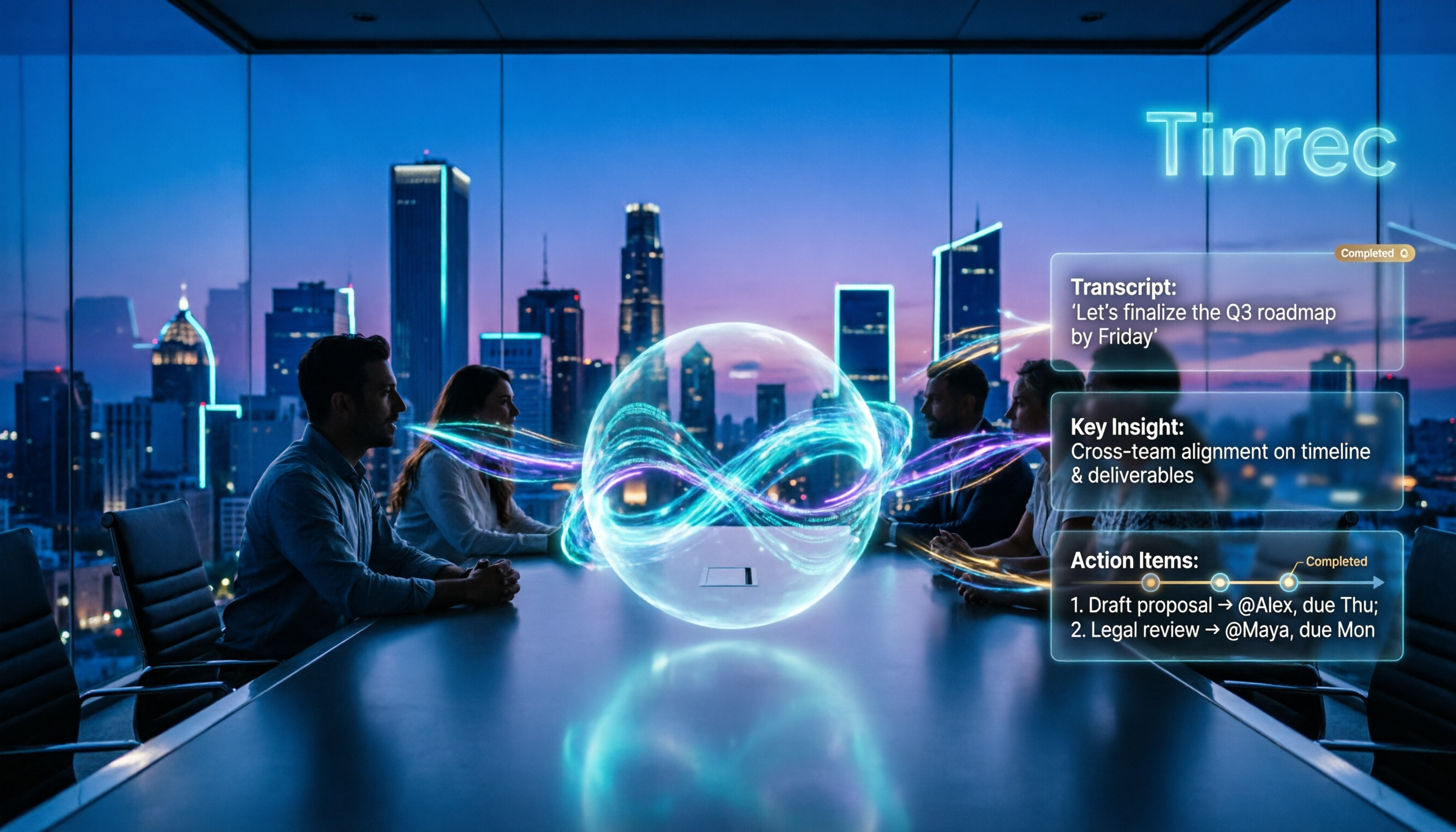
After the meeting, Tinrec automatically generates AI summaries and chapters, breaking a one-hour discussion into several key sections. It also extracts action items from the conversation, making it clear who is responsible for what and when it's due.
Even better is the AI Q&A feature. You can directly ask Tinrec: 'What were the conclusions of this meeting?' 'What concerns did the client mention?' It doesn't just give you keyword search results; it answers directly based on semantic understanding. Among competitors at the same price point, such features are not common.
If you need to turn meeting content into reports, tables, or meeting minutes, Tinrec's Agent post-processing can generate documents based on meeting recordings, saving a lot of manual organization time. Once done, you can export to Notion, Google Docs, OneNote, Dropbox, etc., directly into your existing workflow.
Stop organizing recordings by hand
Upload audio or video and automatically get a transcript, summary, and action items
The team version further provides an independent team space where meeting data belongs to the team and won't disappear when a member leaves. Admins can manage member roles, seats, sharing permissions, usage analytics, and audit logs, and can also improve recognition of technical terms through team hotwords.
Of course, it's not without limitations. The free version offers basic quota, suitable for light use; if you have many meetings every week, consider the Pro plan. The team version offers a 7-day trial for first-time eligible users, 1 free seat, and 300 minutes of team shared import quota; thereafter, monthly payment is USD 29.80 per paid seat per month, annual payment is USD 199 per paid seat per year (about USD 16.58 per month), each paid seat provides 2,000 minutes of team shared import quota per month, and real-time recording is currently not deducted by minutes.
Overall, if you need Chinese meeting notes, bot-free recording, post-meeting AI organization, and team data accumulation, Tinrec is one of the most complete options on the market.
Besides Tinrec, What Other Options Are There?
Otter.ai: A mature English meeting assistant, free version 300 minutes per month, Pro annual about USD 8.49 per user per month. It performs well in transcription and summarization for English business meetings and supports Zoom, Teams, Google Meet. However, its Chinese meeting recognition is not as good as Tinrec, and Tinrec's desktop bot-free recording and real-time translation are more convenient for Chinese users. If you mainly record English meetings, Otter.ai is worth considering.
Notta: Supports multi-platform transcription, meeting notes, document import, and team plans, free version 120 minutes per month, Pro annual about USD 8.17 per month. It overlaps heavily with Tinrec, but Tinrec adds bot-free online meeting recording, AI Q&A, and Agent post-processing, and its team space governance is more complete. If you only need simple file transcription, Notta is an option.
Granola: Focuses on bot-free AI meeting notes, transcribing in real-time via desktop system audio and combining with user handwritten notes to generate content. Business plan USD 14 per user per month. Note that Granola does not support uploading pre-recorded audio and does not save meeting audio. If you need to keep recordings, import historical files, or want meeting data to accumulate long-term in the team, Tinrec is more suitable.
Pitfall Guide: The 3 Most Common Mistakes When Choosing Post-Meeting Automation Tools
Pitfall 1: Only looking at transcription accuracy, ignoring post-meeting organization. Many tools advertise '98% accuracy,' but no matter how accurate the transcript, if there's no summary, chapters, and action items, you still have to read through a long document. Instead of obsessing over that 1% accuracy, see if it can turn your meeting into an action list.
Pitfall 2: Ignoring team collaboration and data ownership. Personal tools are convenient, but as team members grow, problems arise like 'who has the meeting recording' and 'new hires can't see historical data.' When choosing a team version, confirm whether data belongs to the team and whether it can be handed over when a member leaves.
Pitfall 3: Thinking a transcript equals automation. The core of automation is 'reducing manual actions.' If after every meeting you still have to manually copy-paste to Notion and manually organize action items, that's not automation. A good tool should support multiple export formats, or even directly generate reports and tables.
Conclusion: Which One Should You Choose?
In a nutshell: The key to post-meeting automation is not how fast the transcription is, but whether you can immediately get actionable results after the meeting ends.
If you need Chinese meeting notes, bot-free recording of online meetings, post-meeting AI Q&A and action item extraction, and want meeting data to accumulate in the team, Tinrec is our top pick after testing.
If you mainly handle English meetings, Otter.ai's maturity is worth considering; if you only need simple file transcription, Notta is an option; if you prefer bot-free notes and don't need to keep audio, Granola is also a direction.
But for most office workers and teams in Taiwan, Tinrec has the highest integration in Chinese experience, post-meeting workflow, and team collaboration. We suggest downloading the free version first, run it with your next meeting recording, and see how it shortens post-meeting organization from two hours to a few minutes. If you find it useful, consider upgrading—no need to pay from the start.
References
Turn every recording into actionable outcomes
Get 60 free transcription minutes when you sign in. No credit card required.
Related Reading
You might also like

2026 Tinrec Post-Meeting Automation: Auto-Generate Minutes & Action Items in One Go
Does the real work begin after the meeting ends? This guide breaks down what post-meeting automation can do for you and its core capabilities, using Tinrec as a hands-on example. From live transcription and AI summaries to action item extraction and team knowledge retention, plus 5 buying tips and FAQs, so meeting notes are no longer a second job before you leave the office.

2026 AI Meeting Follow-Up Tools Compared: Which Turns Transcripts into Actionable To-Dos?
AI meeting follow-up isn't just pasting a transcript into a group chat. This article starts with common pitfalls, breaks down the complete workflow from live transcription, summary sections, and to-do extraction to AI Q&A and team knowledge retention, and uses Tinrec as an example to illustrate practical approaches, plus 5 details to consider when choosing a tool.

2026 Comparison of 4 Post-Meeting Data Auto-Organization Tools: Which One Turns Meetings into Usable Data?
How to choose a post-meeting data auto-organization tool? This article starts from the key question: 'Do you want a transcript or directly usable data?' and compares Tinrec with Otter.ai, Notta, and Granola, covering bot-free online meeting recording, AI Q&A, action item extraction, and team spaces, along with pricing, limitations, and common pitfalls.

2026 Best AI Meeting Assistants Compared: Which Handles Chinese Transcripts, Summaries, and Follow-up Q&A Best?
We tested four AI meeting assistants in 2026, comparing bot-free recording, Chinese transcription, AI summaries, action item extraction, and team knowledge retention. Tinrec, Otter.ai, Granola, and Notta go head-to-head to help you find the best AI meeting notes tool for Chinese meetings and post-meeting follow-up questions.
2026 AI Meeting Agents vs Assistants: 4 Tools Tested — It's Not Just Transcription, Which One Actually Saves Post-Meeting Time?
This article uses a real-world test with a mixed Chinese-English meeting to break down the differences between AI meeting assistants and AI meeting agents. It covers meeting capture methods, post-meeting outputs, team governance, and pricing, with Tinrec as the main focus, comparing it to Granola, PLAUD Note, and TurboScribe to help you avoid the mistake of only looking at free minutes when choosing a tool.

4 AI Meeting Note Takers Tested in 2026: Which One Actually Saves You Time After the Call?
Tired of spending hours after meetings writing transcripts and organizing action items? We compare 4 AI meeting note takers, break down what matters when choosing one, test bot-free recording and AI Q&A, and share a guide to avoid common pitfalls—so you can find the one that saves you the most time.

Tinrec vs Notta 2026: 5-Dimension Comparison — Which Saves More Time on Post-Meeting Follow-Up Automation?
Post-meeting follow-up automation isn't just about installing a meeting bot. This article breaks down common misconceptions, compares Tinrec and Notta across 5 dimensions — recording method, input sources, post-meeting output, team collaboration, and pricing — and provides buying considerations and FAQs to help you choose a solution that truly saves time on post-meeting organization.

2026 AI Meeting Notes Tools Compared: Which One Best Automates Post-Meeting Task Organization?
The real work begins after the meeting ends. This hands-on comparison of four popular AI meeting notes tools breaks down transcript quality, summary and action item generation, AI Q&A, export workflows, and team knowledge retention. It also highlights the three most common pitfalls to avoid when choosing a tool, helping you find the one that truly takes over post-meeting task organization.

2026 Comparison of 4 Meeting Notes Tools: Automatic Post-Meeting Summaries — How Tinrec Differs from Otter and Notta
Starting from four common approaches, this hands-on comparison examines platform-native transcription, meeting bots, general-purpose transcription tools, and Tinrec in terms of automatic post-meeting organization. It also covers Tinrec's core features, team governance, pricing, and key considerations when choosing a tool.