

Turn recordings into transcripts and summaries in minutes
Upload audio or video for multilingual transcription, AI notes, and action items
2026 Comparison of 4 Post-Meeting Automation Tools: Which One Actually Turns Meetings into Action Items?
The moment the meeting ends is when the real work begins
Lately, I've been helping different teams look at the same problem.
It's not that the meeting went poorly, but the two hours after it ends.
The meeting is over, and you're left with a 90-minute recording, notes with only keywords, and a progress update due tomorrow.
You tell yourself, "I'll organize it later."
But later usually becomes 10 PM.
Worse, next week someone asks, "Who was responsible for that decision last time?" You remember it was discussed, but you can't find which minute that sentence was in.
So you listen to the recording again.
This isn't a memory problem; it's a process problem.
Meeting content is never lacking; what's missing is "the path after the meeting that turns discussion into action."
In this article, I want to talk about that path.
Before choosing a post-meeting automation tool, understand these 4 key points
I don't like picking tools based on feature lists. Because tools change, but process thinking doesn't.
So I look at the following four things.
First, does it handle "during the meeting" or only "post-meeting files"?
If your meetings are on Zoom, Google Meet, or Teams, can it record audio locally without inviting a bot?
This makes a big difference. When a bot enters the meeting room, you often have to explain to clients what it is.
(Screenshot: I first look at how recording is initiated—whether it's "add bot to meeting" or "press start on your own computer.")
Second, after the transcript, is there a next step?
The transcript is just raw material.
The real post-meeting work is summaries, chapters, action items, and "can I just ask it questions?"
Third, where does the data ultimately reside?
Meeting data stored in personal accounts leaves with the person.
Data stored in team spaces stays with the team.
Fourth, how are quotas consumed?
Some tools charge more for more transcription, while others separate real-time recording and file import.
If you have frequent meetings, this becomes very obvious after the third month.
Tinrec – The one I found closest to "post-meeting automation" after testing
Bottom line first: Tinrec is the one I currently recommend for teams that want to turn meetings into action.
It's an AI meeting notes and collaboration tool for individuals and teams, covering desktop, web, and mobile.
But what really impressed me wasn't the transcription—it was that it paved the entire post-meeting path.
First, no meeting bot required.
Tinrec's desktop version directly captures your computer's system audio.
That means you open it on your computer, press start, and the audio from Zoom, Google Meet, Microsoft Teams, or Webex meetings is recorded and transcribed in real time.
No unfamiliar participant appears in the meeting room.
This seems minor, but it's the dividing line for whether a team will actually use it.
Second, it gives you more than a transcript.
After the meeting, Tinrec generates a summary, chapters, key points, and action items.
My own habit: first look at the chapters to see how the meeting was segmented; then look at action items to confirm who does what.
(Screenshot: The summary, chapters, and action items are displayed side by side. I first check if the "chapter titles" and "action item owners" make sense.)
This step shifts me from "organizing the meeting" to "reviewing the meeting."
The difference is that the former takes time, while the latter takes only a few minutes.
Third, and my most used feature: AI Q&A.
After recording, you can directly ask it: "What was the budget cap the client mentioned this time?"
It doesn't give you a list of keyword search results; it answers you directly based on semantic understanding of the meeting content.
My test was simple: I took a real Chinese meeting recording with air conditioning noise, keyboard sounds, and several people talking over each other.
The transcript needed manual confirmation of some proper nouns—this happens with all tools in real meetings.
But when I asked it "What items were not decided this time?" it found the one I had missed.
That's when I knew this feature wasn't a bonus—it was the core of post-meeting work.
Fourth, it connects data back to your existing workflow.
Transcripts and minutes can be exported to common formats and taken to Notion, Google Docs, OneNote, or Dropbox for further editing.
If you need more complete deliverables, it can generate reports, tables, and documents based on the meeting content.
For cross-language meetings, it supports real-time translation, allowing you to view the original, translation, or bilingual side-by-side.
Chinese and mixed Chinese-English meeting content is where I find it relatively handy.
Stop organizing recordings by hand
Upload audio or video and automatically get a transcript, summary, and action items
Who is it for?
If your meetings are primarily in Chinese, conducted online, and require someone to actually do things afterward—it will save you the most time.
If you care about "meeting data not leaving with people," then look directly at the team version.
The team version isn't multiple people sharing one account; it's an independent team space: you can create multiple spaces, invite members via link, set owners/admins/regular members, and assign or revoke seats.
Meeting data belongs to the team, and when a member leaves or loses their seat, resources can be transferred to other members.
Admins can also see usage trends, member rankings, details, and audit logs.
Accidentally deleted audio can be recovered from the recycle bin, and team-specific terminology can be added to hotwords to improve recognition.
Limitations should also be clear.
Tinrec's file import and different plans have quota designs. For example, the team version provides 2,000 minutes of shared import quota per paid seat per month, and real-time recording is currently not deducted by minutes under an active subscription.
The first eligible team trial is 7 days, 1 free seat, and 300 minutes of shared import quota.
Please refer to the official purchase page for prices and benefits.
Also, its current team sharing is primarily at the team level, not fine-grained file ACLs with per-file permissions.
If you need extremely high-level file-level permission control, you should factor this in.
If you take away one thing: Post-meeting automation isn't "turning recordings into text," but "turning discussions into action items and making them findable next time."
Besides Tinrec, what other options are there?
Granola
Like Tinrec, it takes a bot-free approach, using desktop system audio and microphone for real-time transcription, with a very lightweight interface.
But note two things: it doesn't support uploading pre-recorded audio files, and it doesn't save meeting audio.
If you need to add past recordings into the same workflow, or want to listen back to the original audio for verification, Tinrec's file import and recording retention are more suitable.
TurboScribe
If your need is to quickly transcribe a batch of long recordings into subtitles or text, it offers great value, with advantages in single-file duration and batch upload.
But it's not designed for "getting a summary and action items immediately after a meeting."
My own usage: send large historical files to it, and ongoing meetings to Tinrec.
PLAUD Note / NotePin
This is the hardware approach—you're buying the experience of portable recording and physical buttons, and phone call recording is convenient.
The trade-off is carrying an extra device and an extra hardware expense.
Tinrec requires no device purchase, works on web, desktop, and mobile, and focuses on online meetings and post-meeting workflows—this is the biggest difference from hardware recorders.
Pitfall guide: 3 most common mistakes when choosing post-meeting automation tools
Pitfall 1: Thinking that having a transcript means post-meeting work is done.
The transcript is raw material, not a finished product. What you actually deliver are minutes, action items, and decision records.
When choosing a tool, look directly at what it gives you "after the transcript."
Pitfall 2: Only looking at minutes, not where the minutes are used.
Even if it's "a few thousand minutes per month," real-time meeting recording and file import may be calculated separately.
First figure out which you do most often, then look at the quota design.
Pitfall 3: Leaving meeting data in personal accounts.
This is the most expensive pitfall I've seen.
At first, everyone records their own, which is convenient; but when someone leaves or changes projects, the meeting records break off there.
If your team meets weekly, use a team space from the start, and you won't have to migrate later.
Conclusion: Which one should you choose?
Primarily Chinese, online meetings, and someone needs to actually do things afterward → Tinrec. Desktop bot-free recording, summaries, action items, and AI Q&A all in one.
Want to find answers directly with questions after recording → Tinrec. You can ask it "What items were not decided this time?" instead of digging through the transcript yourself.
Data should stay with the team, not afraid of personnel changes → Tinrec team version. Team space, seat management, usage, and audit all in one place.
Have a batch of historical recording files to process → TurboScribe. This is its strongest area.
You're used to wearing a physical recording device → PLAUD. But for online meetings and post-meeting organization, Tinrec is smoother.
Quick start: 6 steps to get post-meeting automation running
- First install the desktop version on your computer and confirm it can capture system audio.
- In your next online meeting, open Tinrec on your own computer to start recording—don't invite a bot.
- After the meeting, look at chapters first, then action items—confirm there are no missing responsibilities.
- For uncertain areas, ask it directly. You can copy this template: "Based on the transcript of this meeting, please organize: 1. Three main conclusions 2. Owner and deadline for each conclusion 3. Undecided items 4. Questions I need to confirm separately."
- Export the minutes to your existing work tools (Notion, Google Docs, OneNote all work).
- If this is a regular team meeting, create a team space and set up members and seats at once.
What post-meeting automation really saves isn't typing time—it's the time spent "going back to find that sentence."
Just try it starting with your next meeting. Test gradually, and you'll slowly find the process that works for your team.
References
- 2026 Best 8 AI Workflow Automation Tools (Tested Comparison) | Kuse Blog
- Automation Tool Recommendations: Zapier, Make, or n8n? Complete Comparison Table for Beginners
- Top 12 Workflow Automation Tools Guide
- Top 10 Best Business Process Automation Tools of 2025 | Thunderbit
- Pros and Cons of the Best Workflow Automation Software in 2026
Turn every recording into actionable outcomes
Get 60 free transcription minutes when you sign in. No credit card required.
Related Reading
You might also like

2026 AI Meeting Agents vs Assistants: 4 Tools Tested — It's Not Just Transcription, Which One Actually Saves Post-Meeting Time?
This article uses a real-world test with a mixed Chinese-English meeting to break down the differences between AI meeting assistants and AI meeting agents. It covers meeting capture methods, post-meeting outputs, team governance, and pricing, with Tinrec as the main focus, comparing it to Granola, PLAUD Note, and TurboScribe to help you avoid the mistake of only looking at free minutes when choosing a tool.

4 AI Meeting Note Takers Tested in 2026: Which One Actually Saves You Time After the Call?
Tired of spending hours after meetings writing transcripts and organizing action items? We compare 4 AI meeting note takers, break down what matters when choosing one, test bot-free recording and AI Q&A, and share a guide to avoid common pitfalls—so you can find the one that saves you the most time.

Tinrec vs Notta 2026: 5-Dimension Comparison — Which Saves More Time on Post-Meeting Follow-Up Automation?
Post-meeting follow-up automation isn't just about installing a meeting bot. This article breaks down common misconceptions, compares Tinrec and Notta across 5 dimensions — recording method, input sources, post-meeting output, team collaboration, and pricing — and provides buying considerations and FAQs to help you choose a solution that truly saves time on post-meeting organization.

2026 AI Meeting Notes Tools Compared: Which One Best Automates Post-Meeting Task Organization?
The real work begins after the meeting ends. This hands-on comparison of four popular AI meeting notes tools breaks down transcript quality, summary and action item generation, AI Q&A, export workflows, and team knowledge retention. It also highlights the three most common pitfalls to avoid when choosing a tool, helping you find the one that truly takes over post-meeting task organization.

2026 Comparison of 4 Meeting Notes Tools: Automatic Post-Meeting Summaries — How Tinrec Differs from Otter and Notta
Starting from four common approaches, this hands-on comparison examines platform-native transcription, meeting bots, general-purpose transcription tools, and Tinrec in terms of automatic post-meeting organization. It also covers Tinrec's core features, team governance, pricing, and key considerations when choosing a tool.

How to Automate Post-Meeting Work in 2026: A Complete 5-Step Guide
The real work begins after the meeting ends. This article compares Tinrec and Granola—two tools that don't require a meeting bot—across five dimensions: recording retention, post-meeting organization, Chinese language support, output integration, and team governance. It also includes a 5-step post-meeting automation workflow and FAQs to help you choose the best tool for automating post-meeting work.
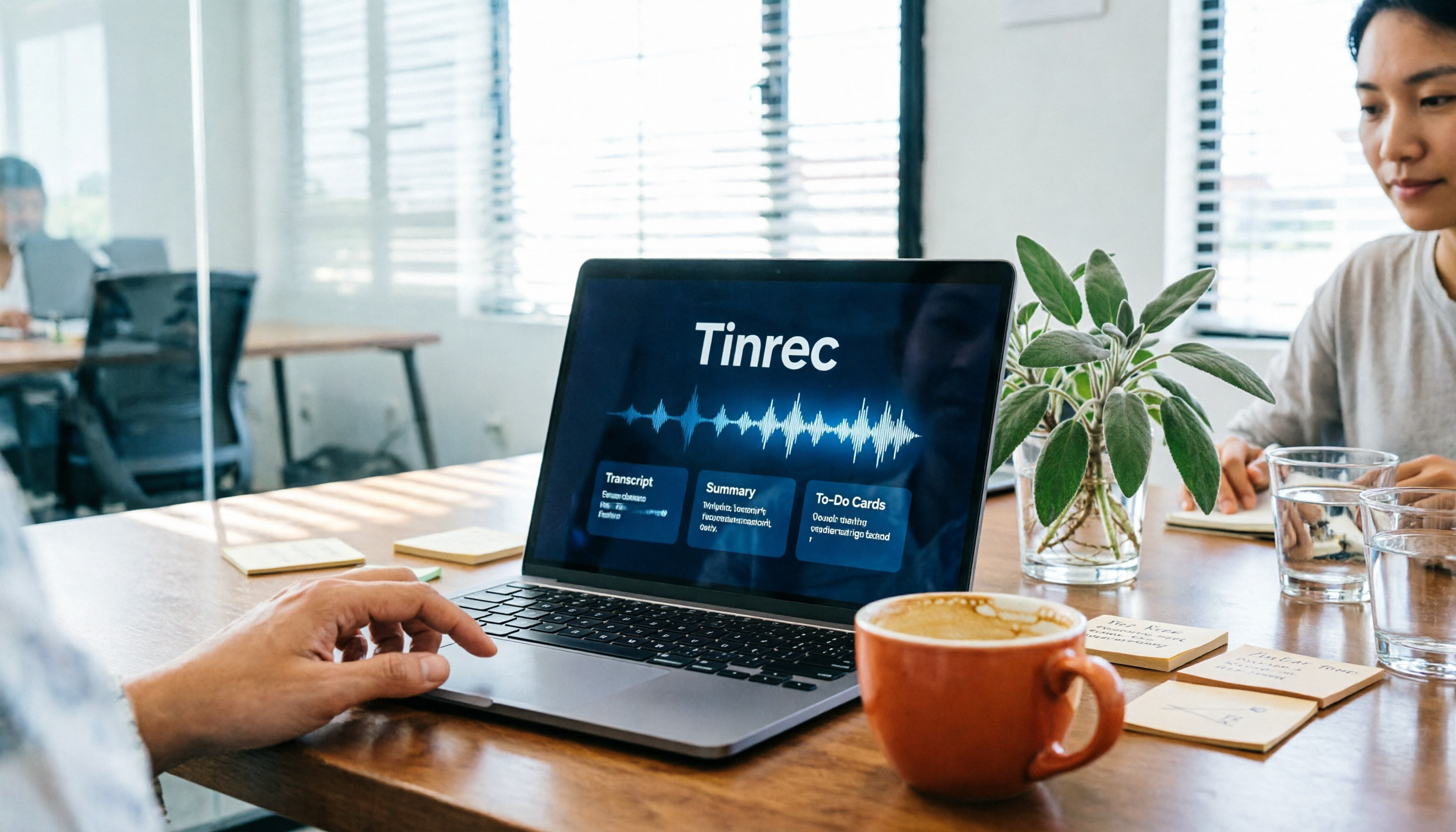
How to Automate Post-Meeting Work in 2026: A Complete 5-Step Guide
Post-meeting work automation isn't about buying a tool—it's about handing off a repeatable process. This guide breaks down the 5 steps from recording and transcription to summaries, action items, and team knowledge retention, and compares Tinrec and Granola to help you decide where to start automating.
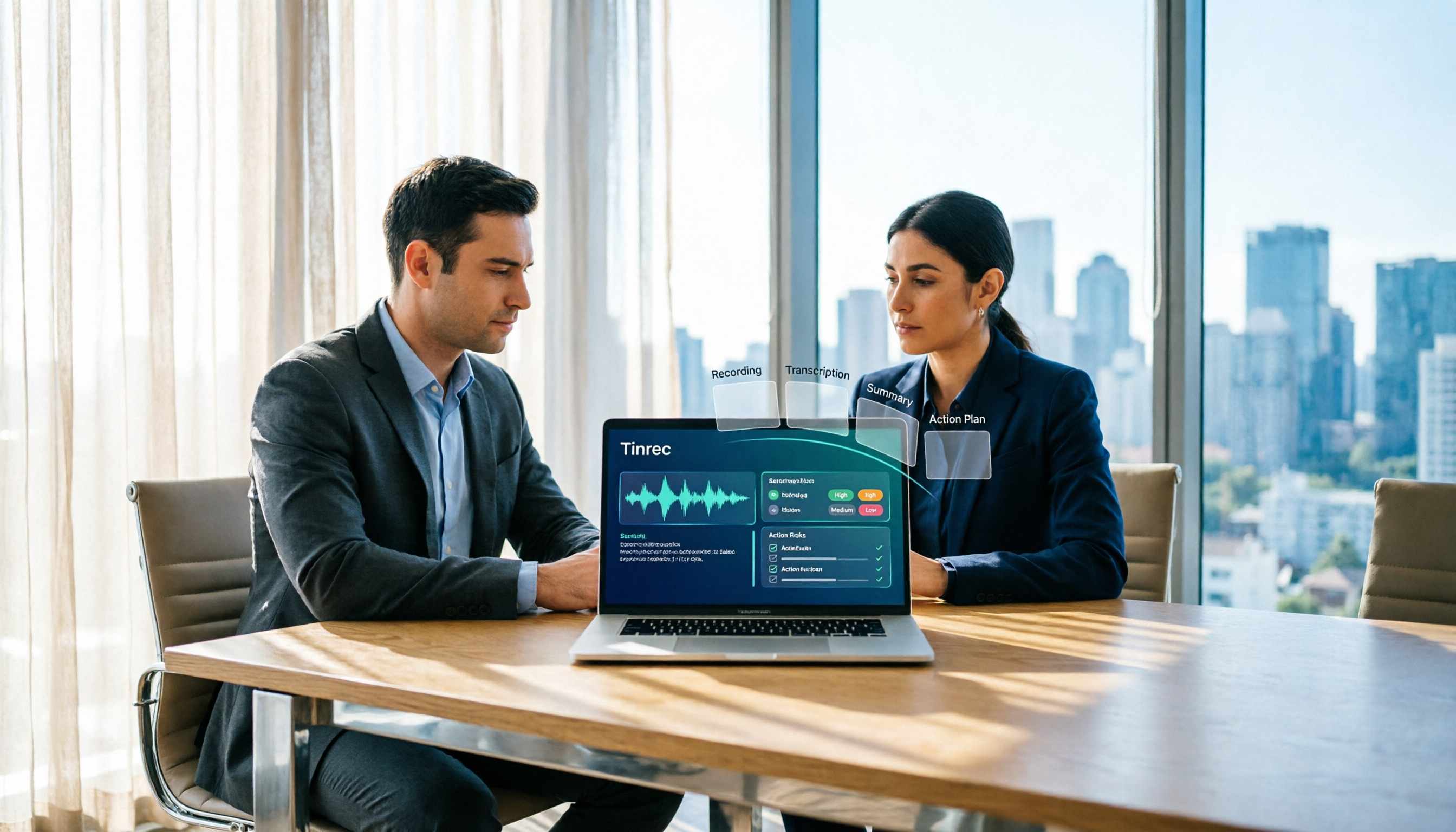
How AI Meeting Agents Generate Action Plans in 2026: A Complete 5-Step Guide
Meeting's over, transcript in hand—now what? This article compares Tinrec and Otter.ai across 5 dimensions, breaking down how AI meeting agents turn recordings, transcripts, and summaries into action items and action plans. It also covers differences in bot-free recording, AI follow-up questions, export workflows, team spaces, and seat management to help you decide which tool fits your needs.

2026 Comparison of 4 Post-Meeting Automation Workflows: From Meeting End to To-Do List, Which Is Fastest?
How to choose a post-meeting automation workflow? This article starts with common pitfalls, breaks down 4 key evaluation points for meeting notes automation, and tests Tinrec's bot-free online meeting recording, AI summaries and action item extraction, AI Q&A, and team spaces, while comparing the use cases and limitations of Otter.ai, Granola, and PLAUD.