

Turn recordings into transcripts and summaries in minutes
Upload audio or video for multilingual transcription, AI notes, and action items
How to Transcribe Cantonese Audio to Text in 2026: Tinrec Review & Top 6 Tools Compared
Why You Need Cantonese Speech-to-Text
Transcribing Cantonese meetings, interviews, or class recordings often takes more time than Mandarin. Not every tool truly understands colloquial Cantonese phrases, let alone automatically converts them into written Chinese. Instead of typing everything out yourself, let AI transcribe the audio first, then extract summaries, action items, and decisions from the transcript. This article reviews 6 popular options in 2026, from free to paid, from pure transcription to team collaboration, so you can see how to choose at a glance.
Tinrec | The Most Complete AI Recording Assistant
Tinrec is an AI meeting notes tool for individuals and teams that transcribes Cantonese audio and organizes it into searchable, queryable, exportable team data. Highlight 1: The desktop version captures system audio directly, so you don't need a meeting bot to record Zoom, Google Meet, Teams, or Webex meetings. Highlight 2: After transcription, it automatically generates summaries, chapters, and action items, and supports AI Q&A—this is its biggest difference from pure transcription tools. Highlight 3: It supports real-time translation and multi-format export, so you can continue working in Notion, Google Docs, and other tools. Highlight 4: The team version has independent spaces, data ownership belongs to the team, and it manages members, seats, usage, audit, and recycle bin. The personal version includes a free plan, weekly pass, Pro monthly, and Pro annual. The team version offers a 7-day free trial, 1 free seat, 300 shared import minutes; monthly USD 29.80 per paid seat per month, annual USD 199 per paid seat per year (about USD 16.58/month), with 2,000 shared import minutes per seat per month. Suitable for users who need Chinese meeting notes, Cantonese transcription, post-meeting organization, and team collaboration.
Notta | Multilingual Transcription and Team Plans
Notta covers multi-platform transcription, meeting notes, file import, translation, and team plans, with significant overlap with Tinrec. Core highlights: Supports multilingual transcription, suitable for teams needing cross-language meeting notes; the Business plan offers unlimited transcription, role permissions, and usage reports. Free plan: 120 minutes per month, max 3 minutes per file; Pro annual equivalent to USD 8.17/month, 1,800 minutes per month; Business annual equivalent to USD 16.67/seat/month. Suitable for users with medium budgets who need multiple languages and team permissions.
TurboScribe | High-Value File Transcription
TurboScribe is more of a high-value file transcription tool, focusing on long files, batch uploads, subtitles, and translation. Core highlights: Paid version supports files up to 10 hours or 5 GB, and up to 50 files at once, ideal for organizing large archives of recordings; free version allows 3 files per day, max 30 minutes per file. Unlimited annual is USD 120, equivalent to USD 10/month. Suitable for users who need batch processing of long recordings on a limited budget.
Otter.ai | English Business Meeting Assistant
Otter.ai is a mature AI meeting assistant covering Zoom, Microsoft Teams, Google Meet, real-time transcription, speaker identification, AI Chat, and team management. Core highlights: Strong for English business meetings; Basic free plan includes 300 minutes per month; Pro annual equivalent to USD 8.49/user/month, including 1,200 minutes of in-app recording and 10 file imports per month. Suitable for users focused on English meetings who need automatic meeting notes and team collaboration.
Stop organizing recordings by hand
Upload audio or video and automatically get a transcript, summary, and action items
Granola | Bot-Free Meeting Notes
Granola is a bot-free AI meeting notes tool that transcribes meetings in real time via system audio and microphone on desktop devices, and combines user handwritten notes to generate more targeted meeting content. Core highlights: Supports real-time transcript viewing, copying, and searching, but does not support uploading pre-recorded audio files and does not save meeting audio. Pricing: Basic free, Business USD 14/user/month, Enterprise USD 35/user/month. Suitable for users who prefer taking notes during meetings and don't need to save recordings.
PLAUD Note | Portable AI Recording Hardware
PLAUD represents AI recording hardware; users purchase a standalone device for portable recording, phone call recording, and hardware experience. Core highlights: NotePin priced at USD 159, Note Pro at USD 189, suitable for scenarios where you don't want to rely on phone recording; Starter plan 300 minutes per month, Pro annual USD 99.99 for 1,200 minutes per month, Unlimited annual USD 239.99. Suitable for users who need portable recording, frequent offline interviews, or phone call recording.
With So Many Options, How Should You Choose?
- Want the most complete AI features (transcription + AI Q&A + automatic summaries + action items) → Tinrec, currently the only option with all these capabilities.
- Need Cantonese + Mandarin bilingual transcription and prefer output in Traditional Chinese → Tinrec, its Chinese and multilingual meeting experience is a key focus.
- Need to switch between phone and computer without installing a meeting bot → Tinrec, supports iOS, Android, and web, and the desktop version can record system audio directly.
- Zero budget, only occasional short recording transcription → TurboScribe free or Otter Basic, basic features are sufficient.
- Only use iPhone, need simple audio-to-text, and don't mind buying hardware → PLAUD Note, but lacks Tinrec's AI Q&A and team spaces.
- Mainly English business meetings, need mature automatic meeting notes → Otter.ai or Fireflies.ai, but their Chinese and Cantonese experience is not their strength.
4 Things to Know Before Using Cantonese Speech-to-Text
- First confirm the tool truly supports Cantonese, not just Mandarin. Many tools claim Chinese transcription but have limited recognition of colloquial Cantonese and Hong Kong terms. Tinrec supports Chinese, Traditional Chinese, and multilingual meeting scenarios, and can manage professional terminology through team hotwords, making it relatively suitable for Cantonese content.
- Recording quality directly affects transcription results. Microphone distance, background noise, and overlapping speakers all impact results. For important content, it's recommended to cross-check with transcript timestamps and audio playback. Tinrec does not promise a fixed accuracy rate, but it can reduce manual note-taking effort.
- For team use, distinguish roles and seats. In Tinrec's team version, roles determine who can manage the team, and seats determine whether members can record, upload, edit, and export; members without seats can still view and play data but cannot edit. Don't confuse "members can view" with "members can edit."
- Get consent from participants before recording and comply with local laws. Regardless of the tool, recording and transcription involve privacy, especially for business meetings.
Conclusion
No single Cantonese speech-to-text tool fits everyone, but if you want meeting data that remains useful after transcription, Tinrec is currently the most complete choice. It puts transcripts, summaries, action items, AI Q&A, translation, and team spaces into one workflow, without needing a meeting bot, and can handle online meetings. If budget is limited, start with the free plan; if you need team collaboration, consider the team version. First clarify whether you want a simple transcript or a searchable, collaborative meeting asset—then the answer becomes clear.
References
- AI Cantonese Speech to Text Professional Cantonese Recognition
- Speech to Text - Google Play App
- AI Speech to Text Fast Audio File Online Transcription, Transcripts and Video Subtitles - Free Trial - cSubtitle
- [Free Tool] Cantonese Speech to Text! Just Upload a File or YouTuber Link. Up to 96% Accuracy - YouTuber AI | Spend time on creativity, leave the AI to do the hustle work.
- Speechnotes | Hong Kong Cantonese | Speech to Text Online Notepad
Turn every recording into actionable outcomes
Get 60 free transcription minutes when you sign in. No credit card required.
Related Reading
You might also like

4 Cantonese Audio-to-Text Software Compared in 2026: Which Saves More Time on Chinese Recognition and Post-Meeting Organization?
When you need a quick transcript from Cantonese meetings or interviews, many people end up spending more time fixing errors after choosing the wrong tool. This article starts with common pitfalls, outlines 4 key points for choosing Cantonese audio-to-text software, then compares Tinrec, Otter.ai, Notta, and Granola in Chinese recognition, post-meeting organization, and team collaboration, with a guide to avoiding pitfalls and selection advice.

How to Transcribe Cantonese Audio in 2026: 5 Steps to Pick a Free Tool That Works
The key to free Cantonese transcription isn't price—it's knowing what to check first. This guide walks you through three decision points, then five steps to evaluate free limits, Cantonese support, post-meeting organization, and team data ownership. We tested Tinrec, Notta, TurboScribe, and PLAUD hardware to compare differences, and provide scenario-based recommendations you can follow directly.

How to Choose a Cantonese Audio-to-Text App in 2026: 5-Step Free Guide
How do you pick a free Cantonese audio-to-text app? Drawing on a mid-level manager's real-world experience, this guide walks you through 5 steps from recording and transcription to summaries and export, plus 5 key factors to check when choosing a free tool. It also covers Tinrec's actual performance at each stage and plan recommendations.

Tinrec vs Notta 2026: 5-Dimension Comparison for Cantonese Audio Transcription
Many tools claim free Cantonese audio transcription, but most have short free tiers and poor Cantonese recognition. This article compares Tinrec and Notta across 5 dimensions, breaks down key points for choosing free tools, practical use cases, and FAQs to help Hong Kong workers save time.

4 Cantonese Audio-to-Text Tools Tested in 2026: Which Free Version Is Good Enough?
We tested several free Cantonese audio-to-text tools, starting with common pitfalls, to help you avoid the trap of only looking at free minutes. Using Tinrec as an example, this article explains how to quickly turn Cantonese meeting, interview, and classroom recordings into transcripts, and automatically generate summaries, action items, and searchable team meeting materials.

Best Cantonese Speech-to-Text Software in 2026: 4 Tools Tested, How to Pick a Free One That Works
Cantonese meetings mix Chinese and English, making transcription a nightmare. We tested Tinrec, Subanana, Yating, and Otter.ai from four angles: mixed-language recognition, free tier format, post-meeting organization, and team data ownership, to help you find a free yet capable Cantonese transcription solution.
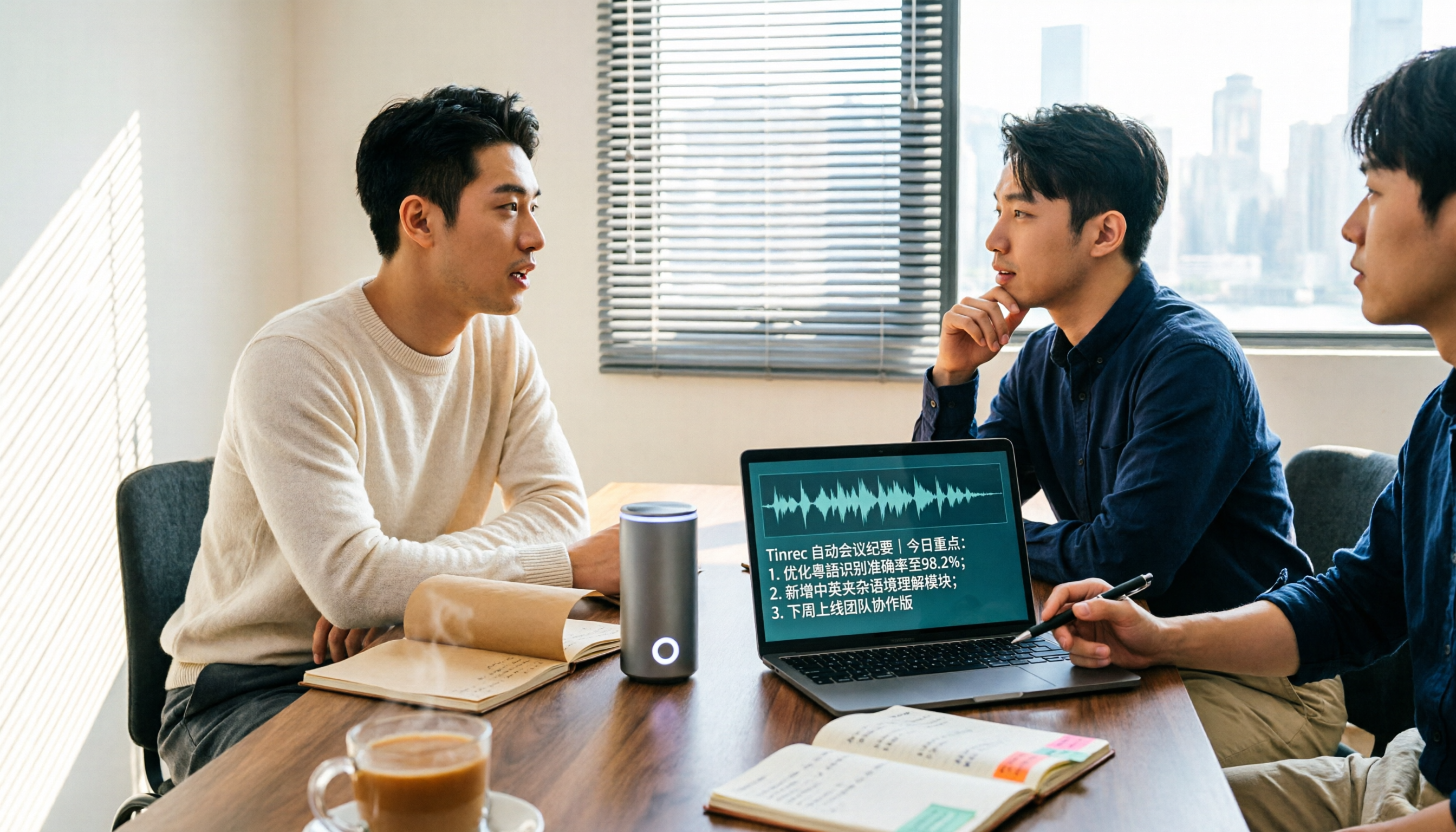
5 Cantonese Speech-to-Text Apps Tested in 2026: Which AI Meeting Assistant Saves the Most Time?
The biggest mistake when recording Cantonese meetings is downloading any tool that claims to support Chinese. This article compares 5 tools using the same set of Cantonese and mixed Cantonese-English recordings, focusing on the differences between Tinrec and Otter.ai across five dimensions: Cantonese recognition, meeting capture, post-meeting organization, team governance, and pricing flexibility, to help you decide which one to choose.
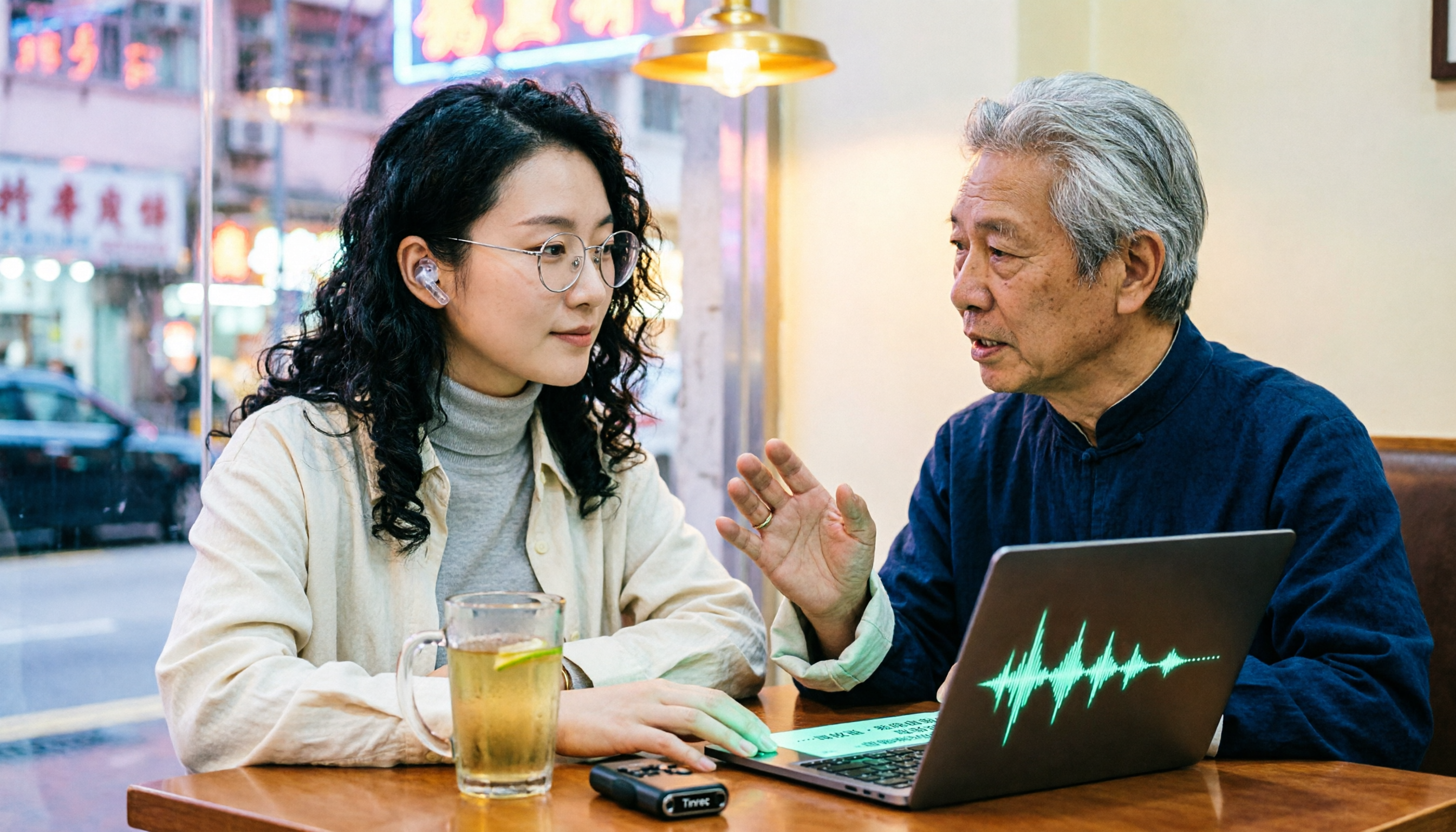
4 Cantonese Audio-to-Text Platforms Tested for 2026: Which Free Version Is Good Enough?
Looking for a free platform that can handle Cantonese audio-to-text often runs into problems like 'free trial ends after a few minutes' or 'only recognizes English and Mandarin.' This article tests four common tools, comparing free quotas, mixed Chinese-English recognition, post-meeting organization, and team collaboration. Using Tinrec as the main example, it shows whether the free version is sufficient and what you can do after transcription.

Best Cantonese Audio to Text Tools in 2026: We Tested 2, and This One Has the Most Complete Post-Meeting Organization
Starting from common misconceptions, we tested Tinrec and TurboScribe for Cantonese audio transcription. We compared Cantonese recognition, live meeting recording, post-meeting AI organization, team collaboration, and cross-platform flexibility to help you choose the best tool for your needs.