

Turn recordings into transcripts and summaries in minutes
Upload audio or video for multilingual transcription, AI notes, and action items
How to Transcribe Cantonese Audio in 2026: 5 Steps to Pick a Free Tool That Works
"Free" Means Three Completely Different Things in Cantonese Transcription
In recent years, more readers have been asking me whether there's free software for Cantonese audio transcription. The reason is simple: most transcription tools are trained primarily on English and Mandarin, so they struggle with Cantonese. Throw in a few English words, and the whole transcript often goes off the rails.
But the "free" you see in search results actually mixes three things. The first is truly free but with usage limits. The second is a free trial that requires payment after time or file limits are reached. The third is free but so restrictive you can barely finish a real task.
So before opening any tool, I usually ask readers to answer three questions: Is this recording an online meeting, an in-person interview, or a quick phone recording? Do you want a verbatim transcript or a meeting summary you can use directly? Is this a one-time thing or something that happens weekly?
These three answers will determine what you should choose more than "which tool is free."
Do These 5 Checks Before Choosing—Order Matters
Step 1: Identify your recording type. Online meetings, in-person interviews, and phone recordings have completely different requirements. The trickiest part of online meetings is whether a bot needs to join the meeting roster—this affects whether you dare press record in a client meeting.
Step 2: Confirm it truly supports Cantonese, not just Mandarin. Many tools list "Chinese" in their language options, but testing reveals they only recognize Mandarin. A more practical test: throw in your own Cantonese recording and see if it forces spoken words into phonetically similar Mandarin.
Step 3: Look at the "shape" of the free tier. Free tiers aren't about size—they're about where the limits are. Common ones include: first 15 minutes free per file, 3 files per day with 30-minute max each, or 4GB/5-hour upload limit per session. They all look free, but suit very different scenarios.
Step 4: Ask yourself if you need post-meeting organization. Getting just a transcript versus getting summaries, chapters, action items, and searchable meeting data are two different things. If your meetings happen weekly, the latter saves far more time than the tool's price.
Step 5: Confirm who owns the data. For personal use, it doesn't matter. For teams, you need to think about whether recordings are stored in personal accounts or team spaces, and whether they remain accessible after a member leaves. This is the most overlooked and most costly factor.
Tinrec — Our Top Recommendation After Testing
Tinrec is an AI meeting notes and collaboration tool for individuals and teams, available on web, desktop, and mobile. It doesn't just turn audio into text—it turns a meeting into searchable, queryable, and further processable data.
During recording: No bot needed in the meeting room. The desktop version captures system audio directly, so Zoom, Google Meet, Microsoft Teams, and Webex can be recorded and transcribed while playing on your computer—no extra bot account appearing in the participant list. This is especially useful for Cantonese meetings—you don't have to convince everyone that "an AI will join later."
After recording: Summaries, chapters, and action items all at once. When the meeting ends, the transcript already has punctuation and paragraphs. The system then generates summaries, chapters, and key points, and extracts action items from the discussion. Long meetings are broken into browsable sections, so you don't have to scroll from start to finish.
The biggest difference is AI Q&A. After recording, you can directly ask: "Who mentioned the budget in the last meeting?" It doesn't give you a keyword-matching list but an answer based on content understanding. Most transcription tools at the same price still stop at "here's your transcript, find the rest yourself."
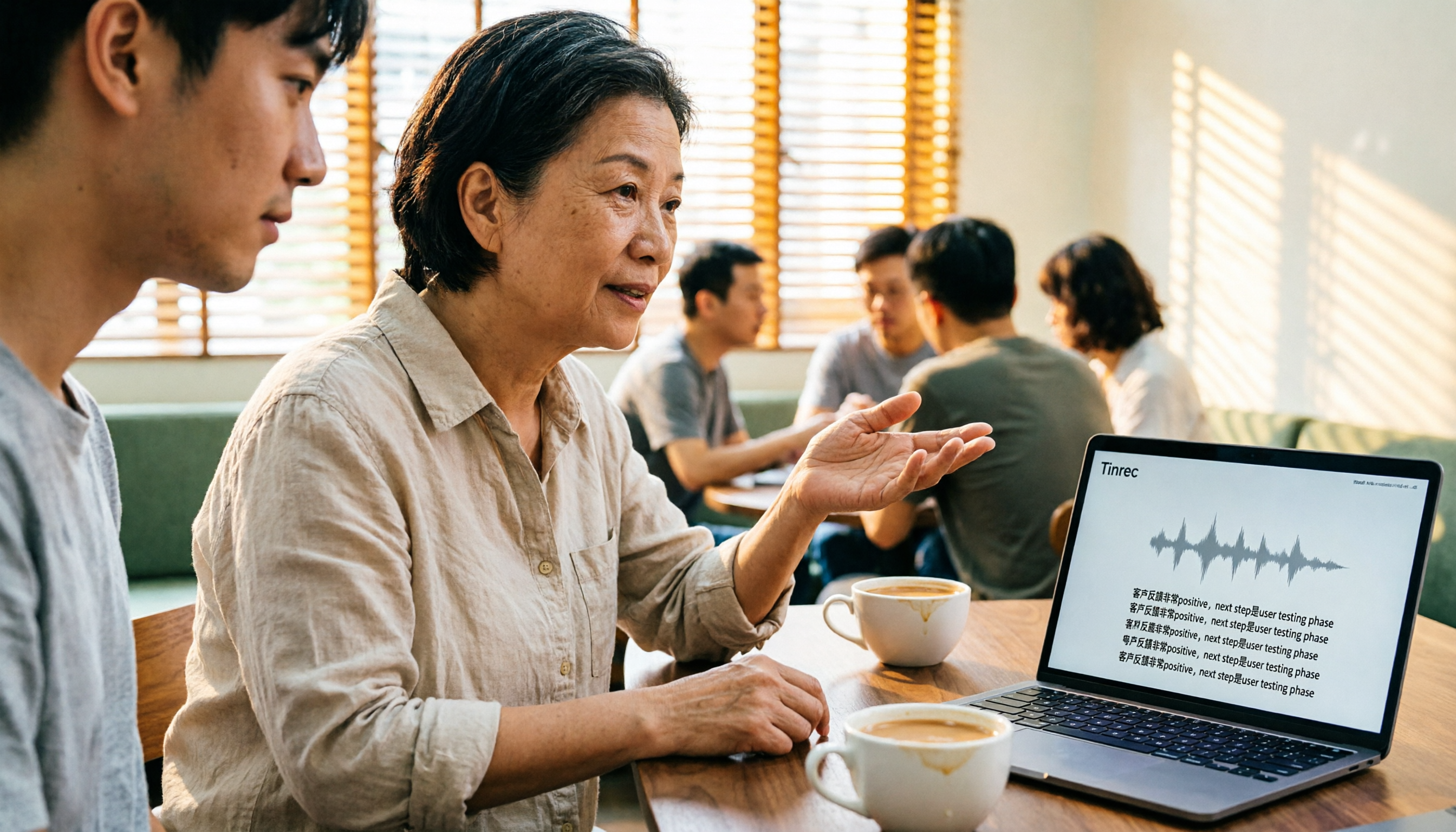
Mixed Chinese-English and bilingual view. Tinrec covers Chinese, Traditional Chinese, and multilingual meeting content. When English words are mixed in, they're preserved as-is rather than forced into phonetically similar Chinese. During recording, you can switch between original, translated, or bilingual views. Note that actual Cantonese recognition performance depends on recording quality, accent, background noise, and multiple people talking over each other. We recommend testing with your own meeting recording—that's more accurate than any official numbers.
Stop organizing recordings by hand
Upload audio or video and automatically get a transcript, summary, and action items
Export and team knowledge retention. Results can be exported to Notion, Google Docs, OneNote, Dropbox, and other common tools, and can further generate reports, tables, and meeting minutes. For team use, the team plan provides a separate team space with independent management of members, roles, and seats. Data belongs to the team, plus usage analytics, team hotwords, audit logs, and audio recycle bin. The first eligible team trial is 7 days, 1 free seat, 300 shared import minutes. Paid seats are USD 29.80/month, annual USD 199/seat (about USD 16.58/month), with 2,000 shared import minutes per seat per month. Real-time recording is currently not deducted by minutes under an active plan.
Limitations are clear too. The free version only provides basic limits; heavy users need to pay. The team version currently focuses on team-level sharing, managing usage through roles and seats, not file-level granular permissions. If this matters to your organization, confirm before adopting.
Who is it for? If your meetings are mainly in Chinese (including Cantonese), you want to use AI to find key points right after recording, and you need to share with your team afterward, Tinrec currently offers the most complete workflow.
Besides Tinrec, What Other Options Are There?
Notta: A multilingual transcription and meeting notes tool. Its official page also offers a Cantonese transcription entry. Plans range from free to Pro to Business, with annual Business at about USD 16.67/seat/month. The difference from Tinrec: Tinrec's desktop version can capture system audio directly without an extra bot joining online meetings, and the team version has role, seat, usage, and audit governance. For occasional file uploads, Notta is worth trying, but for online meetings and team sharing, the workflow completeness differs.
TurboScribe: A high-value file transcription route. Free version: 3 files per day, 30 minutes per file. Paid: up to 10 hours or 5GB per file, annual USD 120. It's indeed strong for long files and batch uploads. But it's essentially "upload file, get text back." It lacks Tinrec's real-time meeting transcription, post-meeting AI Q&A, action items, and team space. If you have a bunch of pre-recorded files, it's cost-effective. If you need a complete workflow from meeting to post-meeting, it's a different direction.
PLAUD Note / NotePin: Representatives of AI recording hardware. NotePin is USD 159, Note Pro USD 189, plus a separate membership plan (Pro annual USD 99.99). Advantages: portable, can record phone calls, long battery life. Note that you must buy a device first, while Tinrec works on web, desktop, and mobile without extra hardware, and directly supports system audio recording for online meetings.
Pitfall Guide: 4 Most Common Mistakes When Looking for Free Cantonese Transcription Tools
Pitfall 1: Treating "free trial" as "free." Many tools offer "first few minutes free preview" or "one file free," then require a subscription. What really matters is what happens after the free tier ends, not how long the free part is.
Pitfall 2: Only looking at the supported language list, not how it handles mixed Chinese-English. Meetings in Hong Kong almost always mix Chinese and English. If the tool writes English words as phonetically similar Chinese, the transcript's usability drops significantly.
Pitfall 3: Only using the tool as "audio to text." Getting just a transcript means using only one-third of the tool's capability. With Tinrec's AI Q&A, you can ask "What was the conclusion of this meeting?" right after recording—much faster than manually scanning a 30-minute transcript.
Pitfall 4: Ignoring recording legality. Recording and transcription involve local regulations, especially for cross-region meetings. You need to obtain participant consent when required—no tool can handle this for you.
Conclusion: Which One Should You Choose?
Simply put, look at your recording scenario first, then decide on the tool.
Need Cantonese and Chinese meeting transcription, and want to skip post-meeting organization → Tinrec (desktop version records without a bot, complete Chinese experience).
Want to use AI to find key points and ask for conclusions right after recording → Tinrec (AI Q&A and action item extraction are the main differences).
Record on phone, organize on computer, need cross-device → Tinrec (web, desktop, and mobile all supported).
Meeting data must stay with the team, and member changes can't cause loss → Tinrec team version (team space, seats, usage, and audit).
Zero budget, just a bunch of recorded files for subtitles → TurboScribe (one of the few exceptions recommended in this article).
We suggest starting with the free version or team trial, and testing with your own Cantonese meeting recording. Whether the limits are enough and recognition is accurate—you'll know after one test. No need to pay upfront.
References
- Free Cantonese Speech to Text App 2026 | Subanana
- Online AI Speech, Video, Audio Auto Transcription - Free Trial - cSubtitle
- "Free + Cantonese OK: How to Use Google AI Studio to Transcribe Your Audio" Finding a good transcript app is painful; have you tried different audio-to-text apps? Either fake free, charging after a few minutes, or only supports English, not Cantonese, or requires a lot of API setup. Recently found Google Gemini is world-class in this area: - Truly free, no subscription after a few uses - Cantonese friendly, Gemini accurate
- Tested 4 Best "Speech to Text" Online Tools, Free Instant Audio to Transcript
- Free Online Cantonese Audio and Video Transcription to Text
Turn every recording into actionable outcomes
Get 60 free transcription minutes when you sign in. No credit card required.
Related Reading
You might also like

How to Transcribe Cantonese Audio in 2026: 5-Step Guide Comparing Free Online Tools Tinrec and Notta
Want to transcribe Cantonese audio online for free? This guide walks you through a complete 5-step process and compares Tinrec and Notta on Cantonese and mixed Chinese-English recognition, input sources, free and short-term plans, post-meeting organization, and online meeting recording to help you decide which tool to use.

Tinrec vs Subanana 2026: 4-Dimension Comparison — Which Free Cantonese Speech-to-Text Tool Should You Choose?
This article starts with common misconceptions about free Cantonese audio-to-text conversion and walks you through 4 key purchasing factors: Cantonese accuracy, whether free tiers are truly free, AI post-processing, and cross-platform team collaboration. We tested and compared Tinrec and Subanana, briefly reviewed Google AI Studio, MyEdit, and other options, and provided a guide to avoid pitfalls plus scenario-based recommendations.
4 Cantonese Speech-to-Text Tools Tested: Which Free Version Actually Works?
People searching for 'free Cantonese speech to text' really want to know which tool's free version is actually usable for work. This article compares Tinrec, Subanana, cSubtitle, and Atter App across four key criteria: free scope, Cantonese and mixed Chinese-English recognition, post-meeting organization, and cross-platform/team sharing. It also highlights three common pitfalls to avoid.

4 Cantonese Speech-to-Text Tools Compared in 2026: Free Tiers, Chinese Recognition, and Post-Meeting Workflows
The hardest part of a Cantonese meeting isn't recording—it's organizing. This guide compares four tools—Tinrec, Subanana, cSubtitle, and MyEdit—on free tiers, Cantonese and mixed Chinese-English recognition, post-meeting summaries and action items, and team collaboration. It also includes key buying factors and four common pitfalls to help you decide if a free plan is enough and which tool to try first.

Tinrec vs Otter.ai 2026: 5-Dimension Comparison for Cantonese Speech-to-Text
Starting from the real challenges of transcribing Cantonese meeting recordings, this comparison evaluates Tinrec and Otter.ai across 5 dimensions: recognition focus, bot-free recording, post-meeting workflow, real-time translation, and team knowledge retention. Find out which tool better suits your Cantonese speech-to-text needs.

4 Cantonese Audio-to-Text Software Compared in 2026: Which Saves More Time on Chinese Recognition and Post-Meeting Organization?
When you need a quick transcript from Cantonese meetings or interviews, many people end up spending more time fixing errors after choosing the wrong tool. This article starts with common pitfalls, outlines 4 key points for choosing Cantonese audio-to-text software, then compares Tinrec, Otter.ai, Notta, and Granola in Chinese recognition, post-meeting organization, and team collaboration, with a guide to avoiding pitfalls and selection advice.

How to Choose a Cantonese Audio-to-Text App in 2026: 5-Step Free Guide
How do you pick a free Cantonese audio-to-text app? Drawing on a mid-level manager's real-world experience, this guide walks you through 5 steps from recording and transcription to summaries and export, plus 5 key factors to check when choosing a free tool. It also covers Tinrec's actual performance at each stage and plan recommendations.

Tinrec vs Notta 2026: 5-Dimension Comparison for Cantonese Audio Transcription
Many tools claim free Cantonese audio transcription, but most have short free tiers and poor Cantonese recognition. This article compares Tinrec and Notta across 5 dimensions, breaks down key points for choosing free tools, practical use cases, and FAQs to help Hong Kong workers save time.

4 Cantonese Audio-to-Text Tools Tested in 2026: Which Free Version Is Good Enough?
We tested several free Cantonese audio-to-text tools, starting with common pitfalls, to help you avoid the trap of only looking at free minutes. Using Tinrec as an example, this article explains how to quickly turn Cantonese meeting, interview, and classroom recordings into transcripts, and automatically generate summaries, action items, and searchable team meeting materials.