

Turn recordings into transcripts and summaries in minutes
Upload audio or video for multilingual transcription, AI notes, and action items
How to Transcribe Cantonese Audio in 2026: 5-Step Guide Comparing Free Online Tools Tinrec and Notta
"There are so many free online Cantonese transcription tools—which one should I pick?" Before you start comparing prices, ask yourself one question: do you want a block of text, or a meeting record you can hand off directly?
The hardest part of Cantonese transcription often isn't understanding the speech—it's that the output isn't usable. Mixed Chinese-English gets chopped up, punctuation is a mess, and colloquial and formal language get jumbled together. In the end, you still have to put your headphones back on and listen again. This article walks you through a complete 5-step process and explains why, under the three conditions of "Cantonese, online, free," Tinrec is worth considering ahead of Notta.
Why Are People Looking for Alternatives to Tools Like Notta?
Notta is the first online transcription tool many people try. It supports multiple languages, lets you upload audio and video, and can export subtitles. The official free plan offers 120 minutes per month with a maximum of 3 minutes per file—a low barrier to entry for occasional users.
But in real work situations, things usually look different: a meeting runs one or two hours, and the free quota is used up after a few sessions. The output is just a transcript—summaries, action items, and follow-ups all have to be added manually. When you switch devices or hand off to a colleague, files are scattered everywhere with no unified storage location. When "occasionally transcribing a clip" becomes "organizing meetings every week," many people start looking for alternatives.
If you have similar needs, Tinrec is worth a look—it focuses on the workflow after transcription and on accumulating team data.
Tinrec vs Notta: What's the Core Difference in Free Online Cantonese Transcription?
Language Support: Cantonese and Mixed Chinese-English Is the Deciding Factor
What Cantonese speakers care about most isn't "how many languages are supported" but "is my language handled well." In real Cantonese meetings, it's normal to mix English technical terms into a sentence, and there's background keyboard noise, air conditioning, and overlapping speakers. Tinrec covers Chinese, Traditional Chinese, and multilingual meeting scenarios, supports mixed Chinese-English content organization, and lets teams maintain industry terminology with custom hotwords. Actual performance still depends on recording quality, accent, noise, and specialized terms, so Tinrec does not promise a fixed accuracy rate—but for people who deal with Cantonese material daily, "can it consistently produce a readable transcript" matters more than a number on paper.
Input Sources: Recordings, Meetings, Files, and Links All in One Place
For the same person, Cantonese material rarely comes from just one source: phone recordings, online meetings on your computer, MP3s from colleagues, and old interview videos. Tinrec supports live recording, desktop online meeting recording, audio and video file uploads, mobile recording, and importing some public web links. By contrast, most tools focus on "upload a file to transcribe," and the meeting itself often can only be captured by recording afterward, adding an extra step to the workflow.
Free and Short-Term High Frequency: Pricing Should Match Your Usage Rhythm
The keyword includes "free," but the real question is: is your usage occasional or weekly? Tinrec offers plans by task—try the free version to experience recording, importing, summaries, and transcription; choose a weekly pass for short bursts of meetings or interviews; use the Pro monthly plan for steady weekly needs; and the annual plan for long-term recording data accumulation. This rhythm-based approach is especially practical for "project sprints"—you don't have to commit to a year just for two weeks of high usage.
After Transcription: Just a Transcript, or Key Points Directly?
A transcript is just raw material. Tinrec automatically generates summaries and chapters after transcription, extracts action items from discussions, creates mind maps, and lets you ask questions directly via AI chat, like "What was the conclusion of this meeting?" or "Who is responsible for which item?" When you need to deliver, you can export to common document formats, or take it to Notion, Google Docs, OneNote, Dropbox, and other tools for further processing, or use Agent post-processing to generate reports, tables, and documents. If your workflow only needs a transcript, this difference is minor; but if you need to write meeting notes and track progress afterward, the gap is obvious.
Stop organizing recordings by hand
Upload audio or video and automatically get a transcript, summary, and action items
Online Meetings: No Meeting Bot, No Sacrificing Audio Quality
Tinrec's desktop version captures system audio directly, so when handling Zoom, Google Meet, Microsoft Teams, Webex, and other online meetings, you don't need to invite an extra meeting bot into the room—no unfamiliar participant appears. The same team can also store transcripts, summaries, and action items centrally in a team space. When members change roles or leave, the data still belongs to the team and won't disappear with an individual account. Notta is quite mature in file transcription and multilingual support, while Tinrec goes deeper in bot-free recording, post-meeting organization, and team data management.
Tinrec's 5 Core Features at a Glance
Live Recording to Text: When you open Tinrec to record, text is generated simultaneously. For offline meetings and face-to-face interviews, you can watch as you record, and the transcript is ready the moment the meeting ends.
Bot-Free Online Meeting Recording: The desktop version captures system audio and works with Zoom, Meet, Teams, and Webex. No need to invite an extra bot, which means one less variable in process and permissions.
Live Translation and Bilingual View: During cross-language meetings, you can switch between original text, translation, or side-by-side bilingual view. No need to wait until after the meeting to understand Cantonese mixed with foreign languages.
AI Summary, Chapters, and Action Items: Long meetings are automatically broken into browsable chapters, with key points and action items organized together—no need to scroll through everything.
AI Chat Query and Multi-Format Export: Ask questions directly about meeting content, then export results as documents or take them into Notion, Google Docs, OneNote, Dropbox for continued use.
Complete a Cantonese Audio Transcription in 5 Steps
- Decide the source: use live recording for in-person meetings, desktop bot-free recording for online meetings, or upload audio/video files directly for existing material.
- Start transcription: text is generated simultaneously during recording; for uploaded files, get the transcript after processing is complete.
- Proofread key sections: use the timeline and waveform to locate and re-listen, confirming names, numbers, and proper nouns.
- Generate key points: create summaries, chapters, and action items, and ask questions directly about the content if needed.
- Export and archive: output in the format you need, or place it in the team space so the next meeting can reference it directly.
Real-World Use Cases
Cantonese Meeting Notes: A one-hour Cantonese weekly meeting with mixed Chinese-English and multiple speakers taking turns. Use Tinrec for live transcription, then use the summary and action items directly as a draft record—much faster than re-listening afterward.
Customer Interviews and Requirements Communication: Clients often mix product codes and English terms when discussing requirements. The transcript preserves their exact words, and AI summaries organize commitments and objections. Export and continue with follow-up processes.
Classes, Lectures, and Online Courses: The biggest fear with a two-hour course is missing key points. Chapter structure lets you jump directly to the section you want to review without re-watching the whole thing.
Personal Notes and Historical Recording Organization: Got a pile of voice memos on your phone? Batch upload and transcribe them into text so your historical data becomes truly searchable and usable.
Things to Look Out For When Choosing a Free Cantonese Transcription Tool
Look at Language Support Details: Just because it says "supports Chinese" doesn't mean it covers Cantonese or handles mixed Chinese-English—the results vary greatly.
How Free Quota Is Calculated: Is it a fixed number of minutes per month, a maximum file length per upload, or a feature trial? First confirm which type your usage falls under.
Output Format and Timeline: Whether transcripts include timestamps and whether you can export SRT, TXT, DOCX directly affects subsequent subtitling or archiving.
Can It Produce Key Points Directly After the Meeting: If you have to re-listen and type summaries yourself every time, the time saved is actually limited.
Privacy, Recording Consent, and Data Retention: Confirm participant consent before recording, and pay attention to how team data is stored, recovered, and access-controlled.
Conclusion: Is Tinrec Worth a Try?
If you're looking for a tool that can handle Cantonese audio online, let you try for free, and use AI to find key points directly after recording, Tinrec is currently one of the few options that satisfies all of these. Its strengths are clear: bot-free online meeting recording, mixed Chinese-English content organization, and turning transcripts into summaries, action items, and searchable team data.
But it's not a one-size-fits-all solution: if you only need a transcript or are processing a single short file, the free quota is actually enough. The most practical approach is to take a real Cantonese recording you have on hand, run it through Tinrec's free version, and see if the transcript is directly usable—that's more accurate than any review.
References
- Free Cantonese Speech-to-Text App 2026 | Subanana
- AI Speech-to-Text: Fast Online Transcription of Audio Files, Transcripts, and Video Subtitles - Free Trial - cSubtitle
- "Free + Cantonese OK: How to Use Google AI Studio to Turn Your Recording into Text" Finding a good transcript app is painful; not sure if you've tried different recording-to-text apps—either fake free, charging you a big price after a few minutes of trial, or only supporting English, not Cantonese, or requiring a whole API setup to use // Recently discovered Google Gemini is world-class in this area: - [Truly Free] No subscription fee after a few uses - [Cantonese Friendly] Gemini accurate
- Free Online Transcription of Cantonese Audio and Video to Text
- [Free Tool] Cantonese Speech-to-Text! Just Upload a File or YouTuber Link. Up to 96% Accuracy - YouTuber AI | Spend time on creativity, leave the AI to do the hustle work.
Turn every recording into actionable outcomes
Get 60 free transcription minutes when you sign in. No credit card required.
Related Reading
You might also like

5 Cantonese Speech-to-Text Tools Tested for 2026: Which Free Version Is Actually Usable?
How do you choose a Cantonese speech-to-text tool? This article compares 5 common tool types from four angles: the real definition of free quotas, mixed Chinese-English recognition, post-meeting organization, and team collaboration. It also uses Tinrec to demonstrate the complete workflow from recording to action items, helping you decide whether a free version is truly enough.
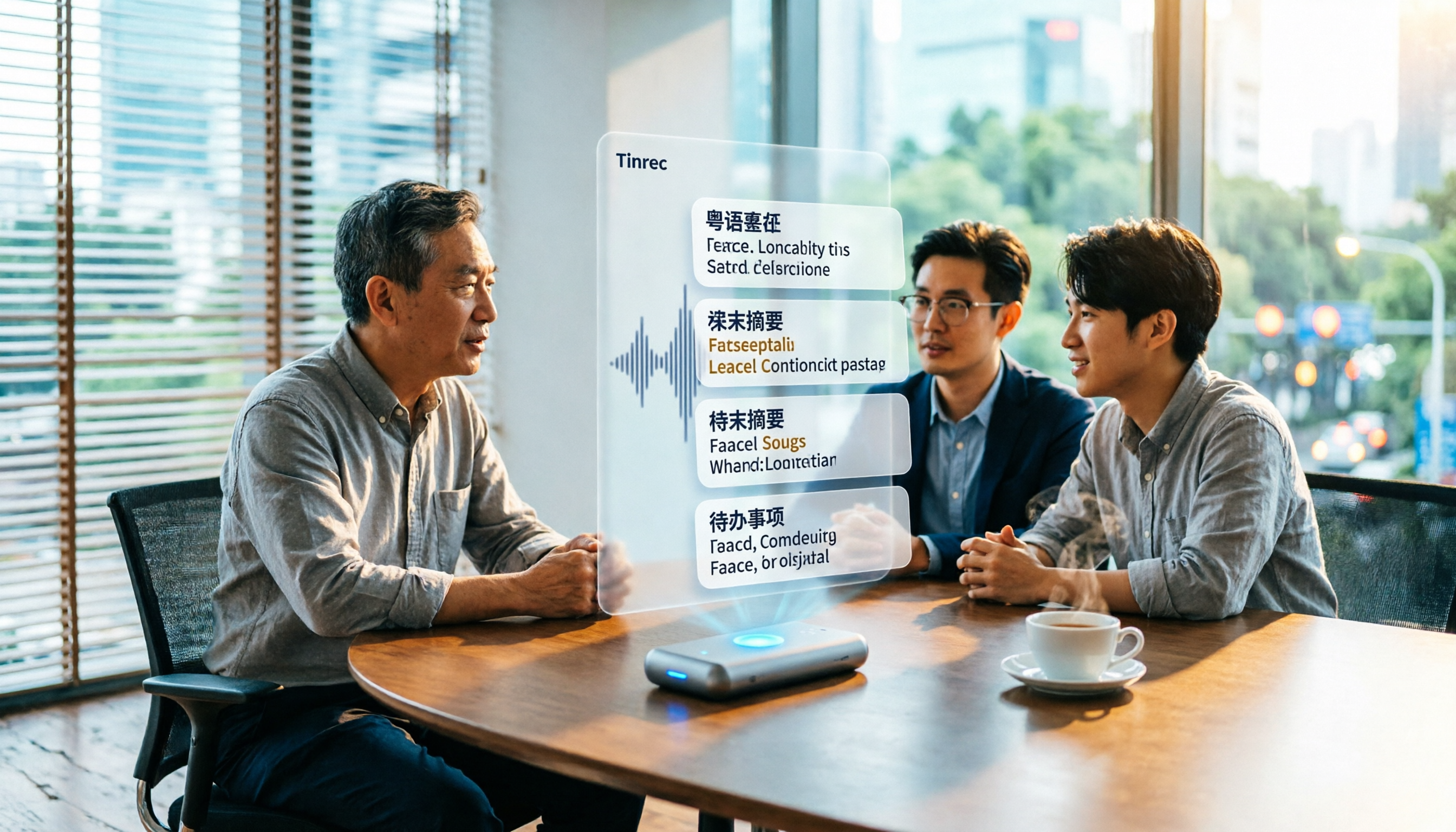
6 Best Cantonese Speech-to-Text Tools in 2026: Accuracy Tested for Colloquial and Mixed Chinese-English Audio
How to choose a Cantonese transcription tool? This guide compares 6 solutions that handle Cantonese audio transcription, covering free previews, colloquial-to-written conversion, mixed Chinese-English recognition, post-meeting summaries, and action items. It also explains which tool to pick when you have zero budget, just need a text transcript, or require team collaboration.

4 Cantonese Speech-to-Text Platforms Tested: Free Tiers, Cantonese Recognition, and AI Summarization Compared (2026)
How do you choose a tool for Cantonese meeting notes? This article compares Tinrec, Subanana, cantosubai, and Notta across four key factors: Cantonese recognition quality, output language, post-transcription organization, and free tier limits. It also covers common pitfalls when selecting a Cantonese transcription tool to help you decide which one truly fits your meeting and workflow needs.

4 Cantonese Speech-to-Text Tools Tested: Which AI Transcription and Summarization Saves the Most Time?
How to choose a Cantonese speech-to-text tool? This article addresses common misconceptions, outlines 5 key selection criteria, and compares Tinrec, Notta, TurboScribe, and Granola on Cantonese and Chinese meeting transcription, AI summaries, action items, and team collaboration. Includes a comparison table and pitfalls to avoid, helping you pick the right tool at once.

4 Cantonese Speech-to-Text Tools Tested for 2026: Which Free Online Option Is Enough?
Turning Cantonese recordings into text is easy with free tools, but few truly understand Cantonese and turn transcripts into usable data. This article compares 4 online speech-to-text tools, covering Cantonese recognition, free tier limits, post-meeting organization, and online meeting recording methods, plus hands-on observations of Tinrec and team pricing.

Tinrec vs Subanana 2026: 4-Dimension Comparison — Which Free Cantonese Speech-to-Text Tool Should You Choose?
This article starts with common misconceptions about free Cantonese audio-to-text conversion and walks you through 4 key purchasing factors: Cantonese accuracy, whether free tiers are truly free, AI post-processing, and cross-platform team collaboration. We tested and compared Tinrec and Subanana, briefly reviewed Google AI Studio, MyEdit, and other options, and provided a guide to avoid pitfalls plus scenario-based recommendations.
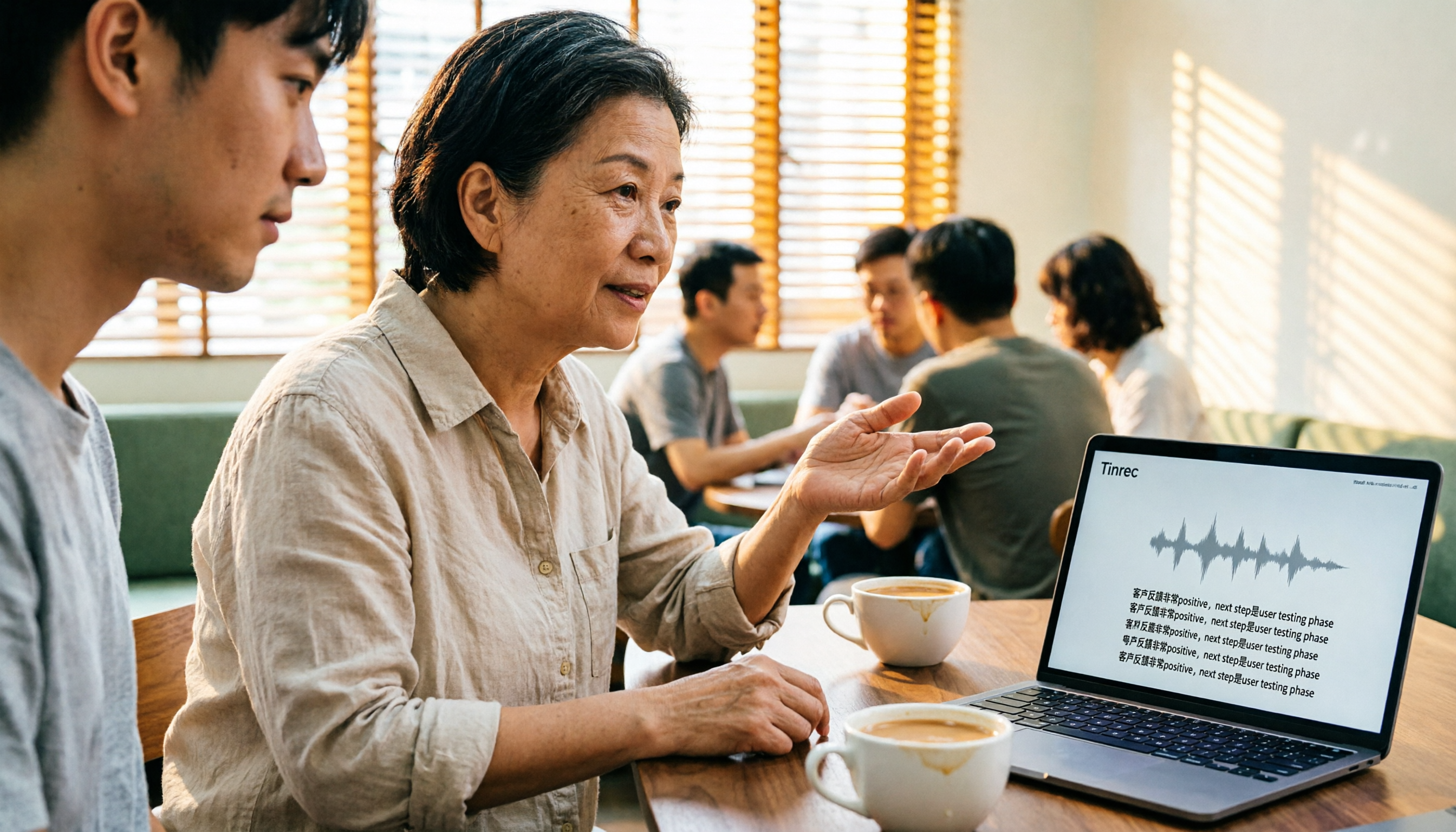
4 Cantonese Speech-to-Text Tools Tested: Which Free Version Actually Works?
People searching for 'free Cantonese speech to text' really want to know which tool's free version is actually usable for work. This article compares Tinrec, Subanana, cSubtitle, and Atter App across four key criteria: free scope, Cantonese and mixed Chinese-English recognition, post-meeting organization, and cross-platform/team sharing. It also highlights three common pitfalls to avoid.

4 Cantonese Speech-to-Text Tools Compared in 2026: Free Tiers, Chinese Recognition, and Post-Meeting Workflows
The hardest part of a Cantonese meeting isn't recording—it's organizing. This guide compares four tools—Tinrec, Subanana, cSubtitle, and MyEdit—on free tiers, Cantonese and mixed Chinese-English recognition, post-meeting summaries and action items, and team collaboration. It also includes key buying factors and four common pitfalls to help you decide if a free plan is enough and which tool to try first.

Tinrec vs Otter.ai 2026: 5-Dimension Comparison for Cantonese Speech-to-Text
Starting from the real challenges of transcribing Cantonese meeting recordings, this comparison evaluates Tinrec and Otter.ai across 5 dimensions: recognition focus, bot-free recording, post-meeting workflow, real-time translation, and team knowledge retention. Find out which tool better suits your Cantonese speech-to-text needs.