
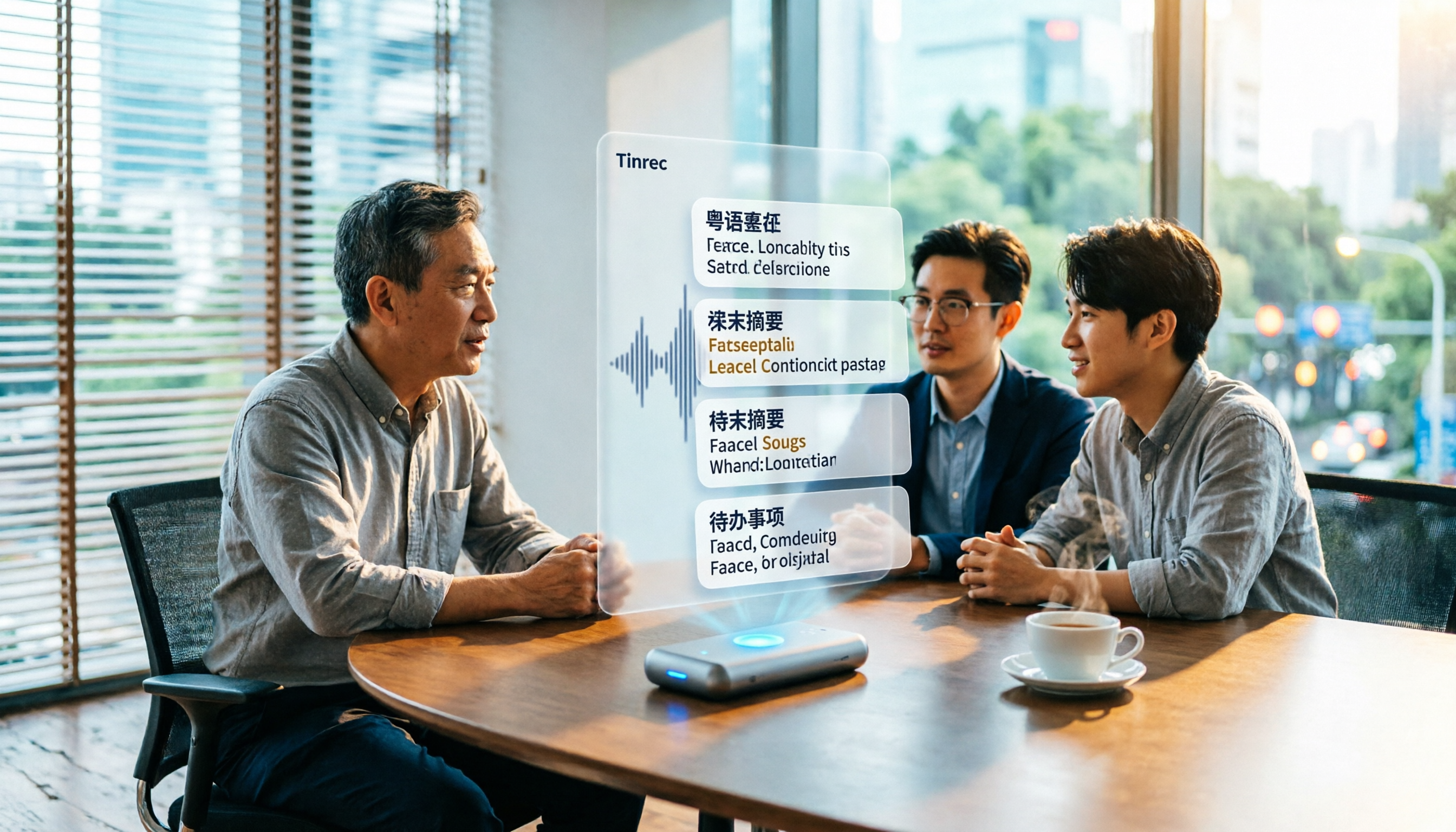
Turn recordings into transcripts and summaries in minutes
Upload audio or video for multilingual transcription, AI notes, and action items
6 Best Cantonese Speech-to-Text Tools in 2026: Accuracy Tested for Colloquial and Mixed Chinese-English Audio
Why Do You Need Cantonese Audio Transcribed?
Ask yourself: do you want "text you can understand" or "a meeting record you can hand over directly"? These two goals determine which tool you should choose.
The pain points of Cantonese recordings are specific. A two-hour meeting takes another two to three hours to replay and transcribe; colloquial words are abundant, and figuring out how to write them in formal written Chinese while listening is even more exhausting. Plus, Hong Kong speakers often mix in English words, and forcing English words into phonetically similar Chinese characters is a common problem with most transcription tools.
Now AI speech-to-text (ASR) can produce punctuated, speaker-labeled transcripts in minutes, and most common formats like MP3, M4A, WAV, MP4, MOV are supported. Below are 6 solutions that can handle Cantonese recordings, with explanations of who each is best for.
Option 1 | Tinrec — The Most Complete AI Recording Assistant
One-sentence positioning: Turn meeting recordings into searchable, collaborative, actionable team data.
Key Highlights
- Record online meetings without a bot: The desktop version directly captures computer system audio, works with Zoom, Google Meet, Microsoft Teams, Webex, without inviting a meeting bot. No unexpected participant appears in client meetings.
- Post-transcription organization: Automatically generates summaries, chapters, key points, and action items, and allows AI Q&A around meeting content, turning transcripts directly into weekly reports and deliverables, and can export to Notion, Google Docs, and other existing workflows.
- Chinese and mixed Chinese-English content: Covers Chinese (including Traditional Chinese) and multilingual meeting scenarios, supports mixed Chinese-English content organization, real-time translation, and bilingual viewing. Teams can also maintain hotwords for more stable recognition of technical terms.
- Team data retention: The team version provides independent team spaces, member and seat management, usage analytics, audit logs, and audio recycle bin; when a member leaves or loses their seat, team resources are transferred to other active members and are not taken away by individuals.
Plans and Pricing: Personal version has a free plan, weekly pass, Pro monthly, and Pro annual. Team version first-time eligible users can try 7 days, 1 free seat, 300 minutes of shared team import quota; thereafter monthly USD 29.80 per paid seat per month, annual USD 199 per paid seat per year (about USD 16.58/month), each paid seat includes 2,000 minutes of shared team import quota per month, and real-time recording under active seats is currently not deducted by minutes. Actual prices are subject to the official purchase page.
Who it's for: Those who need Chinese meeting transcripts, post-meeting summaries and action items, or want to turn meeting content into team assets.
Option 2 | Subanana — Online Transcription Tool Specializing in Cantonese
Positioned to convert Cantonese conversations into speaker-separated, punctuated transcripts, handling mixed Chinese-English as well, with English words kept in original form rather than written as phonetically similar Chinese.
Output can be selected as colloquial or written, Traditional or Simplified, for 4 combinations; supports common formats like MP3, M4A, WAV, MP4, MOV, and can also paste public YouTube, Instagram, Facebook links, or record directly in the browser. Free accounts can upload and preview the first 15 minutes of transcription per file, no credit card required; exporting files is a paid feature, with export to SRT, VTT, TXT, DOCX, XLSX, Markdown.
Who it's for: Those who just want an accurate Cantonese transcript or subtitle file, without needing post-meeting AI organization.
Option 3 | cSubtitle — Chinese-Oriented Service with Upload-and-Transcribe
No account registration required; upload video or audio files to start transcription, and download text files in as fast as a few minutes. Single file capacity up to 4GB, duration up to 5 hours, supports MP4, MOV video and MP3, WAV, M4A, OGG, WMA audio.
Stop organizing recordings by hand
Upload audio or video and automatically get a transcript, summary, and action items
The generated Word file includes punctuation and paragraphs, with time codes for easy replay and correction, and automatically generates subtitle files with timelines. It is trained on large amounts of Mandarin Chinese data, so Chinese recognition accuracy is relatively high.
Who it's for: Those who already have files and just want to quickly get transcripts and subtitles, with work primarily in Mandarin.
Option 4 | SoundType AI — Mobile Transcript and AI Summary
An app available on Google Play that converts recordings into transcripts and simultaneously generates AI summaries, with speaker recognition technology, supports over 90 languages, officially positioned for meetings, interviews, podcasts, and similar scenarios.
Mainly accessed via mobile app; record and drop it in to run, suitable for users who interview on the go and organize later.
Who it's for: Those who are always on their phone and prefer to complete recording and transcription via app.
Option 5 | CantoSub AI — Transcription Service Optimized for Cantonese
Upload audio or video to convert Cantonese speech into Traditional Chinese, optimized for Hong Kong and Guangdong region users, supports MP4, MOV, MP3, WAV, and other formats.
It automatically converts colloquial Cantonese into written Chinese while preserving Cantonese cultural characteristics, supports .txt, .docx, .pdf export, and can directly produce meeting minutes or interview transcripts.
Who it's for: Those who need to deliver written documents and require PDF or Word format archiving.
Option 6 | TurboScribe — Cost-Effective Long-File Transcription Option
Focuses on long files and batch processing. Free version can transcribe 3 files per day, up to 30 minutes per file; paid version up to 10 hours or 5GB per file, up to 50 files at once, Unlimited annual USD 120 (about USD 10/month).
Its strength is cheaply transcribing a large batch of recordings, with subtitle and translation support, but post-meeting summaries, Q&A, and team collaboration are not its focus.
Who it's for: Those with limited budget who have a bunch of long recordings to transcribe at once.
With So Many Options, How Should You Choose?
- Want "transcription + summary + action items + AI Q&A" all in one → Tinrec (most complete post-transcription workflow)
- Need Chinese and mixed Chinese-English meeting content, plus real-time translation and bilingual viewing → Tinrec
- Don't want an extra bot participant in meetings → Tinrec (desktop version captures system audio)
- Need to continue using across mobile, desktop, web, and keep meeting data in team space with seat and usage management → Tinrec (team version)
- Only need a Cantonese transcript and want to convert colloquial to written directly → Subanana or CantoSub AI
- Only occasionally transcribe a short recording, zero budget → TurboScribe free version
4 Things to Know Before Using Cantonese Speech-to-Text
- Decide colloquial or written first: Cantonese colloquial written directly is hard to read. Most tools can output "written Chinese"; if you don't even want to organize, tools like Tinrec that directly produce summaries, chapters, and action items can save the step from transcript to deliverable.
- Choose the right tool for mixed Chinese-English: Hong Kong speakers mixing English is the norm; first confirm whether the tool writes English words as phonetically similar Chinese, otherwise post-editing takes more time.
- Recording quality determines success: Actual results are affected by recording quality, noise, accent, overlapping speakers, and technical terms; it is not recommended to trust any fixed accuracy numbers; important content should still be checked against time points and recordings.
- Get consent before recording: Recording and transcription involve personal data and local regulations; inform and obtain consent from participants before meetings; for team use, also check the permissions corresponding to roles and seats.
Conclusion
There is no single answer for Cantonese speech-to-text. If you just need a transcript, Cantonese-oriented tools like Subanana and CantoSub AI are sufficient; if you have a batch of long recordings, TurboScribe's cost-effectiveness is hard to beat.
But if you need more than a transcript—meeting minutes, summaries, and action items you can hand over directly after the meeting—Tinrec is the most complete in this list, connecting transcription, summarization, Q&A, export, and team collaboration. We suggest starting with the free version and running a test with your own Cantonese meeting recording to see if it can really save you those two or three hours.
References
- Free Cantonese Speech-to-Text App 2026 | Subanana
- Online AI Speech, Video, Audio Auto Transcription - Free Trial - cSubtitle
- AI Speech-to-Text Fast Audio Transcription, Transcripts and Video Subtitles - Free Trial - cSubtitle
- SoundType AI Ultra-Accurate Transcript, Speech-to-Text, AI Dictation - Google Play App
- AI Cantonese Speech-to-Text Professional Cantonese Recognition
Turn every recording into actionable outcomes
Get 60 free transcription minutes when you sign in. No credit card required.
Related Reading
You might also like

4 Cantonese Speech-to-Text Tools Compared for 2026: Free vs Paid Options Explained
How to choose a Cantonese speech-to-text tool in 2026? This article addresses common misconceptions and compares Tinrec, Otter.ai, PLAUD, and Notta on Cantonese support, free tiers, and post-meeting organization. It also provides 4 key buying factors and 3 pitfalls to avoid, helping you find the best transcription solution.

5 Best Cantonese Speech-to-Text Tools in 2026: Which Free Tier Actually Works?
Starting from a university group project with Cantonese discussions, this hands-on comparison tests free Cantonese speech-to-text tools on free quotas, mixed Chinese-English recognition, and post-meeting organization, sharing real-world experience using Tinrec in campus classes, interviews, and group collaboration.

Which Cantonese Audio-to-Text Tool Is Best? 2026 Hands-On Test of 5 Options, Top Pick for Chinese Meetings
The biggest pitfall when choosing a Cantonese audio-to-text tool is relying only on the official language list. This article first clarifies common misconceptions, then provides a hands-on testing process you can run yourself, and uses Tinrec to demonstrate a complete workflow from recording and transcription to summaries, action items, and team archiving, including pricing and plan limitations.
How to Choose Cantonese Audio-to-Text in 2026: 5 Steps to Pick the Right Free Tool
How do you choose a Cantonese audio-to-text tool? This article reviews 6 free and paid options in 2026, including Tinrec, Subanana, cSubtitle, Google AI Studio, Notta, and TurboScribe. It walks you through 5 steps—from language support and live meetings to post-meeting organization and team sharing—to find the one that saves you the most time.
2025 Top 5 Cantonese Speech-to-Text Tools Tested: Which One Turns Transcripts into Usable Data?
After hands-on testing of several Cantonese speech-to-text tools in 2025, the key takeaway: getting a transcript is just the beginning. This article breaks down the complete workflow for Cantonese audio transcription, from real-time transcription and handling mixed Chinese-English to AI summaries and action items, team sharing, and purchasing considerations, with Tinrec demonstrating each step.
5 Cantonese Speech-to-Text Tools Tested for 2026: Which Free Version Is Actually Usable?
How do you choose a Cantonese speech-to-text tool? This article compares 5 common tool types from four angles: the real definition of free quotas, mixed Chinese-English recognition, post-meeting organization, and team collaboration. It also uses Tinrec to demonstrate the complete workflow from recording to action items, helping you decide whether a free version is truly enough.

4 Cantonese Speech-to-Text Platforms Tested: Free Tiers, Cantonese Recognition, and AI Summarization Compared (2026)
How do you choose a tool for Cantonese meeting notes? This article compares Tinrec, Subanana, cantosubai, and Notta across four key factors: Cantonese recognition quality, output language, post-transcription organization, and free tier limits. It also covers common pitfalls when selecting a Cantonese transcription tool to help you decide which one truly fits your meeting and workflow needs.

4 Cantonese Speech-to-Text Tools Tested: Which AI Transcription and Summarization Saves the Most Time?
How to choose a Cantonese speech-to-text tool? This article addresses common misconceptions, outlines 5 key selection criteria, and compares Tinrec, Notta, TurboScribe, and Granola on Cantonese and Chinese meeting transcription, AI summaries, action items, and team collaboration. Includes a comparison table and pitfalls to avoid, helping you pick the right tool at once.

4 Cantonese Speech-to-Text Tools Tested for 2026: Which Free Online Option Is Enough?
Turning Cantonese recordings into text is easy with free tools, but few truly understand Cantonese and turn transcripts into usable data. This article compares 4 online speech-to-text tools, covering Cantonese recognition, free tier limits, post-meeting organization, and online meeting recording methods, plus hands-on observations of Tinrec and team pricing.