
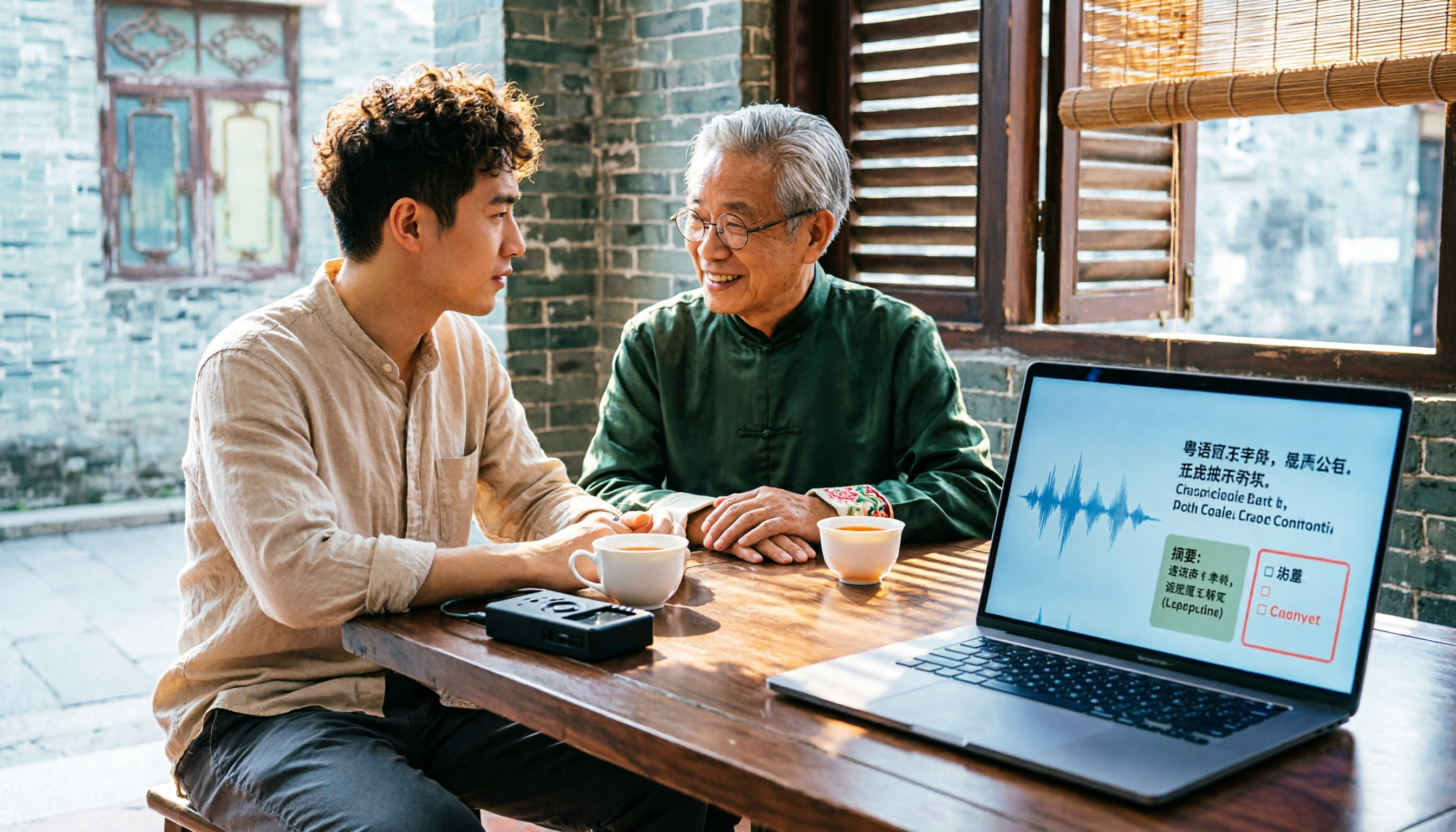
Turn recordings into transcripts and summaries in minutes
Upload audio or video for multilingual transcription, AI notes, and action items
Last week, I helped a friend who was conducting user interviews in Hong Kong organize recordings.
Three recorders, nearly four hours of Cantonese conversation, and he planned to transcribe it himself word by word.
I asked him, "How many nights are you planning to spend on this?"
He couldn't laugh.
The difficulty of Cantonese recordings is never just about "not understanding."
The real trouble is the part after: you need to turn it into something others can understand—paragraphs, punctuation, distinguishing speakers, and when mixed with English, you can't just translate the English into Chinese.
So I break down "Cantonese audio to text" into three stages: first capture the sound well, then turn it into text, and finally turn it into usable data.
Most people get stuck at the third stage.
This article addresses that: in 2025, if you want to turn your Cantonese recordings into truly usable text files, how to choose and how to do it.
What can Cantonese audio to text do for you?
Scenario 1: The transcript is waiting for you the same day the interview ends
Previously, after an interview, the most painful part was having to listen to the recording again the next day, pausing and typing.
Now, after recording, you can directly drop the audio file into Tinrec, which converts speech to text and automatically adds paragraphs and punctuation. The next day, you open not a sound but a searchable text.
Scenario 2: Mixed Chinese-English conversations, no need to reconstruct yourself
English words in Cantonese conversations are common.
What you need is not "similar-sounding Chinese" but the original text preserved. For example, Tinrec supports Chinese and multilingual transcription, including Traditional Chinese; actual results depend on accent, recording quality, and the degree of mixing, so it's best to test with your own recording first.
Scenario 3: The transcribed text should directly become work output
A transcript that just sits there doesn't solve the problem.
After transcription, Tinrec generates summaries, chapters, key points, and action items. You can directly use this structure to write meeting notes, send follow-up emails, or compile reports.
Scenario 4: Three months later, you can still find that sentence
The client said a key sentence, but you only remember "he mentioned it."
Tinrec's AI Q&A lets you directly ask questions about the meeting content, such as "What did the client say about the budget?" It answers based on the content, rather than making you slowly scrub the timeline.
What are the core capabilities of Cantonese audio to text?
1. Real-time recording to text
Not transcribing after recording, but generating text while recording. Tinrec's real-time transcription lets you confirm on the spot during interviews or meetings whether key points are missed, and you can immediately steer back if off-topic.
2. Bot-free online meeting notes
Some tools require a "meeting bot" to join as a participant. Tinrec's desktop version directly captures the computer's system audio, without an extra bot entering the meeting room. It can handle audio from Zoom, Google Meet, Microsoft Teams, Webex, etc.
3. Audio and video file transcription
Recorder files, phone recordings, existing videos can all be uploaded and organized. This is especially useful for those who have accumulated a pile of old recordings.
4. Post-transcription organization layer
Summaries, chapters, key points, action items, mind maps—this is where Tinrec truly stands out. The transcript is the raw material; the organized structure is the finished product.
5. AI Q&A and follow-up questions
You can ask questions around a single meeting or across meetings. My most common question is: "In this interview, did the interviewee's attitude toward price change?"
6. Export and further processing
Organized content can be exported to common tools like Notion, Google Docs, OneNote, Dropbox, or further used with Agent to generate reports, tables, and documents.
7. Team space and governance
If these Cantonese recordings are team assets, the team version provides independent team spaces, member invitations, role and seat management, usage analytics, audit logs, and audio recycle bin, so data belongs to the team, not tied to an individual's account.
Stop organizing recordings by hand
Upload audio or video and automatically get a transcript, summary, and action items
Practical application scenarios
User interviews and research
The most time-consuming part of research is never the interview itself, but the post-interview organization. Hand the audio to Tinrec, get the transcript and summary first, and you can spend your time on analysis instead of typing.
Client meetings and sales follow-up
Client needs, concerns, commitments are often scattered in the conversation. Tinrec's action item extraction organizes follow-up actions, so you can proceed right after the meeting.
Courses, lectures, and self-study notes
A two-hour Cantonese course, use real-time recording to text to listen and read simultaneously, then review with AI summary—much more efficient than re-listening afterwards.
Content creation and subtitles
When turning interview content into articles, podcasts, or subtitles, first organize the transcript, then pick usable paragraphs—that's the most labor-saving order.
5 things to note when choosing a Cantonese audio to text tool
1. Test with your own recording, don't just look at ads
Everyone's recording environment is different. Rather than looking at specs, take your most difficult Cantonese recording and run it once to see how it handles paragraphs, punctuation, and mixed Chinese-English.
2. How mixed Chinese-English is handled
Are English words in Cantonese conversations preserved as original text or written as similar-sounding Chinese? This difference directly affects whether the transcript is usable. Tinrec focuses on Chinese and multilingual transcription; for such mixed scenarios, it's recommended to test in practice.
3. Can it be used after transcription
A tool that only gives a transcript is equivalent to returning the organization work to you. Tinrec continues to generate summaries, chapters, action items, and Q&A—that's the true endpoint of "audio to text."
4. Will the audio file be retained
Some tools don't save meeting audio, so you have no basis for later verification. Tinrec supports audio retention and provides a recycle bin mechanism for easy verification and management.
5. Team collaboration and permission design
If this data is to be shared by the team, distinguish "roles" and "seats": roles determine who can manage the team and members, seats determine who can record, upload, edit, and export. Tinrec's team version manages these two separately, and when a member leaves, data can be handed over to others.
The team version currently offers a first-time 7-day trial, 1 free seat, and 300 minutes of team shared import quota; paid seats provide 2,000 minutes of team shared import quota per month. Actual prices and benefits are subject to the official purchase page.
FAQ
Q: Does Cantonese audio to text require payment?
You can start with the free version. Tinrec's free version provides basic quota to experience recording, import, summary, and transcription processes; if you only occasionally organize a recording, that's enough. If you have steady needs every week, consider Pro; for short-term intensive use, there's a weekly card.
Q: Can it output Traditional Chinese?
Yes. Tinrec supports Chinese and Traditional Chinese and other multilingual content; actual output is still affected by recording quality and accent.
Q: How well does it handle mixed Chinese-English Cantonese conversations?
It depends on recording quality and degree of mixing. My advice is to test with a short real recording first, then decide whether to put in the whole batch.
Q: Is a transcript alone not enough?
For "finding information," a transcript is enough; but for "advancing work," summaries, action items, and Q&A are where time is truly saved.
Q: How can a team share these recordings and transcripts?
Tinrec's team version provides independent team spaces; members can view, play, and read team data; after obtaining a seat, they can record, upload, and edit; administrators can manage roles, seats, usage, and audits.
Q: Can the transcribed content be used directly externally?
It's recommended to verify important content against the recording, especially numbers, names, and commitments. AI can greatly reduce organization time, but it's not suitable as a 100% final draft.
Conclusion
Cantonese audio to text really solves not "typing" but turning a sound into searchable, quotable, actionable data.
My starting point is simple:
- Pick your most difficult Cantonese recording
- Upload to Tinrec, get transcript and paragraphs
- Check handling of mixed Chinese-English and proper nouns
- Use AI summary to extract key points and action items
- Ask questions about key paragraphs to fill in what you missed
- Export to your note-taking or document tool
Test step by step, and you can gradually turn "organizing recordings" into a process that no longer tortures you.
References
- AI Speech to Text Fast Audio File Online Transcription, Transcript and Video Subtitles - Free Trial - cSubtitle
- Online AI Speech, Video, Audio File Auto Transcription - Free Trial - cSubtitle
- SoundType AI Ultra-Accurate Transcript, Speech to Text, AI Dictation - Google Play App
- Speech to Text - Google Play App
- Free Cantonese Speech to Text App 2026 | Subanana
Turn every recording into actionable outcomes
Get 60 free transcription minutes when you sign in. No credit card required.
Related Reading
You might also like

5 Cantonese Speech-to-Text Tools Tested for 2026: Which Free Tier Actually Works?
A hands-on comparison of 5 speech-to-text tools that support Cantonese in 2026. This article examines free tier limits, Cantonese and mixed Chinese-English recognition, post-meeting summaries and action items, and cross-platform and team collaboration, explaining why Tinrec has become part of a mid-level manager's daily workflow, and honestly comparing when Subanana, Google AI Studio, and Otter.ai each make sense.

How to Choose Cantonese Speech-to-Text in 2026: 5-Step Test of Free Tools
Many Cantonese speech-to-text tools claim to be free, but file limits, language support, and post-meeting organization vary widely. This article uses 5 key steps to test and compare, and explains who Tinrec, Subanana, cSubtitle, and Google AI Studio are best for.

2026 Guide: Free Cantonese Audio to Text Solutions — Tinrec Free Tier + AI Meeting Summaries
This guide helps you avoid common pitfalls when converting Cantonese audio to text for free. We test Tinrec's free tier, transcripts, AI summaries, and team collaboration, and compare alternatives like Notta, Otter, and Google AI Studio to help you find the best Cantonese transcription workflow.

Tinrec vs Notta 2026: 5-Dimension Comparison for Cantonese Meeting Transcription
In 2026, choosing a Cantonese audio-to-text tool isn't about which is most accurate, but which workflow fits you best. This article compares Tinrec and Notta across 5 dimensions, covering differences like bot-free meeting recording, AI Q&A, and team spaces, plus use cases for Otter.ai and TurboScribe and 3 common pitfalls to avoid.

5 Cantonese Audio-to-Text Tools Tested and Compared in 2026: How to Solve the Transcription Pain Points Dcard Users Ask About Most
Discussions on Dcard about converting Cantonese audio to text mostly focus on two pain points: tools that don't understand Cantonese and privacy concerns about uploading files. This article starts from real-world use cases, compares the differences among 5 common approaches, and uses Tinrec as an example to explain how real-time transcription, bot-free meeting recording, AI summaries and Q&A, and team spaces solve these problems. It ends with 5 buying checkpoints and FAQs.

4 Cantonese Speech-to-Text Tools Compared for 2026: Free vs Paid Options Explained
How to choose a Cantonese speech-to-text tool in 2026? This article addresses common misconceptions and compares Tinrec, Otter.ai, PLAUD, and Notta on Cantonese support, free tiers, and post-meeting organization. It also provides 4 key buying factors and 3 pitfalls to avoid, helping you find the best transcription solution.

5 Best Cantonese Speech-to-Text Tools in 2026: Which Free Tier Actually Works?
Starting from a university group project with Cantonese discussions, this hands-on comparison tests free Cantonese speech-to-text tools on free quotas, mixed Chinese-English recognition, and post-meeting organization, sharing real-world experience using Tinrec in campus classes, interviews, and group collaboration.

Which Cantonese Audio-to-Text Tool Is Best? 2026 Hands-On Test of 5 Options, Top Pick for Chinese Meetings
The biggest pitfall when choosing a Cantonese audio-to-text tool is relying only on the official language list. This article first clarifies common misconceptions, then provides a hands-on testing process you can run yourself, and uses Tinrec to demonstrate a complete workflow from recording and transcription to summaries, action items, and team archiving, including pricing and plan limitations.
How to Choose Cantonese Audio-to-Text in 2026: 5 Steps to Pick the Right Free Tool
How do you choose a Cantonese audio-to-text tool? This article reviews 6 free and paid options in 2026, including Tinrec, Subanana, cSubtitle, Google AI Studio, Notta, and TurboScribe. It walks you through 5 steps—from language support and live meetings to post-meeting organization and team sharing—to find the one that saves you the most time.