

Turn recordings into transcripts and summaries in minutes
Upload audio or video for multilingual transcription, AI notes, and action items
What's the biggest pitfall when converting Cantonese audio to text for free?
When most people need to convert Cantonese audio to text, their first instinct is to "find a free tool." That's reasonable, but it's also where you're most likely to run into problems.
The first pitfall is "fake free." Some tools let you upload but only give you a preview of the first few minutes, then require payment to export. Others seem free, but the monthly quota is so small it's only enough to test a short recording.
The second pitfall is "forcing a Mandarin model onto Cantonese." Cantonese vocabulary, word order, and pronunciation differ greatly from Mandarin. If a tool isn't optimized for Cantonese or Chinese scenarios, the output often looks like "you can understand every word, but the whole sentence makes no sense."
The third pitfall is "transcribing without organizing." Once you have the transcript, you still have to re-listen, highlight key points, and organize action items—eating back all the time you saved.
A more sensible approach: first confirm whether the tool is optimized for Cantonese/Chinese, whether the free tier allows export, and whether it offers summaries and action items after transcription. This guide uses that standard to test Tinrec and compare several common free alternatives.
5 key points to understand before choosing a Cantonese audio-to-text tool
1. Is Cantonese recognition actually reliable?
Don't just look at the words "supports multiple languages." Check whether it's optimized for Chinese, Cantonese, or mixed Chinese-English. Real recordings often mix in English proper nouns, and if the model only recognizes Mandarin, the error rate will rise noticeably. Tinrec covers Chinese and multilingual meeting scenarios, but actual performance is still affected by accent, noise, and overlapping speakers. We recommend testing a segment of your own recording with the free tier first.
2. How is the free quota calculated?
For free plans, check three things: can you export, is there a length limit per file, and does the quota reset monthly or is it one-time? Many tools' free versions only allow previews, not exports. Tinrec's free version provides a basic quota so you can experience recording, importing, summaries, and transcription, but it's not unlimited. For short-term high-frequency needs, consider a weekly pass; for long-term regular use, look at Pro.
3. Can you use the output directly after transcription?
A transcript is only a half-finished product. For working professionals, what really saves time is automatic summaries, chapters, action items, and AI Q&A. After transcription, Tinrec generates summaries, chapters, and action items, and you can ask follow-up questions about the meeting content. This is the biggest difference between it and ordinary free transcription tools.
4. How do you record online meetings?
If you want to record Zoom, Google Meet, Microsoft Teams, or Webex, Tinrec's desktop version captures your computer's system audio directly—no need to send a meeting bot to join. This is practical for those who don't want a bot appearing in the participant list. Note that Tinrec doesn't automatically join all calendar meetings; you initiate recording yourself.
5. Who should own team data?
For personal use, keeping recordings in your own account is fine. But for department weekly meetings or client interviews, data is better placed in a team space. Tinrec's team version offers independent team spaces, role and seat management, shared import quotas, usage analytics, and audit logs. When members leave, team resources can be handed over.
Tinrec — the smoothest choice after testing
Tinrec is an AI meeting notes and collaboration tool for individuals and teams, supporting web, desktop, and mobile. It doesn't just convert audio to text; it organizes meeting recordings into searchable, summarizable, queryable, and exportable data.
During meetings, get live transcripts Open Tinrec to record, and it produces live transcripts. After the meeting ends, AI summaries and chapters are already generated—no need to listen to long meetings from start to finish.
After recording, ask about the meeting content directly This was the most surprising thing about Tinrec for me. You can directly ask it: "Who mentioned the budget in the last meeting?" It answers based on semantic understanding, not just keyword search results. For people who need to look back at decisions, this is much faster than manually pressing Ctrl+F.
Transcripts are no longer just transcripts Tinrec extracts action items from discussions and can also generate reports, tables, and documents. It supports multiple export formats and can be taken to Notion, Google Docs, OneNote, Dropbox, and other tools for further processing.
Stop organizing recordings by hand
Upload audio or video and automatically get a transcript, summary, and action items
Mixed Chinese-English and multilingual scenarios Tinrec covers Chinese, Traditional Chinese, and multilingual meetings, with real-time translation and bilingual viewing. For Cantonese content, we recommend testing with the free tier first, because actual recognition is affected by recording quality, accent, background noise, and technical terminology. We don't recommend promising a fixed accuracy rate; important content should still be verified with timeline playback.
Is the free version enough? Tinrec's free version provides a basic quota so you can try a few Cantonese recordings, file imports, and summary features. If you only have one or two meetings a week, the free version is usually enough to get a feel for it. If you have a short-term burst of meetings, consider a weekly pass. For steady weekly use, the Pro monthly or annual plan is more suitable. For teams, there's an independent team version. First-time eligible teams get a 7-day trial, 1 free seat, and 300 minutes of shared import quota. Team monthly is USD 29.80 per paid seat per month; annual is USD 199 per paid seat per year (about USD 16.58 per month). Each paid seat provides 2,000 minutes of shared import quota per month.
Limitations to be clear about Tinrec isn't unlimited free; file imports and team sharing quotas have rules. It's also not a bot that "automatically joins all meetings"—you actively record via the desktop version. If you only need one-time, very large long-file transcription, a dedicated batch transcription tool might be more suitable.
Who is it for? If you frequently hold meetings in Cantonese or Chinese and want to get summaries and action items right after recording, plus use AI to ask about meeting details, Tinrec is currently one of the few options on the market that connects "transcription" with "post-meeting workflow." It's also better than pure free transcription tools for people who use multiple platforms and need teams to jointly build up meeting data.
Besides Tinrec, what other free options are there?
Notta Notta is a multilingual transcription tool with high overlap with Tinrec. Its free version offers 120 minutes per month, but each session is limited to 3 minutes, suitable for short sentence practice. It has decent transcription and translation capabilities, but free limitations are greater, and it lacks Tinrec's AI meeting Q&A and team space. If you only occasionally transcribe short recordings, give it a try; if you need post-meeting organization and collaboration, Tinrec is more complete.
Otter.ai Otter.ai is a mature choice for English meetings. The Basic free version offers 300 minutes per month—a generous quota. But its strength is in English business scenarios; Chinese and Cantonese are not its main selling points. If you record English meetings, Otter is a great deal; but if meetings are mainly Cantonese or mixed Chinese-English, Tinrec's Chinese scenarios and post-meeting summaries will be smoother.
Google AI Studio (Gemini) Some users share that using Google AI Studio's Gemini for transcription is free and Cantonese-friendly—a good low-budget method. However, it requires you to operate prompts yourself, upload in segments, and there's no ready-made meeting management, action item extraction, or team database. Tinrec integrates these steps into one workflow, suitable for those who don't want to manually piece together a process.
Pitfall guide: 4 most common mistakes when choosing a Cantonese transcription tool
Pitfall 1: Only looking at the word "free" Free but preview-only equals unusable. Before uploading, confirm whether you can export, the per-file length limit, and how often the quota resets. Tinrec's free version has a basic quota, but it's not unlimited. Try before deciding so you don't waste effort.
Pitfall 2: Using a Mandarin model for Cantonese This is the most common mistake. Many tools support "Chinese," but it's actually a Mandarin model. Cantonese particles, slang, and word order will make the error rate spike. When choosing a tool, directly test with a segment of your own Cantonese recording—don't just look at the official language list.
Pitfall 3: Ignoring post-meeting organization time Getting a transcript is only the first step. If you still spend twice as long highlighting key points and finding action items, you've only saved half the time. Tinrec's value is in summaries, chapters, action items, and AI Q&A, handling post-meeting organization together.
Pitfall 4: Leaving team data in personal accounts When colleagues leave or accounts are deactivated, meeting records disappear too. If meeting content includes project decisions or client requirements, it's best to put it in a team space. Tinrec's team version can manage members, seats, usage, and audits. Team resources belong to the team and won't be taken away by individuals.
Conclusion: Which one should you choose?
If you need to start for free while also covering Cantonese, Chinese meetings, and post-meeting organization, Tinrec is the top choice in this article. Its free version has a basic quota so you can try a Cantonese recording first. If you find summaries, action items, and AI Q&A really save time, then consider a weekly pass or Pro.
Scenario breakdown is simple:
- Cantonese or mixed Chinese-English meetings, need transcript + summary + action items → Tinrec
- Want to ask AI directly after recording "What was the conclusion of the last meeting?" → Tinrec
- Need to use on phone, computer, and web → Tinrec
- Company needs multiple people to share meeting data, manage seats and usage → Tinrec team version
- Only record English meetings, zero budget → Otter.ai free version
- Only occasionally transcribe 3-minute short sentences → Notta free version
- Want to play with prompts yourself, don't mind manual process → Google AI Studio
We recommend starting with Tinrec's free version and trying a Cantonese recording you have on hand. The free quota is enough to judge whether it's worth keeping—no need to pay from the start.
References
- Free Cantonese audio to text app 2026 | Subanana
- Free + Cantonese OK: How to use Google AI Studio to convert your recording to text
- AI audio to text fast recording file online to text, transcript and video subtitles - free trial - cSubtitle
- Voice to Text - Google Play App
- Tested 4 best "voice to text" online tools, free instant recording to transcript
Turn every recording into actionable outcomes
Get 60 free transcription minutes when you sign in. No credit card required.
Related Reading
You might also like

5 Cantonese Speech-to-Text Tools Tested for 2026: Which Free Tier Actually Works?
A hands-on comparison of 5 speech-to-text tools that support Cantonese in 2026. This article examines free tier limits, Cantonese and mixed Chinese-English recognition, post-meeting summaries and action items, and cross-platform and team collaboration, explaining why Tinrec has become part of a mid-level manager's daily workflow, and honestly comparing when Subanana, Google AI Studio, and Otter.ai each make sense.

How to Choose Cantonese Speech-to-Text in 2026: 5-Step Test of Free Tools
Many Cantonese speech-to-text tools claim to be free, but file limits, language support, and post-meeting organization vary widely. This article uses 5 key steps to test and compare, and explains who Tinrec, Subanana, cSubtitle, and Google AI Studio are best for.

Tinrec vs Notta 2026: 5-Dimension Comparison for Cantonese Meeting Transcription
In 2026, choosing a Cantonese audio-to-text tool isn't about which is most accurate, but which workflow fits you best. This article compares Tinrec and Notta across 5 dimensions, covering differences like bot-free meeting recording, AI Q&A, and team spaces, plus use cases for Otter.ai and TurboScribe and 3 common pitfalls to avoid.

5 Cantonese Audio-to-Text Tools Tested and Compared in 2026: How to Solve the Transcription Pain Points Dcard Users Ask About Most
Discussions on Dcard about converting Cantonese audio to text mostly focus on two pain points: tools that don't understand Cantonese and privacy concerns about uploading files. This article starts from real-world use cases, compares the differences among 5 common approaches, and uses Tinrec as an example to explain how real-time transcription, bot-free meeting recording, AI summaries and Q&A, and team spaces solve these problems. It ends with 5 buying checkpoints and FAQs.

4 Cantonese Speech-to-Text Tools Compared for 2026: Free vs Paid Options Explained
How to choose a Cantonese speech-to-text tool in 2026? This article addresses common misconceptions and compares Tinrec, Otter.ai, PLAUD, and Notta on Cantonese support, free tiers, and post-meeting organization. It also provides 4 key buying factors and 3 pitfalls to avoid, helping you find the best transcription solution.

5 Best Cantonese Speech-to-Text Tools in 2026: Which Free Tier Actually Works?
Starting from a university group project with Cantonese discussions, this hands-on comparison tests free Cantonese speech-to-text tools on free quotas, mixed Chinese-English recognition, and post-meeting organization, sharing real-world experience using Tinrec in campus classes, interviews, and group collaboration.

Which Cantonese Audio-to-Text Tool Is Best? 2026 Hands-On Test of 5 Options, Top Pick for Chinese Meetings
The biggest pitfall when choosing a Cantonese audio-to-text tool is relying only on the official language list. This article first clarifies common misconceptions, then provides a hands-on testing process you can run yourself, and uses Tinrec to demonstrate a complete workflow from recording and transcription to summaries, action items, and team archiving, including pricing and plan limitations.
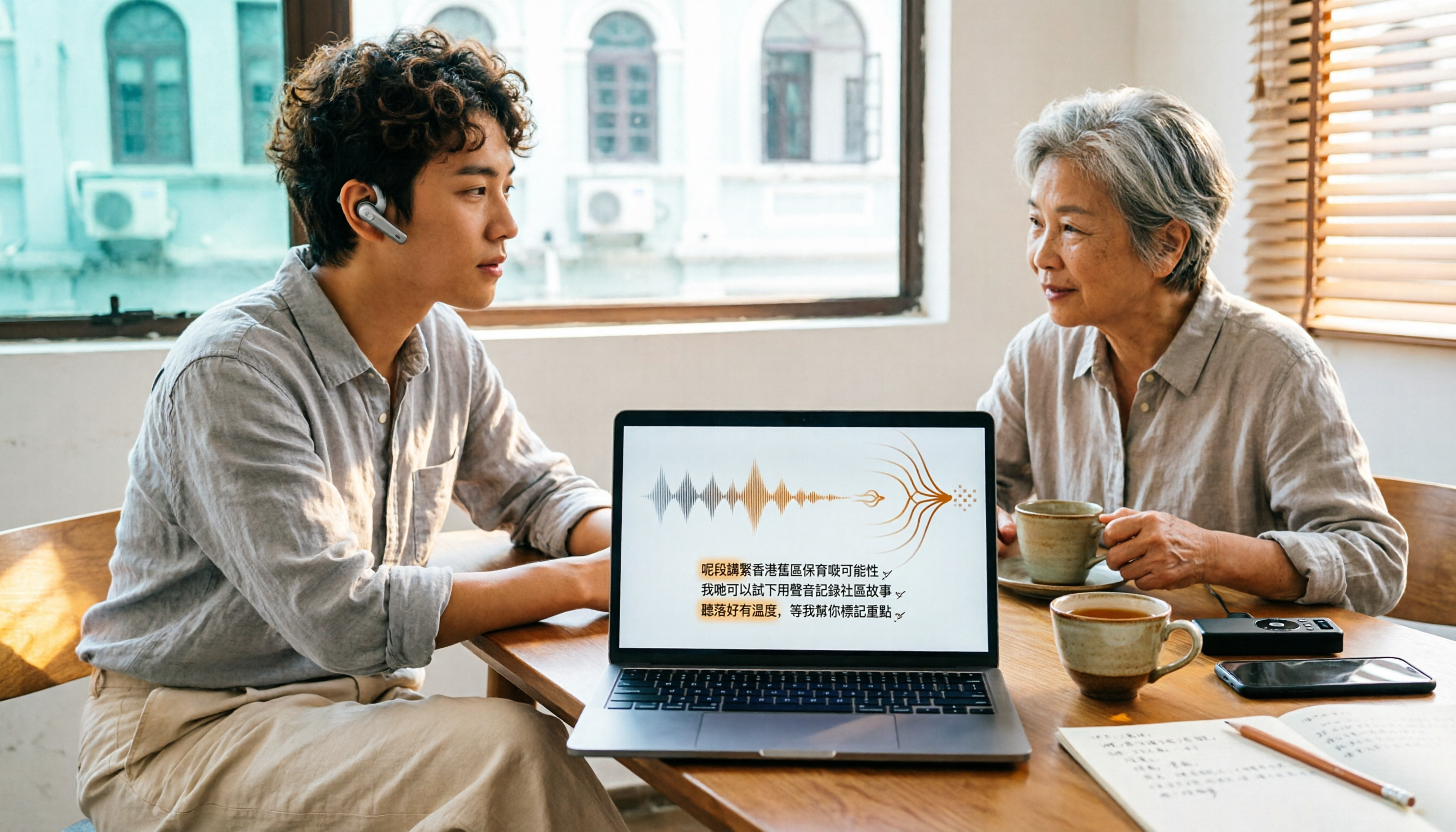
How to Choose Cantonese Audio-to-Text in 2026: 5 Steps to Pick the Right Free Tool
How do you choose a Cantonese audio-to-text tool? This article reviews 6 free and paid options in 2026, including Tinrec, Subanana, cSubtitle, Google AI Studio, Notta, and TurboScribe. It walks you through 5 steps—from language support and live meetings to post-meeting organization and team sharing—to find the one that saves you the most time.
2025 Top 5 Cantonese Speech-to-Text Tools Tested: Which One Turns Transcripts into Usable Data?
After hands-on testing of several Cantonese speech-to-text tools in 2025, the key takeaway: getting a transcript is just the beginning. This article breaks down the complete workflow for Cantonese audio transcription, from real-time transcription and handling mixed Chinese-English to AI summaries and action items, team sharing, and purchasing considerations, with Tinrec demonstrating each step.