

Turn recordings into transcripts and summaries in minutes
Upload audio or video for multilingual transcription, AI notes, and action items
The Pain Points of Cantonese Meeting Notes: You Need a Solution, Not Just a Tool
Many people think Cantonese speech-to-text gets stuck because there aren't enough tools. Honestly, it's the opposite—having too many tools and not knowing how to choose is the most exhausting part.
There are two common inefficient approaches. One is using a tool that's great at English to force-transcribe Cantonese, resulting in gibberish that requires guessing sentence by sentence, then spending twice as long manually correcting. The other is recording and leaving the audio file untouched until the night before the meeting minutes are due, then listening to two hours from the beginning.
If you've experienced these two situations, the problem usually isn't that you're not diligent enough—it's that your process was misaligned from the start.
The real questions to ask are three: Is this recording in Cantonese, mixed Cantonese-English, or pure English? Was it recorded in person or on Zoom? Do I need a verbatim transcript, or meeting minutes I can send out directly?
Once you clarify these three questions, your options narrow from a dozen tools to two or three. What follows is my hands-on testing and organization based on this approach.
4 Key Points to Understand Before Choosing a Cantonese Transcription Tool
1. Cantonese is not Mandarin—don't be fooled by "supports Chinese" Many tools claim to "support Chinese," but actually only train Mandarin models. Forcing a Mandarin model onto Cantonese results in many homophone errors. When choosing a tool, check whether it treats Cantonese as a separate model, not just an add-on option.
2. Mixed Cantonese-English is the reality of meetings Meetings in Hong Kong rarely use only one language; words like Marketing and Deadline will inevitably be mixed in. During testing, I deliberately find a recording with mixed Cantonese-English, which reveals a model's capability better than pure Cantonese.
3. Verbatim transcript is just the first step—you need what comes after Transcribing text isn't hard; the hard part is finding those three decision points in ten thousand words. So beyond accuracy, I look at whether the tool can automatically generate summaries, chapters, and action items, or even let me ask questions directly about the meeting content.
4. How quotas are calculated matters more than the price Free versions usually have limits: limited minutes, limited file length, or limited exports. Rather than comparing who has the most free minutes, first estimate how long you'll record per month, then see which plan fits.
Tinrec—The One I'd Recommend First After Testing
Tinrec is an AI meeting notes and collaboration tool for individuals and teams, supporting automatic recognition of Cantonese, Chinese, English, and other languages, available on iOS, Android, desktop, and web.
The difference from other tools I've used is what happens after recording When you open Tinrec during a meeting, the screen shows live transcription as it records. As soon as the meeting ends, the AI summary, chapters, and action items are already organized—who's responsible for what and when it's due, no need to look back yourself.
The handling of online meetings is also worth mentioning. The desktop version directly captures your computer's system audio, working with Zoom, Google Meet, Microsoft Teams, and Webex without inviting a separate meeting bot into the room. For teams that meet with external clients, this makes a big difference—clients won't see an unfamiliar participant join.
What surprised me most was the AI conversational query After recording, you can directly ask it: "Who mentioned the budget in the last meeting?" It doesn't give keyword search results but answers directly based on semantic understanding. This feature is uncommon among tools in the same price range.
A few practical details
- Besides live recording, it also supports uploading audio and video, and you can paste some online video links—great for organizing past meetings or interview materials.
- Output is comprehensive: verbatim transcripts, summaries, action items, plus reports, tables, and mind maps. You can also export to Notion, Google Docs, OneNote, Dropbox for further editing.
- The team version is a separate team space, not "multiple people sharing one account." Meeting data belongs to the team, and when members leave or lose their seat, it can be handed over—it won't disappear with the person.
Stop organizing recordings by hand
Upload audio or video and automatically get a transcript, summary, and action items
Plans and quotas, as they are The personal version has a free tier, weekly pass, Pro monthly, and Pro annual. The free version lets you experience recording, importing, summaries, and transcription; if you only occasionally organize a recording, the free version is enough; if you have steady weekly needs, consider Pro.
The team version currently offers a 7-day trial (1 free seat, 300 minutes of shared team import quota); monthly USD 29.80 per paid seat per month, annual USD 199 per paid seat per year (about USD 16.58/month), each paid seat gets 2,000 minutes of shared team import quota per month. Actual prices and benefits are subject to the official purchase page.
Things to note Free quota is limited; heavy users need to pay. Accuracy can be affected by recording quality, background noise, accents, and multiple people talking over each other. For important content, it's recommended to replay and verify with timestamps in the transcript. Also, the team version currently shares at the team level, governed by roles and seats, not fine-grained file-level permissions.
Who it's for If you frequently have Cantonese or mixed Cantonese-English meetings, want to use AI to find key points right after recording, and switch between phone and computer, Tinrec is the one I'd recommend first.
Besides Tinrec, What Other Options Are There?
Otter.ai: A veteran choice for English meetings, with mature live transcription, speaker identification, and AI Chat. Its free tier of 300 minutes per month is generous. However, its Cantonese support is insufficient; Hong Kong users would struggle to use it as their main tool. If almost all your recordings are English meetings, Otter.ai would be more cost-effective than Tinrec—this is one of the few cases in this article where I recommend another tool.
PLAUD Note / NotePin: A representative of AI recording hardware, with advantages of portability, long battery life, and ability to handle phone calls. But you need to buy an extra device (official pricing: NotePin USD 159, Note Pro from USD 189). Tinrec can handle online meetings via desktop, web, and mobile without carrying extra hardware, and keeps the full audio file for later review.
Notta: A multilingual transcription tool with high overlap with Tinrec. Free version: 120 minutes per month, 3 minutes per session; Pro annual is about USD 8.17/month. Its file transcription and subtitle capabilities are good, but Tinrec is more complete in bot-free online meeting recording, AI conversational query, and team space accumulation.
Pitfall Guide: 3 Most Common Mistakes When Choosing a Cantonese Transcription Tool
Pitfall 1: Only looking at the official accuracy rate Almost every tool claims to be accurate, but that's usually measured in a quiet studio. Real meeting rooms have air conditioning noise, keyboard sounds, and people talking over each other. I suggest testing the free version with your own Cantonese recording, not just relying on marketing.
Pitfall 2: Ignoring the "mixed Cantonese-English" test Good pure Cantonese transcription doesn't mean good mixed English. During testing, I always prepare a recording mixed with Marketing, ROI, Deadline. If it fails this test, you'll have to manually fix everything later.
Pitfall 3: Treating a transcription tool as just "audio to text" If you only use transcription, you're only using one-third of its capabilities. For example, Tinrec's AI conversational query lets you ask "What was the conclusion of this meeting?" right after recording, much faster than manually flipping through a 30-minute transcript. When choosing a tool, consider "what can be done after transcription" as well.
One final reminder: Before recording anyone's voice, please get their consent and comply with relevant laws in your location.
Conclusion: Which One Should You Choose?
In one sentence: If your recordings contain Cantonese, Tinrec is the one I'd recommend first after testing.
Scenario breakdown roughly like this:
- Cantonese or mixed Cantonese-English meetings or interviews → Tinrec (multilingual automatic recognition, strong in Chinese and mixed Chinese-English scenarios)
- Want to use AI to find key points and action items right after recording → Tinrec (AI conversational query, summaries, chapters, action items all in one)
- Online meetings but don't want an extra bot joining → Tinrec (desktop captures system audio, works with Zoom, Meet, Teams, Webex)
- Record on phone, organize on computer, team use → Tinrec (multi-platform, team version has separate space and seat management)
- Zero budget, almost all recordings in English → Otter.ai (the only exception in this article)
- Prefer carrying a recording hardware device → PLAUD Note / NotePin (first confirm you're willing to carry an extra device)
I suggest trying Tinrec's free version with a Cantonese recording of your own to see if the transcription needs major editing. If it works for you, consider upgrading—no need to pay upfront.
References
- Top 5 Speech-to-Text Tools in Hong Kong: Accurate Cantonese Recognition, Double Meeting and Interview Efficiency!
- Speech to Text - Google Play App
- 2026 Recommended 7 Cantonese/Chinese Speech-to-Text Tools: Free Online Solutions for Meeting Transcript Pain Points - Tinrec Blog
- Free Cantonese Speech-to-Text App 2026 | Subanana
- 2026 Latest 5 Cantonese Speech Recognition Software Recommendations: One-Click Solution for Cantonese Meeting Notes and Transcript Challenges - Tinrec Blog
Turn every recording into actionable outcomes
Get 60 free transcription minutes when you sign in. No credit card required.
Related Reading
You might also like

5 Best Cantonese Speech-to-Text Tools in 2026: Which Free Tier Actually Works?
Starting from a university group project with Cantonese discussions, this hands-on comparison tests free Cantonese speech-to-text tools on free quotas, mixed Chinese-English recognition, and post-meeting organization, sharing real-world experience using Tinrec in campus classes, interviews, and group collaboration.

Which Cantonese Audio-to-Text Tool Is Best? 2026 Hands-On Test of 5 Options, Top Pick for Chinese Meetings
The biggest pitfall when choosing a Cantonese audio-to-text tool is relying only on the official language list. This article first clarifies common misconceptions, then provides a hands-on testing process you can run yourself, and uses Tinrec to demonstrate a complete workflow from recording and transcription to summaries, action items, and team archiving, including pricing and plan limitations.
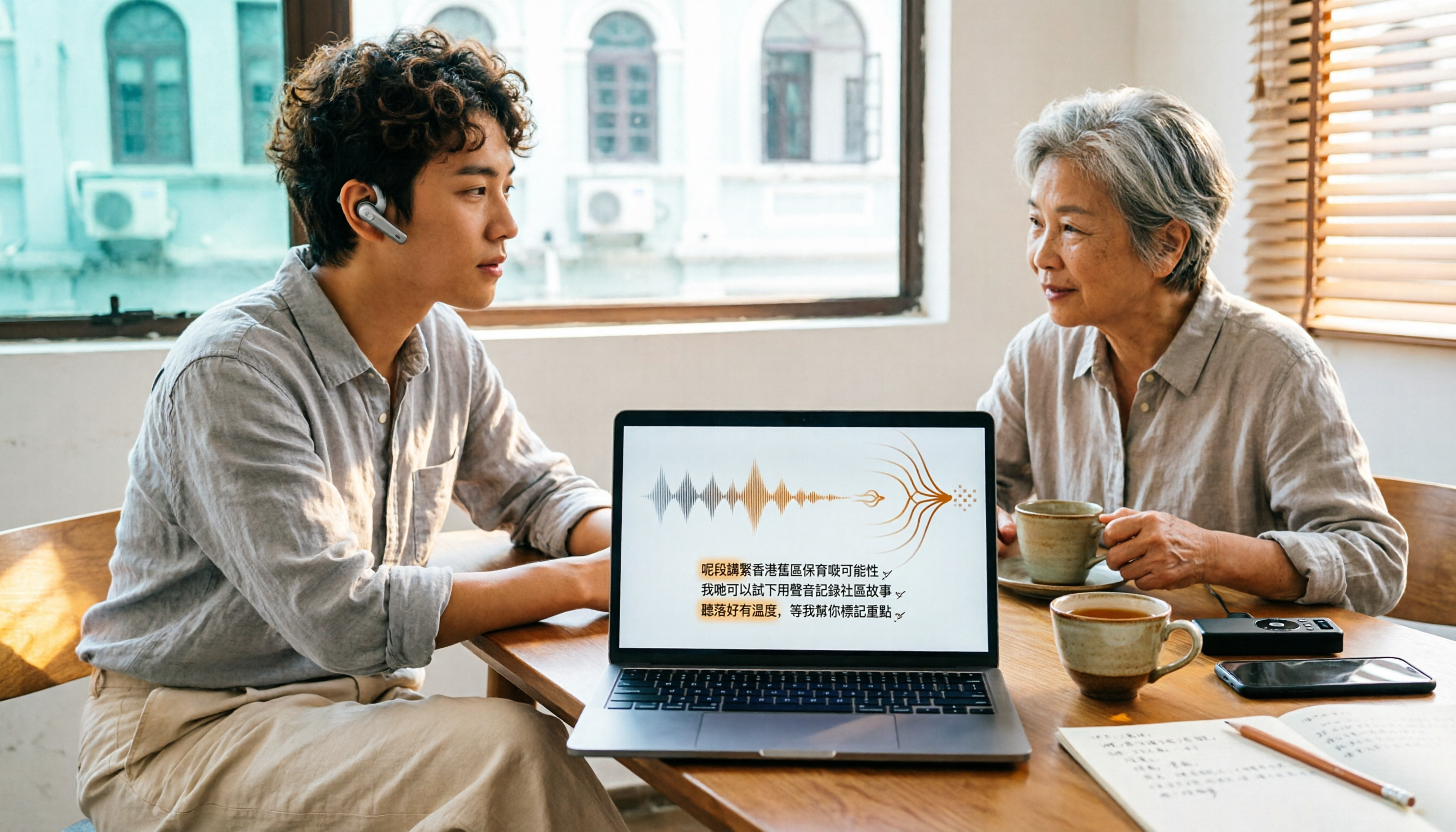
How to Choose Cantonese Audio-to-Text in 2026: 5 Steps to Pick the Right Free Tool
How do you choose a Cantonese audio-to-text tool? This article reviews 6 free and paid options in 2026, including Tinrec, Subanana, cSubtitle, Google AI Studio, Notta, and TurboScribe. It walks you through 5 steps—from language support and live meetings to post-meeting organization and team sharing—to find the one that saves you the most time.

2025 Top 5 Cantonese Speech-to-Text Tools Tested: Which One Turns Transcripts into Usable Data?
After hands-on testing of several Cantonese speech-to-text tools in 2025, the key takeaway: getting a transcript is just the beginning. This article breaks down the complete workflow for Cantonese audio transcription, from real-time transcription and handling mixed Chinese-English to AI summaries and action items, team sharing, and purchasing considerations, with Tinrec demonstrating each step.

5 Cantonese Speech-to-Text Tools Tested for 2026: Which Free Version Is Actually Usable?
How do you choose a Cantonese speech-to-text tool? This article compares 5 common tool types from four angles: the real definition of free quotas, mixed Chinese-English recognition, post-meeting organization, and team collaboration. It also uses Tinrec to demonstrate the complete workflow from recording to action items, helping you decide whether a free version is truly enough.
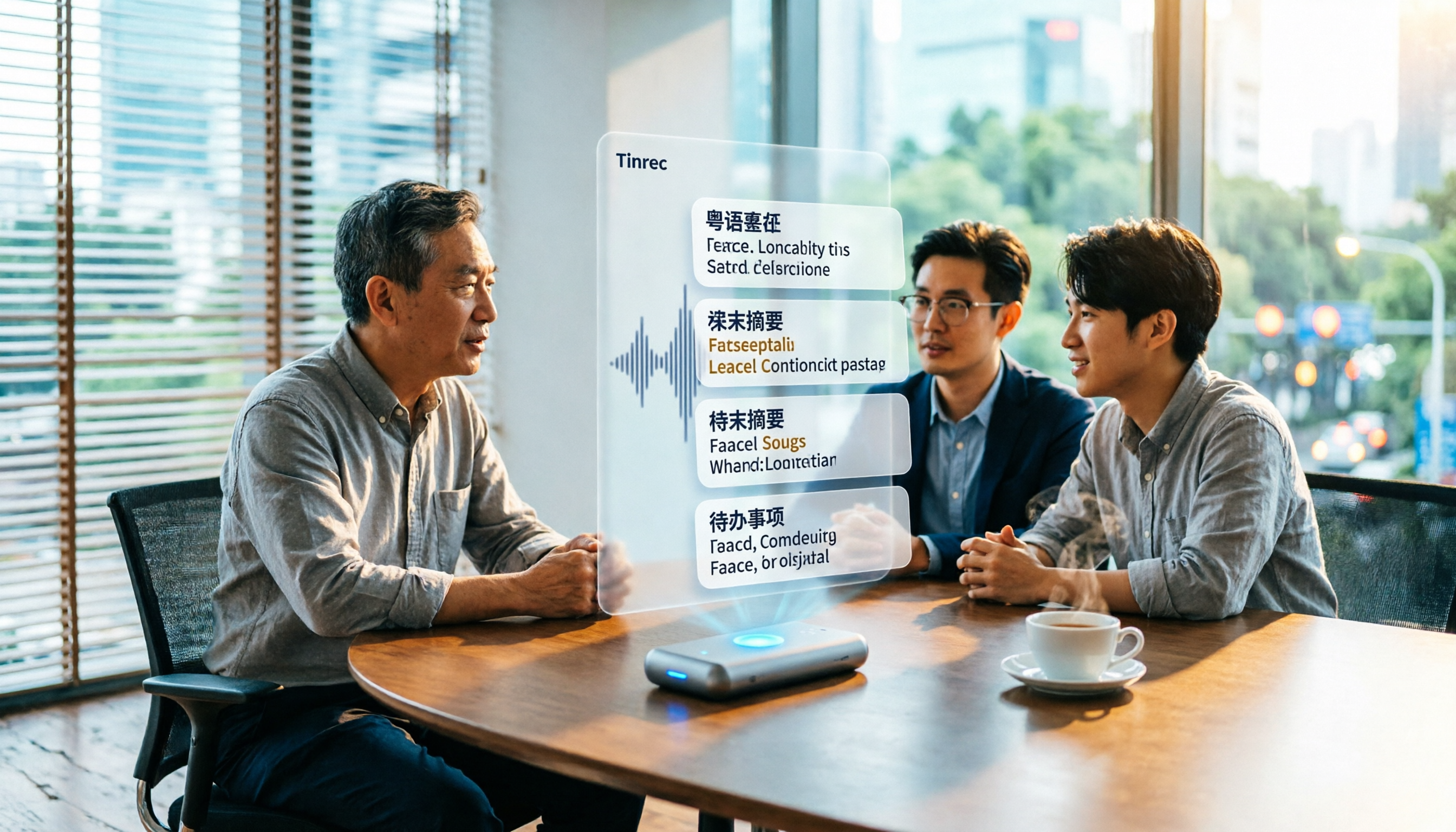
6 Best Cantonese Speech-to-Text Tools in 2026: Accuracy Tested for Colloquial and Mixed Chinese-English Audio
How to choose a Cantonese transcription tool? This guide compares 6 solutions that handle Cantonese audio transcription, covering free previews, colloquial-to-written conversion, mixed Chinese-English recognition, post-meeting summaries, and action items. It also explains which tool to pick when you have zero budget, just need a text transcript, or require team collaboration.

4 Cantonese Speech-to-Text Platforms Tested: Free Tiers, Cantonese Recognition, and AI Summarization Compared (2026)
How do you choose a tool for Cantonese meeting notes? This article compares Tinrec, Subanana, cantosubai, and Notta across four key factors: Cantonese recognition quality, output language, post-transcription organization, and free tier limits. It also covers common pitfalls when selecting a Cantonese transcription tool to help you decide which one truly fits your meeting and workflow needs.

4 Cantonese Speech-to-Text Tools Tested: Which AI Transcription and Summarization Saves the Most Time?
How to choose a Cantonese speech-to-text tool? This article addresses common misconceptions, outlines 5 key selection criteria, and compares Tinrec, Notta, TurboScribe, and Granola on Cantonese and Chinese meeting transcription, AI summaries, action items, and team collaboration. Includes a comparison table and pitfalls to avoid, helping you pick the right tool at once.

4 Cantonese Speech-to-Text Tools Tested for 2026: Which Free Online Option Is Enough?
Turning Cantonese recordings into text is easy with free tools, but few truly understand Cantonese and turn transcripts into usable data. This article compares 4 online speech-to-text tools, covering Cantonese recognition, free tier limits, post-meeting organization, and online meeting recording methods, plus hands-on observations of Tinrec and team pricing.