

Turn recordings into transcripts and summaries in minutes
Upload audio or video for multilingual transcription, AI notes, and action items
4 Cantonese Speech-to-Text Tools Tested for 2026: Which Free Online Option Is Enough?
A two-hour meeting, then two more hours for the transcript—you don't need another tool, you need a solution
At a cross-department meeting on Wednesday afternoon, a colleague spoke Cantonese mixed with English for half an hour. You tried to take notes while listening, but by the end you realized you'd only captured 70%—the rest you'd have to fill in from memory.
The bigger hassle comes after the meeting. To turn the recording into a transcript, you have to pause, play, and type repeatedly. A 30-minute recording often takes two to three times as long to transcribe. When Cantonese and English are mixed, you also have to decide which characters to use for each phrase.
For client calls, interviews, or lecture recordings, it's even worse—the files sit on your phone, and you never find time to organize them. By the time you actually need them, you've forgotten what was said where.
In recent years, AI speech-to-text has matured a lot. You can use it right in your browser without installing extra software. The question is: is the free version good enough? Does it understand Cantonese? This article compares several common options side by side.
Before Choosing an Online Cantonese Transcription Tool, Understand These 4 Key Points
1. "Supports Chinese" doesn't mean it understands Cantonese
Many tools claim to "support Chinese," but their training data is mostly Mandarin. They struggle with Cantonese accents, vocabulary, and word order. Cantonese also often mixes in English words, so handling mixed Chinese-English is more critical than the number of languages supported.
The most practical approach is to test with your own recording. Spec sheets won't tell you this—only a real test will.
2. Free tier limits are often hidden where you least expect
Free plans typically have three limitations: monthly minutes, maximum file length, and whether you can export files. Some tools let you transcribe for free but charge for downloading the transcript. Others limit single files to a few minutes, which isn't enough for a full meeting.
When evaluating a free plan, just confirm two things: How long is my recording? Can I take the text file with me?
3. The transcript is just the starting point—can you use it directly?
After getting the transcript, you still need to summarize, extract action items, and search for key passages. If the tool can automatically generate summaries, chapters, and to-dos, or even let you ask questions like "Who mentioned the budget last time?", you can save more than half the post-meeting organization time.
4. How to record online meetings? Do you need a bot?
There are two common ways to record online meetings (Zoom, Google Meet, Microsoft Teams, Webex): invite a meeting bot to join as a participant, or capture system audio directly on your computer. The former shows an extra participant to others; the latter doesn't. If you often meet with external clients, think this through first.
Also confirm supported platforms—whether you can switch between phone, computer, and browser seamlessly.
Tinrec—Our Top Pick After Testing
Tinrec is an AI meeting notes and collaboration tool for individuals and teams, available on iOS, Android, web, and desktop.
It doesn't just convert speech to text; it turns meetings into data you can keep using. Here are the three most impressive aspects from my own workflow.
Live transcription during meetings, no meeting bot needed
For online meetings, open the Tinrec desktop app to capture system audio directly. It supports Zoom, Google Meet, Microsoft Teams, and Webex without inviting an extra bot. The transcript is generated live, so it's nearly ready when the meeting ends. For in-person meetings, interviews, or field conversations, you can record and transcribe on your phone in real time.
Automatic summaries, chapters, and action items after the meeting
No one wants to re-read a 30-minute meeting transcript from the start. Tinrec automatically generates summaries and chapters, breaking long meetings into readable sections and extracting action items—who's responsible for what and what's next—much faster than searching the transcript yourself. When you need deliverables, it can further generate reports, tables, and documents.
Ask questions about the recording—my most-used feature
After recording, you can ask follow-up questions like "What was the conclusion of the last meeting?" or "What budget range did the client mention?" It doesn't just return keyword search results; it answers based on the meeting content. For anyone who needs to revisit past meetings, the time saved is substantial.
Stop organizing recordings by hand
Upload audio or video and automatically get a transcript, summary, and action items
Other features include multi-format export (to continue in Notion, Google Docs, OneNote, Dropbox, etc.), real-time translation and bilingual view during recording, and team hotword management for technical terms.
Pricing and quotas, listed honestly
Personal plans include Free, Weekly, Pro Monthly, and Pro Annual. The Free plan offers basic quota to try recording, importing, summaries, and transcription. If you have a short burst of meetings, the Weekly pass is more economical. For steady weekly needs, Pro is suitable.
Team plans are separate team spaces, not multiple people sharing one account. The first eligible team trial is 7 days, 1 free seat, and 300 minutes of shared import quota. Team monthly is USD 29.80 per paid seat per month; annual is USD 199 per paid seat per year (about USD 16.58/month). Each paid seat provides 2,000 minutes of shared import quota per month. Under an active team plan and seats, live recording currently does not deduct minutes; file and web imports use the shared quota. Actual prices and benefits are subject to the official purchase page.
Things to note
Tinrec does not recommend promising a fixed accuracy rate. Actual performance depends on audio quality, background noise, accents, overlapping speakers, and technical terms. My advice: use the free quota to test with your own Cantonese recording. If the transcript reads smoothly, then consider upgrading.
Also, team permissions are based on "role + seat," not granular file-level permissions. If your company requires strict access control for individual files, confirm this first.
Who it's for
People who handle Cantonese, mixed Chinese-English, or cross-language meetings; those who want to use AI to find key points and action items right after meetings; those who switch between phone, computer, and browser; and departments or project teams that want to turn meeting data into shared team assets.
Besides Tinrec, What Other Options Are There?
Otter.ai: A mature choice for English business meetings. Supports Zoom, Teams, Google Meet, and more, with complete summaries and team management. Free plan: 300 minutes per month; Pro annual is about USD 8.49 per user per month. If your recordings are mainly in English, it's worth considering. But for Cantonese or mixed Chinese-English content, Tinrec is more tailored to Chinese meeting needs.
TurboScribe: A cost-effective option, strong for long files and batch uploads. Paid plan supports up to 10 hours or 5 GB per file, and up to 50 files at once. Free plan: 3 files per day, up to 30 minutes each. Great if you have a pile of recordings to transcribe slowly. But it's file-based transcription only—no live meeting recording, no post-meeting AI Q&A or action item extraction. Those are things Tinrec has that it doesn't.
PLAUD Note / NotePin: AI recording hardware, device starts around USD 159, with additional membership plans. Suitable for those who like a dedicated recorder, need phone call recording, or long battery life. In contrast, Tinrec requires no extra device—works on web, desktop, and mobile, and handles online meetings directly. More convenient for budget-conscious users.
Pitfall Guide: 4 Common Mistakes When Looking for Free Cantonese Transcription Tools
Pitfall 1: Buying just because it says "supports Chinese." Mandarin and Cantonese are different. A tool that says "supports Chinese" might not even catch Cantonese endings. The right approach is to test with your own Cantonese recording for free—don't just read marketing.
Pitfall 2: Comparing only free minutes. More minutes doesn't mean better. Single file length limits, export capability, and overage charges are what really trip you up.
Pitfall 3: Thinking the transcript is the end goal. Using the tool only as "speech to text" means you're only using part of its capability. Features like summaries, action items, and AI Q&A are where the real time savings come after meetings.
Pitfall 4: Ignoring recording methods and legality. Always get consent from participants before recording and follow local laws. Also, if the tool records by having a meeting bot join, others will see an extra participant—think this through for external meetings.
Conclusion: Which One Should You Choose?
In short: if you need to handle Cantonese or mixed Chinese-English meetings and recordings, and want to use the results directly, Tinrec is the closest fit among these options.
- Need to handle Cantonese, Mandarin, and mixed Chinese-English → Tinrec
- Want to use AI to find key points and action items right after recording → Tinrec
- Need to switch between phone, computer, and browser → Tinrec
- Team needs to share meeting data, manage members and usage → Tinrec Team
- Have only long files and just want cheap batch transcription → TurboScribe
- Only record English meetings, zero budget → Otter.ai
Overall, I recommend starting with Tinrec's free plan to run a test with your own recording. The basic quota is enough for two or three meetings to experience the workflow. If the transcript reads smoothly and AI summaries are accurate, then consider upgrading or opening a team space—no need to pay upfront.
References
- Online AI speech, video, audio file auto-transcription - Free trial - cSubtitle
- Free Cantonese speech-to-text app 2026 | Subanana
- AI speech-to-text fast audio file online transcription, transcripts and video subtitles - Free trial - cSubtitle
- Speech to Text - Google Play App
- Tested 4 best online speech-to-text tools, free instant audio to transcript
Turn every recording into actionable outcomes
Get 60 free transcription minutes when you sign in. No credit card required.
Related Reading
You might also like

4 Cantonese Speech-to-Text Tools Compared for 2026: Free vs Paid Options Explained
How to choose a Cantonese speech-to-text tool in 2026? This article addresses common misconceptions and compares Tinrec, Otter.ai, PLAUD, and Notta on Cantonese support, free tiers, and post-meeting organization. It also provides 4 key buying factors and 3 pitfalls to avoid, helping you find the best transcription solution.

5 Best Cantonese Speech-to-Text Tools in 2026: Which Free Tier Actually Works?
Starting from a university group project with Cantonese discussions, this hands-on comparison tests free Cantonese speech-to-text tools on free quotas, mixed Chinese-English recognition, and post-meeting organization, sharing real-world experience using Tinrec in campus classes, interviews, and group collaboration.

Which Cantonese Audio-to-Text Tool Is Best? 2026 Hands-On Test of 5 Options, Top Pick for Chinese Meetings
The biggest pitfall when choosing a Cantonese audio-to-text tool is relying only on the official language list. This article first clarifies common misconceptions, then provides a hands-on testing process you can run yourself, and uses Tinrec to demonstrate a complete workflow from recording and transcription to summaries, action items, and team archiving, including pricing and plan limitations.
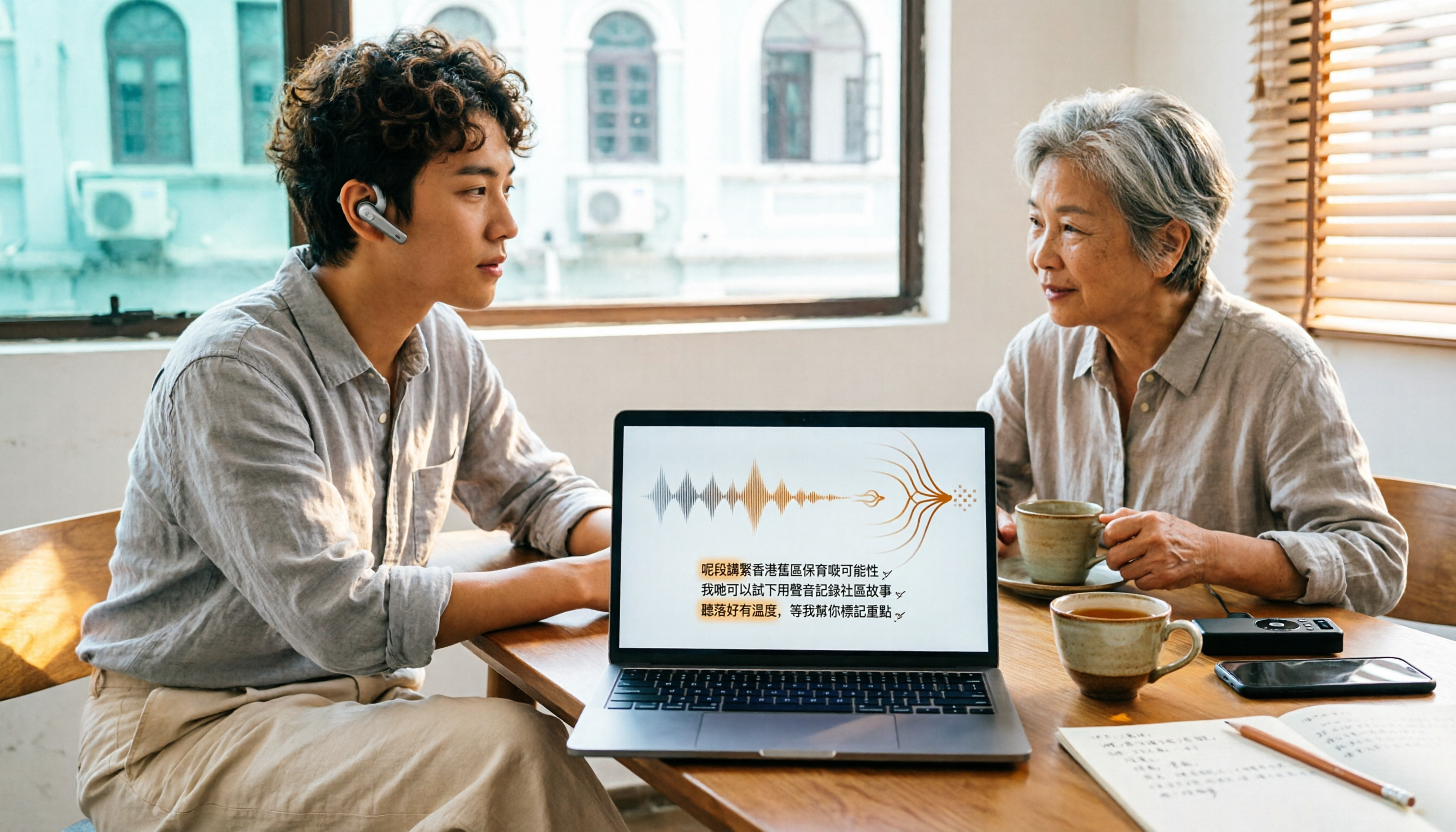
How to Choose Cantonese Audio-to-Text in 2026: 5 Steps to Pick the Right Free Tool
How do you choose a Cantonese audio-to-text tool? This article reviews 6 free and paid options in 2026, including Tinrec, Subanana, cSubtitle, Google AI Studio, Notta, and TurboScribe. It walks you through 5 steps—from language support and live meetings to post-meeting organization and team sharing—to find the one that saves you the most time.
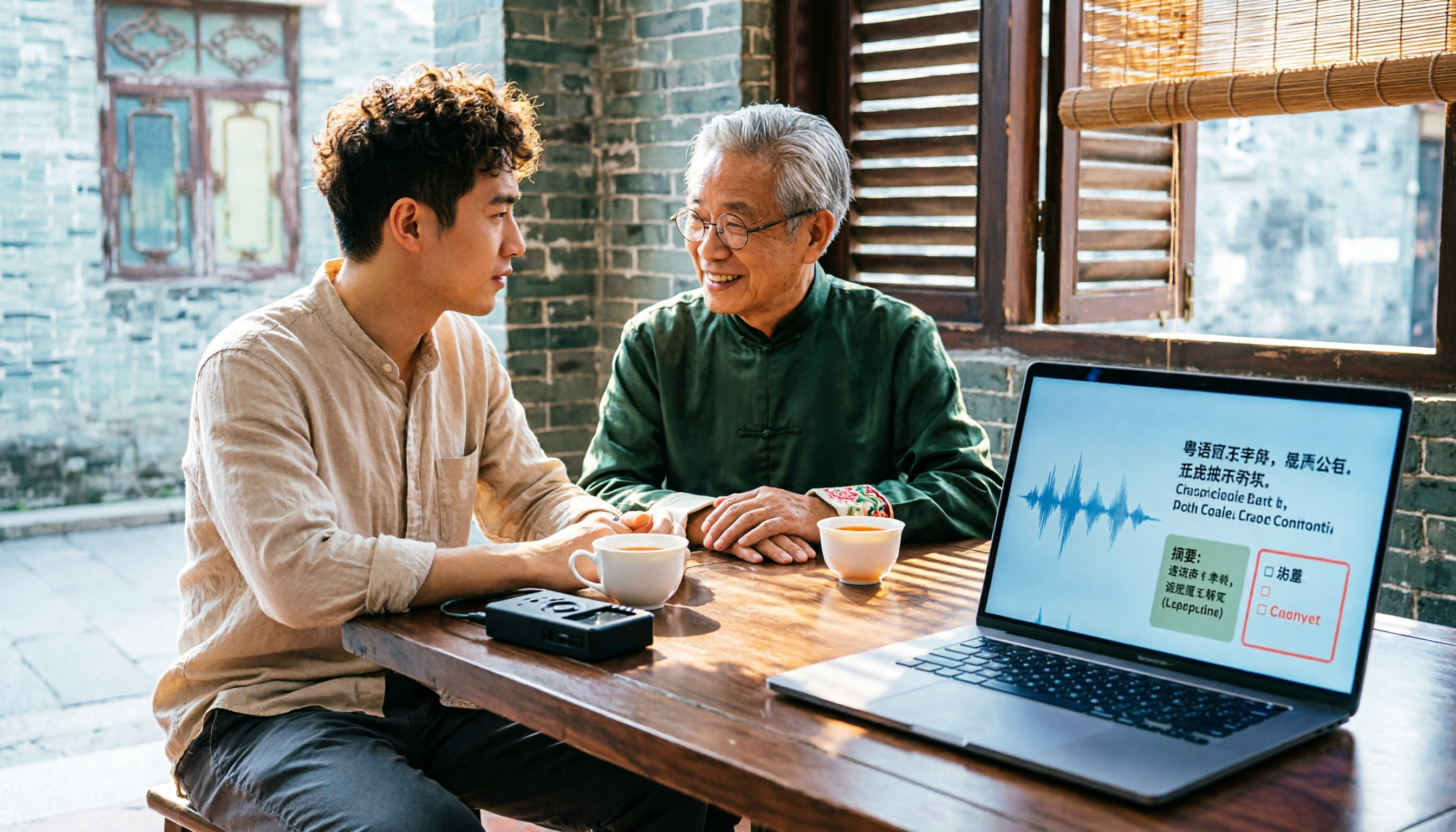
2025 Top 5 Cantonese Speech-to-Text Tools Tested: Which One Turns Transcripts into Usable Data?
After hands-on testing of several Cantonese speech-to-text tools in 2025, the key takeaway: getting a transcript is just the beginning. This article breaks down the complete workflow for Cantonese audio transcription, from real-time transcription and handling mixed Chinese-English to AI summaries and action items, team sharing, and purchasing considerations, with Tinrec demonstrating each step.
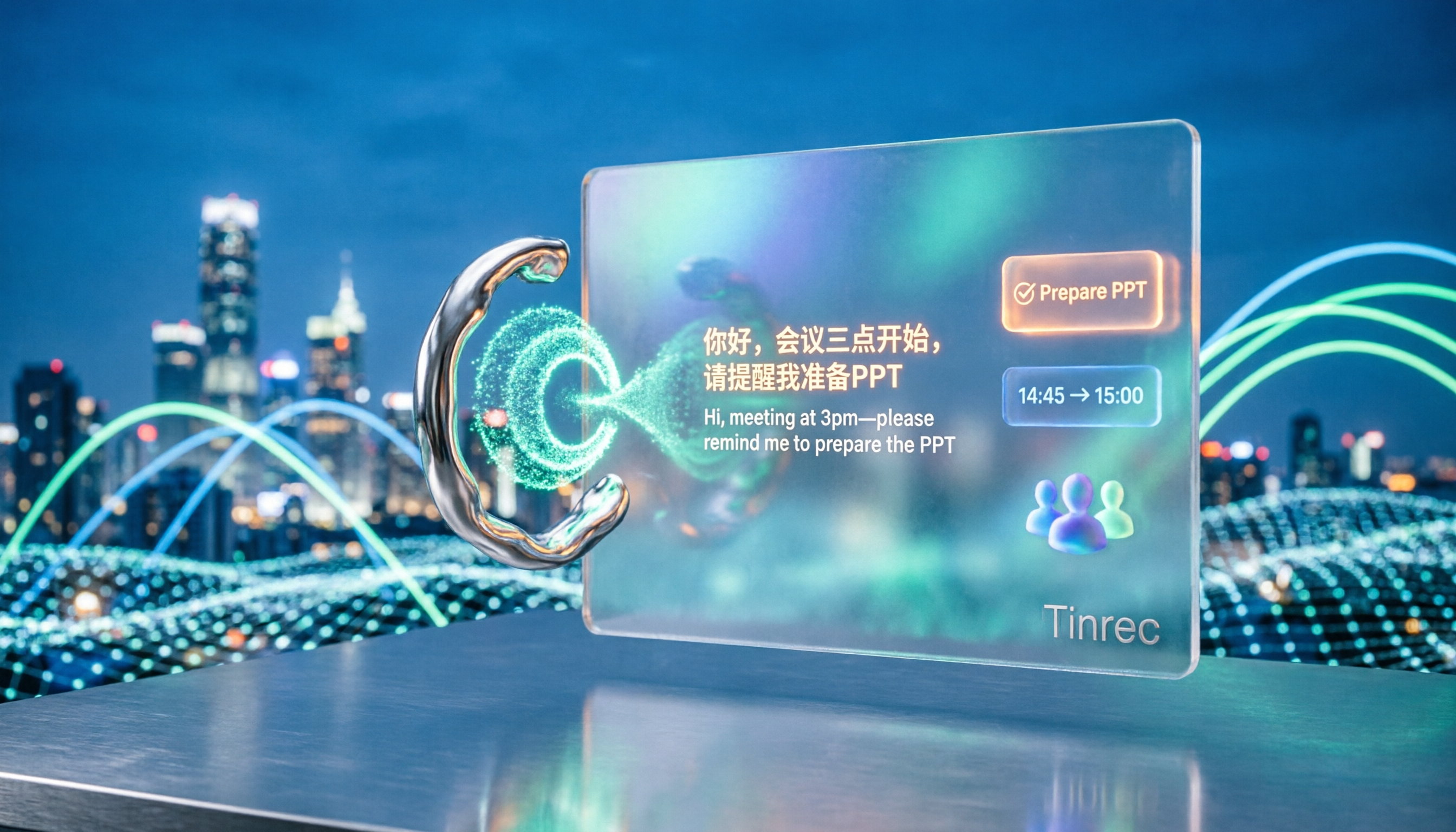
5 Cantonese Speech-to-Text Tools Tested for 2026: Which Free Version Is Actually Usable?
How do you choose a Cantonese speech-to-text tool? This article compares 5 common tool types from four angles: the real definition of free quotas, mixed Chinese-English recognition, post-meeting organization, and team collaboration. It also uses Tinrec to demonstrate the complete workflow from recording to action items, helping you decide whether a free version is truly enough.
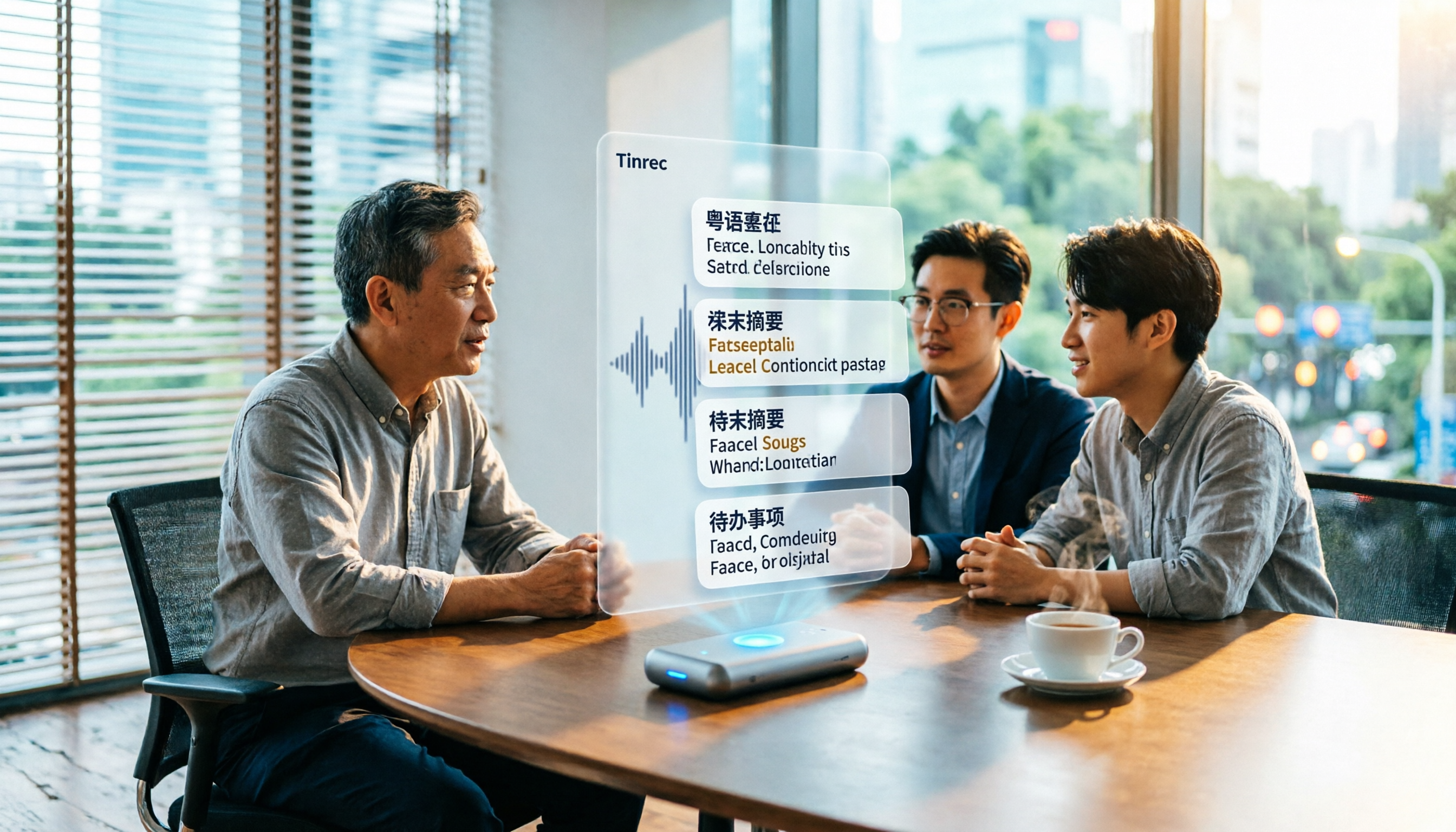
6 Best Cantonese Speech-to-Text Tools in 2026: Accuracy Tested for Colloquial and Mixed Chinese-English Audio
How to choose a Cantonese transcription tool? This guide compares 6 solutions that handle Cantonese audio transcription, covering free previews, colloquial-to-written conversion, mixed Chinese-English recognition, post-meeting summaries, and action items. It also explains which tool to pick when you have zero budget, just need a text transcript, or require team collaboration.

4 Cantonese Speech-to-Text Platforms Tested: Free Tiers, Cantonese Recognition, and AI Summarization Compared (2026)
How do you choose a tool for Cantonese meeting notes? This article compares Tinrec, Subanana, cantosubai, and Notta across four key factors: Cantonese recognition quality, output language, post-transcription organization, and free tier limits. It also covers common pitfalls when selecting a Cantonese transcription tool to help you decide which one truly fits your meeting and workflow needs.

4 Cantonese Speech-to-Text Tools Tested: Which AI Transcription and Summarization Saves the Most Time?
How to choose a Cantonese speech-to-text tool? This article addresses common misconceptions, outlines 5 key selection criteria, and compares Tinrec, Notta, TurboScribe, and Granola on Cantonese and Chinese meeting transcription, AI summaries, action items, and team collaboration. Includes a comparison table and pitfalls to avoid, helping you pick the right tool at once.