
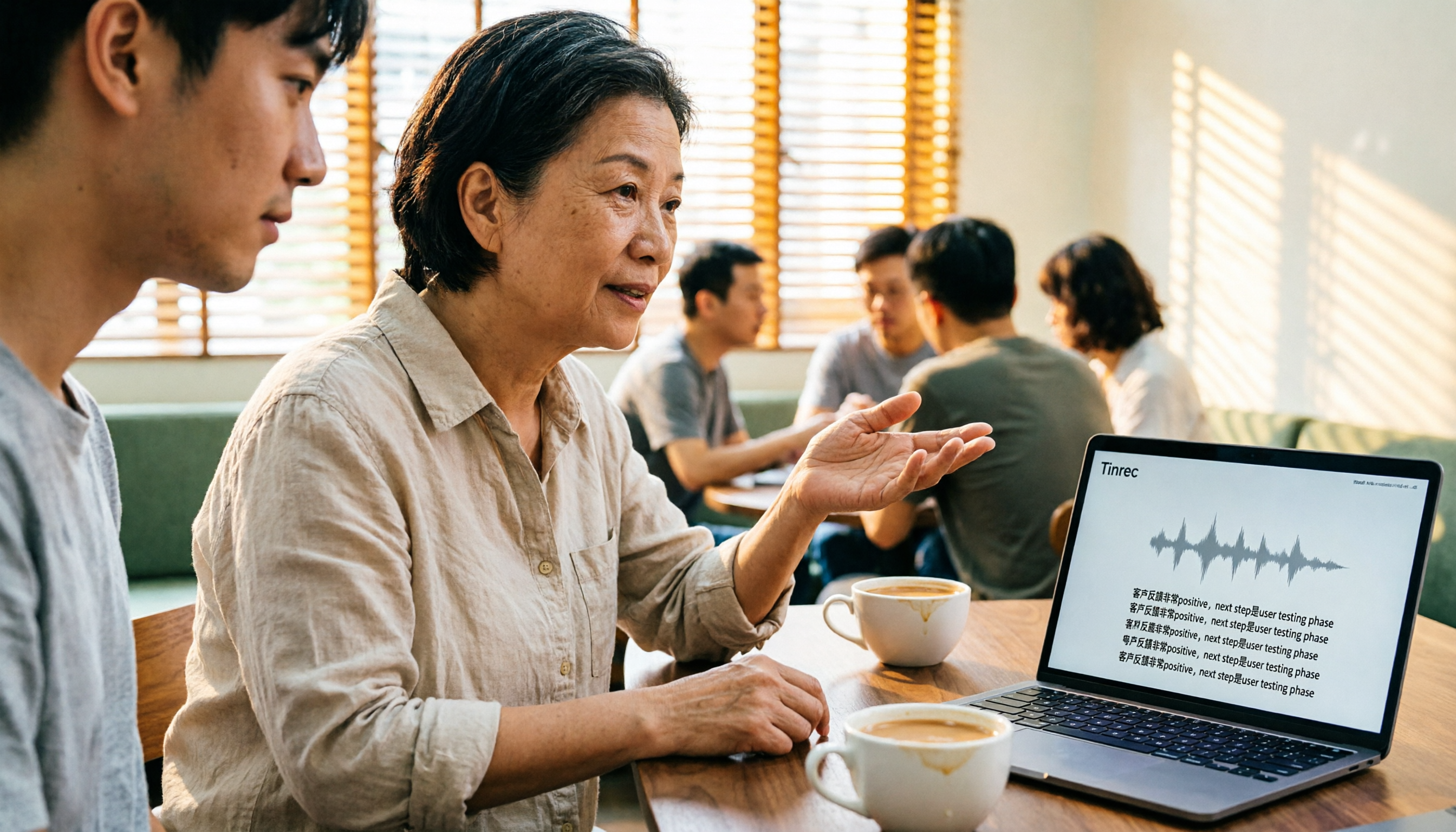
Turn recordings into transcripts and summaries in minutes
Upload audio or video for multilingual transcription, AI notes, and action items
When you type "free Cantonese speech to text" into the search bar, what you're really asking is: Which tool's free version can actually be used for work, rather than hitting a paywall after a few uses?
There's no standard answer because "free" means different things for each tool. Some offer a free trial for the first 15 minutes, some let you transcribe for free but not export, and others are free with no limits but very basic features.
This article first breaks down the differences using four key criteria, then compares the four most frequently mentioned tools: Tinrec, Subanana, cSubtitle, and Atter App.
Why is it so hard to choose a free Cantonese speech-to-text tool? — You don't need a tool, you need a solution
Bottom line: most people get stuck not because they can't find a tool, but because the tool they find only solves a third of the problem.
The first scenario is meetings. You have a two-hour Cantonese meeting recording, but you have to transcribe it yourself, and then organize who's responsible for what. Your time isn't spent in the meeting; it's spent after the meeting.
The second scenario is interviews or lectures. Cantonese content often includes English proper nouns and brand names. General tools often make mistakes in mixed Chinese-English segments, and correcting errors is more tiring than retyping.
The third scenario is data that scatters after use. The recording sits on someone's phone, the transcript is on someone's cloud drive, and next time you need to check "that budget number the client mentioned last time," no one can find it.
If you've experienced any of these, what you really need isn't just "turning sound into text," but making that content searchable, queryable, and transferable later.
Before choosing a free Cantonese transcription tool, understand these 4 key points
1. What kind of "free" is it?
There are three common types: free preview (e.g., first 15 minutes of each file), free transcription but paid export, and free with limited features.
Before downloading, confirm whether you need to "see it" or "take it away." If you can't export the transcript, its help for your workflow is actually very limited.
2. Cantonese recognition isn't just about understanding; it also needs to distinguish speakers
The real challenges of Cantonese transcription lie in details: spoken vs. written output, traditional vs. simplified characters, mixed Chinese-English proper nouns, and automatic segmentation when multiple people talk over each other.
These differences are usually invisible, but they all surface in real meetings.
3. Is there a next step after transcription?
A tool that only gives you a transcript is like handing you 30 pages of raw material.
Tools with summaries, chapters, action items, and AI Q&A turn that material into usable meeting notes. The gap here often affects your daily time more than recognition accuracy.
4. Will you switch devices or need to share with others?
If you record on iPhone today and organize on computer tomorrow, and the tool doesn't support cross-platform, your data will be stuck on one device.
For team use, check whether it allows meeting data to belong to the team, rather than leaving with a colleague's account.
Tinrec — The top choice for turning Cantonese recordings into usable data
Tinrec is an AI meeting notes and collaboration tool for individuals and teams. It supports live recording, online meeting transcription, audio/video file import, and real-time translation, and can automatically generate summaries, chapters, action items, and mind maps.
It's not just speech-to-text; it turns meetings into searchable, collaborative, actionable team data.
During the meeting: No extra bot needed
Tinrec desktop version directly captures your computer's system audio, handling Zoom, Google Meet, Microsoft Teams, Webex, and other online meetings without an extra meeting bot joining.
In practice: open Tinrec before the meeting starts, and the transcript grows as the meeting progresses. You don't have to listen and take notes simultaneously, and you won't discover afterward that the key part wasn't recorded.
After the meeting, different speakers are labeled, and you can rename them, making it clear who said what.
Post-meeting organization: Summaries, chapters, and action items all at once
As soon as the meeting ends, AI summaries and chapters are generated. You can see which topics were discussed and where conclusions were made, and jump directly to them.
Action items are also extracted from the conversation—who's responsible and when it's due—much faster than going back through the recording yourself.
Even better is AI Q&A. You can directly ask "Who mentioned the budget in the last meeting?" or "What did the client say about the delivery date?" It answers based on content semantics, not just a list of keyword search results.
Content processing: Translation, export, and regeneration
If not all participants in a Cantonese meeting are Cantonese speakers, real-time translation lets you switch between original, translated, or bilingual views.
Stop organizing recordings by hand
Upload audio or video and automatically get a transcript, summary, and action items
Output supports transcripts, subtitle files, and document formats, and can be exported to Notion, Google Docs, OneNote, Dropbox, etc. for further use. When needed, you can also generate reports, tables, and meeting minutes documents.
About accuracy, I want to be honest
Tinrec does not promise a fixed accuracy rate because recognition is affected by accent, speech rate, background noise, overlapping speakers, and technical terms—especially for Cantonese.
My advice: don't trust any official numbers. Use your own Cantonese recording to test the free quota—that's the most realistic result for your scenario.
Three reasons I recommend it
- No bot recording: No extra account as a participant in online meetings, and no need to coordinate with the host in advance.
- Complete post-meeting workflow: From transcript, summary, action items to AI Q&A and multi-format export, all done in one place without moving files between tools.
- Team version keeps data: Meetings belong to the team, with member roles, seats, usage analytics, audit logs, and audio recycle bin. When members leave, data can be transferred and won't disappear with personal accounts.
Limitations to note
The free version provides basic quota, suitable for trial and light use. If you're a heavy user with many meetings per week, you'll need to consider weekly pass, Pro, or team version.
Also, the team version is billed by "seat." Members need a seat to record, upload, and edit; members without a seat can still view, play, and read team data.
Who is it for
If you need to handle Chinese (including Cantonese) and mixed Chinese-English meeting content, don't want a bot joining online meetings, want to use AI to find key points directly after recording, or your team shares meeting data, Tinrec is currently one of the most suitable choices.
Besides Tinrec, what other free Cantonese transcription options are there?
Subanana: A Cantonese transcription service developed by a Hong Kong team, supporting mixed Chinese-English, spoken or written output, and traditional/simplified character switching.
Free accounts can upload files and preview the first 15 minutes of transcription per file, but exporting files is a paid feature. Note that it focuses on personal file transcription, without desktop bot-free meeting recording, team spaces, seat allocation, or usage auditing.
cSubtitle: No account registration required; upload files and start transcribing. Supports batch processing, with a single file limit of 4GB and 5 hours, focusing on Chinese processing.
Its strength is processing many files at once. But it's more of a transcription tool than a meeting tool—no live recording transcription, no AI Q&A or action item extraction, and it can't consolidate content into a shared team database.
Atter App: Focuses on being free, ad-free, and without quota limits. Can import from phone recordings, photo album videos, or Apple Watch. Provides transcripts, summaries, chapters, and AI Q&A, friendly for those frequently handling interviews and lecture notes.
However, the original author's testing mentions recognition accuracy of about 70%, with common brand and person names prone to errors. It leans toward mobile personal recording; Tinrec focuses on online meetings and team data consolidation, and can maintain professional terminology recognition with team hotwords.
Pitfall guide: 3 most common traps when choosing a free Cantonese transcription tool
Pitfall 1: Mistaking "free trial" for "free use"
Many tools' free versions are "preview first 15 minutes" or "can transcribe but not export." To actually take the file, you have to pay. Check the free scope—minutes, features, or export rights—before investing time.
Pitfall 2: Only looking at official accuracy numbers
Those numbers are measured in a quiet recording studio, which is different from your meeting room—with air conditioning, keyboard sounds, and people talking over each other, the numbers will drop. Testing with your own recording is more accurate than any marketing.
Pitfall 3: Treating the tool as just a typewriter
If you only use it to "turn sound into text," you're using only a third of its capabilities. After recording, directly ask AI to summarize, extract action items, and answer questions—saving much more time than transcription itself.
Final reminder: Before recording, confirm compliance with local laws and obtain consent from participants when necessary. This is more important than which tool you choose.
Conclusion: Which one should you choose?
- Just occasionally transcribe a Cantonese recording, zero budget → Subanana (free preview), cSubtitle, Atter App are all worth trying.
- Need to record online meetings without an extra bot participant → Tinrec.
- Want to ask AI directly "What's the conclusion?" "Who's responsible for what?" after recording → Tinrec (has AI Q&A and action item extraction).
- Need to continue using on phone, computer, and web → Tinrec.
- Team needs to share meeting data and manage members, seats, and usage → Tinrec team version.
- Need to process many long files at once → Batch transcription tools like cSubtitle are more suitable.
Simply put, if you just want to "free turn Cantonese into text," there are many options; but if you want "usable data right after the meeting," Tinrec is the most complete among these.
I suggest opening Tinrec's free version first, testing with your own Cantonese meeting recording, and considering an upgrade only if it works for you. No need to pay upfront.
References
- Free Cantonese speech-to-text app 2026 | Subanana
- Online AI speech, video, audio file auto transcription - Free trial - cSubtitle
- AI speech to text fast audio file online transcription, transcripts and video subtitles - Free trial - cSubtitle
- "Free + Cantonese OK: How to use Google AI Studio to transcribe your recordings" Finding a good transcript app is painful; I don't know if you've tried different recording-to-text apps—either fake free, charging a lot after a few minutes, or only supporting English, not Cantonese, or requiring a lot of API setup. Recently I found Google Gemini is world-class in this area: - [Truly free] No subscription after a few uses - [Cantonese friendly] Gemini accurate
- Free unlimited AI speech-to-text tool, say goodbye to transcript organization troubles: Atter App | Lin Weiqing's Salon
Turn every recording into actionable outcomes
Get 60 free transcription minutes when you sign in. No credit card required.
Related Reading
You might also like
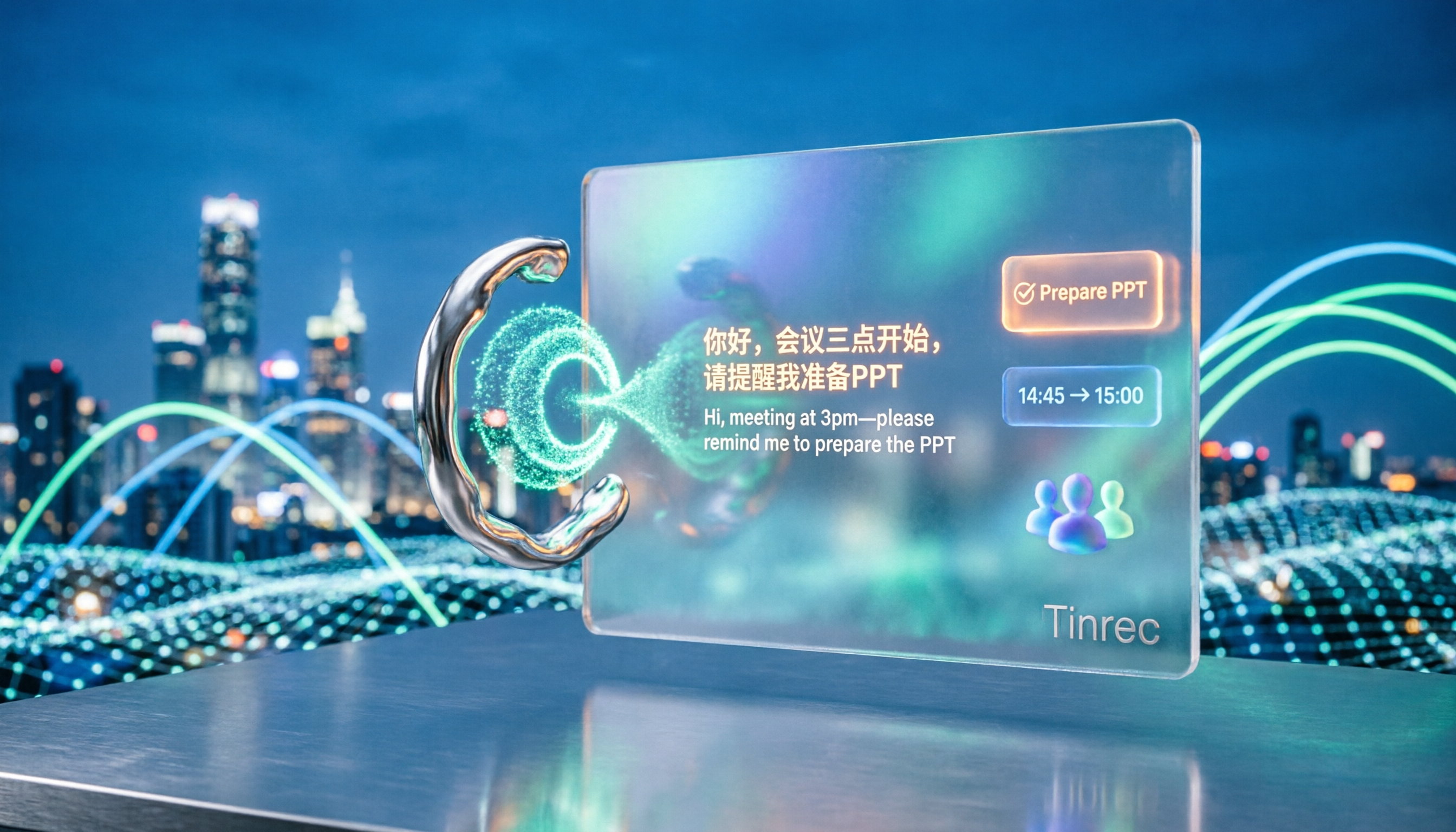
5 Cantonese Speech-to-Text Tools Tested for 2026: Which Free Version Is Actually Usable?
How do you choose a Cantonese speech-to-text tool? This article compares 5 common tool types from four angles: the real definition of free quotas, mixed Chinese-English recognition, post-meeting organization, and team collaboration. It also uses Tinrec to demonstrate the complete workflow from recording to action items, helping you decide whether a free version is truly enough.
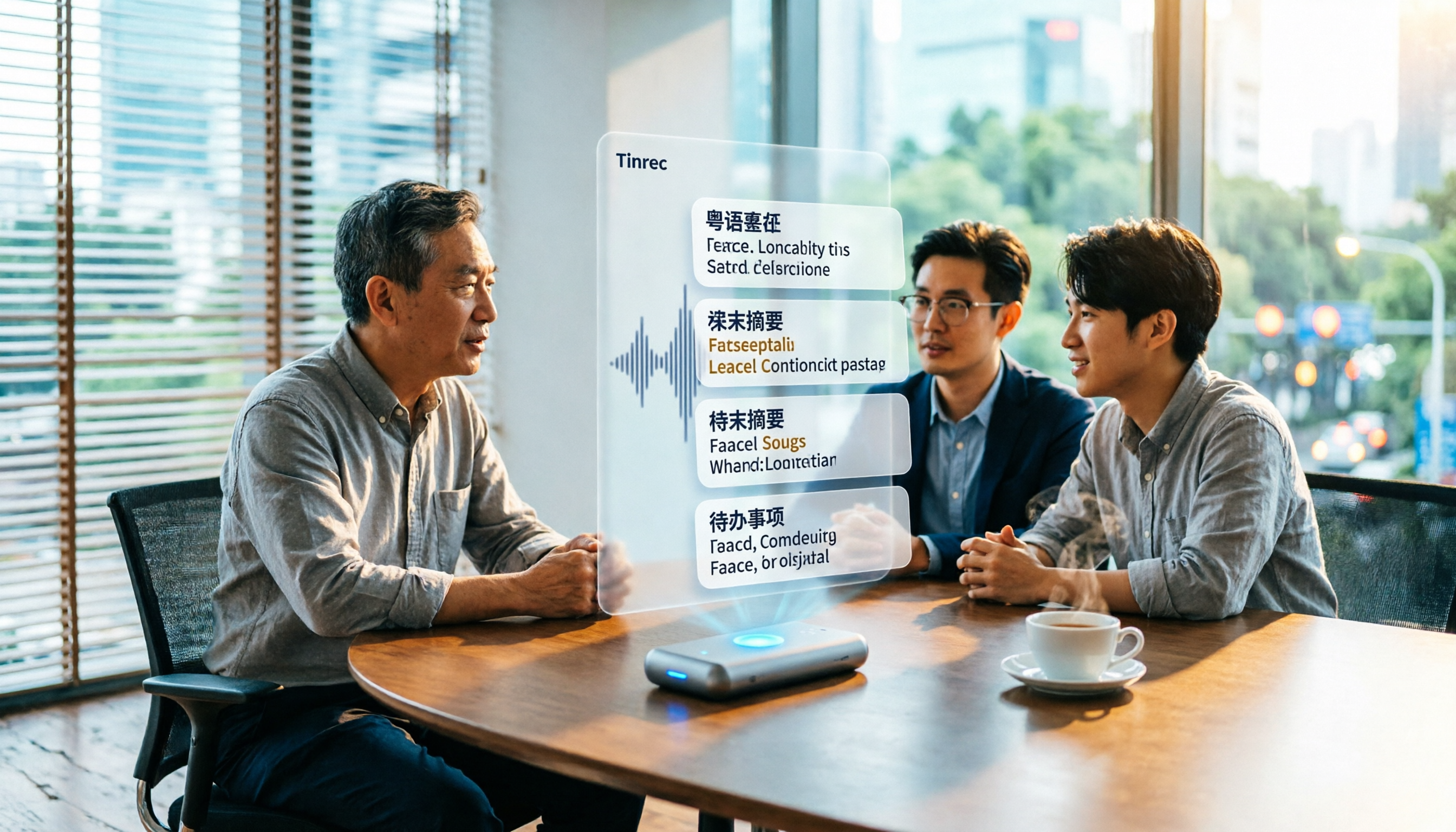
6 Best Cantonese Speech-to-Text Tools in 2026: Accuracy Tested for Colloquial and Mixed Chinese-English Audio
How to choose a Cantonese transcription tool? This guide compares 6 solutions that handle Cantonese audio transcription, covering free previews, colloquial-to-written conversion, mixed Chinese-English recognition, post-meeting summaries, and action items. It also explains which tool to pick when you have zero budget, just need a text transcript, or require team collaboration.

4 Cantonese Speech-to-Text Platforms Tested: Free Tiers, Cantonese Recognition, and AI Summarization Compared (2026)
How do you choose a tool for Cantonese meeting notes? This article compares Tinrec, Subanana, cantosubai, and Notta across four key factors: Cantonese recognition quality, output language, post-transcription organization, and free tier limits. It also covers common pitfalls when selecting a Cantonese transcription tool to help you decide which one truly fits your meeting and workflow needs.

4 Cantonese Speech-to-Text Tools Tested: Which AI Transcription and Summarization Saves the Most Time?
How to choose a Cantonese speech-to-text tool? This article addresses common misconceptions, outlines 5 key selection criteria, and compares Tinrec, Notta, TurboScribe, and Granola on Cantonese and Chinese meeting transcription, AI summaries, action items, and team collaboration. Includes a comparison table and pitfalls to avoid, helping you pick the right tool at once.

4 Cantonese Speech-to-Text Tools Tested for 2026: Which Free Online Option Is Enough?
Turning Cantonese recordings into text is easy with free tools, but few truly understand Cantonese and turn transcripts into usable data. This article compares 4 online speech-to-text tools, covering Cantonese recognition, free tier limits, post-meeting organization, and online meeting recording methods, plus hands-on observations of Tinrec and team pricing.

How to Transcribe Cantonese Audio in 2026: 5-Step Guide Comparing Free Online Tools Tinrec and Notta
Want to transcribe Cantonese audio online for free? This guide walks you through a complete 5-step process and compares Tinrec and Notta on Cantonese and mixed Chinese-English recognition, input sources, free and short-term plans, post-meeting organization, and online meeting recording to help you decide which tool to use.

Tinrec vs Subanana 2026: 4-Dimension Comparison — Which Free Cantonese Speech-to-Text Tool Should You Choose?
This article starts with common misconceptions about free Cantonese audio-to-text conversion and walks you through 4 key purchasing factors: Cantonese accuracy, whether free tiers are truly free, AI post-processing, and cross-platform team collaboration. We tested and compared Tinrec and Subanana, briefly reviewed Google AI Studio, MyEdit, and other options, and provided a guide to avoid pitfalls plus scenario-based recommendations.

4 Cantonese Speech-to-Text Tools Compared in 2026: Free Tiers, Chinese Recognition, and Post-Meeting Workflows
The hardest part of a Cantonese meeting isn't recording—it's organizing. This guide compares four tools—Tinrec, Subanana, cSubtitle, and MyEdit—on free tiers, Cantonese and mixed Chinese-English recognition, post-meeting summaries and action items, and team collaboration. It also includes key buying factors and four common pitfalls to help you decide if a free plan is enough and which tool to try first.

Tinrec vs Otter.ai 2026: 5-Dimension Comparison for Cantonese Speech-to-Text
Starting from the real challenges of transcribing Cantonese meeting recordings, this comparison evaluates Tinrec and Otter.ai across 5 dimensions: recognition focus, bot-free recording, post-meeting workflow, real-time translation, and team knowledge retention. Find out which tool better suits your Cantonese speech-to-text needs.