

Turn recordings into transcripts and summaries in minutes
Upload audio or video for multilingual transcription, AI notes, and action items
4 Cantonese Speech-to-Text Tools Compared in 2026: Free Tiers, Chinese Recognition, and Post-Meeting Workflows
It's Wednesday afternoon during a project meeting, and your Hong Kong colleague spends half an hour discussing budget allocation in Cantonese. When the meeting ends, you open the recording to prepare a transcript, only to realize that just listening carefully to every sentence—pausing and replaying—takes longer than the meeting itself.
If you're looking for a free Cantonese speech-to-text tool, this article lays out the common options: whether the free tier is actually enough, how to judge Cantonese and mixed Chinese-English recognition, and whether the output can directly become meeting notes.
Why Are Cantonese Meeting Notes So Tricky?
Cantonese spoken vocabulary differs greatly from written Chinese. Many tools are trained primarily on Mandarin, so when they encounter Cantonese, they start "guessing characters," and you have to listen three times to confirm a single sentence.
Mixed Chinese-English is even more troublesome. When a sentence includes words like budget, schedule, or deadline, tools often skip them or mark them as unrecognizable, leaving you to manually fill in the transcript.
Another easily overlooked pitfall: free limits are hidden in the details. Some tools offer "free preview of the first 15 minutes per file," while others allow 30 minutes per file or 3 files per day. By the time you need to organize a one-hour meeting recording, you find your quota already used up.
Before Choosing a Cantonese Transcription Tool, Understand These 4 Key Points
First, does it truly understand Cantonese? Many tools claim to "support Chinese" on their websites, but are actually trained mainly on Mandarin. Cantonese support needs separate verification, and actual performance is affected by recording quality, background noise, accents, and multiple people talking over each other.
Second, is the free tier a "trial" or "enough to use"? The word "free" comes in many forms: first 15 minutes preview, 3 minutes per session, 3 files per day, or a fixed number of minutes per month. First confirm how long your meeting is, then check if the quota is sufficient.
Third, can you use the output directly? A transcript is just raw material. Whether it can automatically generate summaries, chapters, action items, or even let you ask AI questions like "Who mentioned the budget last quarter?" determines whether you save 10 minutes or 2 hours.
Fourth, does it connect across phone, computer, and team? Today you record on your phone, tomorrow you organize on your computer, and the day after you hand it off to a colleague—if the tool only exists on a single device, your data ends up scattered.
Tinrec — Turning Meetings from Recordings into Usable Data
Tinrec is an AI meeting notes and collaboration tool for individuals and teams, available on desktop, web, and mobile. Its positioning isn't just "speech to text"—it turns meetings into searchable, queryable, and exportable data.
The most practical feature for online meetings is that it doesn't require a meeting bot to join. Tinrec's desktop version directly captures your computer's system audio, handling meeting audio from Zoom, Google Meet, Microsoft Teams, Webex, and other platforms, without participants seeing an extra account. For in-person meetings, it uses real-time recording, producing a transcript as it records.
After the meeting is where the real value lies. Tinrec automatically generates summaries, chapters, key points, and action items. You can ask questions about the entire meeting content, such as "What were the client's concerns about pricing?" It organizes answers based on semantics, rather than just throwing keyword search results. It also supports real-time translation during recording, allowing you to switch between original text, translation, or bilingual view.
One honest note: Tinrec hasn't published a separate accuracy rate for Cantonese, and actual recognition performance is affected by recording quality, noise, accents, and overlapping speech. A practical approach is to take a recording of the type of meeting you most often have and run it through the free tier to see how much manual correction the transcript needs.
Its advantages can be summarized in three points:
First, bot-free recording for online meetings—more natural for external clients or sensitive meetings, and no worry about a bot dropping off.
Stop organizing recordings by hand
Upload audio or video and automatically get a transcript, summary, and action items
Second, a complete post-meeting workflow—summaries, chapters, action items, AI Q&A, translation, multi-format export, and the ability to generate reports, tables, and documents from meeting content.
Third, Chinese meeting experience is a focus, supporting mixed Chinese-English content organization; the team version also maintains team hotwords to lock in product names, project codes, and other specialized terms.
Limitations should also be clear: The personal free plan provides a basic quota, suitable for trying out recording, importing, summaries, and transcription; if you have steady weekly needs, consider a weekly pass, Pro monthly, or annual plan. The team version is a separate team space. The first eligible team trial is 7 days, 1 free seat, and 300 minutes of shared team import quota; paid seats are USD 29.80/month or USD 199/year (about USD 16.58/month), with each paid seat providing 2,000 minutes of shared team import quota per month. Real-time recording under an active plan is currently not deducted by minutes. Actual prices and benefits are subject to the official purchase page.
If you frequently handle Cantonese or mixed Chinese-English meetings, want to ask AI directly for key points after recording, and need to connect phone, computer, and team data, Tinrec has the most complete workflow among these options.
Besides Tinrec, What Other Free Options Are There?
Subanana is an online tool focused on free Cantonese speech-to-text. Upload a recording, video, or paste a YouTube link, and AI outputs a transcript with speaker labels and punctuation. It handles mixed Chinese-English, lets you choose between spoken and written language, and supports export to SRT, VTT, TXT, DOCX, XLSX, and Markdown. Note that its free portion is mainly "preview of the first 15 minutes per file," and full files require payment. It's great for pure transcription and one-time use; but it lacks AI chat Q&A, action item extraction, and team space, so post-meeting organization is still up to you.
cSubtitle is an online speech-to-text service focused on Chinese. Upload a video or recording to start, no account required. You can download text files and time-coded Word files in minutes, and it also automatically generates subtitle files. It supports files up to 4GB and 5 hours. However, its training data is mainly Mandarin Chinese, and Cantonese is not a focus; it only does transcription and subtitles, so summaries, action items, and team collaboration require other tools.
MyEdit is a comprehensive audio editing website by CyberLink. It offers free speech-to-text in 9 languages including Chinese, English, and Japanese. Transcription is fast, and you can edit content and add timestamps before exporting. It's quite sufficient for general recording-to-transcript needs. Its positioning leans toward audio editing and content creation, not meeting collaboration. It lacks AI meeting Q&A and action item tracking, and cannot store data in a team space.
Pitfall Guide: 4 Most Common Mistakes When Choosing a Free Cantonese Transcription Tool
Pitfall 1: Only looking at the word "free" without checking limits. Some free tiers are "first 15 minutes preview," some are 3 minutes per file, some are 3 files per day. First confirm how long your meeting is, then judge whether this free tier is meaningful for you.
Pitfall 2: Assuming "supports Chinese" means it understands Cantonese. Most tools are trained mainly on Mandarin, and Cantonese recognition is a different matter. Test with your own Cantonese recordings, don't just rely on official marketing numbers.
Pitfall 3: Treating the transcript as the end goal. If you only get a transcript, you still have to read through the entire meeting. Summaries, chapters, action items, and AI Q&A are where real time savings come from.
Pitfall 4: Using a personal account to record team meetings. Data stored on personal devices or personal cloud accounts can scatter when someone leaves or changes phones. Choose tools with team spaces, roles, and seat management, and ensure proper handover when members change, so meeting data doesn't become disposable.
Conclusion: Which One Should You Choose?
Need Cantonese/mixed Chinese-English meetings, and want transcript plus summaries, action items, AI Q&A → Tinrec, the most complete post-meeting workflow.
Only need to convert pure Cantonese video or audio to text, occasionally → Subanana, free 15-minute preview to test the waters.
Mainly handling Chinese video subtitles, want free and fast conversion → cSubtitle, no account needed to start.
Occasionally convert recordings to text for personal use, and edit audio along the way → MyEdit, free and supports 9 languages.
If meeting content is almost entirely in English → Otter.ai's free plan offers 300 minutes per month, a rare exception recommendation in this article.
We suggest starting with each tool's free plan, running the same Cantonese recording through them, and seeing which transcript best matches your actual needs before deciding whether to pay. Tools aren't absolutely good or bad—only whether they fit your current workflow.
References
- Free Cantonese Speech-to-Text App 2026 | Subanana
- AI Speech-to-Text Fast Online Transcription, Transcripts and Video Subtitles - Free Trial - cSubtitle
- Online AI Speech, Video, Recording Auto Transcription - Free Trial - cSubtitle
- Speech to Text - Google Play App
- Tested 4 Best Online Speech-to-Text Tools, Free Instant Recording to Transcript
Turn every recording into actionable outcomes
Get 60 free transcription minutes when you sign in. No credit card required.
Related Reading
You might also like
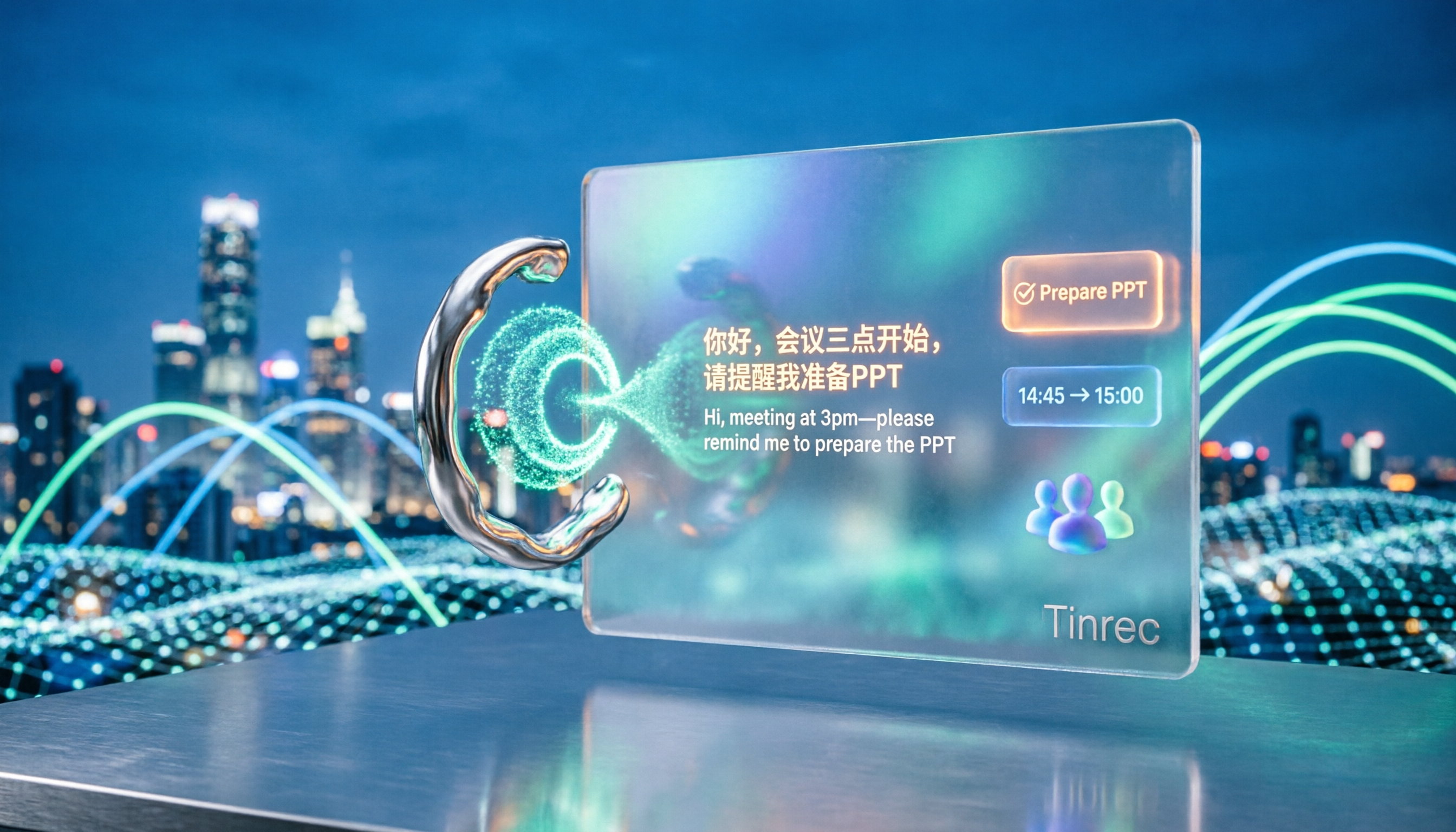
5 Cantonese Speech-to-Text Tools Tested for 2026: Which Free Version Is Actually Usable?
How do you choose a Cantonese speech-to-text tool? This article compares 5 common tool types from four angles: the real definition of free quotas, mixed Chinese-English recognition, post-meeting organization, and team collaboration. It also uses Tinrec to demonstrate the complete workflow from recording to action items, helping you decide whether a free version is truly enough.
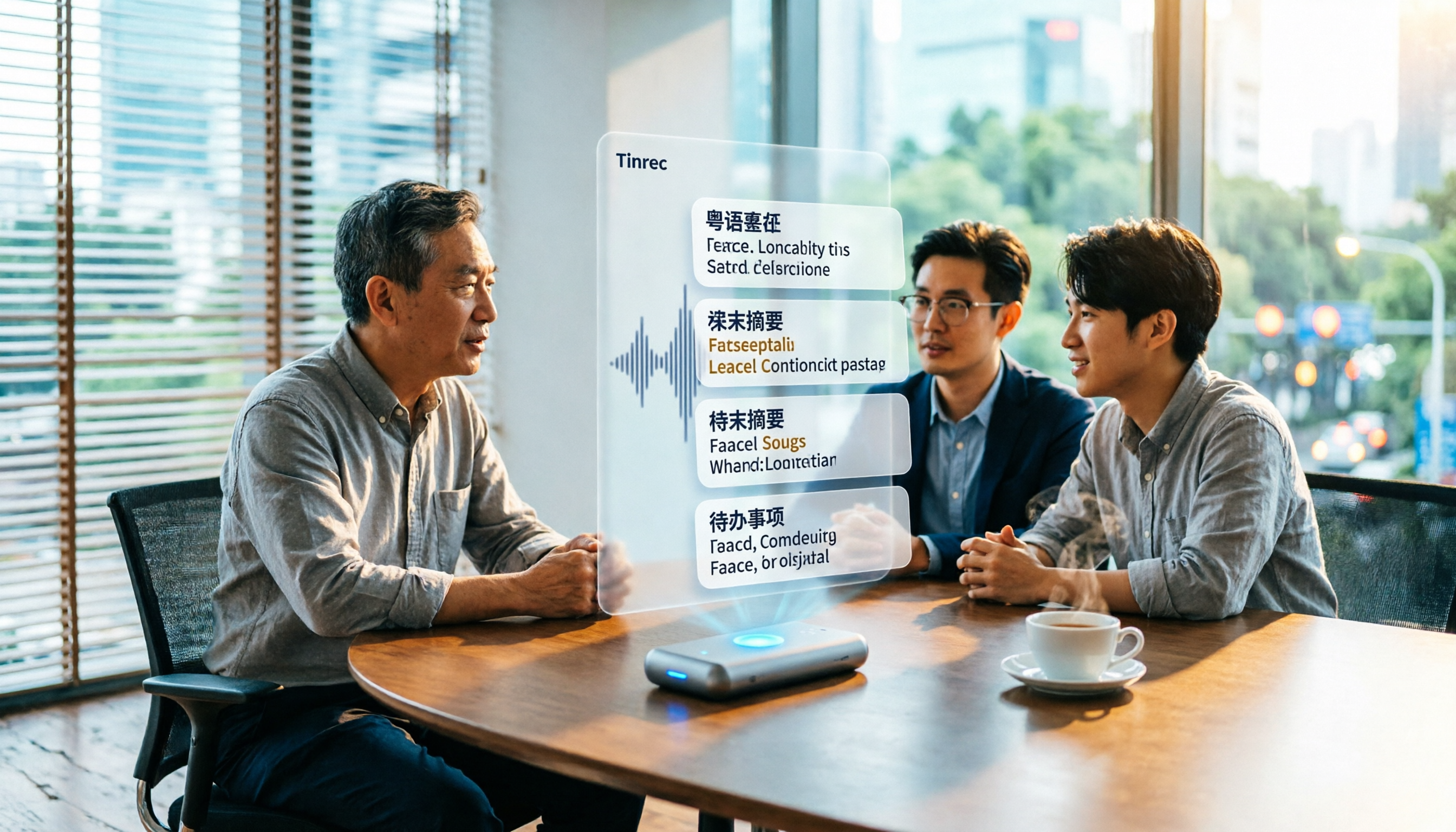
6 Best Cantonese Speech-to-Text Tools in 2026: Accuracy Tested for Colloquial and Mixed Chinese-English Audio
How to choose a Cantonese transcription tool? This guide compares 6 solutions that handle Cantonese audio transcription, covering free previews, colloquial-to-written conversion, mixed Chinese-English recognition, post-meeting summaries, and action items. It also explains which tool to pick when you have zero budget, just need a text transcript, or require team collaboration.

4 Cantonese Speech-to-Text Platforms Tested: Free Tiers, Cantonese Recognition, and AI Summarization Compared (2026)
How do you choose a tool for Cantonese meeting notes? This article compares Tinrec, Subanana, cantosubai, and Notta across four key factors: Cantonese recognition quality, output language, post-transcription organization, and free tier limits. It also covers common pitfalls when selecting a Cantonese transcription tool to help you decide which one truly fits your meeting and workflow needs.

4 Cantonese Speech-to-Text Tools Tested: Which AI Transcription and Summarization Saves the Most Time?
How to choose a Cantonese speech-to-text tool? This article addresses common misconceptions, outlines 5 key selection criteria, and compares Tinrec, Notta, TurboScribe, and Granola on Cantonese and Chinese meeting transcription, AI summaries, action items, and team collaboration. Includes a comparison table and pitfalls to avoid, helping you pick the right tool at once.

4 Cantonese Speech-to-Text Tools Tested for 2026: Which Free Online Option Is Enough?
Turning Cantonese recordings into text is easy with free tools, but few truly understand Cantonese and turn transcripts into usable data. This article compares 4 online speech-to-text tools, covering Cantonese recognition, free tier limits, post-meeting organization, and online meeting recording methods, plus hands-on observations of Tinrec and team pricing.

How to Transcribe Cantonese Audio in 2026: 5-Step Guide Comparing Free Online Tools Tinrec and Notta
Want to transcribe Cantonese audio online for free? This guide walks you through a complete 5-step process and compares Tinrec and Notta on Cantonese and mixed Chinese-English recognition, input sources, free and short-term plans, post-meeting organization, and online meeting recording to help you decide which tool to use.

Tinrec vs Subanana 2026: 4-Dimension Comparison — Which Free Cantonese Speech-to-Text Tool Should You Choose?
This article starts with common misconceptions about free Cantonese audio-to-text conversion and walks you through 4 key purchasing factors: Cantonese accuracy, whether free tiers are truly free, AI post-processing, and cross-platform team collaboration. We tested and compared Tinrec and Subanana, briefly reviewed Google AI Studio, MyEdit, and other options, and provided a guide to avoid pitfalls plus scenario-based recommendations.
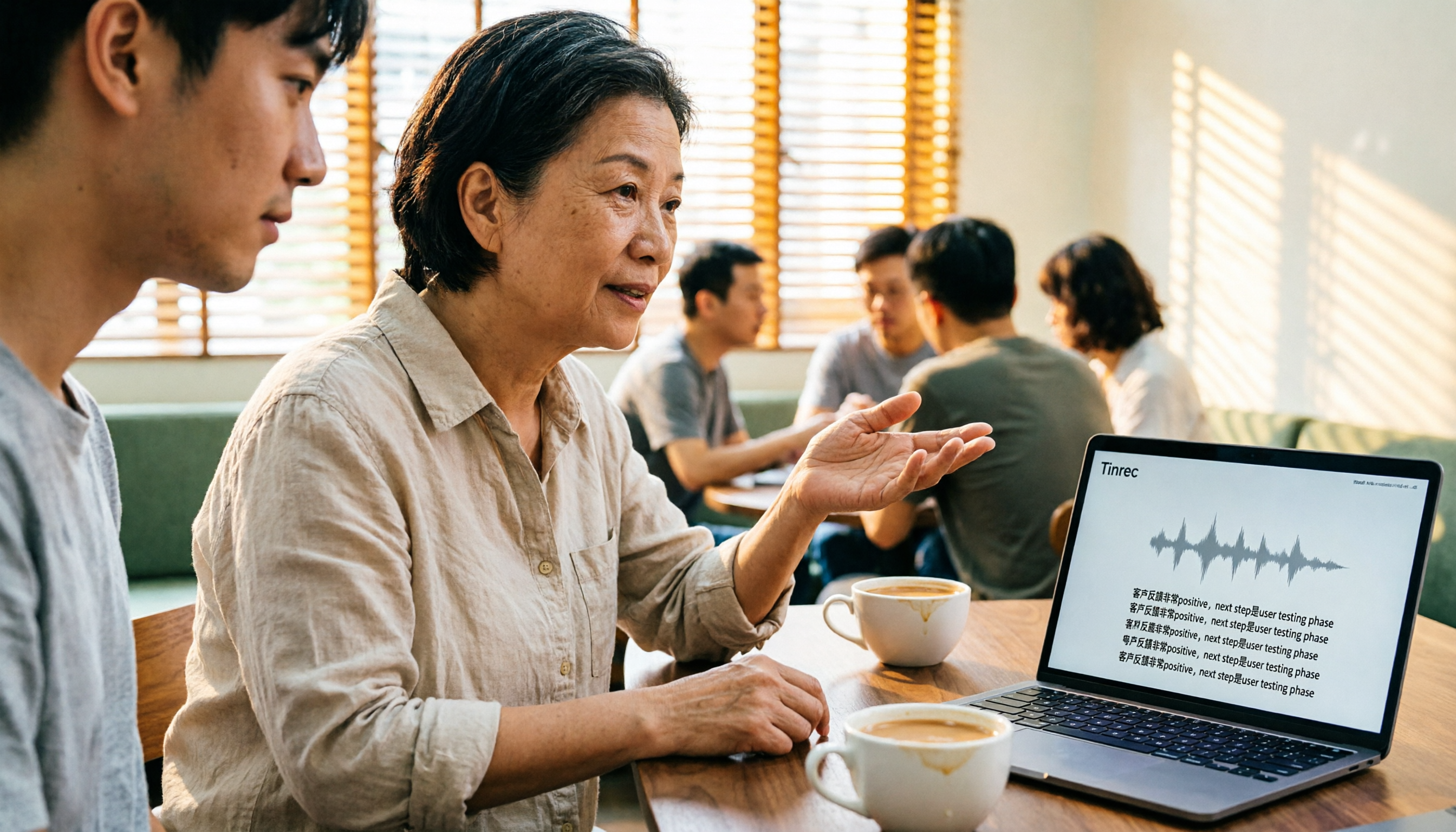
4 Cantonese Speech-to-Text Tools Tested: Which Free Version Actually Works?
People searching for 'free Cantonese speech to text' really want to know which tool's free version is actually usable for work. This article compares Tinrec, Subanana, cSubtitle, and Atter App across four key criteria: free scope, Cantonese and mixed Chinese-English recognition, post-meeting organization, and cross-platform/team sharing. It also highlights three common pitfalls to avoid.

Tinrec vs Otter.ai 2026: 5-Dimension Comparison for Cantonese Speech-to-Text
Starting from the real challenges of transcribing Cantonese meeting recordings, this comparison evaluates Tinrec and Otter.ai across 5 dimensions: recognition focus, bot-free recording, post-meeting workflow, real-time translation, and team knowledge retention. Find out which tool better suits your Cantonese speech-to-text needs.