

Turn recordings into transcripts and summaries in minutes
Upload audio or video for multilingual transcription, AI notes, and action items
The Pain Begins After Your Cantonese Meeting Ends
"This case is due Friday." Your boss sends a 40-minute Cantonese meeting recording. You put on headphones, play, pause, type, rewind—repeating the same actions dozens of times.
And that's not even the worst part.
Cantonese meetings almost always mix in English. "We need to follow up on this case," "The schedule might be postponed." When ordinary speech-to-text tools encounter such sentences, they either force English words into phonetically similar Chinese or skip the entire segment. Two-hour meetings, two more hours to organize—this is likely the daily routine for many office workers.
If you deal with Cantonese or mixed-language recordings every week, this article is for you. I've tested the following tools with actual meeting recordings, covering how free tiers work, each tool's strengths in Cantonese scenarios, and one often-overlooked point: after transcription, how much time do you still need to spend organizing?
4 Key Points Before Choosing Cantonese Speech-to-Text Software
1. Does it recognize mixed Chinese-English?
Cantonese naturally mixes in English—it's normal to have three or four English words in a sentence. Some tools force English words into phonetically similar Chinese, making the whole sentence incomprehensible. A better approach preserves English words as-is without breaking sentence structure. When choosing a tool, test it directly with your own mixed-language recording—this is more accurate than any official claim.
2. The "format" of the free tier matters more than the number
300 free minutes sounds like a lot, but if each file is limited to 3 minutes, it's useless for meeting recordings. Common free formats include: a fixed number of minutes per month, preview of the first N minutes per file, or completely free but with limited features. First confirm which rule your recording length falls under, then decide whether to try further.
3. After transcription, can you actually use it?
A transcript is only a semi-finished product. The real time sink is condensing 40 minutes into 5 key points, identifying who's responsible for what, and what to follow up on next week. If a tool only gives you a block of text, you still have to organize it manually. If it can directly produce summaries, chapters, and action items, the time saved will exceed the transcription itself.
4. Where is the data stored, and who can see it?
It's common for team meetings to have records scattered across individual computers and chat rooms. When choosing a tool, consider: will this record still be findable in three months? Will the data remain after a colleague leaves? If meeting content needs to be reused, a centralized storage space is more valuable than a standalone app.
Tinrec – My Most-Used Tool After Testing
Tinrec is an AI meeting notes and collaboration tool for individuals and teams, available on web, desktop, and mobile. It doesn't just convert audio to text—it turns the entire meeting into searchable, queryable, and further processable data.
No bot needed for online meetings
This is its most practical feature. Tinrec's desktop version directly captures system audio, so for Zoom, Google Meet, Microsoft Teams, and Webex meetings, you don't need to invite a meeting bot as a participant. If your Cantonese meeting is online, just open the desktop version to record and get a transcript simultaneously—completely invisible to other participants, with no "assistant has joined the meeting" notification.
More than just a transcript
After the meeting, Tinrec automatically generates summaries, chapters, and key points, and extracts action items from the discussion. In my own test with a Cantonese and mixed-language meeting, the most impressive part was the smooth paragraph and punctuation handling—it didn't feel like reading a blob of text. Exported files can be directly used in Notion, Google Docs, OneNote, and Dropbox. Note that recognition performance is affected by recording quality, accent strength, multiple people talking over each other, and technical jargon. If your recording environment is noisy, test with your own file using the free tier first.
Ask it questions directly after recording
Stop organizing recordings by hand
Upload audio or video and automatically get a transcript, summary, and action items
This is where Tinrec stands out from most similar tools. After recording, you can directly ask "Who mentioned the budget last meeting?" or "What were the client's concerns about pricing?" It doesn't give keyword search results but answers organized from the meeting content. Most tools at this price point are still at the "here's your transcript, Ctrl+F yourself" stage.
Team version turns meetings into shared data
For team use, Tinrec offers a separate team space: meeting data belongs to the team, members can share and view historical records, and admins can manage roles, seats, shared quotas, usage analytics, and activity logs. If members change, data doesn't disappear with the individual—it can be directly handed over to other members.
Its limitations
The free version provides basic quota to let you experience recording, importing, summarizing, and transcription. Heavy users need to pay; official plans include weekly, Pro monthly, and Pro annual. For long-term use, the annual plan is recommended. Also, Tinrec is positioned for Chinese and multilingual meeting scenarios. If your content includes Cantonese or mixed Chinese-English, test with your own recording first to confirm recognition meets your needs before considering an upgrade.
Who it's for
If you have weekly meetings to organize, need bot-free recording for online meetings, want to use AI to extract key points directly after recording, or want your team to centralize meeting records, Tinrec is the smoothest I've tried so far.
Besides Tinrec, What Other Options Are There?
Subanana: An online tool specializing in Cantonese. You can upload audio, video, or paste a YouTube link. Output can be colloquial or written, traditional or simplified. Mixed Chinese-English preserves English as-is. The first 15 minutes of each file can be previewed for free. If your need is simply converting Cantonese to text, it's a good fit; but it lacks AI Q&A and action item extraction, so post-recording organization is still on you.
Yating: Developed by a Taiwanese team, it recognizes Taiwanese accents, Taiwanese Hokkien, and mixed Chinese-English well. Its real-time recording feature supports Cantonese and is free for unlimited use. Suitable for those with zero budget who only need real-time speech-to-text; however, it lacks AI summaries, conversational queries, and team collaboration space, so meeting records can't be centralized within a team.
Otter.ai: A veteran choice for English business meetings. The free version offers 300 minutes per month—quite generous. If your recordings are almost entirely in English, it's a more cost-effective option than Tinrec; but its strength is the English market. Chinese and Cantonese content are not its focus, and it lacks bot-free desktop system audio recording.
Pitfall Guide: 4 Most Common Mistakes When Choosing Cantonese Transcription Software
Pitfall 1: Only looking at advertised accuracy
Many tools claim "98% accuracy," but that's usually measured in a quiet studio. Real Cantonese meetings have air conditioning noise, keyboard sounds, people talking over each other, and mixed English. Always test with your own recording for free—don't just look at ads.
Pitfall 2: Thinking transcription is the end
If you only use the tool as "audio to text," you're using only one-third of its value. With Tinrec's AI Q&A, you can directly ask "What was the conclusion of this meeting?"—much faster than manually scanning a 30-minute transcript. When choosing a tool, include "post-meeting organization" in your comparison.
Pitfall 3: Not paying attention to free tier limitations
Some free versions give monthly minutes, some allow preview of the first few minutes per file, and some simply don't support your language. Understand the "format" of the limitation first, so you don't download and find it unusable.
Pitfall 4: Ignoring team data ownership
Meetings recorded on personal accounts can't be seen by colleagues; when a colleague leaves, the records go with them. If meeting content is a team asset, it should be stored in a space with clear member, seat, and permission management—not scattered across individual phones.
Conclusion: Which One Should You Choose?
Need Cantonese or mixed-language meeting notes and want to use AI to find key points directly after recording → Tinrec. Its AI Q&A, action item extraction, and team space are a rare combination at this price point.
Need to record online meetings but don't want an extra bot joining → Tinrec. The desktop version captures system audio directly, so participants won't see an extra account.
Team needs to jointly store meeting data and manage members and usage → Tinrec team version. It has a separate space, role and seat management, usage analytics, and activity logs.
Just want to convert a Cantonese recording to text, nothing else → Try Subanana. The first 15 minutes free preview is enough to judge effectiveness.
Zero budget, only recording English meetings → Otter.ai, free version 300 minutes per month.
I recommend starting with Tinrec's free tier and testing with your most troublesome Cantonese recording. If it works well, then consider upgrading—no need to pay from the start.
References
- Online AI speech, video, audio file auto transcription - Free trial - cSubtitle
- Tested 4 best "speech to text" online tools, free instant transcription of audio files
- Free Cantonese speech to text app 2026 | Subanana
- Yating Transcription
- 9 speech to text software recommendations: how to choose for transcripts and subtitles
Turn every recording into actionable outcomes
Get 60 free transcription minutes when you sign in. No credit card required.
Related Reading
You might also like

4 Cantonese Audio-to-Text Software Compared in 2026: Which Saves More Time on Chinese Recognition and Post-Meeting Organization?
When you need a quick transcript from Cantonese meetings or interviews, many people end up spending more time fixing errors after choosing the wrong tool. This article starts with common pitfalls, outlines 4 key points for choosing Cantonese audio-to-text software, then compares Tinrec, Otter.ai, Notta, and Granola in Chinese recognition, post-meeting organization, and team collaboration, with a guide to avoiding pitfalls and selection advice.

How to Transcribe Cantonese Audio in 2026: 5 Steps to Pick a Free Tool That Works
The key to free Cantonese transcription isn't price—it's knowing what to check first. This guide walks you through three decision points, then five steps to evaluate free limits, Cantonese support, post-meeting organization, and team data ownership. We tested Tinrec, Notta, TurboScribe, and PLAUD hardware to compare differences, and provide scenario-based recommendations you can follow directly.

How to Choose a Cantonese Audio-to-Text App in 2026: 5-Step Free Guide
How do you pick a free Cantonese audio-to-text app? Drawing on a mid-level manager's real-world experience, this guide walks you through 5 steps from recording and transcription to summaries and export, plus 5 key factors to check when choosing a free tool. It also covers Tinrec's actual performance at each stage and plan recommendations.

Tinrec vs Notta 2026: 5-Dimension Comparison for Cantonese Audio Transcription
Many tools claim free Cantonese audio transcription, but most have short free tiers and poor Cantonese recognition. This article compares Tinrec and Notta across 5 dimensions, breaks down key points for choosing free tools, practical use cases, and FAQs to help Hong Kong workers save time.

4 Cantonese Audio-to-Text Tools Tested in 2026: Which Free Version Is Good Enough?
We tested several free Cantonese audio-to-text tools, starting with common pitfalls, to help you avoid the trap of only looking at free minutes. Using Tinrec as an example, this article explains how to quickly turn Cantonese meeting, interview, and classroom recordings into transcripts, and automatically generate summaries, action items, and searchable team meeting materials.
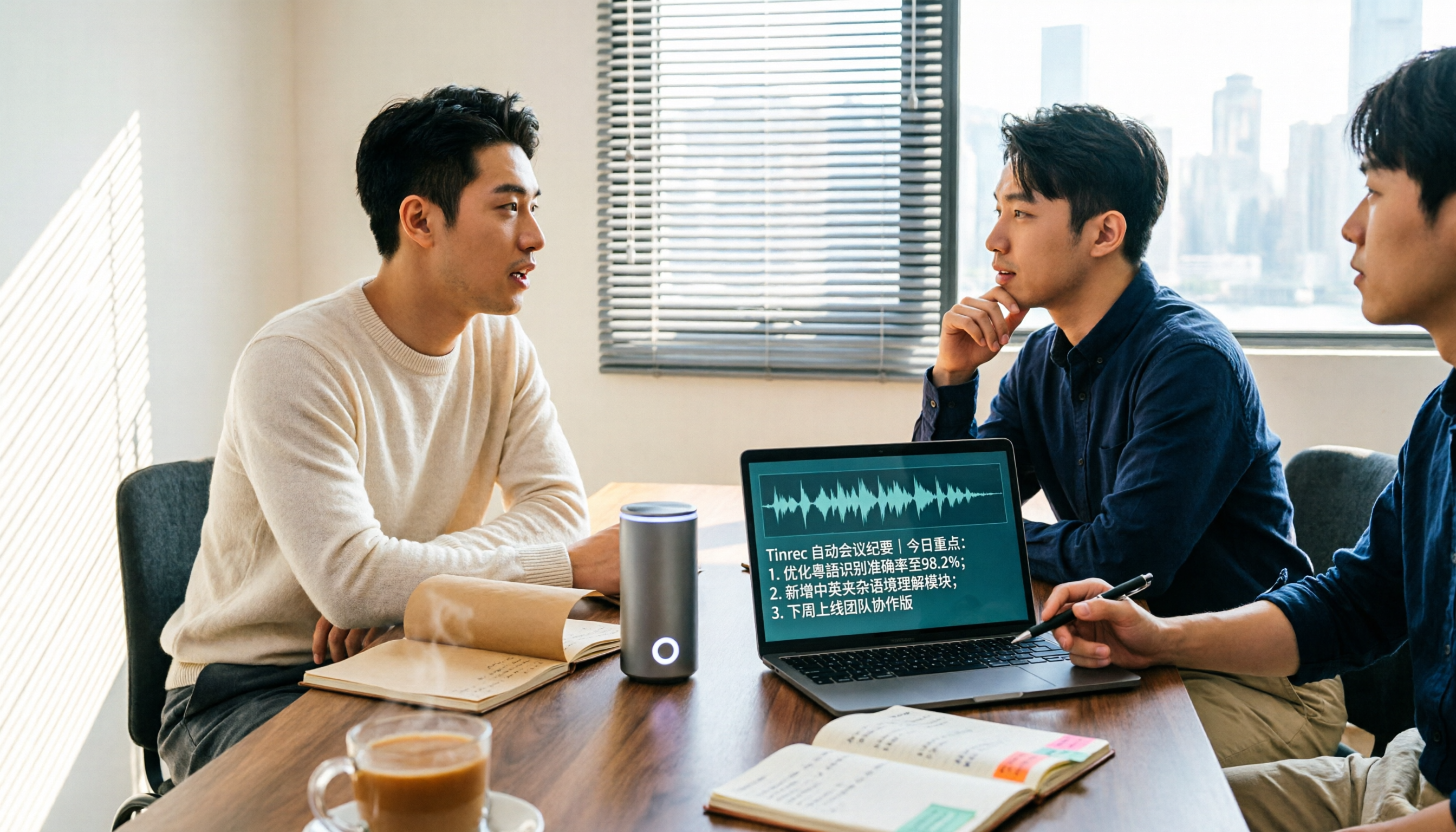
5 Cantonese Speech-to-Text Apps Tested in 2026: Which AI Meeting Assistant Saves the Most Time?
The biggest mistake when recording Cantonese meetings is downloading any tool that claims to support Chinese. This article compares 5 tools using the same set of Cantonese and mixed Cantonese-English recordings, focusing on the differences between Tinrec and Otter.ai across five dimensions: Cantonese recognition, meeting capture, post-meeting organization, team governance, and pricing flexibility, to help you decide which one to choose.
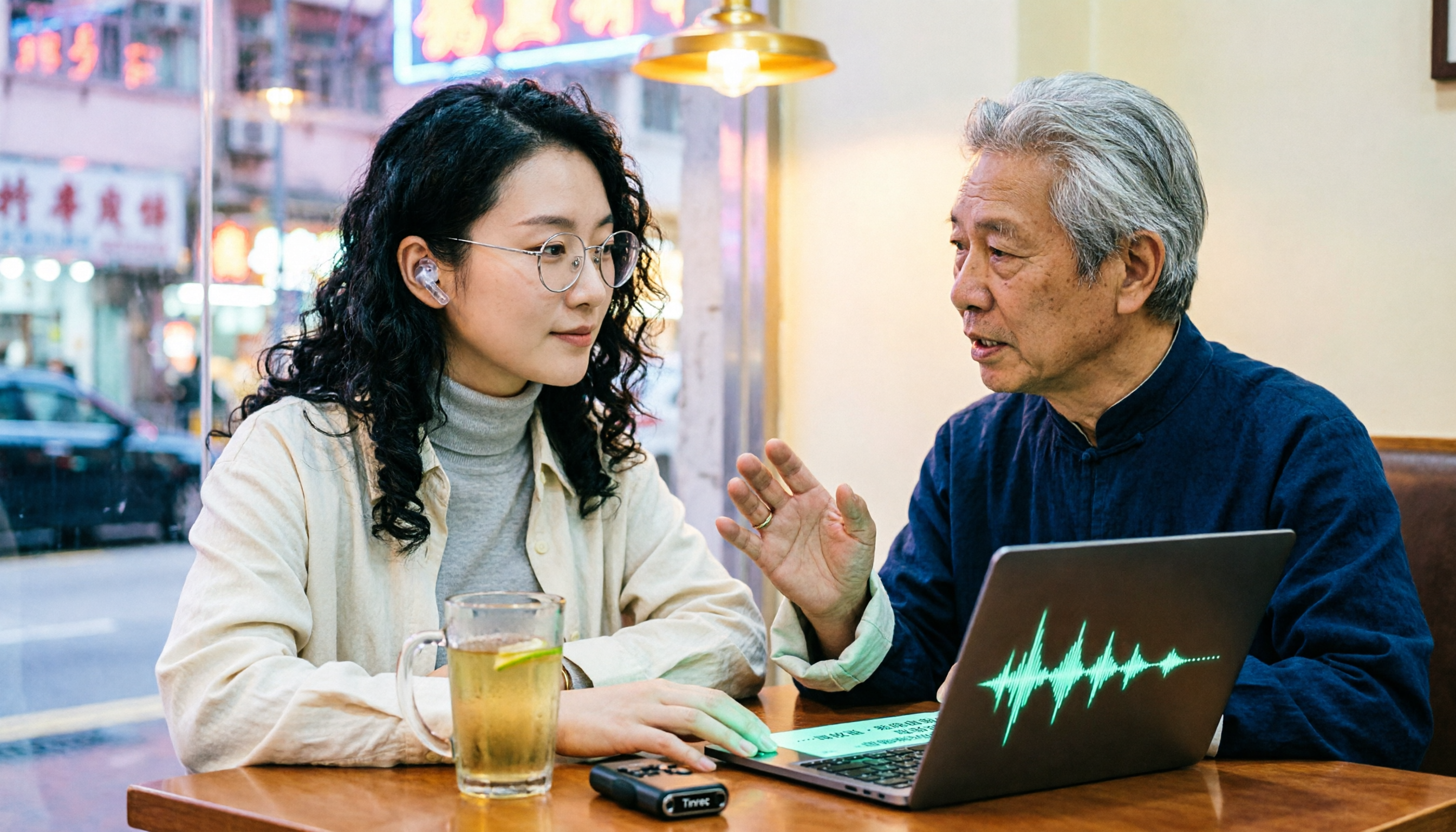
4 Cantonese Audio-to-Text Platforms Tested for 2026: Which Free Version Is Good Enough?
Looking for a free platform that can handle Cantonese audio-to-text often runs into problems like 'free trial ends after a few minutes' or 'only recognizes English and Mandarin.' This article tests four common tools, comparing free quotas, mixed Chinese-English recognition, post-meeting organization, and team collaboration. Using Tinrec as the main example, it shows whether the free version is sufficient and what you can do after transcription.

How to Transcribe Cantonese Audio to Text in 2026: Tinrec Review & Top 6 Tools Compared
We tested popular Cantonese speech-to-text tools and compared 6 top options in 2026, covering pricing, features, and how to choose the best AI tool for meeting notes, transcripts, and team collaboration.

Best Cantonese Audio to Text Tools in 2026: We Tested 2, and This One Has the Most Complete Post-Meeting Organization
Starting from common misconceptions, we tested Tinrec and TurboScribe for Cantonese audio transcription. We compared Cantonese recognition, live meeting recording, post-meeting AI organization, team collaboration, and cross-platform flexibility to help you choose the best tool for your needs.