
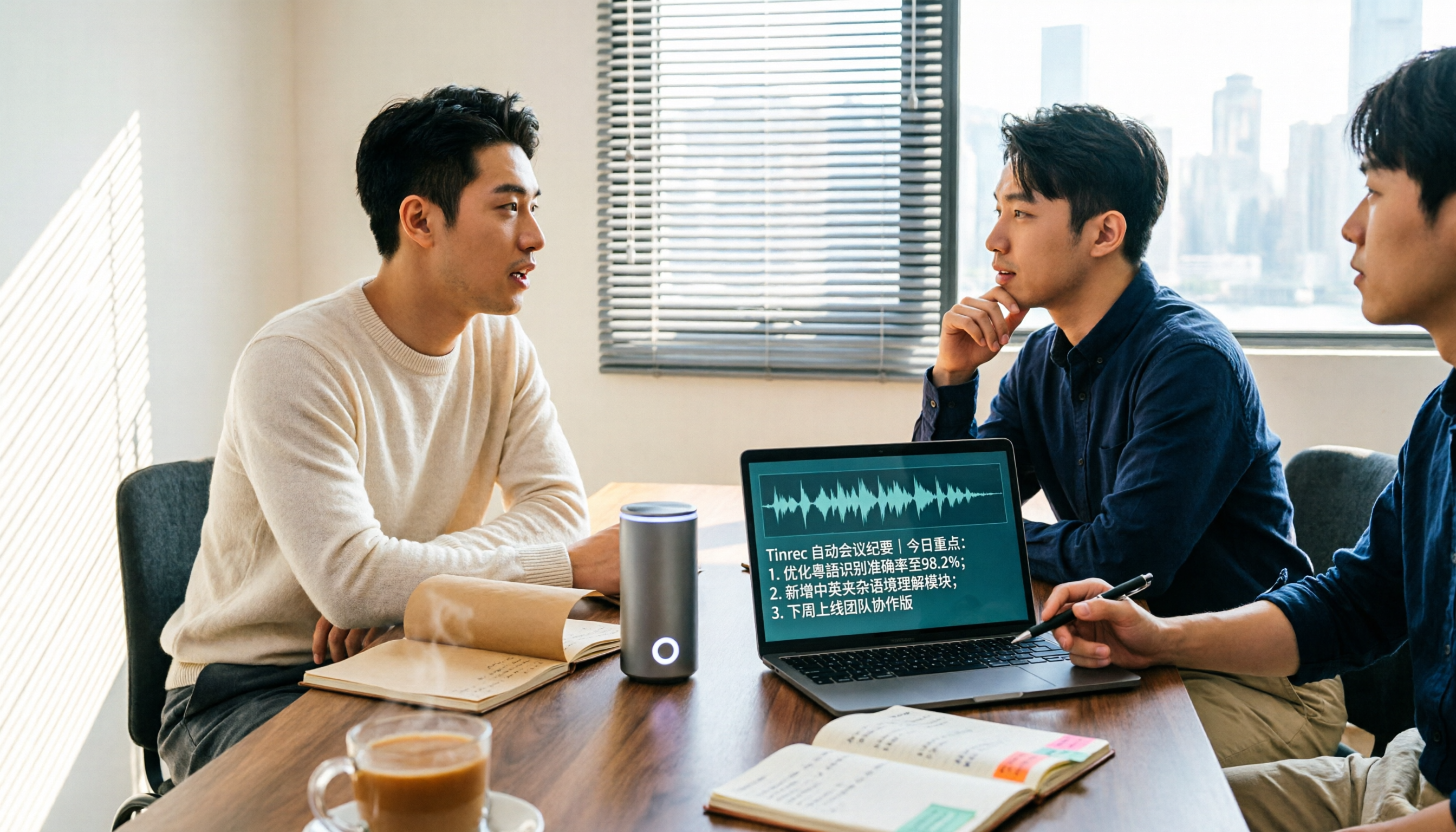
Turn recordings into transcripts and summaries in minutes
Upload audio or video for multilingual transcription, AI notes, and action items
5 Cantonese Speech-to-Text Apps Tested in 2026: Which AI Meeting Assistant Saves the Most Time?
Many people search for "Cantonese speech to text" and make the first mistake: downloading a tool just because it says "supports Chinese." Strong Chinese transcription does not mean strong Cantonese transcription. Cantonese has nine tones and six contours, everyday conversation is full of colloquial characters, and Hong Kong meetings often mix Cantonese and English. If a tool is not tuned for Cantonese, the transcript can easily turn into a mess of homophones. The second mistake is treating the transcript as the end goal. After a two-hour meeting, you get a long block of text with no punctuation and no key points, and you still have to read it from the beginning.
A better approach is to first clarify whether you need "file transcription" or "meeting notes plus post-meeting organization." I tested 5 common tools with the same set of meeting recordings, including file-based tools like Good Tape and Subanana, and meeting-notes tools like Tinrec and Otter.ai. The conclusion up front: if your meetings are in Cantonese with mixed Cantonese-English and you want data you can use right after the meeting, Tinrec is clearly more complete. If your whole company meets in English, Otter.ai is still a mature option. Below, I compare these two representative tools item by item.
Tinrec vs Otter.ai | Quick Overview
- Tinrec: An AI meeting notes and collaboration tool for individuals and teams, focused on Chinese and Cantonese meetings, bot-free desktop recording, post-meeting AI Q&A, and team knowledge retention.
- Otter.ai: A mature AI meeting assistant with a strong reputation in English business meetings, covering Zoom, Microsoft Teams, and Google Meet, offering real-time transcription, speaker identification, AI Chat, and team management.
| Item | Tinrec | Otter.ai |
|---|---|---|
| Core positioning | AI meeting notes and team collaboration | AI meeting assistant |
| Chinese/Cantonese scenarios | Can be highlighted | Mainly English business meetings |
| Pricing structure | Free plan, weekly pass, Pro monthly, Pro annual; team plan billed per seat | Basic free, Pro, Business |
Prices and benefits are subject to each official page (Otter data verified August 2026). Next, I compare across five dimensions: Cantonese recognition, meeting capture, post-meeting organization, team governance, and pricing flexibility.
Dimension 1 | Cantonese and Mixed Cantonese-English Recognition
Otter.ai's strength is English. Official materials and most reviews place its home turf in English meetings. For Cantonese content, source reviews generally point out weaker support. When encountering Cantonese colloquialisms like "m goi," "tai ha," "gao dim," or English words mixed mid-sentence, errors increase noticeably.
Tinrec lists Chinese and multilingual meeting scenarios as a core capability, including mixed Chinese-English content organization, multilingual meeting transcription, and a team glossary you can maintain for internal product names, abbreviations, and technical terms. For the same mixed Cantonese-English meeting recording, the gap between the two mainly appears in Cantonese segments; English segments are comparable.
→ This dimension: For Cantonese meetings, Tinrec wins. Actual performance still depends on recording quality, accent, background noise, and overlapping speakers.
Dimension 2 | Meeting Recording Capture Methods
Otter.ai supports multiple capture methods including meeting bots and desktop, offering high flexibility, but a bot joining a meeting may not be appropriate for external clients.
Tinrec's desktop version directly captures computer system audio. For online meetings on Zoom, Google Meet, Microsoft Teams, Webex, etc., no extra bot needs to join; the user starts recording manually. In addition, Tinrec supports real-time translation during recording, allowing you to switch between original text, translation, or bilingual view, which is more practical for cross-language meetings. Note that this does not mean it automatically joins all calendar meetings.
Stop organizing recordings by hand
Upload audio or video and automatically get a transcript, summary, and action items
→ This dimension: The two take different approaches; Tinrec has a slight edge in bot-free recording and real-time bilingual support.
Dimension 3 | Post-Meeting Organization and AI Q&A
Otter.ai offers summaries, action items, and AI Chat. The features are complete, but the overall experience is designed around English meetings.
After transcription, Tinrec automatically generates summaries, chapters, key points, and to-dos, and can also produce mind maps. Most useful is that for a long meeting, you don't need to Ctrl+F blindly; you can directly ask the AI "What was the Q4 budget number the manager mentioned?" and the system answers based on the recording content. After the meeting, you can also use Agent post-processing to generate reports, tables, and documents, and export to Notion, Google Docs, OneNote, Dropbox for further work.
→ This dimension: Tinrec wins. The difference is between "getting a transcript" and "getting meeting data you can use directly."
Dimension 4 | Team Collaboration and Data Governance
Otter.ai's Business plan provides team management and more complete enterprise capabilities, and is quite mature in the English team ecosystem.
Tinrec's team plan is a separate team space where meeting data belongs to the team. You can create multiple teams, invite members via link, set owner/admin/member roles, and distinguish "roles" from "seats"—members without a seat can still view and play data but cannot upload, edit, or export. Admins can view usage trends, member rankings, and details, query and export audit logs, recover accidentally deleted audio from a 30-day recycle bin, and transfer a departing member's resources to other members.
→ This dimension: If the focus is on retaining and handing over Chinese meeting data, Tinrec is more complete.
Dimension 5 | Plan Flexibility and Pricing
Otter.ai's official pricing page shows: Basic free, 300 minutes per month; Pro annual equivalent to USD 8.49/user/month, including 1,200 minutes of in-app recording per month and 10 file imports; Business offers unlimited meetings and in-app recording, actual price may be affected by promotions.
Tinrec offers a free plan, weekly pass, Pro monthly, and Pro annual. A weekly pass works for short bursts of intensive meetings; annual is for long-term use. Team plan is USD 29.80 per paid seat per month, or USD 199 per paid seat per year (about USD 16.58/month). Eligible first-time team trial is 7 days, 1 free seat, 300 minutes shared import quota. Paid seats provide 2,000 minutes of team shared import quota per month. Under an active team plan and seats, real-time recording currently does not deduct minutes.
→ This dimension: Otter's free threshold is clear; Tinrec's plans are more granular and add a "weekly pass" short-term option, friendlier for project-based users.
What Unique Advantages Does Each Have?
Tinrec's unique advantages:
- Bot-free desktop recording plus real-time translation handles online meetings and cross-language meetings at the same time.
- Post-meeting output directly includes summaries, chapters, to-dos, mind maps, and AI Q&A, reducing second-pass organization time.
- The team space puts data ownership, seats, usage, audit, and recycle bin in one place, so data does not leave with departing members.
- Team glossary can maintain company-specific terms, reducing the chance of mishearing technical words.
Otter.ai's unique advantages:
- High maturity for English business meetings, with a complete integration and workflow ecosystem.
- Business plan offers unlimited meetings and in-app recording, suitable for all-English teams with heavy meeting needs.
Conclusion: Which Should You Choose?
- If meetings are mainly Cantonese or mixed Cantonese-English and you want meeting notes you can use directly → Tinrec.
- If after recording you want to ask AI for key points instead of rereading the transcript → Tinrec.
- If you need team-shared meeting data, seat and usage management, and handover when members leave → Tinrec team plan.
- If your company meets entirely in English and you only need English transcription and summaries → Otter.ai is sufficient.
In one sentence: For teams with mainly Cantonese and Chinese meetings, Tinrec is the more complete choice. I recommend starting with the free plan, testing with your most difficult recording, and then deciding whether to upgrade.
References
- 2026 Latest 5 Cantonese Speech Recognition Software Recommendations: Solving Cantonese Meeting Notes and Mixed-Language Pain Points - Tinrec Blog
- 9 Speech-to-Text Software Recommendations: How to Choose Transcripts and Subtitles
- Free Cantonese Speech-to-Text App 2026 | Subanana
- AI Cantonese Speech-to-Text Professional Cantonese Recognition
- 7 Free and Easy-to-Use Speech-to-Text Tools [For Android/iOS/Windows]
Turn every recording into actionable outcomes
Get 60 free transcription minutes when you sign in. No credit card required.
Related Reading
You might also like

4 Cantonese Audio-to-Text Software Compared in 2026: Which Saves More Time on Chinese Recognition and Post-Meeting Organization?
When you need a quick transcript from Cantonese meetings or interviews, many people end up spending more time fixing errors after choosing the wrong tool. This article starts with common pitfalls, outlines 4 key points for choosing Cantonese audio-to-text software, then compares Tinrec, Otter.ai, Notta, and Granola in Chinese recognition, post-meeting organization, and team collaboration, with a guide to avoiding pitfalls and selection advice.
How to Transcribe Cantonese Audio in 2026: 5 Steps to Pick a Free Tool That Works
The key to free Cantonese transcription isn't price—it's knowing what to check first. This guide walks you through three decision points, then five steps to evaluate free limits, Cantonese support, post-meeting organization, and team data ownership. We tested Tinrec, Notta, TurboScribe, and PLAUD hardware to compare differences, and provide scenario-based recommendations you can follow directly.

How to Choose a Cantonese Audio-to-Text App in 2026: 5-Step Free Guide
How do you pick a free Cantonese audio-to-text app? Drawing on a mid-level manager's real-world experience, this guide walks you through 5 steps from recording and transcription to summaries and export, plus 5 key factors to check when choosing a free tool. It also covers Tinrec's actual performance at each stage and plan recommendations.

Tinrec vs Notta 2026: 5-Dimension Comparison for Cantonese Audio Transcription
Many tools claim free Cantonese audio transcription, but most have short free tiers and poor Cantonese recognition. This article compares Tinrec and Notta across 5 dimensions, breaks down key points for choosing free tools, practical use cases, and FAQs to help Hong Kong workers save time.

4 Cantonese Audio-to-Text Tools Tested in 2026: Which Free Version Is Good Enough?
We tested several free Cantonese audio-to-text tools, starting with common pitfalls, to help you avoid the trap of only looking at free minutes. Using Tinrec as an example, this article explains how to quickly turn Cantonese meeting, interview, and classroom recordings into transcripts, and automatically generate summaries, action items, and searchable team meeting materials.

Best Cantonese Speech-to-Text Software in 2026: 4 Tools Tested, How to Pick a Free One That Works
Cantonese meetings mix Chinese and English, making transcription a nightmare. We tested Tinrec, Subanana, Yating, and Otter.ai from four angles: mixed-language recognition, free tier format, post-meeting organization, and team data ownership, to help you find a free yet capable Cantonese transcription solution.
4 Cantonese Audio-to-Text Platforms Tested for 2026: Which Free Version Is Good Enough?
Looking for a free platform that can handle Cantonese audio-to-text often runs into problems like 'free trial ends after a few minutes' or 'only recognizes English and Mandarin.' This article tests four common tools, comparing free quotas, mixed Chinese-English recognition, post-meeting organization, and team collaboration. Using Tinrec as the main example, it shows whether the free version is sufficient and what you can do after transcription.

How to Transcribe Cantonese Audio to Text in 2026: Tinrec Review & Top 6 Tools Compared
We tested popular Cantonese speech-to-text tools and compared 6 top options in 2026, covering pricing, features, and how to choose the best AI tool for meeting notes, transcripts, and team collaboration.

Best Cantonese Audio to Text Tools in 2026: We Tested 2, and This One Has the Most Complete Post-Meeting Organization
Starting from common misconceptions, we tested Tinrec and TurboScribe for Cantonese audio transcription. We compared Cantonese recognition, live meeting recording, post-meeting AI organization, team collaboration, and cross-platform flexibility to help you choose the best tool for your needs.