

Turn recordings into transcripts and summaries in minutes
Upload audio or video for multilingual transcription, AI notes, and action items
4 Cantonese Speech-to-Text Tools Tested for 2026: Which One Best Handles Mixed Cantonese-English Meetings?
If you have a three-hour Cantonese meeting recording, the real decision problem usually isn't "which one is cheapest"—it's three more specific questions:
- Can it understand mixed Cantonese and English? In Cantonese meetings, sentences like "this budget needs to be confirmed again" are completely normal, and Mandarin models often fail right there.
- How much cleanup work is left after transcription? If the output is just one long transcript, the time you save is actually quite limited.
- Where are the real limits of the free plan? Many tools let you upload, but you only discover the catch when you try to see the full results or export them.
This article doesn't pile on specs. Instead, it puts Cantonese speech-to-text back into real workflows: which steps are the key decision points, and which capabilities directly affect how much time you save each week. Throughout, Tinrec is used as the hands-on example.
What Can Cantonese Speech-to-Text Do for You?
Scenario 1: Get usable meeting notes 10 minutes after the meeting ends For a two-hour Cantonese regular meeting, you used to spend another hour replaying it and picking out key points. With Tinrec, for example, the desktop version generates a transcript in sync while the meeting is happening, and after the meeting it directly produces a summary, chapters, and action items—who is responsible for what, and by when, listed one by one.
Scenario 2: Mixed Cantonese-English interviews still transcribe reliably The mixed code common in Cantonese interviews is a major challenge for transcription tools. Tinrec covers Chinese, Traditional Chinese, and multilingual meeting scenarios, and supports organizing mixed Chinese-English content; after transcription, you can continue asking follow-up questions with AI Q&A: "What were the three pain points the interviewee mentioned?"
Scenario 3: Organize years of accumulated recordings all at once If you have a pile of old meeting recordings, phone memos, and course videos, you can upload them to Tinrec to convert to text, then put them all into a team space and search by keyword later—no need to listen from the beginning again.
Scenario 4: Understand cross-language meetings in real time When meeting with overseas colleagues or clients, Tinrec's live translation lets you view the original text, translation, or bilingual content in sync during recording, so if you miss a sentence you don't have to wait until after the meeting to catch up.
What Are the Core Capabilities of Cantonese Speech-to-Text?
Live transcription: transcribe while recording, not only after recording For people who need to confirm key points on the spot, delay is the pain point. Tinrec's live transcription lets you watch the text in sync during the meeting to confirm whether any key sentences were missed, and by the time it ends, the transcript is mostly formed.
Bot-free online meeting recording: no extra participant needed Most meeting tools use a bot that joins the meeting as a participant. Tinrec's desktop version instead captures the computer's system audio directly, so no extra account appears on the participant list, and it can also handle audio played on a computer from Zoom, Google Meet, Microsoft Teams, Webex, and similar meetings. Note that users need to actively open Tinrec to start recording; it does not automatically join all meetings on your calendar.
Audio and video file transcription: turn historical materials into searchable text Upload existing recordings, interviews, and course videos directly and convert them into searchable, reviewable text—this is the first step in formally "archiving" years of accumulated audio assets.
AI summaries, chapters, and action item extraction: not compression, but structuring Tinrec doesn't compress the transcript into one paragraph; it separately organizes meeting topics, discussion conclusions, action items, and owners, so long meetings can be scanned quickly.
AI Q&A, translation, and Agent post-processing: it becomes useful after transcription After transcription is complete, you can ask Tinrec questions directly, such as "Who mentioned the budget in the meeting?" or "What was the client's feedback?"; when you need deliverables, you can further generate reports, tables, and documents, and export them to Notion, Google Docs, OneNote, Dropbox, and other tools for continued use.
Team space (Team plan): keep meeting data around The Team plan keeps transcripts, summaries, and action items in one shared space, where members can view and reuse past meetings; admins can manage roles, seats, usage, and audits.
Practical Use Cases
Department weekly meetings and project meetings For teams that meet on a fixed weekly schedule, the biggest pain isn't the meeting itself—it's that after the meeting no one remembers how the conclusions were reached. Use Tinrec to start desktop recording at the beginning of the meeting; afterward, the transcript and summary are ready at the same time, action items can be assigned directly to members, and next week's meeting can review progress. For teams that meet three or more times a week, what you save is real cleanup time.
Client interviews and requirement confirmation Sales and PMs fear missing client concerns and commitments. Use Tinrec to record the entire conversation, then after the meeting use AI Q&A to confirm "What were the client's concerns about pricing?" and "What follow-up actions did we promise?", then export it as a file for the team—far more reliable than writing from memory.
Stop organizing recordings by hand
Upload audio or video and automatically get a transcript, summary, and action items
Course and lecture notes Upload course recordings to Tinrec, get transcripts, chapters, and summaries, then search by keyword to review specific sections—much more efficient than repeatedly dragging the progress bar to find that one sentence.
Content creation and audio/video material organization After interview recordings are converted to text, you can directly ask follow-up questions in Tinrec, generate outlines and drafts, and the material immediately enters the writing workflow—no need to listen and type at the same time.
5 Things to Watch When Choosing a Cantonese Speech-to-Text Tool
1. First confirm it truly handles Cantonese, not just "general Chinese" Many tools claim Chinese support, but their training data is mainly Mandarin, so they start guessing when they encounter Cantonese word order and colloquial vocabulary. It's best to test with your own most realistic recording: mixed Cantonese-English, fast speech, and multiple overlapping speakers—these three reveal differences best. Tinrec has corresponding capabilities for Chinese, Traditional Chinese, and multilingual meeting scenarios, and provides team hotwords to make recognition of product names, people's names, and other professional terms more stable.
2. Free doesn't mean sufficient—look at "where free gets stuck" Some tools let you upload for free, but full results, exports, or content beyond a certain length require payment. Tinrec's personal plan starts with a free version, and then offers different choices based on usage frequency:
| Plan | Best for | How to decide |
|---|---|---|
| Free | Light trial users | Occasionally organizing a recording |
| Weekly pass | Temporary high-frequency users | Short-term sprint for meetings, courses, interviews |
| Pro monthly | Steady users | Transcription needs every week |
| Pro annual | Long-term users | Need to accumulate recording data over time |
3. Whether it can help you organize after transcription is the real difference A tool that only gives you a transcript is basically handing the organizing work right back to you. Tinrec's focus is after transcription: summaries, chapters, action items, AI Q&A, and report generation—these are the key to turning a three-hour recording into ten minutes of readable material.
4. How are meetings recorded? Bot joining or desktop capture? Sending a bot to join a meeting leaves an extra participant on most platforms, which isn't suitable for some client meetings or interview settings. Tinrec's desktop version records by capturing system audio, so no bot needs to be invited, and it also keeps the recording file, making it easier to listen back and verify later.
5. For team use, look at permissions and governance, not just minutes Doing well for personal use doesn't mean it works for a team. Tinrec's Team plan distinguishes "roles" and "seats": roles determine who can manage the team and members, while seats determine who can record, upload, edit, import/export, and use team resources; members without seats can still view, play, and read team materials. It also includes governance capabilities such as usage analytics, audit logs, and an audio recycle bin (retained for 30 days), and when a member leaves or loses a seat, their team resources are handed over to other active members.
FAQ
Q: Is there a truly free option for Cantonese speech-to-text? A: Most tools have a free entry point, but the limits differ—some limit single-file length, while others only allow previews and require payment for export. Tinrec's personal plan offers a free version with a basic quota to try recording, importing, summaries, and transcription; if you have steady needs every week, then evaluate the Pro plan.
Q: Does Tinrec support mixed Cantonese-English meetings? A: Tinrec covers Chinese, Traditional Chinese, and multilingual meeting scenarios, and supports organizing mixed Chinese-English content and live translation. Actual performance is still affected by recording quality, noise, accent, overlapping speakers, and professional terminology, so it's best to test with your own recording.
Q: Do online meetings need a bot invited to join? A: No. Tinrec's desktop version directly captures computer system audio and can handle audio played on a computer from Zoom, Google Meet, Microsoft Teams, Webex, and similar meetings; users need to actively open Tinrec to start recording.
Q: What's the difference between the Team plan and the personal plan? A: Personal plan data belongs to the individual account; the Team plan is a separate team space where meeting data belongs to the team, and it adds members, roles, seats, sharing benefits, usage analytics, audit logs, and a recycle bin. Eligible teams can try it for 7 days for the first time, with 1 free seat and 300 minutes of team shared import quota.
Q: Can 100% accuracy be guaranteed? A: It's not recommended to expect that; the accuracy of any speech-to-text service is affected by audio conditions. In practice, treat Tinrec as a tool that greatly reduces organizing costs, and verify important numbers and commitments against the recording afterward.
Q: What should I pay attention to before recording? A: Please comply with local regulations and obtain participants' consent before recording when necessary; for team use, you should also agree in advance on the scope of meeting data storage and sharing.
Conclusion
The real value of Cantonese speech-to-text isn't "turning sound into text"—it's "turning meetings into data you can keep using." When choosing, look at three things first: whether it understands mixed Cantonese-English, whether it can help you organize after transcription, and whether permissions and governance are clear enough for team use.
By these three standards, Tinrec is an option that covers live transcription, bot-free online meeting recording, AI summaries and Q&A, multi-format export, and team spaces. Individuals can start with the free version and run one of their own Cantonese recordings to feel the difference of getting the transcript and summary in one go; teams can evaluate the 7-day trial. Team monthly billing is USD 29.80 per paid seat per month, and annual billing is USD 199 per paid seat per year (about USD 16.58 per month), with each paid seat providing 2,000 minutes of team shared import quota per month. Actual prices and benefits are subject to the official purchase page.
References
- Free Cantonese speech-to-text app 2026 | Subanana
- Free + Cantonese OK: How to use Google AI Studio to turn your recording into...
- AI speech-to-text fast online transcription of recording files, transcripts and video subtitles - Free trial - cSubtitle
- AI Cantonese speech-to-text professional Cantonese recognition
- Online AI speech, video, and recording file automatic transcription - Free trial - cSubtitle
Turn every recording into actionable outcomes
Get 60 free transcription minutes when you sign in. No credit card required.
Related Reading
You might also like

Tinrec vs Notta 2026: 5-Dimension Comparison for Free Cantonese Speech-to-Text
Want to convert Cantonese speech to text for free? This article compares Tinrec and Notta across 5 dimensions: free quota, single-file limit, Chinese recognition, post-meeting organization, and cross-platform support. It also includes use cases and pitfalls for TurboScribe and Otter.ai to help you find a truly usable free solution.

2026 Comparison of 4 Cantonese Speech-to-Text Tools: Which Saves More Time on Cantonese Transcripts and Post-Meeting Organization?
From a mid-level manager's hands-on perspective, compare 4 Cantonese speech-to-text software in 2026: from Cantonese recognition, mixed Chinese-English, post-meeting AI organization to team seat management, explaining why Tinrec became the team's top choice, and the scenarios each tool suits and key pitfalls to avoid when purchasing.
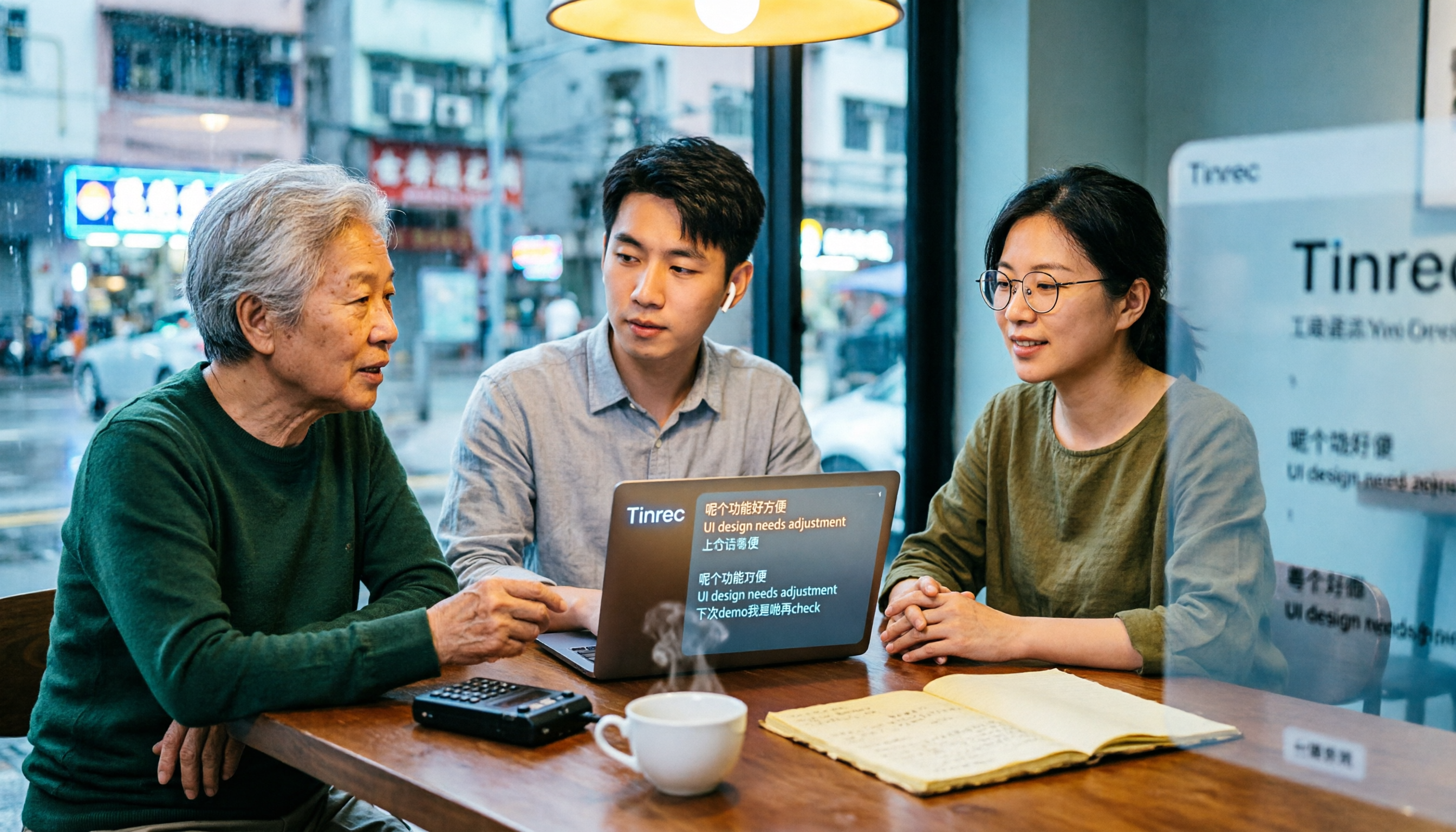
How to Use Cantonese Speech-to-Text in 2026: A 6-Step Tinrec Tutorial
How do you use Cantonese speech-to-text? This article starts with deciding between live recording and organizing old files, then demonstrates in 6 steps how Tinrec handles Cantonese meetings and mixed Chinese-English recordings. It also compares differences with Cantonese transcription tools like Subanana, and summarizes key points to consider when choosing a tool and team plan benefits.

2026 Cantonese Speech-to-Text Showdown: Tinrec vs Otter.ai for Chinese Meetings
Many assume English meeting tools can handle Cantonese, but the transcripts are often a mess. This article tackles common misconceptions and compares Tinrec and Otter.ai across Chinese and Cantonese support, meeting recording methods, post-meeting AI organization, cross-platform access, and team collaboration to help you find the best Cantonese speech-to-text tool.

2026 Comparison of 4 Cantonese Audio-to-Text Tools: Which Is Most Time-Efficient for Cantonese Recognition and Post-Meeting Organization?
Cantonese meeting recordings often fail to transcribe accurately, and you still have to organize the results yourself. This article addresses three common misconceptions, compares Tinrec, Notta, TurboScribe, and Otter.ai, and provides key purchasing points, pitfalls to avoid, and selection advice to help you find the best Cantonese audio-to-text solution for your workflow.

4 Cantonese Speech-to-Text Tools Tested in 2026: The Fastest Way to Get a Cantonese Transcript
Cantonese has many colloquial characters and mixes Chinese and English, so using a Mandarin model often produces terrible results. This article shares hands-on testing of 4 Cantonese speech-to-text tools, covering model selection, accuracy testing conditions, and post-meeting workflows to help you find the most time-saving approach.

How to Use Tinrec for Cantonese Speech-to-Text in 2026: Step-by-Step Guide + Automatic Meeting Notes
How do you choose a Cantonese speech-to-text tool that's easy to use? This guide uses real meeting scenarios to cover core capabilities like live transcription, AI summaries, action item extraction, multi-format export, and team collaboration. Using Tinrec as an example, it walks you through key selection criteria, the onboarding process, and common questions.
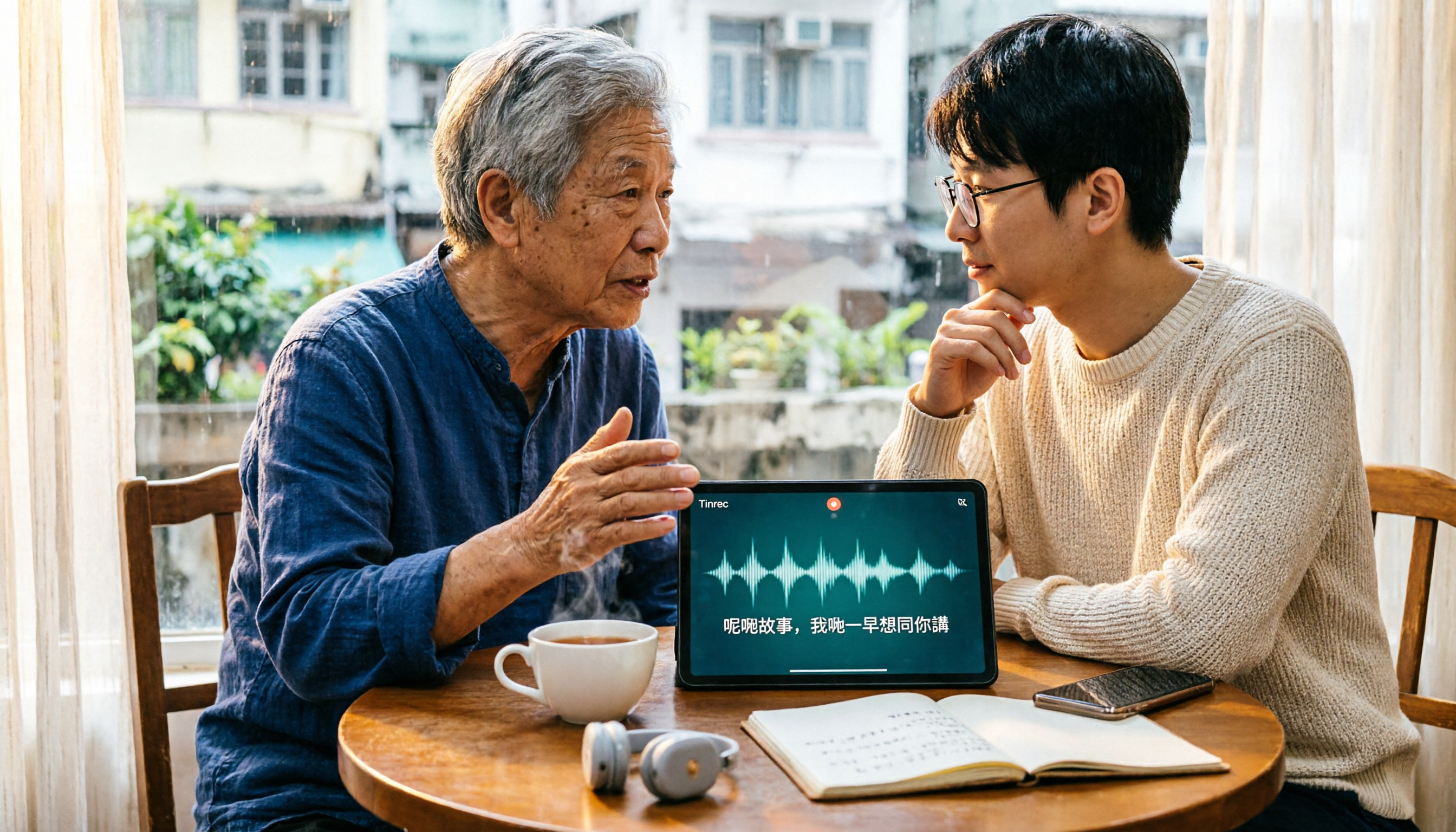
4 Cantonese Speech-to-Text Tools Tested: How to Choose a Free Option (2026)
PTT users often ask how to choose a free Cantonese speech-to-text tool. This article compares Tinrec, Subanana, cSubtitle, and Google AI Studio from four angles: free quota, Cantonese recognition, post-meeting organization, and team collaboration, with a guide to avoiding pitfalls and selection advice.

4 Cantonese Speech-to-Text Apps Tested for 2026: Which One Handles Cantonese Recognition and Post-Meeting Organization Best?
From Cantonese recognition and mixed Chinese-English handling to transcript readability and post-meeting AI organization, we tested and compared Tinrec, Subanana, Otter.ai, and PLAUD. We also outline 4 key points and common pitfalls when choosing a Cantonese speech-to-text app, helping you find the one that truly saves time.