
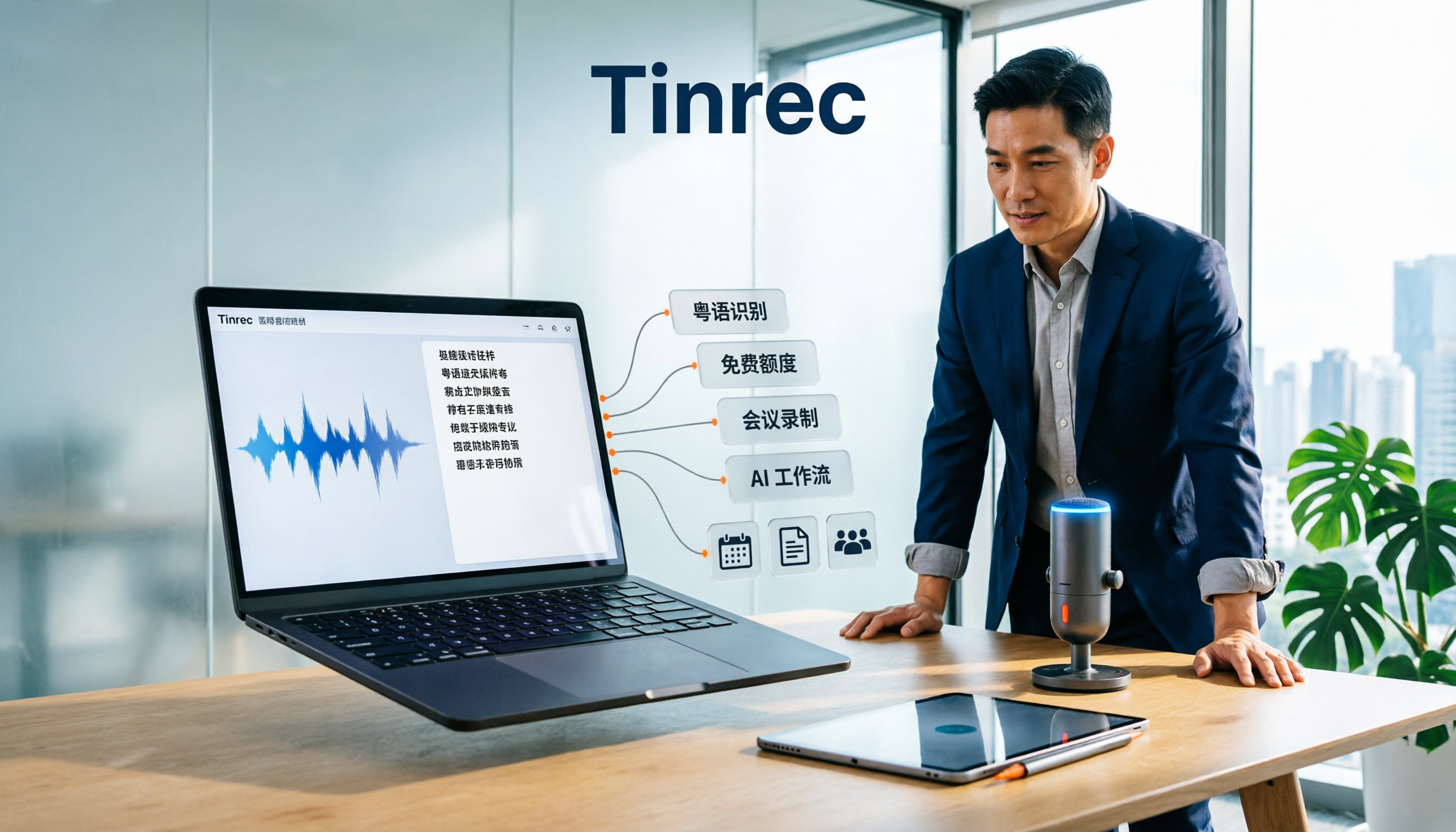
Turn recordings into transcripts and summaries in minutes
Upload audio or video for multilingual transcription, AI notes, and action items
2026 Free Cantonese Audio to Text App: Tinrec vs Otter 5-Dimension Comparison + Selection Tips
Open the app store and search for "free audio to text"—every app claims to be free, but in practice, Cantonese support, free quota, and export limits vary greatly. This article compares Tinrec and Otter.ai across 5 dimensions to help you decide which is more suitable for Cantonese and Chinese meeting scenarios.
Tinrec vs Otter.ai | Quick Overview
- Tinrec: AI meeting notes and team collaboration tool, supports real-time recording, bot-free online meetings, audio/video import, AI summary, to-dos, Q&A, translation, multi-format export, and team spaces.
- Otter.ai: Mature AI meeting assistant, strong for English business meetings, covers Zoom, Teams, Google Meet, offers real-time transcription, speaker identification, AI Chat, and team management.
- Pricing: Tinrec personal version has a free basic quota; team version is USD 29.80/month per paid seat, or USD 199/year per paid seat (about USD 16.58/month). Otter Basic is free with 300 minutes per month; Pro annual billing is USD 8.49/user/month, including 1,200 minutes of in-app recording and 10 file imports per month.
- Key difference: Tinrec is more focused on Chinese and Cantonese meetings and post-meeting organization; Otter is more focused on English meetings and automation.
This article compares dimensions: Cantonese and Chinese recognition, free quota, meeting recording methods, post-meeting AI workflow, and team collaboration.
Dimension 1 | Cantonese and Chinese Recognition
Otter.ai performs maturely in English meeting transcription, but its support for Cantonese is insufficient, making it less suitable for Cantonese-dominant meetings or interviews. Tinrec, on the other hand, focuses on Chinese, Traditional Chinese, and multilingual meetings, supports mixed Chinese-English content organization, real-time translation, and bilingual viewing, and can maintain professional terminology through team hotwords. Actual performance will be affected by recording quality, noise, accent, and overlapping speech, so fixed accuracy rates are not recommended.
→ In this dimension: Tinrec is more suitable for Cantonese and Chinese scenarios.
Dimension 2 | Free Quota and Billing
Otter Basic offers 300 minutes per month for free; Pro annual billing is USD 8.49/user/month, including 1,200 minutes of in-app recording and 10 file imports per month. Tinrec personal free version provides a basic quota, allowing you to experience recording, import, summary, and transcription first; if you need team sharing, the team version offers a 7-day trial for first-time eligible users, 1 free seat, and 300 minutes of shared team import quota. Paid seats provide 2,000 minutes of shared team import per month.
→ In this dimension: Both have free entry points, but Tinrec's free experience directly corresponds to Chinese meeting organization, making it more practical for Cantonese users.
Stop organizing recordings by hand
Upload audio or video and automatically get a transcript, summary, and action items
Dimension 3 | Meeting Recording Methods
Otter supports meeting bots and desktop methods. Tinrec desktop version directly captures computer system audio, without needing to add a bot to Zoom, Google Meet, Microsoft Teams, or Webex meetings. Users can initiate recording and generate real-time transcripts. This is more intuitive for teams that don't want extra accounts in meetings or need to handle offline interviews.
→ In this dimension: Tinrec's bot-free recording experience is more direct.
Dimension 4 | Post-Meeting AI Workflow
Otter provides summaries, action items, AI Chat, workflows, and team analytics—mature features. Tinrec continues after transcription to generate summaries, chapters, highlights, to-dos, and mind maps, supports AI Q&A around meeting data, real-time translation, multi-format export, and can produce reports, tables, and documents through Agent post-processing. For those who need to turn meeting content into deliverable materials, Tinrec's post-processing chain is more complete.
→ In this dimension: Tinrec wins.
Dimension 5 | Team Collaboration and Data Ownership
Otter Business provides team management capabilities. Tinrec team version is an independent team space where meeting data belongs to the team, with members, roles, seats, sharing rights, usage analytics, audit logs, and audio recycle bin. Active members can view, play, and read team data even without a seat, but need a seat to record, upload, edit, and export. Team resources are not taken away when members leave and can be handed over to other active members.
→ In this dimension: Tinrec's team governance granularity is clearer.
What Are Their Unique Advantages?
Tinrec:
- Chinese and Cantonese meeting friendly: covers Chinese, Traditional Chinese, and multiple languages, supports mixed Chinese-English and real-time translation.
- Bot-free desktop recording: no bot invitation, directly captures system audio.
- Complete post-meeting workflow: summary, chapters, to-dos, Q&A, export, Agent post-processing.
- Team data accumulation: team space, seats, usage, audit, and recycle bin.
Otter:
- Mature for English business meetings: strong English transcription and meeting automation.
- Rich integrations and workflows: suitable for multinational teams already using English meeting tools.
Conclusion: Who Should You Choose?
- If you mainly handle Cantonese, Chinese meetings, or interviews → Tinrec, better aligned with Chinese and multilingual scenarios.
- If you need post-meeting AI Q&A, to-dos, and multi-format export → Tinrec, more complete post-processing chain.
- If you want bot-free recording of online meetings → Tinrec desktop version directly captures system audio.
- If you need team space, seats, usage, and audit → Tinrec team version provides governance capabilities.
- If your meetings are almost all in English and you're already used to Otter's integrations → Otter remains a mature choice.
In one sentence: For most Cantonese and Chinese meeting users, Tinrec is a more complete choice. We recommend trying Tinrec's free version first, testing transcription and organization with your own Cantonese recordings, then deciding whether to upgrade.
References
- Free Cantonese Speech to Text App 2026 | Subanana
- Top 5 Speech-to-Text Tools in Hong Kong: Accurate Cantonese Recognition, Double Meeting and Interview Efficiency!
- Free Unlimited AI Speech-to-Text Tool, Say Goodbye to Transcript Organization: Atter App | Lin Weiqing's Salon
- Tested 4 Best Online Speech-to-Text Tools: Free Instant Audio to Transcript
- SoundType AI Ultra-Accurate Transcript, Speech-to-Text, AI Dictation - Google Play App
Turn every recording into actionable outcomes
Get 60 free transcription minutes when you sign in. No credit card required.
Related Reading
You might also like

Tinrec vs Notta 2026: 5-Dimension Comparison for Free Cantonese Speech-to-Text
Want to convert Cantonese speech to text for free? This article compares Tinrec and Notta across 5 dimensions: free quota, single-file limit, Chinese recognition, post-meeting organization, and cross-platform support. It also includes use cases and pitfalls for TurboScribe and Otter.ai to help you find a truly usable free solution.

2026 Comparison of 4 Cantonese Speech-to-Text Tools: Which Saves More Time on Cantonese Transcripts and Post-Meeting Organization?
From a mid-level manager's hands-on perspective, compare 4 Cantonese speech-to-text software in 2026: from Cantonese recognition, mixed Chinese-English, post-meeting AI organization to team seat management, explaining why Tinrec became the team's top choice, and the scenarios each tool suits and key pitfalls to avoid when purchasing.
How to Use Cantonese Speech-to-Text in 2026: A 6-Step Tinrec Tutorial
How do you use Cantonese speech-to-text? This article starts with deciding between live recording and organizing old files, then demonstrates in 6 steps how Tinrec handles Cantonese meetings and mixed Chinese-English recordings. It also compares differences with Cantonese transcription tools like Subanana, and summarizes key points to consider when choosing a tool and team plan benefits.

2026 Cantonese Speech-to-Text Showdown: Tinrec vs Otter.ai for Chinese Meetings
Many assume English meeting tools can handle Cantonese, but the transcripts are often a mess. This article tackles common misconceptions and compares Tinrec and Otter.ai across Chinese and Cantonese support, meeting recording methods, post-meeting AI organization, cross-platform access, and team collaboration to help you find the best Cantonese speech-to-text tool.

2026 Comparison of 4 Cantonese Audio-to-Text Tools: Which Is Most Time-Efficient for Cantonese Recognition and Post-Meeting Organization?
Cantonese meeting recordings often fail to transcribe accurately, and you still have to organize the results yourself. This article addresses three common misconceptions, compares Tinrec, Notta, TurboScribe, and Otter.ai, and provides key purchasing points, pitfalls to avoid, and selection advice to help you find the best Cantonese audio-to-text solution for your workflow.
4 Cantonese Speech-to-Text Tools Tested in 2026: The Fastest Way to Get a Cantonese Transcript
Cantonese has many colloquial characters and mixes Chinese and English, so using a Mandarin model often produces terrible results. This article shares hands-on testing of 4 Cantonese speech-to-text tools, covering model selection, accuracy testing conditions, and post-meeting workflows to help you find the most time-saving approach.

How to Use Tinrec for Cantonese Speech-to-Text in 2026: Step-by-Step Guide + Automatic Meeting Notes
How do you choose a Cantonese speech-to-text tool that's easy to use? This guide uses real meeting scenarios to cover core capabilities like live transcription, AI summaries, action item extraction, multi-format export, and team collaboration. Using Tinrec as an example, it walks you through key selection criteria, the onboarding process, and common questions.
4 Cantonese Speech-to-Text Tools Tested: How to Choose a Free Option (2026)
PTT users often ask how to choose a free Cantonese speech-to-text tool. This article compares Tinrec, Subanana, cSubtitle, and Google AI Studio from four angles: free quota, Cantonese recognition, post-meeting organization, and team collaboration, with a guide to avoiding pitfalls and selection advice.
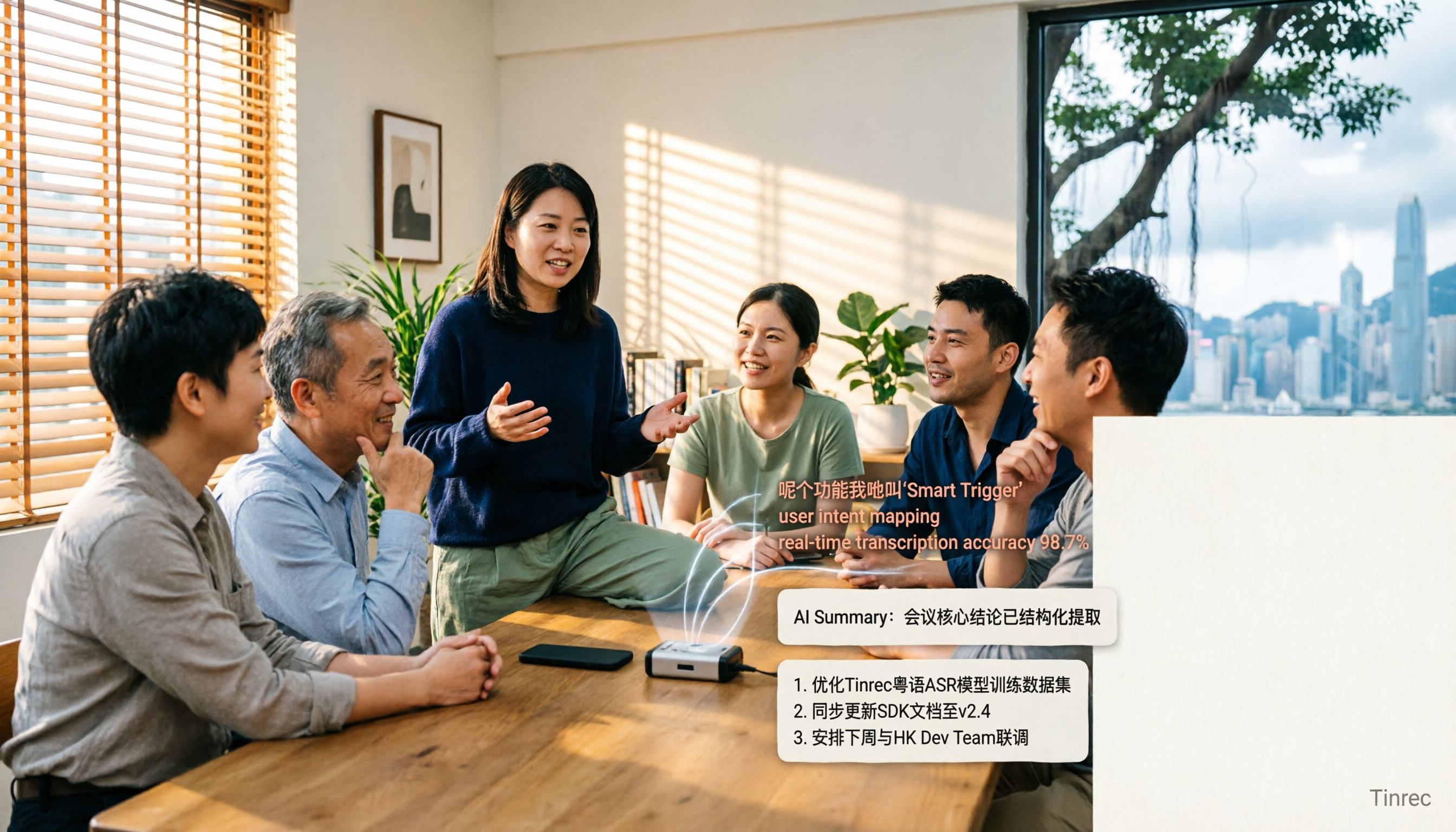
4 Cantonese Speech-to-Text Apps Tested for 2026: Which One Handles Cantonese Recognition and Post-Meeting Organization Best?
From Cantonese recognition and mixed Chinese-English handling to transcript readability and post-meeting AI organization, we tested and compared Tinrec, Subanana, Otter.ai, and PLAUD. We also outline 4 key points and common pitfalls when choosing a Cantonese speech-to-text app, helping you find the one that truly saves time.